Comfortcam 22128 - Binoculars TREBS - Free user manual and instructions
Find the device manual for free Comfortcam 22128 TREBS in PDF.


User questions about Comfortcam 22128 TREBS
0 question about this device. Answer the ones you know or ask your own.
Ask a new question about this device
Download the instructions for your Binoculars in PDF format for free! Find your manual Comfortcam 22128 - TREBS and take your electronic device back in hand. On this page are published all the documents necessary for the use of your device. Comfortcam 22128 by TREBS.
USER MANUAL Comfortcam 22128 TREBS
We, Trebs BV, declare under our sole responsibility that this product is in conformity with the essential requirements and other relevant requirements of the R&TTE Directive (1999/5/EC). The product is compliant with the following standards and/or other normative documents:
EN300 440-2 v1.1.2 (2004-07)
EN301 489-1 v1.6.1 (2005-09)
EN301 489-3 v1.4.1 (2002-08)
EN 60065:2002 + A1:2006
EN 50371:2002
Trebs BV
Thermiekstraat 1
6361 HB Nuth
The Netherlands
Website: www.trebs.nl
email: info@trebs.nl

EU milieubescherming
- Retirez le compartment à piles.
We, Trebs BV, declare under our sole responsibility that this product is in conformity with the essential requirements and other relevant requirements of the R&TTE Directive (1999/5/EC). The product is compliant with the following standards and/ or other normative documents:
EN300 440-2 v1.1.2 (2004-07)
EN301 489-1 v1.6.1 (2005-09)
EN301 489-3 v1.4.1 (2002-08)
EN 60065:2002 + A1:2006
EN 50371:2002
Trebs BV
Thermiekstraat 1
6361 HB Nuth
The Netherlands
Website: www.trebs.nl email: info@trebs.nl

Elimination ecologique

We, Trebs BV, declare under our sole responsibility that this product is in conformity with the essential requirements and other relevant requirements of the R&TTE Directive (1999/5/EC). The product is compliant with the following standards and/or other normative documents:
EN300 440-2 v1.1.2 (2004-07)
EN301 489-1 v1.6.1 (2005-09)
EN301 489-3 v1.4.1 (2002-08)
EN 60065:2002 + A1:2006
EN 50371:2002
Trebs BV
Thermiekstraat 1
6361 HB Nuth
The Netherlands
Website: www.trebs.nl
email: info@trebs.nl

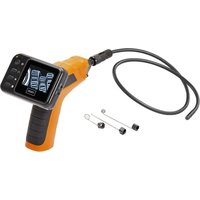
Endoscope with a flexible u-trap and an integrated waterproof camera
Model CC-128
Version Nr. 1.0
Please read this manual carefully before use the product.
Security instructions 1
delivery content 2
Appliance description
Appliance description 3
Getting started
Insert batteries 4
4
Installing the accessories 5
Charging the battery in the monitor 5
Operation 6
Technical specification 8
Disposal of electrical and electronic equipment 9
Declaration of Conformity 9
Please read this information carefully before you use the product.
General instructions
- Don't place the unit on unstable location, if it falls down, people may be injured.
- The unit is not a toy, please beware of small children.
- If you connect the unit to other electronic devices, please study also the security instruction of this device.
- If you have any question regarding the unit, how it works, the safety or the correct connection please contact our technical support or ask any specialist.
- The seller will not be liable for any damages caused by misuse of the product and any claim from third parties.
Environmental conditions
- Don't drop or shake the unit, it might be damaged.
- Avoid too high pressure to the LC-display, it might be damaged.
- Don't leave the unit where the temperature is higher than 60^ C , e.g. in cars with closed windows in the summertime, near heaters or any other type of heat source.
- Don't use the unit in rooms with high humidity e.g. bathrooms. Parts of the apparatus, tube and mini camera, are water proofed See technical specifications for details
- Don't use the unit at dusty places.
Technical problems
- In case any foreign material or liquid gets into the product, please immediately remove the power cord. Before you use it again, ask your authorised dealer to check the product carefully.
Packaging material
- Please don't keep any packaging material within reach of small children. It can become a dangerous toy.
Maintenance
- Please remove the battery in case you don't use the product for a longer period of time. Leaking batteries can damage the product. Store the product at a clean and dry place.
- For cleaning use dry and soft cloth.
Interference by radio
- The apparatus operates on a frequency, which is also used by other devices, that transmit video by radio. In some cases this may cause interferences.
Delivery content
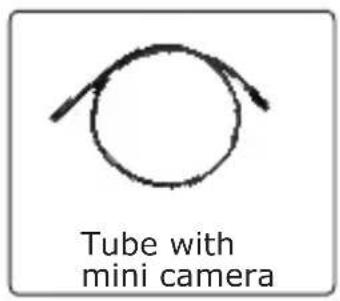
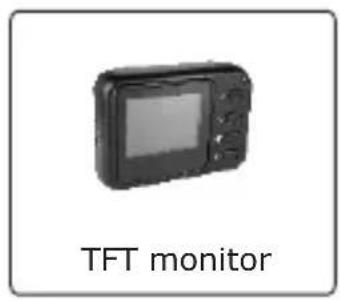
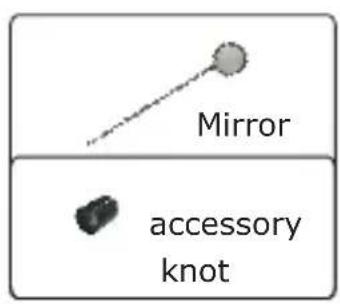
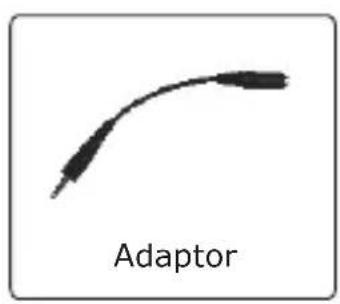
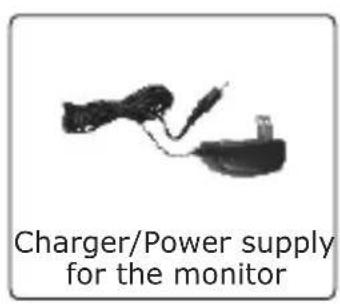
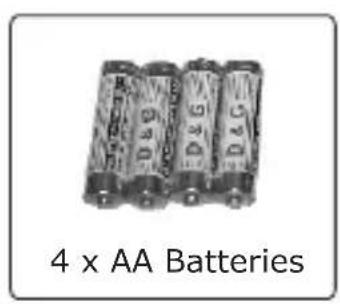
Appliance description
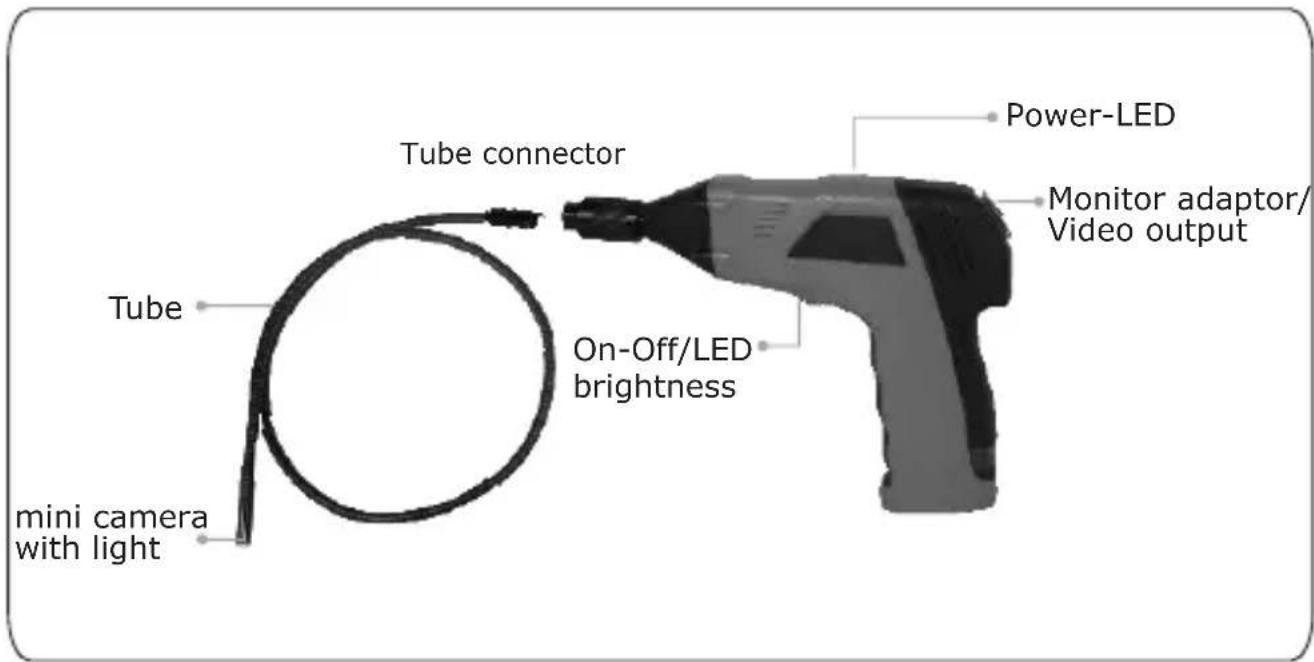
Hand grip
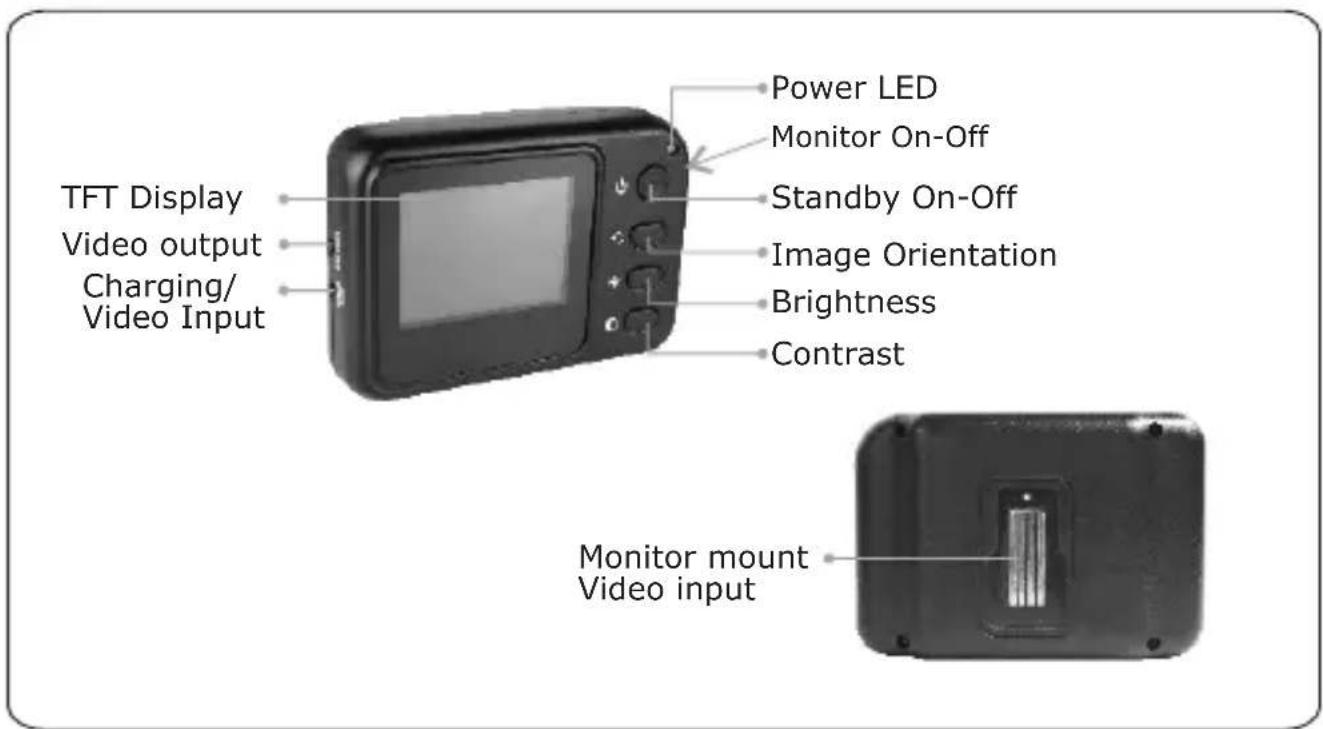
Monitor
Insert Batteries
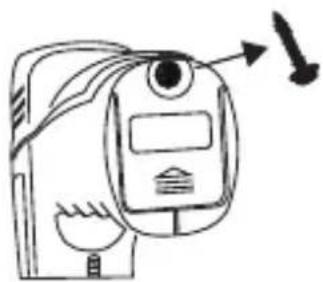
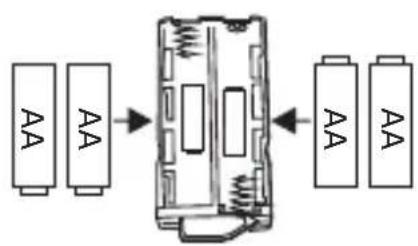
The batteries are inserted into a battery box in the grip.
- Remove the screw using a screwdriver on the lower side of the grip.
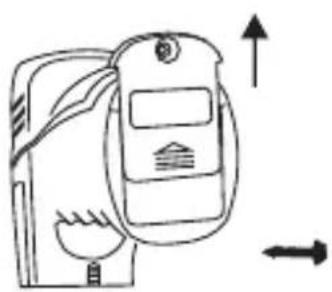
- Slide the cover in the direction of the arrow.
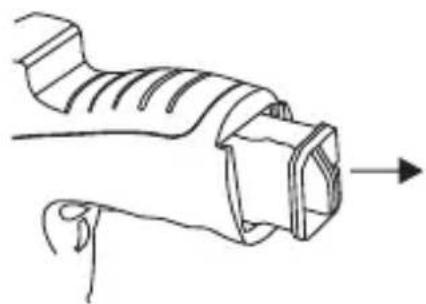
- Remove the battery compartment.

-
Insert four new batteries(included) into the slots of the battery compartment. The proper orientation of the batteries is indicated on the compartment.
-
Install the battery cap into place.
Always exchange a complete set of new batteries.
Installing the imager head cable
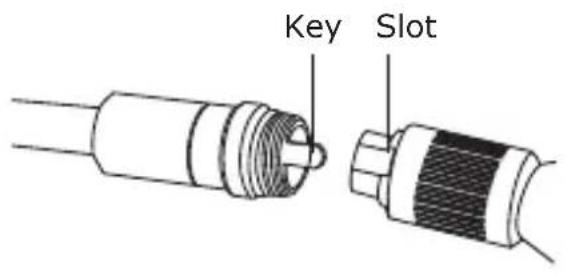
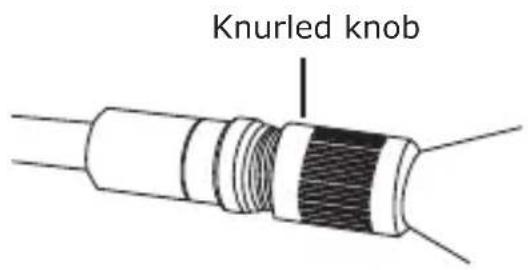
To use the Endoscope the imager head cable must be connected to the hand grip. Be sure that the key and slot are properly aligned. Once they are aligned, finger tighten the knurled knob to hold the connection in place.
To Install Accessory
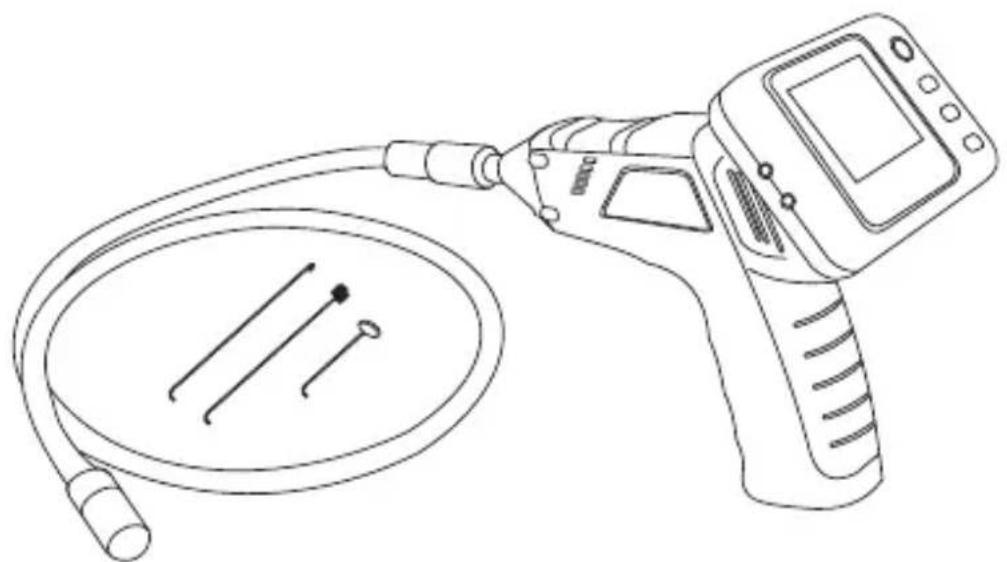
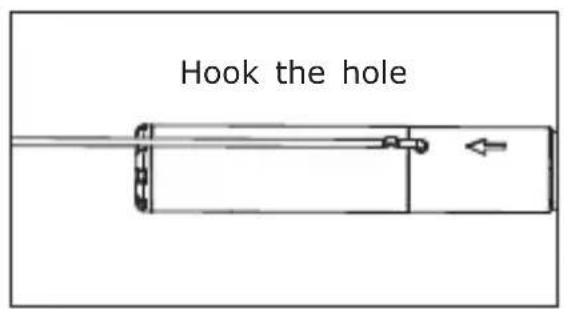
The three included accessories, (mirror, hook and magnet) all attached to the camera by the same way. To install as following:
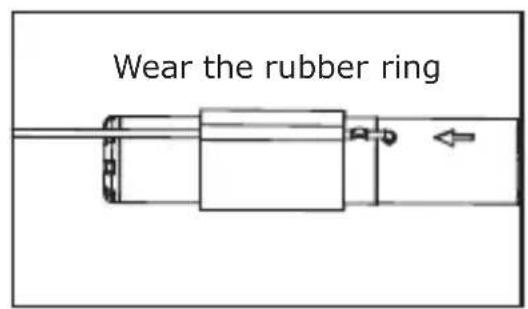
Charging battery in the monitor
The monitor has a built-in Li-Ion battery. A full charged battery is enough for approx. 5 hours.
Consider the sequence the power supply is connected to the monitor.
- Connect the adaptor cable to the power supply.
- Put now the jack plug into the appropriate socket at the left side of the monitor.
- After that you can plug the AC adaptor into the plug socket.
- During charging the power LED indicates red.
- The monitor can be used during charging.
Inspect the inspection camera before use and correct any problems to reduce the risk of serious injury from electric chock and other causes and prevent tool damage.
How to use the hand grip
Turn on the power at the bottom side of the hand grip. The power indicator lights. The switch acts also as a dimmer for the twin LEDs at the imager head.
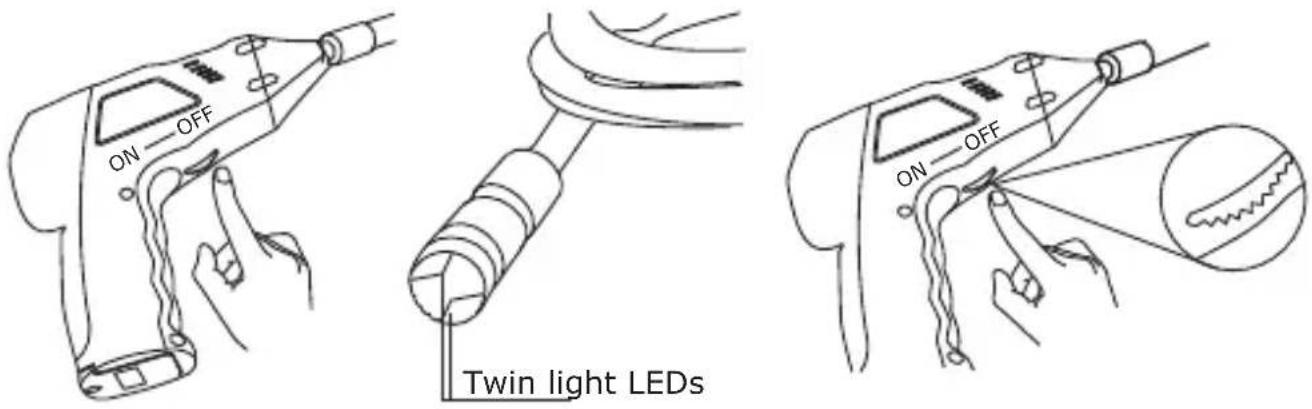
Don't buckle the tube. The min. should not go below 15 cm.
How to use the TFT monitor
Slide the power On-Off switch on the right side of the monitor on position. Now turn the monitor on with the Standby button. The Power LED indicates green. Setup a suitable lighting with the hand grip. At the monitor you can adjust the brightness and the contrast, which also depends on the pre-setting of the Twin LEDs.
If the Image Orientation button is pressed, the picture orientation turns 180^ or is mirrored.
The signal transmission from hand grip to monitor uses the connector if the monitor is mounted on the hand grip. If not the transmission is wireless viaether
The range between monitor and hand grip is up to about 5m. In some cases the range can be up to 10m. The transmission range may vary according to the weather, location, interference and building construction.
Technical specifications
| Hand grip | Image sensor | CMOS |
| Total pixel 704 x 576 (PAL) | ||
| View angle | 50° | |
| Transmission frequency | 2468MHz | |
| min. illumination | 0 Lux | |
| Modulation type | FM | |
| Bandwidth | 18MHz | |
| Power Supply | 4xAA batteries | |
| Dimensions | 186 x 145 x 41(mm) (without flexible U-trap) | |
| Weight | 530g | |
| Camera diameter | 9mm | |
| Monitor | Display | 2.4" TFT-LCD |
| Pixel | 480 x 240 | |
| Video system | PAL | |
| Transmission frequency | 2468MHz | |
| Power supply built-in Li-Ion battery | ||
| external Power supply | 8V-24V/450mA | |
| Video output level 0,9-1,3Vpp | an 750hm | |
| Dimensions | 100x70x30mm | |
| Weight | 140g | |
| Operating temperature | -10°C~+50°C/+14°C~+122°C | |
| Operation humidity | 15~85%RH | |
Declaration of conformity
We, Trebs BV, declare under our sole responsibility that this product is in conformity with the essential requirements and other relevant requirements of the R&TTE Directive (1999/5/EC). The product is compliant with the following standards and/or other normative documents:
EN300 440-2 v1.1.2 (2004-07)
EN301 489-1 v1.6.1 (2005-09)
EN301 489-3 v1.4.1 (2002-08)
EN 60065:2002 + A1:2006
EN 50371:2002
Trebs BV
Thermiekstraat 1
6361 HB Nuth
The Netherlands
Website: www.trebs.nl email: info@trebs.nl

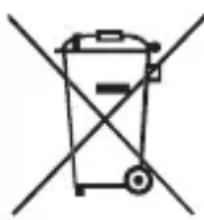
Disposal of electrical and electronic equipment
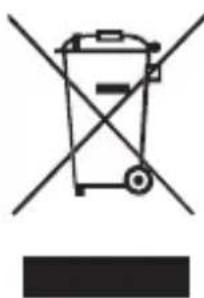
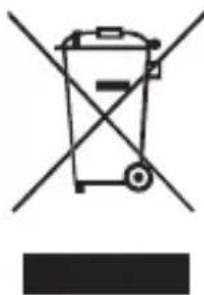
This symbol on the product or in the instructions means that your electrical and electronic equipment should be disposed at the end of its life separately from your household waste. There are separate collection systems for recycling in the EU. For more information, please contact the local authority or your retailer where you purchased the product.