Ultraglide Pro FV4005 - Iron TEFAL - Free user manual and instructions
Find the device manual for free Ultraglide Pro FV4005 TEFAL in PDF.


User questions about Ultraglide Pro FV4005 TEFAL
0 question about this device. Answer the ones you know or ask your own.
Ask a new question about this device
Download the instructions for your Iron in PDF format for free! Find your manual Ultraglide Pro FV4005 - TEFAL and take your electronic device back in hand. On this page are published all the documents necessary for the use of your device. Ultraglide Pro FV4005 by TEFAL.
USER MANUAL Ultraglide Pro FV4005 TEFAL
natural_image
Exterior view of a white iron (£) with gray casing and black handle, no visible text or symbolsFR
ES
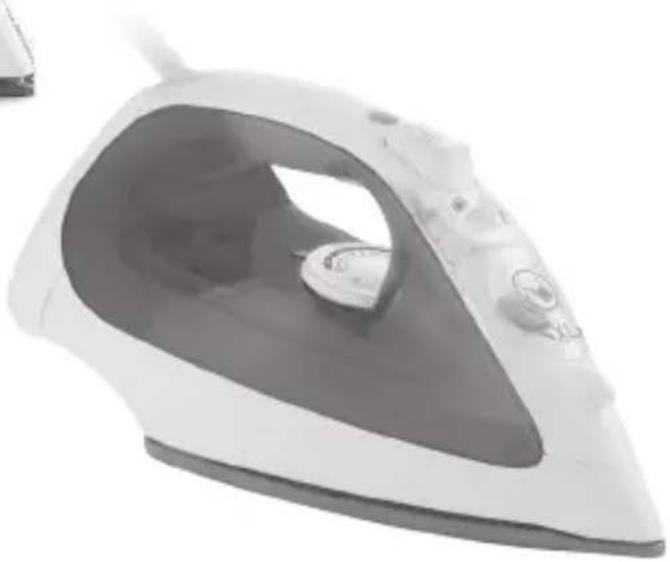
natural_image
Exterior view of a white steam iron with a black handle and control knob (no text or symbols visible)SAAVEDRA NO.169 PISO 9,
EN For further usage information /
IMPORTANT SAFETY INSTRUCTIONS
Read all instructions before using the iron.
When using your iron, basic safety precautions should always be followed, including the following:
- Use iron only for its intended use.
- To protect against a risk of electric shock, do not immerse the iron in water or other liquids.
- Always turn the iron OFF before plugging or unplugging the iron from the electrical outlet. Never pull on the cord to disconnect the iron from the electrical outlet; instead, grasp the plug and pull on the plug to disconnect the iron.
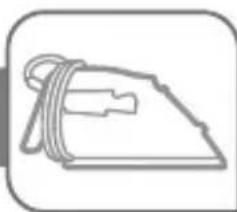
- Do not allow cord to touch hot surfaces. Let iron cool completely before putting away. Loop cord loosely around iron when storing.
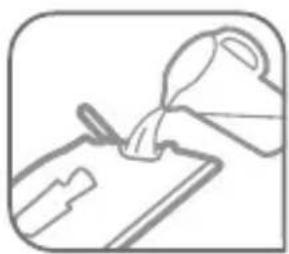
- Always disconnect iron from electrical outlet when filling with water or emptying and when not in use.
- Do not operate iron with a damaged cord or if the iron has been dropped or damaged. To avoid the risk of electric shock, do not disassemble the iron. Contact our Consumer Service Department for examination, repair or adjustment. Incorrect reassembly can cause a risk of electric shock when the iron is used.
- Close supervision is necessary for any appliance being used by or near children. Do not leave iron unattended while connected or on an ironing board.
- Burns can occur from touching hot metal parts, hot water or steam. Use caution when you turn a steam iron upside down - there may be hot water in the reservoir.
- This appliance is only for domestic and personal use.
SPECIAL INSTRUCTIONS
- To avoid a circuit overload, do not operate another high-wattage appliance on the same circuit.
- If an extension cord is absolutely necessary, a 15 amp. cord should be used. Cords rated for less amper may overheat. Care should be taken to arrange the cord so that it cannot be pulled or tripped over.
SAVE THESE INSTRUCTIONS
For your safety
PLEASE READ THESE INSTRUCTIONS CAREFULLY AND KEEP THEM FOR FUTURE REFERENCE.
This appliance complies with the technical rules and standards for safety currently in force (Electromagnetic Compatibility, Low Voltage, Environnement).
- This appliance is not intended for use by persons (including children) with reduced physical, sensory or mental capabilities, or lack of experience and knowledge, unless they have been given supervision or instruction concerning use of the appliance by a person responsible for their safety. Children must be supervised to ensure that they do not play with the appliance.
- During the first few uses, a harmless odour and a small amount of smoke may be given off. This has no effect on the use of the iron and will disappear quickly.
- Warning! The voltage of your electrical installation must correspond to that of the iron (120V or 127 V). Connecting to the wrong voltage may cause irreversible damage to the iron and will terminate the guarantee.
- If it is absolutely essential to use an extension cable, choose a 15 amp cord.
- If the electrical cord becomes damaged, it must be immediately replaced by an Approved Service Centre to avoid any danger.
- The appliance should not be used if it has fallen, if it has obvious damage, if it leaks or functions incorrectly. Never dismantle your appliance: have it inspected by an Approved Service Centre, to avoid any danger.
- Never immerse your iron in water!
- Do not unplug your appliance by pulling on the cord. Always unplug your appliance: before filling or rinsing the water tank, before cleaning it, after each use.
- Never leave the appliance unattended when it is connected to the mains. Before storing the appliance, once it is unplugged, please wait until it has cooled down (around 1 hour).
- Your appliance gives off steam, which may cause burns. Take extra care especially when you are ironing close to the edge or on a corner of your ironing board. Never direct the steam towards people or animals.
- Your iron should be used and placed on a flat, stable, heat-resistant surface. When you put your iron onto its iron rest, make sure that the surface on which you put it is stable.
- This product has been designed for domestic use only. The manufacturer will accept no responsibility and the guarantee will be terminated, if this product is used for commercial purposes, inappropriate use or failure to comply with the instructions.
Your appliance has been designed to function with untreated tap water. However, it is necessary to operate the Self-Clean function regularly in order to eliminate hard water deposits from the steam chamber.
If your water is very hard (check with your local water authority), it is possible to mix untreated tap water with store-bought distilled or demineralised water in the following proportions: - 50% untreated tap water, - 50% distilled or demineralised water.
.Types of water not to use?
Heat concentrates the elements contained in water during evaporation. The types of water listed below contain organic waste or mineral elements that can cause spitting, brown staining, or premature wear of the appliance: water from clothes dryers, scented or softened water, water from refrigerators, batteries or air conditioners, pure distilled or demineralised water or rain water should not be used in your Tefal iron. Also do not use boiled, filtered or bottled water.
Problems with your iron?
| PROBLEM POSSIBLE CAUSES SOLUTIONS | ||
| Brown water is dripping from the soleplate and soiling your clothes. | You are using chemical descaling products. | Do not put any descaling product into the water tank. |
| You are not using the right water. Perform a self-clean and consult the "What water to use?" section. | ||
| The soleplate is dirty or brown and may soil clothes. | The temperature is too high. Clean the soleplate as indicated in the user guide Use a lower temperature. | |
| Your iron produces little or no steam. | Your iron has limescale. | Clean the anti-limescale valve and perform a self-clean. |
| The soleplate is scratched or damaged. | You have positioned your iron flat on the metallic iron support.You have cleaned your soleplate with an abrasive cloth or steel wool. | Always place your iron in the support base Clean the soleplate as indicated in the user guide. |
| Your soleplate emits particles. | Limescale is starting to build up on your soleplate. | Perform a self-clean . |
| Water drips from the holes in the soleplate. | You are using steam while the iron is not hot enough. | Wait until the thermostat light goes out. |
Environment

Environment protection first!
Leave it at a local civic waste collection point.
i Your appliance contains valuable materials which can be recovered or recycled.
Durilium Airglide Soleplate Enamel Finish Limited Lifetime Guarantee
valid in USA and Canada only
The manufacturer warrants the iron's UltraglideTM soleplate Enamel finish to be free of manufacturing defects for life of the iron from the date of purchase. This warranty only applies as long as the iron heats up and does not cover damage due to accident, misuse or commercial use and does not cover staining, discoloration or scratching of the enamel soleplate.
Defective products may be returned by the original purchaser or any subsequent owner, postage pre-paid together with proof of purchase date to T-fal.
Defective products will be repaired, or at manufacturer's discretion, replaced at no charge including return postage.
Repairs not covered by this warranty will be performed at current cost for parts and labor plus return postage. Manufacturer's sole obligation and your exclusive remedy under this warranty are limited to such repair or replacement of the soleplate. This is a limited warranty and is in lieu of all other warranties, express or implied, including merchantability. This warranty gives you specific legal rights. You may also have other legal rights varying from province to province, state to state.
If you have a claim:
Please read the Limited Guarantee carefully before you decide to return your product and contact our Consumer Service Department.
What happens to my return?
If the inspection shows that the product is defective, under our Limited Lifetime Guarantee, T-fal will attempt to repair or will replace the soleplate at no cost to you. If our inspection shows that the product is not defective under our Limited Guarantee we will return it to you shipping charges prepaid.
text_image
Diagram illustrating the installation of an air conditioner with labeled components including fan, dial, and power switch.* EN Depending on model • FR Selon modèle • ES Según el modelo
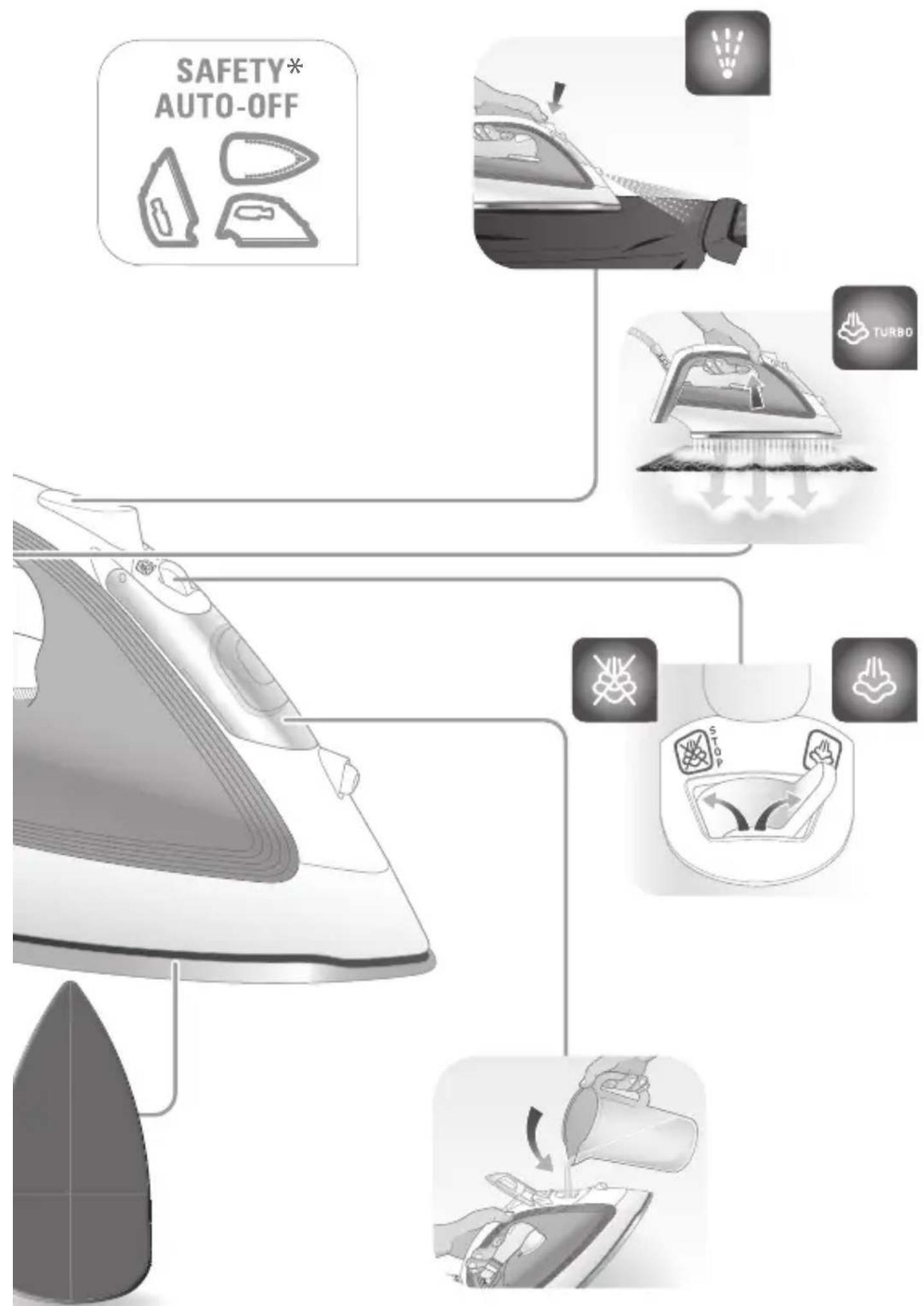
flowchart
graph TD
    A["SAFETY AUTO-OFF"] --> B["Boiling Engine"]
    B --> C["TURBO"]
    C --> D["Recycler"]
    D --> E["Reinforced Air"]
    style A fill:#f9f,stroke:#333
    style B fill:#ccf,stroke:#333
    style C fill:#cfc,stroke:#333
    style D fill:#fcc,stroke:#333
    style E fill:#cff,stroke:#333
1.
natural_image
Simple line drawing of a steam iron with a strap (no text or symbols)

www.t-fal.ca

natural_image
Simple line drawing of a hand pouring liquid into a clipboard (no text or symbols)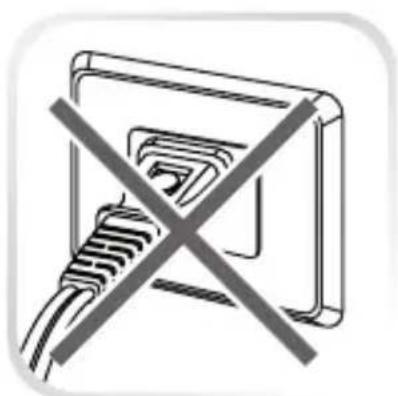
natural_image
Pure electrical circuit lines without any symbols
text_image
STOP
natural_image
Illustration of a hand using a power tool to press down an iron on a cutting board (no text or symbols visible)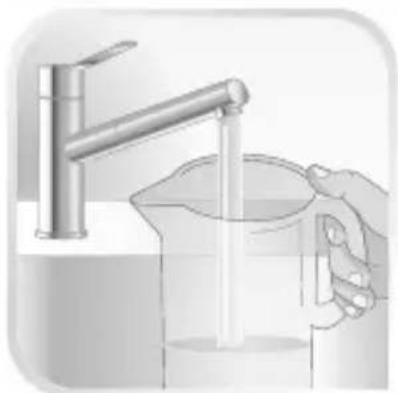
natural_image
Illustration of a hand pouring liquid from a faucet into a beaker (no text or symbols)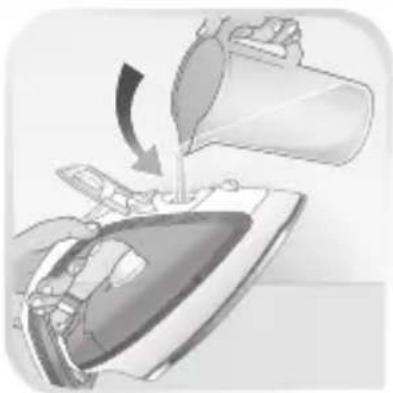
natural_image
Illustration of a hand pouring liquid into a steam iron (no text or symbols)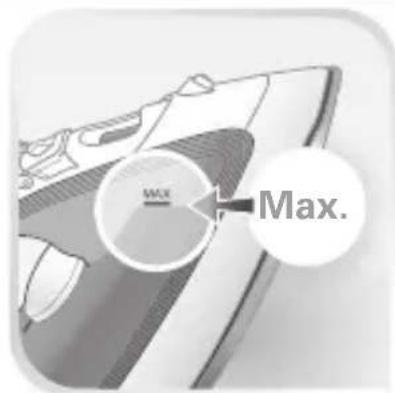
text_image
MAX. Max.
natural_image
Illustration of a hand using a power tool to press down a car airfoil (no text or symbols visible)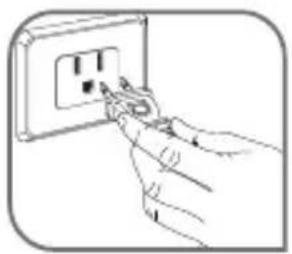
natural_image
Hand using a power tool to switch an electrical outlet (no text or symbols visible)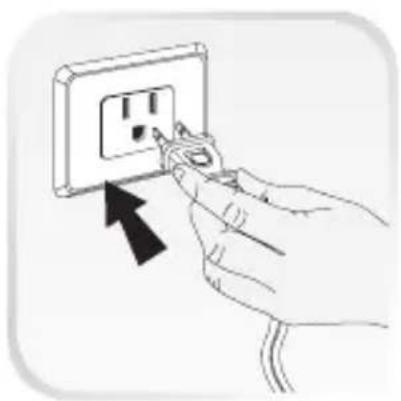
natural_image
Hand inserting a plug into an electrical outlet socket (no text or symbols visible)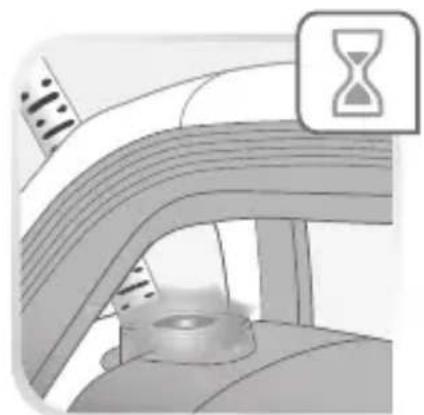
natural_image
Illustration of a car interior with an hourglass icon and gear, no text or symbols present
natural_image
Diagram of a vehicle's rear wheel and dashboard with a 'OK' button (no text or symbols on the diagram itself)
natural_image
Simple line drawing of a hand using a tool to cut or spread a rectangular object (no text or symbols)www.t-fal.com


www.t-fal.ca


natural_image
Illustration of a hand using a power tool to clean or brush a surface (no text or symbols)
text_image
STOP
text_image
MILKON MILKON MILKON MILKON MILKON MILKON MILKON MILKON MILKON MILKON MILKON MILKON MILKON MILKON MILKON MILKON MILKON MILKON MILKON MILKON MILKON
text_image
Diagram showing electric shock hazard warning and temperature warning symbols with labels like 'DELICATE' and 'NOC'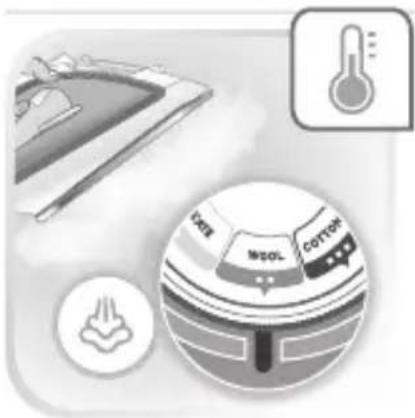
natural_image
Illustration of a steam iron with a thermometer icon and a circular diagram showing material zones (no text or symbols)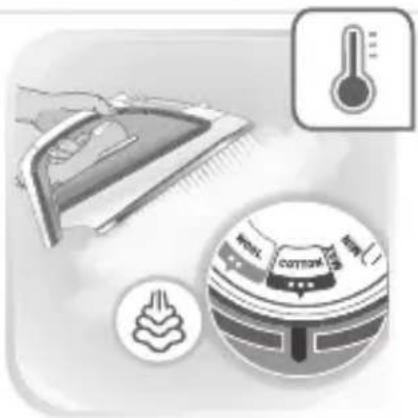
natural_image
Illustration of a steam iron and a kitchen appliance with a thermometer icon (no text or symbols)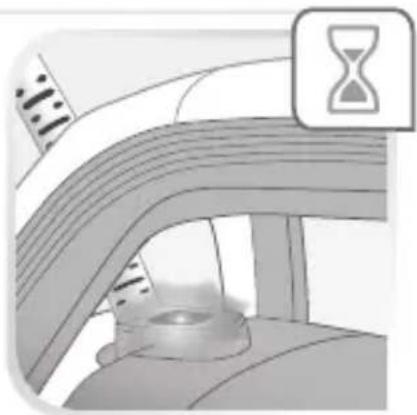
natural_image
Illustration of a car interior with an hourglass icon above, no text or symbols present
natural_image
Illustration of a car interior with a person inside, showing no visible text or symbols
natural_image
Person using a power iron to press down a pipe or pipe through a container (no text or symbols visible)
natural_image
Illustration of a hand using a power tool to clean or brush a surface (no text or symbols)
text_image
STOP
natural_image
Person using a steam iron on a garment (no text or symbols visible)
text_image
TURBO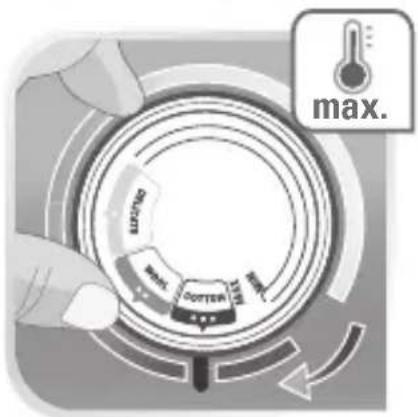
text_image
max. MAX. MIN. MIN. MIN.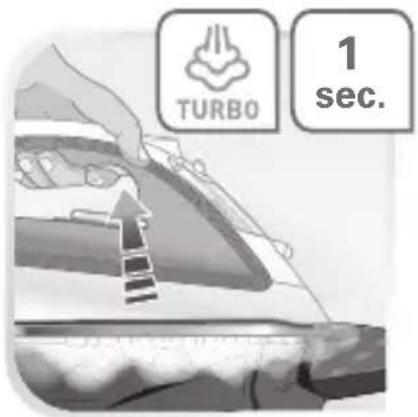
text_image
TURBO 1 sec.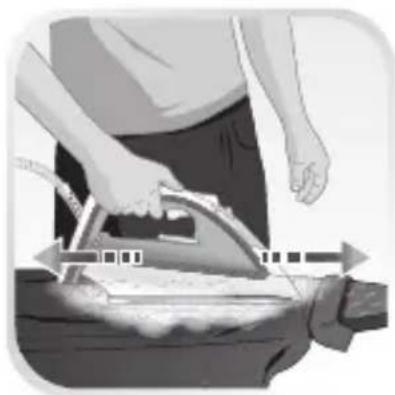
natural_image
Person using a power iron to burn or press the floor (no text or symbols visible)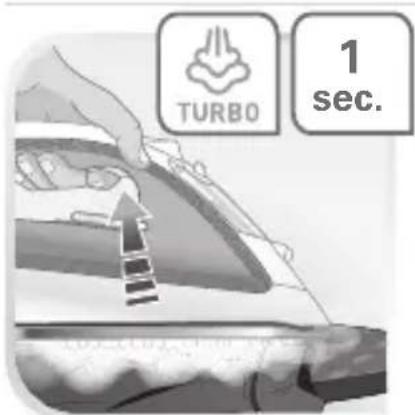
text_image
TURBO 1 sec.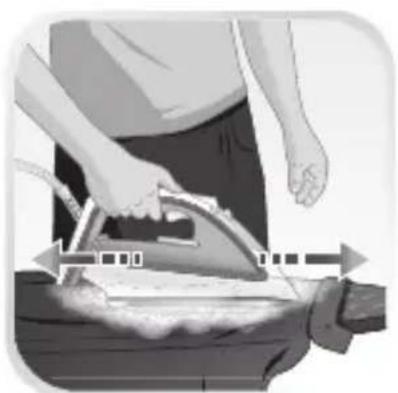
natural_image
Person using an iron on a stove, no visible text or symbols
natural_image
Gray square button with a white circular arrow icon, resembling a refresh or move indicator (no text or symbols)
natural_image
Illustration of a hand using a power tool to clean or brush a surface (no text or symbols)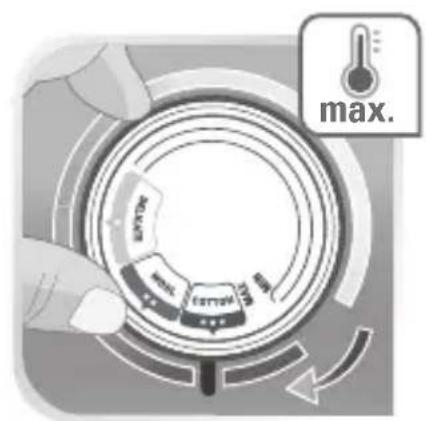
text_image
max.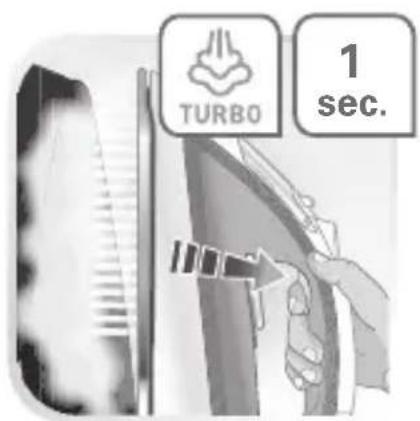
text_image
TURBO 1 sec.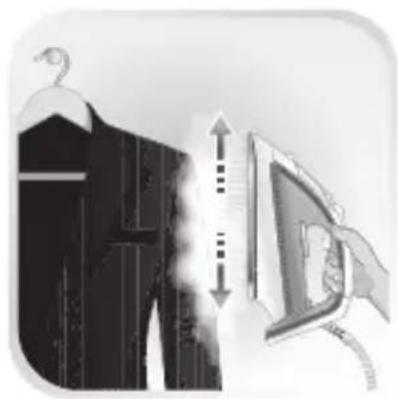
natural_image
Illustration of a clothes hanger with a vertical double-headed arrow pointing to a computer monitor, no text or symbols present.
natural_image
Gray square button with a white circular arrow icon, resembling a refresh or move indicator (no text or symbols)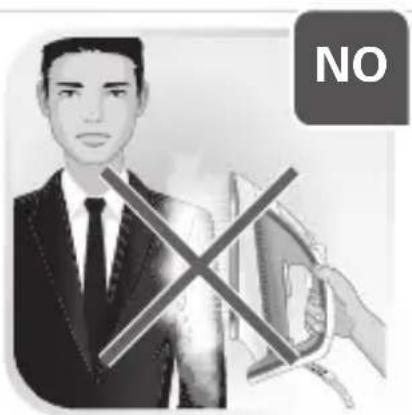
text_image
NO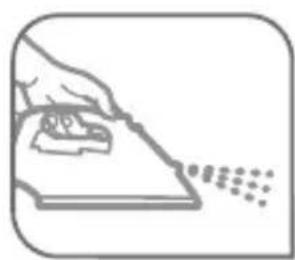
natural_image
Illustration of a hand using a tool to write or print on a sheet of paper with scattered dots (no text or symbols)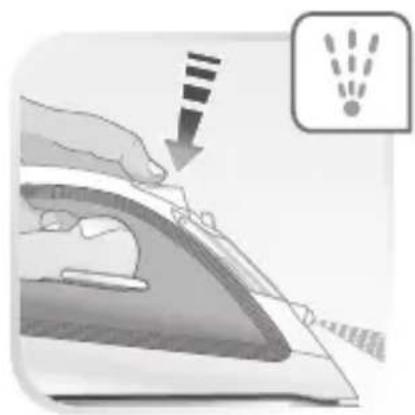
natural_image
Illustration of a hand using a power iron to press down a sheet of paper, with a warning icon showing light rays (no text or symbols present)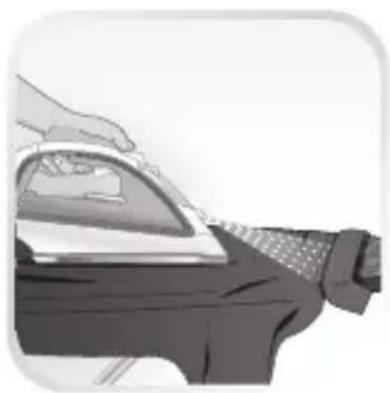
natural_image
Illustration of a hand using a steam iron to press down a car (no text or symbols visible)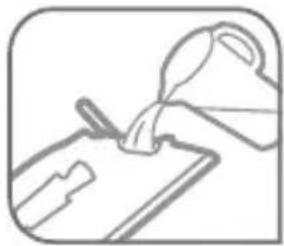
natural_image
Simple line drawing of a hand pouring liquid into a clipboard (no text or symbols)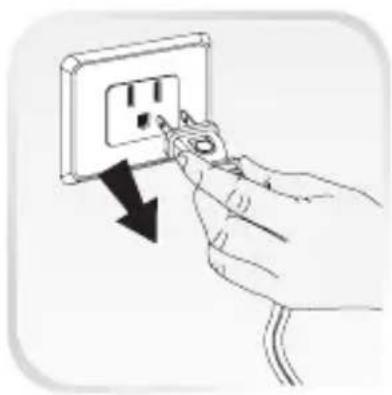
natural_image
Hand inserting a plug into an electrical outlet socket (no text or symbols visible)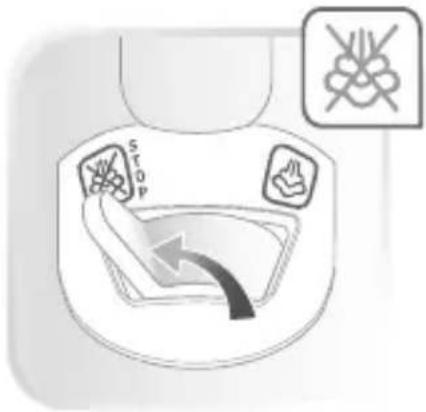
text_image
STOP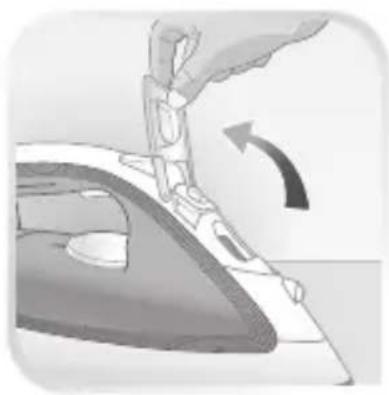
natural_image
Illustration of a hand using a tool to press down an iron on a cutting board (no text or symbols visible)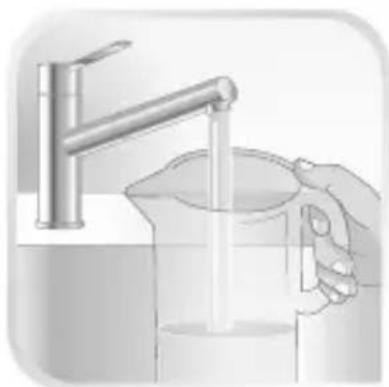
natural_image
Illustration of a hand pouring liquid from a metal faucet into a beaker (no text or symbols)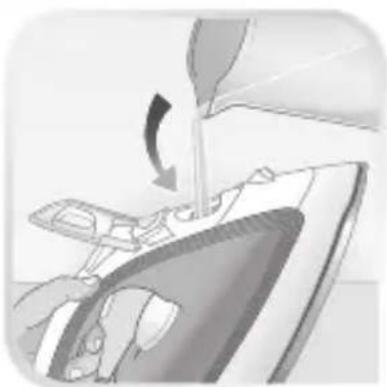
natural_image
Illustration of a hand using a tool to lift a component, showing a curved arrow indicating rotation (no text or symbols present)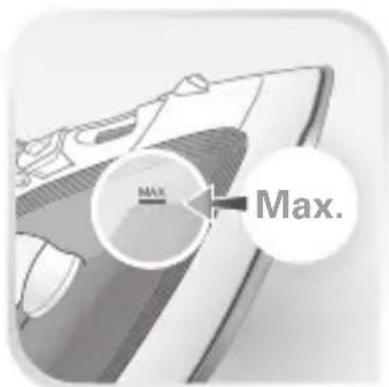
text_image
Max. Max.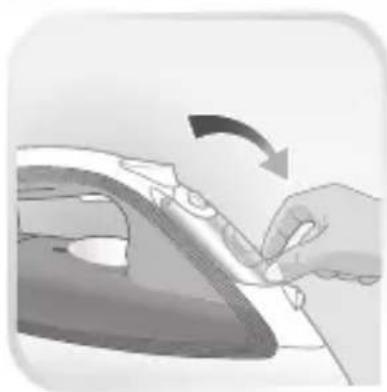
natural_image
Hand using a power iron to press down a surface, showing the iron being folded (no text or symbols visible)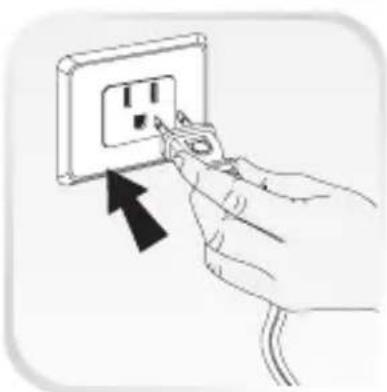
natural_image
Hand inserting a plug into an electrical outlet socket (no text or symbols visible)
natural_image
Warning symbol with exclamation mark inside a triangle (no text or numbers)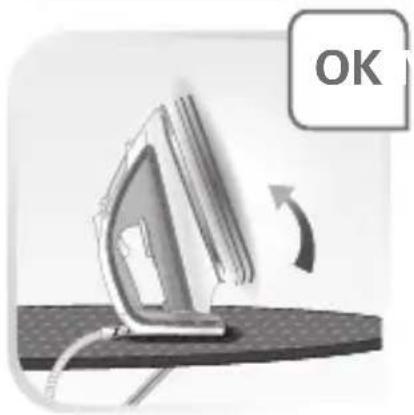
natural_image
Illustration of an iron on a surface with a circular arrow indicating rotation (no text or symbols)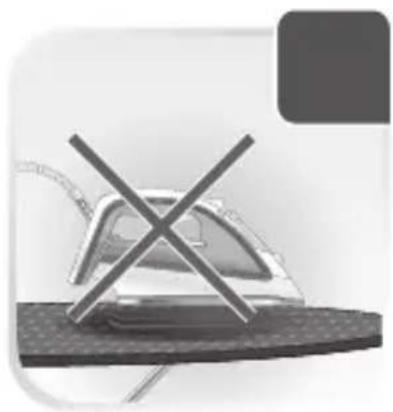
natural_image
Illustration of a steam iron on a textured surface with a cross mark symbol (no text or labels)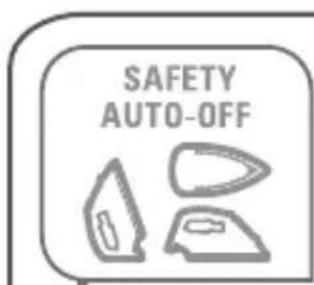
text_image
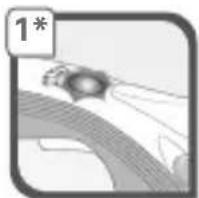
SAFETY AUTO-OFF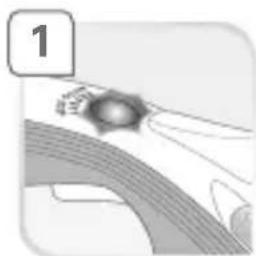
natural_image
Illustration of a hand holding a small object near a curved surface, labeled with number 1 (no text or symbols on the object itself)OR OU O
natural_image
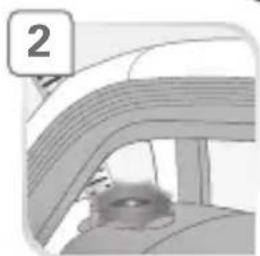
Illustration of a car interior with a person peeking out (no text or symbols)*EN Depending on model • FR Selon modèle • ES Según el modelo
natural_image
Simple grayscale illustration of a bird perched on a curved surface, no text or symbols present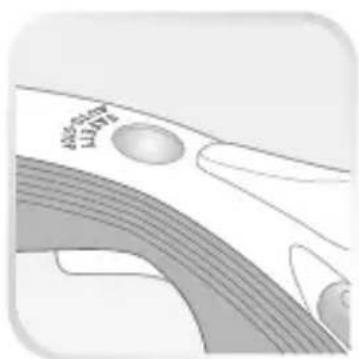
natural_image
Abstract grayscale illustration of curved lines and circular shapes, no text or symbols present
natural_image
Hand inserting a plug into an electrical outlet socket (no text or symbols visible)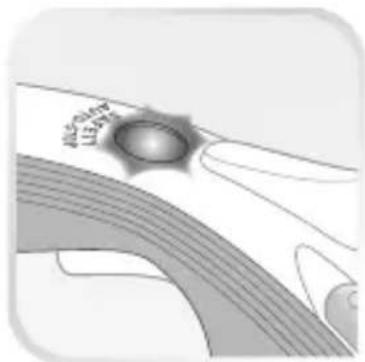
natural_image
Abstract grayscale illustration of a curved surface with a central dark spot and concentric bands (no text or symbols)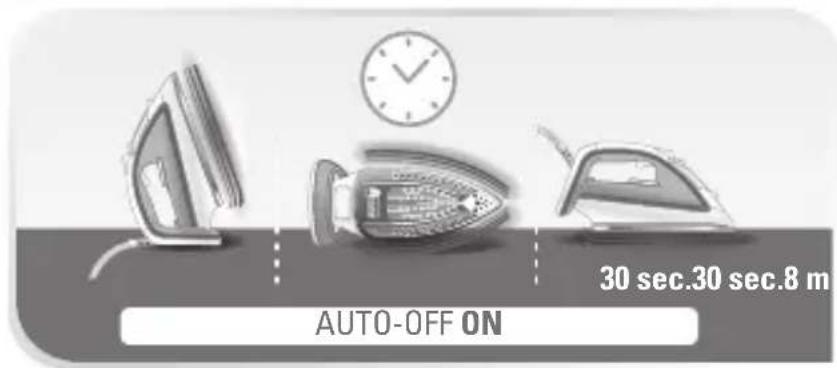
text_image
AUTO-OFF ON 30 sec.30 sec.8 m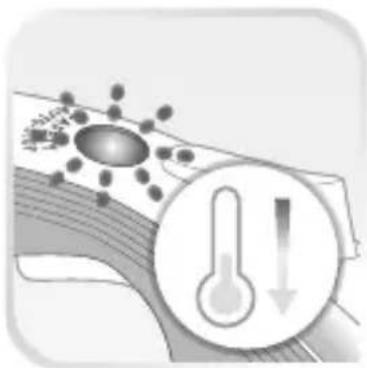
natural_image
Illustration of a virus particle interacting with a thermometer, showing heat transfer (no text or symbols)
natural_image
Simple line drawing of a notebook with a pen and eraser (no text or symbols)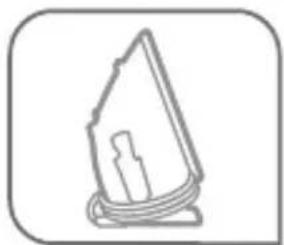
natural_image
Simple line drawing of a folded paper or cable with a rectangular block inside (no text or symbols)
www.t-fal.ca
text_image
STOP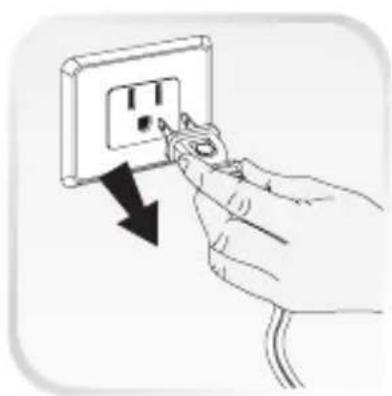
natural_image
Hand inserting a plug into an electrical outlet with a black arrow indicating the direction (no text or symbols present)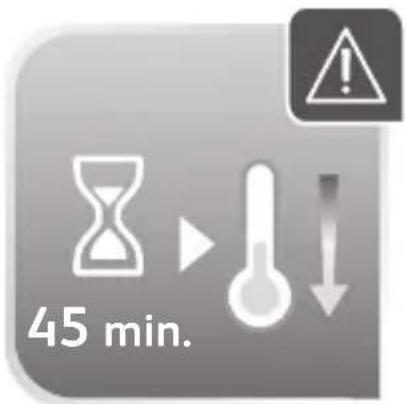
text_image
45 min.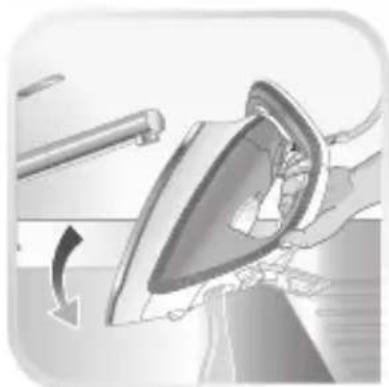
natural_image
Illustration of a hand ironing an iron with a curved arrow indicating motion (no text or symbols)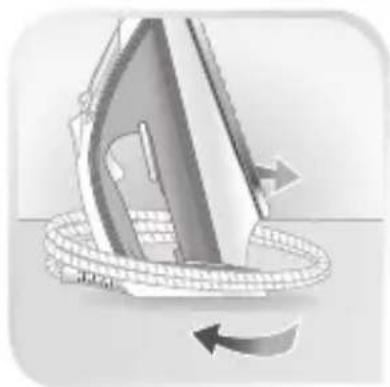
natural_image
Illustration of a steam iron being rolled with a rope, showing motion direction (no text or symbols)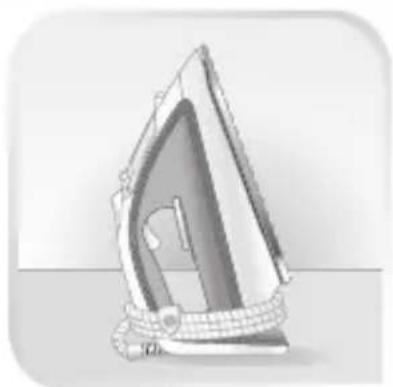
natural_image
Illustration of a steam iron with visible internal structure and base plate (no text or symbols)
natural_image
Simple line drawing of a conical object with internal patterns and sparkles (no text or symbols)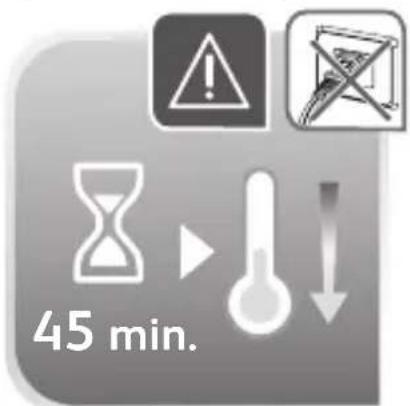
text_image
45 min.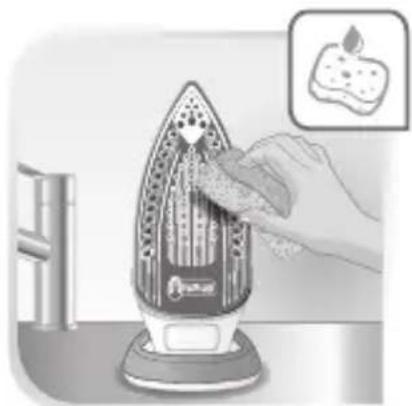
natural_image
Illustration of a hand using a hair iron to clean food items (no text or symbols visible)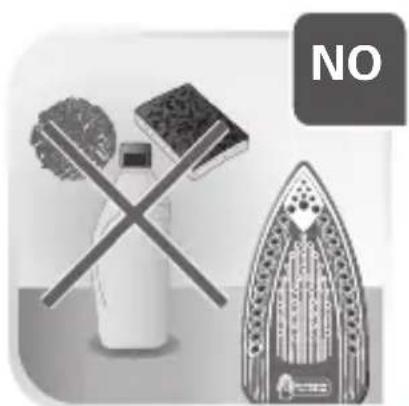
natural_image
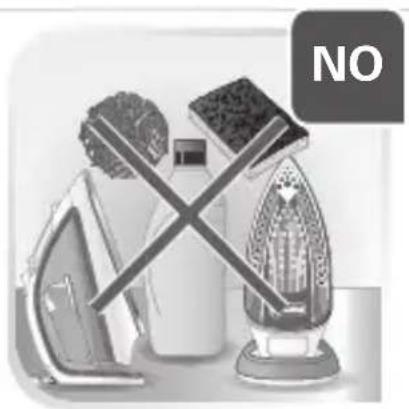
Illustration of a crossed iron mill, a plate with patterned cloth, and a steam iron (no text or symbols)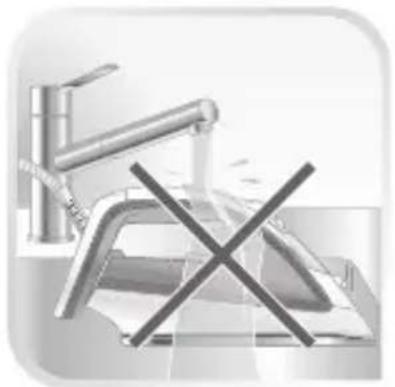
natural_image
Illustration of a kitchen sink with a crossed-out X symbol (no text or labels)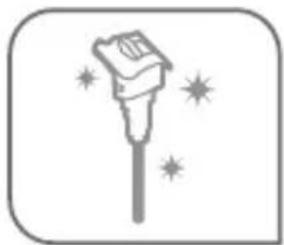
natural_image
Simple line drawing of a magic wand with sparkles (no text or symbols)
text_image
OCT 1 2 3 11 4 5 6 7 8 9 18 12 13 14 15 16 17 18 19 20 21 22 25 26 27 28 29 21 22 23 24 20 21 22 23 24 31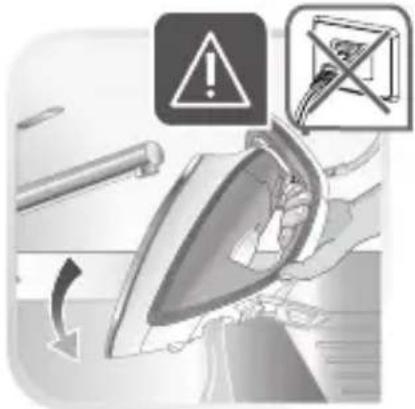
text_image
Safety warning illustration showing iron iron being removed with warning symbols and a cross symbol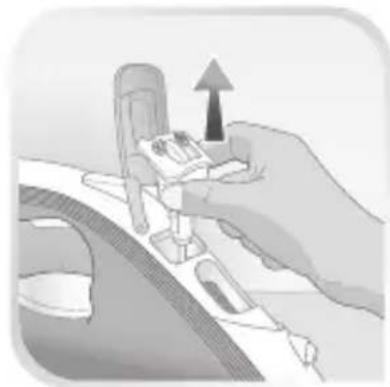
natural_image
Illustration of a hand holding a car interior with an upward arrow indicating motion (no text or symbols)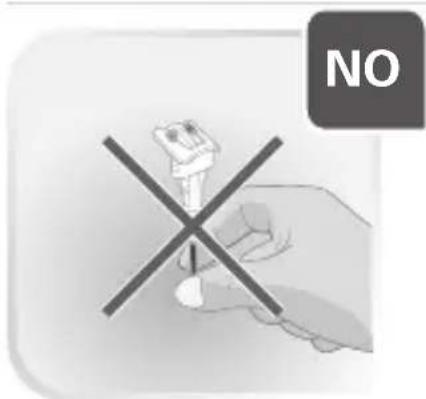
text_image
NO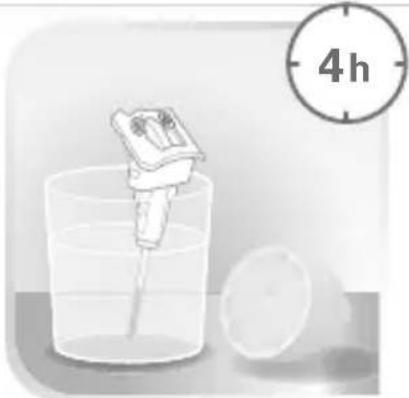
natural_image
Illustration of a pipette dispensing liquid into a beaker with a 4-hour clock icon (no text or symbols on the diagram itself)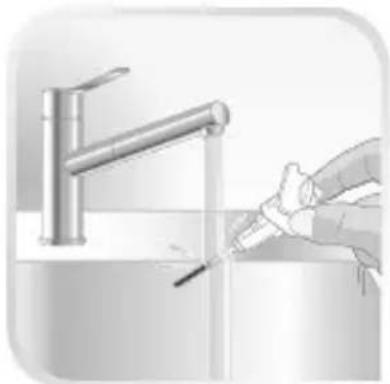
natural_image
Illustration of a hand cleaning a faucet with a tool (no text or symbols)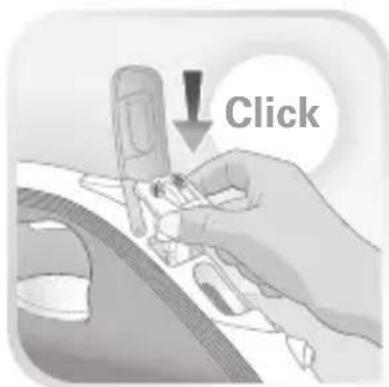
text_image
Click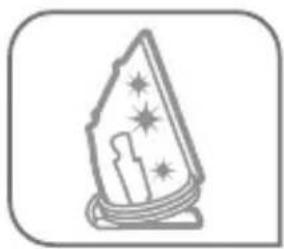
natural_image
Simple line drawing of a wizard with stars and candles, enclosed in a rounded square frame (no text or symbols)
text_image
OCT 1 2 3 11 4 5 6 7 8 9 10 18 19 20 21 22 16 17 25 26 27 28 29 30 31 31 32 33 34 35 36 37 38 39 40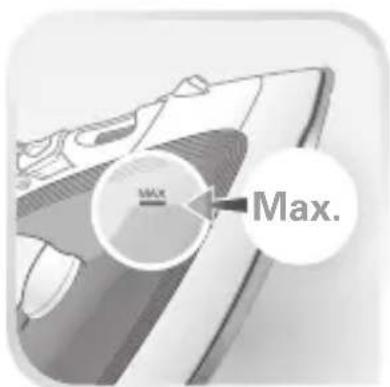
text_image
Max. Max.
natural_image
Hand inserting a plug into an electrical outlet socket (no text or symbols visible)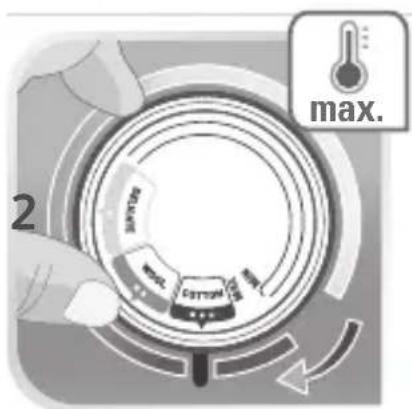
text_image
max. 2 COTTON 100% 100%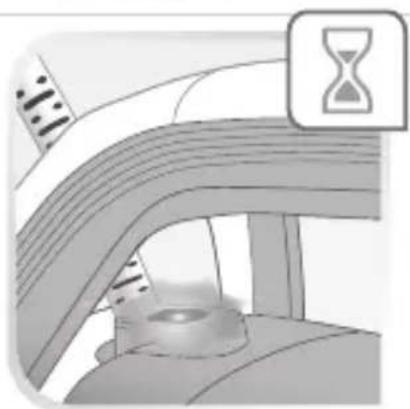
natural_image
Illustration of a curved road with an hourglass icon above, no text or symbols present
natural_image
Illustration of a curved mechanical component with a central base and textured surface (no text or symbols)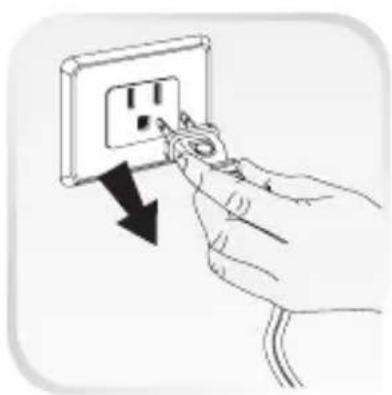
natural_image
Hand inserting a plug into an electrical outlet socket (no text or symbols visible)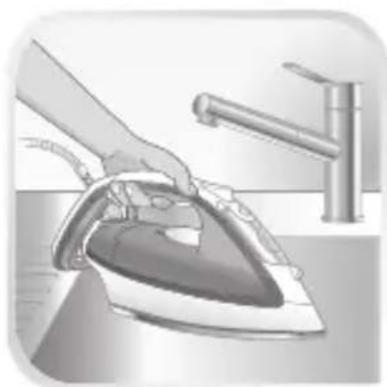
natural_image
Illustration of a hand ironing an iron with a water tap in the background (no text or symbols)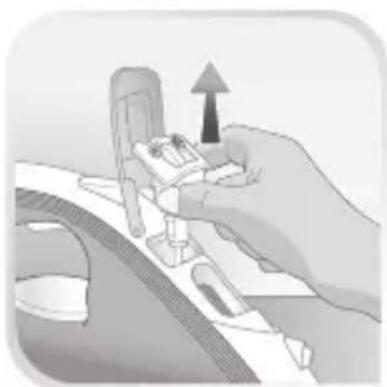
natural_image
Illustration of a hand holding a small mechanical component with an upward arrow, no text or symbols present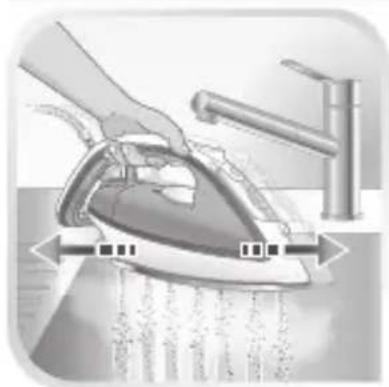
natural_image
Illustration of a hand using a steam iron to clean water, with no text or symbols present.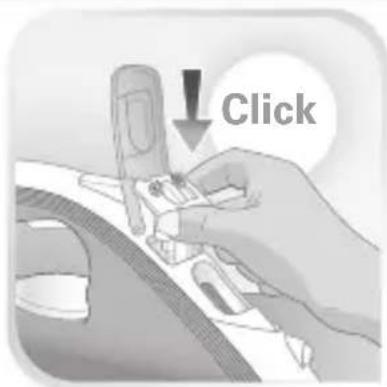
text_image
Click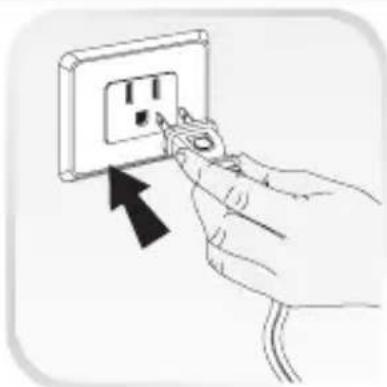
natural_image
Hand inserting a plug into an electrical outlet socket (no text or symbols visible)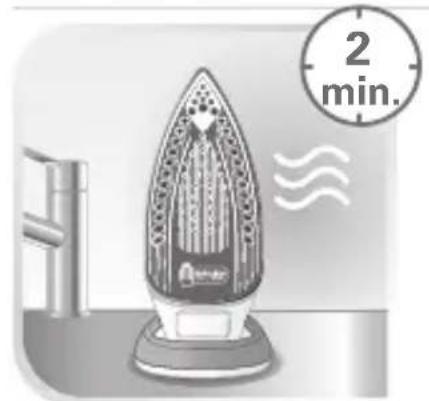
natural_image
Illustration of an iron iron on a stand with a 2-minute timer and motion indicator (no text or symbols on the iron itself)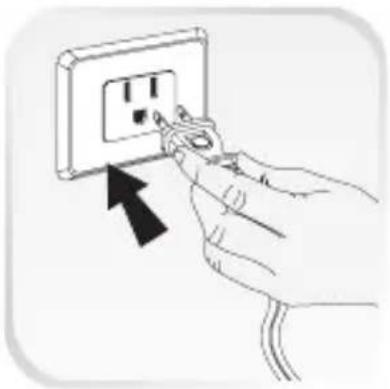
natural_image
Hand inserting a plug into an electrical outlet socket (no text or symbols visible)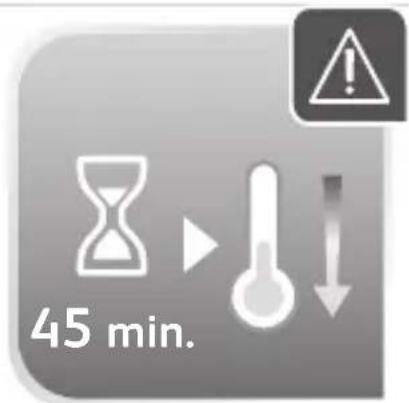
text_image
45 min.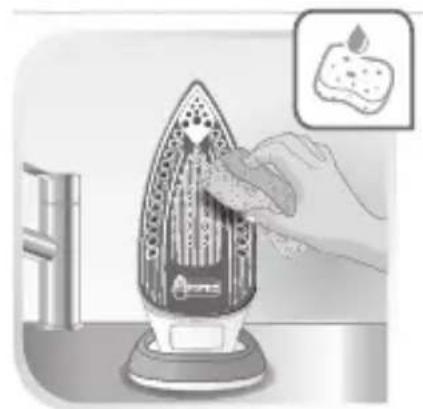
natural_image
Illustration of a hand pressing down on an iron steamer with a small inset showing a food item (no text or symbols)