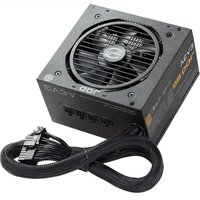
700 BQ - PC Power Supply EVGA - Free user manual and instructions
Find the device manual for free 700 BQ EVGA in PDF.


| Brand | EVGA |
| Model | 700 BQ |
| Type | PC Power Supply |
| Power | 700 W |
| Certification | 80 PLUS Bronze |
| Input Voltage | 100-240 VAC, 12-6 A, 60/50 Hz |
| +12V Output | 58.3 A (699.6 W) |
| +5V Output | 20 A |
| +3.3V Output | 20 A |
| -12V Output | 0.3 A (3.6 W) |
| +5Vsb Output | 2.5 A (12.5 W) |
| Motherboard Connector | 1 x ATX 20+4 pins |
| CPU Connector | 1 x EPS/ATX12V 8 (4+4) pins |
| PCI-E Connectors | 2 x PCI-E 8 (6+2) pins (2 cables) |
| SATA Connectors | 2 x 3 connectors (6 SATA connectors) |
| Peripheral Connectors | 1 x Molex 4-pin x 3 + 1 floppy connector |
| Fan | 120 mm ultra silent |
| Cable Design | Modular |
| Protections | OVP, UVP, OPP, SCP, OCP |
| Warranty | 5 years |
| Maintenance | No maintenance required, do not open the casing |
| Safety | Do not open, risk of electric shock. Use only the supplied cables. |
| Spare Parts | No user-serviceable parts. Contact EVGA for assistance. |
| Installation | Fan oriented downward preferably, cables connected as needed |
Frequently Asked Questions - 700 BQ EVGA
User questions about 700 BQ EVGA
0 question about this device. Answer the ones you know or ask your own.
Ask a new question about this device
Download the instructions for your PC Power Supply in PDF format for free! Find your manual 700 BQ - EVGA and take your electronic device back in hand. On this page are published all the documents necessary for the use of your device. 700 BQ by EVGA.
USER MANUAL 700 BQ EVGA
Safety Information....2
Features....3
Installation....3
Q&A....4
EVGA 500BQ / 600BQ / 700BQ Cable Configuration....5
EVGA 500BQ / 600BQ / 700BQ Specification....6
Introduction: Premium Power
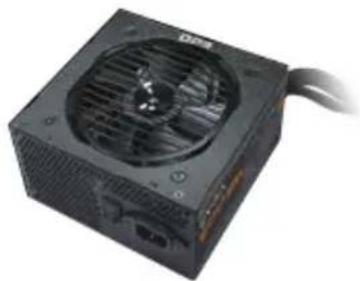
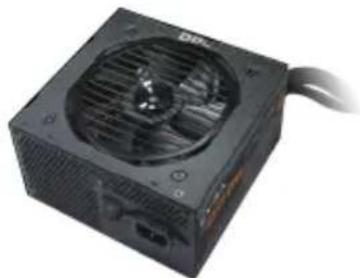
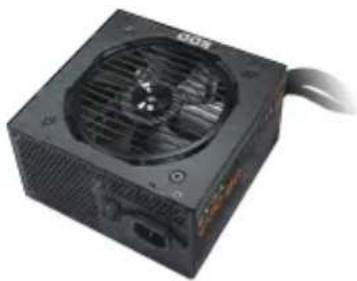
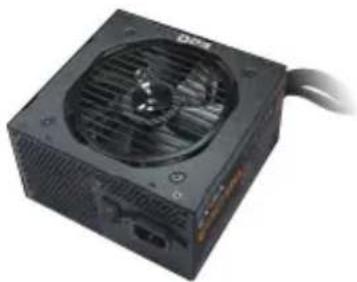
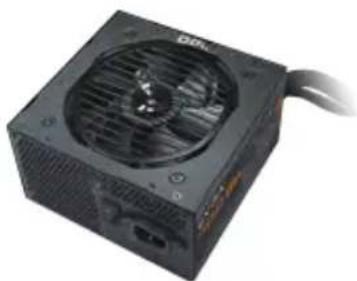
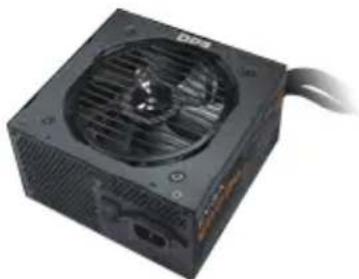
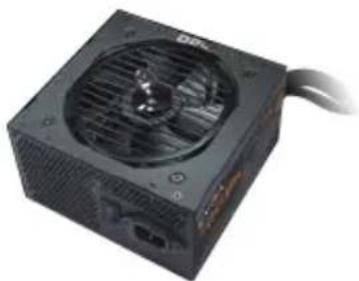
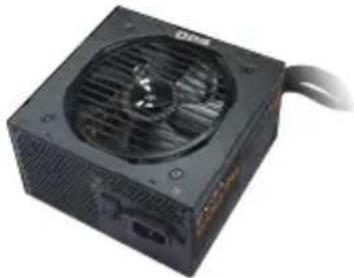
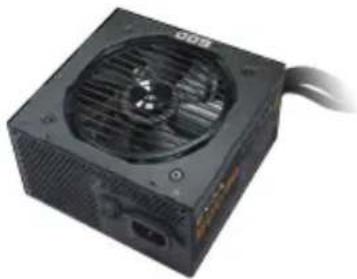
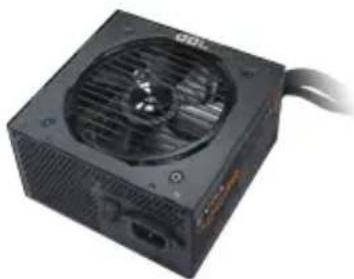
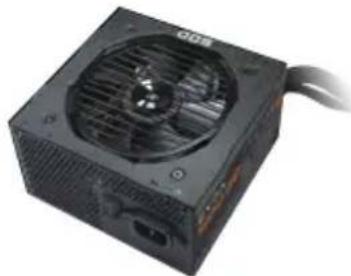
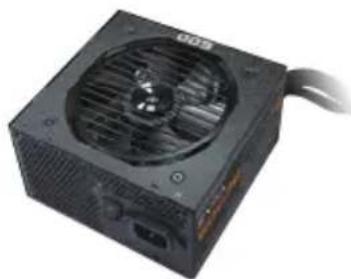
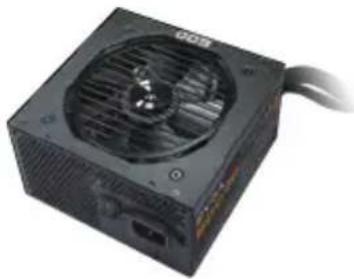
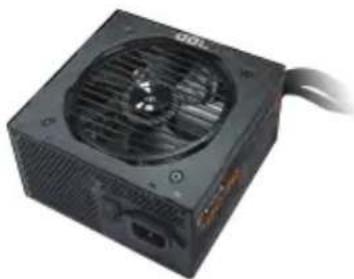
Thank you for purchasing an EVGA BQ 80 PLUS® BRONZE series power supply. The 500BQ / 600BQ / 700BQ is a high quality power supply that offers great value to gamers / system builders. The modular design provides custom cable configurations for any application, and due to the ultra silent 120mm fan, the 500BQ / 600BQ / 700BQ series reduces heat during heavy load while keeping the decibel level down. Designed with stability and durability in mind, the 500BQ / 600BQ / 700BQ series is the perfect choice to power your systems.
natural_image
Black power supply unit with ventilation fan and black cable (no visible text or symbols)EVGA 500W BRONZE
natural_image
Black computer tower fan with ventilation grille and power cord (no visible text or symbols)
natural_image
Black power adapter with ventilation fan and black cable (no visible text or symbols)EVGA 600W BRONZE
natural_image
Black power drive with fan and cable (no visible text or symbols)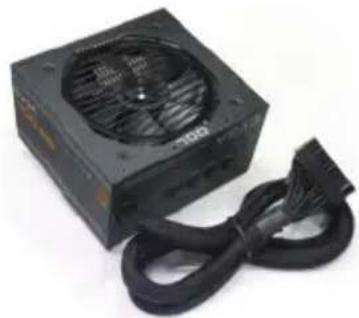
natural_image
Black power adapter with fan and black cable, no visible text or symbolsEVGA 700W BRONZE
natural_image
Close-up of a black DIP CPU socket with visible fan and ventilation grille (no text or symbols)Safety Information
WARNING 1: This unit has no user-serviceable parts inside. Opening the casing presents a risk of electrocution and will void the product's warranty. EVGA will not be responsible for any result of improper use, including but not limited to, any use of the product outside of its intended purpose or use inconsistent with the warranty terms available online. (Warranty information is available at www.evga.com/support/warranty and this manual is available at www.evga.com/manuals).
WARNING 2: Only use included cables or cables purchased from EVGA.com that are specifically labeled for your PSU. Using incorrect cables runs the risk of catastrophic failure.
Features
STABLE POWER
The 500BQ / 600BQ / 700BQ has outstanding electrical performance with ultra stable voltage and extremely clean power output. This can help you achieve the highest possible overclock (optional) and provide the most stable and reliable power to all components. The 500BQ / 600BQ / 700BQ also provides up to 85% (115VAC) / 88% (220VAC\~240VAC) efficiency and is 80 PLUS® BRONZE certified.
TOP QUALITY PROTECTIONS
The 500BQ / 600BQ / 700BQ comes equipped with the most comprehensive protection set possible, including Over Voltage Protection (OVP), Under Voltage Protection (UVP), Over Power Protection (OPP), Short Circuit Protection (SCP), and Over Current Protection (OCP). 500BQ/600BQ is also covered by a 3-year warranty and 700BQ is covered by a 5-year warranty with EVGA's legendary customer service and support.
MODULAR DESIGN
Reduce clutter in the case, improve ambient temperatures with better airflow overall and provide a clean look to any system. Modular PSU designs allow the user to disconnect the cable from the power supply side if they are not needed for the specific configuration. This can help free up space inside the case and improve cable management as well as airflow throughout the system.
Installation
- Remove the power supply from its packaging.
-
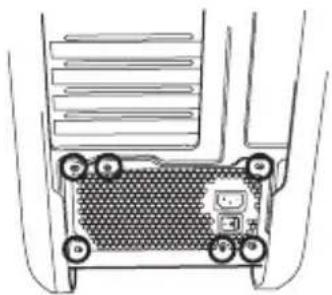
Use the screws provided with your case to install the power supply into your computer. NOTE: It is recommended to install the power supply with the fan facing down. However, if your case places the power supply at the bottom of the case and there are no ventilation holes available, it may be best to install the power supply with the fan facing up for greater efficiency and reliability.
-
Connect the 20+4-Pin ATX cable to the motherboard.
natural_image
Diagram of a device rear panel with labeled buttons and ports (no text or symbols)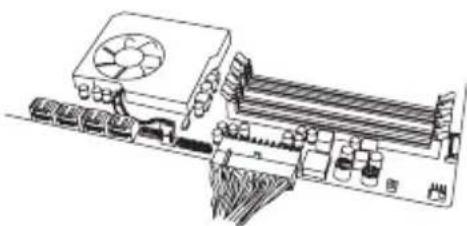
natural_image
Technical line drawing of a computer motherboard with cooling fan and drive unit (no text or symbols)- Connect the 4+4-Pin EPS12V cable to the motherboard.
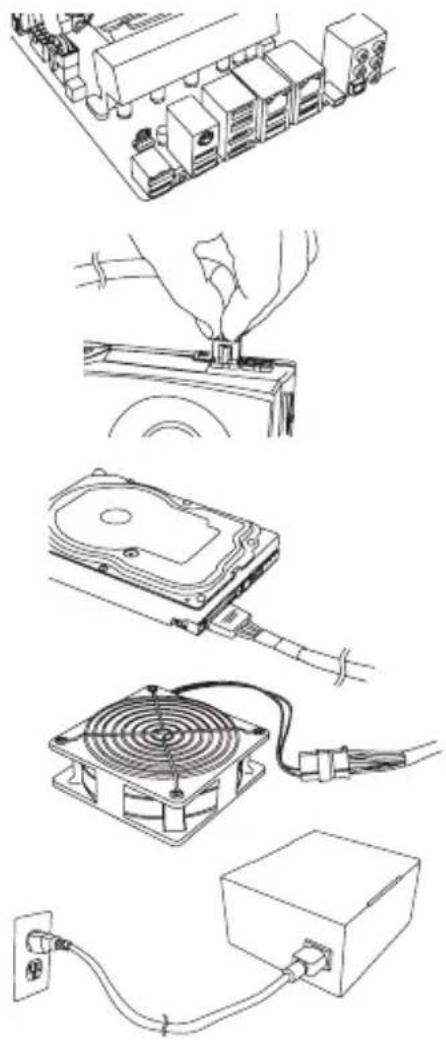
- Connect the 6/6+2-Pin PCI-E cables to your graphic card(s). NOTE: Do not attempt to plug an 8-Pin PCI-E cable into a 6-Pin connector without first detaching the two extra pins.
- Connect SATA power cables to all data drives or optical drives. (hard drives, solid state drives, optical drives)
- Connect the peripheral "Molex" 4-Pin connectors for fans, pumps, legacy components and other devices/adapters.
- Connect the AC power cord to your power supply and to the wall. Check all connections to assure a solid connection and turn the power switch on the power supply to the ON position.
natural_image
Illustration of various electronic components including a CPU, drive, and power adapter with wiring (no text or symbols)Q&A
Q: I see there are more than four screw holes on the back of the power supply, but the packaging only offers (4) screws, are some missing?
A: Nothing is missing; you will only need to attach the EVGA power supply to the case with four screws. The power supply offers more than (4) holes to provide optimal compatibility for today's varied case designs.
Q: What if I want to use power adapters for my video card(s)/motherboard/peripherals?
A: EVGA always recommends the use of direct power connections from the power supply to power all components.
Q. If I have an issue or a question, can I get support?
A. ALL EVGA products are backed by top tier warranties as well as 24/7 technical support. Support can be reached for your power supply at:
- USA: +1-888-881-3842 option 1, option 3. or contact us via email at support@evga.com.
- Europe: +49 89 189 049 11 or by email via eu.evga.com/support.
EVGA 500BQ / 600BQ Cable Configuration
| Modular Connector | Cables Cable Color | ||
| Hard Lined | MB | 1 x ATX 20+4-Pin | Black |
| CPU | 1 x EPS / ATX12V 8(4+4)-Pin | ||
| VGA1 | 1 x PCI-E 8(6+2)-Pin x 2 | ||
| SATA1 | 2 x SATA 5-Pin x 3 | ||
| SATA2 | |||
| PERIF1 | 1 x Molex 4-Pin x 3 + 1 Floppy | ||
EVGA 700BQ Cable Configuration
| Modular Connector | Cables Cable Color | ||
| Hard LinedVGA1 | MB | 1 x ATX 20+4-Pin | Black |
| CPU | 1 x EPS / ATX12V 8(4+4)-Pin | ||
| VGA | 1 x PCI-E 8(6+2)-Pin x 2 | ||
| 1 x PCI-E 8(6+2)-Pin x 2 | |||
| SATA1 | 2 x SATA 5-Pin x 3 | ||
| SATA2 | |||
| PERIF1 | 1 x Molex 4-Pin x 3 + 1 Floppy | ||
EVGA 500BQ / 600BQ / 700BQ Cable Configuration
| EVGA | 500W BRONZE |  | |||
| AC Input | 100-240 VAC, 8-4A, 60 / 50Hz | ||||
| DC Output | +5V +3.3V +12V -12V +5Vsb | ||||
| MAX output, A | 20A 20A 41.6A 0.3A 2.5A | ||||
| Combined, W | 110W 499.2W | 3.6W 12.5W | |||
| Output power, Pcont | 500W | ||||
| EVGA | 600W BRONZE |  | |||
| AC Input | 100-240 VAC, 10-5A, 60 / 50Hz | ||||
| DC Output | +5V +3.3V +12V -12V +5Vsb | ||||
| MAX output, A | 20A 20A 50A 0.3A 2.5A | ||||
| Combined, W | 120W 600W | 3.6W 12.5W | |||
| Output power, Pcont | 600W | ||||
| EVGA | 700W BRONZE |  | |||
| AC Input | 100-240 VAC, 12-6A, 60 / 50Hz | ||||
| DC Output | +5V +3.3V +12V -12V +5Vsb | ||||
| MAX output, A | 20A 20A 58.3A 0.3A | 2.5A | |||
| Combined, W | 130W 699.6W | 3.6W 12.5W | |||
| Output power, Pcont | 700W | ||||
Dimensions: 85mm (H) x 150mm (W) x 140mm (L)
Over Voltage Protection, Under Voltage Protection, Short Circuit Protection, Over Power Protection, Over Current Protection.
Inhalt
Einführung......8
Sicherheit......8
Merkmale....9
Installation....9
natural_image
Black SCD power supply unit with attached black cable (no visible text or symbols)EVGA 500W BRONZE
natural_image
Black computer power supply unit with fan and ventilation slots (no visible text or symbols)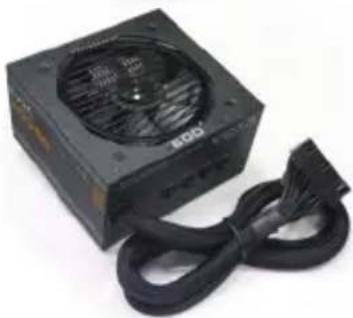
natural_image
Black CPU socket with ventilation fan and black cable (no visible text or symbols)EVGA 600W BRONZE
natural_image
Black D234 CPU socket with fan and ventilation slots (no visible text or symbols)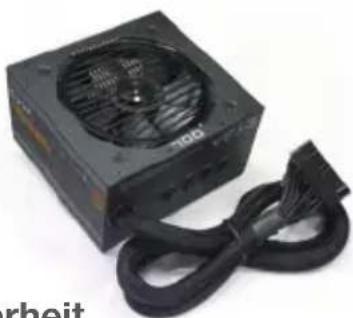
natural_image
Black power supply unit with cooling fan and black cord (no visible text or symbols)EVGA 700W BRONZE
natural_image
Close-up of a black computer power supply unit with visible fan and ventilation grille (no text or symbols)Sicherheit
natural_image
Diagram of a device rear panel with labeled ports and connectors (no text or symbols)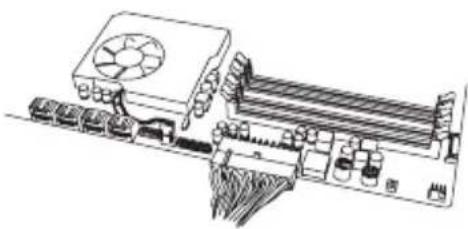
natural_image
Technical line drawing of a computer motherboard with cooling fan and drive slots (no text or symbols)natural_image
Technical line drawings of electronic components including CPU, drive, and power cord (no text or symbols)natural_image
Black computer power supply unit with fan and ventilation slots (no visible text or symbols)EVGA 600W BRONZE
natural_image
Black computer power adapter with fan and ventilation slots (no visible text or symbols)EVGA 700W BRONZE
natural_image
Close-up of a black power supply unit with a fan and cable (no visible text or symbols)natural_image
Diagram of a computer monitor with labeled ports and connectors (no text or symbols)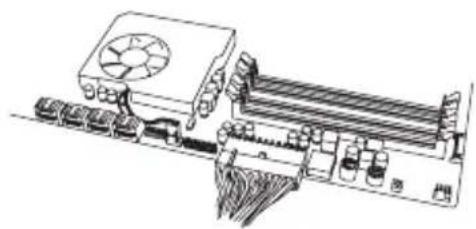
natural_image
Technical line drawing of a mechanical device with cooling fan and cooling unit (no text or symbols)natural_image
Line drawings of various electronic devices including CPU, drive, and power adapter (no text or symbols)Foire aux questions....22
Configuration de la nouvelle alimentation EVGA 500BQ / 600BQ / 700BQ ....23
Spécifications de la nouvelle alimentation EVGA 500BQ / 600BQ / 700BQ ....24
Introduction: Premium Power
natural_image
Black SGO computer power adapter with ventilation fan and black cable (no visible text or symbols)EVGA 500W BRONZE
natural_image
Close-up of a black computer power supply unit with a fan and ventilation grille (no visible text or symbols)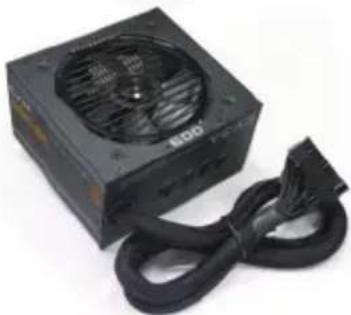
natural_image
Black ECO computer power supply unit with cooling fan and cord (no visible text or symbols)EVGA 600W BRONZE
natural_image
Black power supply unit with visible fan and ventilation slots (no text or symbols)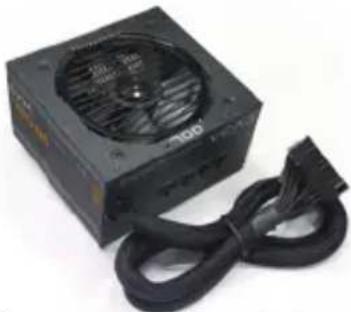
natural_image
Black computer power adapter with ventilation fan and black cable (no visible text or symbols)EVGA 700W BRONZE
natural_image
Close-up of a black computer power supply unit with a fan and ventilation grille (no visible text or symbols)natural_image
Diagram of a vehicle chassis with labeled components (no text or symbols present)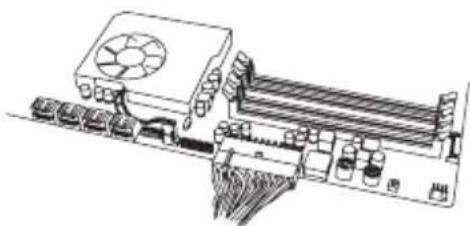
natural_image
Technical line drawing of a computer motherboard with cooling fan and drive unit (no text or symbols)natural_image
Illustration of various electronic devices including a CPU, battery pack, and power adapter connected to a power outlet (no text or symbols present)Foire aux questions
natural_image
Black power connector with ventilation grille and coiled cable (no visible text or symbols)EVGA 500W BRONZE
natural_image
Black computer power outlet with visible fan and ventilation slots (no text or symbols)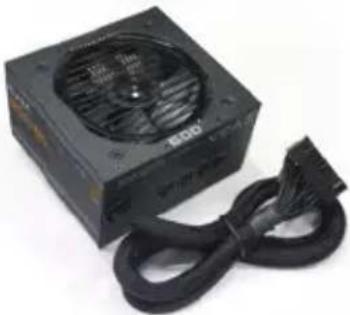
natural_image
Black power adapter with fan and cord, no visible text or symbolsEVGA 600W BRONZE
natural_image
Close-up of a black power supply unit with a fan and ventilation grille (no visible text or symbols)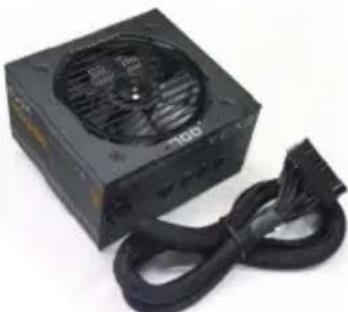
natural_image
Black power adapter with ventilation grille and black cable (no visible text or symbols)EVGA 700W BRONZE
natural_image
Close-up of a black computer power supply unit with a fan and ventilation grille (no visible text or symbols)natural_image
Diagram of a device rear panel with labeled ports and connectors (no text or symbols)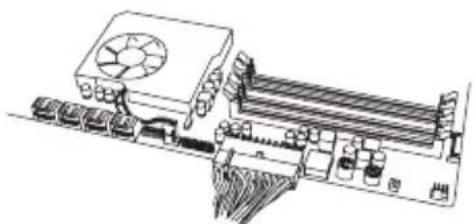
natural_image
Technical line drawing of a computer motherboard with cooling fan and drive unit (no text or symbols)natural_image
Line drawings of various electronic components including a CPU, drive, and power adapter (no text or symbols)natural_image
Black power adapter with fan and cord, no visible text or symbolsEVGA 500W BRONZE
natural_image
Close-up of a black power supply unit with a fan and ventilation grille (no visible text or symbols)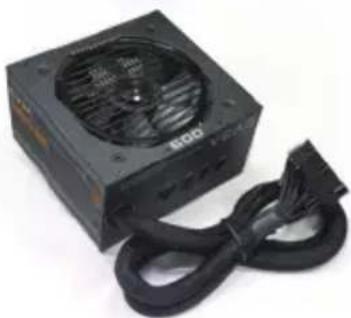
natural_image
Black CPU socket with ventilation fan and black cable (no visible text or symbols)EVGA 600W BRONZE
natural_image
Black power supply unit with visible fan and cable (no text or symbols)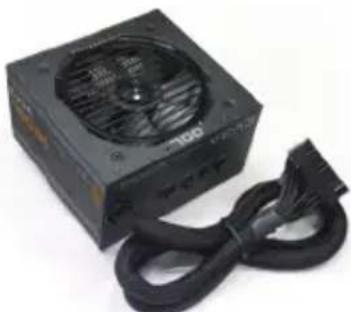
natural_image
Black power supply unit with cooling fan and black cable (no visible text or symbols)EVGA 700W BRONZE
natural_image
Black computer power supply unit with fan and ventilation slots (no visible text or symbols)natural_image
Diagram of a device rear panel with labeled ports and connectors (no text or symbols)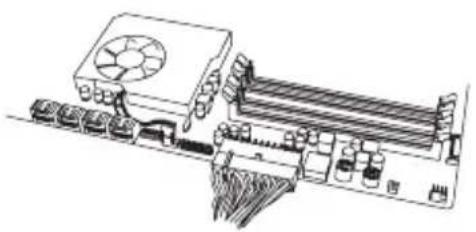
natural_image
Technical line drawing of a computer motherboard with slots and connectors (no text or symbols)natural_image
Line drawings of various electronic devices including CPU, hard disk, fan, and power adapter (no text or symbols)Domande e risposte
EUGA Corp. 408 Saturn Street, Brea, CA 92821, USA
www.euga.com
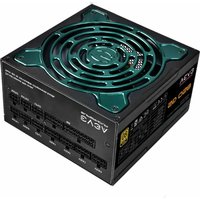


Brand : EVGA
Model : 700 BQ
Category : PC Power Supply