Compact Traveler Star S4 - Tripod ROLLEI - Free user manual and instructions
Find the device manual for free Compact Traveler Star S4 ROLLEI in PDF.


| Product Type | Tripod |
| Brand | Rollei |
| Model | Compact Traveler Star S4 |
| Material | Aluminum and plastic |
| Minimum height (folded) | 50 cm |
| Maximum height (unfolded) | 188 cm |
| Maximum working height | 160 cm |
| Number of leg sections | 5 |
| Maximum leg diameter | 26 mm |
| Head type | 3-way head |
| Quick release plate | Yes, with 1/4 inch screw |
| Bubble level | Yes |
| Stabilization hook | Yes |
| Rubber feet | Yes |
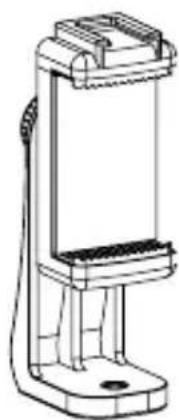
| Smartphone holder included | Yes, with cold shoe and 1/4 screw |
| Maximum load capacity | 5 kg |
| Weight | 1.4 kg |
| Package length | 51.5 cm |
| Box contents | Tripod, smartphone holder, carry bag, user manual |
| Height adjustment type | Crank |
| Spike feet | No |
Frequently Asked Questions - Compact Traveler Star S4 ROLLEI
User questions about Compact Traveler Star S4 ROLLEI
0 question about this device. Answer the ones you know or ask your own.
Ask a new question about this device
Download the instructions for your Tripod in PDF format for free! Find your manual Compact Traveler Star S4 - ROLLEI and take your electronic device back in hand. On this page are published all the documents necessary for the use of your device. Compact Traveler Star S4 by ROLLEI.
USER MANUAL Compact Traveler Star S4 ROLLEI
Compact Traveler Star S4
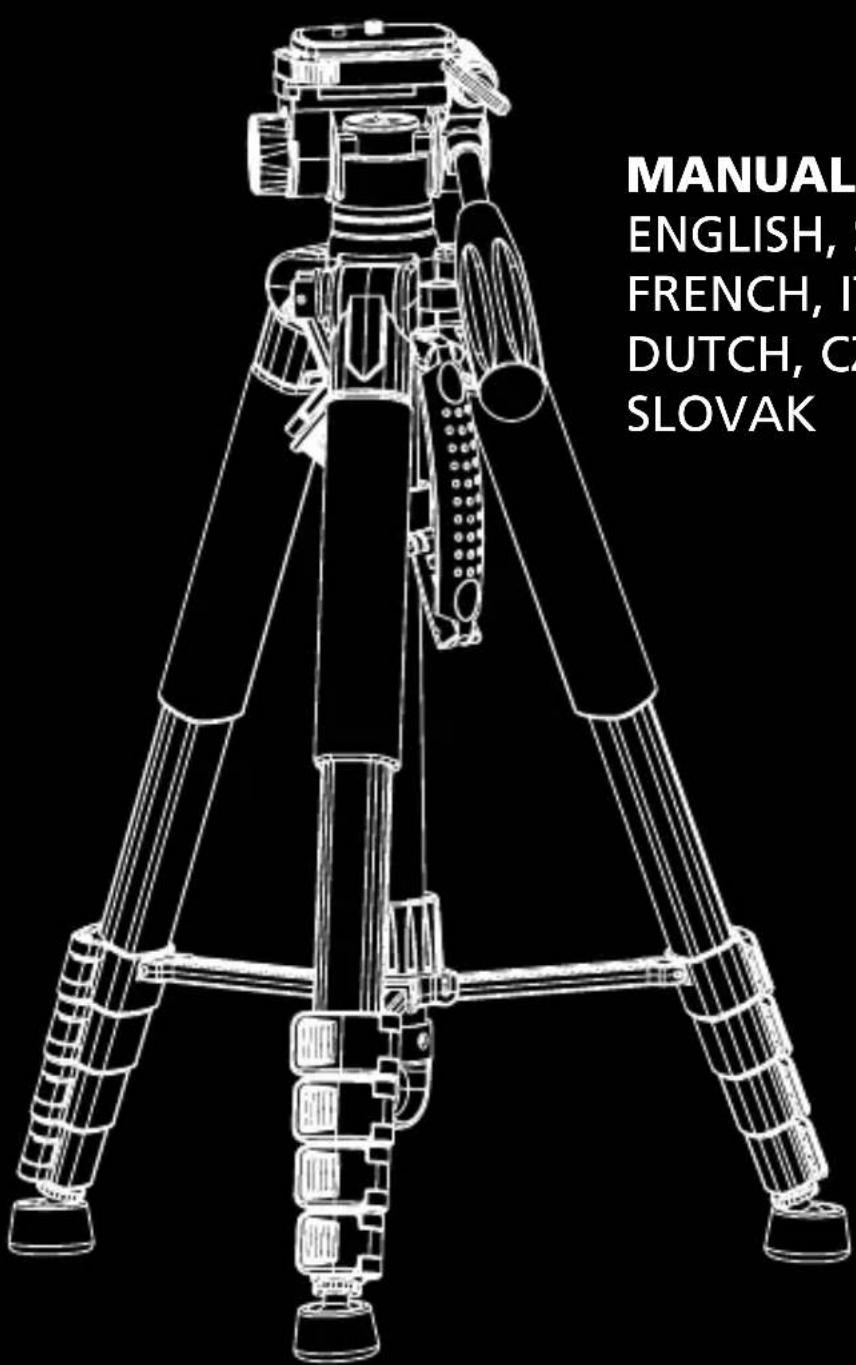
MANUAL IN GERMAN, ENGLISH, SPANISH, FRENCH, ITALIAN, DUTCH, CZECH AND SLOVAK
Rollei
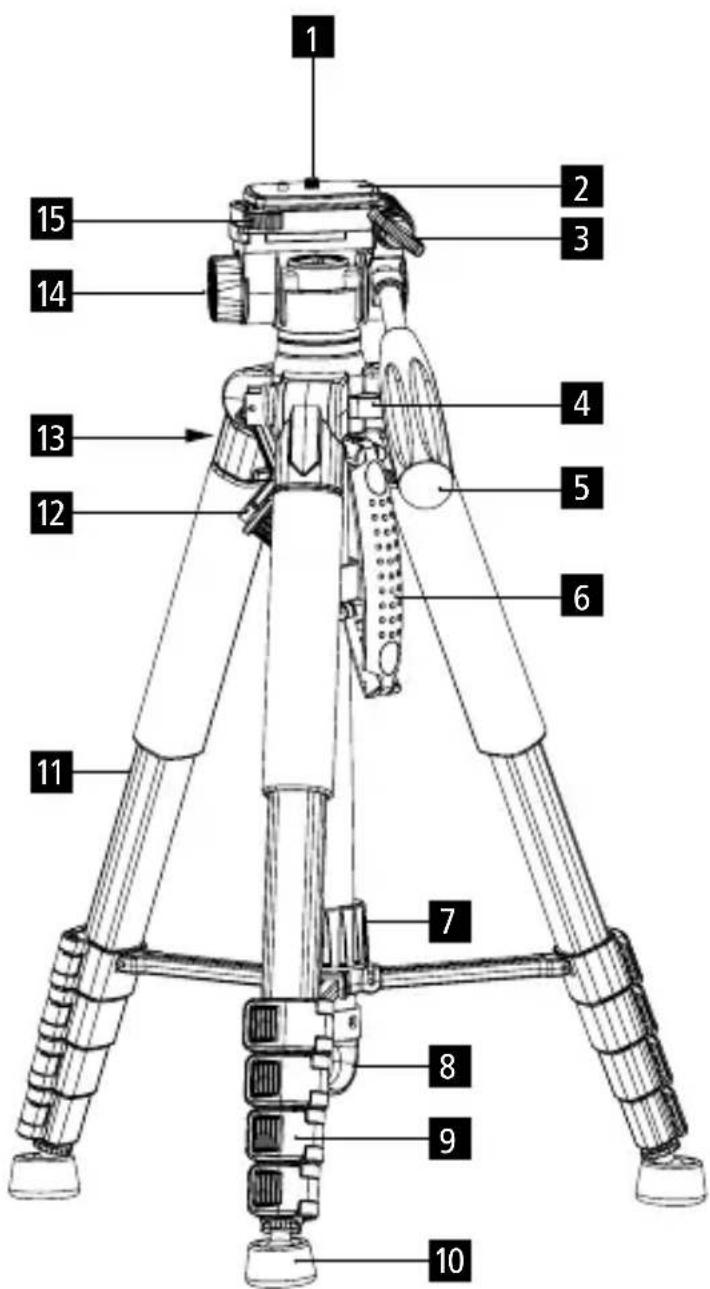
Product Overview Tripod....8
What's in the Box. 9
Tripod Instructions....9
Technical Data 11
MANUAL EN ESPAÑOL
natural_image
Technical illustration of a tripod-mounted camera with adjustable arm and scroll (no text or symbols)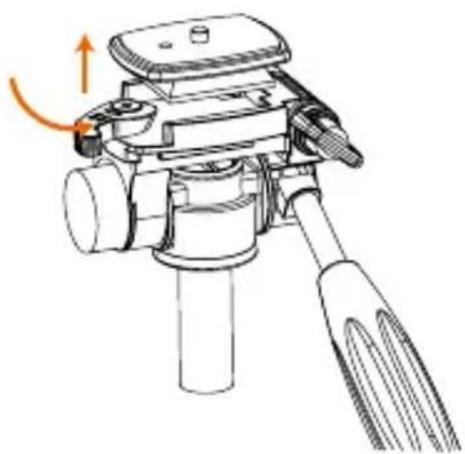
natural_image
Technical line drawing of a tripod-mounted device with an orange arrow indicating rotation (no text or symbols)Stativ-Anleitung
3-Wege-Kopf
natural_image
Technical line drawings of mechanical components, including a presser and three variants of a lever mechanism (no text or symbols present)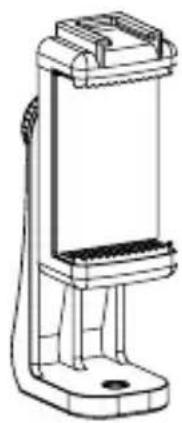
natural_image
Technical line drawing of a mechanical clamp or holder device (no text or symbols)Thank you for choosing our products! Please read the instructions carefully before use.
To set up the tripod properly, screw the head and feet clockwise onto the centre column or the respective leg ends. These assembly instructions ensure that the packaging remains compact and space-saving, which makes transport easier and saves materials.
Product Overview Tripod
1 1/4-inch screw
2 Quick-release plate
3 Vertical tilt lock button
4 Spirit level
5 Handle / tilt lock
6 Carry handle
7 Centre column lock
8 Hook
9 Folding leg lock
10 Rubber feet
11 Tripod leg
12 Height adjustment crank
13 Crank lock
14 360° base lock button
15 Quick-release button
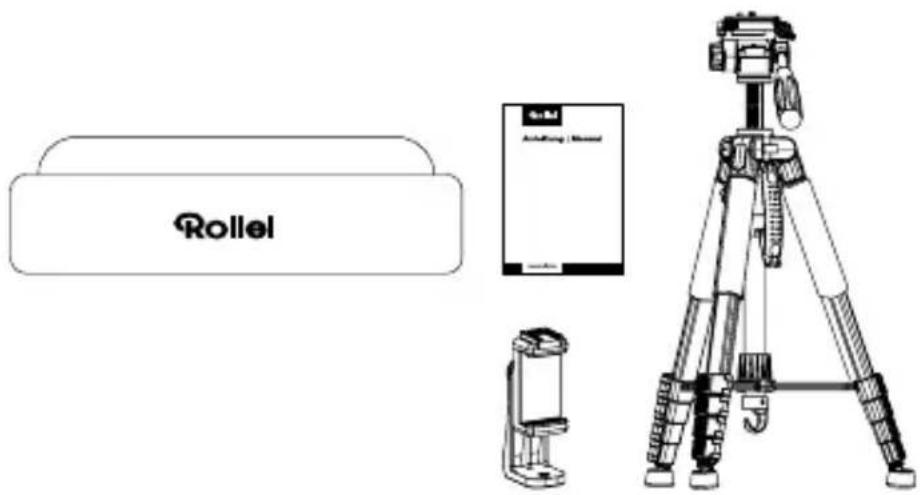
What's in the Box
- Tripod
- Carrying bag
- Smartphone holder
- User manual
Tripod Instructions
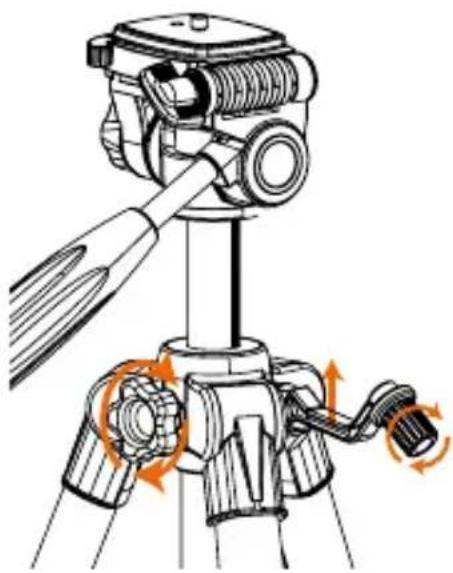
Centre column
- Release the crank lock by turning it anticlockwise.
- Fold up the crank and turn it to set the desired height.
- Tighten the crank lock.
Note: Always hold the crank when the lock is released to prevent it from retracting by itself.
natural_image
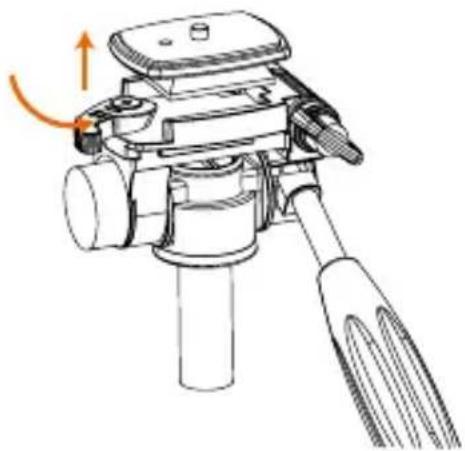
Technical illustration of a tripod-mounted camera with adjustable arm and scroll (no text or symbols)Quick-release plate
- Fully open the quick-release button to easily remove the quick-release plate.
- Open the quick-release button again if you want to reinsert the quick-release plate.
natural_image
Technical line drawing of a tripod-mounted device with an orange arrow indicating rotation (no text or symbols present)Using the Tripod
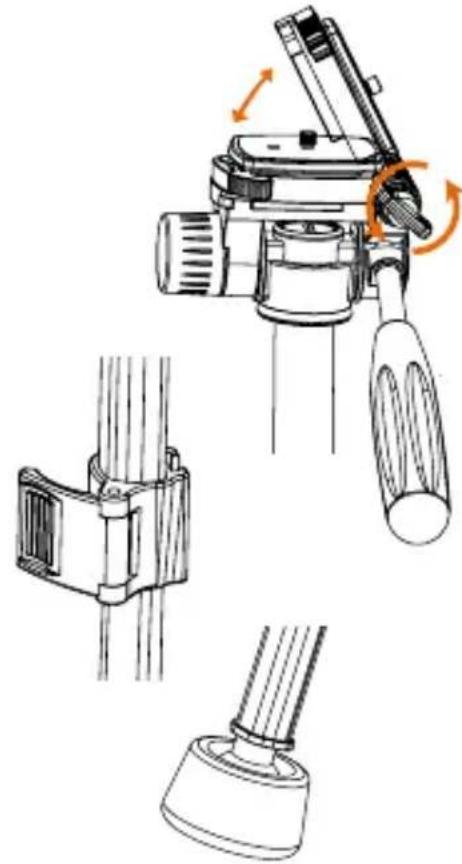
3-Way Head
- Loosen the vertical tilt lock knob to adjust the angle of the platform. It can reach an angle of 90^ for multifunctional use.
Leg Folding Clamp
- Flip the lever to adjust the leg to the desired height.
- Then push the button back in to lock the height
Rubber feet
- The rubber feet provide stability and do not slip or move when you are photographing on soft ground, grass or sand.
Hook
- Hang heavy objects such as backpacks, sandbags or similar on the hook to increase the stability of the tripod.
Smartphone Holder
- Screw the smartphone holder directly onto the quick release plate.
- Pull up the side with the cold shoe mount to clamp your smartphone in place.
- To rotate the smartphone, release the lock on the back, rotate the smartphone to the desired position, and re-lock it. The smartphone can be rotated 360^ .
- Accessories can be mounted using the cold shoe or the 1/4-inch screw thread.
natural_image
Technical line drawing of a mechanical device with three views: top view, side view, and bottom view (no text or symbols)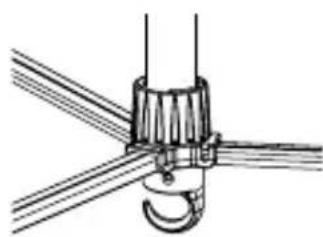
natural_image
Technical line drawing of a mechanical clamp or hook assembly (no text or symbols)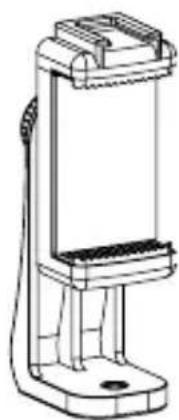
natural_image
Technical line drawing of a handheld device with a vertical support and mounting base (no text or symbols)| Tripod |
| Material Aluminium and plastic |
| Min. height 50 cm |
| Max. height 188 cm |
| Max. working height 160 cm |
| Pack size 51.5 cm |
| Spirit level Yes |
| Spikes No |
| Leg sections 5 |
| Max. leg diameter 26 mm |
| Connectors 1/4' screw |
| Max. load capacity 5 kg |
| Weight 1.4 kg |
| What's in the box Compact Traveler Star S4, smartphone mount, carrying bag, user manual |
Design and specifications are subject to change without notice.
natural_image
Technical line drawing of a tripod-mounted camera with attached device (no text or symbols)natural_image
Technical illustration of a tripod-mounted camera with two views showing mechanical adjustment (no text or symbols)natural_image
Technical line drawing of a mechanical device with three views: top view, side view, and bottom view (no text or symbols)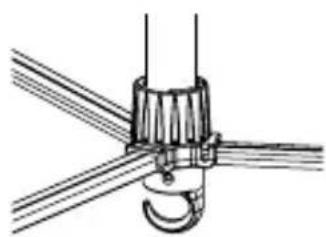
natural_image
Technical line drawing of a mechanical clamp or hook assembly (no text or symbols)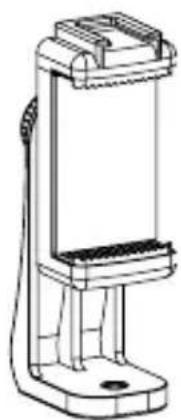
natural_image
Technical line drawing of a handheld device with a vertical support structure (no text or symbols)natural_image
Technical line drawing of a tripod-mounted camera with attached device (no text or symbols)natural_image
Technical illustration of a tripod-mounted camera with two views showing mechanical adjustment (no text or symbols)natural_image
Technical line drawing of a mechanical device with three views: top view, side view, and bottom view (no text or symbols)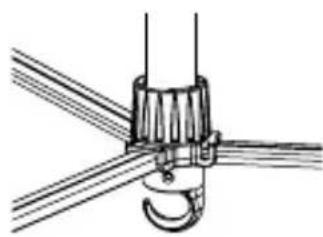
natural_image
Technical line drawing of a mechanical clamp or hook assembly with intersecting wires (no text or symbols)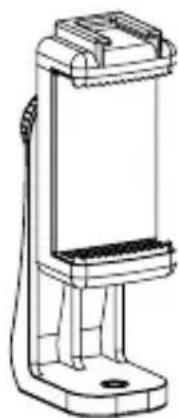
natural_image
Technical line drawing of a handheld device with a vertical support and mounting base (no text or symbols)natural_image
Technical line drawing of a tripod-mounted camera with attached device (no text or symbols)natural_image
Technical line drawing of a tripod-mounted camera with orange circular arrows indicating rotational motion (no text or symbols)natural_image
Technical line drawing of a tripod-mounted device with an orange arrow indicating rotation (no text or symbols present)Uso del treppiede
Testa a 3 vie
natural_image
Technical line drawing of a mechanical device with three views: top view, side view, and bottom view (no text or symbols)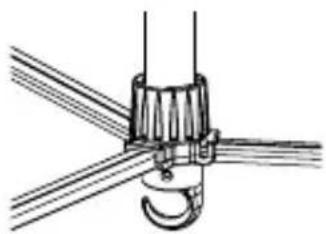
natural_image
Technical line drawing of a mechanical clamp or hook assembly (no text or symbols)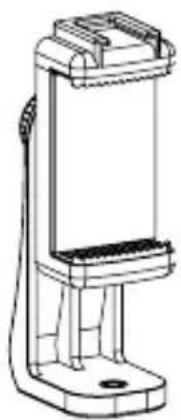
natural_image
Technical line drawing of a mechanical device with no visible text or symbolsnatural_image
Technical line drawing of a tripod-mounted camera with attached device (no text or symbols)Instructies statief
Middelste kolom
natural_image
Technical line drawing of a tripod-mounted camera with orange circular arrows indicating rotational motion (no text or symbols)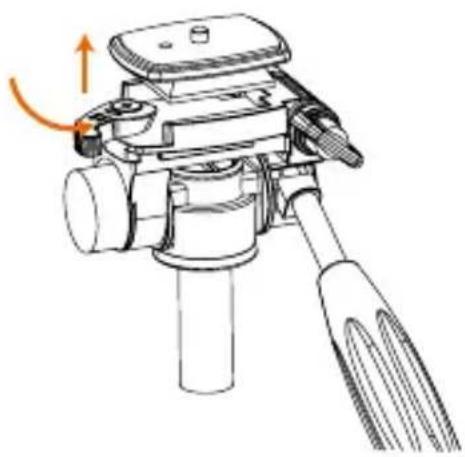
natural_image
Technical line drawing of a tripod-mounted device with an orange arrow indicating rotation (no text or symbols)natural_image
Technical line drawing of a mechanical device with three views: top view, side view, and bottom view (no text or symbols)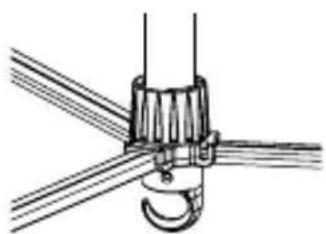
natural_image
Pure mechanical diagram showing a hook fastening assembly with wires (no text or symbols)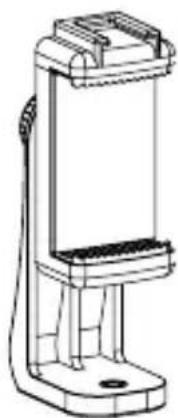
natural_image
Technical line drawing of a handheld device with a vertical support structure (no text or symbols)Technische gegevens
natural_image
Technical line drawing of a tripod-mounted camera with attached device (no text or symbols)natural_image
Technical illustration of a tripod-mounted camera with adjustable arm and scroll (no text or symbols)Rychloupínací deska
natural_image
Technical line drawing of a tripod-mounted device with an orange arrow indicating rotation (no text or symbols present)Používání stativu
Třícestná hlava
natural_image
Technical line drawing of a mechanical device with three views: top view, side view, and bottom view (no text or symbols)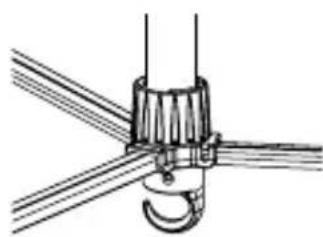
natural_image
Technical line drawing of a mechanical clamp or hook assembly (no text or symbols)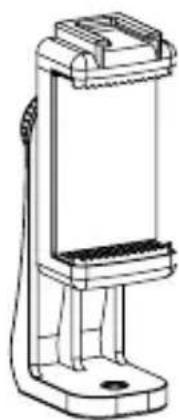
natural_image
Technical line drawing of a handheld device with a vertical support and mounting base (no text or symbols)Technické údaje
natural_image
Technical line drawing of a tripod-mounted camera with attached device (no text or symbols)Návod na použitie statívu
Stredový stípik
natural_image
Technical line drawing of a tripod-mounted camera with orange circular arrows indicating rotational motion (no text or symbols)natural_image
Technical line drawing of a tripod-mounted device with an orange arrow indicating rotation (no text or symbols present)Používanie statívu
Trojcestná hlava
natural_image
Technical line drawing of a mechanical device with three views: top view, side view, and bottom view (no text or symbols)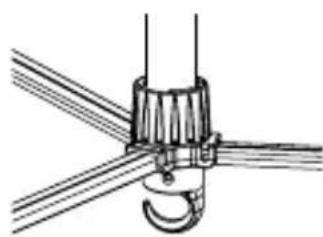
natural_image
Technical line drawing of a mechanical clamp or hook assembly (no text or symbols)