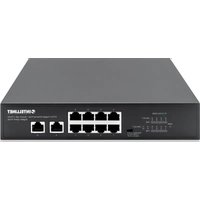
561877 - Switch Intellinet - Free user manual and instructions
Find the device manual for free 561877 Intellinet in PDF.


User questions about 561877 Intellinet
0 question about this device. Answer the ones you know or ask your own.
Ask a new question about this device
Download the instructions for your Switch in PDF format for free! Find your manual 561877 - Intellinet and take your electronic device back in hand. On this page are published all the documents necessary for the use of your device. 561877 by Intellinet.
USER MANUAL 561877 Intellinet
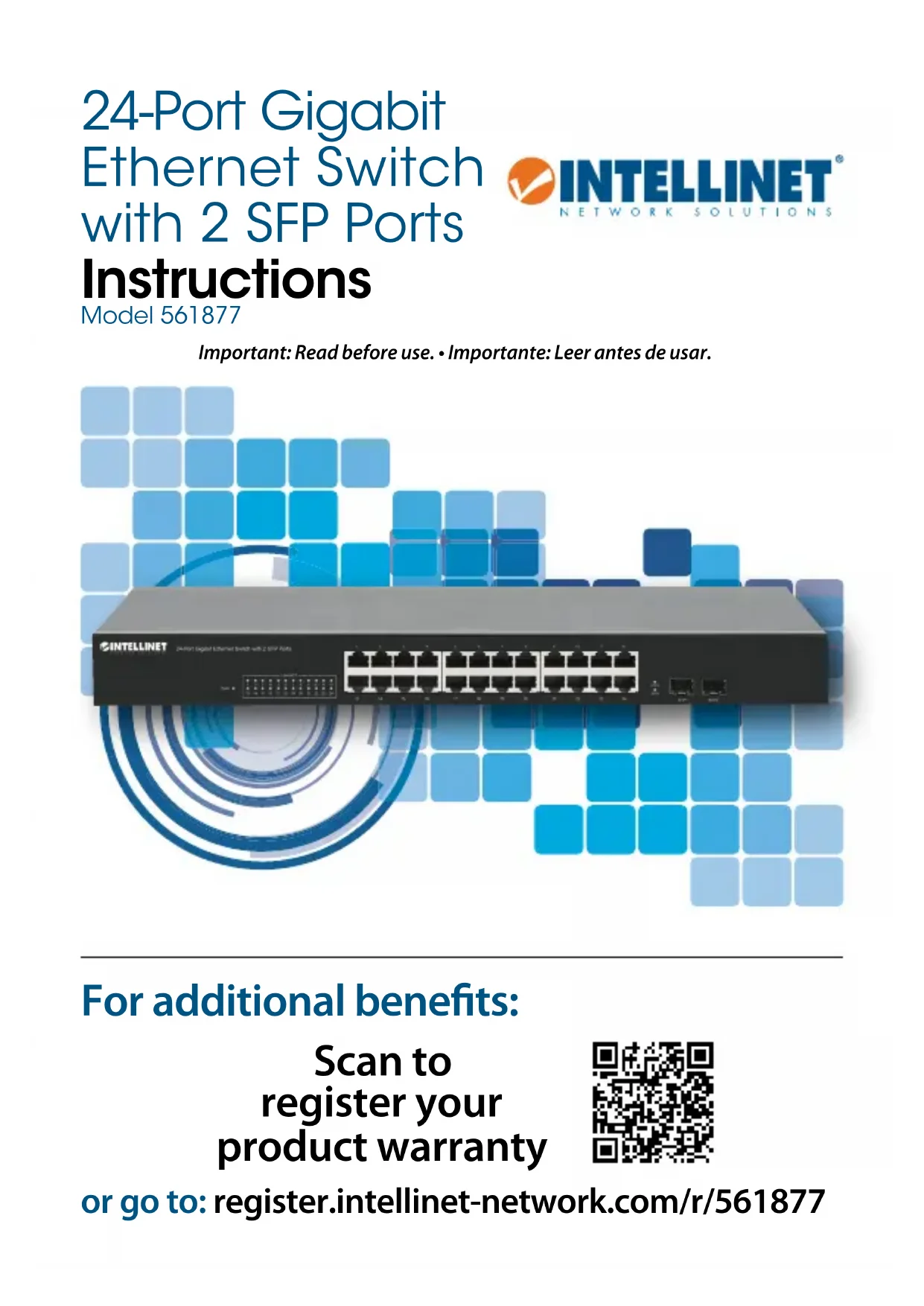
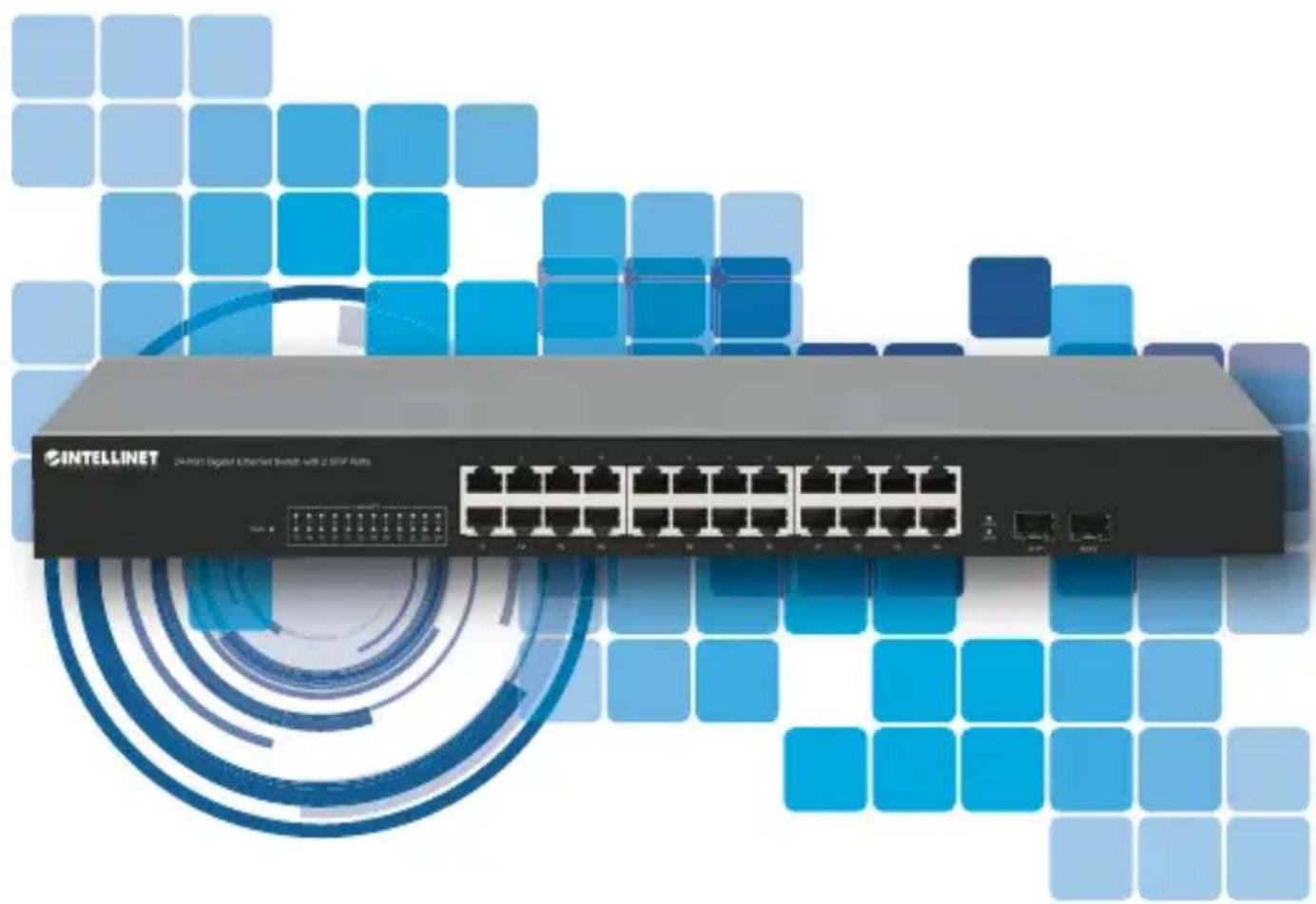
24-Port Gigabit Ethernet Switch with 2 SFP Ports

text_image
INTELLINET® NETWORK SOLUTIONSInstructions
Model 561877
Important: Read before use. • Importante: Leer antes de usar.
natural_image
Exterior view of a D:\Host Digital Ethernet switch with 2 Gbps RUB device (no signage or text on the device itself)For additional benefits:
Scan to register your product warranty

text_image
QR code image containing encoded data, no visible human-readable textor go to: register.intellinet-network.com/r/561877

Connections & Indicators

natural_image
Front view of a network switch device with multiple Ethernet ports (no visible text or labels)LEDs
The LED indicators make it easier to monitor the switch and its connections.
Ports
All RJ45 ports on the switch support Auto-MDI/MDI-X functionality, so crossover cables
and uplink ports are not needed for connections to PCs, routers, other switches, etc. Cat5/5e/6 UTP/STP cables provide optimal performance; if a status LED doesn't indicate a link, check the corresponding device for proper setup and operation.
| LED Color Status Status Description | ||
| PWR Green | Off Power Off | |
| On Power On | ||
| LINK/ACT, SFP1,SFP2 | Green | Off No link established. |
| On Valid port connection. | ||
| Flashing Sending or receiving data. | ||
Power
Use the included power cord to connect the device to an AC outlet.
Confirm that the power LED on the front panel is lit.

Placement
Prior to use, it is recommended that the switch be placed/positioned:
• on a level surface that can support the weight of the switch
- with a minimum of 25 mm (approx. 1") of clearance on the top and sides for adequate ventilation
- away from sources of electrical noise: radios, transmitters, broadband amplifiers, etc.
• where it cannot be affected by excessive moisture
Chassis Ground Column (Rear Panel)
Wire the grounding terminal to an earth grounding object to protect equipment from external electrical surges.
Rackmount
The switch includes brackets and screws
for optional rack mounting.
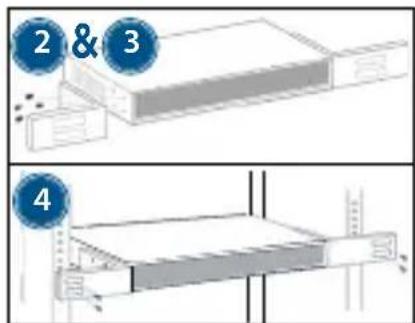
1 Disconnect any cables from the switch.
2 Position a bracket over the mounting holes on one side of the switch and secure it in place with screws.
3 Repeat Step 2 on the other side of the switch.
4 Position the switch in the rack and screw the brackets to the rack.
5 Reconnect any cables.
text_image
2 & 3 4For specifications, visit intellinetnetwork.com. Register your product at register.intellinet-network.com/r/561877 or scan the QR code on the cover.

natural_image
Front view of a network switch device with multiple Ethernet ports (no visible text or labels)LED-Anzeigen
natural_image
Front view of a network switch with multiple Ethernet ports (no visible text or labels)LEDs
natural_image
Front view of a network switch device with multiple Ethernet ports (no visible text or labels)Les DEL
natural_image
Front view of a network switch device with multiple Ethernet ports (no visible text or labels)Diody
natural_image
Front view of a network switch device with multiple Ethernet ports and indicator lights (no visible text or labels)LEDs
(Applicable In The European Union And Other European Countries With Separate Collection Systems)
ENGLISH: This symbol on the product or its packaging means that this product must not be treated as unsorted household waste. In accordance with EU Directive 2012/19/EU on Waste Electrical and Electronic Equipment (WEEE), this electrical product must be disposed of in accordance with the user's local regulations for electrical or electronic waste. Please dispose of this product by returning it to your local point of sale or recycling pickup point in your municipality.
This equipment has been tested and found to comply with the limits for a Class A digital device, pursuant to Part 15 of the Federal Communications Commission (FCC) Rules. These limits are designed to provide reasonable protection against harmful interference when the equipment is operated in a commercial environment. This equipment generates, uses and can radiate radio frequency energy, and if not installed and used in accordance with the instruction manual may cause harmful interference to radio communications. Operation of this equipment in a residential area is likely to cause harmful interference, in which case the user will be required to correct the interference at his own expense. Any changes or modifications made to this equipment without the approval of the manufacturer could result in the product not meeting the Class A limits, in which case the FCC could void the user's authority to operate the equipment.
CE
ENGLISH : This device complies with the requirements of CE 2014/30/EU and/or 2014/35/EU. The Declaration of Conformity for is available at:
support.intellinet-network.com/barcode/561877



| North America | Asia & Africa | Europe |
| IC Intracom America | IC Intracom Asia | IC Intracom Europe |
| 550 Commerce Blvd. | 4-F, No. 77, Sec. 1, Xintai 5th Rd. | Löhbacher Str. 7, D-58553 |
| Oldsmar, FL 34677 | Xizhi Dist., New Taipei City 221 | Halver |
| USA | Taiwan | Germany |
All trademarks and trade names are the property of their respective owners. © IC Intracom. All rights reserved. Intellinet Network Solutions is a trademark of IC Intracom, registered in the U.S. and other countries.
NOTES

INTELLINET®
NETWORK SOLUTIONS
intellinetnetwork.com