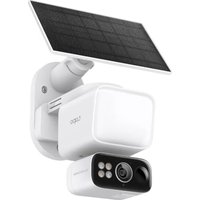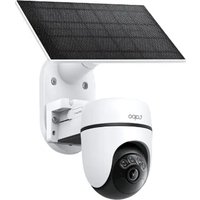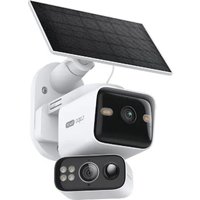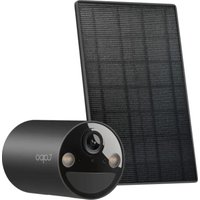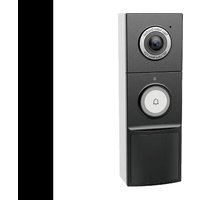
Tapo D235 - Surveillance Camera TP-LINK - Free user manual and instructions
Find the device manual for free Tapo D235 TP-LINK in PDF.


User questions about Tapo D235 TP-LINK
0 question about this device. Answer the ones you know or ask your own.
Ask a new question about this device
Download the instructions for your Surveillance Camera in PDF format for free! Find your manual Tapo D235 - TP-LINK and take your electronic device back in hand. On this page are published all the documents necessary for the use of your device. Tapo D235 by TP-LINK.
USER MANUAL Tapo D235 TP-LINK
for technical support, user guides, warranty, and more information

tp-link
tapo
Quick Start Guide
Tapo Video Doorbell Camera

Install guide:
Scan QR code or visit
https://www.tp-link.com/support/faq/3972/
CONTENTS
1 / Mounting
3 / English
5 / Dansk
7 / Nederlands
9 / Suomi
11 / Français
13 / Deutsch
15 / Ελληνικά
17 / Italiano
19 / Norsk
21 / Português
23 / Español
25 / Svenska
Mount the Doorbell After Setup
Battery Powered
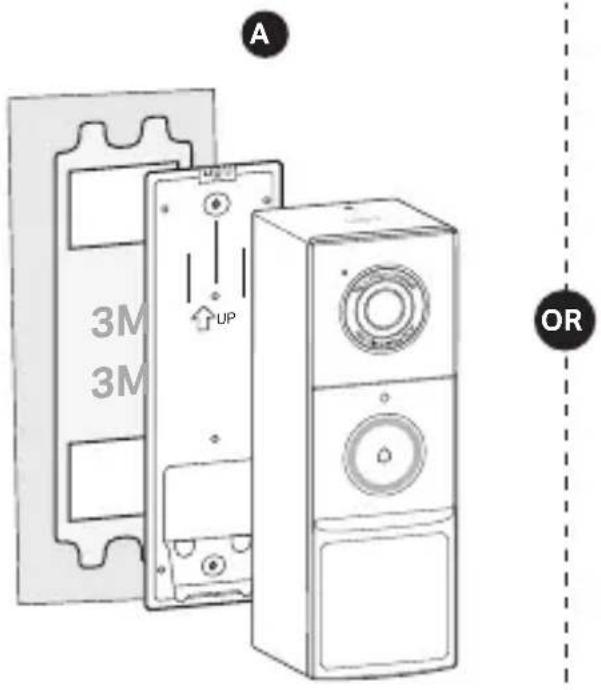
text_image
3M 3M A UP OR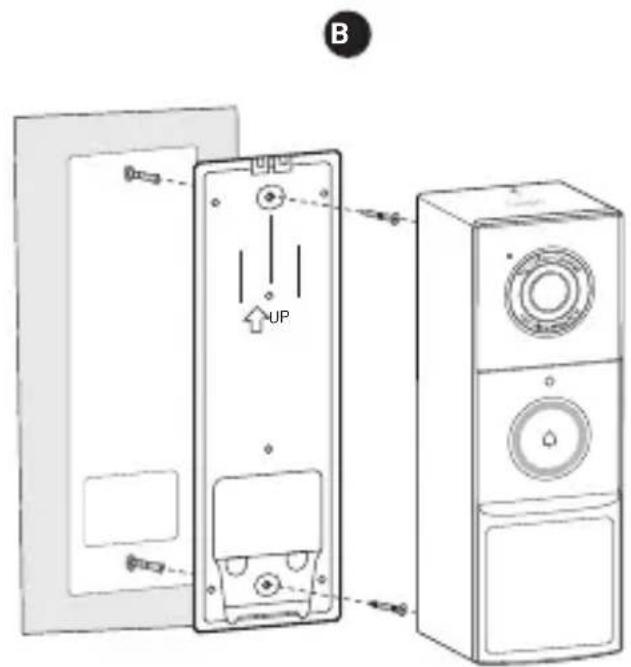
text_image
B UPImages may differ from the actual products.
Mount the Doorbell After Setup
Hardwire Powered
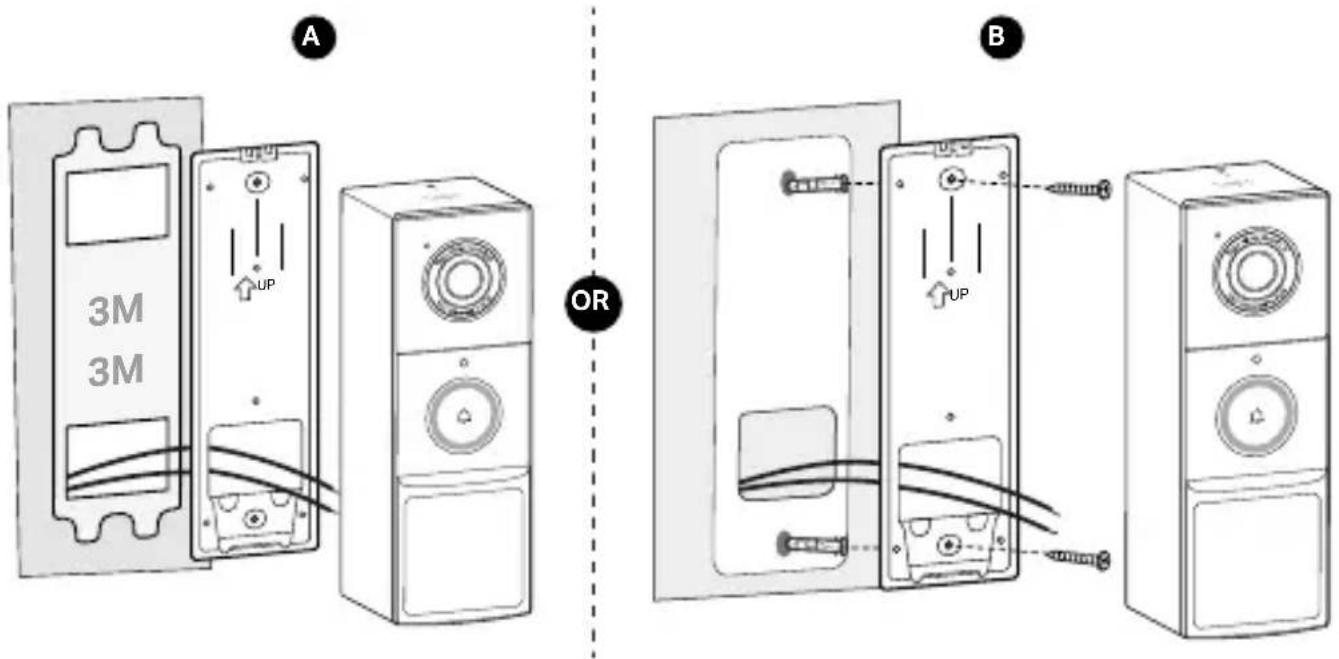
text_image
A 3M 3M OR BImages may differ from the actual products.
English
Note: Images may differ from the actual products.
1 Charge the Battery
Plug in the USB cable to charge your doorbell. When you plug in the charger, the LED should blink amber quickly for 3 seconds.

text_image
5V/2A2 Power Up
Press the ON/OFF button on the back of the doorbell for 3 seconds to power on the doorbell.
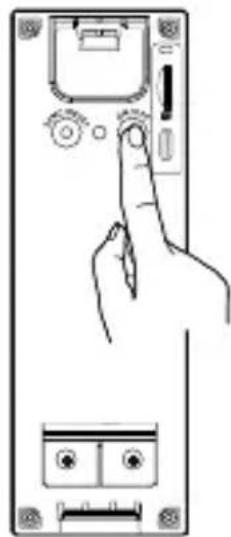
natural_image
Line drawing of a hand pressing down on a device panel with buttons and dials (no text or symbols)3 Set Up
- Get the Tapo app from the App Store or Google Play.
- Follow the instructions on the Tapo app to set up your doorbell and pair with the chime.
Note: If you didn't pair the chime during the doorbell setup, you can pair it later. For details, visit https://www.tp-link.com/support/faq/3818/.
English
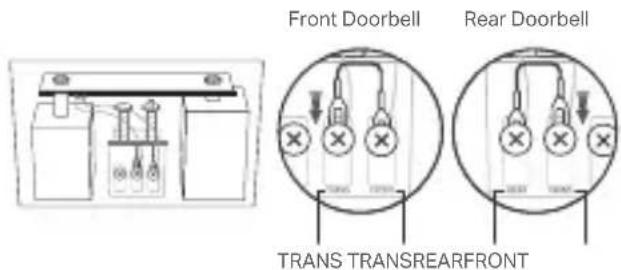
4 (Optional) Bypass Existing Chime
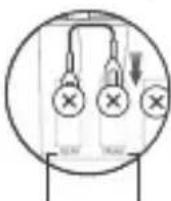
If you choose to hardwire your doorbell and enable Always-On Mode (which supports 24/7 recording), you need to bypass your existing chime by inserting a jumper wire.
text_image
Front Doorbell Rear Doorbell TRANS TRANSREARFRONTDansk
natural_image
Line drawing of a hand pressing down on a smartphone screen with buttons and a magnifying glass (no text or symbols)3 Opsætning
natural_image
Line drawing of a hand pressing down on a device panel with buttons and dials (no text or symbols)3 Installatie
- Download de Tapo app in de App Store of Google Play Store.
natural_image
Line drawing of a hand pressing down on a device panel with buttons and dials (no text or symbols)3 Määritys
natural_image
Line drawing of a hand pressing down on a device panel with buttons and dials (no text or symbols)3 Installation
natural_image
Line drawing of a hand pressing down on a device panel with buttons and dials (no text or symbols)3 Einrichten
natural_image
Simple line drawing of a battery with two terminals and internal components (no text or symbols)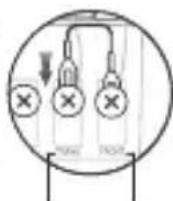
TRANS TRANSREARFRONT
Ελληνικά
natural_image
Line drawing of a hand pressing down on a device panel with buttons and a scroll (no text or symbols)3 Ρύθμιση
natural_image
Line drawing of a hand pressing down on a device panel with buttons and dials (no text or symbols)3 Impostazione
natural_image
Line drawing of a hand pressing down on a device panel with buttons and dials (no text or symbols)3 Oppsett
- Hent Tapo-appen i App Store eller Google Play.



natural_image
Line drawing of a hand pressing down on a device panel with buttons and dials (no text or symbols)3 Configurar
natural_image
Line drawing of a hand pressing down on a device panel with buttons and a magnifying glass (no text or symbols)3 Configuración
natural_image
Line drawing of a hand pressing down on a device panel with buttons and ports (no text or symbols)3 Konfigurera
English: Safety Information
- Do not attempt to disassemble, repair, or modify the device. If you need service, please contact us.
- Do not use damaged charger or USB cable to charge the device.
- Do not use the device where wireless devices are not allowed.
- Keep the device away from fire or hot environments. DO NOT immerse in water or any other liquid.
CAUTION!
Avoid replacement of a battery with an incorrect type that can defeat a safeguard. Avoid disposal of a battery into fire or a hot oven, or mechanically crushing or cutting of a battery, that can result in an explosion. Do not leave a battery in an extremely high temperature surrounding environment that can result in an explosion or the leakage of flammable liquid or gas. Do not leave a battery subjected to extremely low air pressure that may result in an explosion or the leakage of flammable liquid or gas.
Please read and follow the above safety information when operating the device. We cannot guarantee that no accidents or damage will occur due to improper use of the device. Please use this product with care and operate at your own risk.
TP-Link hereby declares that the device is in compliance with the essential requirements and other relevant provisions of directives 2014/53/EU, 2011/65/EU and (EU)2015/863.
The original EU Declaration of Conformity may be found at https://www.tapo.com/support/ce/.
TP-Link hereby declares that the device is in compliance with the essential requirements and other relevant provisions of the Radio Equipment Regulations 2017.
The original UK Declaration of Conformity may be found at https://www.tapo.com/support/ukca/.