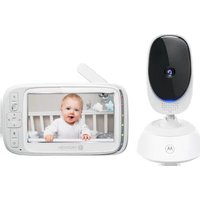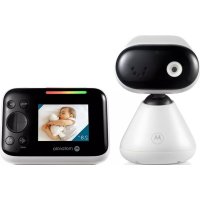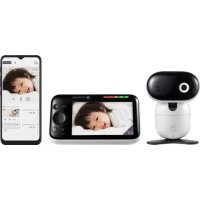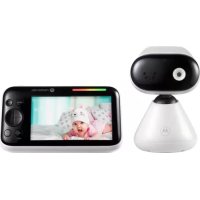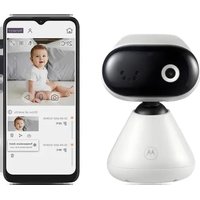
PIP1000 Connect - Baby monitors MOTOROLA - Free user manual and instructions
Find the device manual for free PIP1000 Connect MOTOROLA in PDF.


| Product type | Baby monitor |
| Brand | Motorola |
| Model | PIP1000 Connect |
| Connectivity | Wi-Fi 2.4 GHz, Motorola Nursery app |
| Power supply | 5V/1000mA power adapter (included) |
| Viewing angle | Manual tilt and pan |
| Night vision | Yes, light sensor and infrared LED |
| Audio | Built-in microphone and speaker |
| Temperature | Built-in temperature sensor |
| Compatibility | Android 7.0+ / iOS 11.0+ |
| Camera dimensions | Approx. 7 x 7 x 11 cm |
| Camera weight | Approx. 150 g |
| Cable length | Approx. 3 meters |
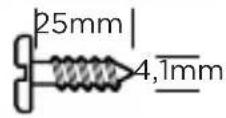
| Wall mount | Bracket and screws included |
| LED indicator | Solid blue (power on), flashing red (not paired) |
| Certifications | CE, UKCA |
| Maintenance | Clean with a soft, dry cloth. Do not use abrasive products. |
| Safety | Power cord out of reach of children (minimum distance 1 m) |
| Warranty period | 2 years |
| Package contents | Camera, power adapter, wall mount, mounting kit, quick start guide |
Frequently Asked Questions - PIP1000 Connect MOTOROLA
User questions about PIP1000 Connect MOTOROLA
0 question about this device. Answer the ones you know or ask your own.
Ask a new question about this device
Download the instructions for your Baby monitors in PDF format for free! Find your manual PIP1000 Connect - MOTOROLA and take your electronic device back in hand. On this page are published all the documents necessary for the use of your device. PIP1000 Connect by MOTOROLA.
USER MANUAL PIP1000 Connect MOTOROLA
Max. transmitted power: < 20dB
English....3
Deutsch....6
Français....9
Nederlands 12
Español 15
Italiano....18
Português....21
Ελληνικά 24
Polski....27
Česky 30
Slovenčina....33
Svenska 36
Dansk 39
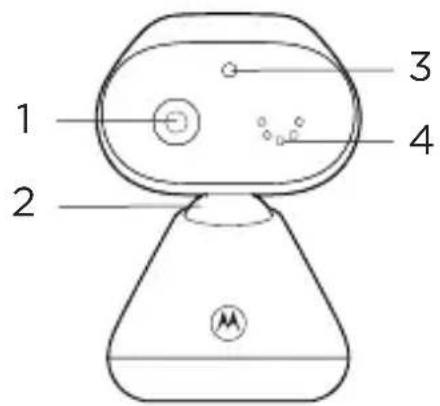
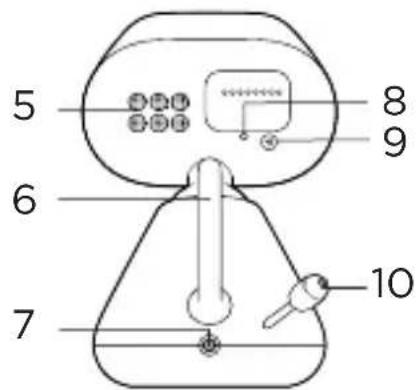
1. At a glance
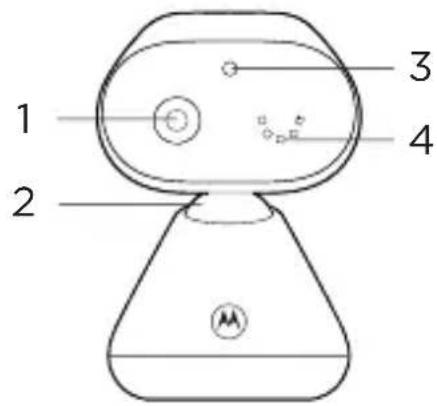

- Camera
- Manual pan tilt head
- Light sensor
- Microphone
- Speaker
- Antenna
-
Power jack
-
Power indicator
Lights up in blue when powered on. It turns OFF automatically during night mode.
- Pair button
For information on how to connect the camera unit to your device, see section 4.
- Temperature sensor
2. Connect
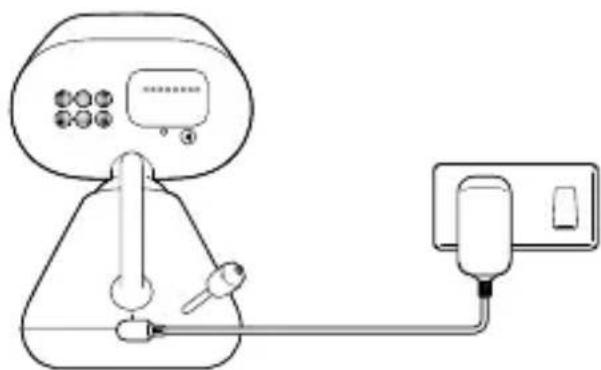
- Plug the DC plug of the power adapter into the power socket on the rear of the camera unit and plug the other end of the AC adapter into the wall socket.
- The camera unit turns on and the power indicator lights up in blue first and changes to red flashing if not paired to the Motorola Nursery App.
natural_image
Line drawing of a portable water heater connected to a digital display and plug (no text or symbols)
WARNING
Strangulation Hazard. Children have STRANGLED in cords. Keep this cord out of the reach of children (more than 1 meter or 3 feet away). Do not remove the tags from the AC Adapters. Only use the AC Adapters provided.
Note
Use only the supplied power adapter (DC5V / 1000 mA).
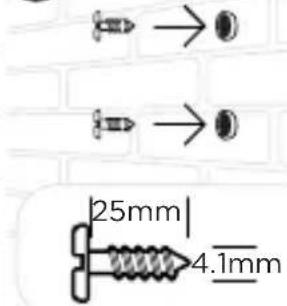
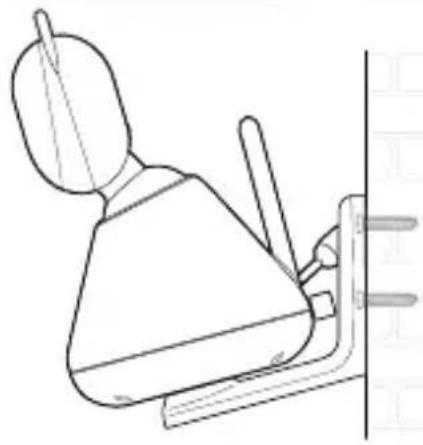
3. Wall mount the camera unit
1
2
3
4
natural_image
Simple line drawing of a robot with a base, head, and torso (no text or symbols)5
natural_image
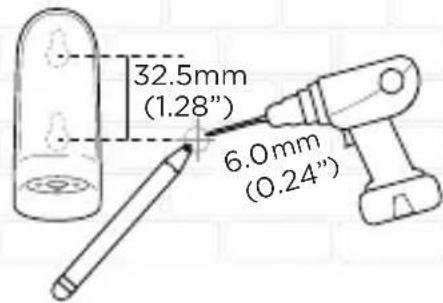
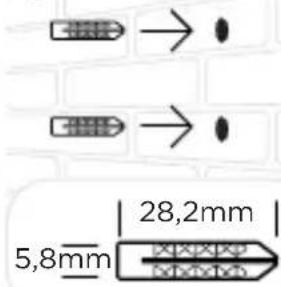
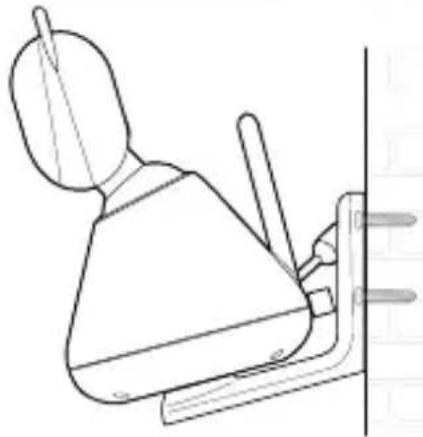
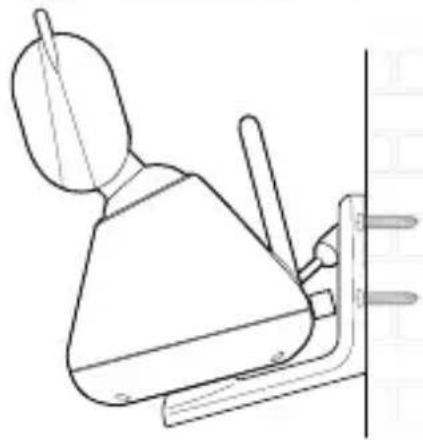
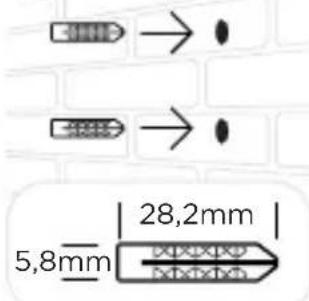
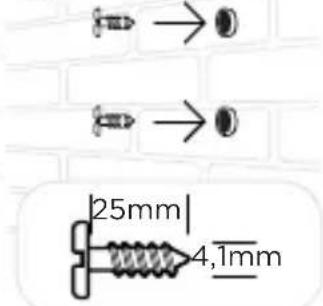
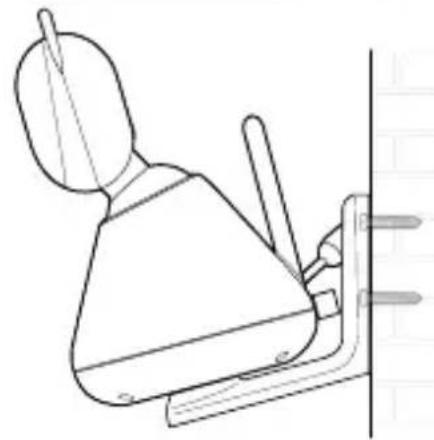
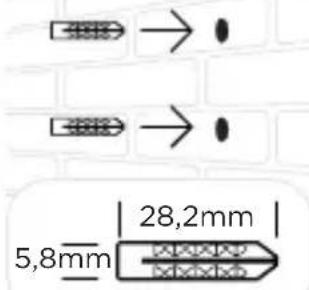
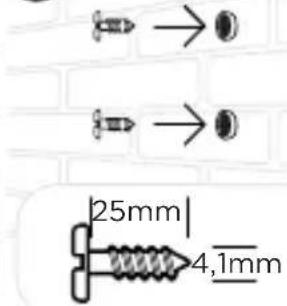
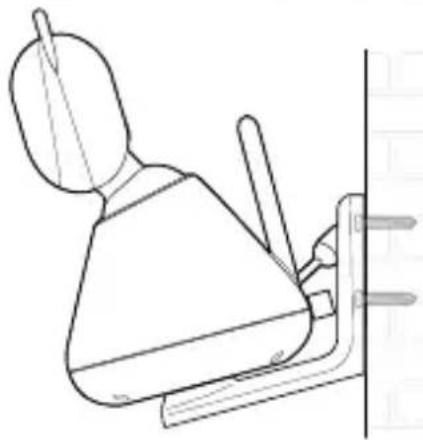
Line drawing of a mechanical device with a handle and lever mechanism (no text or symbols)- Mark the positions of 2 screw holes on the wall. Drill a screw hole at each marking.
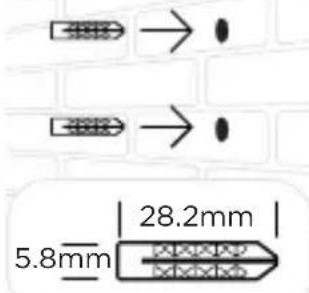
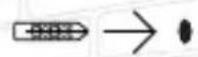
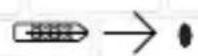
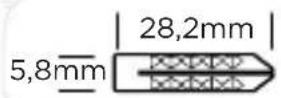
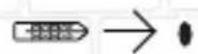
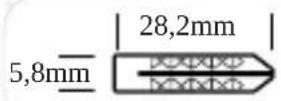
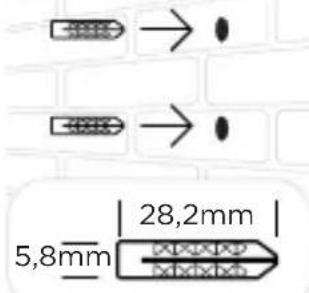
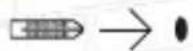
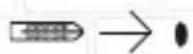
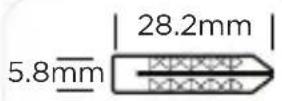
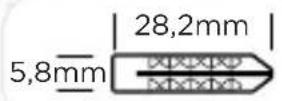
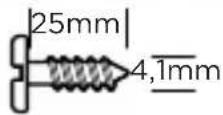
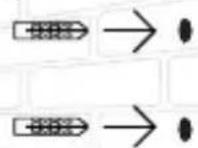
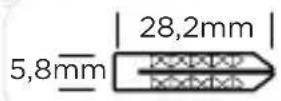
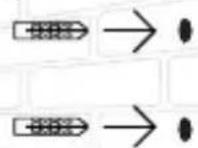
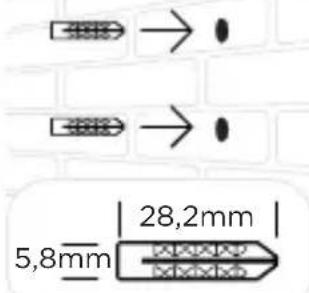
- Install the supplied wall anchors into 2 screw holes on the wall.
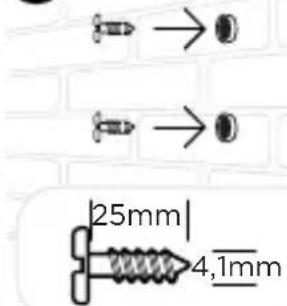
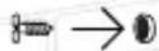
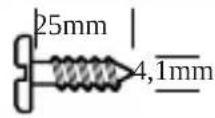
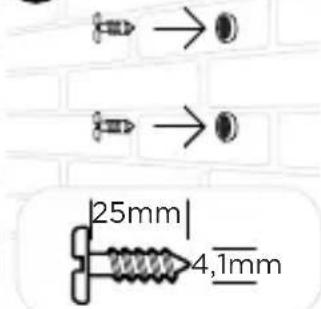
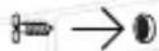
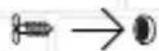
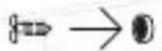
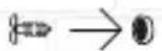
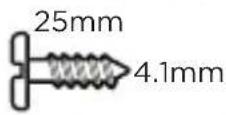
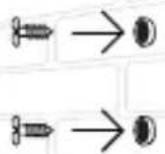
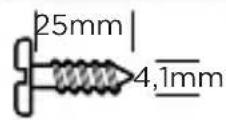
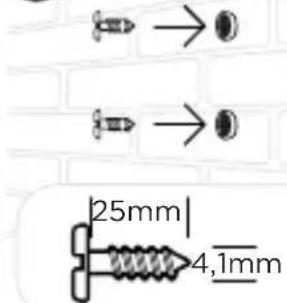
- Insert the supplied wall mounting screws into the wall anchors.
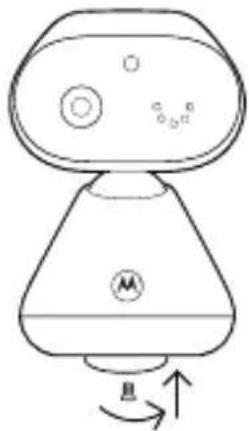
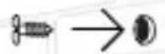
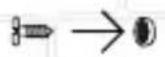
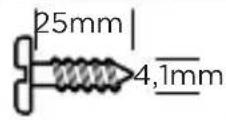
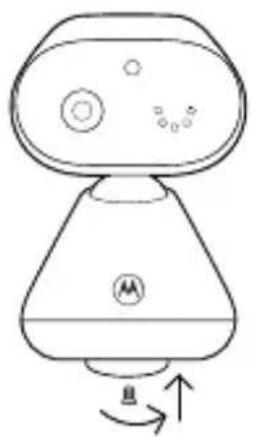
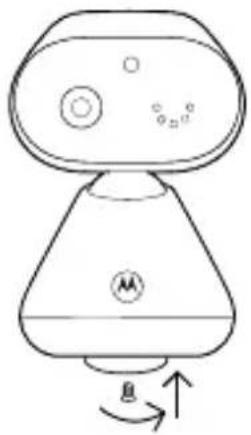
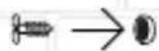
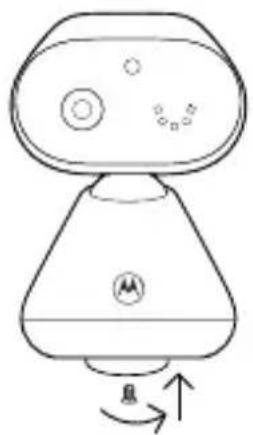
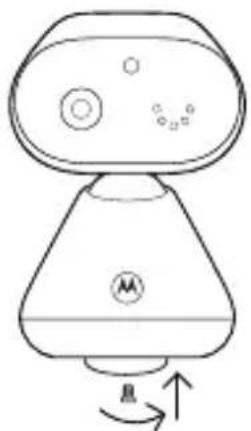
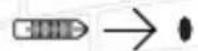
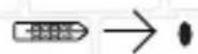
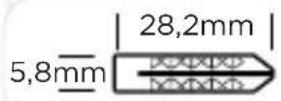
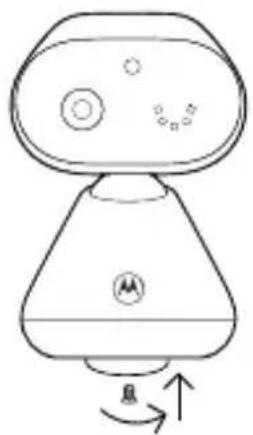
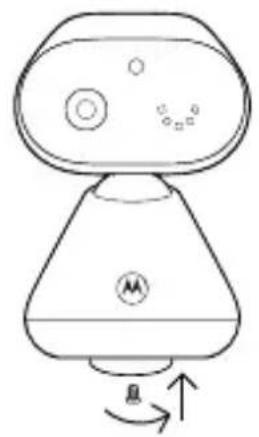
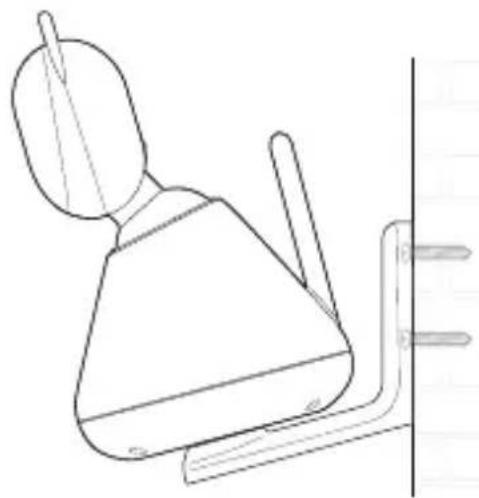
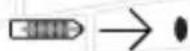
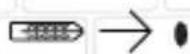
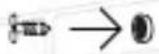
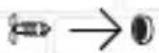
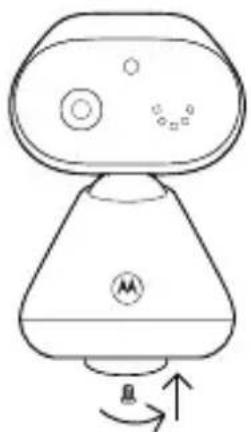
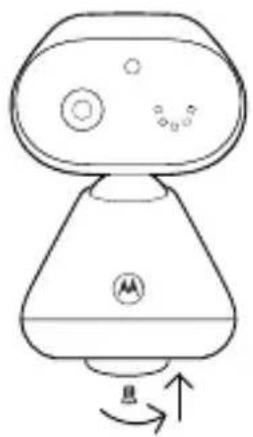
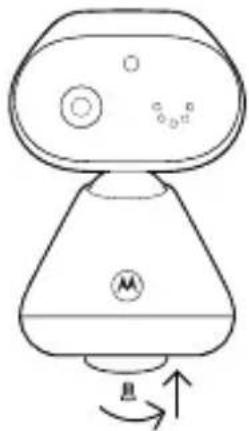
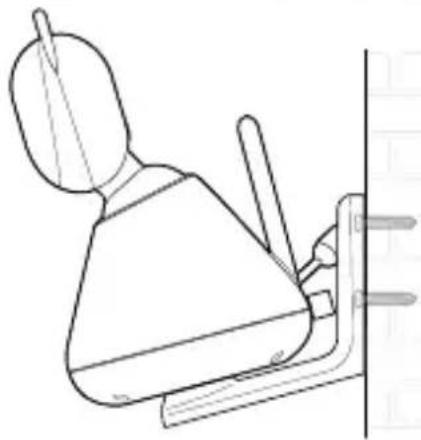
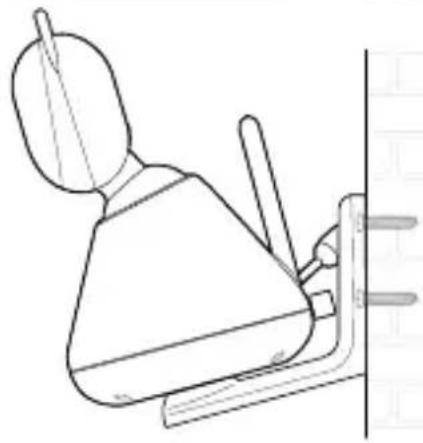
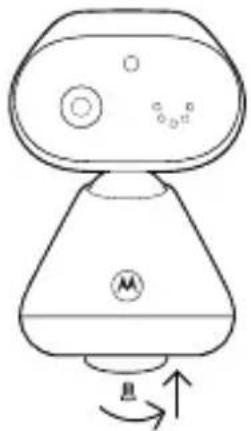
- Fix and fasten the underside of the baby (camera) unit and the wall mount bracket with the supplied separate screw.
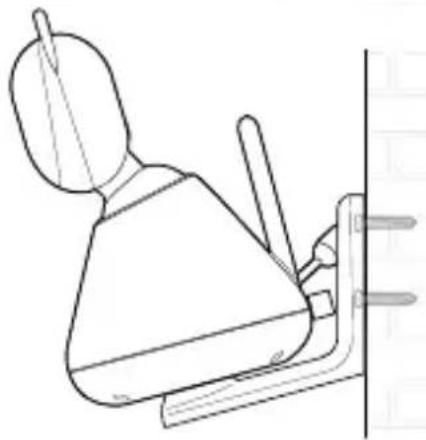
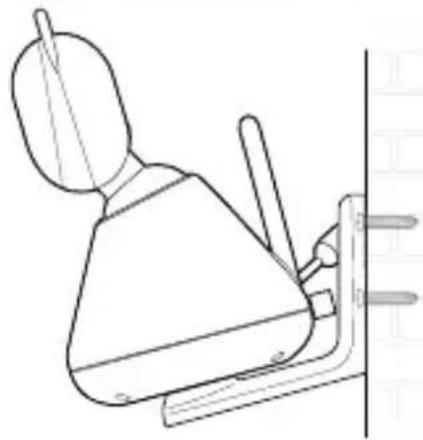
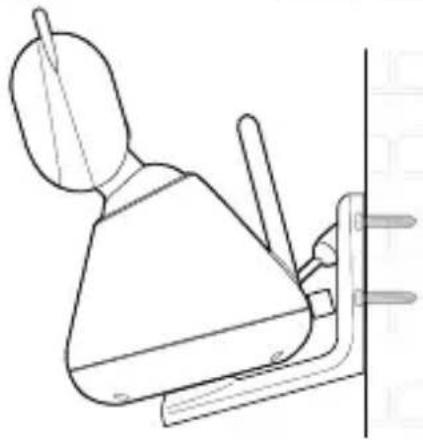
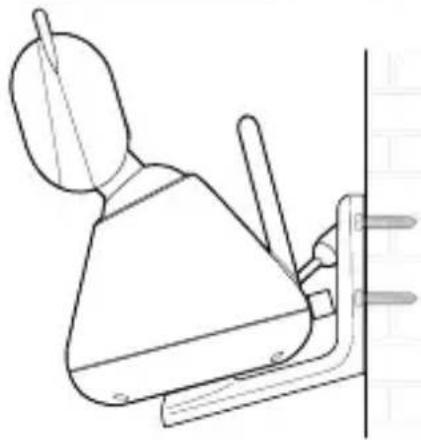
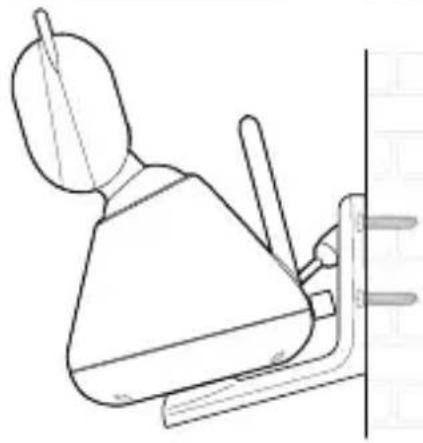
- Hang the wall mount bracket on the wall mounting screws on the wall.
- Adjust the camera manually if necessary.
Note
The pack includes a power adapter with a longer cord which is beneficial for wall mount application, where your wall socket is far from the camera.
4. View the baby through your device
Minimum system requirement of your device
- Android™ System: Version 7.0 or above
- iPhone® iOS: Version 11.0 or above
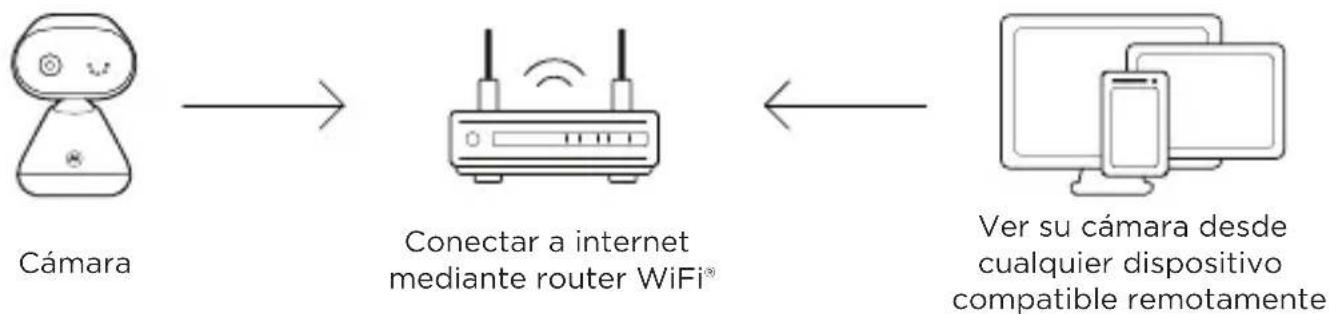
- High Speed 2.4GHz (Wi-Fi®): At least 0.6 Mbps upload bandwidth per camera (you can test your internet speed on this site: http://www.speedtest.net).
Connect to Wi-Fi® and use the Nursery App
Camera
Connect to internet via Wi-Fi ^® router
View your camera from any compatible device remotely
- Scan the QR code with your smart device and download the Motorola Nursery App from App Store for iOS devices or from Google Play™ Store for Android™ devices.
- Install the App on your device.
- Follow the on-screen instructions to run and sign up or log in to the App.
- Open the Motorola Nursery App on your compatible smartphone.
- Follow the in-app instructions to create your account and connect the camera to your device.
Note
If the connection is lost, check your Wi-Fi® settings and reconnect your Wi-Fi® if necessary. Ensure the camera unit is switched on. Wait for a few minutes for the camera unit to reconnect with your device.
1. Überblick
DE
natural_image
Line drawing of a portable air conditioner unit connected to a power outlet (no text or symbols)
WARNUNG
2
3
4
natural_image
Simple line drawing of a robot with a head, torso, and base (no text or symbols)5
natural_image
Line drawing of a mechanical device with a handle and lever (no text or symbols)natural_image
Line drawing of a portable air conditioner unit connected to a power outlet (no text or symbols)
MISE EN GARDE
2
3
4
natural_image
Simple line drawing of a robot with a head, torso, and base (no text or symbols)5
natural_image
Line drawing of a mechanical device with a handle and lever mechanism (no text or symbols)

Remarque
natural_image
Line drawing of a portable water heater connected to a digital outlet (no text or symbols)
WAARSCHUWING
2

3
4
natural_image
Line drawing of a robot-like device with a curved base and circular components, showing motion arrows (no text or symbols)5
natural_image
Line drawing of a mechanical device with a handle and lever mechanism (no text or symbols)

Opmerking
natural_image
Line drawing of a portable device connected to a power plug (no text or symbols)
ADVERTENCIA
2
3
4
natural_image
Simple line drawing of a robot with a head, torso, and base (no text or symbols)5
natural_image
Line drawing of a mechanical component with a handle and lever, no text or symbols presentConectar a WiFi® usar la app Nursery


Nota
natural_image
Line drawing of a portable water heater connected to a power plug (no text or symbols)
ATTENZIONE
2
3
4
natural_image
Line drawing of a robot-like device with a curved base and circular components, showing motion arrows (no text or symbols)5
natural_image
Line drawing of a mechanical device with a handle and lever mechanism (no text or symbols)

Nota
natural_image
Line drawing of a portable air conditioner connected to a power outlet (no text or symbols)
ADVERTÊNCIA
2
3
4
natural_image
Line drawing of a robot with a base, head, and torso, showing motion arrows (no text or symbols)5
natural_image
Line drawing of a mechanical device with a handle and lever mechanism (no text or symbols)

Nota
natural_image
Simple line drawing of a device with a funnel, plug, and connected tubing (no text or symbols)
ΠΡΟΕΙΔΟΠΟΙΗΣΗ
2
3
4

natural_image
Line drawing of a robot with a base, head, and sensor symbols (no text or labels)5
natural_image
Line drawing of a wall-mounted device with a handle and base, no text or symbols present
Σημείωση
natural_image
Line drawing of a portable air conditioner with a digital display and connected plug (no text or symbols)
OSTRZEŻENIE
2
3
4
natural_image
Simple line drawing of a robot with a head-mounted sensor and directional arrow (no text or symbols)5
natural_image
Line drawing of a mechanical device with a handle and lever mechanism (no text or symbols)
Uwaga
natural_image
Line drawing of a portable air conditioner unit connected to a power outlet (no text or symbols)
UPOZORNĚNÍ
2
3
4
natural_image
Simple line drawing of a robot-like device with a base, top, and bottom (no text or symbols)5
natural_image
Line drawing of a mechanical device with a handle and lever (no text or symbols)

Poznámka
natural_image
Line drawing of a portable air conditioner connected to a power outlet (no text or symbols)
VÝSTRAHA
2
3
4
natural_image
Simple line drawing of a robot with a base, head, and torso (no text or symbols)5
natural_image
Line drawing of a mechanical device with a handle and lever mechanism (no text or symbols)

Poznámka
natural_image
Line drawing of a portable water heater connected to a power plug (no text or symbols)
WARNING
2
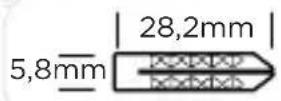
3
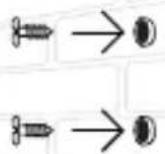
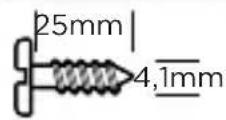
4
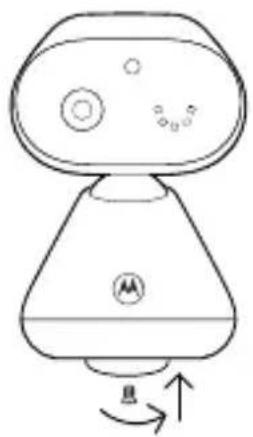
natural_image
Simple line drawing of a robot-like device with a base, top, and bottom (no text or symbols)5
natural_image
Line drawing of a mechanical device with a handle and lever (no text or symbols)natural_image
Line drawing of a portable device connected to a plug, with no visible text or symbols
ADVARSEL
2
3
4
natural_image
Simple line drawing of a robot with a base, head, and torso (no text or symbols)5
natural_image
Line drawing of a mechanical device with a handle and lever mechanism (no text or symbols)
Bemærk
EU Declaration of Conformity
Hereby, MZGW declares that the radio equipment type is in compliance with RE Directive 2014/53/EU. The full text of the EU declaration of conformity is available on the website: motorolanursery.com.
UK Declaration of Conformity
Hereby, MZGW declares that this product is in compliance with the requirements for UKCA marking. The Declaration of Conformity can be obtained at motorolanursery.com.
Manufactured by:
Meizhou Guo Wei Electronics Co., Ltd., AD1 Section, The Economic Development Area, Meizhou, 514000, Guangdong Province, China
Imported & Distributed by:
Meizhou Guo Wei Electronics (UK) Co., Ltd., 207 Regent Street, Suite 8, Third Floor, London, W1B 3HH. UK
Meizhou Guo Wei Electronics (EU) Co., Ltd., 51 Bracken Road, Carlisle Offices, Dublin 18, D18 CV48. Ireland
Contact email address: support@motorolanursery.com
Manufactured, distributed or sold by Meizhou Guo Wei Electronics Co. LTD., official licensee for this product. MOTOROLA and the Stylized M Logo are trademarks or registered trademarks of Motorola Trademark Holdings, LLC. and are used under license. All other trademarks are the property of their respective owners. © 2024 Motorola Mobility LLC. All rights reserved.
Version 3 (EU)