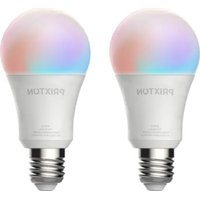
BW10 - Lamp Prixton - Free user manual and instructions
Find the device manual for free BW10 Prixton in PDF.


User questions about BW10 Prixton
0 question about this device. Answer the ones you know or ask your own.
Ask a new question about this device
Download the instructions for your Lamp in PDF format for free! Find your manual BW10 - Prixton and take your electronic device back in hand. On this page are published all the documents necessary for the use of your device. BW10 by Prixton.
USER MANUAL BW10 Prixton
- Please download Smart Life APP first:
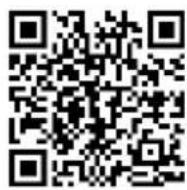
Android
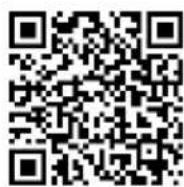
iOS
You can scan the QR code, or search "Smart Life" from APP store
- Open Smart Life to click "register" and agree to the privacy policy.
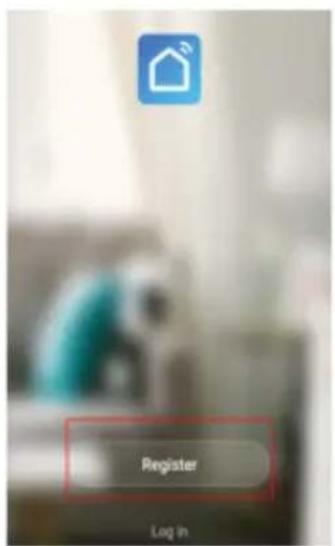
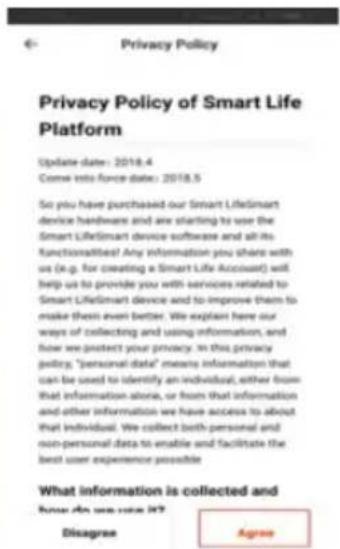
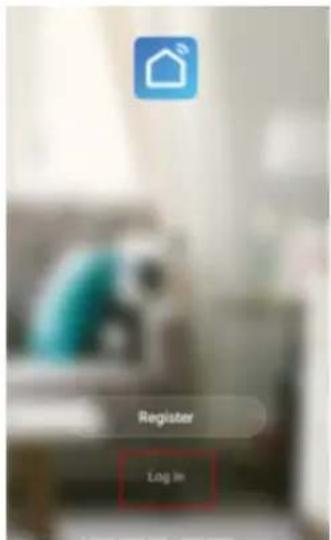
- Input your phone number or email to finish the registration, and after the registration is done, click Log in.

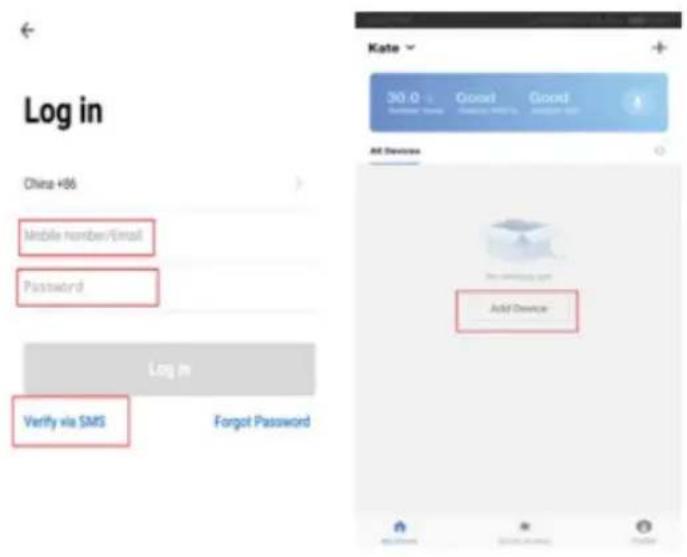
- To log in, please input your mobile number/Email as well as the password, or you can also verify via SMS, and click Add Device after you successfully log in.
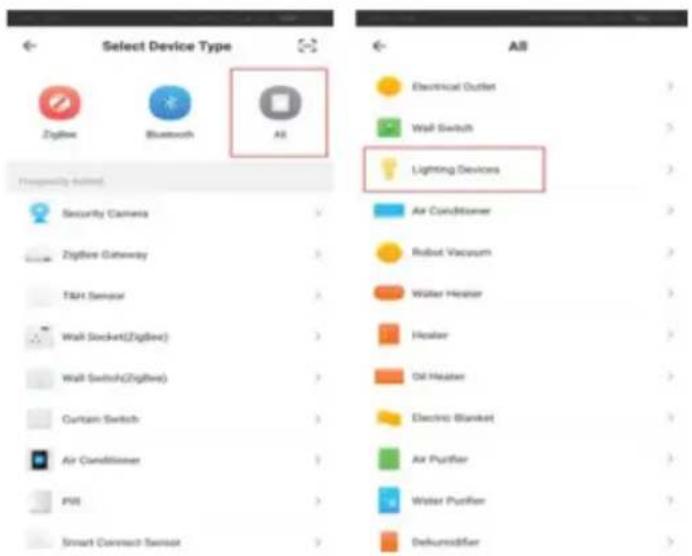
5.Click All to proceed and choose Lighting Devices:
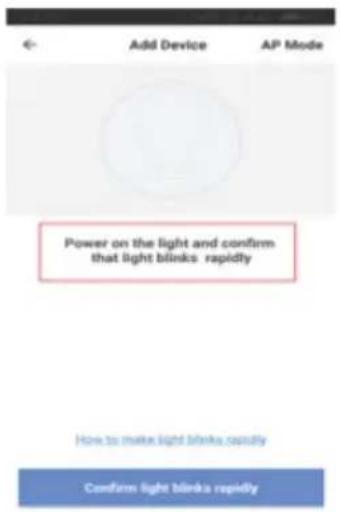
- Then you will be asked to confirm the bulb is flashing rapidly.
How to make the smart bulb flash rapidly? (EZ mode)
- Connect the bulb to the power source.
- Press the switch "on-off-on-off-on" continuously.
- Then the smart bulb will be flashing quickly.
How to make the smart bulb flash slowly? (AP mode)
- Power on device. Power off after 10s then power on again.
- Turn on-off-on-off-on continuously.
- When the buld is now flashing rapidly, go to next step.
- Operate again: On-off-on-off-on. Then the bulb will be flashing slowly.
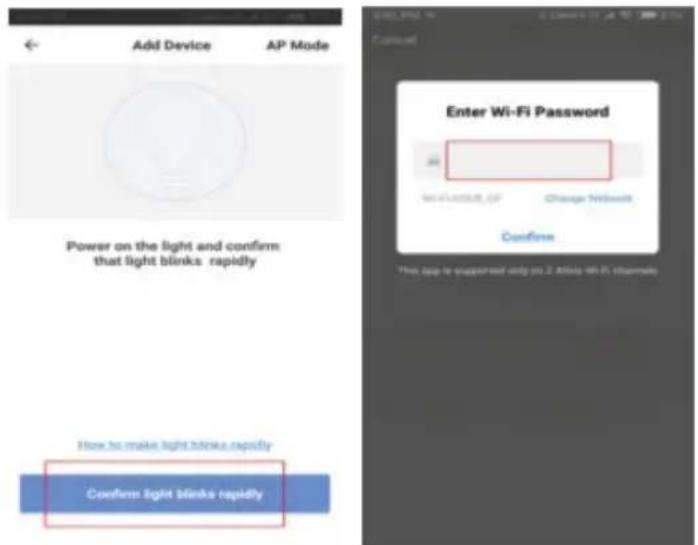
7.Go on with Confirm light blinks rapidly and enter the WIFI password at your place.
How to use voice control of Amazon Echo to control your Smart devices?
- Open the" Amazon Alexa"APP, click Skills
- Enter smart life, Choose smart life and Click Enable
- Enter the account and password of Smart life
- Enter the account and password of Amazon Alexa
5.Click Authorize and successfully done:
How to use Google home to control smart bulb?
- Go to homepage of Google home, choose"Home control"and Tap "+"
- Choose "smart life", enter your smart life account and password.
- Click to assigned rooms
- Your device will be listed in the Home control page.
Warranty policy
This product complies with the warranty law in force in the country of purchase. When you have a problem that you can not solve, you must access the web www.prixton.com and click on the contact option to send us your assistance form.
These technical and electrical specifications are those of typical units and may be changed without prior notice in order to provide improved equipment.
Simplified EU Declaration Of Conformity
We, La Trastienda Digital located in Avenida Cervantes 49, modulo 25, Basauri 48970, Bizkaia hereby declare that the following goods, imported and selling at European market:
| BRAND | MODEL NAME DESCRIPTION | CATEGORY |
| Prixton BW10 | Wifi Bulb | Home |
Are in compliance with the EC Council Directive of 2014/53/EU (EM DIRECTIVE) and harmonized standards and with the board of the 16th of April 2014.
The complete text of the UE Declaration of conformity is available anytime at this website address:
www.prixton.com LA TRASTIENDA DIGITAL