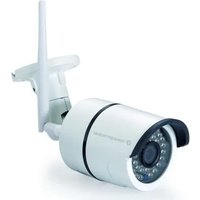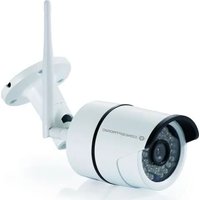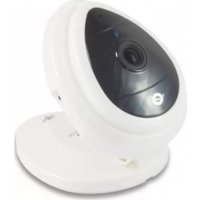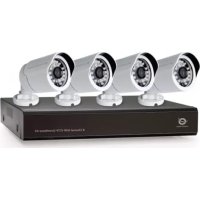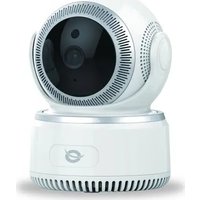
DARAY01W - Surveillance Camera CONCEPTRONIC - Free user manual and instructions
Find the device manual for free DARAY01W CONCEPTRONIC in PDF.



User questions about DARAY01W CONCEPTRONIC
0 question about this device. Answer the ones you know or ask your own.
Ask a new question about this device
Download the instructions for your Surveillance Camera in PDF format for free! Find your manual DARAY01W - CONCEPTRONIC and take your electronic device back in hand. On this page are published all the documents necessary for the use of your device. DARAY01W by CONCEPTRONIC.
USER MANUAL DARAY01W CONCEPTRONIC
Multi Language Quick Guide
Wireless Cloud IP Camera
DARAY
Download and install the desktop application from www.conceptronic.net
Installation & usage
Get ready for camera
- Connect the power adapter into your camera.
Note: Please use the power adapter attached with camera, in order to avoid damage the camera.
Android / iOS Phone Application
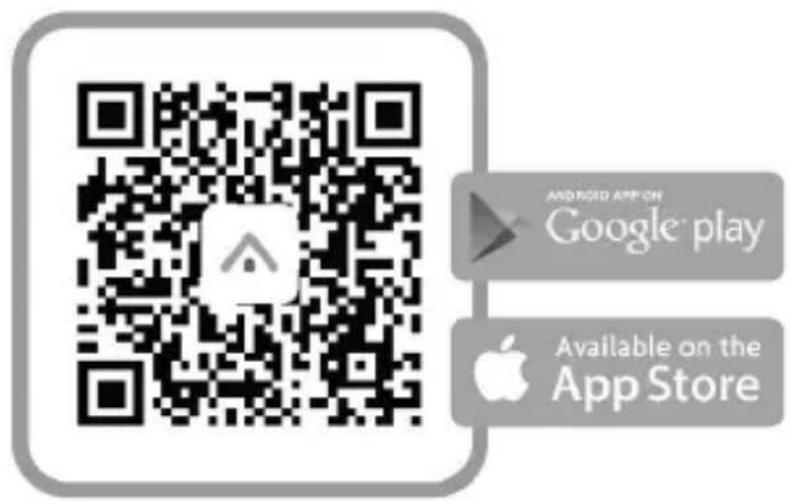
Search and download "AJCloud" from Google Play or APP Store.

AJCloud icon
Camera Status Indicator Light
| LED Status | Camera Status |
| Red light on | Camera is powered on |
| Red and blue light alternately flashing | Waiting to connect now |
| Blue light flashing | Camera is connecting Wi-Fi |
| Blue light solid | Succeeded to connect Wi-Fi |
| Red light quickly flashing | 1. Reset camera to factory setting |
| 2. Camera is upgrading firmware |
Note: Please make sure your router is connected to the Internet.
Wireless Setup
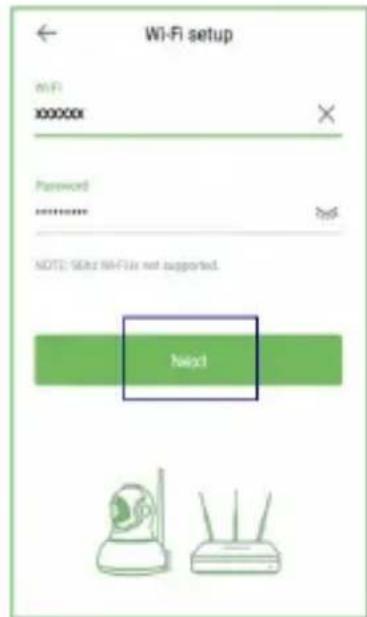
- Connect your phone to 2.4G Wi-Fi (5G is not supported).
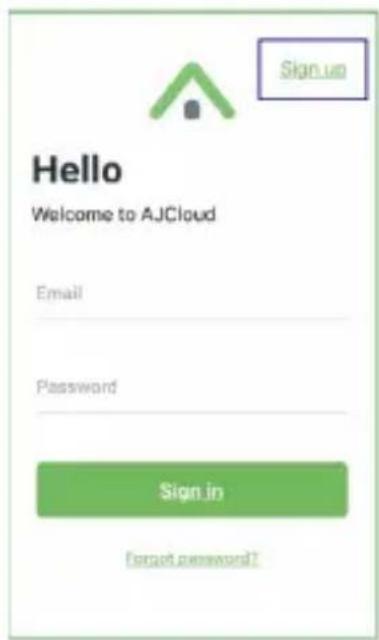
- Open AJCloud app and register an account with your email.
- Check the email and verify your account.

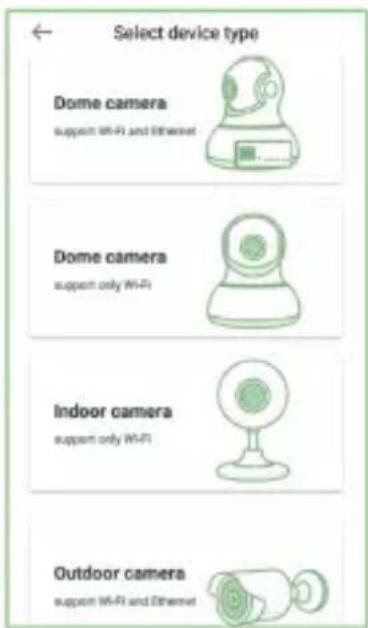
- Please tap "Add device", and choose your camera model.
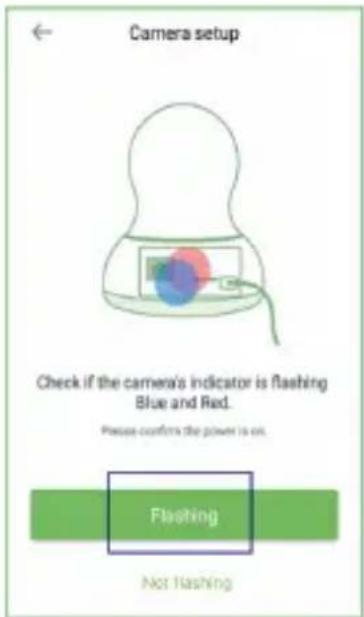
- If you see the flashing blue and red light, please tap "Flashing".
- You will see your Wi-Fi name, inputting the correct Wi-Fi password and tap "Next".
ENGLISH
- The app will show a QR code, please put the phone in front of camera (3-8 inches), then please tap "Next" if you hear "QR code scanning is successful".
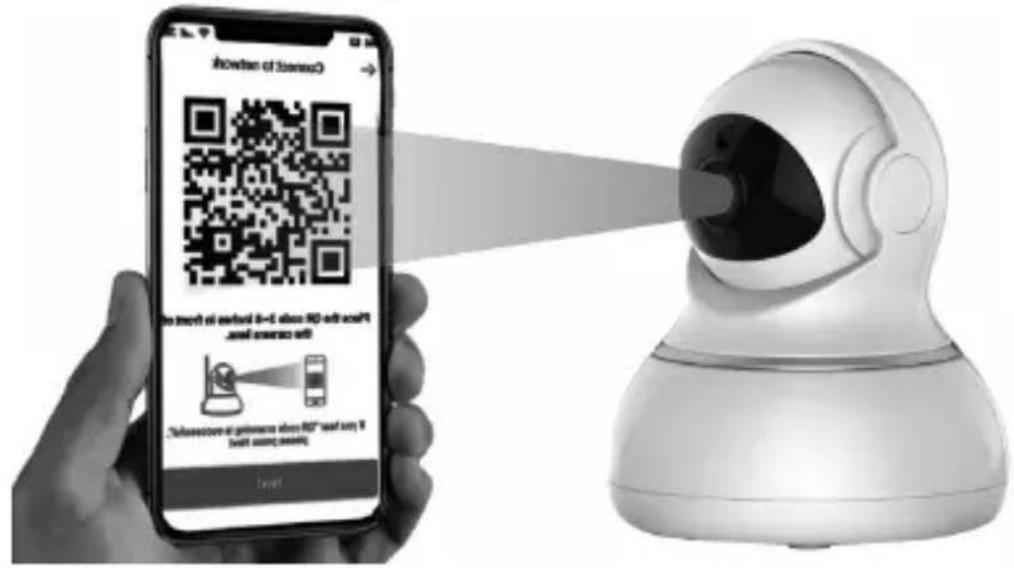
-
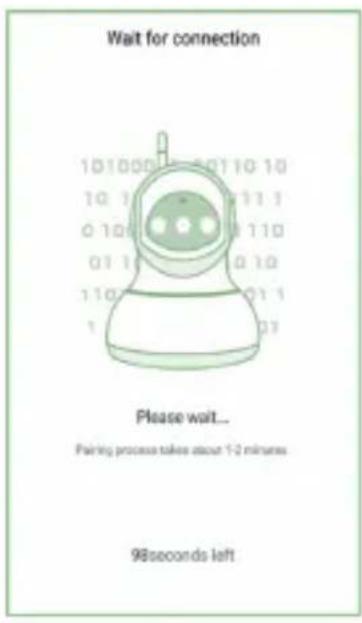
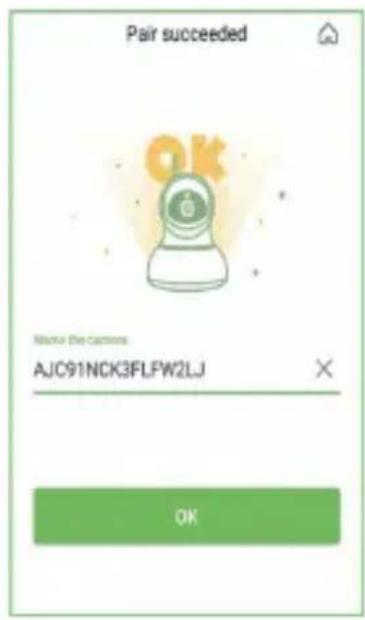
During connecting, the blue light will flash quickly. Once it's connected, camera will say "Wi-Fi is connected" and the blue light will flash slowly. When the blue light is steady, the app will switch to a page that you can change camera name.
-
You can view the video after successful adding camera.
Note: Please reset the camera if fails to connect. (Hold the Reset button for 15 seconds)