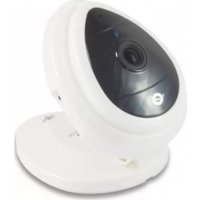
Wireless Cloud IP Camera Mini CIPCAM720S - Surveillance Camera CONCEPTRONIC - Free user manual and instructions
Find the device manual for free Wireless Cloud IP Camera Mini CIPCAM720S CONCEPTRONIC in PDF.



| Product Type | Wireless IP Surveillance Camera |
| Brand | Conceptronic |
| Model | Wireless Cloud IP Camera Mini CIPCAM720S |
| Video Resolution | HD 720p (1280 x 720) |
| Night Vision | Yes (Infrared LED) |
| Viewing Angle | 75° (estimation) |
| Connectivity | Wi-Fi 802.11 b/g/n |
| Power Supply | 5V DC Power Adapter (included) |
| Built-in Microphone | Yes |
| Motion Detection | Yes (app notification) |
| Storage | Cloud (via Cam Viewer1 app) |
| Mobile App | Cam Viewer1 (iOS/Android) |
| Installation | Simplified setup via "One Key Wi-Fi" |
| Security | Default username and password (changeable) |
| Reset | Reset Button |
| LED Indicator | Yes (network status) |
| Dimensions | Approximately 5 x 5 x 5 cm |
| Weight | Approximately 100 g |
| Color | White |
| Warranty | 2 years |
| Maintenance | Clean with a soft, dry cloth |
| Spare Parts | Not applicable (repair by authorized service) |
Frequently Asked Questions - Wireless Cloud IP Camera Mini CIPCAM720S CONCEPTRONIC
User questions about Wireless Cloud IP Camera Mini CIPCAM720S CONCEPTRONIC
0 question about this device. Answer the ones you know or ask your own.
Ask a new question about this device
Download the instructions for your Surveillance Camera in PDF format for free! Find your manual Wireless Cloud IP Camera Mini CIPCAM720S - CONCEPTRONIC and take your electronic device back in hand. On this page are published all the documents necessary for the use of your device. Wireless Cloud IP Camera Mini CIPCAM720S by CONCEPTRONIC.
USER MANUAL Wireless Cloud IP Camera Mini CIPCAM720S CONCEPTRONIC
natural_image
Abstract black logo design with curved lines forming a circular shape (no text or symbols)Multi Language Quick Guide
Wireless Cloud IP Camera
Mini
CIPCAM720S
V1.0
Conceptronic CIPCAM720S
1. Package contents
The following items are present in the package of the Conceptronic Wireless Cloud IP Camera:
- Wireless Cloud IP Camera
- Power adapter
- Screw kit
- Multi language quick installation guide
2. Specifications
- Input Power : DC 5V
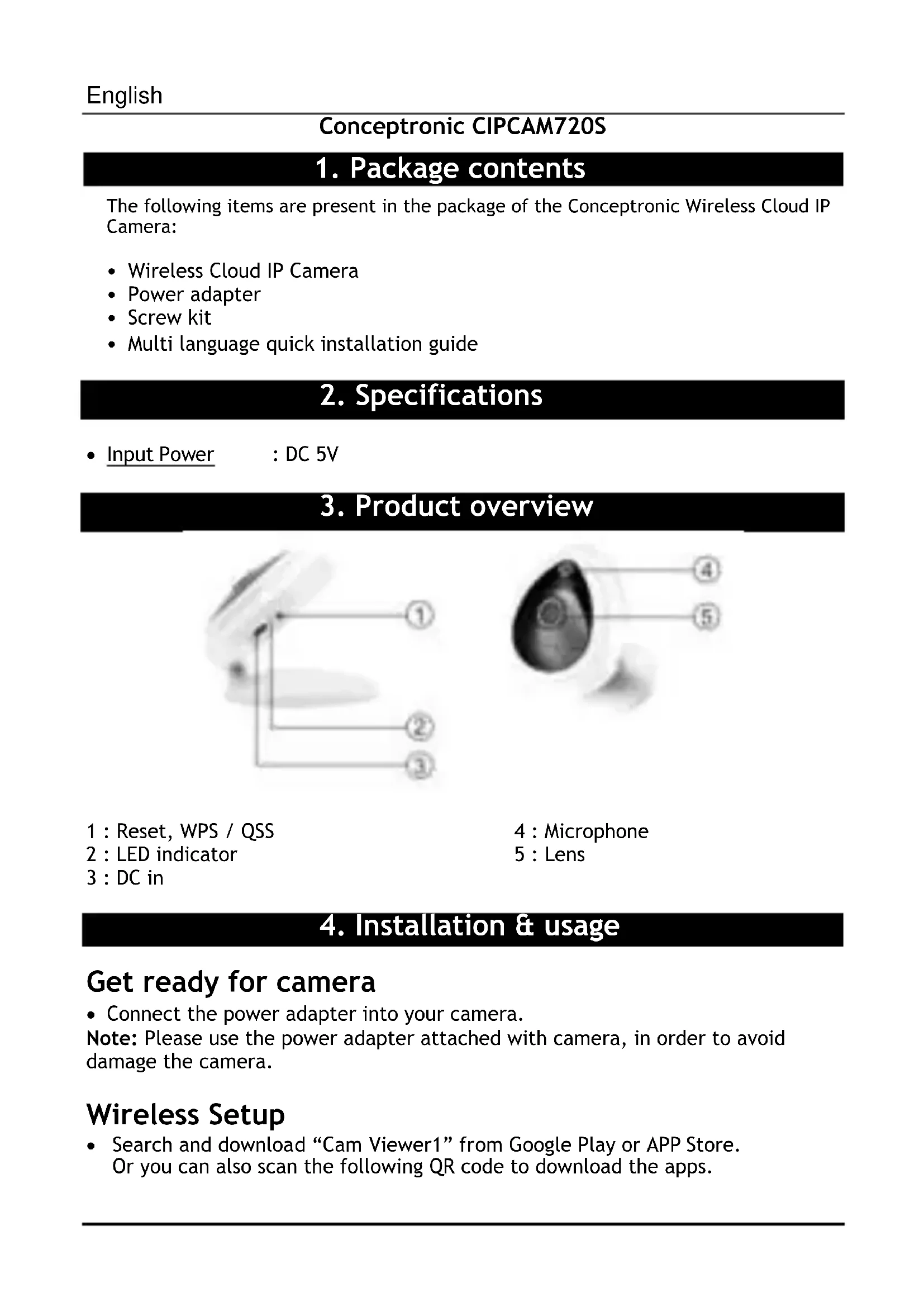
3. Product overview
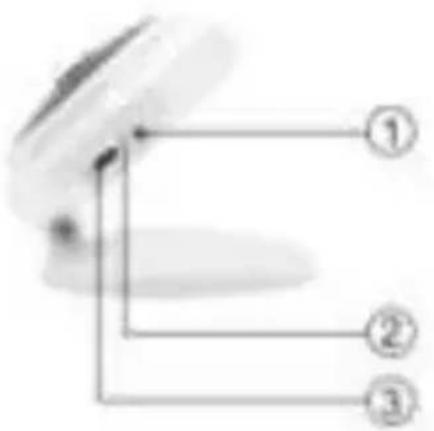

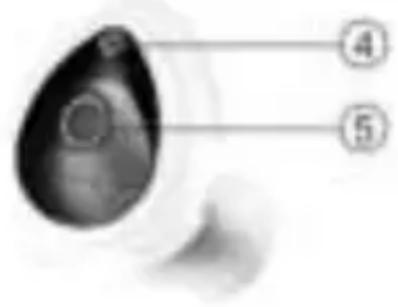
1 : Reset, WPS / QSS
2 : LED indicator
3 : DC in
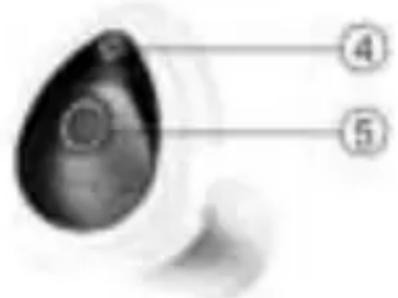
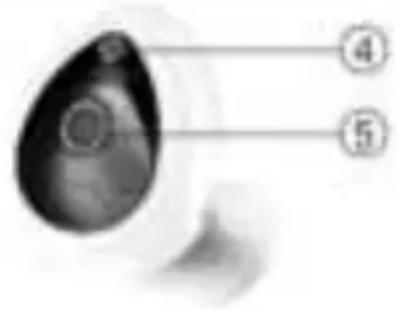
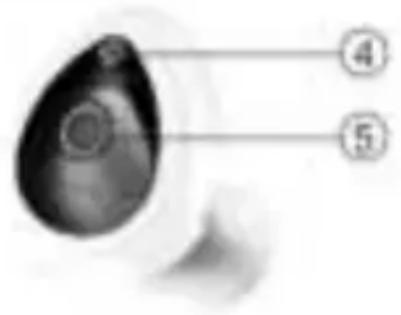
4 : Microphone
5 : Lens
4. Installation & usage
Get ready for camera
- Connect the power adapter into your camera.
Note: Please use the power adapter attached with camera, in order to avoid damage the camera.
Wireless Setup
- Search and download "Cam Viewer1" from Google Play or APP Store. Or you can also scan the following QR code to download the apps.

Download from Google Play

Download from iOS App Store

"Cam Viewer1" App
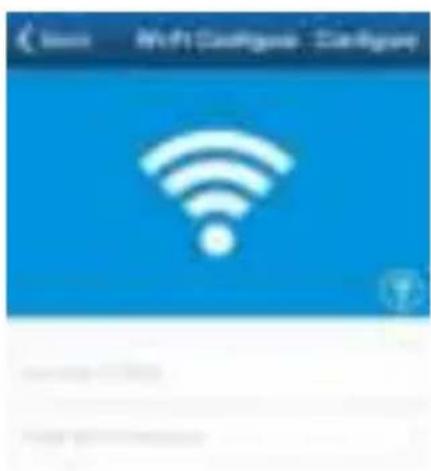
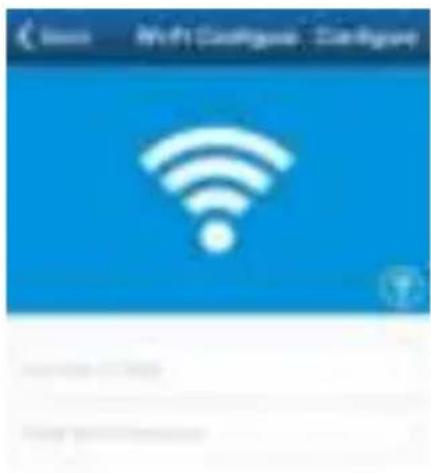
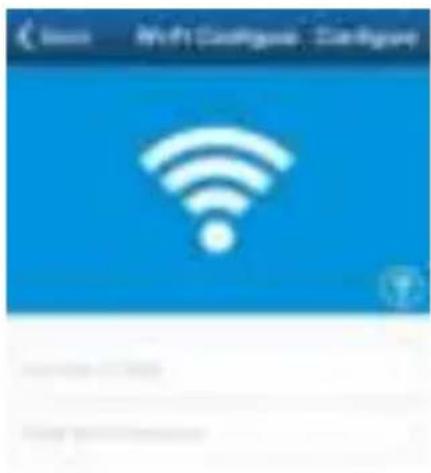
- Open the app, click "One Key Wi-Fi" to fill in Wi-Fi SSID and Password, then click "Configure". You will hear a sequence of beeps.

Note:
- Please make sure your smartphone is connected to Wi-Fi.
- Please do the configuration setting in 5 minutes after the camera gets started. If it exceeds 5 minutes, please power up the camera again.
Remote viewing via smartphone
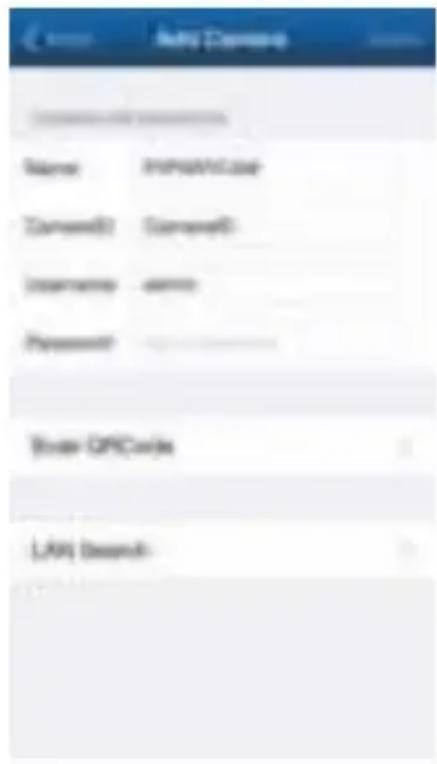
- Click “Camera” at the bottom; go to “Add Camera” interface as shown below.
- There are 2 ways to add device: LAN search or Scan QR code.
- The default username is “admin”; password is “123456”.

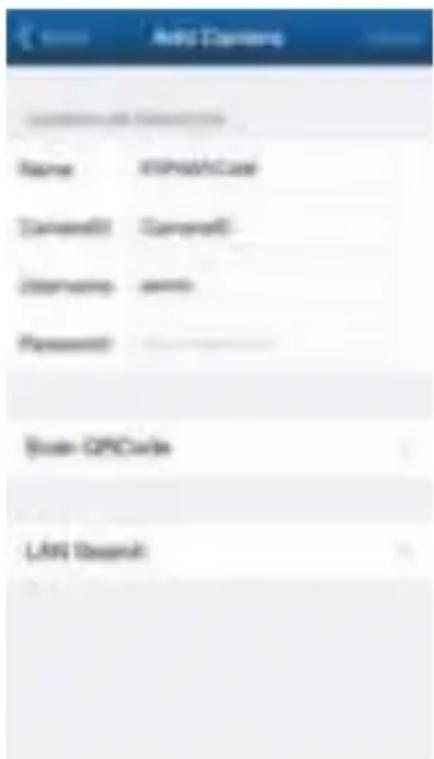
Enjoy the use of your Conceptronic Wireless Cloud IP Camera!
Conceptronic CIPCAM720S
1. Packungsinhalt
- Wireless Cloud IP Camera
- Power adapter
- Screw kit
- Multi language quick installation guide
2. Technische Daten
- Eingang
: DC 5V
Download from Google Play

Download from iOS App Store

"Cam Viewer1" App
Hinweis:

- Wireless Cloud IP Camera
- Power adapter
- Screw kit
- Multi language quick installation guide
2. Spécifications
- Entrée : DC 5V
Download from Google Play

Download from iOS App Store

"Cam Viewer1" App
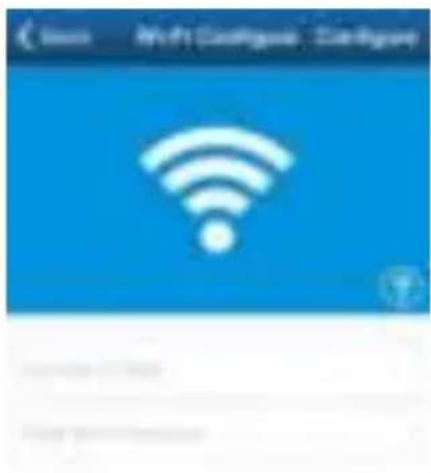
Remarque :

Profitez de votre Conceptronic Wireless Cloud IP Camera!
Conceptronic CIPCAM720S
- Wireless Cloud IP Camera
- Power adapter
- Screw kit
- Multi language quick installation guide
2. Especificaciones
- Entrada
: DC 5V
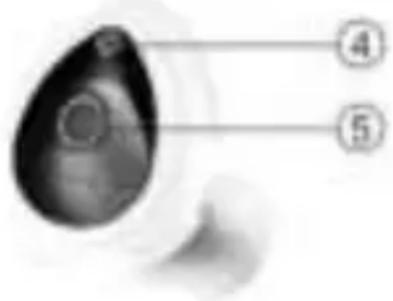
1 : Restablecer, WPS / QSS
2 : Indicador LED
3 : DC in
4 : Micrófono
5 : Lente
Download from Google Play

Download from iOS App Store

"Cam Viewer1" App
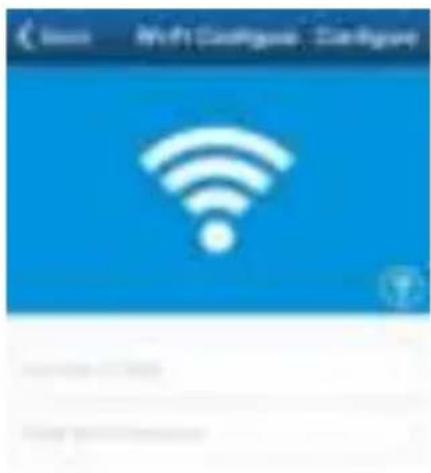
Nota:

- Wireless Cloud IP Camera
- Power adapter
- Screw kit
- Multi language quick installation guide
2. Specifiche
- Entrata : DC 5V
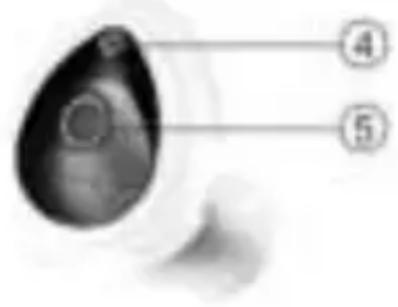
1 : Ripristino, WPS / QSS
2 : Indicatore LED
3 : DC in
Download from Google Play

Download from iOS App Store

"Cam Viewer1" App
Nota:

• Wireless Cloud IP Camera
- Power adapter
- Screw kit
• Multi language quick installation guide
2. Especificações
- Entrada
: DC 5V

Download from Google Play

Download from iOS App Store

"Cam Viewer1" App
Nota:

- Wireless Cloud IP Camera
- Power adapter
- Screw kit
- Multi language quick installation guide
2. характеристики
• ВХОД
: DC 5V
1 : C6poc, WPS / QSS
2 : Светодиодный индикатор
3 : DC in
4 : Микрофона
5 : Линза
Download from Google Play

Download from iOS App Store

"Cam Viewer1" App
Примечание:
- Wireless Cloud IP Camera
- Power adapter
- Screw kit
- Multi language quick installation guide
2. Specyfikacja
- wkład
: DC 5V
1 : Reset, WPS / QSS
2 : Wskaźnik LED
3 : DC in
4 : Mikrofonu
5 : Soczewka
Download from Google Play

Download from iOS App Store

"Cam Viewer1" App
Uwaga:



- Multi Language Quick Guide
- Wireless Cloud IP Camera
- Mini
- CIPCAM720S
- Conceptronic CIPCAM720S
- Package contents
- Specifications
- Product overview
- Installation & usage
- Get ready for camera
- Wireless Setup
- Note:
- Remote viewing via smartphone
- Packungsinhalt
- Technische Daten
- Hinweis:
- Spécifications
- Remarque :
- Especificaciones
- Nota:
- Specifiche
- Especificações
- характеристики
- Примечание:
- Specyfikacja
- Uwaga:
Brand : CONCEPTRONIC
Model : Wireless Cloud IP Camera Mini CIPCAM720S
Category : Surveillance Camera