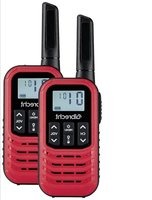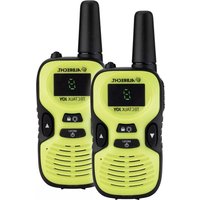
Tectalk Joy - Talkie Walkie ALBRECHT - Free user manual and instructions
Find the device manual for free Tectalk Joy ALBRECHT in PDF.


| Product type | PMR446 walkie-talkie (pair of 2) |
| Brand | ALBRECHT |
| Model | Tectalk Joy |
| Frequency bands | 446 MHz (PMR446) |
| Channels | 8 channels (446.00625 - 446.09375 MHz) |
| Transmit power | 10 mW |
| Power supply | 3 AAA batteries (alkaline or rechargeable) |
| Charging | Micro-USB port |
| Battery life (estimated) | Approximately 20 hours standby |
| Range (estimated) | Up to 6 km in open field |
| Display | Screen showing channel and volume |
| Flashlight | Yes, built-in |
| Key lock | Yes |
| Roger beep | Yes |
| Dimensions (estimated) | Approximately 120 × 50 × 30 mm |
| Weight (with batteries, estimated) | Approximately 150 g |
| Box contents | 2 radios, 2 belt clips, user manual |
| Warranty | 2 years |
| Cleaning | Dry cloth |
| Certifications | CE |
Frequently Asked Questions - Tectalk Joy ALBRECHT
User questions about Tectalk Joy ALBRECHT
0 question about this device. Answer the ones you know or ask your own.
Ask a new question about this device
Download the instructions for your Talkie Walkie in PDF format for free! Find your manual Tectalk Joy - ALBRECHT and take your electronic device back in hand. On this page are published all the documents necessary for the use of your device. Tectalk Joy by ALBRECHT.
USER MANUAL Tectalk Joy ALBRECHT
natural_image
Abstract red globe logo with stylized orbiting lines (no text or symbols)ALBRECHT®
Tectalk Joy
natural_image
Two bright green and black foldable walkiehones with control buttons and ventilation grilles (no visible text or symbols)natural_image
Three black electronic devices with internal components, one showing a blue arrow indicating rotation and the other showing a red arrow highlighting battery discharge (no text or symbols)natural_image
Abstract maroon globe logo with stylized curves and arrows, no text or symbols present.ALBRECHT®
Tectalk Joy

natural_image
Two green and black handheld walkiehones with control buttons and ventilation grilles (no visible text or symbols)Manual
English
Table of contents
- Safety Instructions....10
- Before First Use....11
- Charging....11
- Delivery Content 11
- Controls and Connections....12
- Main Function and Operation....13
6.1. Turning the Device On/Off....13
6.2. Volume 13
6.3. Select a Channel....14
6.4. Receiving/Transmitting Communications....14 - Technical specifications....15
- Warranty and information on recycling 15
8.1. EEAG and Recycling....15 - CE declaration of conformity 16
- Service address....16
1. Safety Instructions
- Attention: Not suitable for children under 14 years
- Clean the devices only with a dry cloth.
- Do not expose this radio to rain or moisture.
- Do not expose the radio to excessive heat.
- Do not try to use two devices which are less than 1.5 m apart. Otherwise you may experience interference.
2. Before First Use
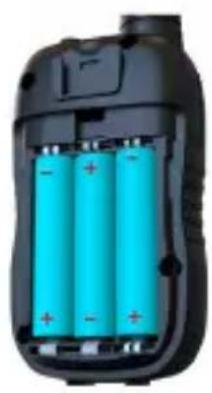
- Remove the belt clip and open the battery compartment
- Insert the 3 pcs. AAA alkaline or rechargeable batteries. Position the batteries according to the polarity marking inside the battery compartment
- Close the battery cover again
Attention: Make sure that both radios are using the same channel (see chapter 6.3.) otherwise a communication is not possible.
3. Charging
The charging function must only be used if you have inserted rechargeable batteries into the radio.
Warning: Alkaline batteries must not be charged as they might explode!
Connect a USB charging cable to the Micro-USB socket of the device. Connect the other end to a suitable power source like wall adapter. Please note that battery packs must be fully charged before the first use.
4. Delivery Content
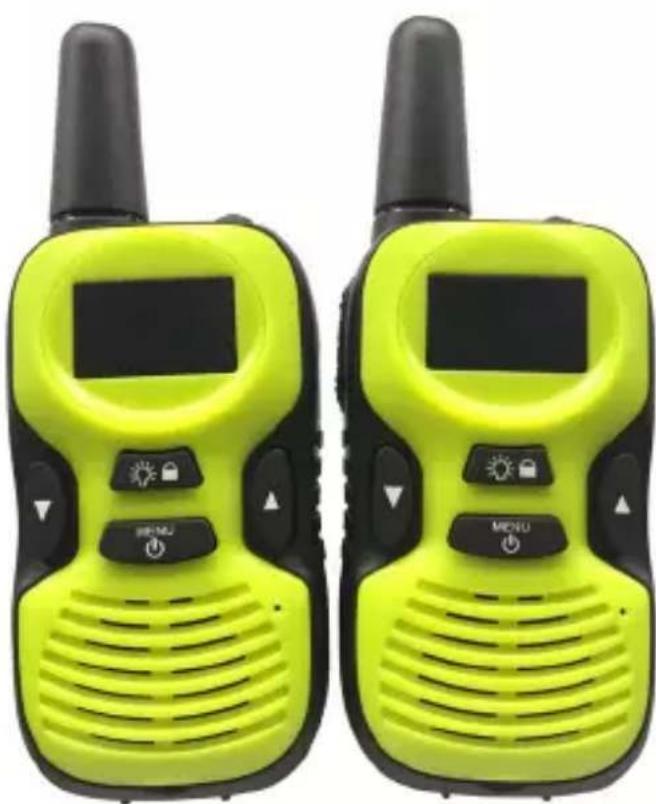
- Tectalk Joy PMR446 radios (2 pieces)
- Belt clips (2 pieces)
- Manual
Note: Please read the user manual carefully before using the equipment and retain it for future consultation!
5. Controls and Connections
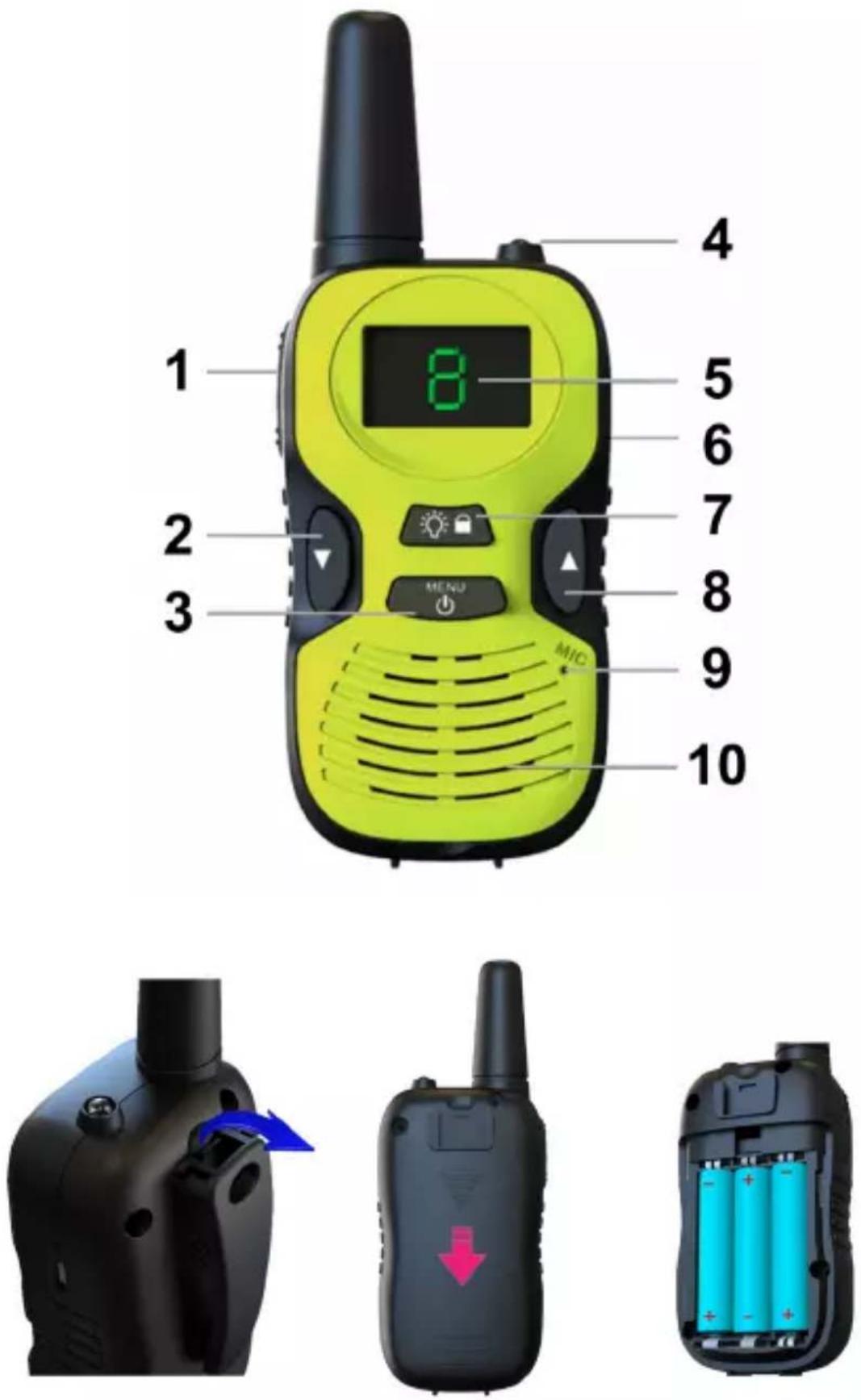
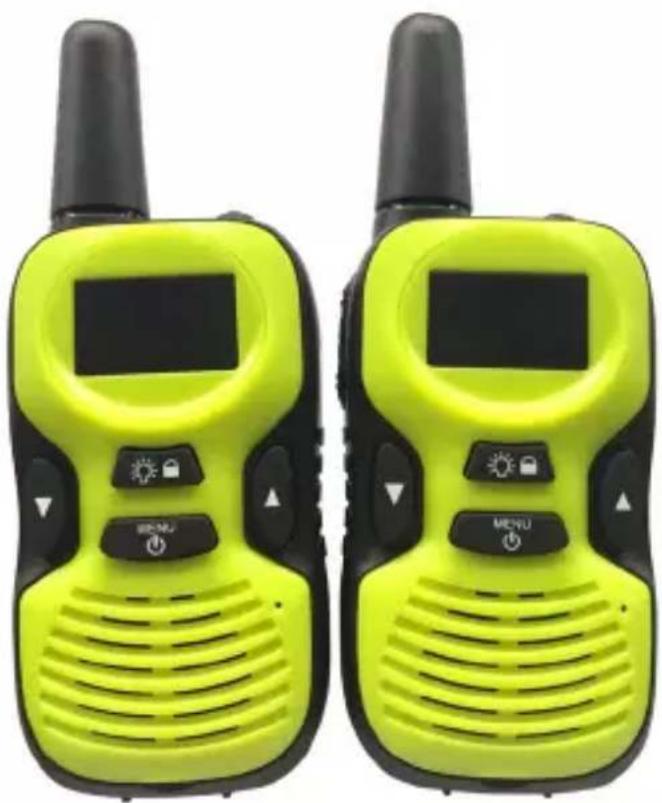
| Description Action Function | |||
| 1 P | TT button hold Transmit | ||
| 2 ▼ | press | Reduce volume | |
| Menu navigation | |||
| 3 | / Menu | hold Turn | on/off |
| short press Channel selection | |||
| 4 LED Flashlight | |||
| 5 Display Shows channel/volume | |||
| 6 Charging socket Micro-USB | |||
| 7 | short press | flashlight on/off | |
| hold Key | ock on/off | ||
| 8 ▲ | press | Increase volume | |
| Menu navigation | |||
| 9 MIC | Microphone | ||
| 10 | Speaker | Speaker | |
6. Main Function and Operation
6.1. Turning the Device On/Off
To switch the radio on or off, press and hold the ⏻ Menu button for 3 seconds. You will hear a beep sound.
6.2. Volume
Use the ▼/▲ buttons to change the volume of receiving transmissions. You can select a volume level between L/C/H (low/middle/high).
6.3. Select a Channel
To change a channel, press the Menu button once. The current channel number will be displayed. Use the ▼/▲ buttons to select a different channel.
| Channel Frequency [MHz] CTCSS [Hz] | ||
| 1 446.00625 - | ||
| 2 446.01875 - | ||
| 3 446.03125 - | ||
| 4 446.04375 - | ||
| 5 446.05625 - | ||
| 6 446.06875 - | ||
| 7 446.08125 - | ||
| 8 446.09375 - | ||
6.4. Receiving/Transmitting Communications
The devices are automatically in “Reception” mode when the devices are turned ON.
When you press the PTT (push to talk) button, the device switches to “Transmission” mode.
Hold the device in a vertical position with the MIC (microphone) 3 to 5 cm away from your mouth. While holding the PTT button, speak into the microphone in a normal tone of voice. Release the PTT button when you have finished transmitting, a “Roger Beep” tone indicates that the PTT has been released.
For others to receive your transmission, they must be on the same channel as you are.
Note: The talking range will depend on your surroundings and environment. It will be affected by obstructions such as hills or buildings. The talking distance can be up to 500 m.
7. Technical specifications
• Transmission power 10 mW
- Micro-USB charging socket
• Operation with 3x AAA batteries
• Dimensions: 40 x 47 x 120 mm
- Weight: 62 g
• 8 channels (446.00625 - 446.09375 MHz)
8. Warranty and information on recycling
We are legally obligated to enclose for each device information on disposal and warranty, as well as an EU declaration of conformity with the instructions for use in different countries. You will find this information on the following pages.
2-year warranty from the date of purchase
The manufacturer/dealer provides a two-year warranty from the date of purchase for this product. This warranty covers all failures due to defective components or faulty functions within the warranty period, except for wear and tear such as empty batteries, scratches on the display, defective housing, defective antenna and defects due to external influences such as corrosion, overvoltage due to improper external power supply or the use of unsuitable accessories. Defects caused by improper use are also excluded from the warranty.
In the event of a warranty claim, please contact your dealer. The dealer will repair or replace the device or pass it on to an authorised service centre.
8.1. EEAG and Recycling
natural_image
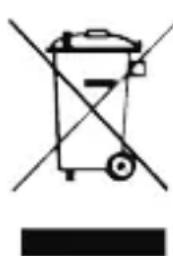
Simple line drawing of a trash bin with crossed lines indicating no waste or restriction (no text or symbols)European laws prohibit the disposal of old or defective electrical or electronic equipment via household waste. To dispose of the device, return it to a collection point in your municipality for recycling. This system is financed by the industry and ensures environmentally friendly disposal and recycling of valuable raw materials.
9. CE declaration of conformity
Standards and directives
CE Alan Electronics GmbH hereby declares that the radio device model Tectalk Joy is in accordance with Regulation 2014/53/EU. The full text of the EU declaration of conformity can be found at the
following Internet address:
http://service.alan-electronics.de/CE-Papiere/
10. Service address
Technical hotline (for devices sold in Germany)
Call our service hotline +49 (0) 6103/9481 - 66 (normal rates on the German landline network) or send us an e-mail:
service@albrecht-midland.de
Printing errors may occur.
© 2022 Alan Electronics GmbH
natural_image
Abstract maroon globe logo with stylized curves and arrows, no text or symbols present.ALBRECHT®
Tectalk Joy
natural_image
Two green and black handheld walkiehones with control buttons and ventilation grilles (no visible text or symbols)Guide d'utilisation
Français
Table des matières
natural_image
Simple line drawing of a trash bin with crossed lines indicating no waste or restriction (no text or symbols)natural_image
Abstract maroon globe logo with stylized curves and arrows, no text or symbols present.ALBRECHT®
Tectalk Joy

natural_image
Two bright green and black walkiehuts with control buttons and ventilation grilles (no visible text or symbols)Manuale
Italiano
Indice
natural_image
Close-up of a black mechanical component with a blue arrow indicating a specific feature (no text or symbols visible)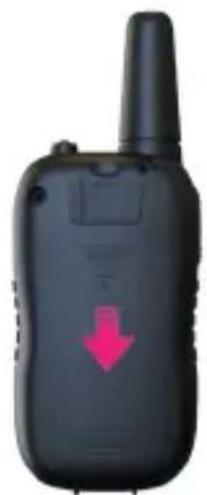
natural_image
Black walkie-talkie with a red downward arrow indicator (no text or symbols on device body)