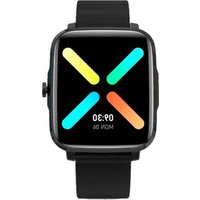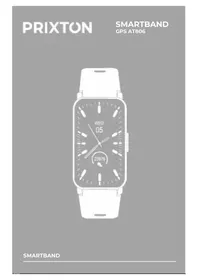
AT806 - Sports Watch Prixton - Free user manual and instructions
Find the device manual for free AT806 Prixton in PDF.


| Product type | Connected sports watch with GPS |
| Brand | Prixton |
| Model | AT806 |
| Strap | Length 245 mm, width 16 mm |
| Weight | 28 g |
| Battery | 160 mAh Li-polymer |
| Water resistance | IP68 |
| Compatibility | iOS 11.0+, Android 5.0+, Bluetooth 5.0 |
| App | SMART-TIME PRO |
| Sensors | GPS, accelerometer, optical heart rate sensor, SpO2 |
| Sports functions | 37 sports modes (running, cycling, yoga, etc.) |
| Health functions | Heart rate, SpO2, blood pressure, sleep, respiration |
| Notifications | Messages, calls, reminders |
| Additional functions | Music control, remote camera, stopwatch, timer, weather, find phone, anti-loss reminder |
| Warranty | 2 years |
| Box contents | AT806 watch, charging dock, user manual |
| Care | Clean the charging interface before recharging |
Frequently Asked Questions - AT806 Prixton
User questions about AT806 Prixton
0 question about this device. Answer the ones you know or ask your own.
Ask a new question about this device
Download the instructions for your Sports Watch in PDF format for free! Find your manual AT806 - Prixton and take your electronic device back in hand. On this page are published all the documents necessary for the use of your device. AT806 by Prixton.
USER MANUAL AT806 Prixton
natural_image
Line drawing of a mobile phone with front panel and keypad (no text or symbols)natural_image
Technical line drawing of a mechanical device with no visible text or symbolsFunciones
Presión arterial
natural_image
Blue camera icon with 'click' text below (no additional symbols or text)Encontrar teléfono
Thank you for choosing our product B9. B9 is a GPS smart sport watch. It can help you to achieve your sport goals. Content in box:
• AT806 smart watch x 1
- User manual x1
- Charging dock x1
Setting Up Your AT806
The first step is to download and install the APP SMARTTIME PRO indicated on the color box and shown up on the watch. Enter the APP and create an account for info sync. The app allows you to check data analysis every day and to personalize some functionalities, such as setting
Connect AT806 to your smartphone
SMART-TIME PRO APP supports the operating system of IOS 11.0 and Android 5.0 or above, and BT 5.0. It is available for more than 150 mobile devices.
- Turn on Bluetooth on the mobile;
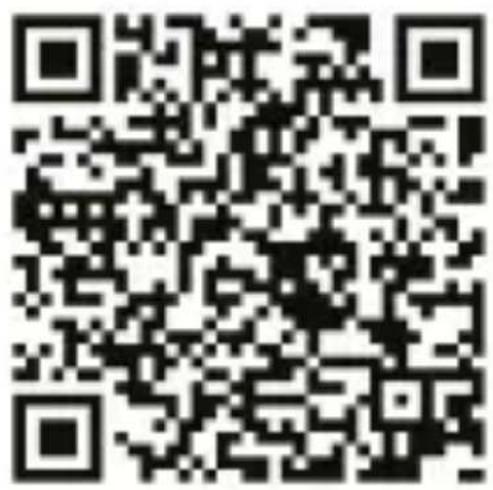
- Download APP: SMART-TIME PRO;
SMART TIME PRO
- After install the app, register and log in account according to a series of instructions.
- When pairing the watch with the APP, make sure that the watch and APP can communicate with each other (synchronize data);
First step: Open APP>device>add new device> choose AT806
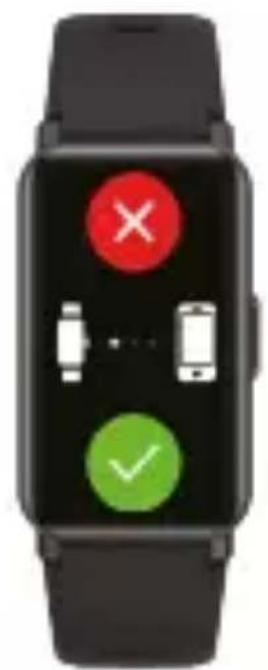
- In the APP, click "Device"> "Bind Device", in the searched binding list, select the "AT806" with the strongest signal, and press the phone prompt to click the pairing button that appears on the watch screen to confirm pairing. The Bluetooth icon in the drop-down bar will be blue. Indicates that you are connected to Bluetooth 5.0.
(You need to use Android 5.0+ or iOS 11.0+ and above and the watch can only be paired with one mobile phone. To pair other mobile phones, please unbind the current one before pairing.)
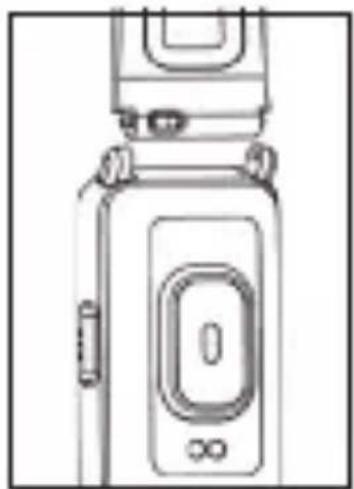
Quick Fit Strap
AT806 contains two parts(watch body and wristband), you can purchase separately strap and switch as your preference.
Charging Instructions
Charging: Turn the watch over, align and attach the charging pins to the magnet gold prongs. You will see the charging icon on the watch screen within 5s. Charging fully may take 2 hours. You will see the battery icon is full if the watch have been fully charged.
natural_image
Line drawing of a mobile phone device with no visible text or symbols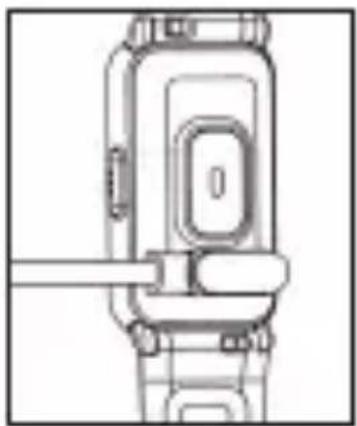
natural_image
Technical line drawing of a mechanical device with no visible text or symbolsPlease clean the charge interface before charging for fear that the remaining sweat erode gold metal contact or other risks.
Functions
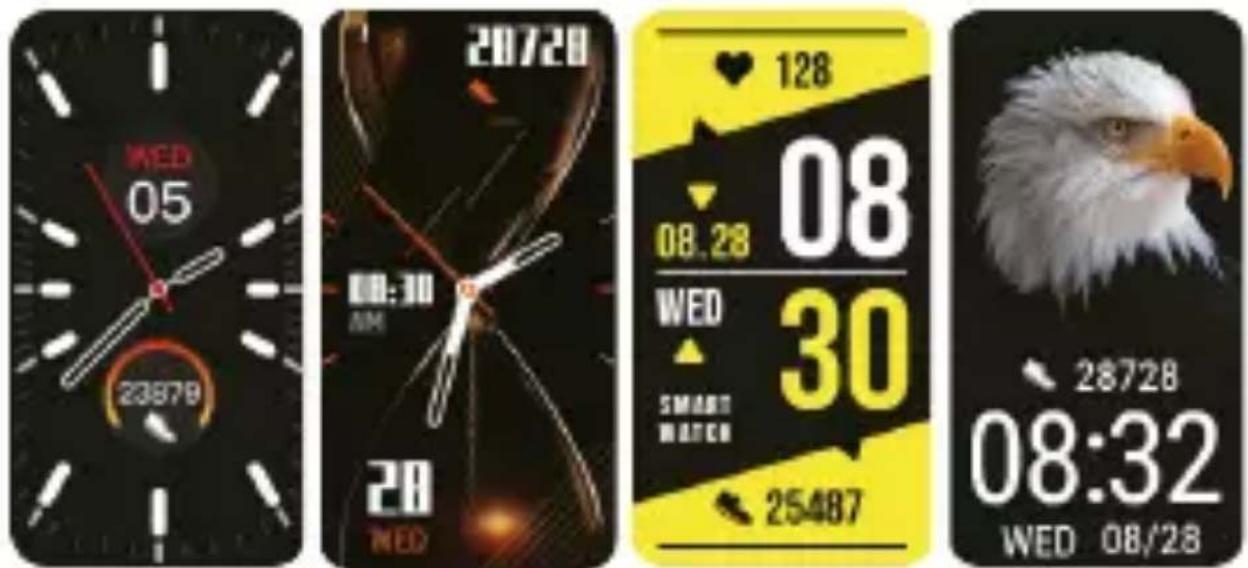
Change watch face
Download more from APP, Open APP---Device---Watch Face, you can choose Online Dial or Custom Dial with your phone picture.
Sports
The AT806 watch supports up to 37 sports modes including: Outdoor Run, Indoor Run, Climb, Walk, Cycle, Spinning, Yoga, Basketball, Football, Badminto, Free Training, etc.
| Step | |||||
 |  |  |  |  |  |
| Running | Treadmill | Outdoor running | Ride | Walking | Mountaineering |
 |  |  |  |  |  |
| Yoga | Spinning bike | Basketball | Football | Badminton | Marathon |
 |  |  |  |  |  |
| Indoor walking | Free time | Physical training | Weightlifting | Boxing | Tump rope |
 |  |  |  |  |  |
| Climb stairs | Ski | Skate | Roller skating | Hula hoop | Golf |
 |  |  |  |  |  |
| Baseball | Dance | Pingpong | Hockey | Pilates | Taekwondo |
 |  |  |  |  |  |
| Handball | Hip-hop | Volleyball | Tennis | Darts | Gymnastics |
GPS Functionality
The watch has built-in GPS functionality allowing you to accurately track your distance and other data including altitude and walking/jogging pace.
When a sport mode is selected (seenext page), the watch will automatically search for the GPS location and display distance, pace data. To open GPS faster, please update AGPS in APP first.
Heart rate
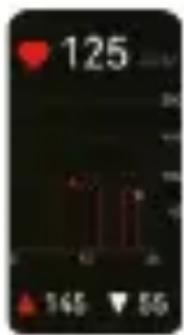
Wearing AT806 correctly, not too tight or loose, make sure no green light leak, open the "Heart Rate" application in the watch application, automatically measure the heart rate after entering the application
Breathing training
After wearing the watch correctly, open the menu - breathing training, and follow the prompts to perform breathing training.
Blood pressure
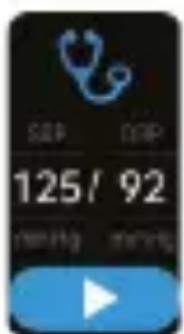
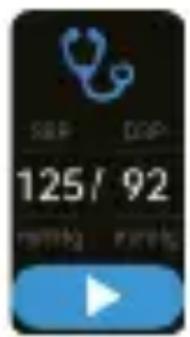
After wearing the watch correctly, open the "Blood Pressure" app in the watch app; manual blood pressure measurement is required.
Step counting
After wearing the watch correctly, open the "step counting" in the watch; display the number of steps, calories, distance and other parameters of the day's exercise.
SpO2
After wearing the watch correctly, open the "SpO2" in the watch; manual blood oxygen measurement is required.
Sleep
After wearing the watch correctly, open the "Sleep" in the watch; record the sleep status throughout the night.
Alarm clock
Set the alarms in APP and sync to watch, maximum 5 alarms.
Message notification
You can view the text messages in the mobile phone and the real-time information pushed to the watch.
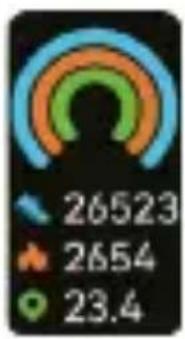
gauge
| Value | |---| | 26523 | | 2654 | | 23.4 |
Music control
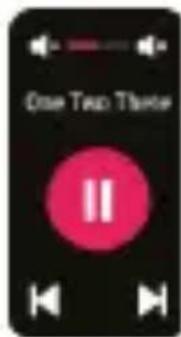
Control the music player of mobile phone to play the music, as well as song switching and volume adjustment.
Remote capture
Control the camera on the mobile phone to take pictures remotely. When using it, please click "Device-Take Picture" on the APP to turn on the camera.
Find phone
When the watch is connected to the APP, the phone will make a sound after tapping it.
Anti-lost reminder
When the watch is disconnected from the Bluetooth of the mobile phone, the watch will make a sound and vibrate to prevent loss.
Stopwatch
Electronic timer can record one time or record multiple times.
Timer
The same way to calculate the remaining time.

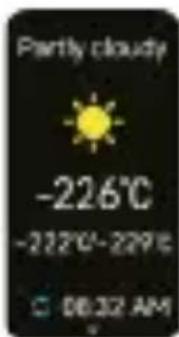
Weather
Weather forecast.
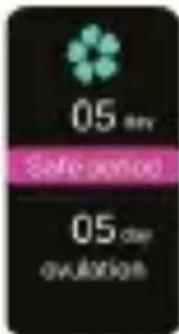
Health care
(Female Physiological Function)
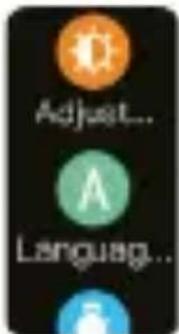
Settings
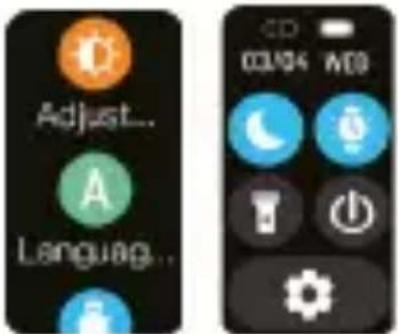
Adjust brightness, language settings, system menus (shutdown, factory reset, restart), about the watch.
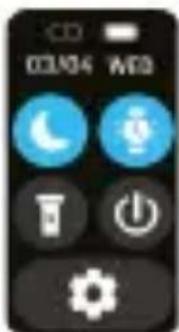
Shortcut menu:
- Do not disturb
- Vibration mode
- Flashlight
- Brightness
Specification
Wristband length 245mm Wristband width 16mm Weight 28g Battery 160 mAh Poly-Li Waterproof IP68
Troubleshooting
Heart-rate signal missing
The AT806 smart watch keeps paying attention to your heart rate data during your exercise and your daily life. Sometime the watch may not get a suitable heart rate signal. At this time, the missing heart rate data will appear at the dotted line.
If you can't get heart rate signal, first you should confirm that you wear the watch correctly, adjust it to avoid being too high or too low, neither too tight nor too loose on your wrist. After adjustment, turn on real-time heart rate monitoring to get the data.
If there is still no heart rate data, check if the heart rate monitoring function is turned on at SMART-TIME PRO APP.
Other problems
If your mobile cannot pair the watch, click Settings Bluetooth in your mobile and check if there is signal of F8. If yes, it means there is no problem with the Bluetooth signal. Please check if the watch is paired with other phones, please unbind it. IOS device users should click Setting - Bluetooth - ignore this device and then pair it.
Exemption Clause
- The Heart Rate, Pressure, Blood Oxygen and Blood Pressure data output by AT806 are not intended to be a medical or diagnostic basis.
- Self-diagnosis and self-treatment are dangerous. Only blood pressure or any other heart diseases. Please contact your physician for more professional diagnostic opinions.
- AT806 smartwatch data such as heart rate, blood pressure, etc. may not be completely accurate due to factors such as interference with environmental signals, wearing posture, changes in the climate environment, and physical condition.
- DO NOT carry out drugs and treatment on the basis of the monitoring data provided by AT806, and should follow medical advice when medication and treatment are required, and we are not liable for the inaccuracy of monitoring data and the consequences of misuse of monitoring data and information.
Warranty Policy
This product is guaranteed for 2 years from the date of purchase. When you have a problem that you can not solve, you must access the web www.prixton.com and click on the contact option to send us your assistance form.
These technical and electrical specifications are those of typical units and may be changed without prior notice in order to provide improved equipment.
Simplified EU Declaration of Conformity
We, La Trastienda Digital located in Avenida Cervantes 49, módulo 25, Basauri 48970, Bizkaia hereby declare that the following goods, imported and selling at European market:
| BRAND | MODEL DESCRIPTION | CATEGORY |
| Prixton | AT806 | Smartband GPS |
Are in compliance with the EC Council Directive of 2014/53/EU (EM DIRECTIVE) and harmonized standards and with the board of the 16th of April 2014.
The complete text of the UE Declaration of conformity is available anytime at this website address: www.prixton.com
LA TRASTIENDA DIGITAL
Introduction
natural_image
Line drawing of a mechanical device with no visible text or symbolsInstructions de chargement
natural_image
Technical line drawing of a mechanical device with no visible text or symbolsPression artérielle

natural_image
Line drawing of a mobile phone device with no visible text or symbolsnatural_image
Technical line drawing of a mechanical component with no visible text or symbolsFunzioni
Pressione arteriosa
natural_image
Green smartphone icon with sound waves on black background, blue play button below (no text or symbols)Promemoria anti-smarrimento
Specifiche
natural_image
Line drawing of a mobile phone device with no visible text or symbolsnatural_image
Technical line drawing of a mechanical device with no visible text or symbolsFunktionen
Blutdruck
Musiksteuerung
natural_image
Icon showing a green smartphone with sound waves and a blue play button (no text or symbols)
Zeitschaltuhr
natural_image
Line drawing of a vintage mobile phone device with no visible text or symbolsnatural_image
Technical line drawing of a mechanical device with no visible text or symbolsTensão arterial
Controlo musical
Snel verstelbaar bandje
natural_image
Line drawing of a mobile phone device with no visible text or symbolsnatural_image
Technical line drawing of a mechanical device with no visible text or symbolsFunctions
Stappenteller