AT803T - Sports Watch Prixton - Free user manual and instructions
Find the device manual for free AT803T Prixton in PDF.


User questions about AT803T Prixton
0 question about this device. Answer the ones you know or ask your own.
Ask a new question about this device
Download the instructions for your Sports Watch in PDF format for free! Find your manual AT803T - Prixton and take your electronic device back in hand. On this page are published all the documents necessary for the use of your device. AT803T by Prixton.
USER MANUAL AT803T Prixton
App Store:SMART-TIME PRO
Google Play:SMART-TIME PRO
SMART-TIME PRO
natural_image
Technical line drawing of a mechanical component with no visible text or symbols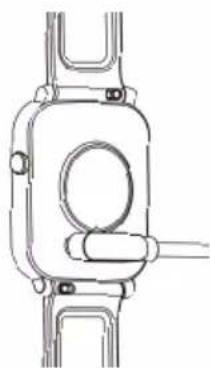
natural_image
Technical line drawing of a mechanical component with no visible text or symbolsFunciones

- Deporte

10. Configuración

13. Otras funciones
1. Brillo
Welcome to use our AT803T, this is a smart watch which can help you reach your sport goals.
The package includes:
-AT803T smart watch
-User Manual
- Charging cable
Setting up your AT803T
First download & install the app SMART-TIME PRO, and create an account to make sure the watch can synchronize the data it collects with the app. The app is where you can set goals, analyze your goals, see historical trends and keep up with friends, and much more. Connecting smart watch through mobile phone
SMART-TIME PRO APP supports the operating system of iOS 11.0 and Android 5.0, as well as Bluetooth 4.0. It is available for more than 150 mobile devices.
- Turn on Bluetooth on mobile phone;
- Download APP: SMART-TIME PRO;

App Store:SMART-TIME PRO
Google Play:SMART-TIME PRO
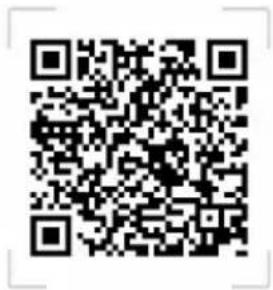
SMART-TIME PRO
- After install the App, register and log in account according to a series of instructions.
- Continue following the onscreen instructions to connect or pair your smart watch to your mobile device. Pairing make sure that the watch and mobile device can communicate with each other(sync their data).
Open APP>Device> Add device>Choose AT803T.
- Select the Bluetooth name AT803T with the strongest signal from the list. Then the watch will show paring notification, click 📋 to confirm pairing. Then you will see the Bluetooth ✕ icon on the right top on the watch or in quick setting page (slide down page) turns to Blue, then Bluetooth is connected.

(You need to use Android 5.0+ or iOS 11.0+ and above and the watch can only be paired with one mobile phone. To pair other mobile phones, please unbind the current one before pairing.)
Quick Fit Strap
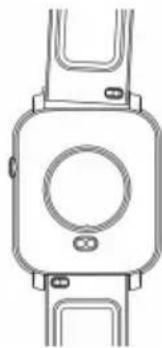
AT803T contains two parts (watch body and wristband), you can purchase separately strap and switch as your preference.
Charging instructions
Charging :
Turn the watch over, align and attach the charging pins to the magnets gold prongs. You will see the charging icon on the watch screen after 5s.
Charging fully may take 2 hours. you will see the battery icon is full if the watch have been fully charged.
Please clean the charge interface before charging for fear that the remaining sweat erode gold metal contact or other risks.
natural_image
Technical line drawing of a mechanical component with no visible text or symbols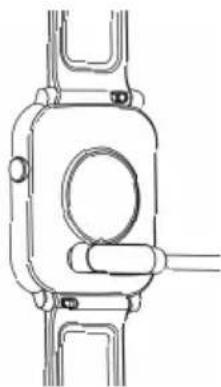
natural_image
Pure mechanical component diagram without any text, numbers, or symbolsFunctions

1.Sports
The AT803T watch supports up to 11 sports modes including: Running, Walking, Cycling, Climbing, Treadmills, Spinning, Yoga, Swimming, Basketball, Football, Badminton.
 |  |  |  |
| Running | Walking | Cycling | Climbing |
 |  |  |  |
| Treadmills | YogaSwimming | Spinning | |
 |  |  | |
| Basketball | Football | Badminton |

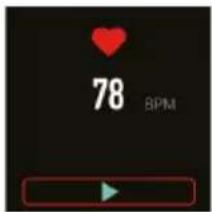
2. Heart rate
Wearing AT803T correctly, not too tight or loose, make sure no green light leak, there is two measuring ways:
Turn on the heart rate icon on the watch and measuring heart rate by manual.
Set automatic monitoring time interval in app (monitoring once every 15/30/60/120 minutes).

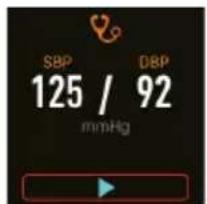
3. Blood pressure
Wear the watch in a right way, and open the menu--blood pressure,

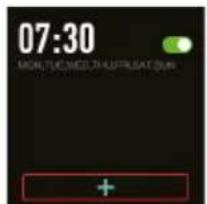
4. Alarm clock
Setting the alarms in APP and

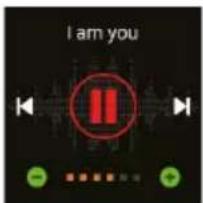
5. Music control
Control the music player of mobile phone to play the music, as well as song switching and volume adjustment.

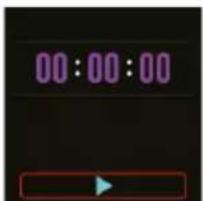
6. Stopwatch
Electronic timer that can record one time or record multiple times.

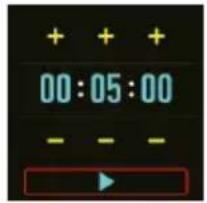
7. Countdown
The same way to calculate the remaining time.

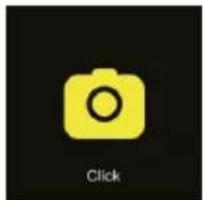
8. Remote capture
This feature can remote control the mobile camera to take pictures, please click - smart camera and turn on the camera.
natural_image
Yellow camera icon on black background with 'Click' text below (no other symbols or text)
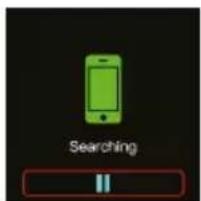
9. Find phone
Under Bluetooth connection, click "Find phone" on the watch, the phone ringing, click pause to stop.

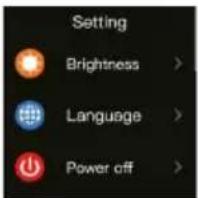
10. Settings
Set the watch's general functions, brightness, language, power off, return to factory, about.

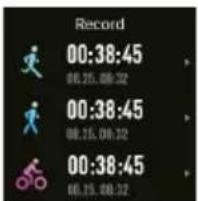
11. Sports records
Sports mode records was done, maximum 10 records, update automatically.

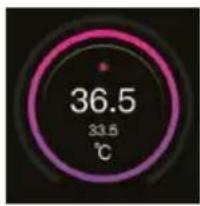
- Body Temperature measure Wearing AT803T correctly, enter temperature measure, it will show your body temperature in 1 second, but make sure to get stable data after you wear watch correctly for more than 20 seconds. There will be two datas on screen, smaller data is your Body surface temperature, bigger data is your real body temperature.
13. Other functions
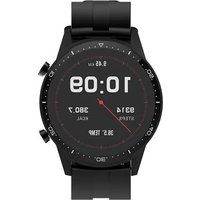
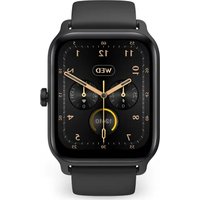
1) Change watch face
(Long press the screen or power button, swipe to choose, click to confirm)

flowchart
graph LR
    A["09:56"] --> B["09:30"]
    B --> C["12:00"]
2) Pedometer
(Steps, Distance, Calories, Heart rate)
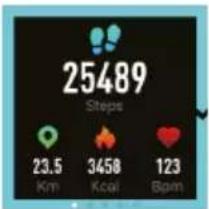
other
| Metric | Value | | :--- | :--- | | Steps | 25489 | | Distance (Km) | 23.5 | | Distance (Kcal) | 3458 | | Distance (Bpm) | 123 |4) Weather
(Weather forecast)
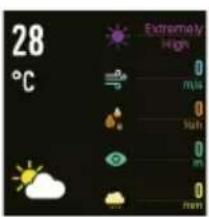
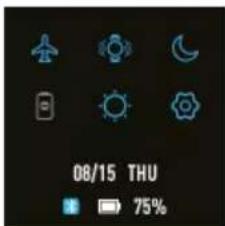
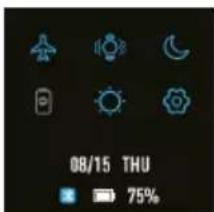
6) Slide down quick setting
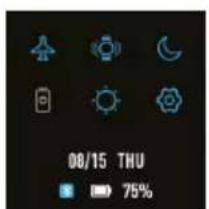
- Brightness
- Settings
- Flying mode
- Vibration
- Do not disturb
3) Sleep monitor
(Automatic measuring)
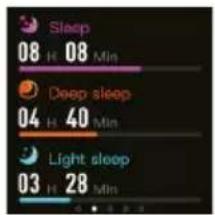
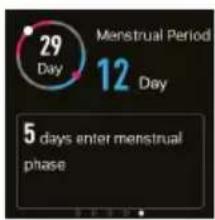
5) Health care
(Female physiological function)
7) More
- Message reminder
- Sedentary alert
- Anti-lost
- Call notification
- Low-power reminder
Warranty policy
This product is guaranteed for 2 years from the date of purchase. When you have a problem that you can not solve, you must access the web www.prixton.com and click on the contact option to send us your assistance form.
These technical and electrical specifications are those of typical units and may be changed without prior notice in order to provide improved equipment.
Simplified eu declaration of conformity
We, La Trastienda Digital located in Avenida Cervantes 49, módulo 25, Basauri 48970, Bizkaia hereby declare that the following goods, imported and selling at European market:
| BRAND | MODEL NAME DESCRIPTION | CATEGORY | |
| PRIXTON | AT803T | SMARTBAND | WEARABLES |
Are in compliance with the EC Council Directive of 2014/53/EU (EM DIRECTIVE) and harmonized standards and with the board of the 16th of April 2014.
The complete text of the UE Declaration of conformity is available anytime at this website address:
www.prixton.com
LA TRASTIENDA DIGITAL
Remière utilisation
App Store:SMART-TIME PRO
SMART-TIME PRO
Google Play:SMART-TIME PRO
natural_image
Technical line drawing of a mechanical component with no visible text or symbols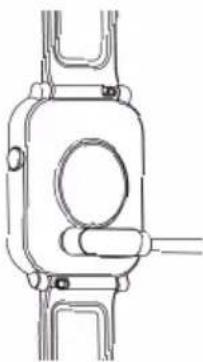
natural_image
Pure mechanical component diagram without any text, numbers, or symbols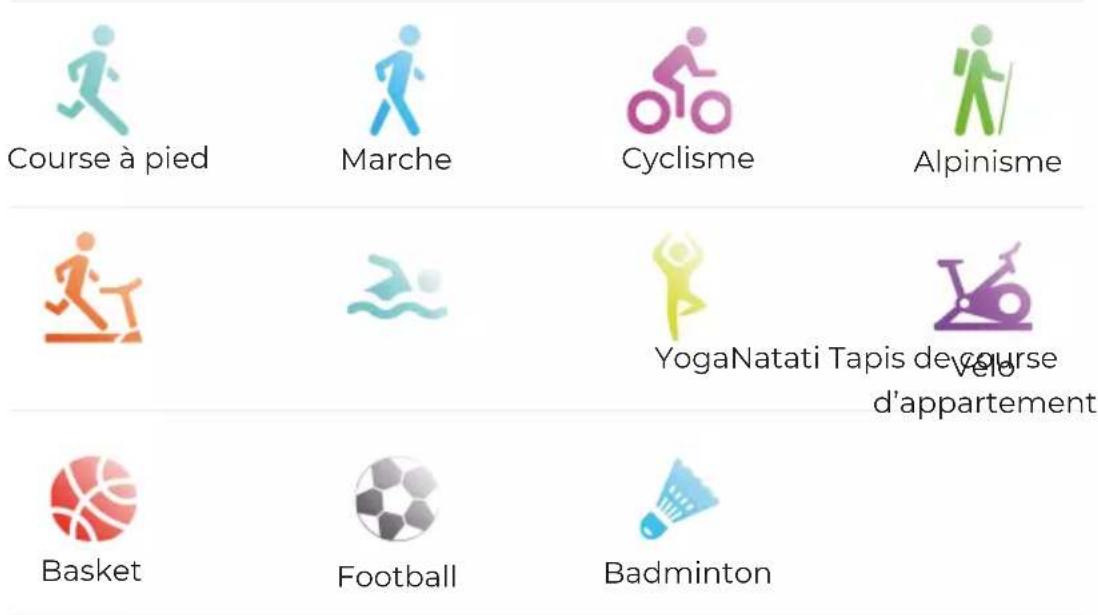
flowchart
graph LR
    A["09:56"] --> B["09:30"]
    B --> C["12:00"]
2) Podomètre
6) Menu rapide
3) Sommeil
App Store:SMART-TIME PRO
SMART-TIME PRO
Google Play:SMART-TIME PRO


10. Impostazioni

11. Record sportivi

12. Temperatura corporea
13. Altre funzioni
flowchart
graph LR
    A["09:30"] --> B["56:00"]
    B --> C["12:00"]
2) Pedometro
App Store: SMART-TIME PRO
SMART-TIME PRO
Google Play: SMART-TIME PRO
Anpassbares Armband
natural_image
Line drawing of a smartwatch with a circular dial and rectangular head (no text or symbols)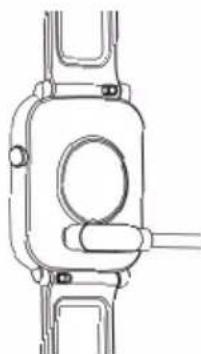
natural_image
Pure mechanical component diagram without any text, numbers, or symbolsFunktionen

- Sport
App Store:SMART-TIME PRO
SMART-TIME PRO
Google Play: SMART-TIME PRO
natural_image
Technical line drawing of a mechanical component with no visible text or symbols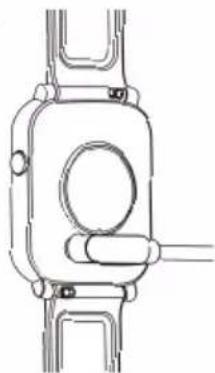
natural_image
Pure mechanical component diagram without any text, numbers, or symbols
Correr

Caminhar

Ciclismo

Alpinismo




5. Controle de música

10. Configuração

13. Outras funções
5) Saúde
SMART-TIME PRO
Google Play: SMART-TIME PRO
natural_image
Technical line drawing of a mechanical component with no visible text or symbols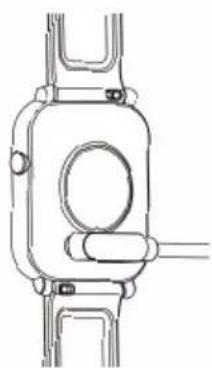
natural_image
Pure mechanical component diagram without any text, numbers, or symbols
Lopen

Wandelen

Fietsen

Bergbeklimmen



YogaZwemmen

Lspnband

Basketball

Voetbal

Badminton

2. Hartritme


10. Configuratie


12. Meten van
lichaamstemperatuur
6) Drop-down-snelmenu