
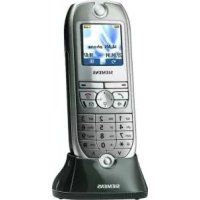
GIGASET 4000I MICRO - Cordless phone SIEMENS - Free user manual and instructions
Find the device manual for free GIGASET 4000I MICRO SIEMENS in PDF.

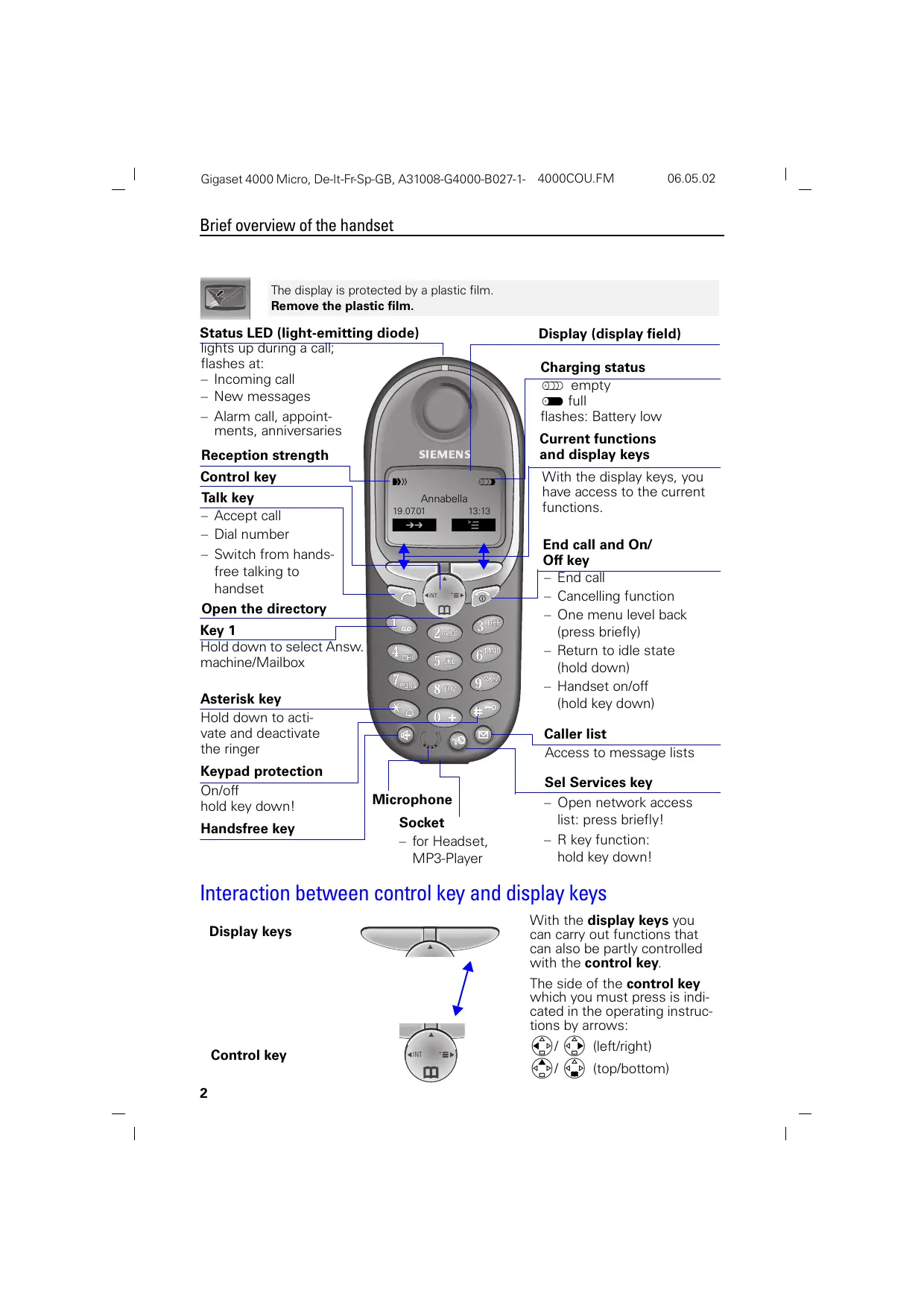


Pick your language and provide your email: we'll send you a specifically translated version.
| Product type | DECT cordless phone |
| Brand | Siemens |
| Model | Gigaset 4000i Micro |
| Handset dimensions | Approximately 160 x 50 x 25 mm |
| Handset weight | Approximately 130 g |
| Handset power supply | 2 rechargeable AAA NiMH 1.2 V batteries |
| Base power supply | Mains adapter 230 V / 50 Hz |
| Standby time | Up to 200 hours |
| Talk time | Up to 12 hours |
| Indoor range | Up to 50 meters |
| Outdoor range | Up to 300 meters |
| Main functions | Integrated answering machine, 100-contact directory, caller ID, speakerphone, unwanted call blocking |
| Display | 1.8-inch backlit screen |
| Ringtone | Polyphonic, adjustable volume |
| Compatibility | DECT standard, compatible with all ADSL boxes |
| Care and cleaning | Wipe with a soft, dry cloth. Do not use abrasive products. |
| Safety | Do not expose to moisture or extreme temperatures. Use only recommended batteries. |
| Spare parts and repairability | Replacement batteries and chargers available. Repair by authorized center. |
| General information | Manual available in PDF (155 pages). 2-year warranty. |
Frequently Asked Questions - GIGASET 4000I MICRO SIEMENS
How do I register a new handset to the base?
Press the base's paging key (usually represented by a circle) for 3 seconds. On the handset, select 'Registration' in the menu and follow the instructions. The default PIN is 0000.
What should I do if the handset does not ring?
Check that the ringer is enabled (silent mode off). Make sure the ringer volume is not at minimum. Verify that the handset is properly registered to the base.
How do I transfer a call to another handset?
During the call, press the 'Transfer' or 'Internal Call' key. Dial the number of the desired handset (usually 1, 2, etc.). Wait for the recipient to answer, then hang up.
The screen shows 'No base' or 'Searching base', what should I do?
Check that the base is powered on and the handset is within range. If the problem persists, re-register the handset to the base (see question 1).
What is the battery life?
Standby time can reach 200 hours and talk time up to 12 hours. The battery lifespan is approximately 1 to 2 years depending on usage.
How do I block unwanted calls?
Go to the 'Security' or 'Calls' menu. Select 'Block list' and add the numbers to block. You can also activate 'Do not disturb' mode for anonymous calls.
How do I listen to answering machine messages remotely?
Call your number from another phone. Enter your PIN (default 0000) when the answering machine picks up. Follow the voice instructions to listen to or delete messages.
What should I do if the handset does not charge?
Check that the charging contacts are clean (clean with a dry cloth). Make sure the charger is plugged in. If the problem persists, replace the batteries.
How do I adjust the earpiece volume?
During a call, use the volume adjustment keys (usually + and - on the side of the handset). You can also adjust it in the 'Sound settings' menu.
The handset emits a low battery beep, what should I do?
Place the handset on the base or charger to recharge. If the beep persists even after charging, the batteries need to be replaced.
User questions about GIGASET 4000I MICRO SIEMENS
0 question about this device. Answer the ones you know or ask your own.
Ask a new question about this device
No questions yet. Be the first to ask one.
Download the instructions for your Cordless phone in PDF format for free! Find your manual GIGASET 4000I MICRO - SIEMENS and take your electronic device back in hand. On this page are published all the documents necessary for the use of your device. GIGASET 4000I MICRO by SIEMENS.
USER MANUAL GIGASET 4000I MICRO SIEMENS
Manual assistant
Powered by Anthropic
Waiting for your message
Product information
Brand : SIEMENS
Model : GIGASET 4000I MICRO
Category : Cordless phone