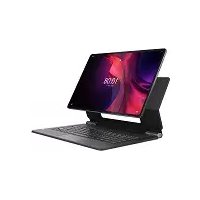
Tab Extreme - Tablet LENOVO - Free user manual and instructions
Find the device manual for free Tab Extreme LENOVO in PDF.


| Product type | Digital tablet |
| Brand | Lenovo |
| Model | Tab Extreme (TB570FU / TB570ZU) |
| Main connectivity | Wi-Fi 6E, Bluetooth 5.x, USB-C (DP), headphone jack via USB-C |
| Mobile network (TB570ZU model) | 5G NR, LTE, WCDMA, GSM |
| Card slot | microSD (TB570FU); microSD + Nano SIM (TB570ZU) |
| Cameras | Front camera, dual rear cameras |
| Flashlight | Yes |
| Fingerprint sensor | Yes, integrated into power button |
| Compatible stylus | Lenovo Precision Pen 3 (dedicated charging area) |
| USB port | USB-C 2.0 (DP) and USB-C 3.2 Gen 1 (DP) |
| Smart connector | Yes, for accessories |
| Audio | Built-in microphones |
| Power supply | Via USB-C |
| Security | Fingerprint sensor |
| Compliance | CE, UKCA |
| SAR (body) | Complies with radio wave exposure limits (2.0 W/kg for 10 g) |
| Maintenance | Clean with a soft, dry cloth. Avoid abrasive products. |
| Support | https://support.lenovo.com |
| Operating temperature | Room temperature, avoid humidity |
Frequently Asked Questions - Tab Extreme LENOVO
User questions about Tab Extreme LENOVO
0 question about this device. Answer the ones you know or ask your own.
Ask a new question about this device
Download the instructions for your Tablet in PDF format for free! Find your manual Tab Extreme - LENOVO and take your electronic device back in hand. On this page are published all the documents necessary for the use of your device. Tab Extreme by LENOVO.
USER MANUAL Tab Extreme LENOVO
natural_image
Line drawing of a laptop with a stand and keyboard, shown from front and side views (no text or symbols)Contents
English....1
Deutsch....7
Français 13
Italiano....19
Português....25
Nederlands 31
Dansk 37
Svenska....43
Norsk bokmål 49
Suomi....55
Español 61
eesti keel 67
Latviešu....73
Lietuvių 79
Íslenska....85
English

GET STARTED

- Read this guide carefully before using your device.
- All pictures and illustrations in this guide are for your reference only. The actual product may vary.

OVERVIEW
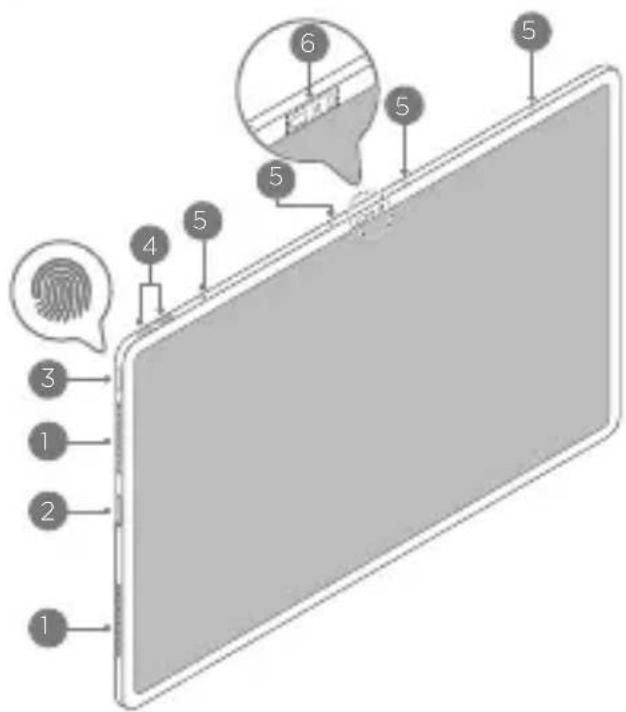
text_image
Diagram of a smartphone screen with numbered components and a fingerprint icon, likely illustrating a fingerprint or fingerprint contact.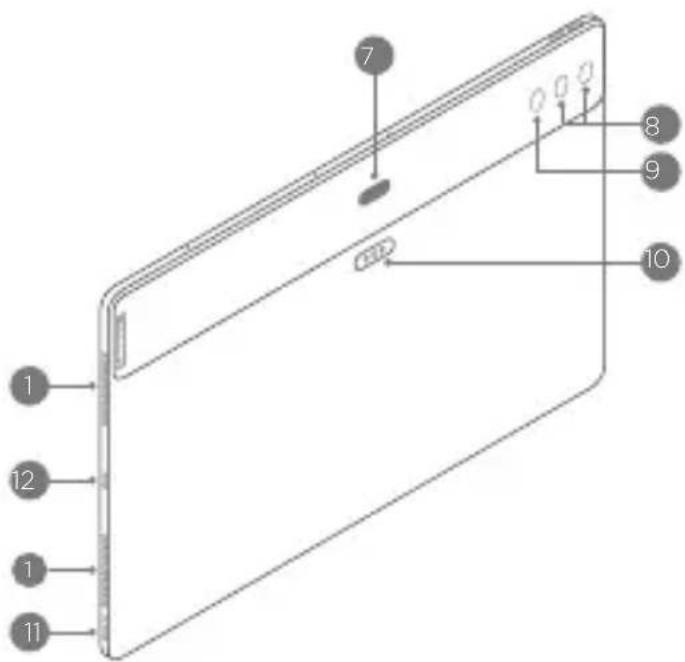
text_image
1 12 1 11 7 8 9 10
Speakers

Card tray

Power button/ Fingerprint sensor

Volume buttons

Microphones

Front camera/ Sensors

Precision Pen 3 charging area

Dual rear cameras

Flashlight

Smart connector

USB-C 2.0 connector (DP in supported)

USB-C 3.2 Gen 1 connector (DP out supported)

Connector 11 and connector 12 both support charging and connecting earphones.

INSTALLING CARDS
Power off the device before inserting or removing a card.
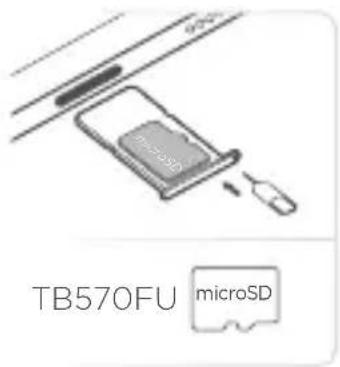
text_image
TB570FU microSD
text_image
TB570ZU microSD + Nano SIM
If you're using a third-party SIM, contact your carrier for more details.

HELP AND MORE
To get more information and download the User Guide, go to https://support.lenovo.com.
EUROPEAN UNION (EU) / UNITED KINGDOM (UK) COMPLIANCE STATEMENT
CE UK CA
Lenovo (Singapore) Pte. Ltd declares that the radio equipment type:
TB570ZU, TB570FU is in compliance with EU Radio Equipment Directive 2014/53/EU.
Lenovo (Slovakia) Ltd declares that the radio equipment type: TB570ZU, TB570FU is in compliance with UK Radio Equipment Regulation SI 2017 No. 1206.
The full text of the system declarations of conformity are available at :
https://www.lenovo.com/us/en/compliance/eu-doc for EU and
https://www.lenovo.com/us/en/compliance/uk-doc for UK.
This radio equipment operates with the following frequency bands and maximum radio-frequency power:
| Frequency BandsModel Name | Maximum Power (dBm) | |
| TB570FU | < 20WLAN 2400 - 248 | |
| < 23WLAN 5150 - 5250 | ||
| < 20WLAN 5250 - 535 | ||
| < 20WLAN 5470 - 572 | ||
| < 14WLAN 5725 - 5850 | ||
| < 23WLAN 5925 - 642 | ||
| < 10Bluetooth 2400 - 2 | ||
| -38.01 dBuA/m@10m13 | ||
| TB570ZU | 33.5GSM 900 | |
| 30.5GSM 1800 | ||
| 24WCDMA B1/B5/B8 | ||
| 24LTE B1/3/5/7/8/20/ | ||
| 5G NRn1/3/5/7/8/20/28/38/40/41/77/78 | 24 | |
| < 20WLAN 2400 - 248 | ||
| < 23WLAN 5150 - 5250 | ||
| < 20WLAN 5250 - 535 | ||
| < 20WLAN 5470 - 572 | ||
| < 14WLAN 5725 - 5850 | ||
| < 23WLAN 5925 - 642 | ||
| < 10Bluetooth 2400 - 2 | ||
| 13.56 MHz | -34.44 dBuA/m@10m |
Restrictions of use:
Usage of TB570FU is limited to indoor in the band 5150 to 5350 MHz and 5925 to 6425 MHz.
Usage of TB570ZU is limited to indoor in the band 5250 to 5350 MHz and 5925 to 6425 MHz.

AT
BE
BG
CH
CY
CZ
DE
DK
EE
EL
ES
FI
FR
HR
HU
IE
15
IT
LI
LT
LU
LV
MT
NL
NO
PL
PT
RO
SE
SI
SK
TR
UK
(1)
UK
THE DEVICE MEETS INTERNATIONAL GUIDELINES FOR EXPOSURE TO RADIO WAVES.
The device is a radio transmitter and receiver. It is designed not to exceed the limits for exposure to radio waves (radio frequency electromagnetic fields) recommended by international guidelines. The guidelines were developed by an independent scientific organization (ICNIRP) and include a substantial safety margin designed to assure the safety of all persons, regardless of age and health. The radio wave exposure guidelines use a unit of measurement known as the Specific Absorption Rate, or SAR.
Tests for SAR are conducted using standard operating positions with the device transmitting at its highest certified power level in all tested frequency bands. The highest SAR values under the ICNIRP guidelines for your device model are listed below:
Maximum SAR for this model and conditions under which it was recorded.
| EU/UK 10gSAR Limit(2.0 W/kg) | TB570FU | Body-worn(0 mm) | WLAN,Bluetooth | 1.590 W/kg |
| EU/UK 10gSAR Limit(4.0 W/kg) | Limb(0 mm) | WLAN,Bluetooth | 1.590 W/kg | |
| Europe 10gSAR Limit(2.0 W/kg) | TB570ZU | Body(0 mm) | GSM,WCDMA,LTE, 5G NR,WLAN,Bluetooth | 1.542 W/kg |
| Europe 10gSAR Limit(4.0 W/kg) | Limb(0 mm) | GSM,WCDMA,LTE, 5G NR,WLAN,Bluetooth | 1.542 W/kg |

The above information is for EU countries and UK. Please refer to the actual product for supported frequency bands in other countries.
During use, the actual SAR values for your device are usually well below the values stated. This is because, for purposes of system efficiency and to minimize interference on the network, the operating power of the device is automatically decreased when full power is not needed for the data connection. The lower the power output of the device, the lower its SAR value. If you are interested in further reducing your RF exposure then you can easily do so by limiting your usage or simply using a hands-free kit to keep the device away from the body.
Deutsch

ERSTE SCHRITTE

text_image
Diagram of a smartphone screen with numbered components and a fingerprint icon, likely illustrating a fingerprint pattern or sensor placement.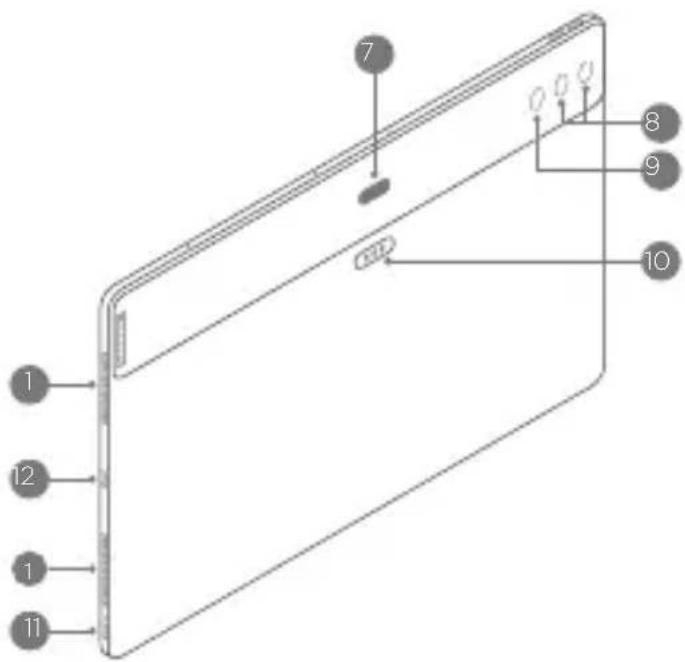
text_image
1 2 1 11 7 8 9 101 Lautsprecher
2 Kartenfach
text_image
Diagram of a smartphone screen with numbered components and a fingerprint icon, likely illustrating a fingerprint or fingerprint contact.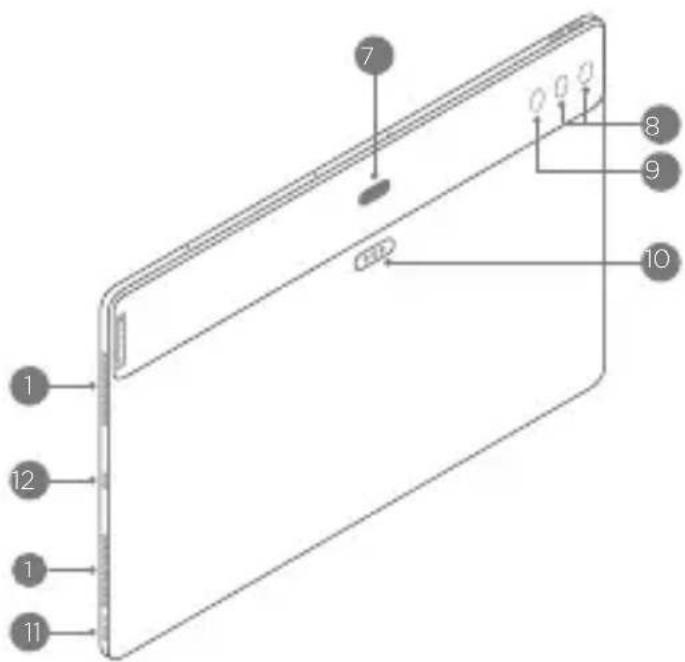
text_image
1 12 1 11 7 8 9 101 Haut-parleurs
text_image
Diagram of a smartphone screen with numbered components and a fingerprint icon, likely illustrating a fingerprint pattern or usage.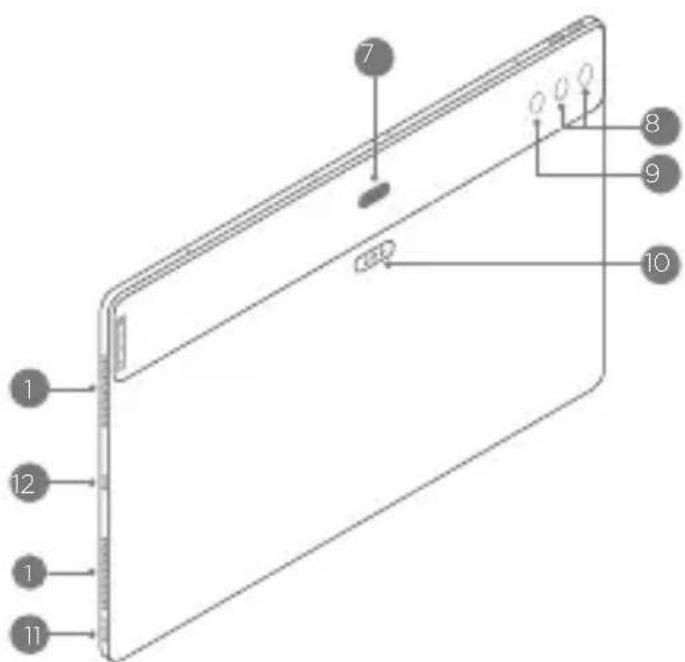
text_image
1 12 1 11 7 8 9 101 Altoparlanti
2 Vassoio scheda
text_image
Diagram of a smartphone with numbered components and a fingerprint icon, likely illustrating a fingerprint or fingerprint contact.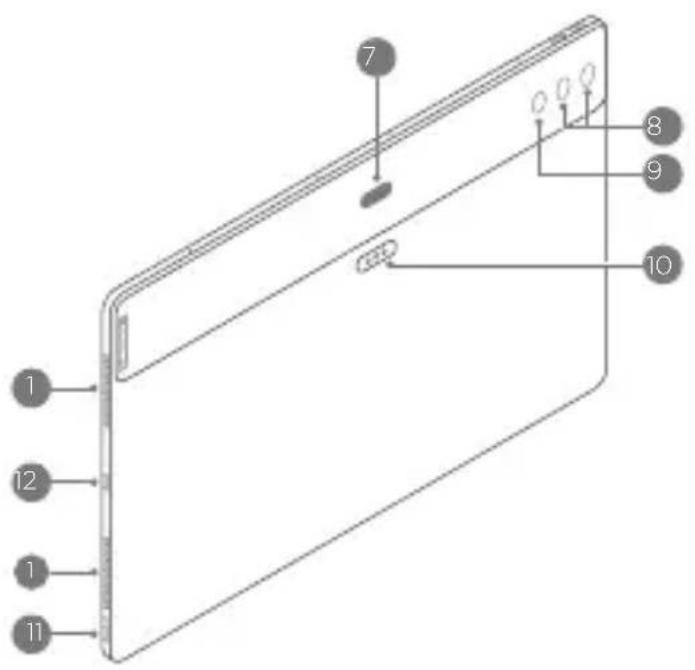
text_image
1 12 1 11 7 8 9 101 Altifalantes
text_image
Diagram of a smartphone showing front and side views with numbered components and a fingerprint icon labeled 'Fingerprint'.1 Luidsprekers
2 Kaartlade
text_image
Diagram of a smartphone screen with numbered components and a fingerprint icon, likely illustrating a fingerprint or fingerprint contact.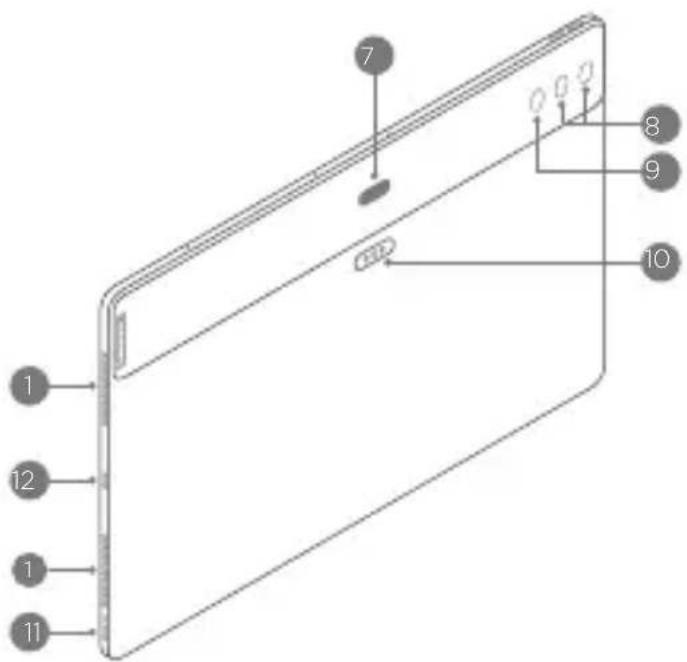
text_image
1 12 1 11 7 8 9 101 Højttalere
2 Kortholder
text_image
Diagram of a smartphone screen with numbered components and a fingerprint icon, likely illustrating a fingerprint or fingerprint contact.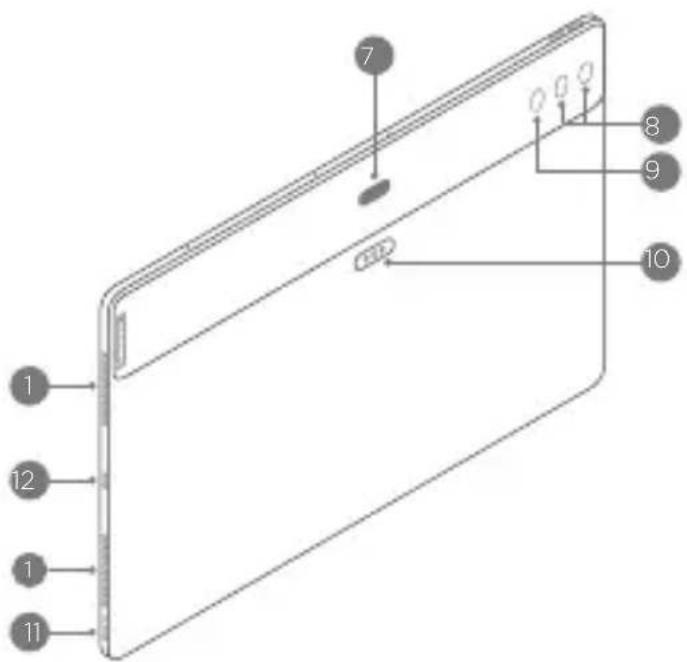
text_image
1 12 1 11 7 8 9 10
Högtalare

Kortbricka

På-/av-knapp/Fingeravtryckssensor

Volymknappar

Mikrofoner

Framåtriktad kamera/Sensorer

text_image
Diagram of a smartphone screen with numbered components and a fingerprint icon, likely illustrating a fingerprint or fingerprint contact.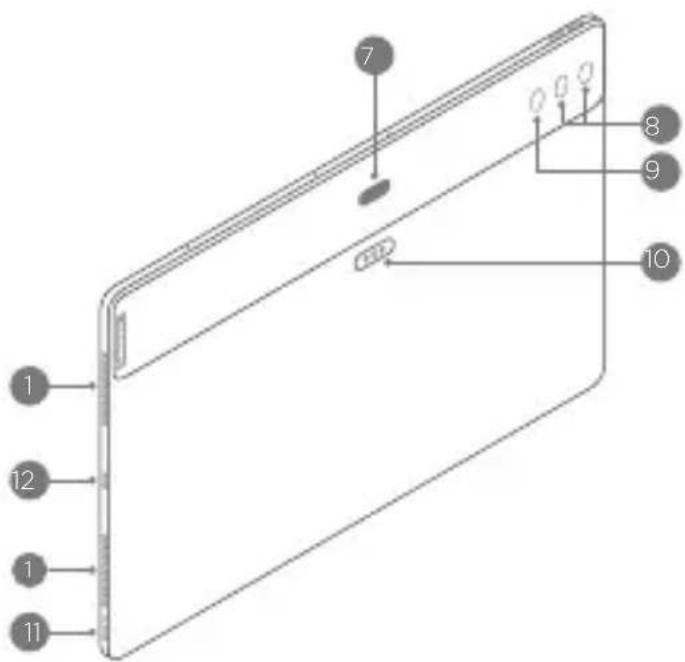
text_image
1 12 1 11 7 8 9 101 Høyttalere
2 Kortskuff
https://www.lenovo.com/us/en/compliance/eu-doc for EU
og https://www.lenovo.com/us/en/compliance/uk-doc for Storbritannia.
text_image
Diagram of a smartphone screen with numbered components and a fingerprint icon, likely illustrating a fingerprint contact or security interface.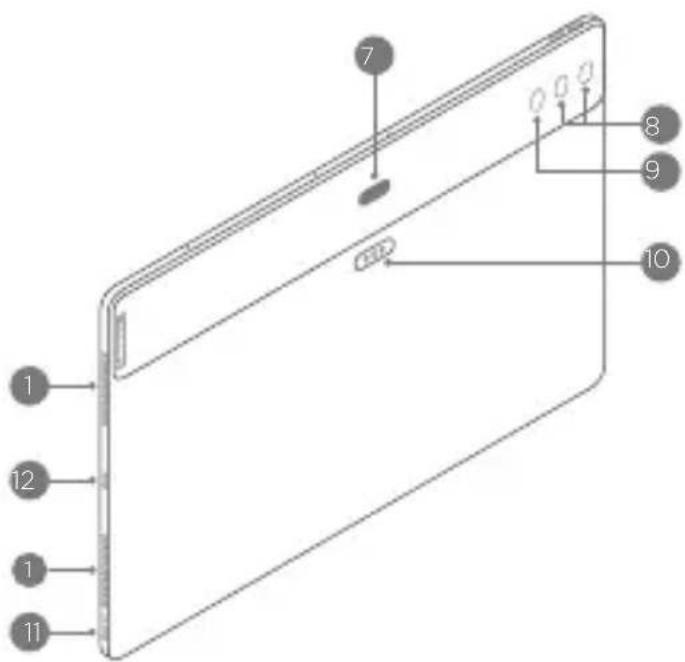
text_image
1 12 1 11 7 8 9 101 Kaiuttimet
2 Korttialusta
3 Virtapainike/ Sormenjäljenlukija
text_image
Diagram of a smartphone screen with numbered components and a fingerprint icon highlighting key parts.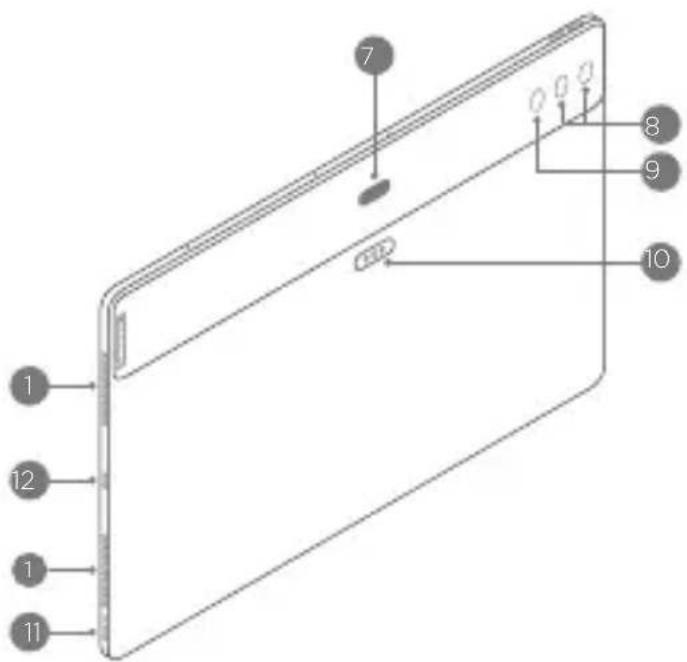
text_image
1 12 1 11 7 8 9 10
Kõlarid

Kaardisalv

Toitenupp/ Sörmejäljeandur

Helitugevuse nupud

Mikrofonid

Esikaamera/Andurid

Precision Pen 3 laadimisala

Tagumine topeltkaamera

Taskulamp

Nutikonnektor

text_image
Diagram of a smartphone screen with numbered components and a fingerprint icon, likely illustrating a fingerprint or fingerprint contact.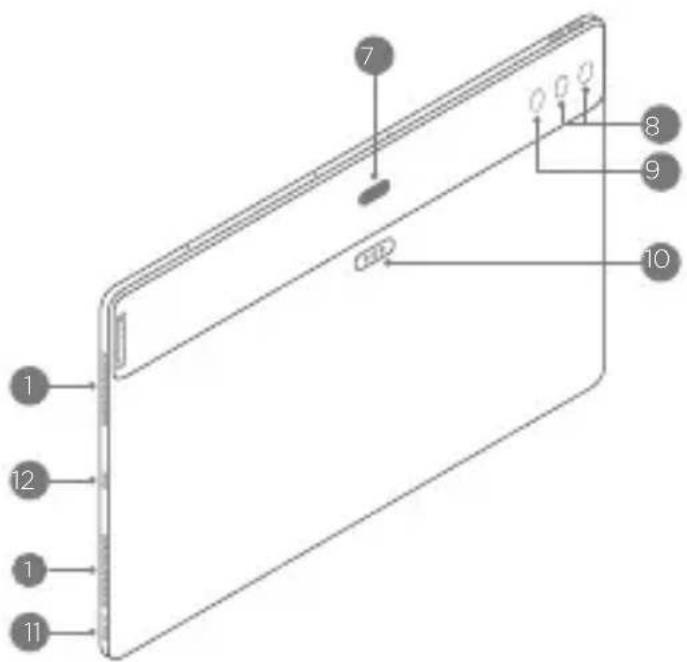
text_image
1 12 1 11 7 8 9 10
Skalruni

Kartes turētājs

Barošanas poga/Pirksta nospieduma sensors

Skaluma pogas

Mikrofoni

text_image
Diagram of a smartphone screen with numbered components and a fingerprint icon, likely illustrating a fingerprint pattern or usage.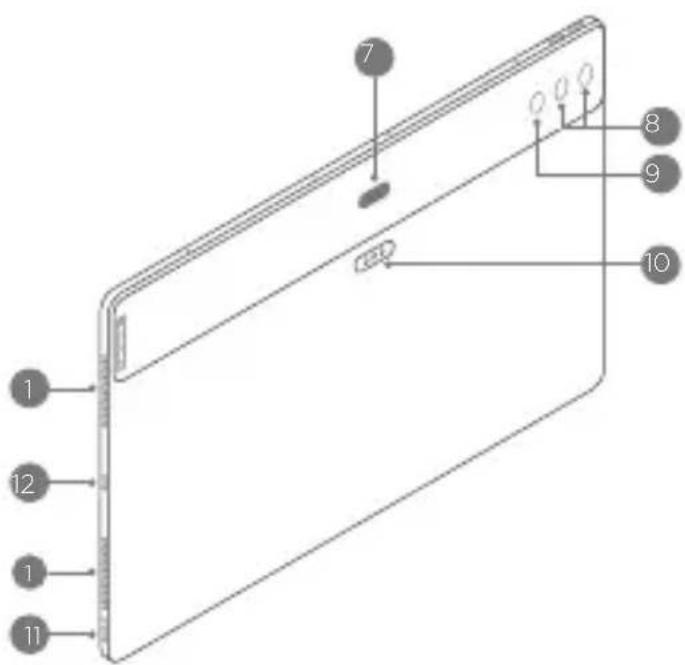
text_image
1 12 1 11 7 8 9 10
Garsiakalbiai

Kortelių déklas

JRENGINYS ATITINKA TARPTAUTINES GAIRES DËL RADIJO BANGU POVEIKIO.
text_image
Diagram of a smartphone screen with numbered components and a fingerprint icon, likely illustrating a fingerprint or fingerprint contact.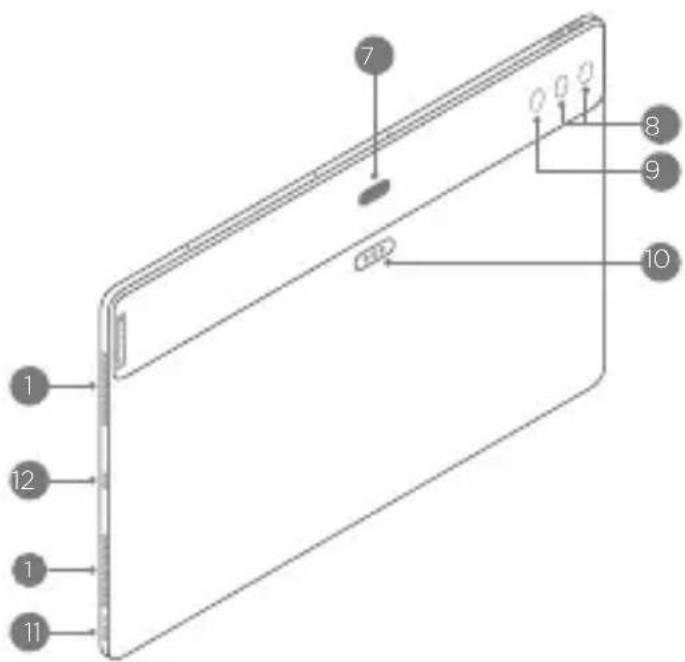
text_image
1 12 1 11 7 8 9 10
Hátalarar

Kortabakki

https://www.lenovo.com/us/en/compliance/eu-doc fyrir ESB
og https://www.lenovo.com/us/en/compliance/uk-doc fyrir Bretaland.
Reduce | Reuse | Recycle


V1.1_20230110
text_image
Barcode image containing machine-readable data, with vertical lines representing data points in the matrix.SSC8D75600 MC
Printed in China