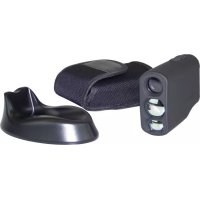
31929 - Rangefinder Berger & Schröter - Free user manual and instructions
Find the device manual for free 31929 Berger & Schröter in PDF.



| Product type | Laser rangefinder |
| Brand | Berger & Schröter |
| Model | 31929 (PRO X7) |
| Dimensions (L x W x H) | 102 x 34 x 71 mm |
| Weight | 149 g |
| Power supply | Rechargeable lithium-polymer battery via wireless charging station (USB) |
| Battery life | Rechargeable; auto-off after 20 s of inactivity |
| Magnification | 6x |
| Lens diameter | 21 mm |
| Field of view | 7.2° |
| Eye relief | 16 mm |
| Measuring range | 5 to 600 m |
| Accuracy | ±0.5 m (<200 m); ±1 m (>200 m) |
| Units | Meters / yards (switchable) |
| Water resistance rating | IPX4 |
| Measuring modes | Single distance, scan, flag lock, golf distance correction, fog, horizontal distance, vertical altimeter, speed |
| Care and cleaning | Soft cloth; store in the provided carrying case |
| Safety instructions | Do not point at eyes; do not look into the beam; do not open the device; avoid temperatures >50°C or <-10°C; do not immerse |
| Warranty | Limited warranty; excludes damage due to misuse (drop, opening, etc.) |
| General information | High-precision optical device; recommended for outdoor use; do not use in rainy weather, snow, or heavy fog |
Frequently Asked Questions - 31929 Berger & Schröter
User questions about 31929 Berger & Schröter
0 question about this device. Answer the ones you know or ask your own.
Ask a new question about this device
Download the instructions for your Rangefinder in PDF format for free! Find your manual 31929 - Berger & Schröter and take your electronic device back in hand. On this page are published all the documents necessary for the use of your device. 31929 by Berger & Schröter.
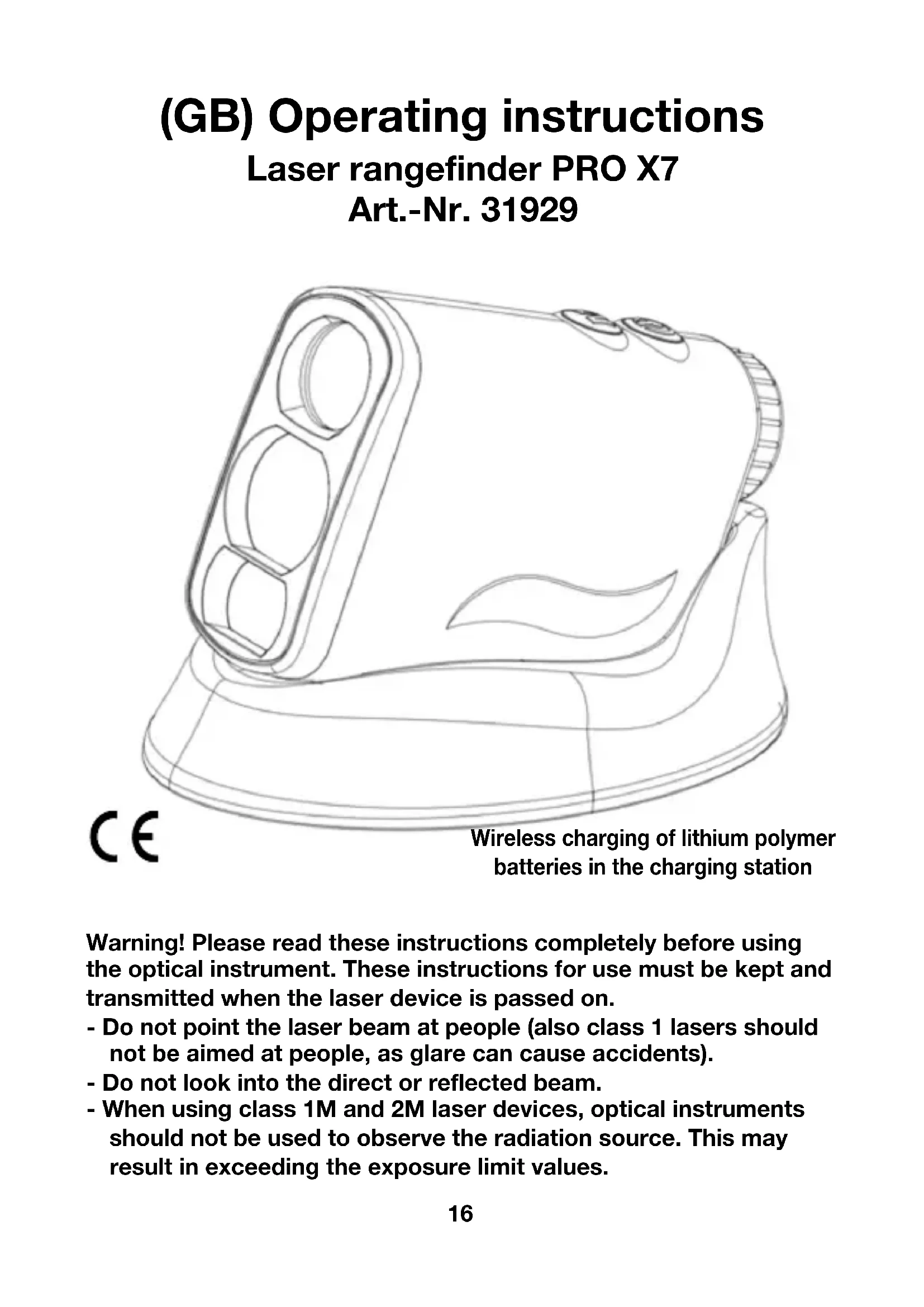
USER MANUAL 31929 Berger & Schröter
CE
4. Drahtloses Laden
5. Modi ändern
Prinzip:

d = c / t
Nebel-Modus
Prinzip:
v = (d 2 - d 1) / t
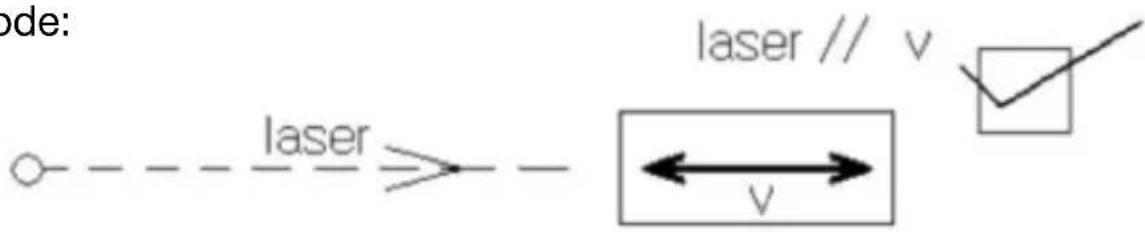
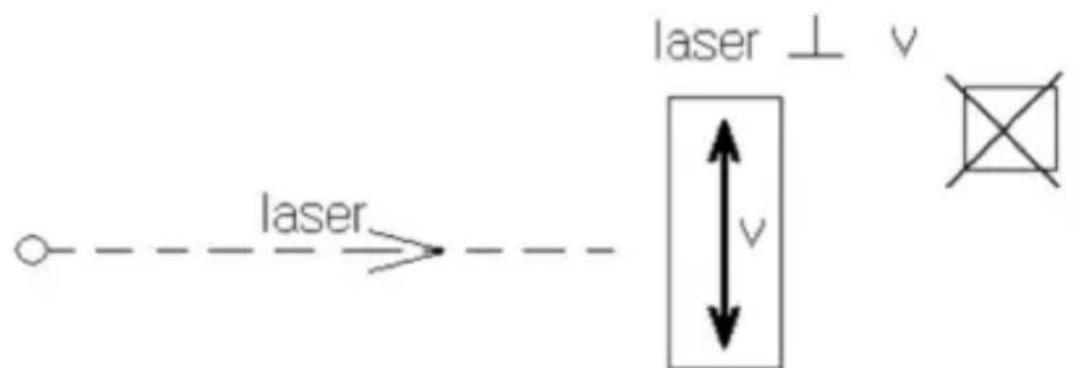
Methode:
KM/H
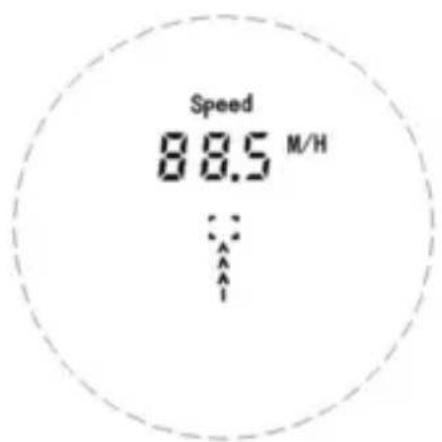
M/H
Ziele messen:
Warning! Please read these instructions completely before using the optical instrument. These instructions for use must be kept and transmitted when the laser device is passed on.
- Do not point the laser beam at people (also class 1 lasers should not be aimed at people, as glare can cause accidents).
- Do not look into the direct or reflected beam.
- When using class 1M and 2M laser devices, optical instruments should not be used to observe the radiation source. This may result in exceeding the exposure limit values.
1. Power On
Hold power button for about 1 second.
The display screen is default range mode.
For thereafter usage, the display screen is last time usage screen.
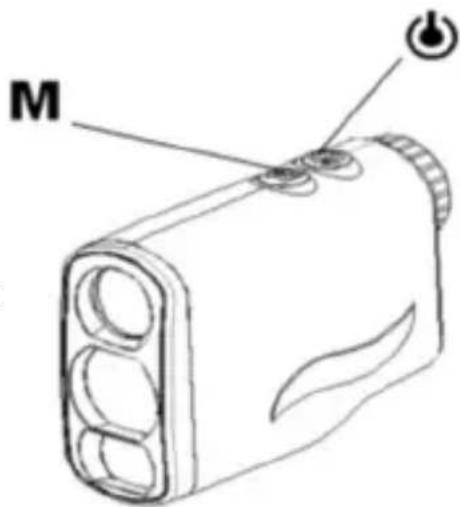
2. Changing Units of Measurement
Hold Button for 3 seconds to toggle meters (M) or yards (Y).
When in mode of “Ranging”, “Scan”, “Pin Lock”, “Golf distance correction”, “Fog”, “Horizontal distance measure” “Vertical height”
and "Speed", long press key to change unit between Metric and Yard.
In Speed Mode, Unit has to be changed independent.
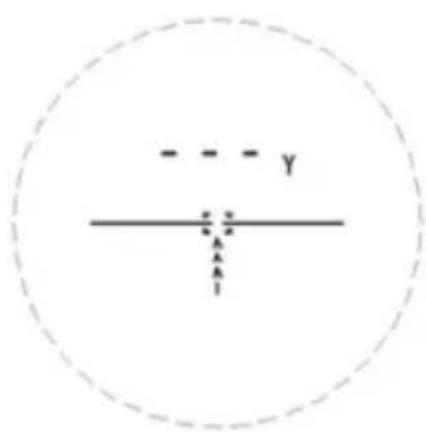
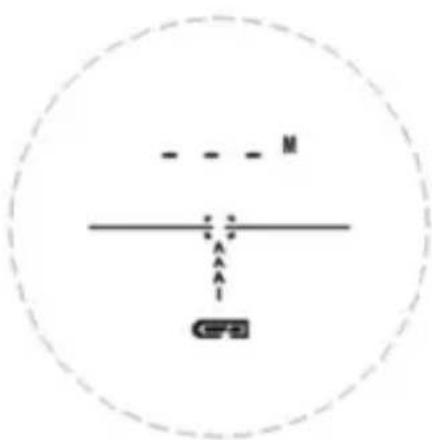
3. Low power warning
When battery power is too low, the low battery icon will appear all the time to remind user to change battery.
4. Wireless Charging
- Connect USB cable to the wireless charging base and the power source (USB power adapter/Power Bank/PC/Vehicle etc. USB port connector all ok ), then power indicator turns on.
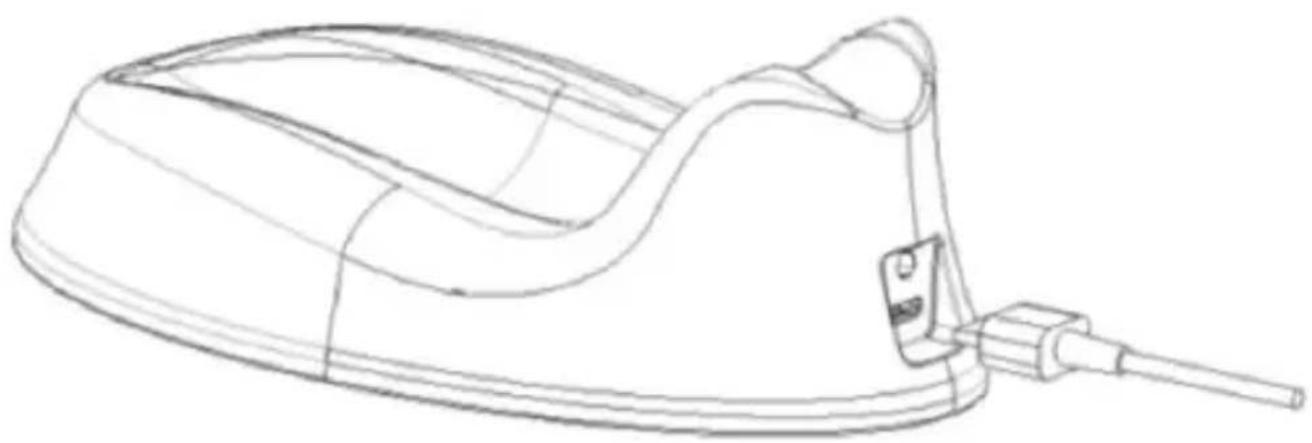
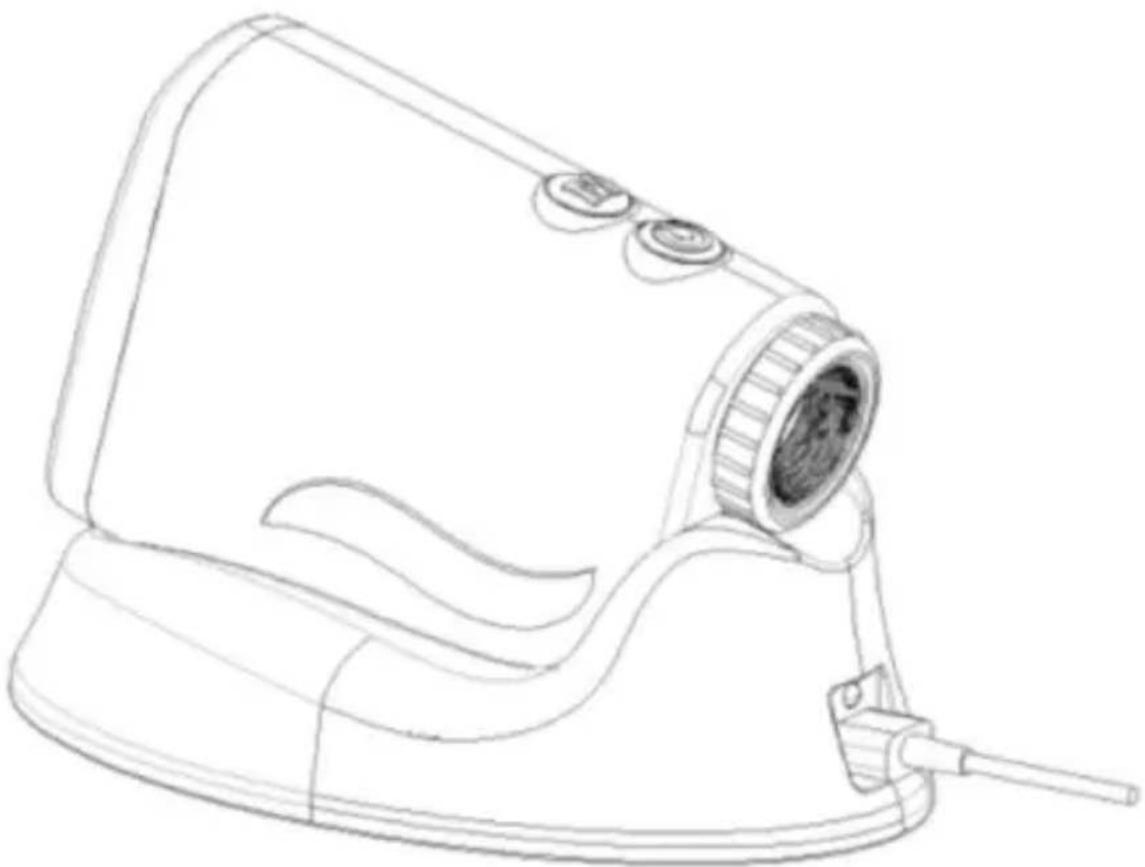
- Put the rangefinder in the charging base, the indicator light stay on which means it's charging. When it's full charged, the indicator light will flash
5. Changing Modes
Hold Button to choose between “Ranging”, “Scan”, “Pin Lock”, “Golf distance correction”, “Fog”, “Horizontal distance measure”, “Vertical height” and “Speed” Mode circularly.
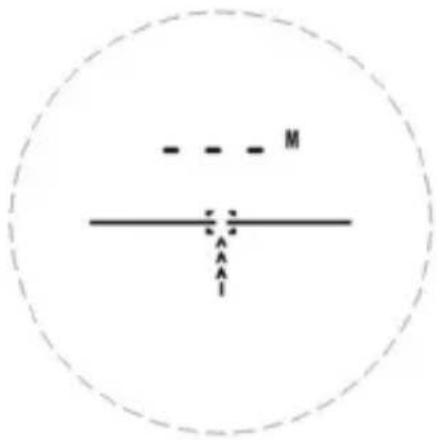
5-1 Ranging mode
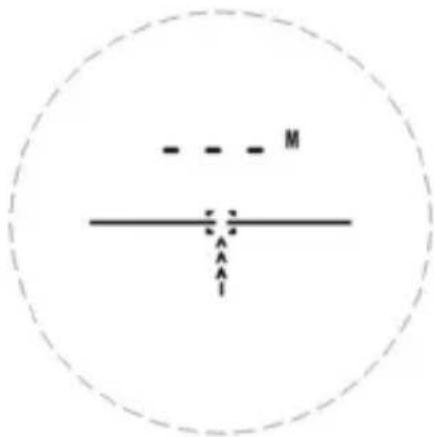
Principle:

d = c / t
Press key to start ranging.
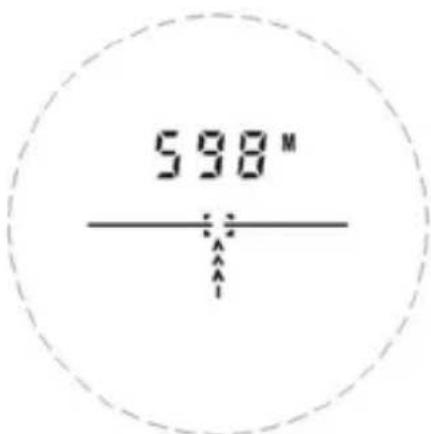
5-2 Scan Mode
Principle:
![graph TD O["Object"] --> d_a["d(a)"] O --> d_b["d(b)"] O --> d_c["d(c)"] O --> d_n_minus_1["d(n-1)"] O --> d_n["n"] O --> d_n_plus_1["d(n+1)"] d_a -.-> A["A"] d_b -.-> B["B"] d_c -.-> C["C"] d_n_minus_1 -.-> N["N"] d_n_plus_1 -.-> N_plus_1["N+1"]](/content/2026/04/621508/images/8bd3b6e196f904f53f9b77f72dfd223644711f55009863b0e8cf1c097553aec3.jpg)
In scan mode, the laser will emit a continuous, each distance to be measured will be displayed one by one.
When Power on, in the ranging mode, press and hold key to set the Scan mode.
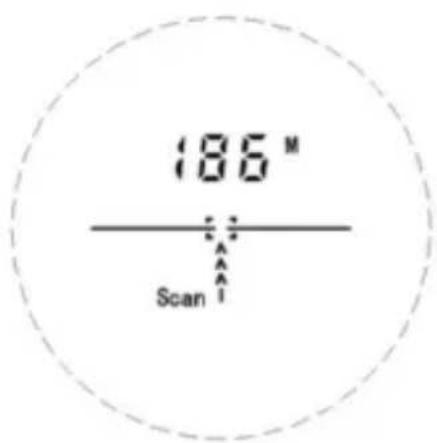
Automatically exit after 20 seconds continuous ranging.
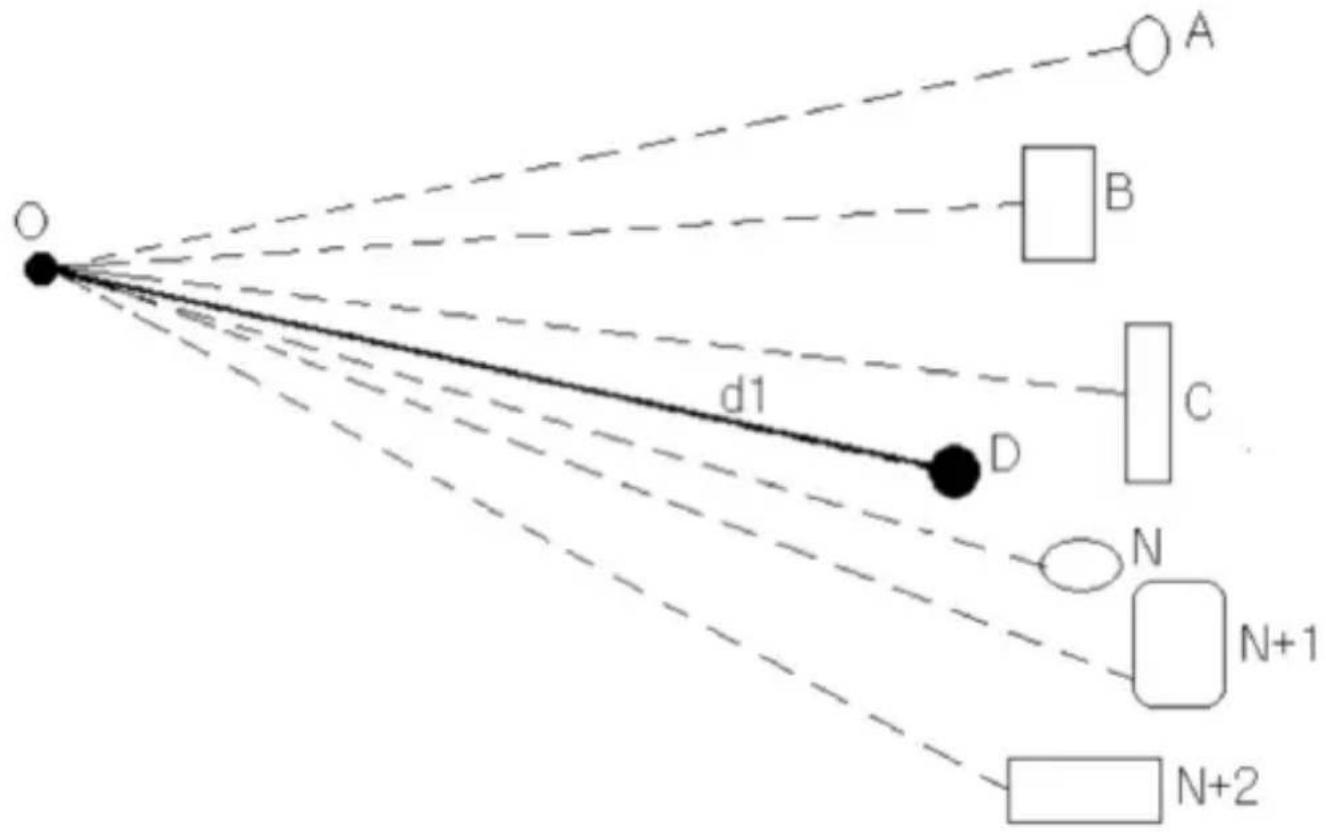
5-3 Pin Lock Mode
Principle:
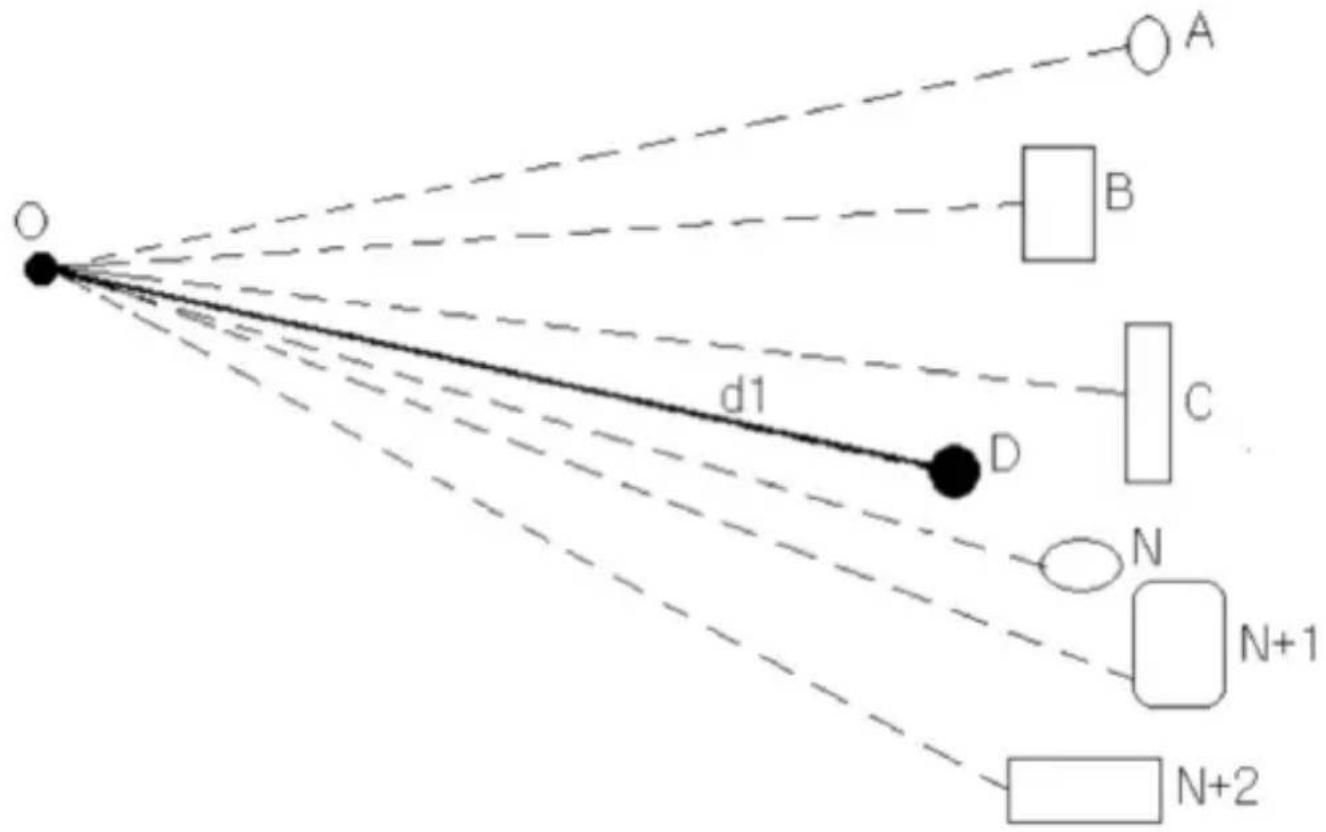
In the Pin Lock Scan mode, the point D may be isolated from a number of points in the background out and keep only the distance d1 to the point.
So as to achieve the automatic locking flagpole distance. The other goals were shielded behind the flagpole.
Pin Lock
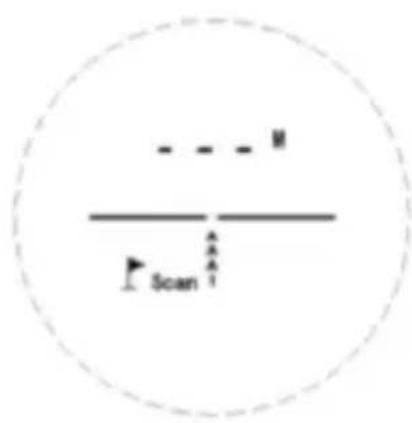
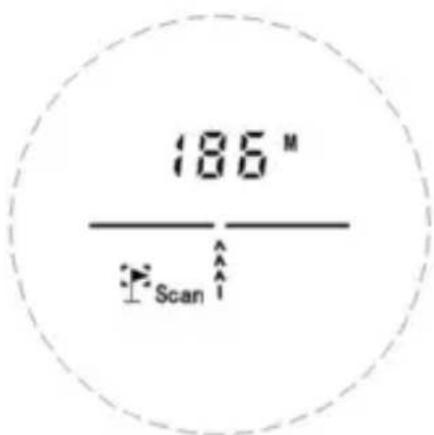
When the flagpole Scan mode screen appears, press and hold key to start the pin lock scan function, the flag symbol in the screen box around the icon flashes.
The ranging machine aiming point in the measured scan back and forth on both sides of the flagpole, the flagpole of the measured data to the data will be retained, and the screen banner around the box is no longer flashing, which means that the flagpole data is locked.
5-4 Golf Distance Correction (Golf Slope Compensated Distance) Principle:
The measured distance values AB, the slope value is substituted into the equation in golf ball flight. Calculate the recommended distance.
The slope is positive, long distance shots.
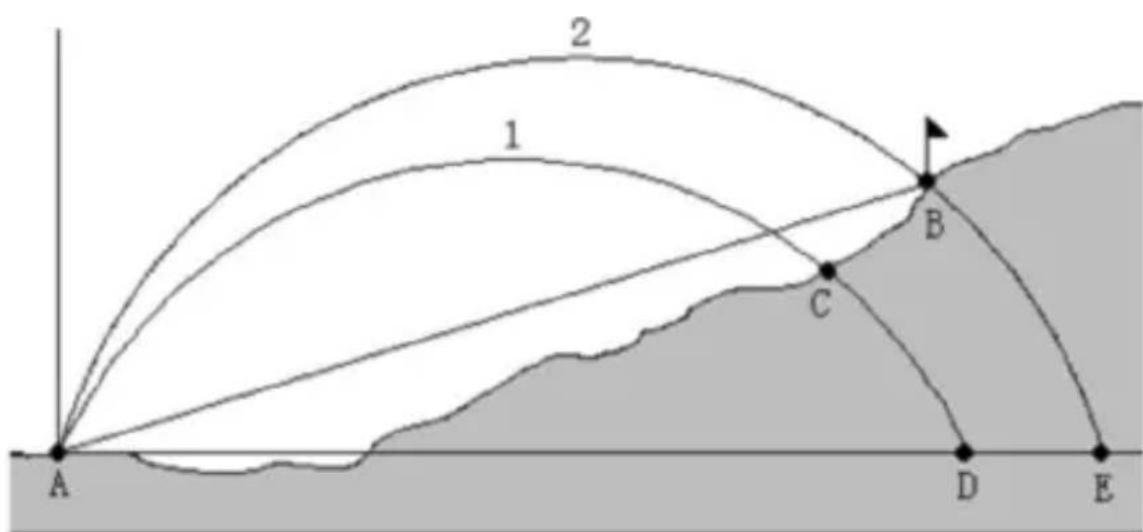
- Uncorrected parabola batting
- The actual distance the ball parabola
Point B is the pole position
The slope is negative, the distance to be close to hitting.
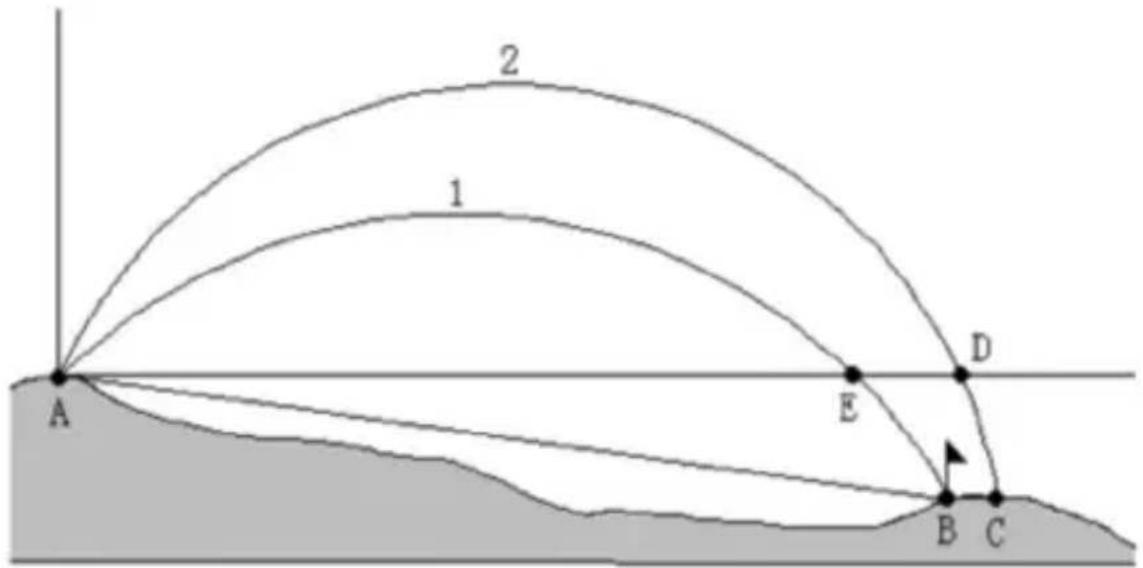
Press and release button to set Golf Distance Correction mode.
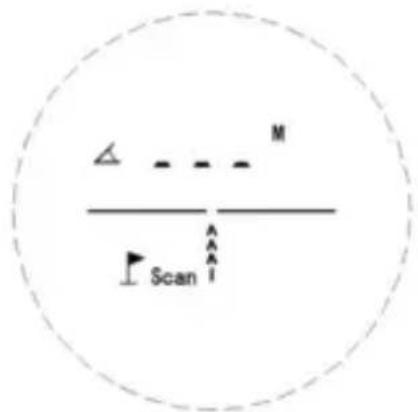
After the measured distance values and flagpole slope value, the trajectory can be calculated. Distance and slope value turns the display.
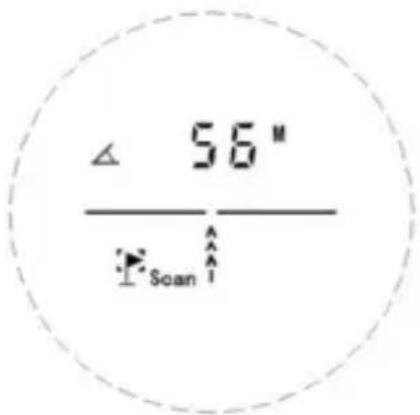
Angle compensated distance
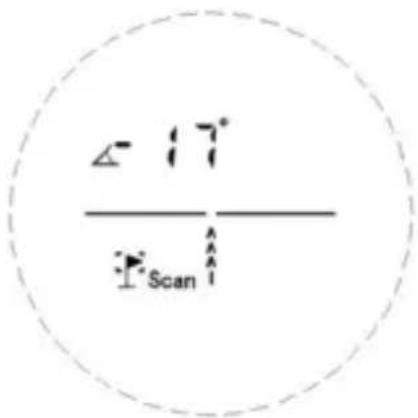
Angle
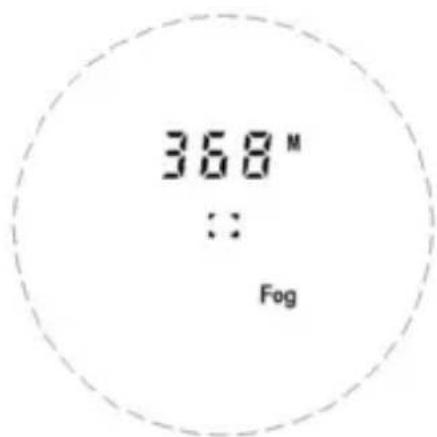
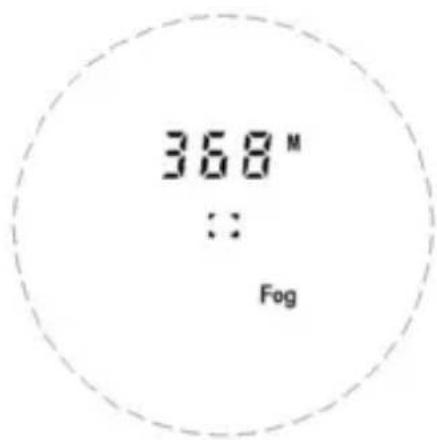
5-5 Fog Mode
Principle:
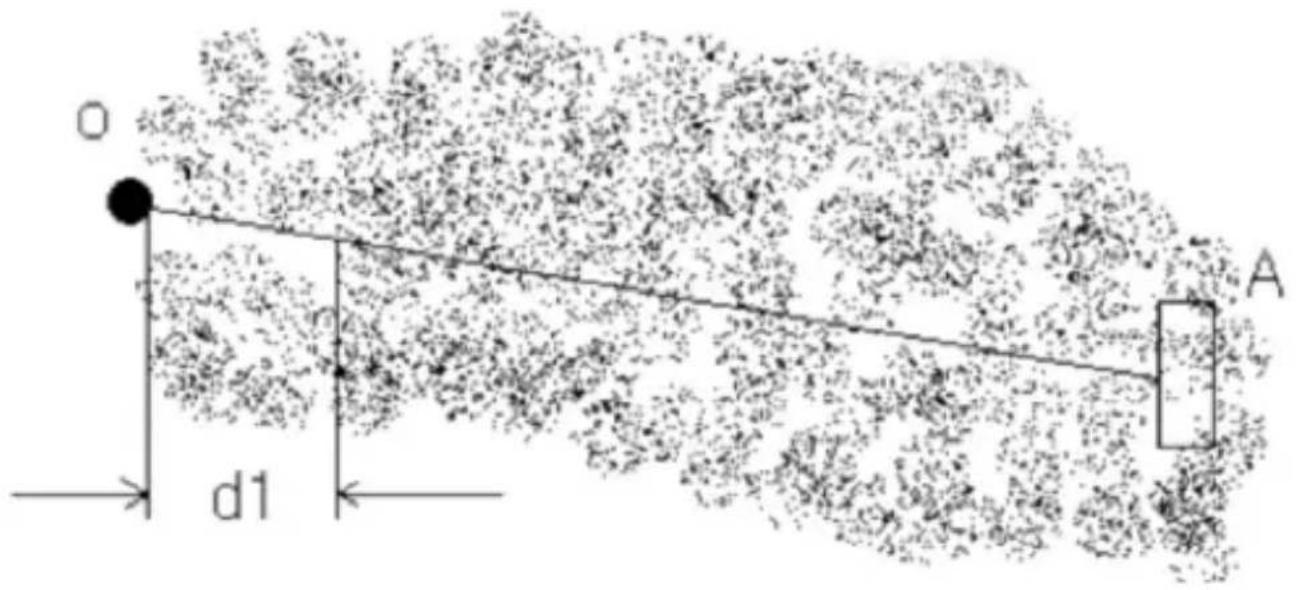
Press and release button to set Fog Mode.
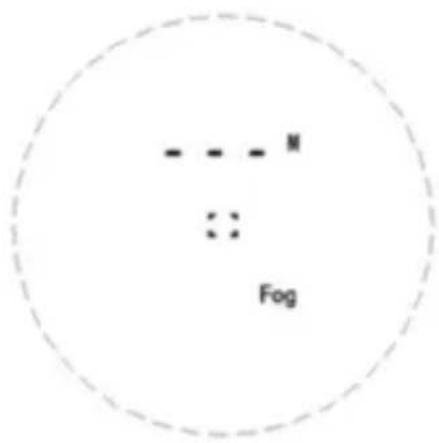
Short Press to start Ranging. Fog Mode will solve the interference caused by foggy.
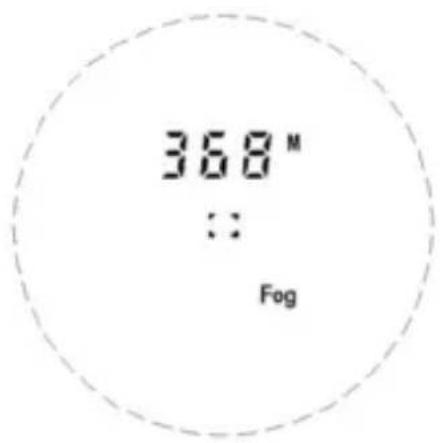
Fog Mode
Note:
- In Fog Mode, effective distance should be over 25m
- The device can only be used outside
5-6 Horizontal distance measure
Principle:
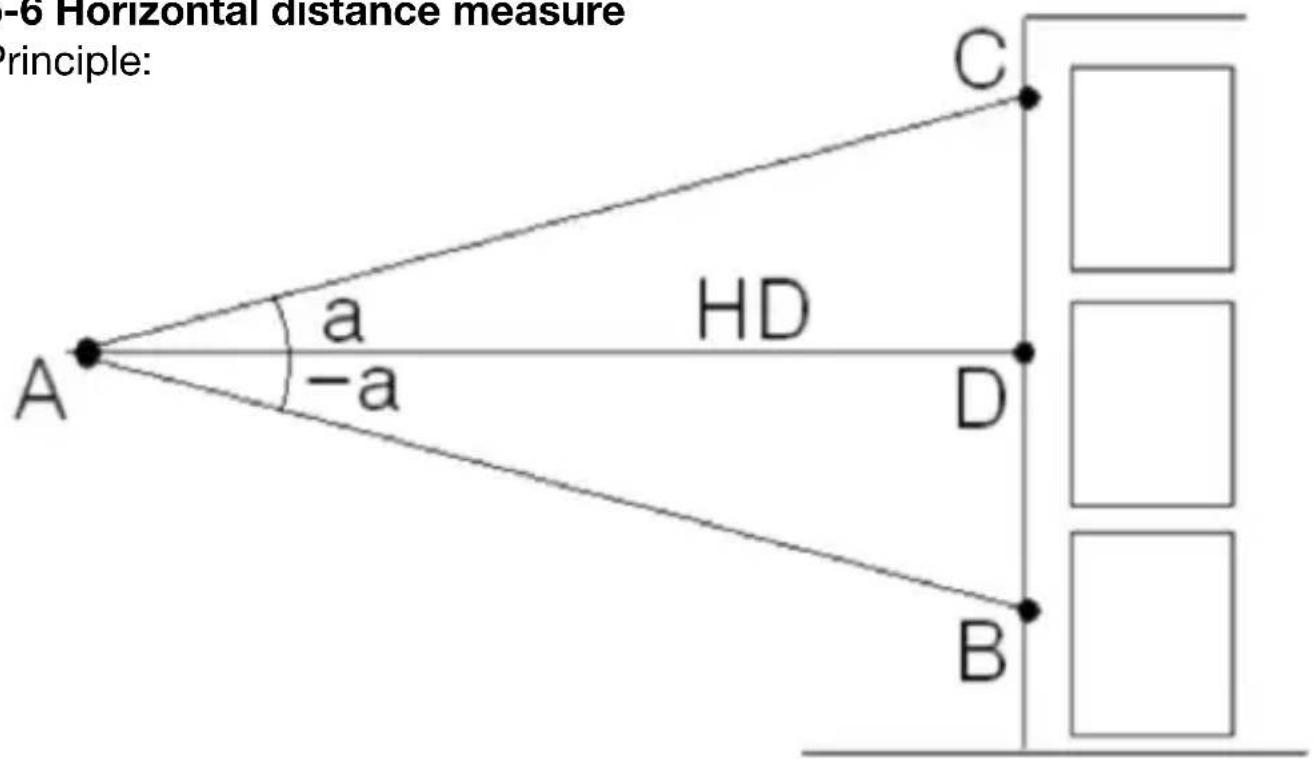
Press and release Button to set the Horizontal distance Mode.
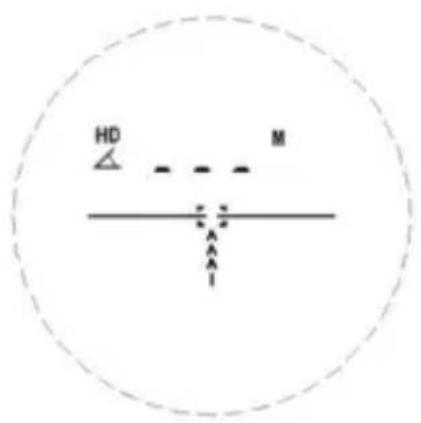
Short press power
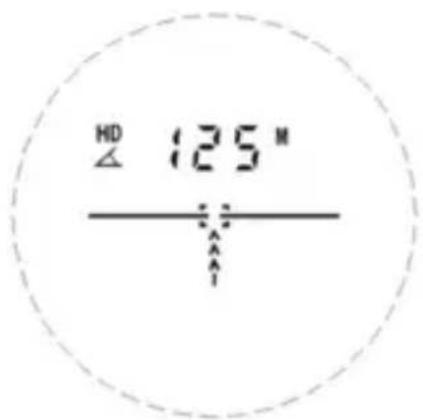
Horizontal distance
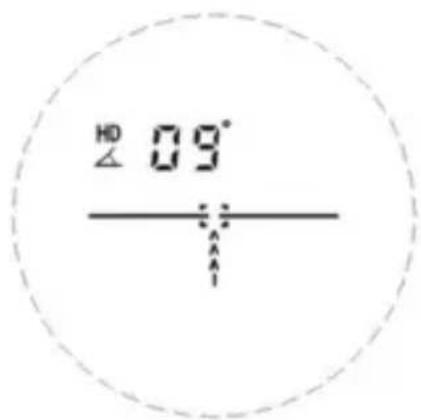
Angle
key to measure distance and angle, after calculation, horizontal distance and angle will display alternatively.
5-7 Vertical height measure mode
Principle:
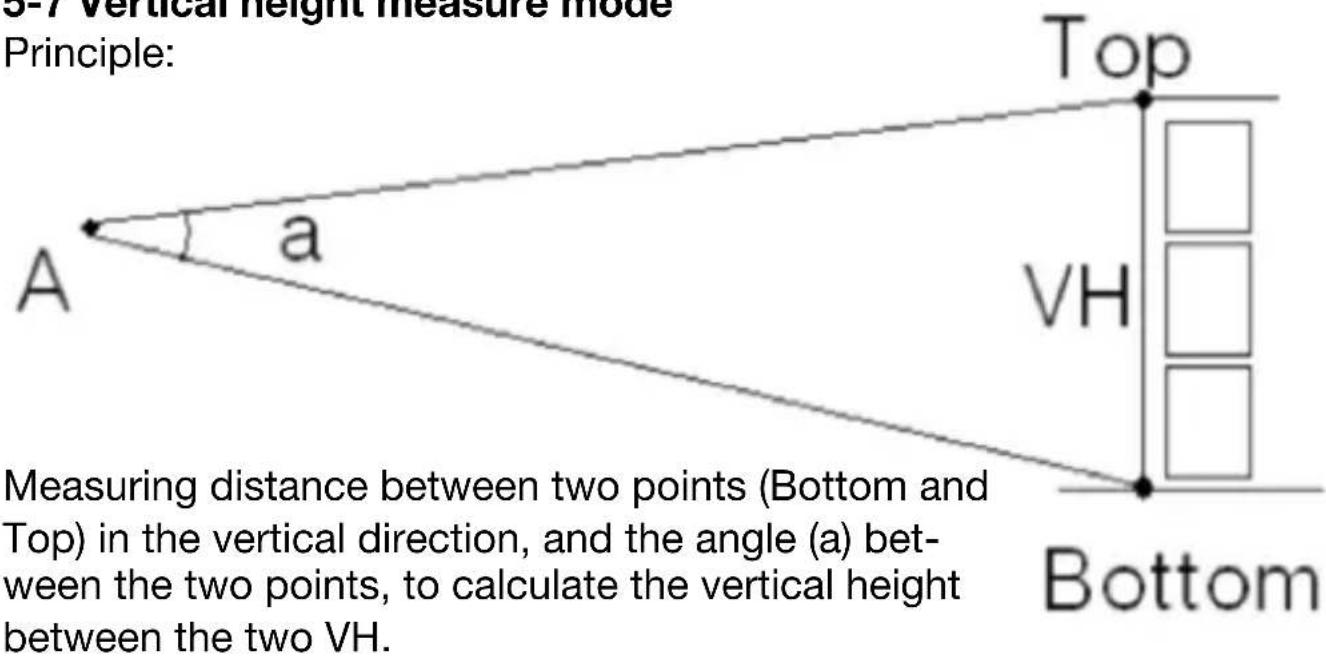
Measuring distance between two points (Bottom and Top) in the vertical direction, and the angle (a) between the two points, to calculate the vertical height between the two VH.
Bottom
The aiming point is aligned at the bottom of the measured object, hold down the koy.
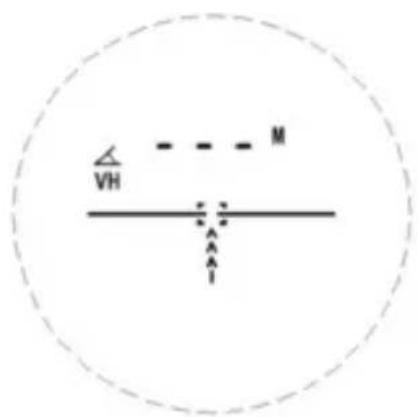
Aim the bottom of the target, press
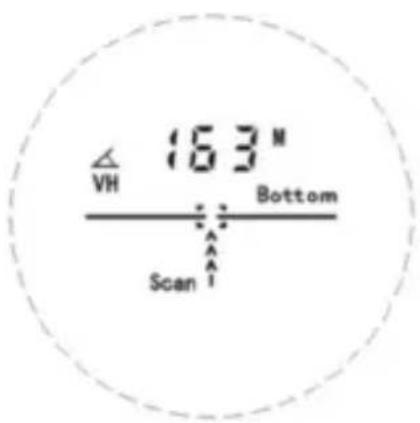
Bottom side
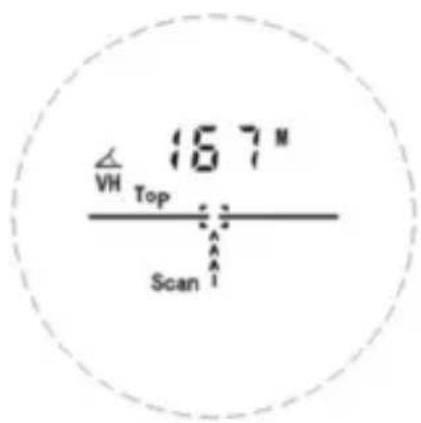
Top distance
and hold power key "Bottom" & "Scan" will show up in the screen, the rangefinder will start to measure to the bottom. When the distance to the bottom is measured, the screen will show "Up" & "Scan", then start to look for the top. Then distance to top position will be continuously displayed in the screen.
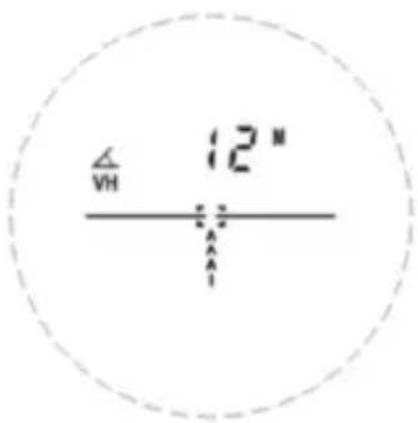
Vertical Height
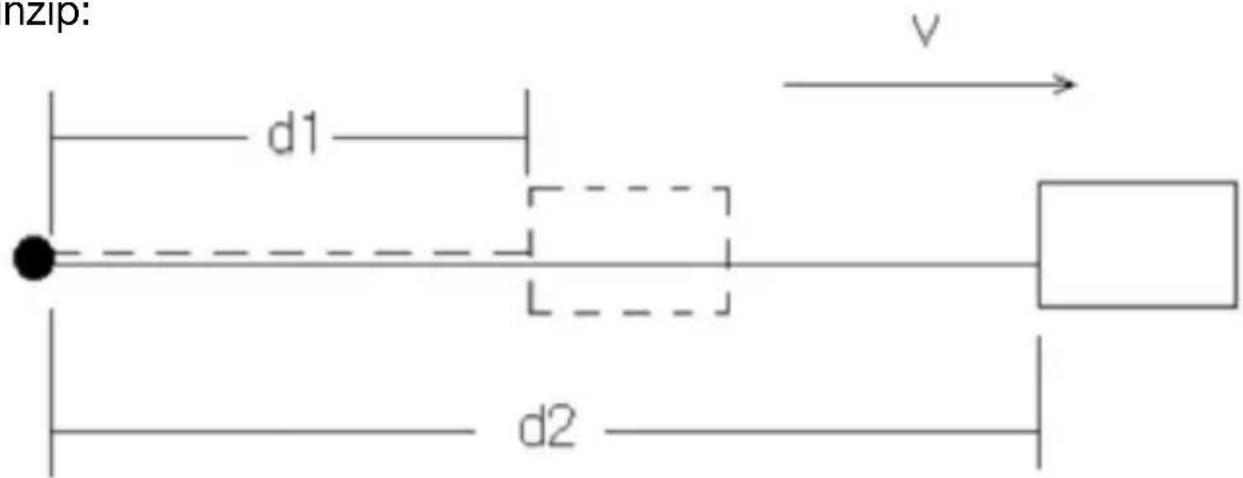
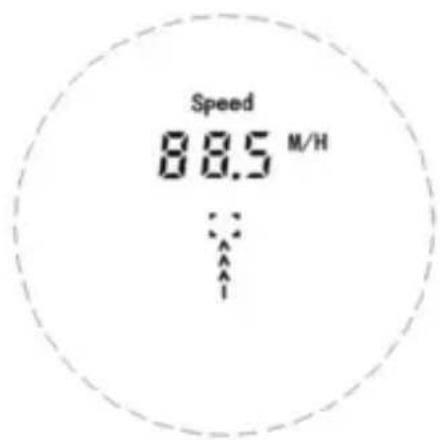
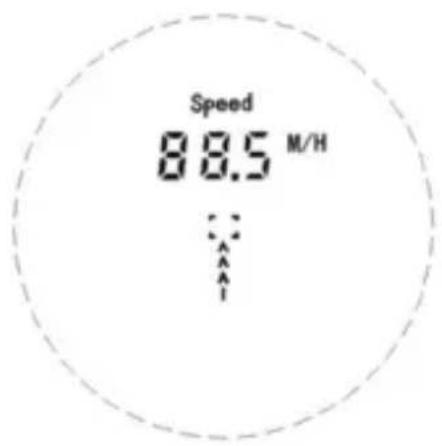
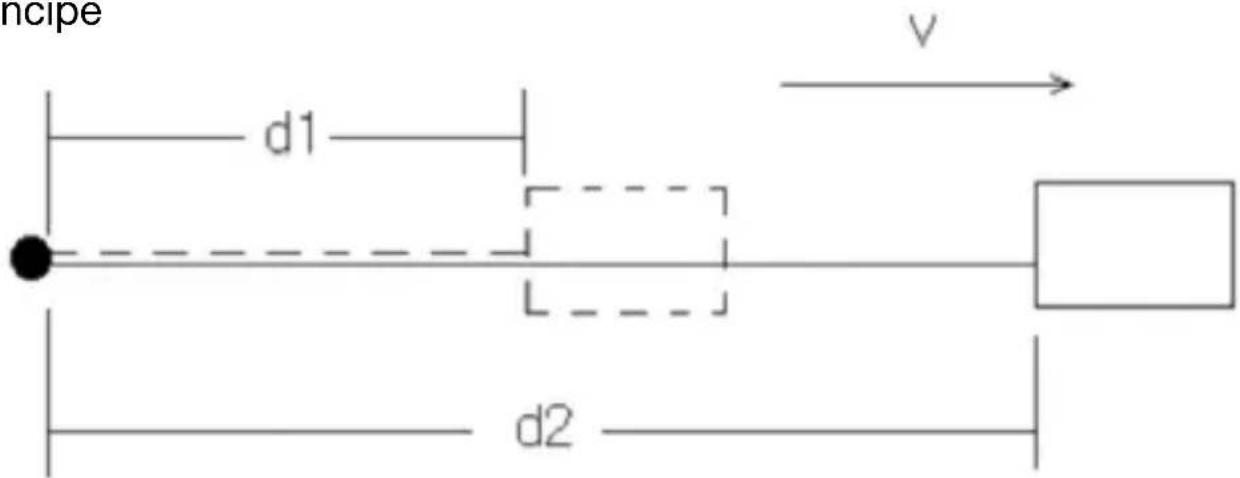
5-8 Speed Mode
Press and release button to set the Speed Mode
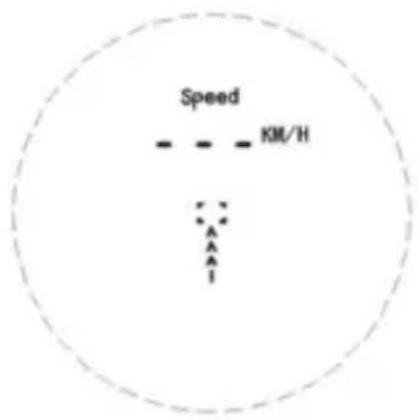
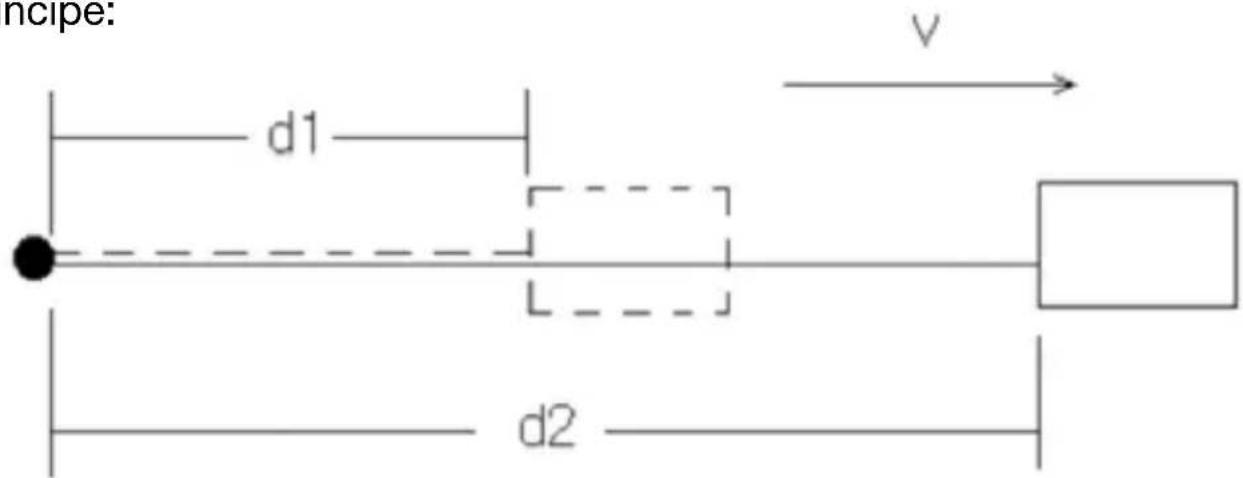
Principle:
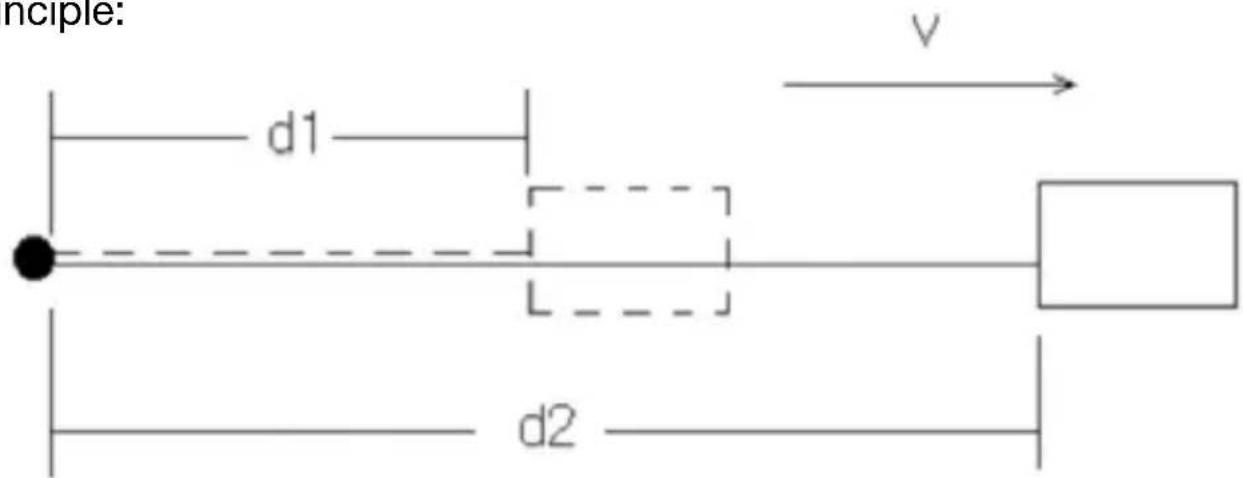
v = (d 2 - d 1) / t
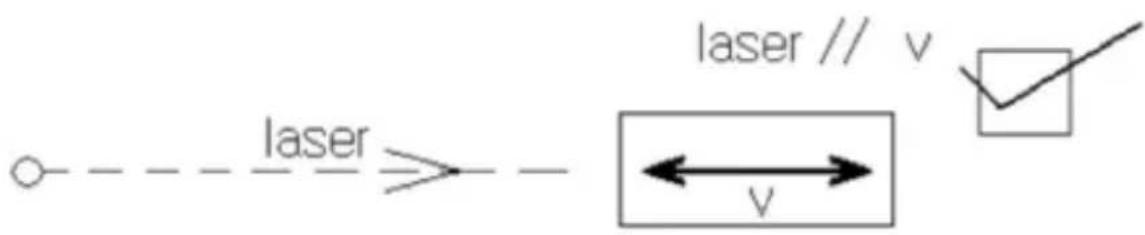
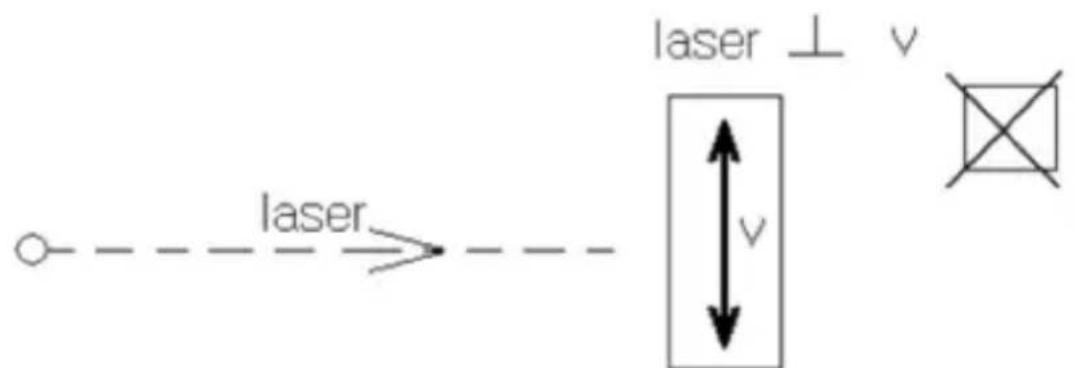
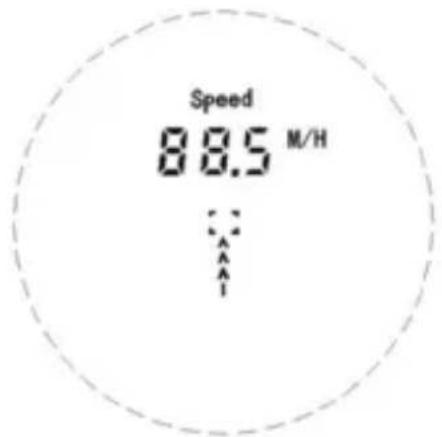
Hold M switch the Unit KM/H and M/H
Press to start measuring Speed
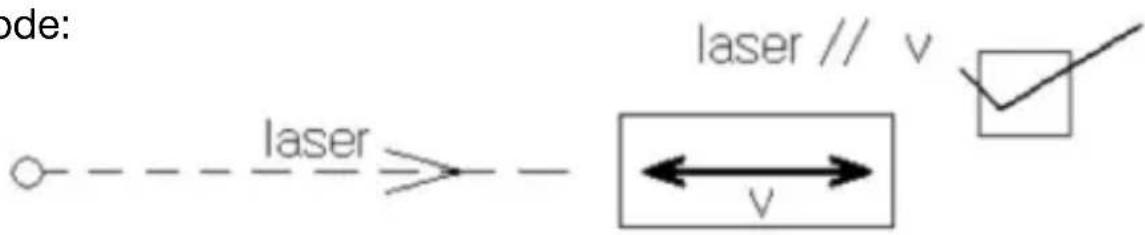
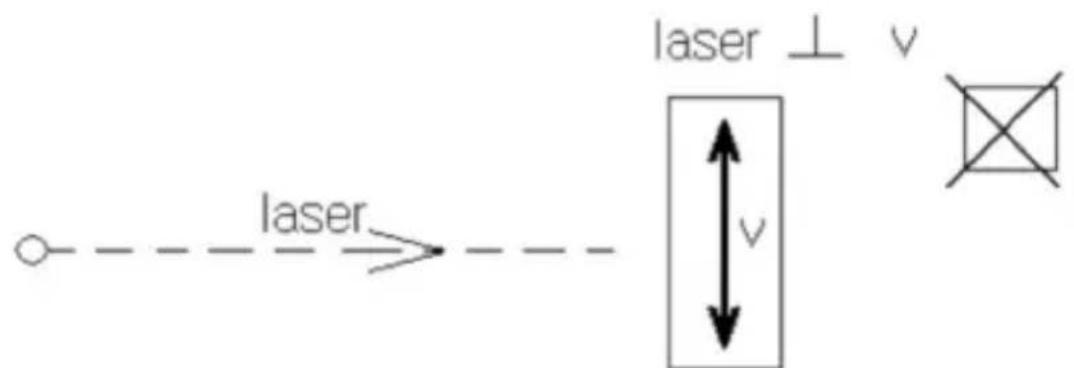
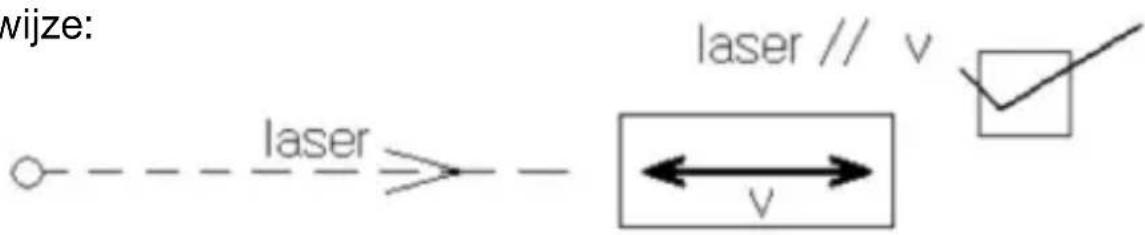
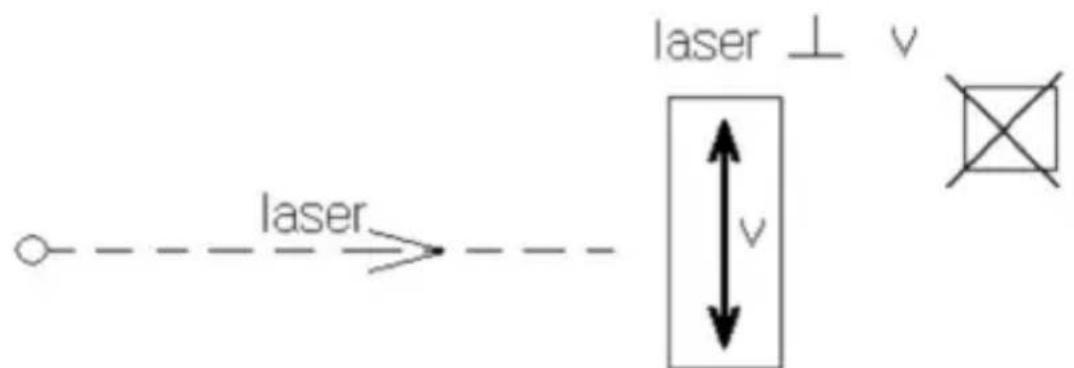
Aim moving targets at two times, then the speed of moving object will display.
Press key to start the measurement speed.
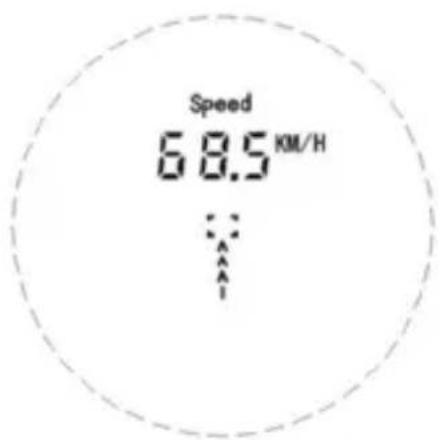
KM/H
M/H
Measure Targets:
- High reflection targets (Highway guidepost)
- Medium reflection target (Building wall)
- General reflection target (Land/Wood)
- Low reflection target (Golf flagpole)
Different targets influence the performance of measurement. Higher reflection will measure longer distance, vice versa.
The ranging distance based on below conditions:
- Medium reflection target: like wall of a building.
- Surface of the reflection target is vertical with the laser emission direction.
- Measure in a clear weather is the best, but not direct to the sunlight.
- Low reflection target's area not less than 1 m x 1 m.
Note: Measure result is different according to different reflection targets, we will not guarantee the usage under below conditions:
- Measure to the sky or non-target.
- Heavily rainy/snow/fog/haze etc. Weather condition.
- Too small of the reflection target (like wire cable), or it's difficult to measure, like water and clear glass.
If no measured value is displayed:
- Make sure that the battery is charged and press power key.
- Make sure no object block vision of objective lens, like transparent window glass or hand etcs.
- When measure, please hold product steadily and aim target correct,
then press power

Features:
Objective lens diameter: 21 mm
Magnification power: 6x
Field of view: 7.2°
Eye relief: 16 mm
Resolution: +/- 0.5 m when distance <200 m;
+/-1 m when distance >200 m;
Max range: 600 m
Min range: 5 m
Unit: Meter/Yard
Akku: Lithium Polymer
Waterproof: IPX4
Size: Length 102 mm x Width 34 mm x height: 71 mm
Weight: 149 g
Attention:
This product is high precision optic products, things listed below but not limited to will cause unrecoverable problems to products, which will not be covered by warranty.
For example:
- Expose products outside with surrounding temperature above 50 Celsius degree or below -10 Celsius degree.
- Soak products in water.
- Drop rangefinder or do other physical damage to products.
- Dismantle products.
Transport / Storage / Disposal
When not in use, always store it in the transport bag to protect it from damage.
Clean only with a soft, lint-free cloth.
Dispose of the device and according to the legal regulations.
CE
4. Chargement sans fil
Principe:

d = c / t
Mode brouillard
Principe:
v = (d 2 - d 1) / t
Méthode:
KM/H
M/H
CE
Draadloos opladen van de lithium- polymeerbatterij op het laadstation
5. Modi wijzigen
Houd Mgedrukt om te kiezen tussen Ranging, Scan, Pin Lock, Golf Distance Correction, Fog, Horizontal Distance Measurement, Vertical Altitude en Speed Mode.
5-1 Range-modus
Principe:

d = c / t
Automatische stop na 20 seconden ononderbroken afstandsmeting.
5-3 Pin lock-modus
Principe
Mistmodus
Principe
v = (d 2 - d 1) / t
Werkwijze:
KM/H
M/H
Doelen meten:

- CE
- DRAHTLOSES LADEN
- MODI ÄNDERN
- ZIELE MESSEN
- POWER ON
- HOLD POWER BUTTON FOR ABOUT 1 SECOND
- CHANGING UNITS OF MEASUREMENT
- LOW POWER WARNING
- WIRELESS CHARGING
- CHANGING MODES
- RANGING MODE
- SCAN MODE
- PIN LOCK MODE
- GOLF DISTANCE CORRECTION (GOLF SLOPE COMPENSATED DISTANCE) PRINCIPLE
- FOG MODE
- NOTE
- HORIZONTAL DISTANCE MEASURE
- VERTICAL HEIGHT MEASURE MODE
- SPEED MODE
- MEASURE TARGETS
- THE RANGING DISTANCE BASED ON BELOW CONDITIONS
- IF NO MEASURED VALUE IS DISPLAYED
- FEATURES
- ATTENTION
- FOR EXAMPLE
- TRANSPORT / STORAGE / DISPOSAL
- CHARGEMENT SANS FIL
- MODI WIJZIGEN
- RANGE-MODUS
- PIN LOCK-MODUS
- PRINCIPE
- DOELEN METEN
Brand : Berger & Schröter
Model : 31929
Category : Rangefinder