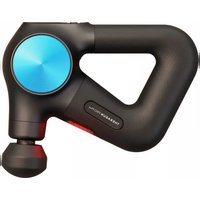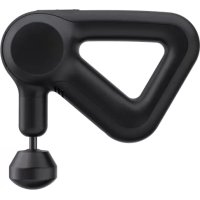
Prime - Massage device THERAGUN - Free user manual and instructions
Find the device manual for free Prime THERAGUN in PDF.


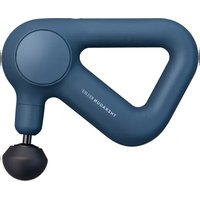
| Product Type | Percussion Massage Device |
| Brand | Theragun |
| Model | Prime |
| Motor | Brushless motor QuietForce Technology™ |
| Amplitude | 16 mm |
| Speed | Variable, adjustable via up/down buttons |
| Power Supply | Rechargeable battery, charges via USB-C |
| Battery Life | Approximately 2 hours (estimated) |
| Connectivity | Bluetooth, compatible with Therabody app |
| Massage Heads Included | 4 heads: standard ball, thumb, dampener, micro-point |
| Handle | Ergonomic triangular handle |
| Battery Indicator | 3 circular LED battery indicators |
| Cleaning | Disinfectant wipe after each use |
| Recommended Use | Do not exceed 2 continuous minutes per area |
| Weight | Approximately 1.2 kg (estimated) |
| Dimensions | Approximately 20 × 18 × 8 cm (estimated) |
| Included Accessories | USB-C to USB-C + USB-A cable |
Frequently Asked Questions - Prime THERAGUN
User questions about Prime THERAGUN
0 question about this device. Answer the ones you know or ask your own.
Ask a new question about this device
Download the instructions for your Massage device in PDF format for free! Find your manual Prime - THERAGUN and take your electronic device back in hand. On this page are published all the documents necessary for the use of your device. Prime by THERAGUN.
USER MANUAL Prime THERAGUN
Smart Percussive Therapy™ Device
Powered by QuietForce Technology™
Table of contents
| EN | 3-8 |
| ES | 9-14 |
| FR | 15-20 |
| IT | 21-26 |
| DE | 27-32 |
| ESMX | 33-38 |
| FRCA | 39-44 |
| SC | 45-50 |
| TC | 51-57 |
| KR | 58-63 |
| JP | 64-69 |
Getting started
EN
Step 1
Get the Therabody app
We'll guide you through a stress-free setup and show you how to get the most out of your Theragun Prime.
Step 2
Turn on and float
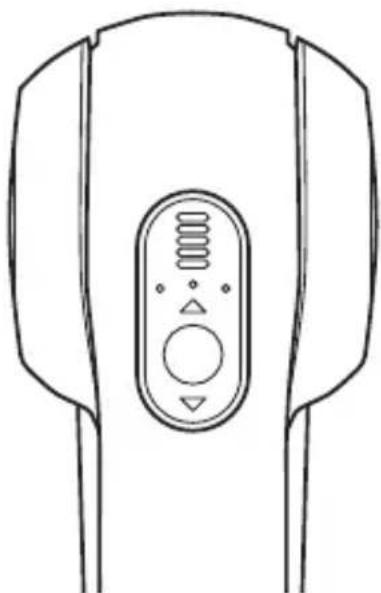
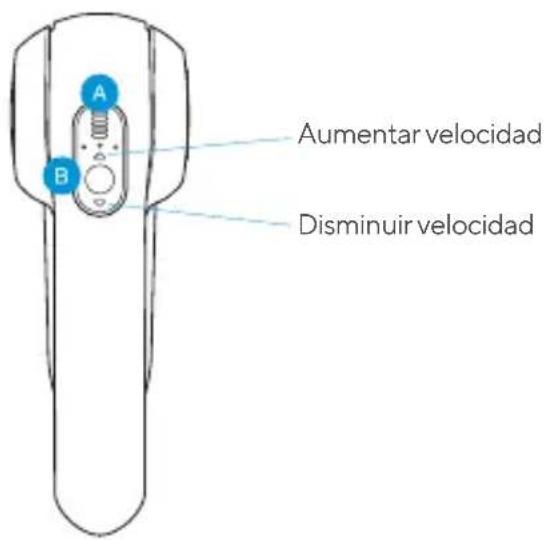
Firmly press and hold the center button on the button pad, then float the Theragun Prime across areas in need. Use the up (A) and down (V) buttons on the button pad to adjust speed. Apply light to moderate pressure as needed.
Step 3
Feel the difference. ^™ Every day.
Take a deep breath and treat yourself with guided treatment routines in the Therabody App or freestyle mode. It's all designed for you.
EN
The Theragun Prime
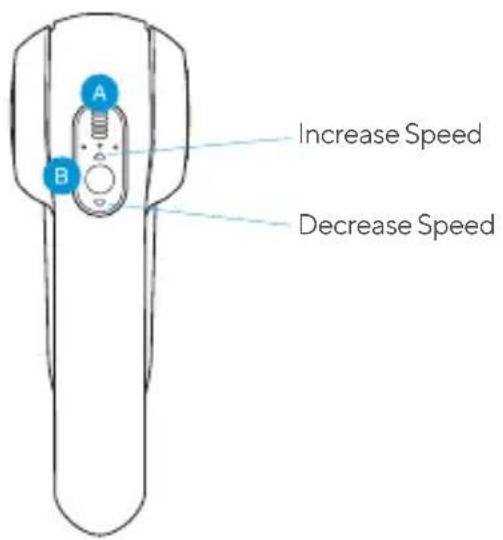
LED indicators
B Button pad
C Theragun Triangle ergonomic handle design
USB-C Port
See Warnings insert for important safety instructions
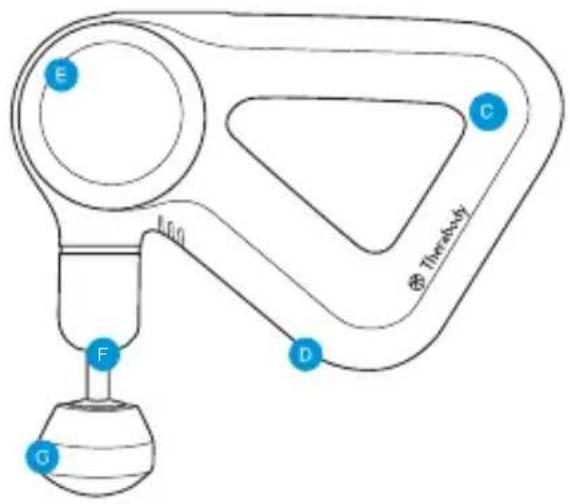
E Proprietary brushless commercial-grade motor with QuietForce Technology™
16mm amplitude for deep muscle treatment
Interchangeable attachments
Using the Theragun Prime
- To turn on, firmly press and hold the center button on the button pad.
- Press the up (A) and down (v) buttons on the button pad to increase or decrease speed.
- To turn off, firmly press and hold the center button on the button pad until the device shuts down.
Note: We recommend no more than two minutes of continuous use in any one spot.
Connecting the attachments
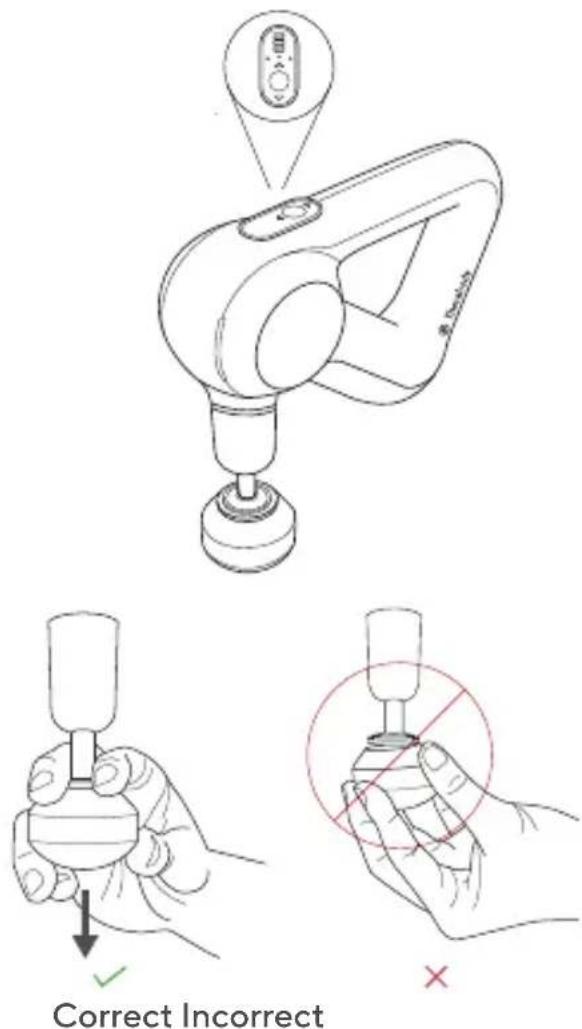
Align the attachment with the tip of the arm and push to connect. To remove, grip the attachment placing one finger on each side of the plastic connector. Pull off the attachment while the device is off.
EN
Charging
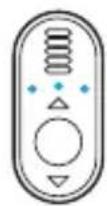
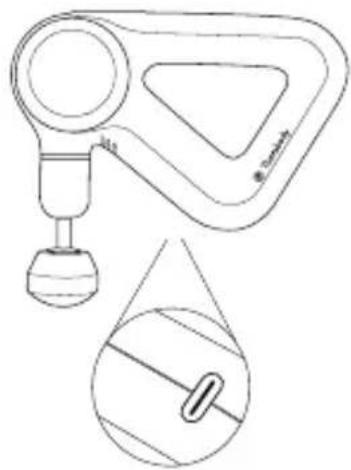
Your device includes a USB-C to USB-C + USB-A cable so you can use a wider variety of adapters. The 3 circular LED lights on the control panel of the device indicate battery level.
natural_image
Technical line drawing of a mechanical device with a droplet and a close-up inset showing internal components (no text or symbols)Cleaning Instructions:
For the most hygienic Theragun device experience, sanitize it after each use:
-
Wipe the device with a disinfectant wipe to remove any residue.
-
Once the device is residue-free, use a new wipe to disinfect the surface area by wiping all sides in a downward motion.
Smart Features
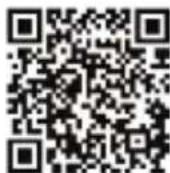
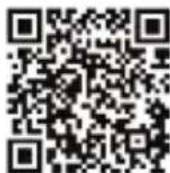
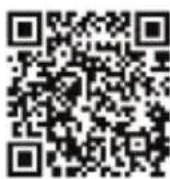
Your Theragun Prime is a smart device enabled with Bluetooth connectivity, designed to pair seamlessly with the Therabody App. When you download the app, you'll be guided through a step-by-step setup to pair your device.
Once paired, the app can remotely adjust speed, activate guided treatment protocols, and make real-time recommendations based on your usage.
natural_image
Line drawing of a medical device with a central control panel (no text or symbols)
Scan the QR code to get started.

EN
Attachments
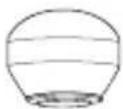
Your Theragun Prime comes with four different attachments designed for every muscle and need.
Standard Ball
For overall, general use

Thumb
For lower back and trigger point therapy

Dampener
For use on tender areas or near bones
Micro-point
Provides increased stimulation throughout the treatment

ES El Theragun Prime
ES
Batería y carga
natural_image
Technical line drawing of a mechanical device with a base and handle, shown with an inset close-up view (no text or symbols)natural_image
Line drawing of a medical device with internal control panel (no text or symbols)
FR
Charge
natural_image
Technical line drawing of a mechanical device with a base and handle, shown in two views: top is an enlarged view (no text or symbols)natural_image
Line drawing of a medical device with internal control panel (no text or symbols)Per ricaricare
IT
natural_image
Technical line drawing of a mechanical device with a base and handle, shown with an inset close-up view (no text or symbols)natural_image
Line drawing of a device with a central control panel and three buttons (no text or symbols)
natural_image
Technical line drawing of a mechanical device with a base and handle, shown with an inset close-up view (no text or symbols)Reinigungshinweise:
natural_image
Line drawing of a medical device with a central button and side connectors (no text or symbols)DE

Download on the App Store

GETTON
Google Play
Aufsätze
DE
natural_image
Technical line drawing of a mechanical device with a base and handle, shown in two views: top is an enlarged view (no text or symbols)natural_image
Line drawing of a device with a central control panel and three buttons (no text or symbols)ES MX
natural_image
Line drawing of a handheld device with a control panel and base mount (no text or symbols)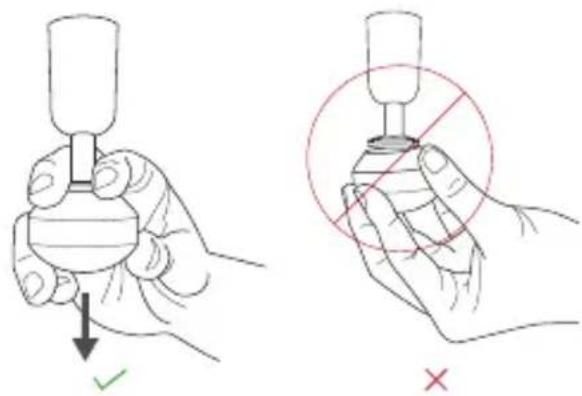
Chargement

natural_image
Technical line drawing of a mechanical device with a base and handle, shown in two views: top is an enlarged view (no text or symbols)natural_image
Line drawing of a device with a central control panel and side connectors (no text or symbols)FRCA
natural_image
Technical line drawing of a mechanical device with a base and handle, shown with an inset close-up view (no text or symbols)清洁说明
natural_image
Line drawing of a medical device with a central control panel and side connectors (no text or symbols)CN
扫描二维码开始。

按摩头
natural_image
Technical line drawing of a mechanical device with a base and handle, shown in two views: top is a triangular component (no text or symbols)TW
清潔說明
natural_image
Line drawing of a medical device with a central button and control buttons (no text or symbols)TW
掃描 QR 碼開始使用。

Download on the
App Store

GETTON
Google Play
按摩頭
natural_image
Technical line drawing of a mechanical device with a base and handle, shown with an inset close-up view (no text or symbols)KR
청소/세척 안내사항
natural_image
Line drawing of a medical device with internal control panel (no text or symbols)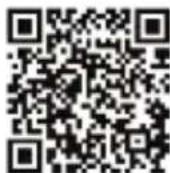
Download on the App Store

GETTON Google Play
교체용 팀
毎日違いを実感 (Feel the difference.™ Every day.)
充電
natural_image
Technical line drawing of a mechanical device with a base and handle, shown in two views: top is an enlarged view (no text or symbols)JP
お手入れ
natural_image
Line drawing of a medical device with a central control panel and three buttons (no text or symbols)
QRコードをスキャンして始めましょう

Download on the App Store

GETTON
Google Play
アタッチメント
Born in Los Angeles, CA.
Designed for everybody.


@Therabody