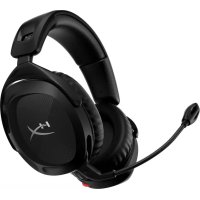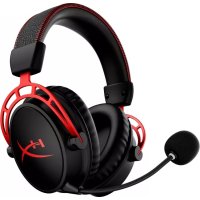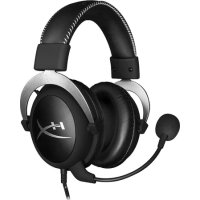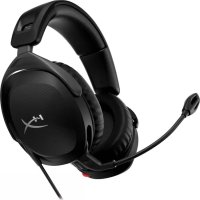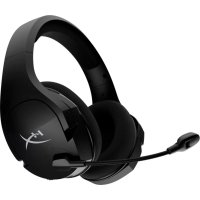
Cloud Stinger Core - Headphones HYPERX - Free user manual and instructions
Find the device manual for free Cloud Stinger Core HYPERX in PDF.



| Product type | Closed-back over-ear headset |
| Brand | HyperX |
| Model | Cloud Stinger Core |
| Reference | HX-HSCSC-BK |
| Approximate dimensions | 20 x 18 x 9 cm |
| Weight | 215 g |
| Power | Passive (no battery required) |
| Transducer | 40 mm dynamic with neodymium magnets |
| Frequency response (headset) | 20 Hz - 20 000 Hz |
| Impedance | 16 Ω |
| Sound pressure level | 99 dB SPL/mW at 1 kHz |
| Total harmonic distortion | < 2% |
| Microphone | Electret noise-canceling |
| Frequency response (microphone) | 50 Hz - 18 000 Hz |
| Microphone sensitivity | -41.5 dBV (0 dB = 1 V/Pa, 1 kHz) |
| Connection type | 3.5 mm 4-pole jack plug |
| Cable length | 1.3 m |
| Compatibility | PS4, Xbox One (adapter may be required), Nintendo Switch, PC, mobile devices |
| Main features | Slider adjustment headband, noise-canceling rotating microphone, in-line audio control with volume and mute |
| Care and cleaning | Clean with a soft, dry cloth. Do not use chemical products. |
| Safety | Use at moderate volume to prevent hearing damage. Do not expose to moisture. |
| Spare parts and repairability | Non-detachable cable. No spare parts available. In case of malfunction, contact HyperX support. |
Frequently Asked Questions - Cloud Stinger Core HYPERX
User questions about Cloud Stinger Core HYPERX
0 question about this device. Answer the ones you know or ask your own.
Ask a new question about this device
Download the instructions for your Headphones in PDF format for free! Find your manual Cloud Stinger Core - HYPERX and take your electronic device back in hand. On this page are published all the documents necessary for the use of your device. Cloud Stinger Core by HYPERX.
USER MANUAL Cloud Stinger Core HYPERX
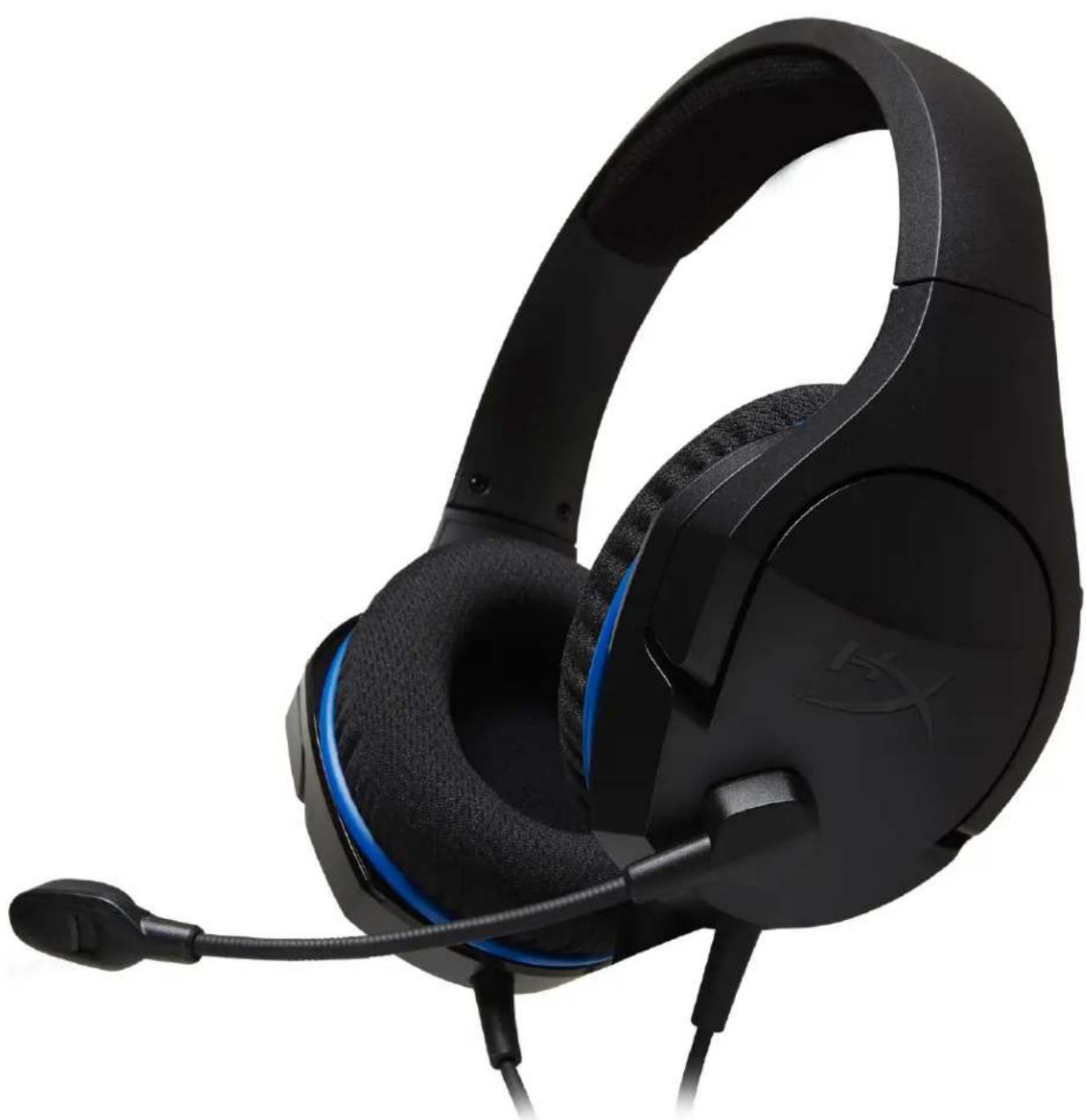
HyperX Cloud Stinger Core Headset
Find the language and latest documentation for your HyperX Cloud Stinger Core Headset here.
HyperX Cloud Stinger Core Headset Installation Guide
For instructions in English
Para instrucciones en Español
Für Anleitungen in Deutsch
Pour des instructions en Français
...... Per le istruzioni in Italiano
Por as instruções em Português
Instrukcje w języku Polskim
Для инструкции на Русском
Turkce talimatlar icin
Japanese
Korean
Thai
Vietnamese
Simplified Chinese ..... 中文说明
Traditional Chinese .... 中文說明
HyperX Cloud Stinger Core Headset
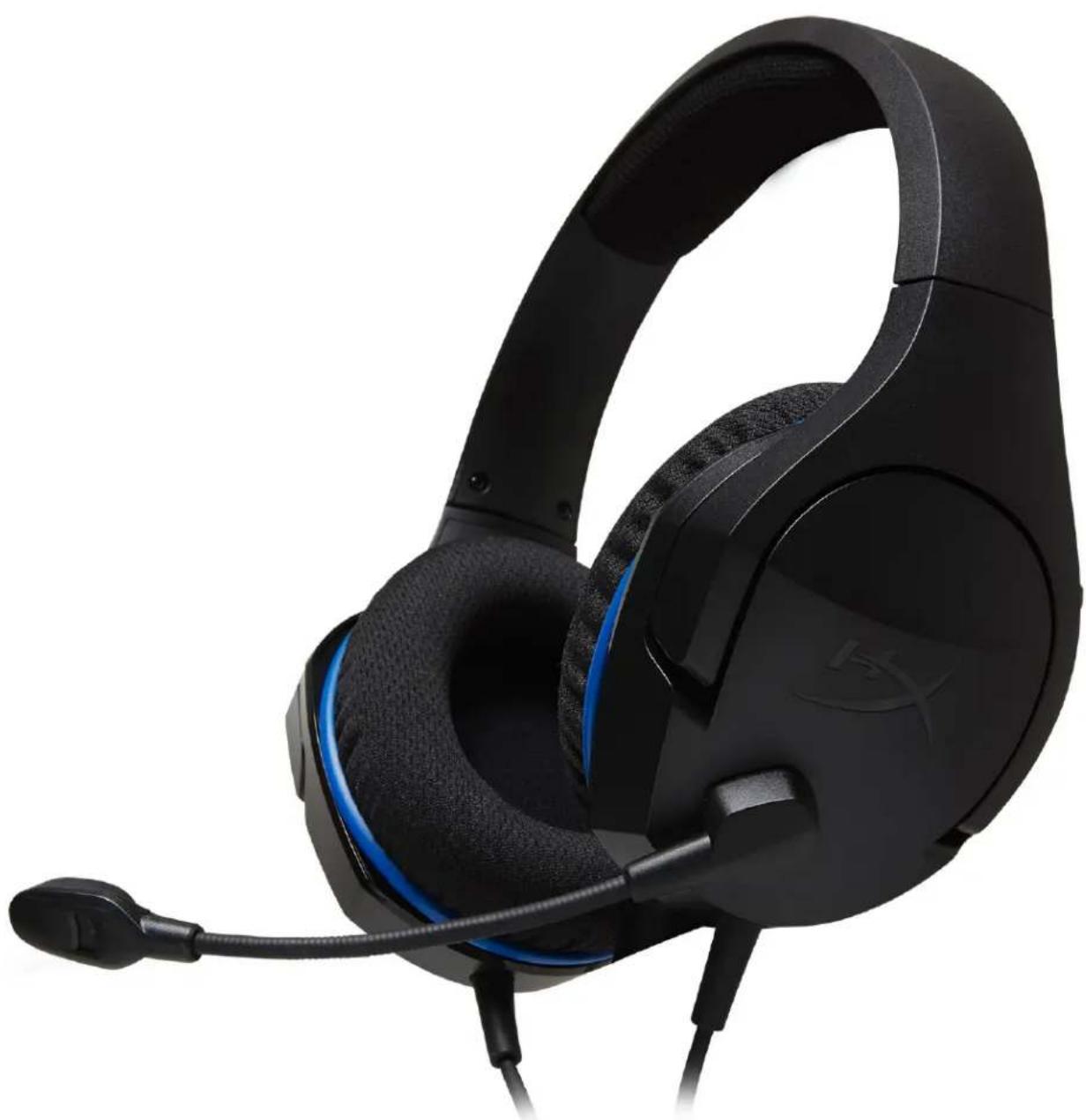
natural_image
Black and blue headboard with headset and ear connector (no visible text or symbols)Part Numbers: HX-HSCSC-BK
TABLE OF CONTENTS
Overview ....3
In-line audio control operation....4
Usage (PS4 ^TM & PS4 ^TM Pro)......5
Usage (Xbox One™)....6
Usage (Nintendo Switch ^TM )....7
Usage (mobile device) 8
Headset Specifications....9
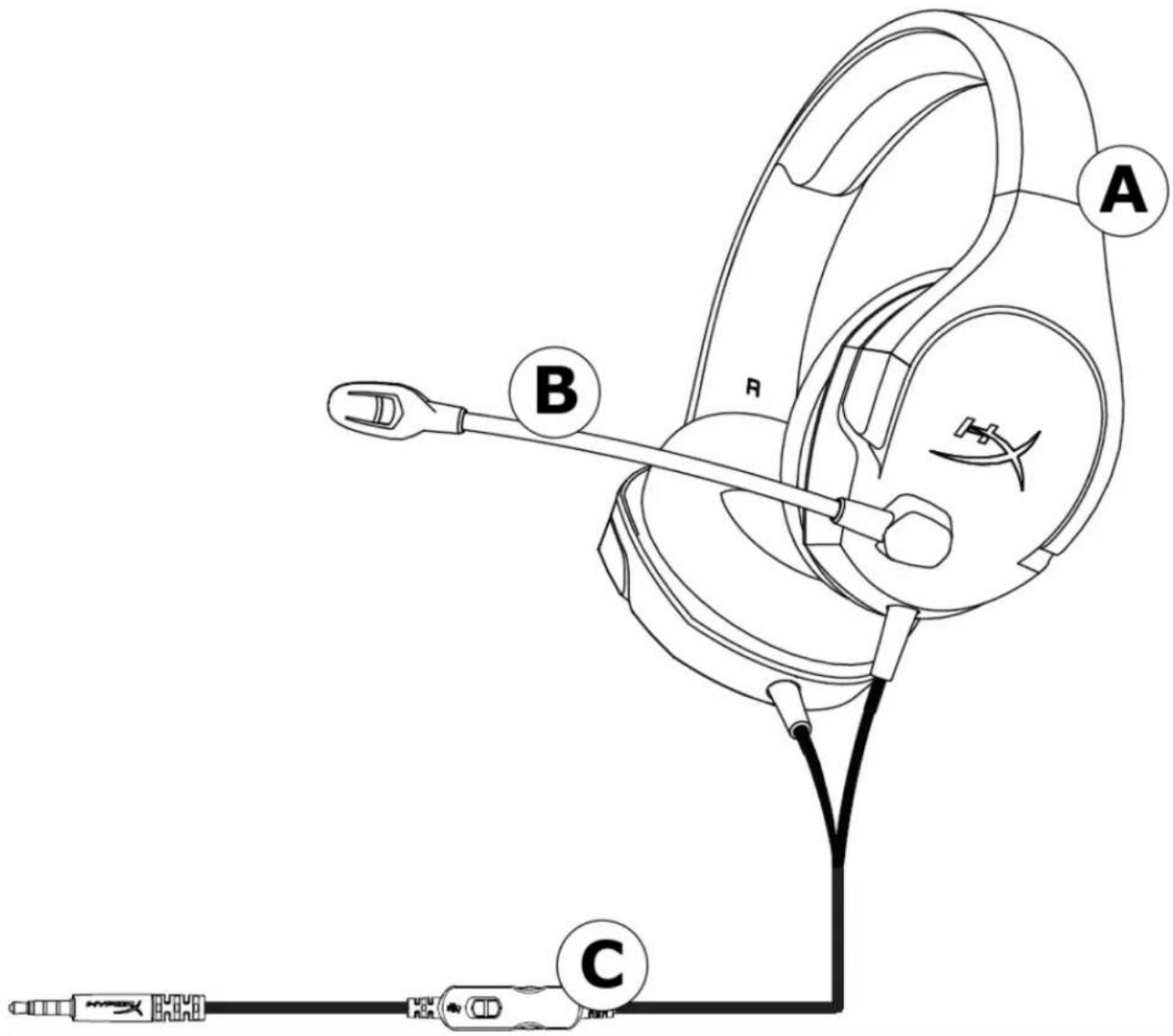
Overview
A. Headband adjustment slider
B. Rotating noise cancellation mic
C. In-line audio control
text_image
Technical diagram of a medical or diagnostic device with labeled parts A, B, and C, showing internal components and connections.In-line audio control operation
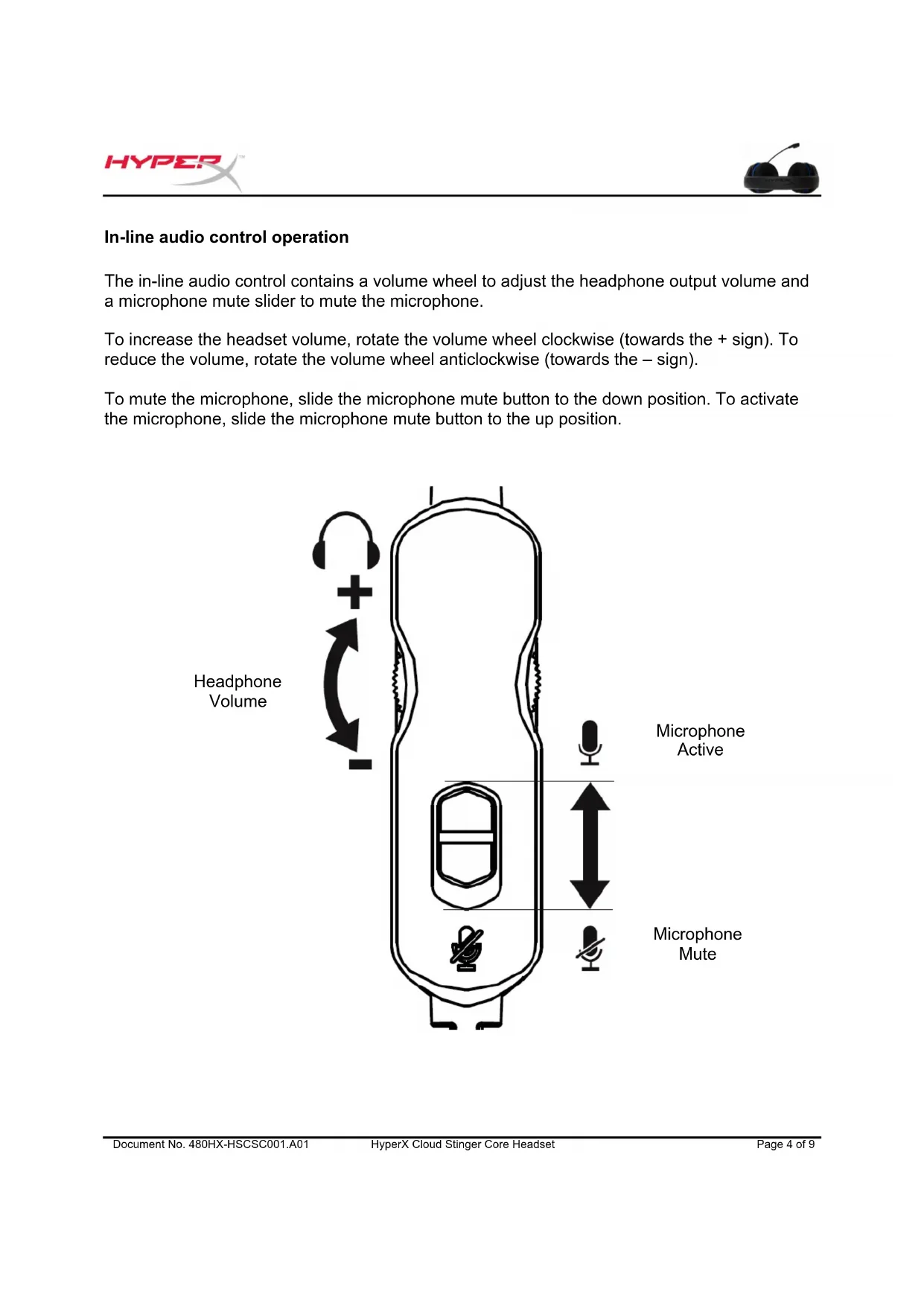
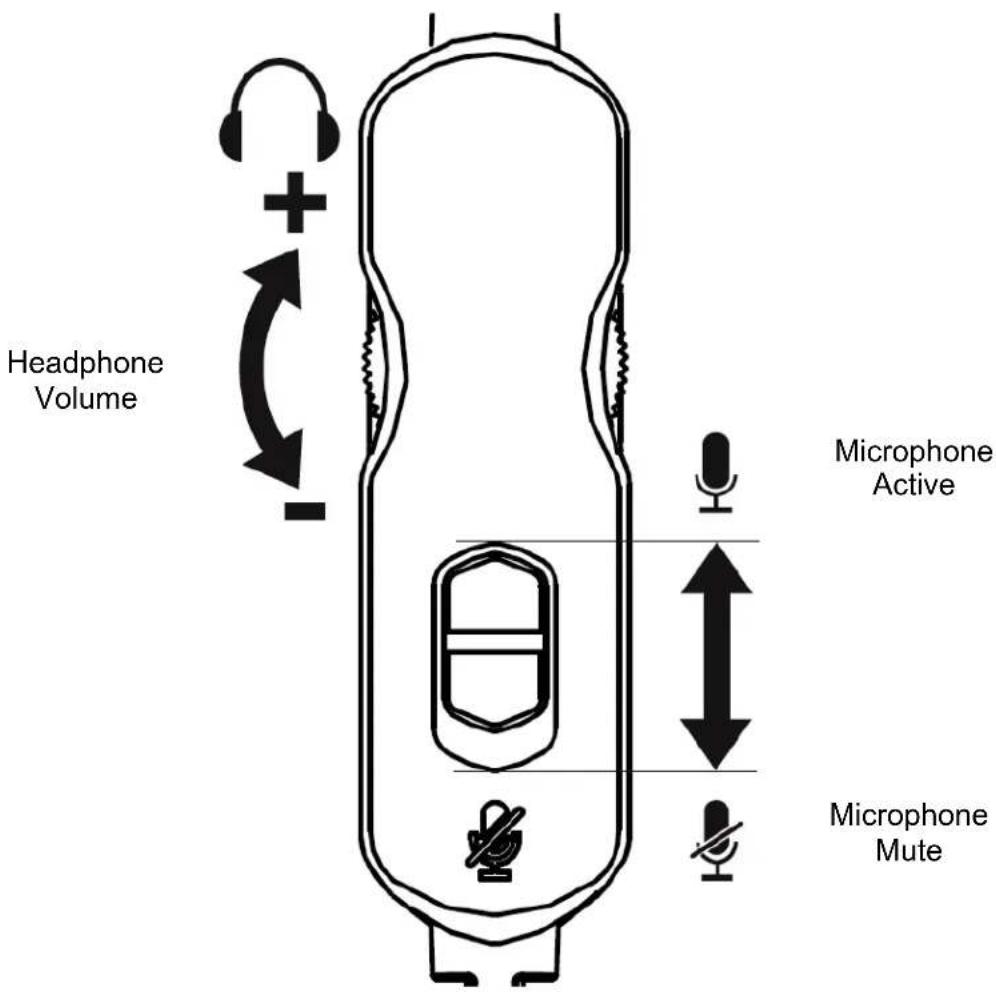
The in-line audio control contains a volume wheel to adjust the headphone output volume and a microphone mute slider to mute the microphone.
To increase the headset volume, rotate the volume wheel clockwise (towards the + sign). To reduce the volume, rotate the volume wheel anticlockwise (towards the - sign).
To mute the microphone, slide the microphone mute button to the down position. To activate the microphone, slide the microphone mute button to the up position.
text_image
Headphone Volume + - Microphone Active Microphone MuteUsage (PS4 ^TM & PS4 ^TM Pro)
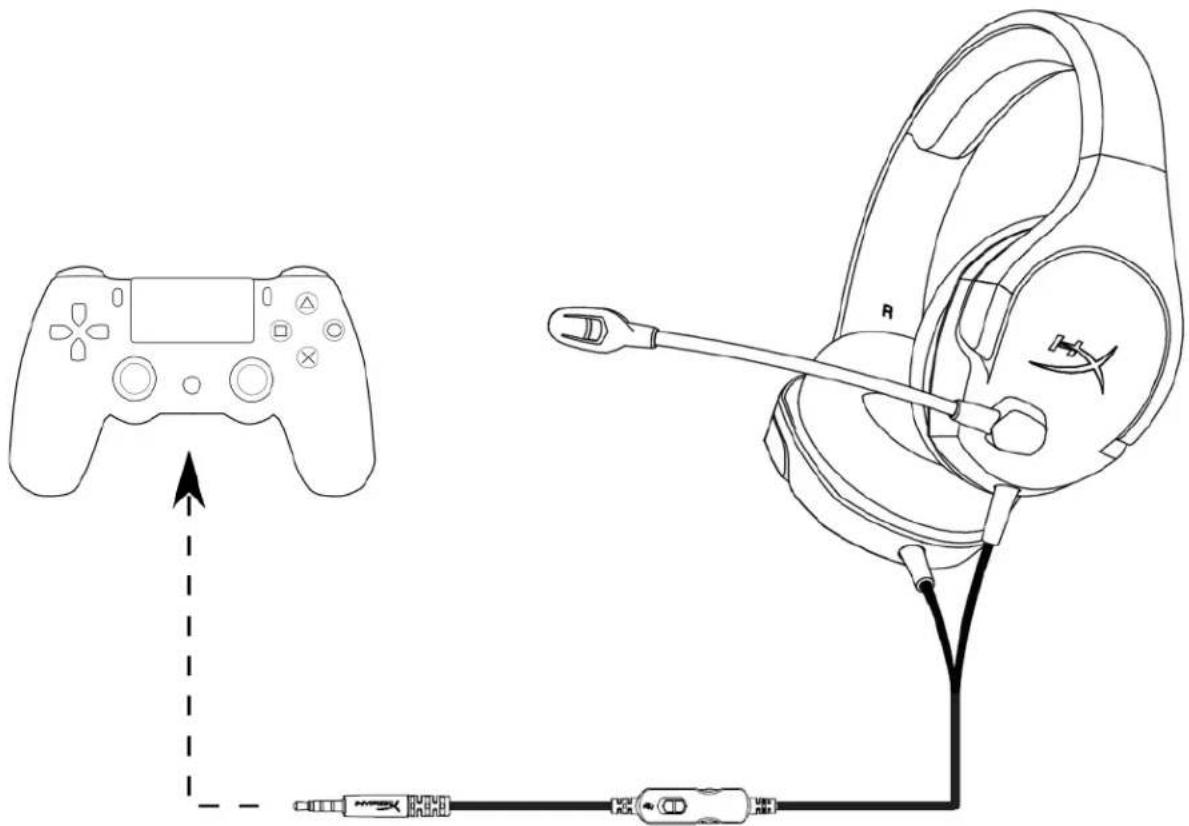
To use the headset with PlayStation ^TM 4 (PS4 ^TM ), connect the 3.5mm plug on the headset directly to the PS4 ^TM game controller and follow these steps:
- Turn on your PS4 ^TM game console.
- Navigate to the 'Settings' menu and select it.
- Highlight the 'Devices' menu option and select it.
- Scroll down to 'Audio Devices' and select it.
- Choose 'Output to Headphones' and select 'All Audio'.
text_image
Diagram showing a game controller connected to a headset via cable, with an arrow indicating the concept of connection.Using with PS4 ^TM
Usage (Xbox One™)
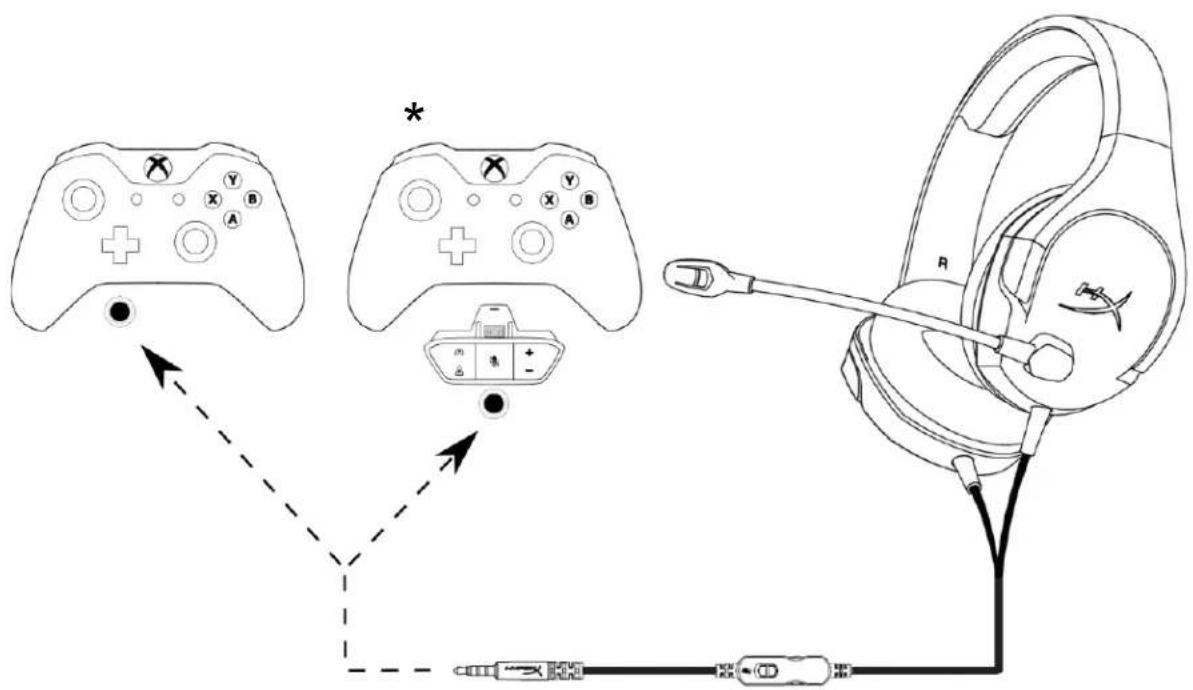
To use the headset with Xbox One ^TM , connect the 3.5mm plug on the headset directly to the 3.5mm jack on the Xbox ^TM One controller
* If your Xbox One™ controller does not have a 3.5mm jack, you will need the Xbox OnStereo Headset adapter (sold separately) that plugs into the Xbox One™ controller (pictured below).
text_image
Diagram showing a game controller connected to a handheld device via cable, with labeled controllers and connectors.Using with Xbox One ^TM
Usage (Nintendo Switch™)
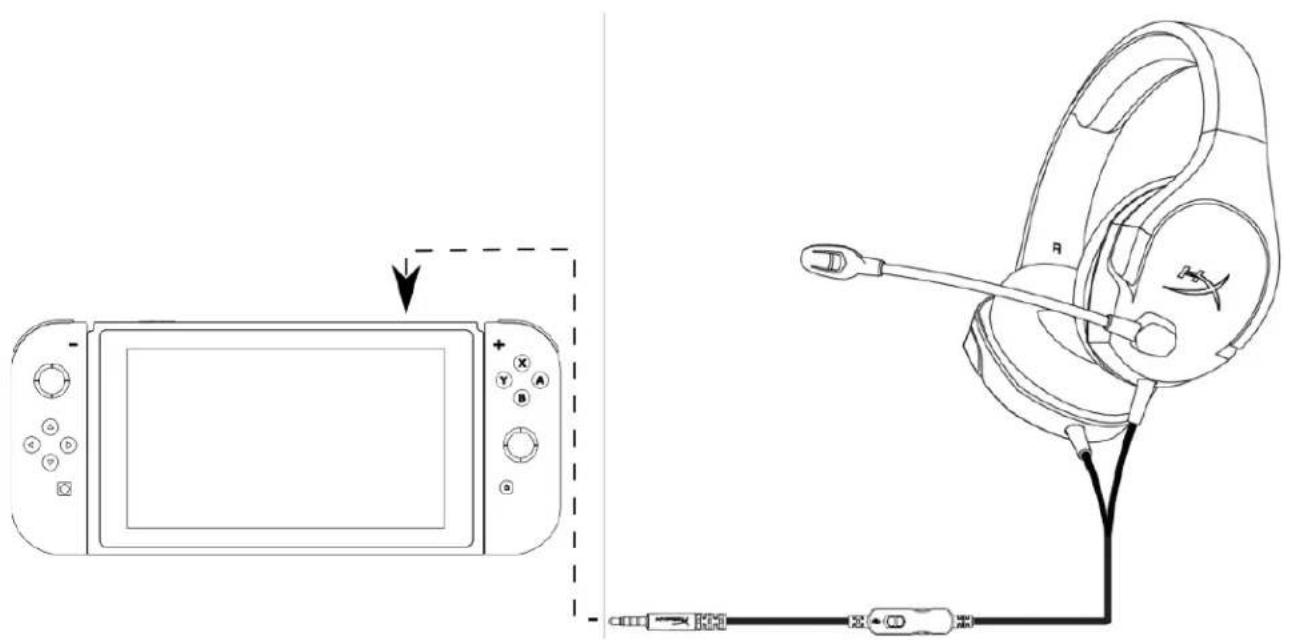
To use the headset with Nintendo Switch ^TM , connect the 3.5mm plug on the headset directly to the 3.5mm jack on the Nintendo Switch ^TM .
text_image
Diagram showing a device connected to a headset via cable, with a magnified view of the device's cable and control panel.Using with Nintendo Switch™
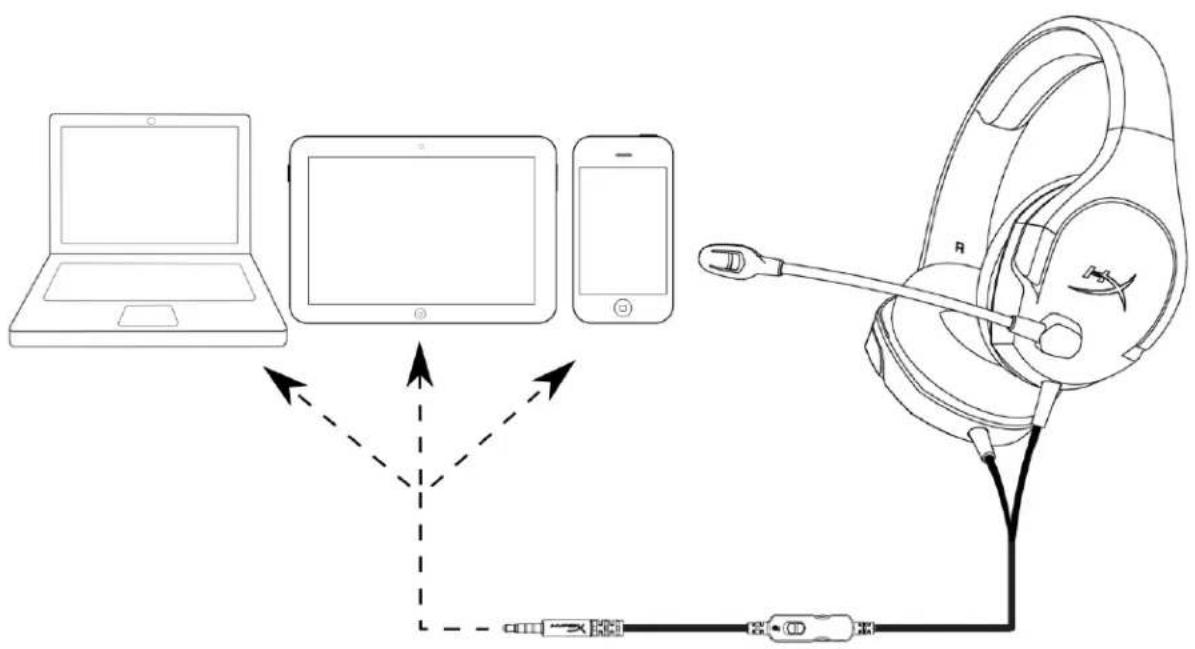
Usage (mobile device)
To use the headset with a mobile device (or other device) with a headset jack (4 pole CTIA), connect the 3.5mm plug directly into the headset jack on your device.
text_image
Diagram illustrating the connection between a laptop, tablet, smartphone, and headphones with labeled components.Using with mobile device (phone, tablet or notebook)
Headset Specifications
Headphone
Driver: Dynamic, 40mm with neodymium magnets
Type: Circumaural, closed back
Frequency response: 20Hz-20,000Hz
Impedance: 16 Ω
Sound pressure level: 99dBSPL/mW at 1kHz
THD: < 2%
Weight: 215g
Cable length and type: Headset (1.3m)
Connection: Headset - 3.5mm plug (4 pole)
Microphone
Element: Electret condenser microphone
Polar pattern: Noise-cancelling
Frequency response: 50Hz-18,000 Hz
Sensitivity: -41.5dBV (0dB=1V/Pa,1kHz)
Auriculares HyperX Cloud Stinger Core
natural_image
Black and blue headboard with headset and ear connector (no visible text or symbols)text_image
Technical diagram of a medical or diagnostic device with labeled parts A, B, and C, showing internal components and connections.text_image
Diagram showing a game controller connected to an ear with cable, alongside a game controller with directional arrows.Uso con PS4 ^TM
Uso (Xbox One™)
text_image
Diagram illustrating the connection between a game controller and its headset, showing key components like controller, controller, and connector.Uso con Xbox One™
Uso (Nintendo Switch™)
text_image
Diagram showing a device connected to a headset via cable, with an arrow indicating the process.text_image
Diagram illustrating the connection between a laptop, tablet, and smartphone to an ear with a headset, showing signal transmission.natural_image
Black and blue headboard with headset and ear connector (no visible text or symbols)Artikelnummern: HX-HSCSC-BK
INHALT
text_image
Technical diagram of a medical or diagnostic device with labeled parts A, B, and C, showing internal components and connections.text_image
Diagram showing a game controller connected to an earphone via cable, with a dashed arrow indicating the direction of connection.text_image
Diagram illustrating the connection between a game controller and its headset, showing key components like controller, controller, and connector.text_image
Diagram showing a device connected to a headset via cable, with a magnified view highlighting the screen interface.Mit Nintendo Switch™
text_image
Diagram illustrating the connection between a laptop, tablet, smartphone, and ear with labeled components and signal flow arrows.natural_image
Black and blue headboard with headset and ear connector (no visible text or symbols)Utilisation (Xbox One™)....6
Utilisation (Nintendo Switch™)....7
text_image
Technical diagram of a medical or diagnostic device with labeled parts A, B, and C, showing internal components and connections.text_image
Diagram showing a game controller connected to an ear with cable, alongside a separate game controller with directional arrows.text_image
Diagram showing a game controller connected to a handheld device via cable, with labeled controllers and connectors.text_image
Diagram showing a device connected to a headset via cable, with a magnified view of the device's cable and control panel.text_image
Diagram illustrating the connection between a laptop, tablet, and smartphone to an ear with a headset, showing signal transmission.natural_image
Black and blue headboard with headset and ear connector (no visible text or symbols)text_image
Technical diagram of a medical or diagnostic device with labeled parts A, B, and C, showing internal components and connections.text_image
Diagram showing a game controller connected to an ear with cable, alongside a game controller with directional arrows.Utilizzo con la console PS4 ^TM ;
text_image
Diagram illustrating the connection between a game controller and its headset, showing key components like controller, controller, and connector.text_image
Diagram showing a device connected to a headset via cable, with an arrow indicating the process.text_image
Diagram illustrating the connection between a laptop, tablet, and smartphone to an ear with a headset, showing signal transmission.natural_image
Black and blue headboard with headset and ear connector (no visible text or symbols)text_image
Technical diagram of a medical or diagnostic device with labeled parts A, B, and C, showing internal components and connections.natural_image
Line drawing of a game controller connected to a headset via cable (no text or symbols)Utilizando com o PS4 ^TM
Uso (Xbox One™)
Para usar o headset com o Xbox One ^TM , conecte o plugue de 3,5 mm do headset diretamente na entrada de 3,5 mm do controle do Xbox ^TM One
text_image
Diagram illustrating the connection between a game controller and its headset, showing key components like controller, controller, and connector.text_image
Diagram showing a device connected to a headset via cable, with an arrow indicating the process from left to right.Utilizando com o Nintendo Switch™
Uso (Dispositivo Móvel)
text_image
Diagram illustrating the connection between a laptop, tablet, and smartphone to an ear with a headset, showing signal transmission.natural_image
Black and blue headboard with headset and ear connector (no visible text or symbols)text_image
Technical diagram of a medical or diagnostic device with labeled parts A, B, and C, showing internal components and connections.text_image
Diagram showing a game controller connected to an ear with cable, alongside a game controller with directional arrows.text_image
Diagram showing a game controller connected to a handheld device via cable, with labeled components and directional arrows.text_image
Diagram showing a device connected to a headset with labeled ports and cable routing, including a directional arrow indicating movement.text_image
Diagram illustrating the connection between a laptop, tablet, and smartphone to an ear with a headset, showing signal transmission.natural_image
Black and blue headboard with headset and ear connector (no visible text or symbols)text_image
Technical diagram of a medical or diagnostic device with labeled parts A, B, and C, showing internal components and connections.text_image
Diagram showing a game controller connected to an earphone via cable, with a dashed arrow indicating the direction of connection.text_image
Diagram showing a game controller connected to a headset via cable, with labeled components and directional arrows.text_image
Diagram showing a device connected to a headset via cable, with an arrow indicating the process from left to right.flowchart
graph TD
    A["Laptop"] --> B["Tablet"]
    B --> C["Smartphone"]
    C --> D["Headband"]
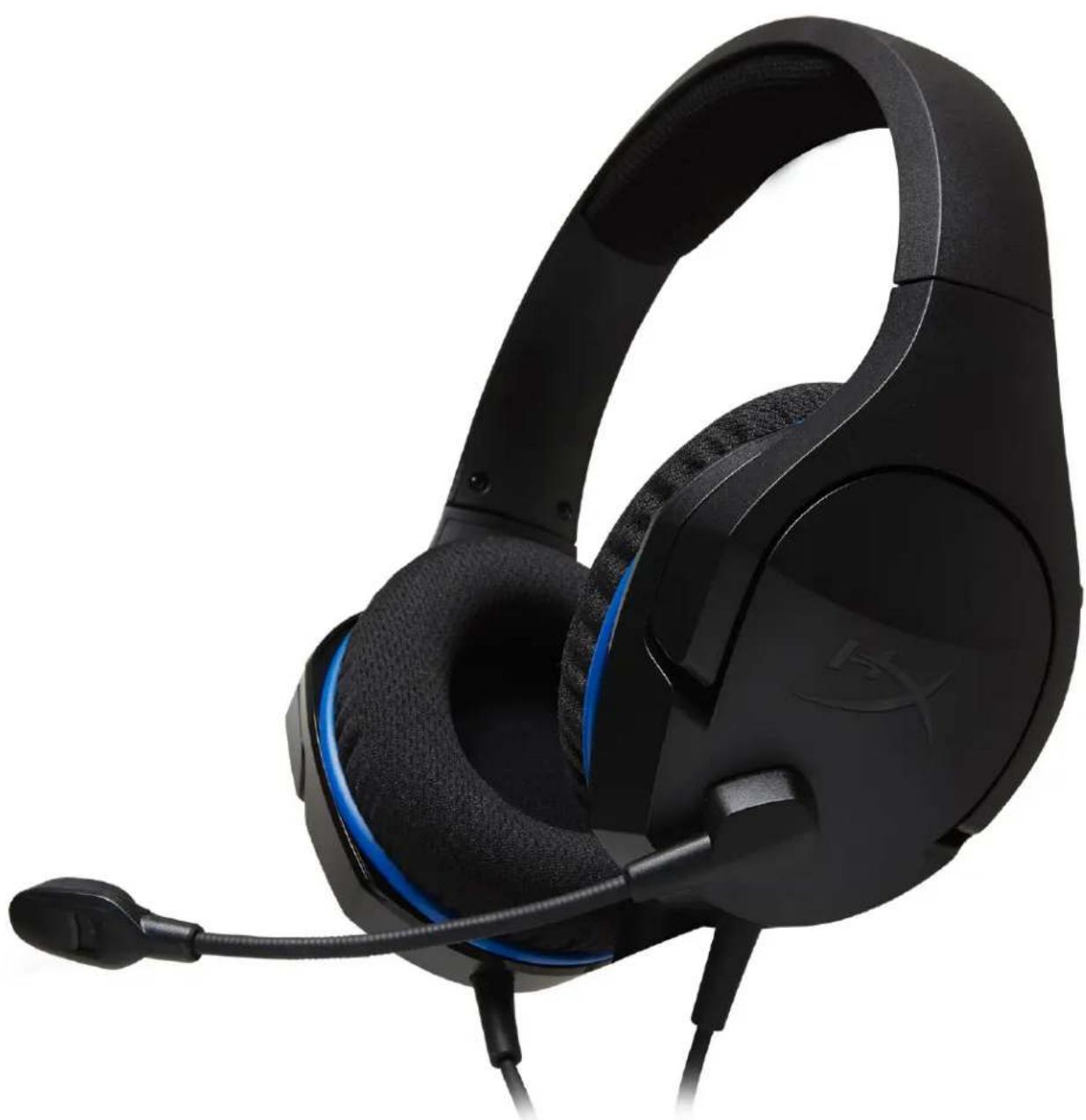
HyperX Cloud Stinger Core Kulaklık
natural_image
Black and blue headboard with headset and ear connector (no visible text or symbols)Parça Numaraları: HX-HSCSC-BK
İÇINDEKILER
text_image
Technical diagram of a medical or diagnostic device with labeled parts A, B, and C, showing internal components and connections.natural_image
Line drawing of a game controller connected to a headset via cable (no text or symbols)PS4 ile kullanım
text_image
Diagram showing a game controller connected to a handheld device via cable, with labeled controllers and connectors.text_image
Diagram showing a device connected to a headset via cable, with an arrow indicating the process.text_image
Diagram illustrating the connection between a laptop, tablet, and smartphone to an ear with a headset, showing signal transmission.natural_image
Black and blue headboard with headset and ear connector (no visible text or symbols)製品番号: HX-HSCSC-BK
目次
概要 3
text_image
Diagram of a medical or diagnostic device with labeled parts A, B, and C, showing internal components and connections.インラインオーディオコントロールの操作
text_image
Diagram showing a game controller connected to two game controllers, with directional arrows indicating interaction or movement.natural_image
Line drawing showing a device connected to a headset via cable (no text or symbols)text_image
Diagram illustrating the connection between laptop, tablet, and smartphone to a headboard with cable routing

ヘッドセットの仕様
ヘッドホン
natural_image
Black and blue headboard with a hockey player, shown in profile view (no text or symbols visible)부품 번호: HX-HSCSC-BK
목차
natural_image
Line drawing of a helmet with a tool inserted, showing no text or symbols사용 방법(Xbox One™)
text_image
Diagram showing two game controllers connected to a headset, with arrows indicating interaction or navigation paths.text_image
Diagram showing a device connected to a headset via cable, with an arrow indicating the process.text_image
Diagram illustrating the connection between a laptop, tablet, and smartphone to an earphone, with signal arrows indicating data transmission.민감도: -41.5dBV(0dB=1V/Pa,1kHz)
natural_image
Close-up of a black and blue headband headset (no visible text or symbols)

สารบัญ
ภาพรวม
text_image
Diagram of a medical or surgical device with labeled parts A, B, and R, showing anatomical structures.natural_image
Line drawing of a medical device with a tool and connector (no text or symbols)natural_image
Line drawing of a game controller with three different handheld consoles and a headset, showing control buttons and a mouse (no text or symbols)natural_image
Line drawing showing a gaming device connected to a headset via cable (no text or symbols)text_image
Diagram illustrating the connection between laptop, tablet, and smartphone to a headboard with audio jack placement

natural_image
Black and blue headboard with earphones and microphone, no visible text or symbolstext_image
Technical diagram of a medical or diagnostic device with labeled parts A, B, and C, showing internal components and connections.text_image
Diagram showing a game controller connected to a headset via cable, with an arrow indicating the direction of connection.Sử dụng với PS4™
Sử dụng (Xbox One™)
text_image
Diagram showing a game controller connected to a handheld device via cable, with labeled components and directional arrows.text_image
Diagram showing a device connected to a headset via cable, with a magnified view of the device's internal components.text_image
Diagram illustrating the connection between a laptop, tablet, and smartphone to an ear with a headset, showing signal transmission.natural_image
Black and blue headboard with a hockey player, shown from the side profile (no text or symbols visible)部件号:HX-HSCSC-BK
目录
text_image
Technical diagram of a medical or diagnostic device with labeled parts A, B, and C, showing internal components and connections.插入式音频控制操作
natural_image
Line drawing of a person wearing a helmet and holding a tool, with no visible text or symbols使用 (Xbox One™)
text_image
Diagram showing a game controller connected to two controllers via a dashed arrow, with a headset labeled 'N' visible.使用(Nintendo 开关口)
natural_image
Line drawing showing a game controller connected to a headset via cable (no text or symbols)与 Nintendo 开关一起使用口
使用(移动设备)
灵敏度:-41.5dBV (0dB=1V/Pa,1kHz)
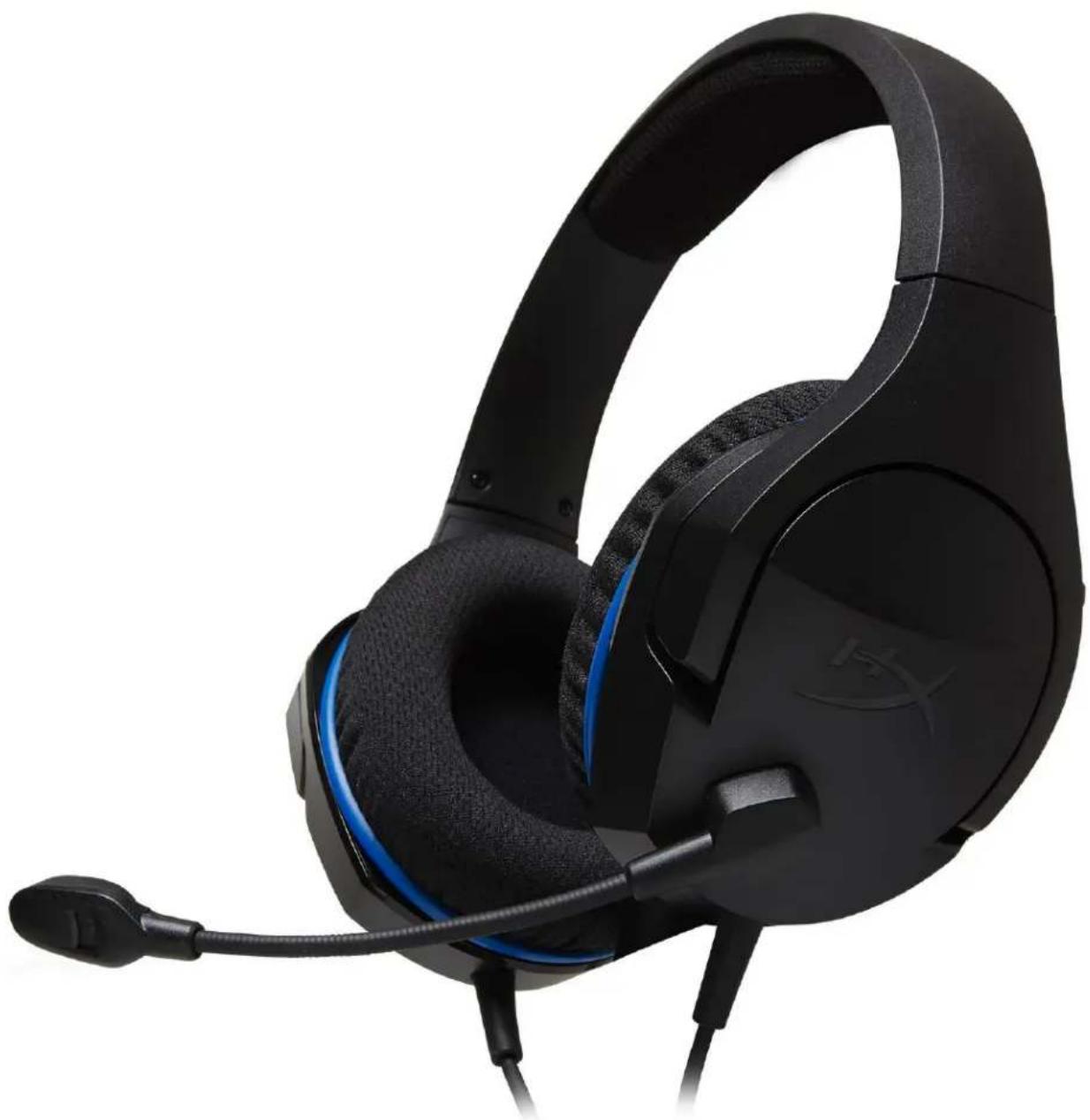
HyperX Cloud Stinger Core 耳機
natural_image
Black and blue headboard with a hockey player, shown in profile view (no text or symbols visible)料號:HX-HSCSC-BK
目錄
產品概觀....3
音效線控操作....4
text_image
Diagram showing audio device components with labels for headphones, speaker, microphone, and directional arrows indicating sound or vibration.麥克風 啟用