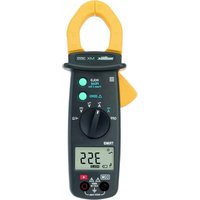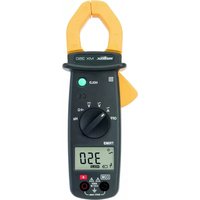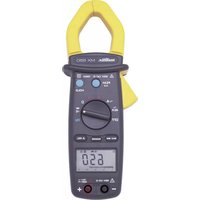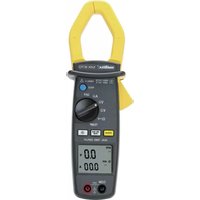
MX 1 - Multimeter METRIX - Free user manual and instructions
Find the device manual for free MX 1 METRIX in PDF.

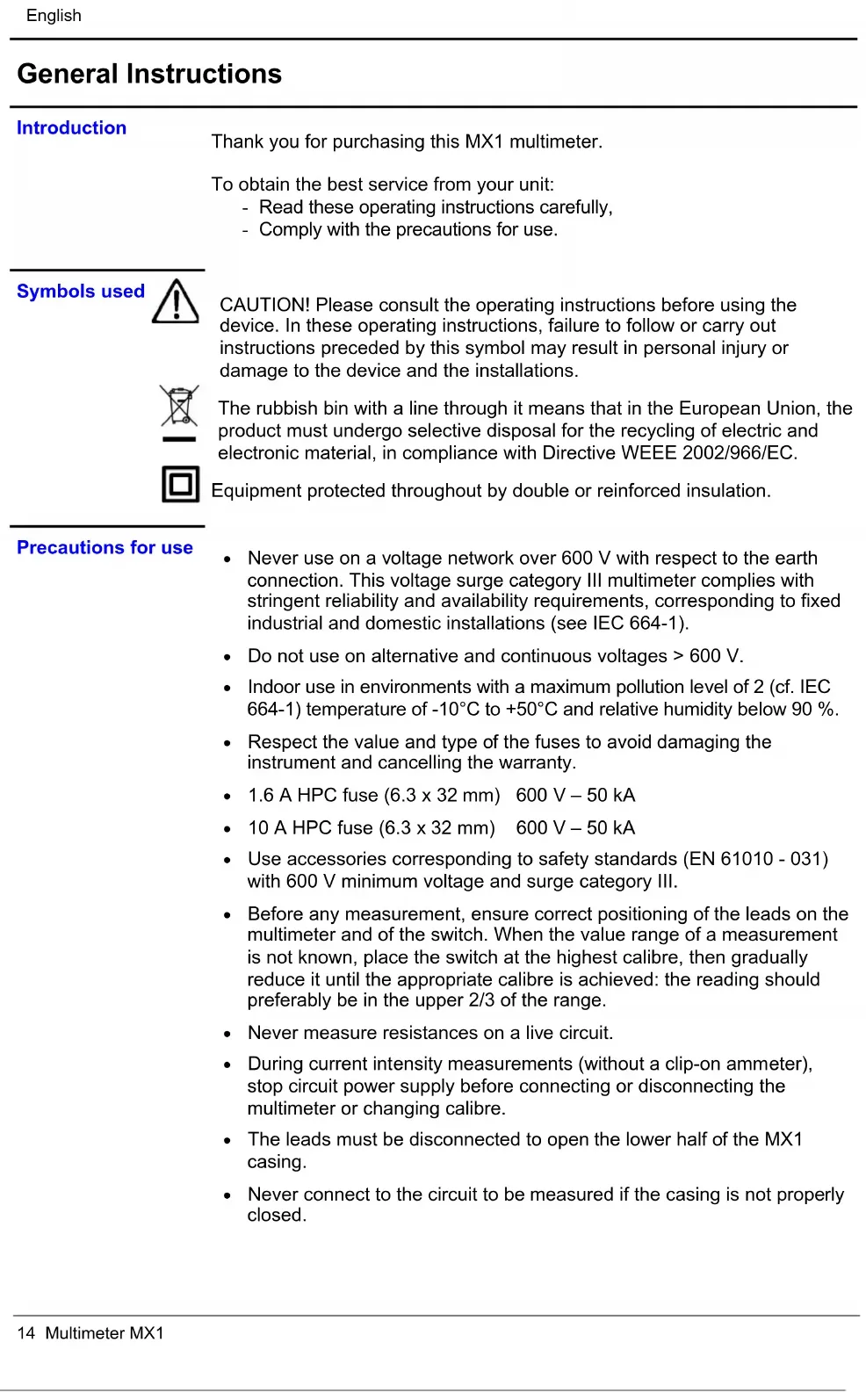


Pick your language and provide your email: we'll send you a specifically translated version.
| Product type | Digital multimeter |
| Brand | Metrix |
| Model | MX 1 |
| Dimensions (L x W x H) | 150 x 75 x 35 mm |
| Weight | 200 g (with battery) |
| Power supply | 1 9V battery (type 6LR61 or 6F22) |
| Maximum measured voltage (AC/DC) | 600 V |
| Maximum measured current (AC/DC) | 10 A |
| Maximum measured resistance | 20 MΩ |
| Maximum measured capacitance | 20 µF |
| Main functions | AC/DC voltage measurement, AC/DC current, resistance, audible continuity, diode test, capacitance |
| Display | 3 1/2 digit LCD screen (2000 counts) |
| Safety category | CAT II 600 V |
| Maintenance and cleaning | Wipe with a soft, dry cloth. Do not use solvents. |
| Spare parts and repairability | 9V battery and replacement fuses (F1: 500 mA, F2: 10 A) available. Repair by Metrix authorized service. |
| Included accessories | Batteries, test leads, user manual |
| Operating temperature | 0 °C to 40 °C |
| Operating humidity | Max 75% RH non-condensing |
Frequently Asked Questions - MX 1 METRIX
What type of battery does the Metrix MX 1 use?
The Metrix MX 1 uses a standard 9V battery (type 6LR61 or 6F22).
How to measure mains voltage with this multimeter?
Select the AC voltage function, set the switch to the 600 V range. Connect the leads: black to COM, red to VΩ. Place the probes on the phases. Caution: follow safety instructions.
What to do if the screen shows nothing?
Check that the battery is correctly inserted and not discharged. Replace the battery if necessary. Also check that the multimeter is turned on (selector set to a function).
How to test the continuity of a wire?
Set the selector to the continuity position (sound wave or diode symbol). Connect the leads: black to COM, red to VΩ. Touch both ends of the wire: if the resistance is below ~50 Ω, an audible signal sounds.
Can I measure current with the MX 1?
Yes, up to 10 A AC/DC. Connect the red lead to the 10 A jack, black to COM. Select the current function (A). Do not exceed 10 A and do not measure high voltages in current mode.
How to clean the multimeter?
Wipe the case with a soft, dry cloth. Never use solvents, abrasives, or water. For the terminals, use a soft brush.
Is the MX 1 suitable for beginners?
Yes, it is an entry-level multimeter with basic functions. It is suitable for DIYers and hobbyists. Read the manual carefully before use.
How to change the fuse of the Metrix MX 1?
Disconnect the leads and remove the battery. Open the fuse compartment (usually on the back). Replace the defective fuse with an identical model (F1: 500 mA / 250 V, F2: 10 A / 250 V). Close and reinsert the battery.
What does the CAT II symbol on the device mean?
CAT II indicates that the multimeter is designed for measurements on equipment circuits connected to a mains outlet (household appliances). It is not suitable for distribution circuits (CAT III/IV).
Where to download the complete manual for the MX 1?
You can download the manual for free in PDF format from notice-facile.com by searching for 'Metrix MX 1'.
User questions about MX 1 METRIX
0 question about this device. Answer the ones you know or ask your own.
Ask a new question about this device
No questions yet. Be the first to ask one.
Download the instructions for your Multimeter in PDF format for free! Find your manual MX 1 - METRIX and take your electronic device back in hand. On this page are published all the documents necessary for the use of your device. MX 1 by METRIX.