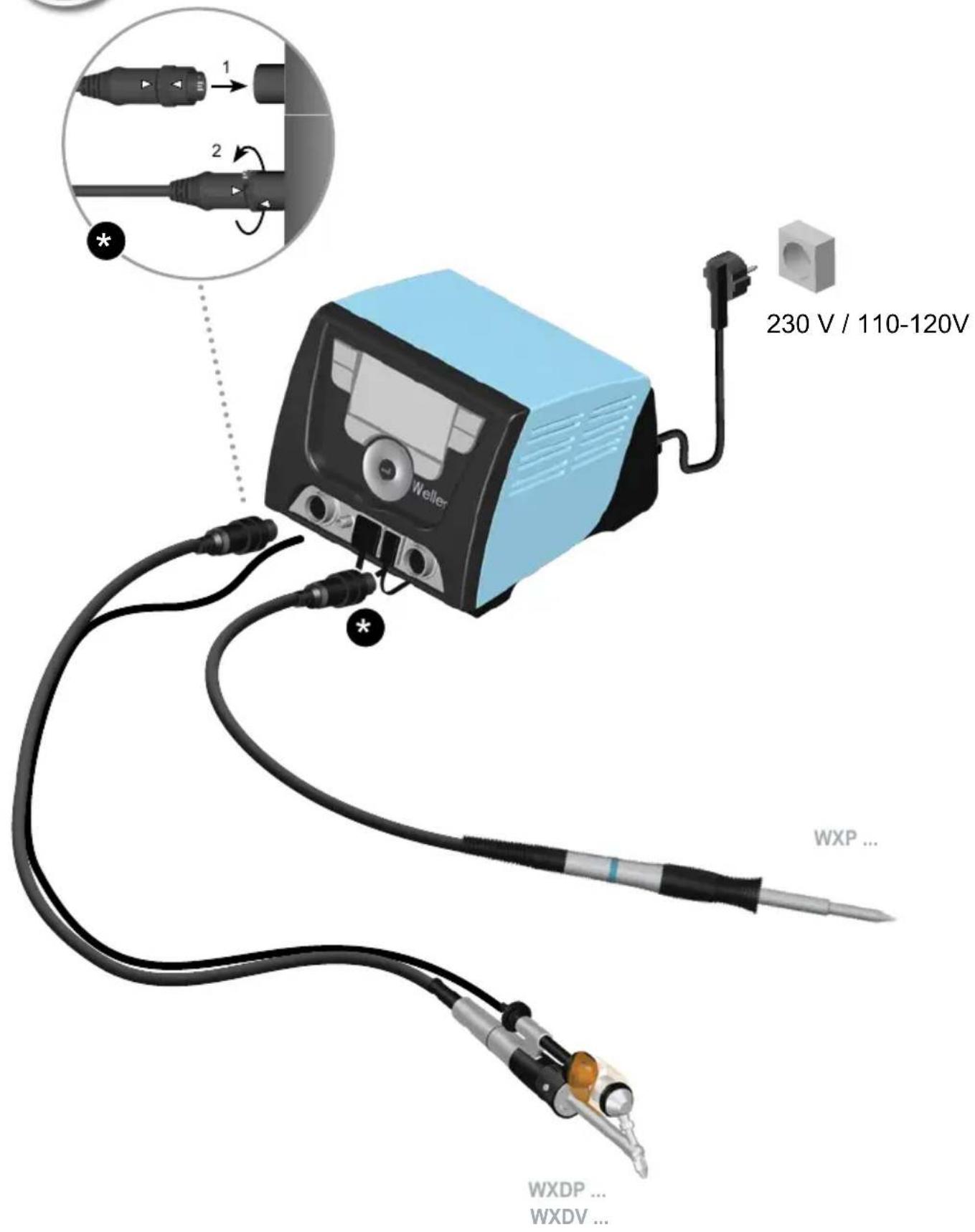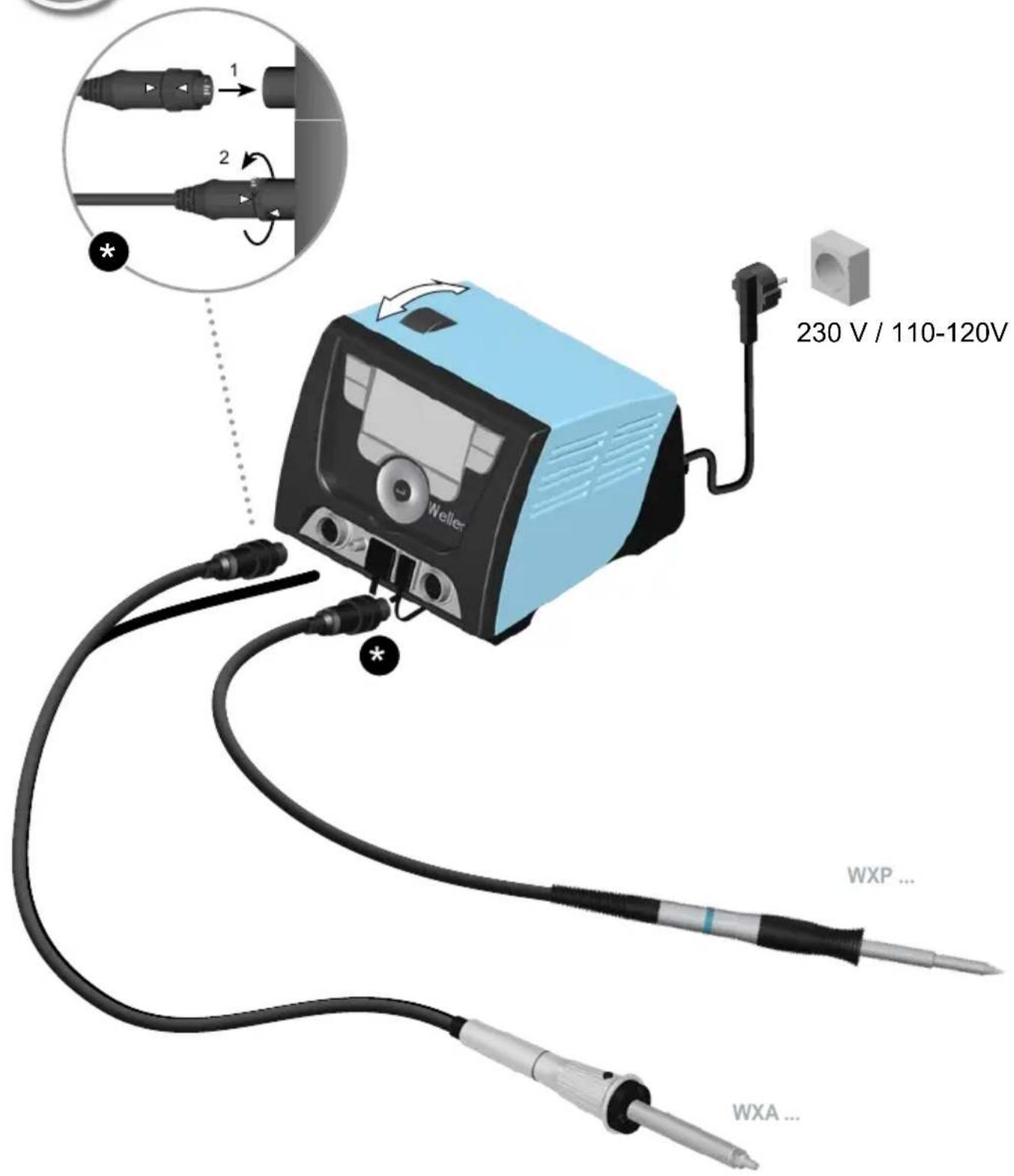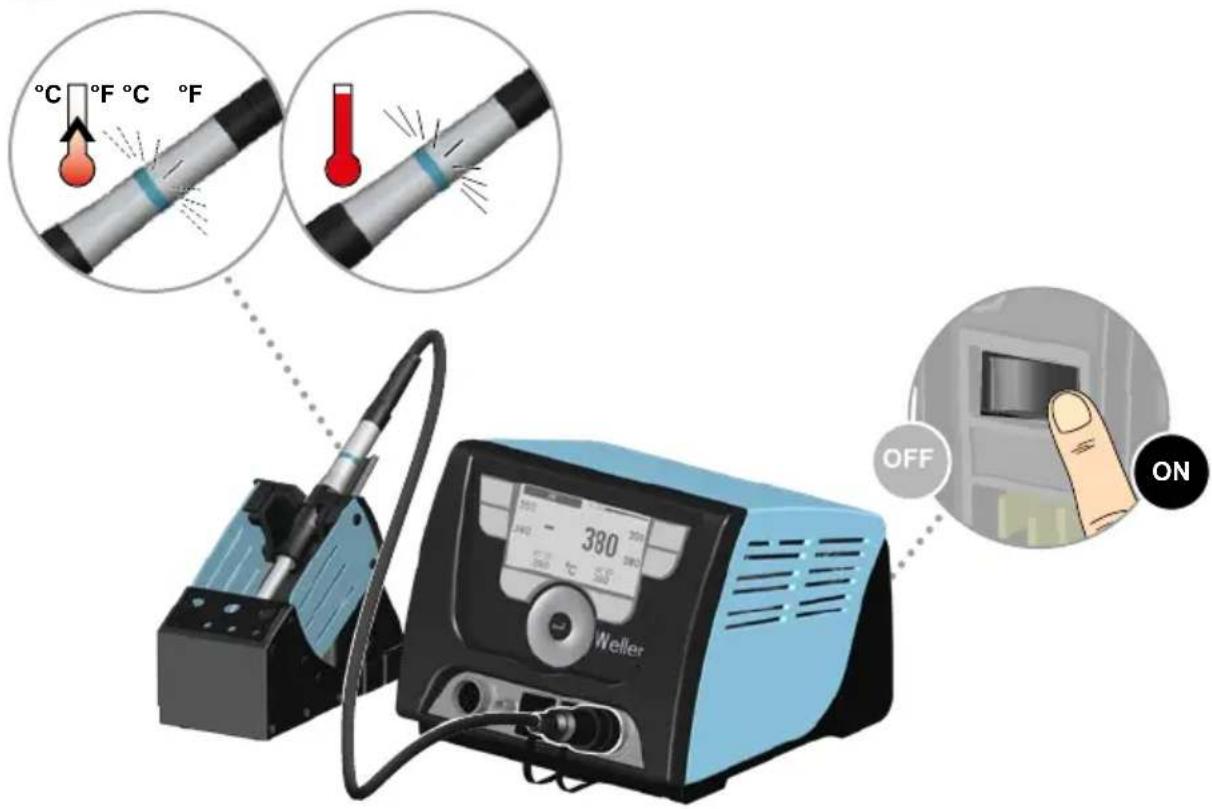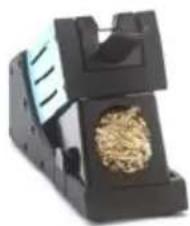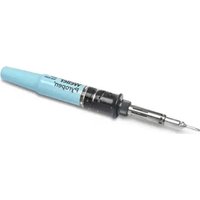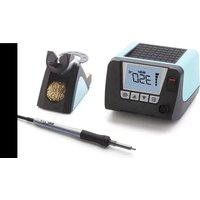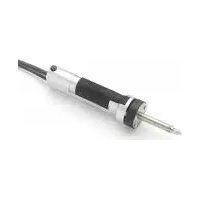


A broken wire in the tip of the WXDV 120 along with the absence of heating indicates a serious internal problem. Before concluding a failure, first check the basic points: unplug the device, wait for it to cool down completely, and then inspect the power cord and the outlet (connecting to an appropriate Weller unit such as WX, WXD, or WXA). Also, clean the tip with a damp sponge to remove any solder residue that may block thermal transfer.
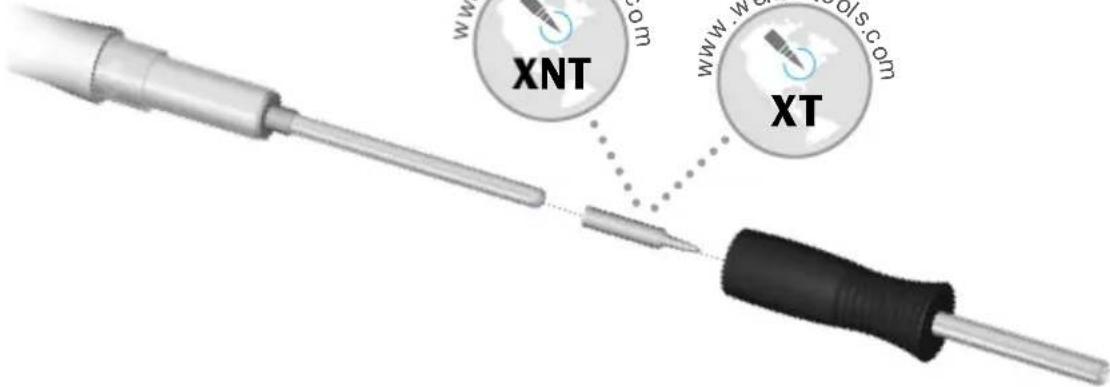
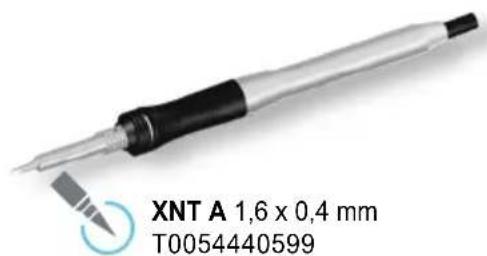
If the wire is indeed broken inside the tip, it means that the built-in heating element is damaged. This tip (reference XDS 1, Ø 1.4 x 2.5 mm, no. T0051325099) contains the heating element and cannot be repaired in case of internal breakage. Replacement is the only solution.
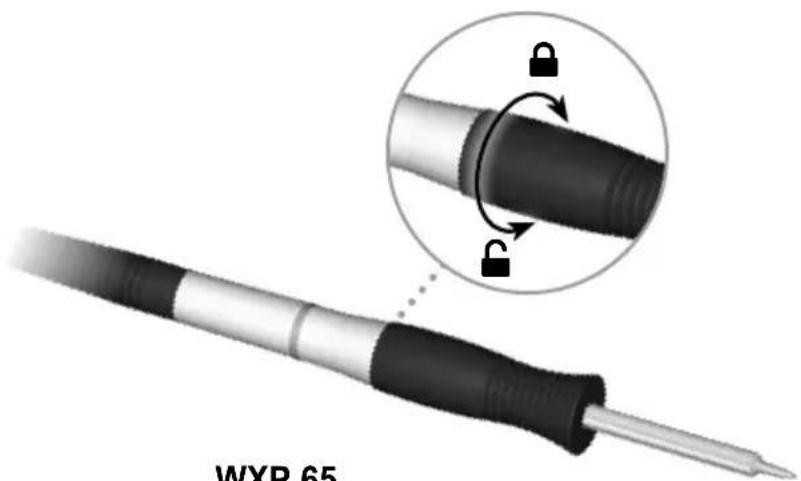
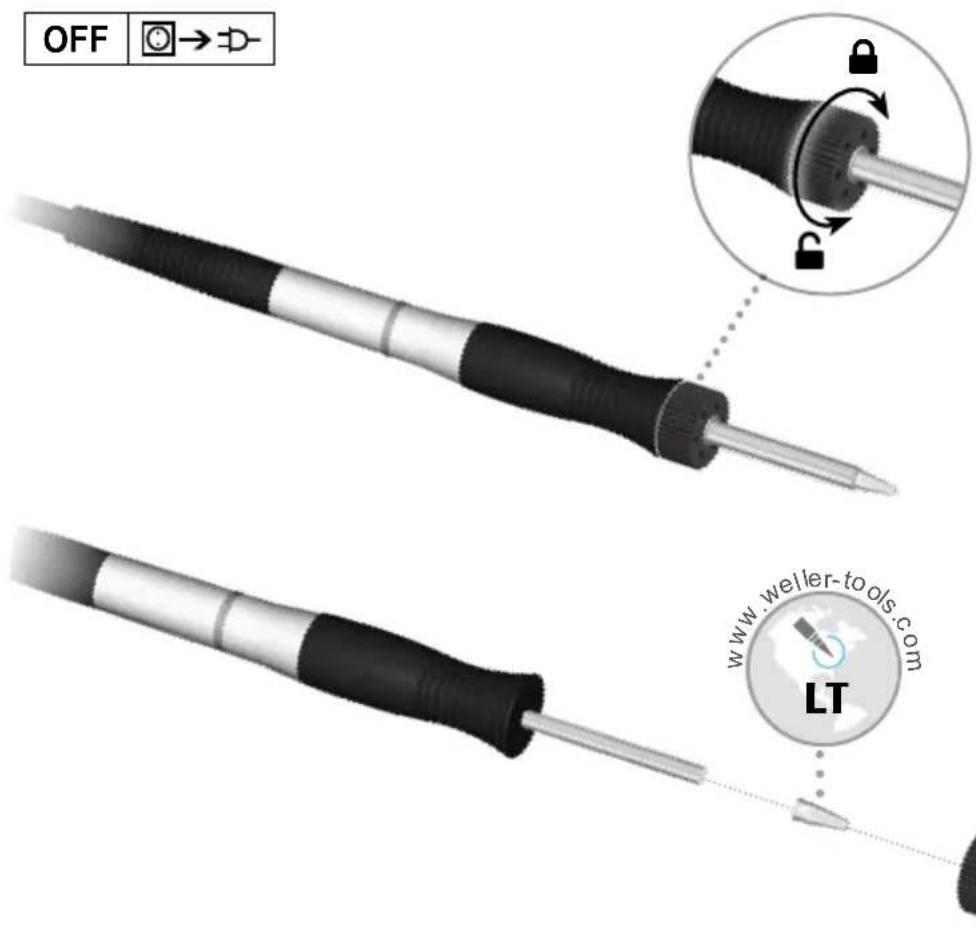
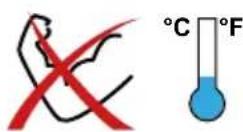
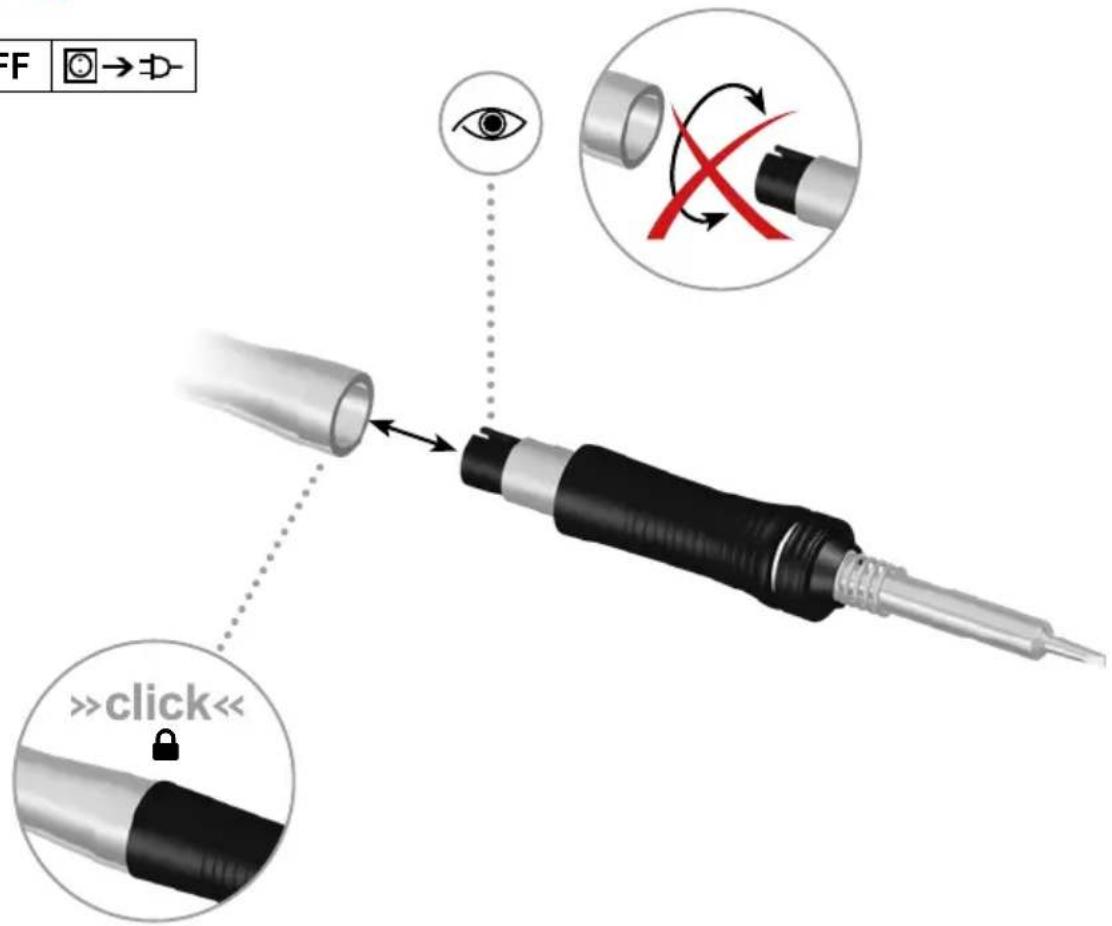
Replacing the tip: According to the official manual, only individuals trained by Weller are authorized to perform repairs. Additionally, you must use an original Weller replacement part. Follow this procedure: completely unplug the device, wait at least 3 minutes for the tip to cool down completely before any intervention, and then replace it only if you are competent in electronics. The manual emphasizes that the heating element must never come into contact with solder.
In practice, we strongly recommend that you contact an authorized Weller dealer or an authorized repair center to carry out the replacement. They will have the original part (T0051325099) and will follow the required safety procedures to handle high-voltage components. This service is generally less expensive than a new purchase, especially if your device is still under warranty.