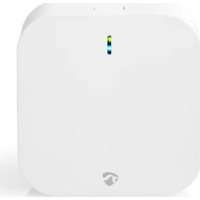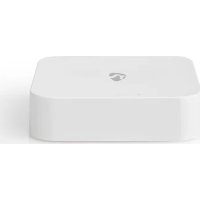
WIFIZB10WT - Smart Home NEDIS - Free user manual and instructions
Find the device manual for free WIFIZB10WT NEDIS in PDF.



User questions about WIFIZB10WT NEDIS
0 question about this device. Answer the ones you know or ask your own.
Ask a new question about this device
Download the instructions for your Smart Home in PDF format for free! Find your manual WIFIZB10WT - NEDIS and take your electronic device back in hand. On this page are published all the documents necessary for the use of your device. WIFIZB10WT by NEDIS.
USER MANUAL WIFIZB10WT NEDIS
To integrate in Nedis SmartLife application
WIFIZB10WT
natural_image
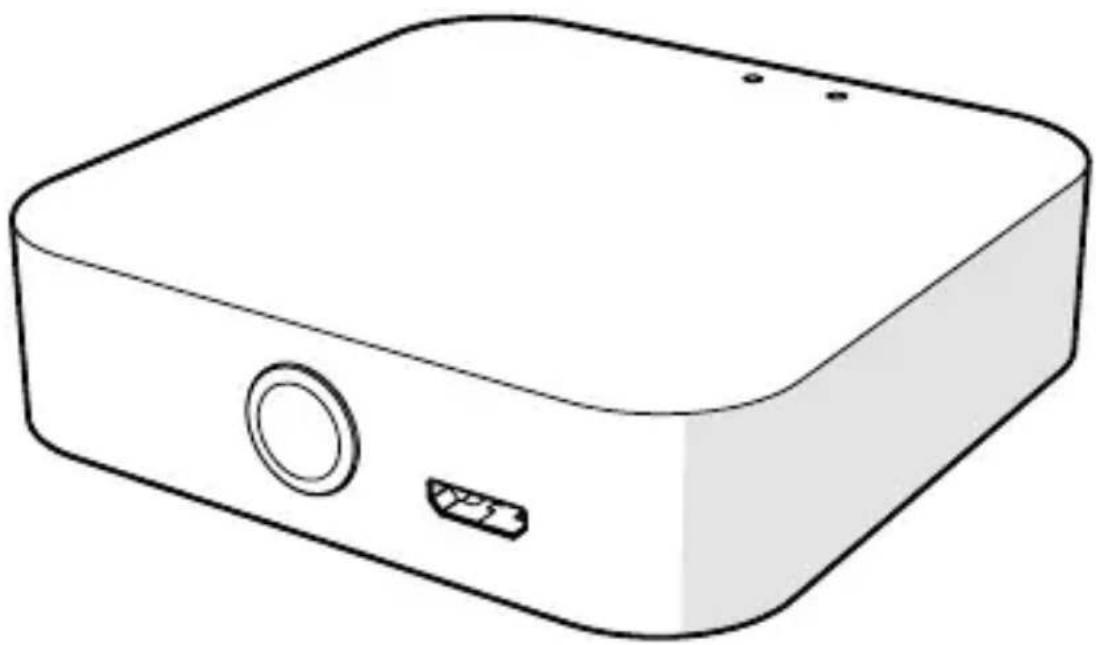
Line drawing of a rectangular electronic device with a circular button and a small port (no text or symbols)EN Quick start guide 4
DE Kurzanleitung 7
FR Guide de démarrage rapide 10
NL Snelstartgids 14
IT Guida rapida all'avvio 17
ES Guía de inicio rápido 20
PT Guia de iniciação rápida 23
SV Snabbstartsguide 27
FI Pika-aloitusopas 30
NO Hurtigguide 33
DA Vejledning til hurtig start 36
HU Gyors beüzemelési útmutató 39
PL Przewodnik Szybki start 42
EL Οδηγός γρήγορης εκκίνησης 46
SK Rýchly návod 49
CS Rychlý návod 52
RO Ghid rapid de inițiere
A
text_image
1 2 3 4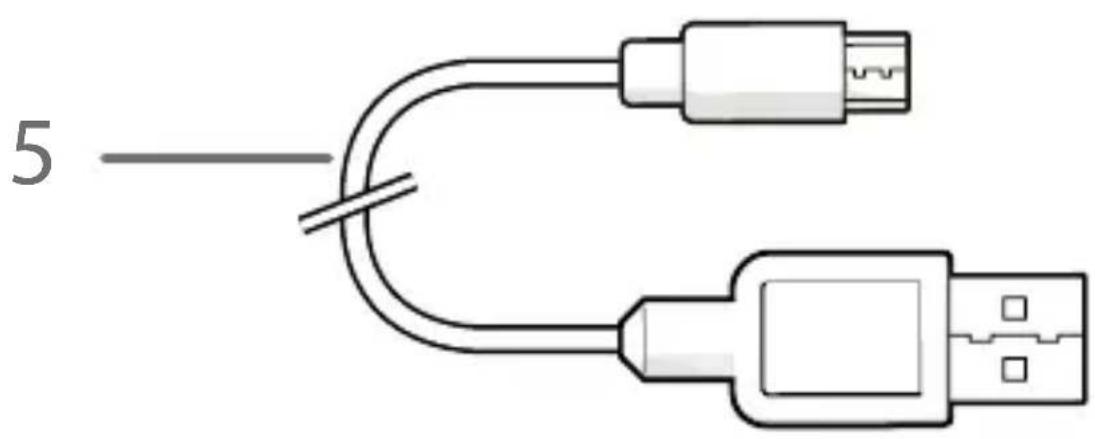
text_image
5Zigbee Gateway WIFIZB10WT
For more information see the extended manual online: ned.is/wifizb10wt
Intended use
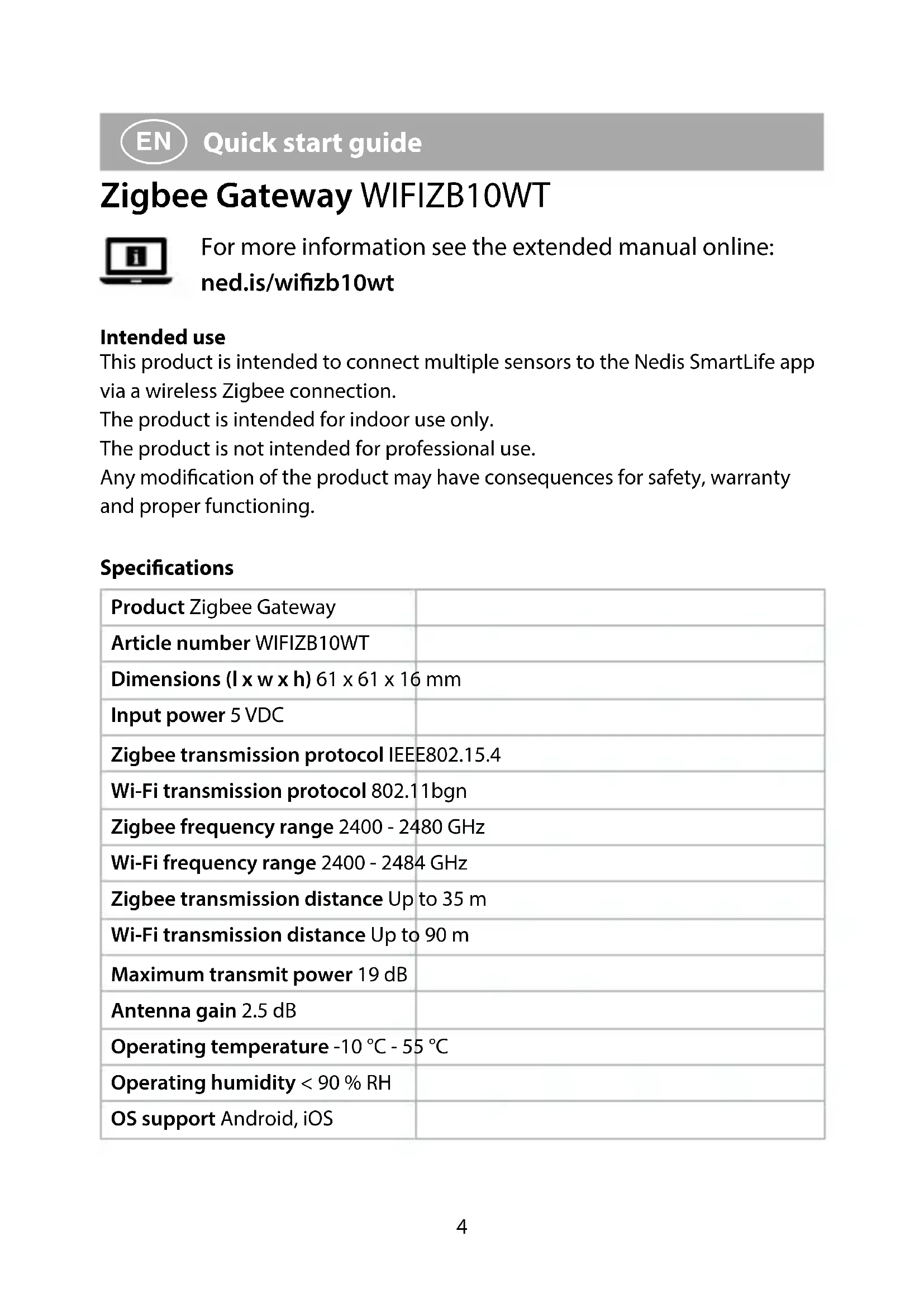
This product is intended to connect multiple sensors to the Nedis SmartLife app via a wireless Zigbee connection.
The product is intended for indoor use only.
The product is not intended for professional use.
Any modification of the product may have consequences for safety, warranty and proper functioning.
Specifications
| Product Zigbee Gateway | |
| Article number WIFIZB10WT | |
| Dimensions (l x w x h) 61 x 61 x 16 mm | |
| Input power 5 VDC | |
| Zigbee transmission protocol IEEE802.15.4 | |
| Wi-Fi transmission protocol 802.11bgn | |
| Zigbee frequency range 2400 - 2480 GHz | |
| Wi-Fi frequency range 2400 - 2484 GHz | |
| Zigbee transmission distance Up to 35 m | |
| Wi-Fi transmission distance Up to 90 m | |
| Maximum transmit power 19 dB | |
| Antenna gain 2.5 dB | |
| Operating temperature -10 °C - 55 °C | |
| Operating humidity < 90 % RH | |
| OS support Android, iOS |
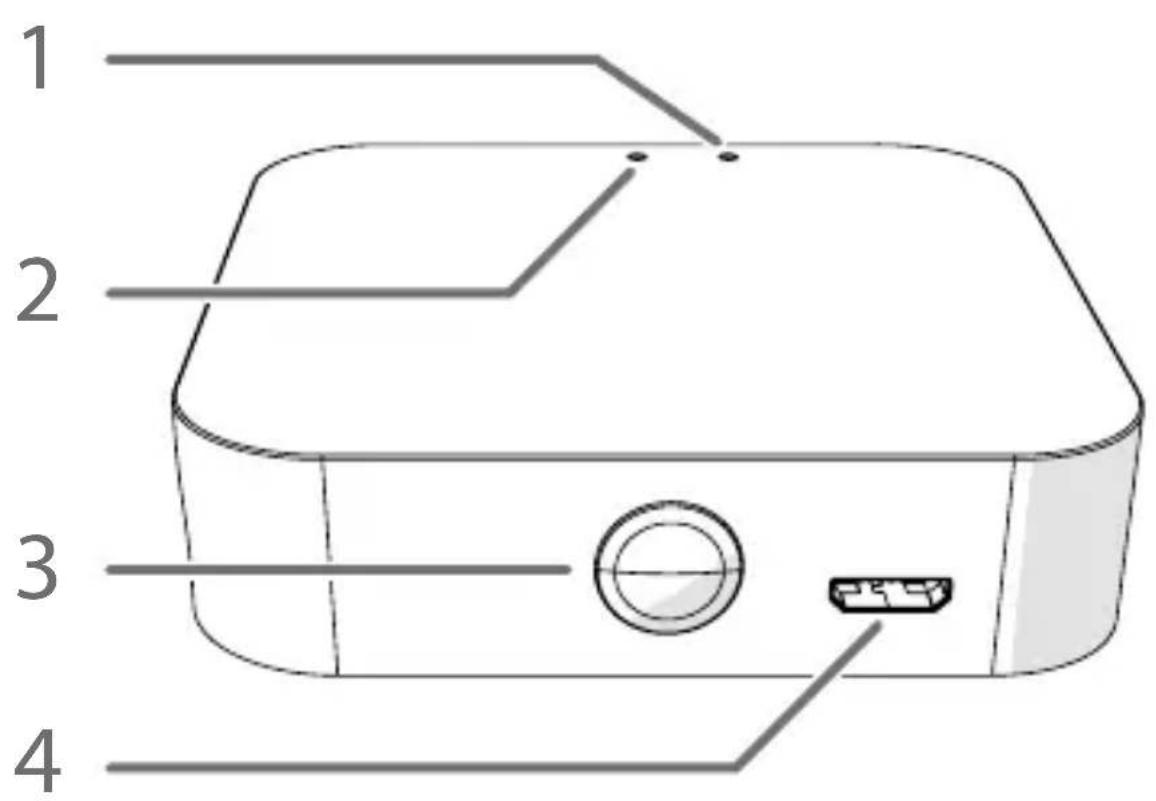
Main parts (image A)
1 Wi-Fi status LED
2 Zigbee status LED
3 Function button
4 Micro USB port
5 Micro USB cable
Safety instructions
WARNING
- Ensure you have fully read and understood the instructions in this document before you install or use the product. Keep this document for future reference.
- Only use the product as described in this document.
- Do not use the product if a part is damaged or defective. Replace a damaged or defective product immediately.
- Do not drop the product and avoid bumping.
- This product may only be serviced by a qualified technician for maintenance to reduce the risk of electric shock.
- Disconnect the product from the power source and other equipment if problems occur.
- Disconnect the product from the power source before service and when replacing parts.
- Do not expose the product to water or moisture.
- Children should be supervised to ensure that they do not play with the product.
- Only power the product with the voltage corresponding to the markings on the product.
- Some wireless products may interfere with implantable medical devices and other medical equipment, such as pacemakers, cochlear implants and hearing aids. Consult the manufacturer of your medical equipment for more information.
- Do not use the product at locations where the use of wireless devices is prohibited due to potential interference with other electronic devices, which may cause safety hazards.
Installing the app
-
Download the Nedis SmartLife app for Android or iOS on your phone via Google Play or the Apple App Store.
-
Open the Nedis SmartLife app on your phone.
- Create an account with your mobile phone number or your e-mail address and tap Continue.
- Enter the received verification code.
- Create a password and tap Done.
- Tap Add Home to create a SmartLife Home.
- Set your location, choose the rooms you want to connect with and tap Done.
Connecting to the app
- Tap + in the top right corner in the Nedis SmartLife app.
- Select the product type you want to add from the list.
- Plug the micro USB cable A ⑤ into the micro USB port A ④.
- Plug the other end of A ⑤ into a USB power source.
The Wi-Fi status LED A① blinks red to indicate pairing mode is active.
If not, press and hold the function button A③ for 5 seconds to manually enter the pairing mode.
- Tap Next step in the app.
- Enter the Wi-Fi network data and tap Confirm.
- Type in a name for the product and tap Done.
The product is now ready for use.
For more information on how to connect and use the different sensors with the product, consult the manual of the sensor.
Do not attempt to repair the product. If the product does not operate correctly, replace it with a new product.
Declaration of Conformity
We, Nedis B.V. declare as manufacturer that the product WIFIZB10WT from our brand Nedis ^® , produced in China, has been tested according to all relevant CE standards and regulations and that all tests have been passed successfully. This includes, but is not limited to the RED 2014/53/EU regulation.
The complete Declaration of Conformity (and the safety datasheet if applicable) can be found and downloaded via:
nedis.com/wifizb10wt#support
For additional information regarding the compliance, contact the customer service:
Web: www.nedis.com
E-mail: service@nedis.com
Nedis B.V., de Tweeling 28
5215 MC 's-Hertogenbosch, the Netherlands

Kurzanleitung
Zigbee-Gateway WIFIZB10WT
Zigbee-gateway WIFIZB10WT
Zigbee-gateway WIFIZB10WT
For mer informasjon, se den fullstendige bruksanvisningen på nett: ned.is/wifizb10wt
Tiltenkt bruk
Zigbee-gateway WIFIZB10WT
LED-lampen for WiFi-status A① blinker rødt for at indikere, at
5215 MC 's-Hertogenbosch, the Netherlands

5215 MC 's-Hertogenbosch, the Netherlands

Rýchly návod
Brána Zigbee WIFIZB10WT