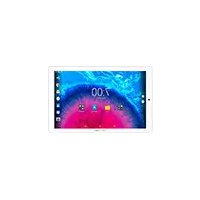
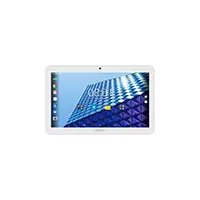
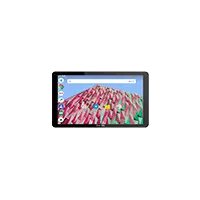
USER MANUAL Core 101 3G V2 ARCHOS
Congratulations for the purchase of an ARCHOS device! This quick start guide helps you to start using your device properly. If you have more questions concerning the use of your device, visit us at:

twitter.com/archos

www.facebook.com/archos
Blog
https://blog.archos.com/

http://faq.archos.com/

www.archos.com, click Support > After-sales support

www.archos.com, click Support > Downloads > Declaration of conformity
As we are often updating and improving our products, your device's software may have a slightly different appearance or modified functionality than presented in this quick start guide.


Unboxing
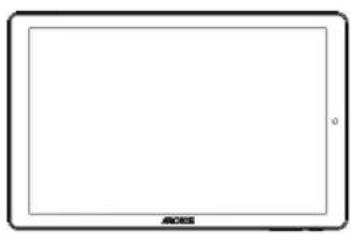
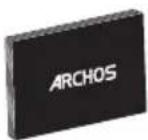
ARCHOS Core 1013G
Quick start guide
Warranty, legal and safety notice

Charger adapter
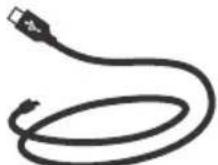
Charging cable
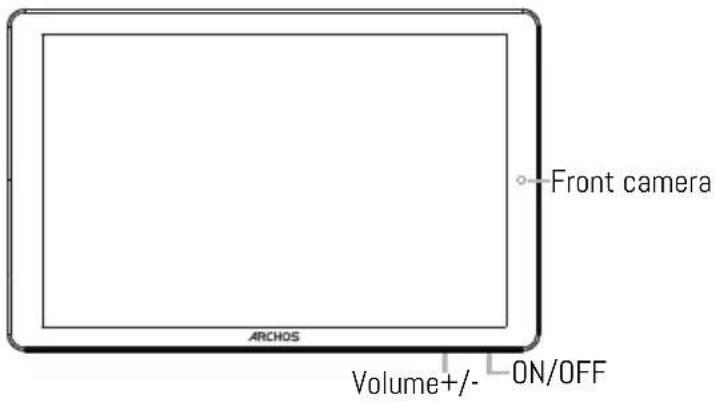
Describing your device
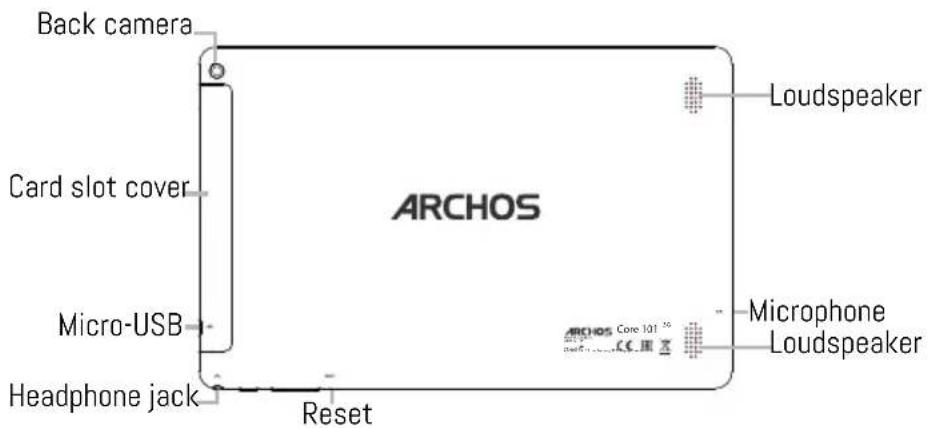

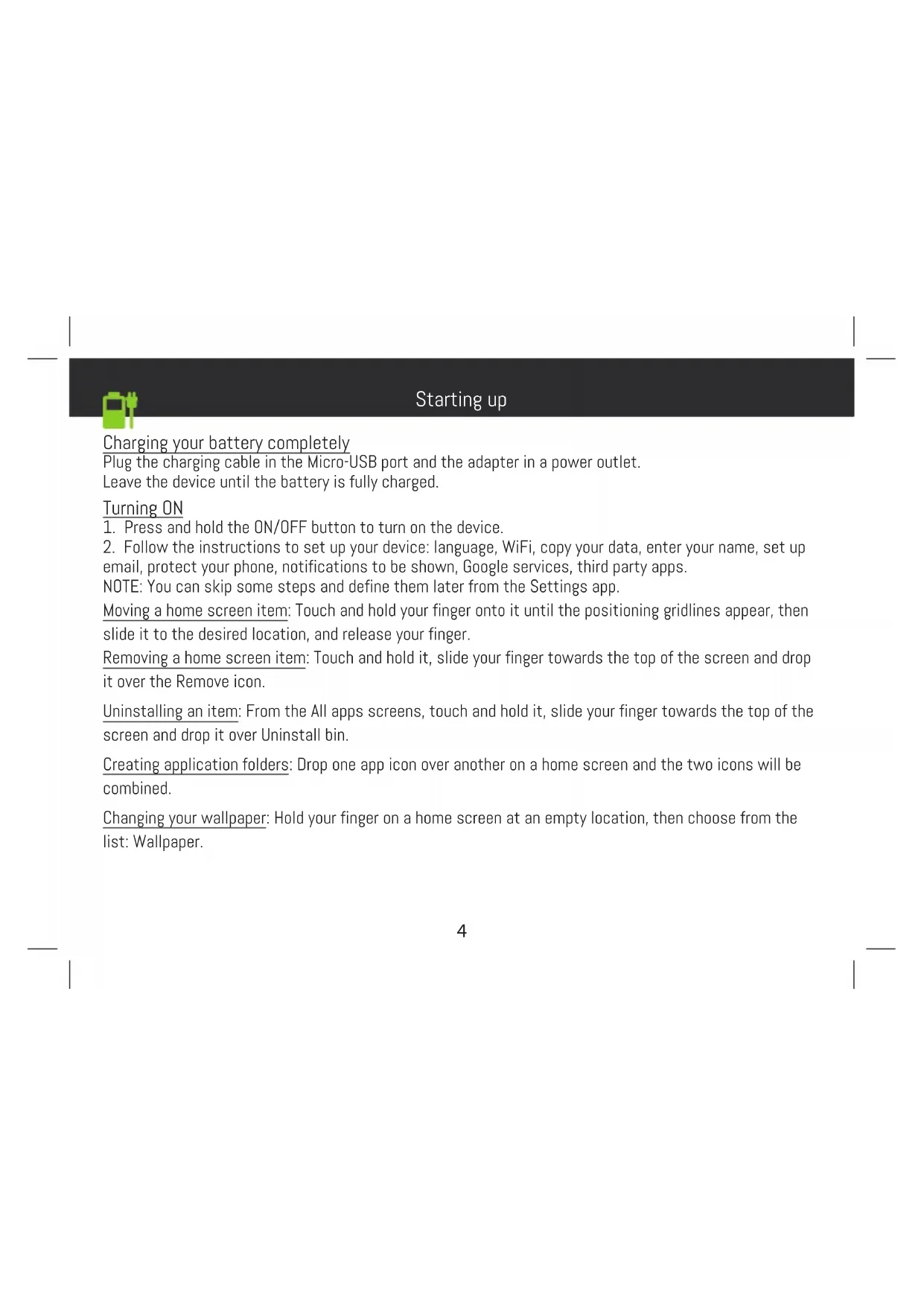
Starting up
Charging your battery completely
Plug the charging cable in the Micro-USB port and the adapter in a power outlet.
Leave the device until the battery is fully charged.
Turning ON
- Press and hold the ON/OFF button to turn on the device.
- Follow the instructions to set up your device: language, WiFi, copy your data, enter your name, set up email, protect your phone, notifications to be shown, Google services, third party apps.
NOTE: You can skip some steps and define them later from the Settings app.
Moving a home screen item: Touch and hold your finger onto it until the positioning gridlines appear, then slide it to the desired location, and release your finger.
Removing a home screen item: Touch and hold it, slide your finger towards the top of the screen and drop it over the Remove icon.
Uninstalling an item: From the All apps screens, touch and hold it, slide your finger towards the top of the screen and drop it over Uninstall bin.
Creating application folders: Drop one app icon over another on a home screen and the two icons will be combined.
Changing your wallpaper: Hold your finger on a home screen at an empty location, then choose from the list: Wallpaper.
Hints & tips
- Widgets: Hold your finger on a home screen at an empty location, then choose from the list: Widget
Securing your device: Define a lock screen to protect your privacy. Select the Settings app, then Security. Choose a screen lock.
Android device manager: When your device is lost, you can use the android device manager page (https:// www.google.com/android/devicemanager) to erase all your contents, to lock the device, to locate the device or to make it ring.
Scheduled power on&off: Schedule power on & off to set when the device turns off and turn on. For example, you can set it for sleep time.

Troubleshooting
-If your device is frozen:
Press the ON/OFF button for 10 seconds or use the reset button.
-If your device doesn't turn on:
- Charge your device.
- Press the ON/OFF button for 10 seconds.
-If your device functioning is too slow:
Close all apps which are not currently used.
-If your WiFi reception is too low:
Make sure you are not far from the WiFi hotspot.
Reset and redefine your connection parameters.
Contact your WiFi connection provider.
-If your device has dysfunctions:
Reinitialize your device. Go to Settings > Backup & reset > Factory data reset. If you can't have access to the settings for any reason, consult our FAQs about the reinitialization process.
For more answers about your technical difficulties, do not hesitate to visit: faq.archos.com
EN

www.archos.com, click Support > After-sales support

Cargue la bateria Completely
Ponck nyctpaHene HeNCnpaBHOCTeI
-EcIn yctpoiCTBO 3aBnCNo:
HaxmTe KhoNky BKJ./BblKJI. Ha 10 ceKynd IIn nCnoB3yIe KhoNky c6poca.
-EcIn yctpoiCTBO He BkIIOuyeTc:
1.3apraIte yctpoiCTBO.
- Haxmte KhoNky BKJ./BbIKJ. Ha 10 ceKyHd.
-Écπu yctpoiCTBO pa6oTae t cniuKOM MeJleHHO:
3aKoIe npInOxEHHa, KOtOpbIe He IcNoJIb3yIOTcB DaHhbIMOMeHT.
-Ecnn KaueCTBO CB83n Wi-Fi CnNkOM Hn3Koe:
Y6eHNTecb, yTO BbI He HaxoHNTecb CnNkOM daNEKO OT TOUKN DoCTyna Wi-Fi.
C6pocbTe n 3aJaTe 3aHOBO npaMeTpbl NOKJIoueHn.
CbXnTebc npoBaIepom nokNIOueHn Wi-Fi.
-EcIn ycTpoiCtBO yHKUHOHpye T HenpaBnIbHo:
BbIIOJIHNTe NOBTOPHyIO INHcuaJIIN3aCIO yCTPOINCTBa. IpeeiIITe B Settings > Backup & reset > Factory data reset (HaCTpoIKN > C6poc N BOCCTaHOBJIeHne > C6poc K 3aBOJCKM HaCTpoIKam).
Ecn no KaKIM-Jn6o npuHnAm DoCTyna K HAcTpoiKaM HeT, CM. OINCAHne npOecca NOBTOHO INHuaJI3aUIn B pa3deJe Yacto 3aJaBaEmbIX BONpOCOB N OTBeTOB.
HaTnChiTb Ta yTpmyTe KnaBiIy BBIMKHeHHa/BmKHeHHa npncTroIO Ha 10 cekyHd a6o BnKOpNCtaIte KnaBiIy Ipe3aBaHTaXeHHa npncTroIO.
-ЯкwoBaaw npucpii He BMnKaETbca:
1.3apraitbBaunpnctri.
2. HatncihItb Ta yTpmyte KnaBiIy BBIMKHeHHBumKHeHH npnCTpoH ha 10 cekyHd.
-ЯкцовашпострийфункioHye дужne nobinbHo:
3aKpniTe BcI DoaTKn, Aki Bu Ha daHn MOMeHT He BnKOpNCTOByeTe.
-Якwo nepedaya daHnx che3 WiFi duke nobinbHa:
IpekeKaHaTeCra,IOBn3HaxOaNTecb He NyKe daNeKO BiD ToKn DoCTynyWiFi.
3knHbTe Ta nepeBn3HaUte npaMeTpN 3'EnHaHH.
3B'jxitbc3 nocataaJIbHnKOM nocnyr WiFi 3'edHaHH.
-Якwo npicpii Mae kicb dincfyHKii:
BiΦopMaTyIe npncpti. IpeenDbB po3dHanaTuBaHH> Pe3epBHe konioBaHH i CkndaHH> CkndaHH HaalaTuBaHb. RaIO Bn He MoKeTe OTpMaTn DOCTyn Do HanaTuBaHb 3a 6ydb-koipuHH, 3BepHiTcBdo FAQ y po3dIn CkndaHH HaalaTuBaHb.
IIO6 OTPIMATN BIIbIE BIDIOBIDEI CTOCOBHO TEXHINX IINTAHb BIDBIAITE FAQ. ARCHOS.COM

National restrictions
This device is intended for home and office use in all EU countries (and other countries following the EU directive 2014/53/
EU) without any limitation except for the countries mentioned below:
Country Restriction ReasonRemark
Bulgaria None General authorization required for outdoor use and public service
France Outdoor use limited to 10
mW e.i.r.p. within the band
2454-2483.5 MHz
Military Radiolocation use. Refarming of the 2.4 GHz band has been ongoing
in recent years to allow current relaxed regulation. Full implementation
planned 2012
Italy None If used outside of own premises, general authorization is required.
Luxembourg None General authorization required for network and service supply (not for
spectrum)
Norway Implemented This subsection does not apply for the geographical aera within a radius of
20 km from the centre of Ny-Alesund
Russian None Only for indoor applications
Federation
Note: Frequency 2454-2483.5MHZ are restricted to indoor use in France.
Archos company (Contact address : ARCHOS SA 12 Rue Ampère 91430 Igny France) declares that this tablet ARCHOS Core
101 3G is in compliance with the essential requirements and other relevant provisions of Directive 2014/53/EU:
https://www.archos.com/products/conformity.html
https://www.archos.com/products/conformity.html

SAR
After the laboratory measurements, the SAR values for this mobile are:
Body Max: 1.69 W/kg (10g Tissue)
| WMAN |
| Frequency Band | Maximum Output Power (dBm) |
| GSM B2 /B3 /B5 /B8 | 33.38 |
| UMTS B1 /B8 | 22.78 |
| WLAN |
| Standard | Frequency | Avg. Power (dBm) |
| 802.11b/g | 2412 ~ 2472 MHz | 8 ~ 11 |
| 802.11n – HT20 | 2412 ~ 2472 MHz | 6 ~ 10 |
| 802.11n – HT40 | 2422 ~ 2462 MHz | 6 ~ 10 |
| Bluetooth |
| Bluetooth Version | Frequency Range | Avg. Power (dBm) |
| EDR | 2402 ~ 2480 MHz | 0 ~ 5 |
| BLE | 2402 ~ 2480 MHz | -6 ~ -3 |