DMWSFU1 - Camera PANASONIC - Free user manual and instructions
Find the device manual for free DMWSFU1 PANASONIC in PDF.



| Product Type | Software Upgrade Key |
| Brand | Panasonic |
| Model | DMW-SFU1 |
| Compatibility | DMC-GH4, DMC-FZ2000, DMC-FZ2500, DC-GH5, DC-G9, AG-SFU41 (AG-GH4) |
| Box Contents | 1 bag containing a key code, 1 installation manual and license agreement |
| Activated Functions | V-Log L, waveform monitor, V-LogL View Assist, HDMI LUT display |
| Activation requires | Computer with internet access, formatted memory card, key code |
| Activation site (DMW-SFU1) | https://eww.pavc.panasonic.co.jp/enhance/ActivationTop/en |
| Activation site (AG-SFU41) | http://pro-av.panasonic.net/en/gh4u/ag-sfu41g.html |
| Minimum firmware version | DC-G9: 2.0 or later; DMC-GH4: later version (see notice) |
| License | Use on one device only, no reverse engineering |
| Key code | Non-reissuable, keep in a safe place |
| Product return | Impossible after opening the bag containing the code |
| Warranty | No explicit warranty, limited liability |
| Applicable law | Laws of Japan, competent court: Osaka District Court |
| Activation procedure | Export the serial number from the device, obtain activation code online, import into the device |
| Support in case of repair | Contact customer service (DMW-SFU1) or the dealer (AG-SFU41) |
Frequently Asked Questions - DMWSFU1 PANASONIC
User questions about DMWSFU1 PANASONIC
0 question about this device. Answer the ones you know or ask your own.
Ask a new question about this device
Download the instructions for your Camera in PDF format for free! Find your manual DMWSFU1 - PANASONIC and take your electronic device back in hand. On this page are published all the documents necessary for the use of your device. DMWSFU1 by PANASONIC.
USER MANUAL DMWSFU1 PANASONIC
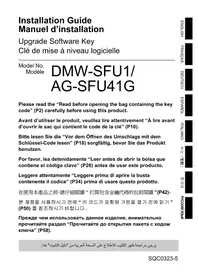
Please read the "Read before opening the bag containing the key code" (P2) carefully before using this product.
Upgrade Software Key
Read before use
Thank you for purchasing this Panasonic product.
This is an upgrade software key that enables the extended functions of the digital camera.
- One upgrade software key can activate the software of only one camera.
Package contents
A bag containing a key code
2 Installation Guide, Software Licensing Agreement (this leaflet)

Read before opening the bag containing the key code
- The key code cannot be reissued. Keep it in a safe place.
- Before opening the bag containing the key code, check the compatible model.
- Before opening the bag containing the key code, read the "Software Licensing Agreement" carefully.
- If you take the tape off the bag containing the key code to open it, you are considered to have agreed to the terms in the Software Licensing Agreement.
- The product cannot be returned once you take the tape off the bag containing the key code to open it.
- A computer with Internet access is required to use this product.
After agreeing to the above statements, take the tape off the bag containing the key code, remove the key code from inside, and activate the software.
Compatible models (As of November 2019)
| Model number Compatible model | |
| DMW-SFU1 (DMW-SFU1) | DMC-GH4 (DMC-GH4 DMC-FZ2000 (DMC-FZ2000 DMC-FZ2500 (DMC-FZ2500 DC-GH5 (DC-GH5 DC-G9 (DC-G9 |
| AG-SFU41 (AG-SFU41A) | |
- The names inside the brackets are examples of the way products are referred to in this leaflet.
- Please note that certain information such as URLs of reference websites applies only to specific model numbers and compatible models.
- For information about the latest compatible models, refer to the support site below.
DMW-SFU1: https://panasonic.jp/support/global/cs/dsc/download/index3.html
(This Site is English only.)
AG-SFU41 : http://pro-av.panasonic.net/
Notes for repair
When requesting a repair, be sure to inform us of the key code along with a description of the repair request.
The key code is required to repair the camera after activation.
- If the extended function is not available after the repair, reactivate the software.
- If the software cannot be reactivated, or if an error occurs:
DMW-SFU1: Contact the Customer Support.
AG-SFU41 : Contact your dealer.
Contents
Read before use 2
Software Licensing Agreement 4
Activation procedure 6
Extended functions 8
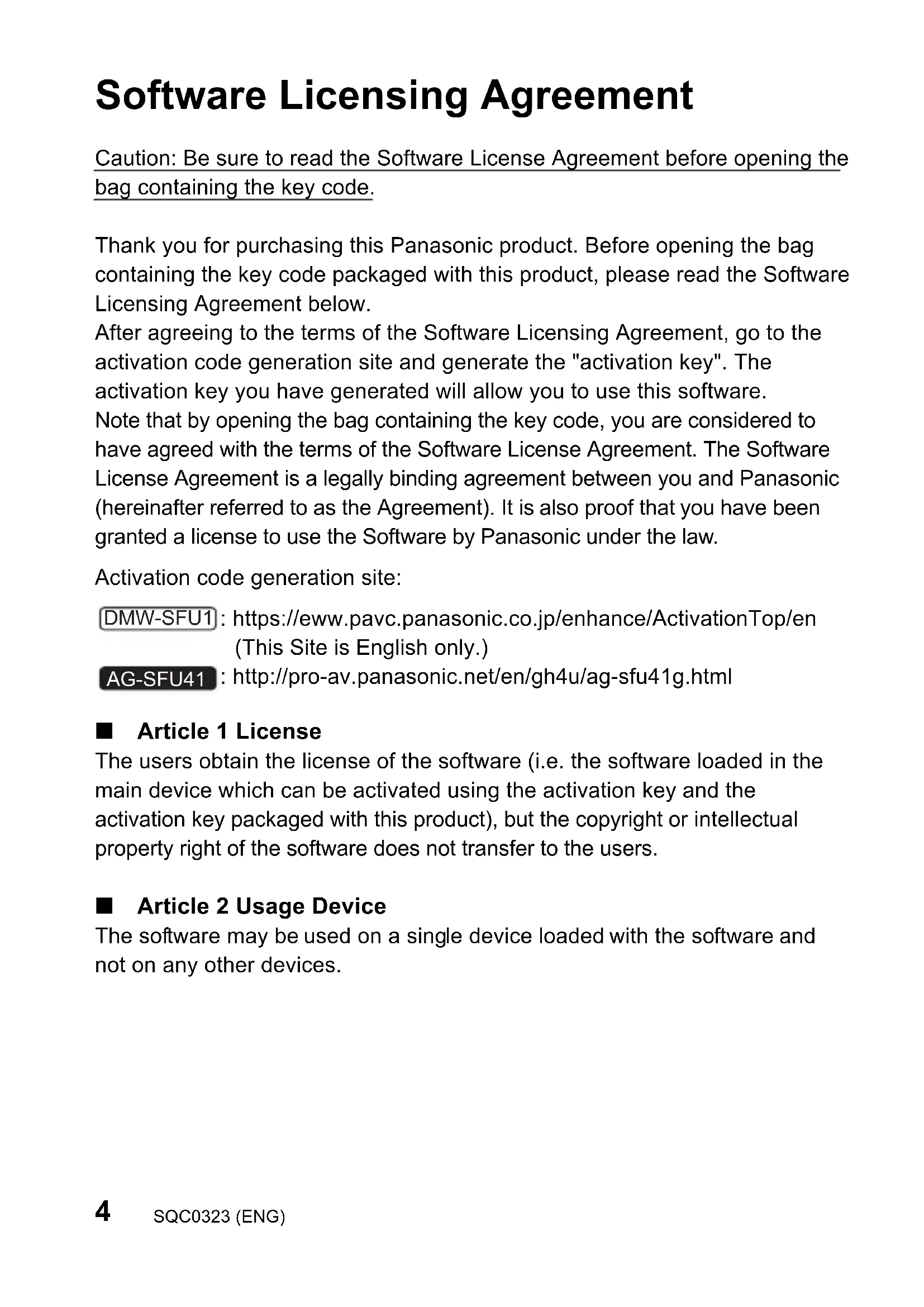
Software Licensing Agreement
Caution: Be sure to read the Software License Agreement before opening the bag containing the key code.
Thank you for purchasing this Panasonic product. Before opening the bag containing the key code packaged with this product, please read the Software Licensing Agreement below.
After agreeing to the terms of the Software Licensing Agreement, go to the activation code generation site and generate the "activation key". The activation key you have generated will allow you to use this software.
Note that by opening the bag containing the key code, you are considered to have agreed with the terms of the Software License Agreement. The Software License Agreement is a legally binding agreement between you and Panasonic (hereinafter referred to as the Agreement). It is also proof that you have been granted a license to use the Software by Panasonic under the law.
Activation code generation site:
DMW-SFU1: https://eww.pavc.panasonic.co.jp/enhance/ActivationTop/en (This Site is English only.)
AG-SFU41 : http://pro-av.panasonic.net/en/gh4u/ag-sfu41g.html
■ Article 1 License
The users obtain the license of the software (i.e. the software loaded in the main device which can be activated using the activation key and the activation key packaged with this product), but the copyright or intellectual property right of the software does not transfer to the users.
■ Article 2 Usage Device
The software may be used on a single device loaded with the software and not on any other devices.
■ Article 3 Reverse Engineering, Decompiling or Disassembly
The Software is provided to you as is, and Panasonic makes no express or implied warranties whatsoever with respect to the Software. You may not reverse engineer, decompile, or disassemble the Software. Panasonic or any of its distributors or dealers shall not be bound by warranty for any defects in the Software or damage to you caused by your reverse engineering, decompiling, or disassembly of the Software.
■ Article 4 Indemnification
Panasonic or any of its distributors or dealers shall not be liable for any damage suffered by Licensee, either directly or through claims from a third party, arising from or in connection with Licensee's use of the Software. Furthermore, Panasonic does not guarantee the successful operation of the software unless it is used with any of Panasonic.
■ Article 5 Changes to Specifications
Panasonic may change the information in the specifications and related documents for the Software without prior notice in the future.
■ Article 6 Export Control
You shall comply with all laws and regulations related to export control at home and abroad with respect to the Software.
■ Article 7 Legal system
This document shall be governed by and construed and enforced in accordance with the laws of Japan, without regard to its conflict of law provisions.
■ Article 8 Conflict resolution
Any dispute arising out of or in relation to this document shall be subject to the exclusive jurisdiction of the Osaka District Court.
Please note the following.
- Panasonic cannot be held liable for any direct or indirect damages resulting from the use or malfunction of this software.
- Panasonic cannot be held liable for damages arising from data corruption or loss as a result of using this software.
Activation procedure
Use the procedure below to activate the extended functions.
- A memory card that can be used in the camera will be required to activate the software. (Hereafter referred to as "card")
1. Check the firmware version
DMC-GH4DC-G9 AG-GH4
0
n
Check the firmware version of the camera.
Select the menu.
MENU [Setup] [Version Disp.]
- Firmware versions that support the software key
DMC-GH4/G-GH4 higher
DC-G9
2.0 or higher
- For the latest information on the firmware or to download/update the firmware, visit the following support website:
DMC-GH4D C-https://panasonic.jp/support/global/cs/dsc/
(This Site is English only.)
AG-GH4 : http://pro-av.panasonic.net/
2. Export the device information
Export the device information from the camera.
1 Insert the card into the camera.
- Insert a card formatted with the camera.
- When a digital camera compatible with the double slot function is used, insert the card into card slot 1.
2 Select the menu.
MENU [Setup] [Activate]
3 Press / to select [Export Serial Code] and then press [MENU/SET].
- Confirmation screen is displayed. It is executed when [Yes] is selected.
- The device information (file name: SERIAL.LST) will be saved to the "PRIVATE\PANA_GRP\PAVC\LUMIX\ACTV" folder on the card.
3. Acquire the activation code
Acquire an activation code from the site that generates it.
- The supplied key code is required to acquire an activation code.
Agree to the Software Licensing Agreement, and remove the key code from its bag.
1 Insert the card containing the device information into a PC connected to the Internet.
2 Using a browser on the PC, access the activation code generation site, and follow the on-screen instructions to acquire an activation code.
Activation code generation site:
DMW-SFU1:
https://eww.pavc.panasonic.co.jp/enhance/ActivationTop/en (This Site is English only.)
AG-SFU41 :
http://pro-av.panasonic.net/en/gh4u/ag-sfu41g.html
-
The activation code (file name: ACTIVE.LST) will be saved to the "PRIVATE\PANA_GRP\PAVC\LUMIX\ACTV" folder on the card.
-
If another "ACTIVE.LST" file is already stored in the "PRIVATE\PANA_GRP\PAVC\LUMIX\ACTV" folder on the card, the new file may overwrite it and be saved. Before saving the new file, confirm that there is no "ACTIVE.LST" file in the above folder.
4. Import the activation code
Import the activation code to the camera to enable the extended functions.
1 Insert the card containing the activation code into the camera.
- When a digital camera compatible with the double slot function is used, insert the card into card slot 1.
2 Select the menu.
Setup Activate]
3 Press / to select [Import Activation Code] and then press [MENU/SET].
-
Confirmation screen is displayed. It is executed when [Yes] is selected.
-
A message will be displayed, prompting you to turn off and on the camera. Turn off the camera, and then turn it on.
Extended functions
V-Log L
You can select [V-Log L] in [Photo Style] in the [Motion Picture] menu.
[Motion Picture] [Photo Style]
| [V-Log L] | A gamma curve effect designed for post production editing. It allows you to add rich gradation to images during post production editing. |
- The recording screen, images output via HDMI, and certain other images will appear darker overall.
- This function is available only when the camera is set to Creative Video Mode. (DMC-GH4) DMC-FZ2000 DMC-FZ2500 AG-GH4
-
The following picture quality settings cannot be adjusted.
-
[Contrast]/[Saturation]/[Hue]
The following settings are fixed.
-
[V-Log L] is not available when [4K PHOTO] is selected.
(DMC-GH4)/G-GH4
You can use a LUT (lookup table) to perform post production editing. LUT data can be downloaded from the support site below.
DMC-GH4/DMC-FZ2000DMC-FZ2500DG-HG5 /DC-G9
(DMW-SFU1):
https://panasonic.jp/support/global/cs/dsc/download/index3.html
(This Site is English only.)
AG-GH4 AG-SFU41
http://pro-av.panasonic.net/
[V-LogL View Assist]/[LUT HDMI Display]
(Compatible model: DC-GH5 DC-G9
You can apply LUT data to the recording screen image and HDMI output.
DC-GH5
[Creative Video] [V-LogL View Assist]
[Motion Picture] [HDMI Rec Output] [LUT HDMI Display]
DC-G9
[Custom] [Monitor / Display] [V-LogL View Assist]
[Motion Picture] [HDMI Rec Output] [LUT HDMI Display]
- For details, refer to the "Operating Instructions for advanced features" (PDF format).
[Waveform Monitor] (Compatible model: DC-G9
Luminance can be checked using the waveform.
[Creative Video] [Waveform Monitor]
- For details, refer to the "Operating Instructions for advanced features" (PDF format).
© Panasonic Entertainment & Communication Co., Ltd. 2015
Printed in Japan
DMW-SFU1:GOALKJIJIiEJiJiJiJiJiJiJiJiJiJiJiJiJiJiJiJiJi
AG-SFU41:关
目录
1 50
SofrteRerRaiIeNStKeAokSer 52
同通 54
56
Sóphon terwéhr aaiinss geaksh
主的:K元德卡托国的当信到电电电电电电电电电电电电电电电电电电电电电电电电电电电电电电电电电电电电电电电电电电电电电电电电电电电电电电电电电电电电电电电电电电电电电电电电电电电电电电电电电电电
SofrteHnJnJnJnJnJnJnJnJnJnJnJnJnJnJnJnJnJnJnJnJnJnJnJnJnJnJnJnJnJnJnJnJnJnJnJnJnJnJnJnJnJnJnJnJnJnJnJnJnJnJn
■ 4
Panasonic はんだご大応の300000000000000000000000000000000000000000000000000000000000000000000000000000000000000000000000000000000000000000000000000000000000000000000000000000000000000000000000000000
[同]→[HDMI]→[LUT HDMI]
DC-G9
MENU [SAOM] [MONIeI/1iSloReI] [V-LogLbgiJ]
[ \text{[同} \text{等} \text{量} \text{量} \text{量} \text{量} \text{量} \text{量} \text{量} \text{量} \text{量} \text{量} \text{量} \text{量} \text{量} \text{量} \text{量} \text{量} \text{量} \text{量} \text{量} \text{量} \text{重} \text{重} \text{重} \text{重} \text{重} \text{重} \text{重} \text{重} \text{重} \text{重} \text{重} \text{重} \text{重} \text{重} \text{重} \text{重} \text{重} \text{重} \text{重} \text{重} \text{量} ]