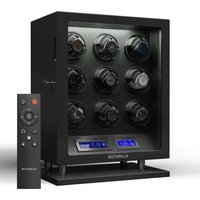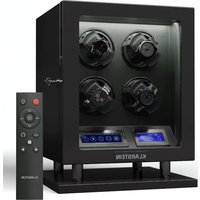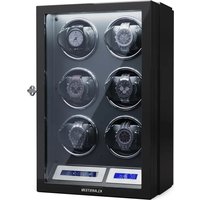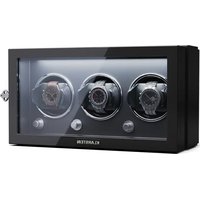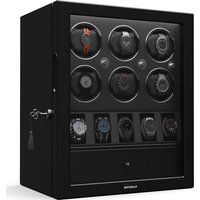
Clover - Watch accessory Klarstein - Free user manual and instructions
Find the device manual for free Clover Klarstein in PDF.



| Product type | Watch winder for automatic watches |
| Brand | Klarstein |
| Model | Clover |
| Article numbers | 10032553, 10040249, 10040250 |
| Input power | 100-240 V ~ 50-60 Hz |
| Output power | DC/4 V 550 mA |
| Dimensions (L x D x H) | 235 mm x 206 mm x 255 mm |
| Operating modes | 4 modes (A, B, C, D) |
| Mode A - rotations per day | 650 rotations/day (7 min run, 104 min stop) |
| Mode B - rotations per day | 900 rotations/day (7 min run, 73 min stop) |
| Mode C - rotations per day | 1200 rotations/day (7 min run, 53 min stop) |
| Mode D - rotations per day | 1500 rotations/day (7 min run, 41 min stop) |
| LED lighting | Yes, with switch |
| Rotation direction | Selectable (run/stop) |
| Watch adapter | Cushion with expander adapter for wide bracelets |
| Power supply | Mains adapter included |
| Safety instructions | Disconnect if not in use; do not remove the watch while rotating |
| Country of origin (manufacturer) | Germany (Chal-Tec GmbH) |
Frequently Asked Questions - Clover Klarstein
User questions about Clover Klarstein
0 question about this device. Answer the ones you know or ask your own.
Ask a new question about this device
Download the instructions for your Watch accessory in PDF format for free! Find your manual Clover - Klarstein and take your electronic device back in hand. On this page are published all the documents necessary for the use of your device. Clover by Klarstein.
USER MANUAL Clover Klarstein
text_image
QR code image containing encoded data, no visible human-readable textINHALTSVERZEICHNIS
Berlin Brands Group UK Ltd
PO Box 1145
Oxford, OX1 9UW
United Kingdom
SICHERHEITSHINWEISE
text_image
Three-step diagram illustrating a mechanical device manipulation process, labeled ① to ③.Member of Berlin Brands Group
Handwerkerstr. 11
15366 Dahlwitz-Hoppegarten
Deutschland
natural_image
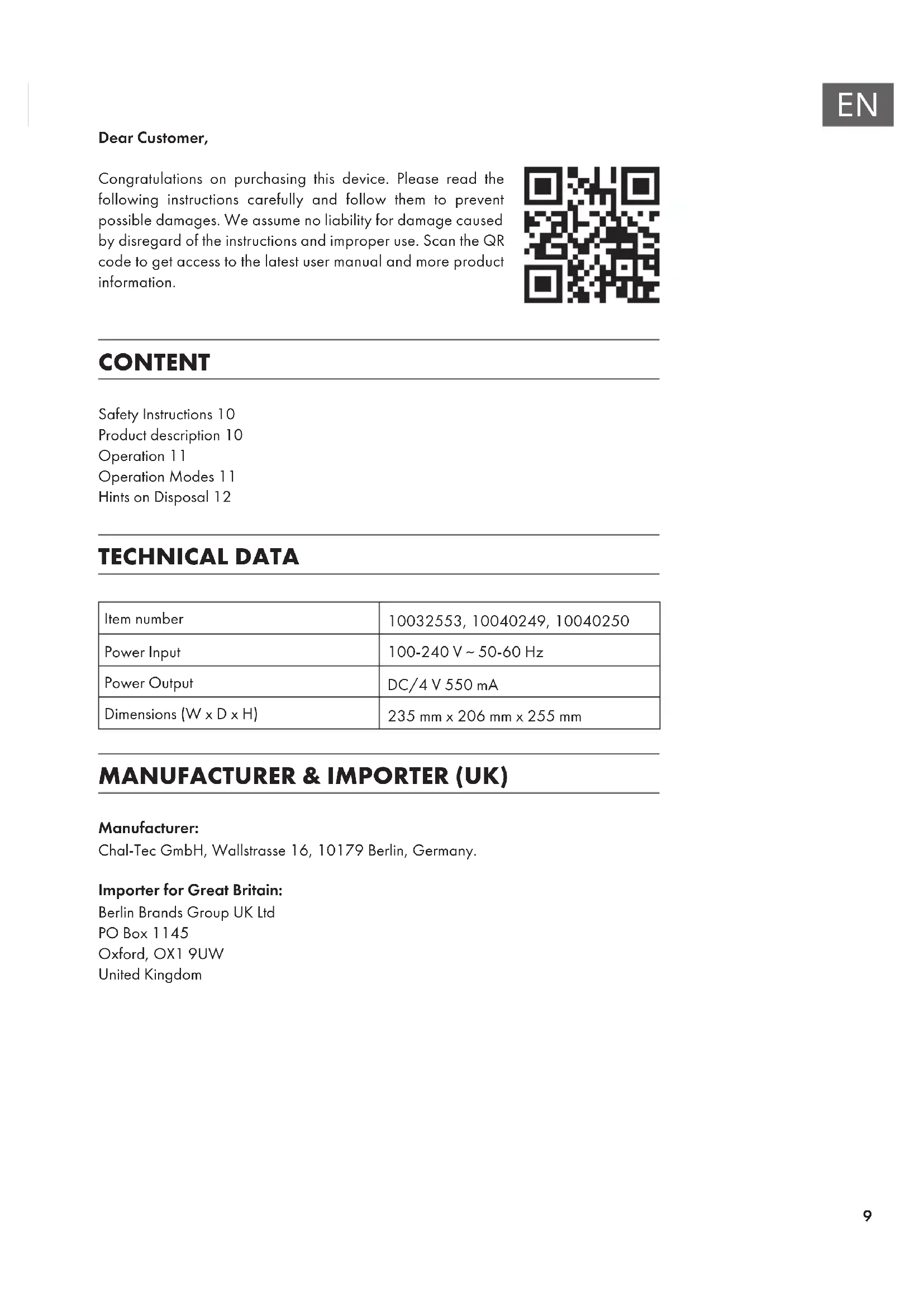
Symbol of a trash bin crossed with a diagonal line, no text or numbers presentCongratulations on purchasing this device. Please read the following instructions carefully and follow them to prevent possible damages. We assume no liability for damage caused by disregard of the instructions and improper use. Scan the QR code to get access to the latest user manual and more product information.

text_image
QR code image containing encoded data, no visible human-readable textCONTENT
Safety Instructions 10
Product description 10
Operation 11
Operation Modes 11
Hints on Disposal 12
TECHNICAL DATA
| Item number | 10032553, 10040249, 10040250 |
| Power Input | 100-240 V ~ 50-60 Hz |
| Power Output | DC/4 V 550 mA |
| Dimensions (W x D x H) | 235 mm x 206 mm x 255 mm |
MANUFACTURER & IMPORTER (UK)
Manufacturer:
Chal-Tec GmbH, Wallstrasse 16, 10179 Berlin, Germany.
Importer for Great Britain:
Berlin Brands Group UK Ltd
PO Box 1145
Oxford, OX1 9UW
United Kingdom
SAFETY INSTRUCTIONS
- Read all the safety and operating instructions carefully and retain them for future reference.
- Please use the AC adaptor DC/4V 500mA supplied with the unit.
- Remove the adaptor when the winder is not in use.
• Always turn off the power when inserting or removing watches. - Don't shake or rotate when winder is stationary.
• If you do not use this product for a long time, please take off the adaptor.
• Always turn off the power when inserting or removing watches.
PRODUCT DESCRIPTION

text_image
ON/OFF switch of LED light Mode Rotating direction/ Power switch Lens Cover Watch pillow Pillow extender Put the watch pillow extender adapter on the watch pillow for larger size wrist watchNote: The switch and adapter port can be found on the rear side of the unit.
OPERATION
1 Insert the adapter into the adapter port and plug it into the electrical outlet. Open the front cover, then use your index finger and thumb to hold the watch pillow from the two sides of the pillow hitch marked with two arrows. With some force, pull out the watch pillow.
2 Place the watch on the pillow by pushing in the spring on the back of the pillow, then put your watch around the pillow and let go of the spring.
3 Once the watch is on the pillow, place the pillow back into the winder. Push until you hear a click signifying that it is securely in the winder.

text_image
Three-step diagram illustrating a device manipulation process with labeled steps ①, ②, and ③.4 Use Power switch to select winder rotating direction or turn off the unit. Select one of the modes by setting the left switch to A, B, C, or D.
5 If you want to turn off the watch winder, set the power switch to OFF.
OPERATION MODES
| Mode A | 650 turns per day | The watch winder rotates for 7 minutes and rests for 104 minutes, before the run starts again. |
| Mode B | 900 turns per day | The watch winder rotates for 7 minutes and rests for 73 minutes, before the run starts again. |
| Mode C | 1200 turns per day | The watch winder rotates for 7 minutes and rests for 53 minutes, before the run starts again. |
| Mode D | 1500 turns per day | The watch winder rotates for 7 minutes and rests for 41 minutes, before the run starts again. |
HINTS ON DISPOSAL

natural_image
Symbol of a trash bin crossed with a diagonal line, no text or numbers presentIf there is a legal regulation for the disposal of electrical and electronic devices in your country, this symbol on the product or on the packaging indicates that this product must not be disposed of with household waste. Instead, it must be taken to a collection point for the recycling of electrical and electronic equipment. By disposing of it in accordance with the rules, you are protecting the environment and the health of your fellow human beings from negative consequences. For information about the recycling and disposal of this product, please contact your local authority or your household waste disposal service.
Estimado cliente,
text_image
QR code image containing encoded data, no visible human-readable textÍNDICE DE CONTENIDOS
Berlin Brands Group UK Ltd
PO Box 1145
Oxford, OX1 9UW
United Kingdom
text_image
Three-step diagram illustrating a mechanical device manipulation process, labeled ①, ②, and ③.natural_image
Symbol of a trash bin crossed with a diagonal line, no text or numbers presenttext_image
QR code image containing encoded data, no visible human-readable textSOMMAIRE
Fiche technique 17
Berlin Brands Group UK Ltd
PO Box 1145
Oxford, OX1 9UW
United Kingdom
CONSIGNES DE SÉCURITÉ
text_image
Three-step diagram illustrating a mechanical device manipulation process, labeled ① to ③.natural_image
Symbol of a trash bin crossed with a diagonal line, no text or numbers presenttext_image
QR code image containing encoded data, no visible human-readable textINDICE
PRODUTTORE E IMPORTATORE (UK)
Produttore:
Chal-Tec GmbH, Wallstraße 16, 10179 Berlino, Germania.
Berlin Brands Group UK Ltd
PO Box 1145
Oxford, OX1 9UW
United Kingdom