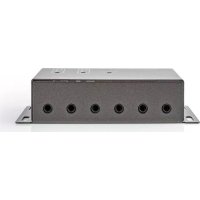
IREX150AT - Remote control NEDIS - Free user manual and instructions
Find the device manual for free IREX150AT NEDIS in PDF.

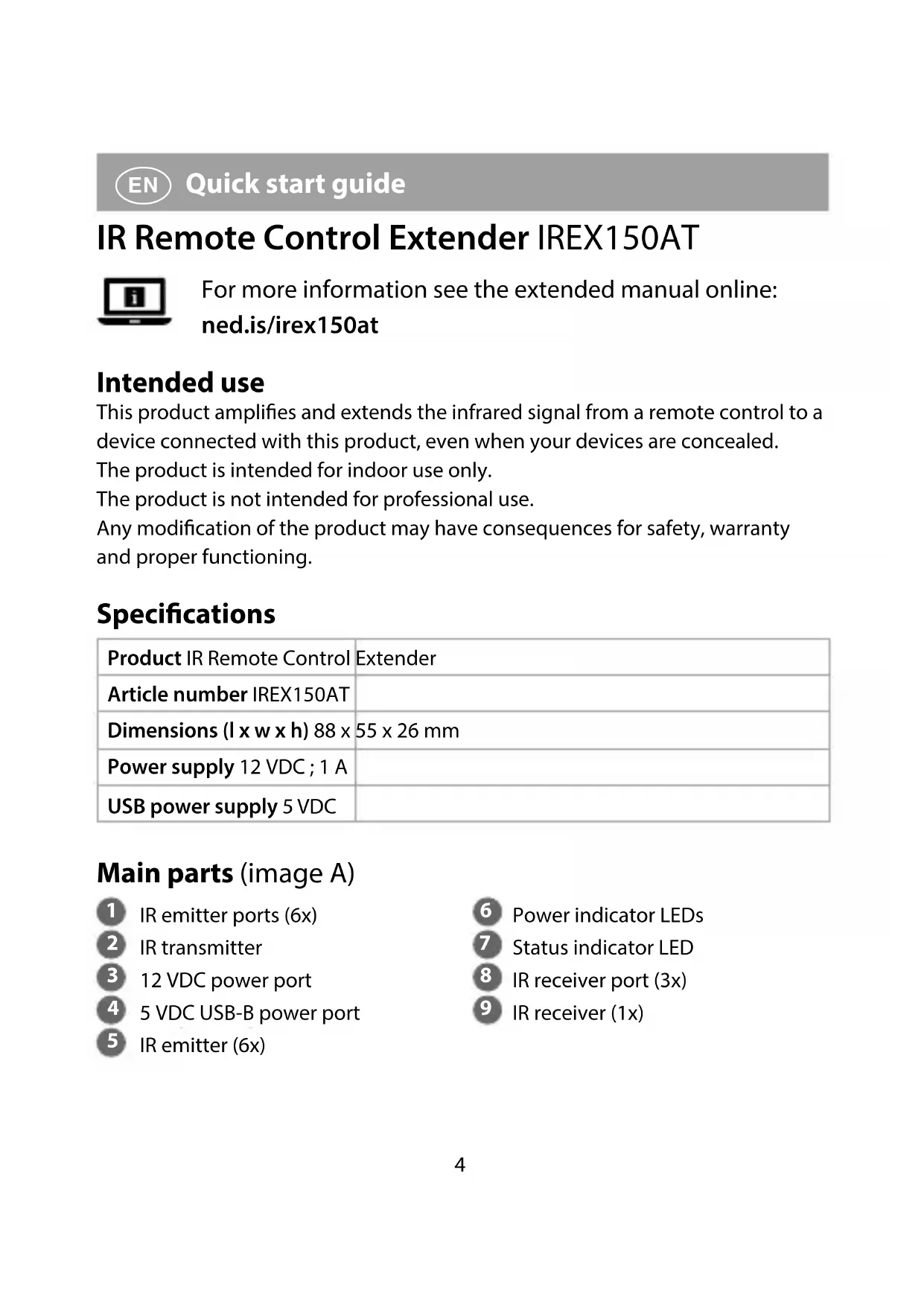


| Product type | RF remote extender |
| Brand | Nedis |
| Model | IREX150AT |
| Dimensions (L x W x H) | 88 x 55 x 26 mm |
| Power source | 12 VDC, 1 A (adapter) or 5 VDC (USB-B) |
| Number of IR emitters | 6 (max) |
| Number of IR receivers | 3 (max) |
| Power ports | 1x 12 VDC, 1x USB-B 5 VDC |
| LED indicators | Power and status |
| Intended use | Indoor only |
| Professional use | No |
| Main function | Amplify and extend the infrared signal of a remote control |
| Maximum distance receiver-device | 10 m |
| Minimum distance between receivers | 6 m |
| Installation | Connect the IR receiver, IR emitter, and power supply |
| Safety instructions | Do not open, do not expose to water, unplug if problems occur |
| Maintenance and cleaning | Clean with a soft, dry cloth |
| Repairability | Only by a qualified technician |
| Spare parts | Use only the included parts |
| Compliance | CE, RED 2014/53/EU |
| Manufacturer | Nedis B.V., Netherlands |
Frequently Asked Questions - IREX150AT NEDIS
User questions about IREX150AT NEDIS
0 question about this device. Answer the ones you know or ask your own.
Ask a new question about this device
Download the instructions for your Remote control in PDF format for free! Find your manual IREX150AT - NEDIS and take your electronic device back in hand. On this page are published all the documents necessary for the use of your device. IREX150AT by NEDIS.
USER MANUAL IREX150AT NEDIS
IR Remote Control Extender to operate equipment which is out of sight
IREX150AT
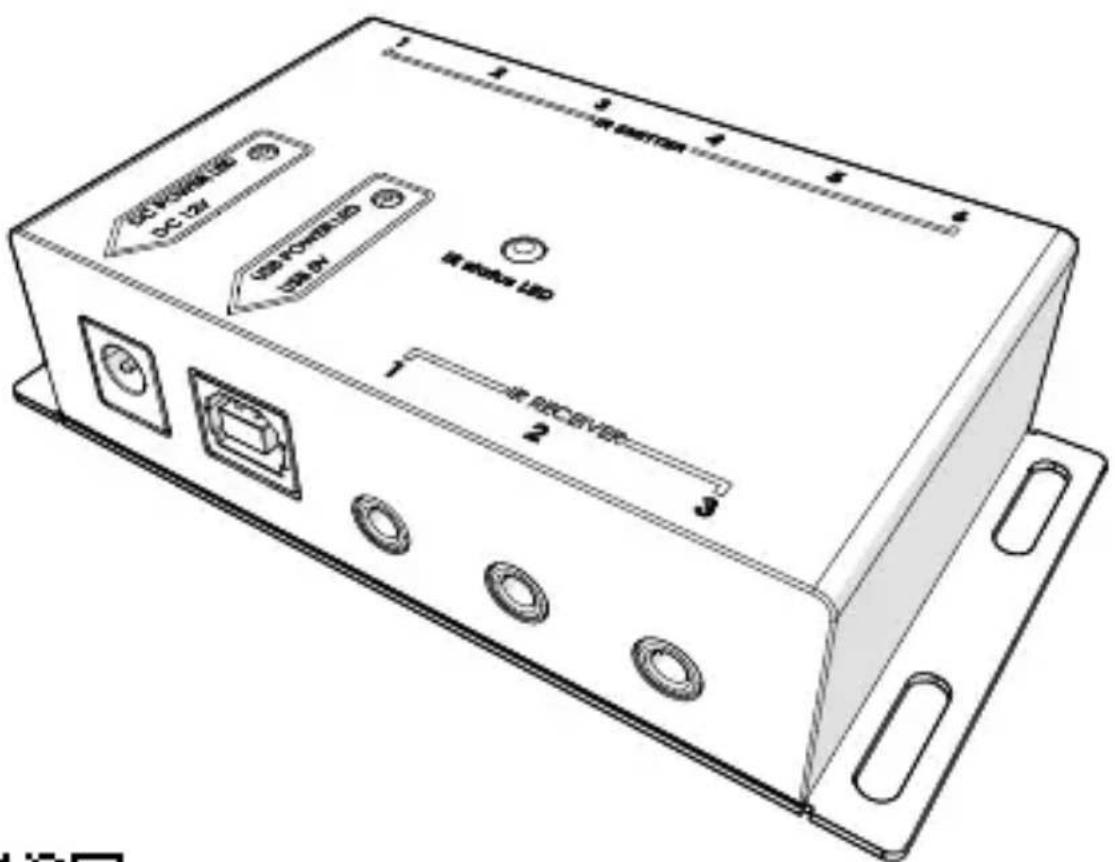
EN Quick start guide 4
DE Kurzanleitung 7
FR Guide de démarrage rapide 10
NL Verkorte handleiding 13
IT Guida rapida all'avvio 16
ES Guía de inicio=rápido 19
PT Guia de iniciação
SV Snabbstartsguide 25
Pika-aloitusopas 28
NO Hurtiguide 31
DA Vejledning til hurtig start 34
HU Gyors beüzemelési utmutató 37
PL Przewodnik Szybki start 40
EL O8nyoc ypnyopnc EKKivnoan 43
SK Rychly námod 47
cs Rychly námod 50
RO Ghid rapid de initiere 53
A
IR Remote Control Extender IREX150AT

For more information see the extended manual online:ned.is/irex150at
Intended use
This product amplifies and extends the infrared signal from a remote control to a device connected with this product, even when your devices are concealed.
The product is intended for indoor use only.
The product is not intended for professional use.
Any modification of the product may have consequences for safety, warranty and proper functioning.
Specifications
| Product IR Remote Control | Extender |
| Article number IREX150AT | |
| Dimensions (I x w x h) 88 x | 55 x 26 mm |
| Power supply 12 VDC; 1 A | |
| USB power supply 5 VDC |
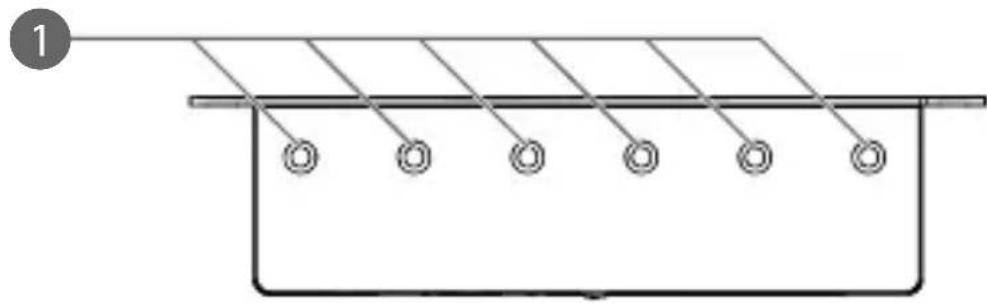
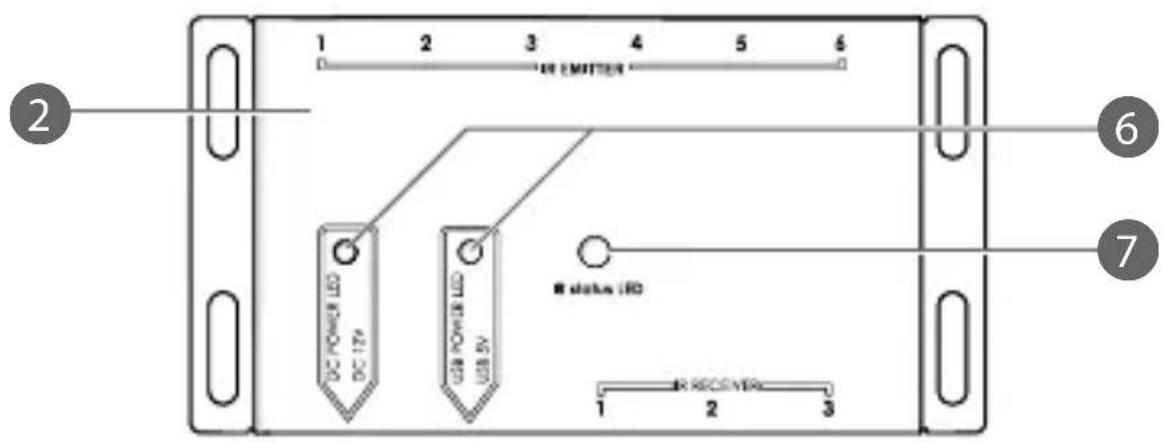
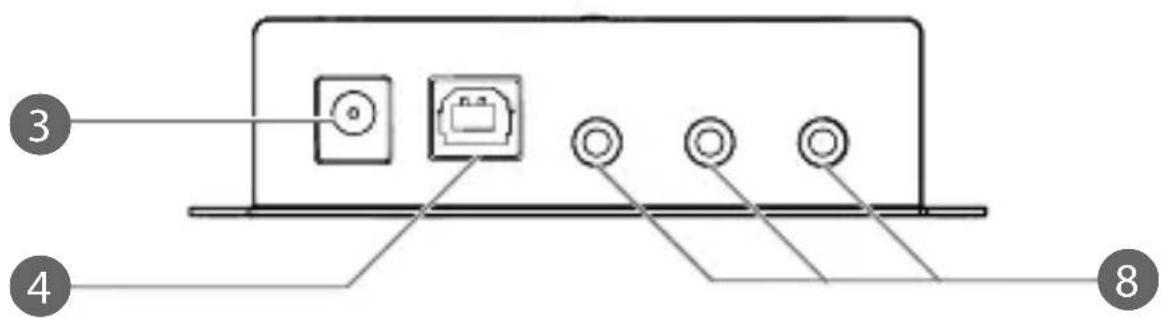
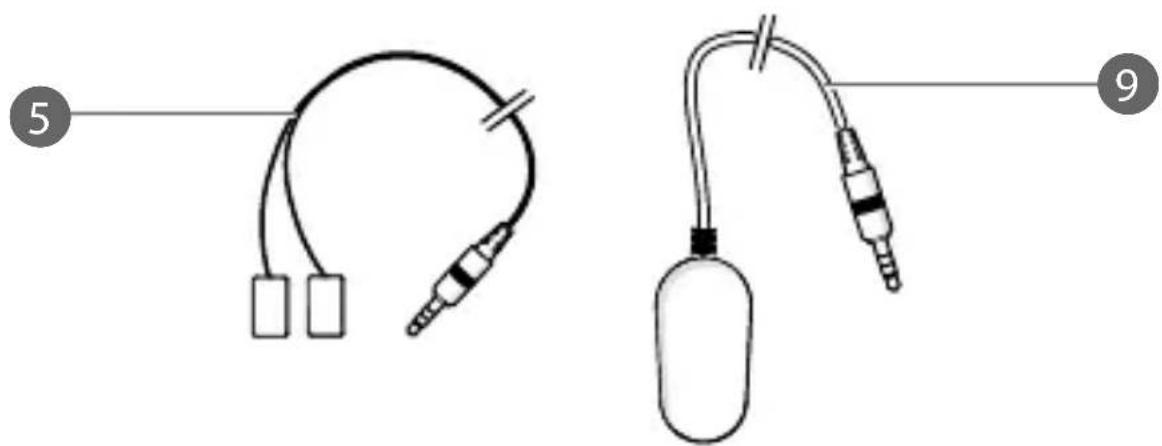
Main parts (image A)
1 IR emitter ports (6x)
2 IR transmitter
3 12 VDC power port
4 5 VDC USB-B power port
5 IR emitter (6x)
6 Power indicator LEDs
7 Status indicator LED
8 IR receiver port (3x)
IR receiver (1x)
Safety instructions
WARNING
- Only use the product as described in this manual.
- Do not use the product if a part is damaged or defective. Replace a damaged or defective device immediately.
- Do not drop the product and avoid bumping.
- This product may only be serviced by a qualified technician for maintenance to reduce the risk of electric shock.
- Disconnect the product from the electrical outlet and other equipment if problems occur.
- Do not expose the product to water or moisture.
- Do not open the product.
- If the power cable is damaged, it must be replaced by a special cable or assembly available from the manufacturer or its service agent.
- Only use provided parts.
Installing the product
Make sure all the devices you want to connect have been switched off.
- Plug the IR receiver A 9 into the IR receiver port A8
When using multiple IR receivers A 9, keep a distance of at least 6 meters to avoid interference.
- Plug the IR transmitter A 5 into an IR emitter port A 1.
- Place A 5 near an IR transmitter of your device.
Only 1 A 5 can be connected per device.
To avoid interference keep the distance between your device and the IR receiver 10m apart from each other.
Connecting the power supply
There are multiple options to connect the IR transmitter A2 to a power supply. Select one of the following:
Plug a 12 VDC @ 1 A adapter into the 12 VDC power port A 3.
- Plug a USB cable (not included) from your device into the 5 VDC USB-B power port A4.
The corresponding power indicator LEDs A 6 lights up.
F.A.Q.
-
How do I locate the IR receiver of my device?
-
Consult the manual of your device.
-
Move the emitter on the surface of the device until a signal is received from the remote control.
-
Why is A 9 not responding?
-
Check if A 2 is pasted on the right position (IR point of your device).
- Change the power supply to the 5 VDC adapter (cable not included).
-
Move A 9 away from the TV as the electrons may interfere from the TV.
-
Which remote control can be used?
- Use the remote control of your device.
Declaration of Conformity
We, Nedis B.V. declare as manufacturer that the product IREX150AT from our brand Nedis®, produced in China, has been tested according to all relevant CE standards and regulations and that all tests have been passed successfully. This includes, but is not limited to the RED 2014/53/EU regulation.
The complete Declaration of Conformity (and the safety datasheet if applicable) can be found and downloaded via webshop.nedis.com/IREX150AT#support
For additional information regarding the compliance, contact the customer service:
Web: www.nedis.com
E-mail: service@nedis.com
Nedis B.V., de Tweeling 28
5215 MC's-Hertogenbosch, the Netherlands
IR-Fernbedienungs-Extender IREX150AT



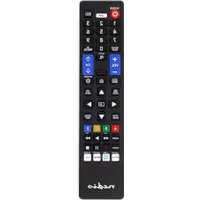
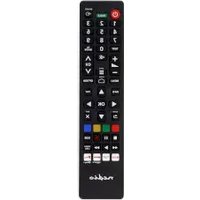
- IR Remote Control Extender to operate equipment which is out of sight
- IR Remote Control Extender IREX150AT
- Intended use
- Specifications
- Main parts (image A)
- Safety instructions
- WARNING
- Installing the product
- Connecting the power supply
- F.A.Q.
- Declaration of Conformity
- IR-Fernbedienungs-Extender IREX150AT
Brand : NEDIS
Model : IREX150AT
Category : Remote control