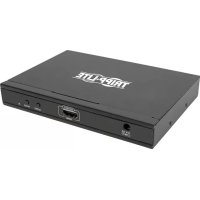
B1194X1MV - Hi-fi system Tripp Lite - Free user manual and instructions
Find the device manual for free B1194X1MV Tripp Lite in PDF.

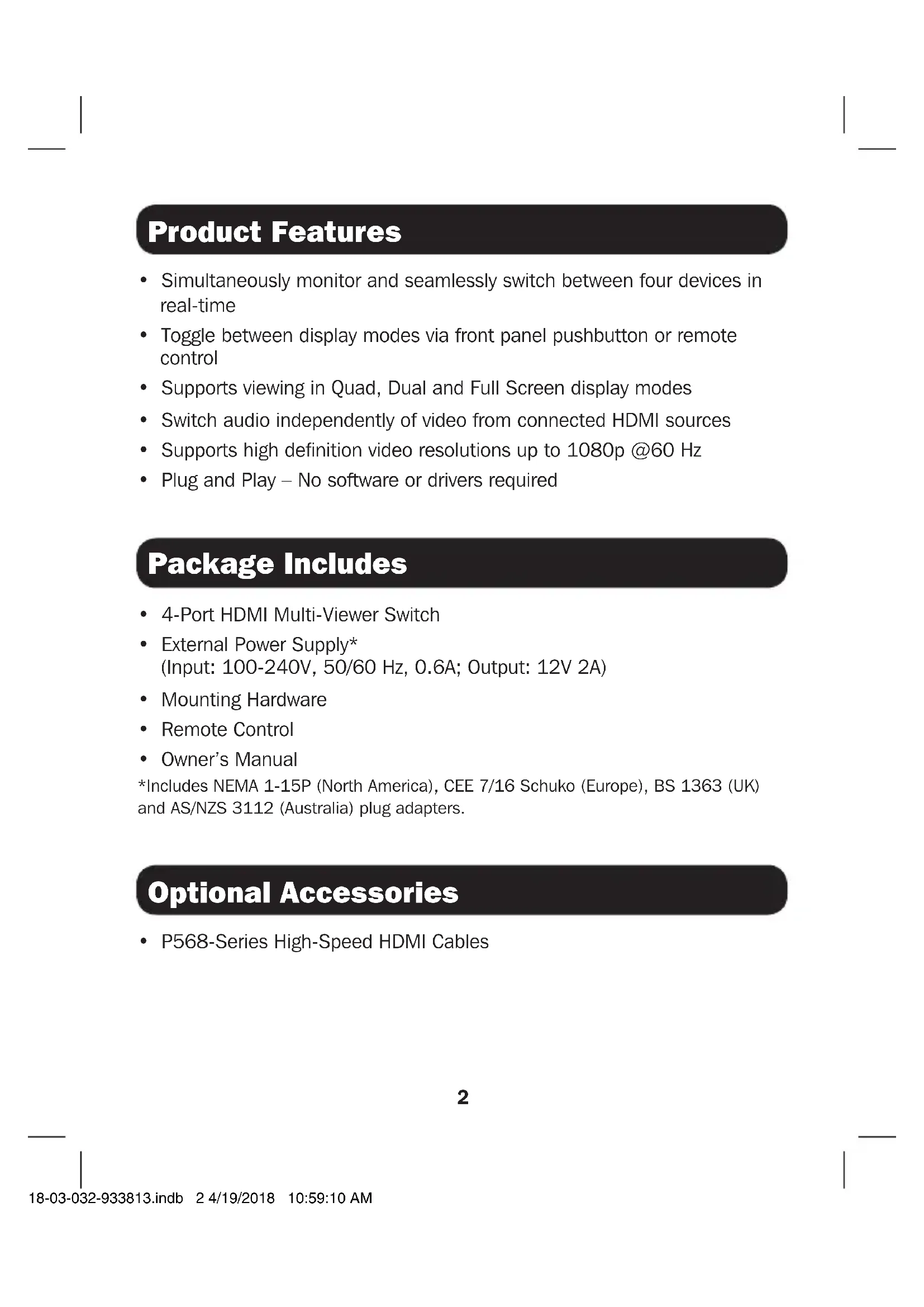


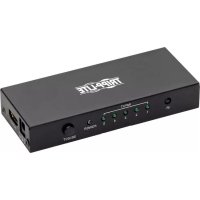
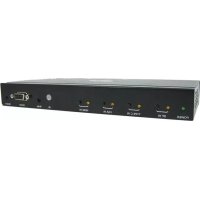
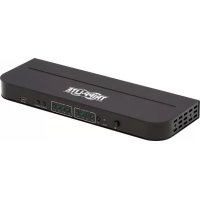
| Product Type | 4-Port HDMI Multi-Viewer Switch |
| Brand | Tripp Lite |
| Model | B119-4X1-MV |
| Input Connectors | 4 x HDMI |
| Output Connector | 1 x HDMI |
| HDMI Version | HDMI 1.3, HDCP 1.2 |
| Display Modes | Full Screen, Dual, Quad |
| Supported Resolutions | 480i, 480p, 576i, 576p, 720p, 1080i, 1080p up to 60 Hz |
| Audio Support | PCM |
| Power Supply | 12 V DC / 2 A (external power adapter 100-240 V included) |
| Power Consumption | Less than 10 W |
| Dimensions (L x W x H) | 148.5 x 103.4 x 21.3 mm |
| Weight | 340 g |
| Color | Black |
| Operating Temperature | 0 to 40 °C |
| Storage Temperature | -20 to 60 °C |
| Warranty | Limited 2 Years |
| Remote Control | Included (IR) |
| Mounting | Mounting hardware included |
| Main Features | Simultaneous monitoring of 4 HDMI sources, switching via button or remote, independent audio selection |
| Care and Cleaning | Unplug before cleaning; use a soft dry cloth |
| Safety | Use with a surge protector; do not expose to moisture; observe operating temperature |
| Repairability | No user-serviceable parts. Contact Tripp Lite technical support. |
| Optional Accessories | High-speed HDMI cables P568 series |
Frequently Asked Questions - B1194X1MV Tripp Lite
User questions about B1194X1MV Tripp Lite
0 question about this device. Answer the ones you know or ask your own.
Ask a new question about this device
Download the instructions for your Hi-fi system in PDF format for free! Find your manual B1194X1MV - Tripp Lite and take your electronic device back in hand. On this page are published all the documents necessary for the use of your device. B1194X1MV by Tripp Lite.
USER MANUAL B1194X1MV Tripp Lite
Register your product for quicker service and ultimate peace of mind.
You could also win an ISOBAR6ULTRA surge protector—a \$100 value!
www.tripplite.com/warranty


Manufacturing Excellence.
1111 W. 35th Street, Chicago, IL 60609 USA • www.tripplite.com/support
Copyright © 2018 Tripp Lite. All rights reserved.
Product Features
- Simultaneously monitor and seamlessly switch between four devices in real-time
- Toggle between display modes via front panel pushbutton or remote control
• Supports viewing in Quad, Dual and Full Screen display modes - Switch audio independently of video from connected HDMI sources
• Supports high definition video resolutions up to 1080p @60 Hz - Plug and Play – No software or drivers required
Package Includes
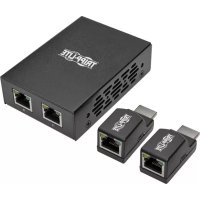
• 4-Port HDMI Multi-Viewer Switch
- External Power Supply*
(Input: 100-240V, 50/60 Hz, 0.6A; Output: 12V 2A)
- Mounting Hardware
- Remote Control
- Owner's Manual
*Includes NEMA 1-15P (North America), CEE 7/16 Schuko (Europe), BS 1363 (UK) and AS/NZS 3112 (Australia) plug adapters.
Optional Accessories
• P568-Series High-Speed HDMI Cables
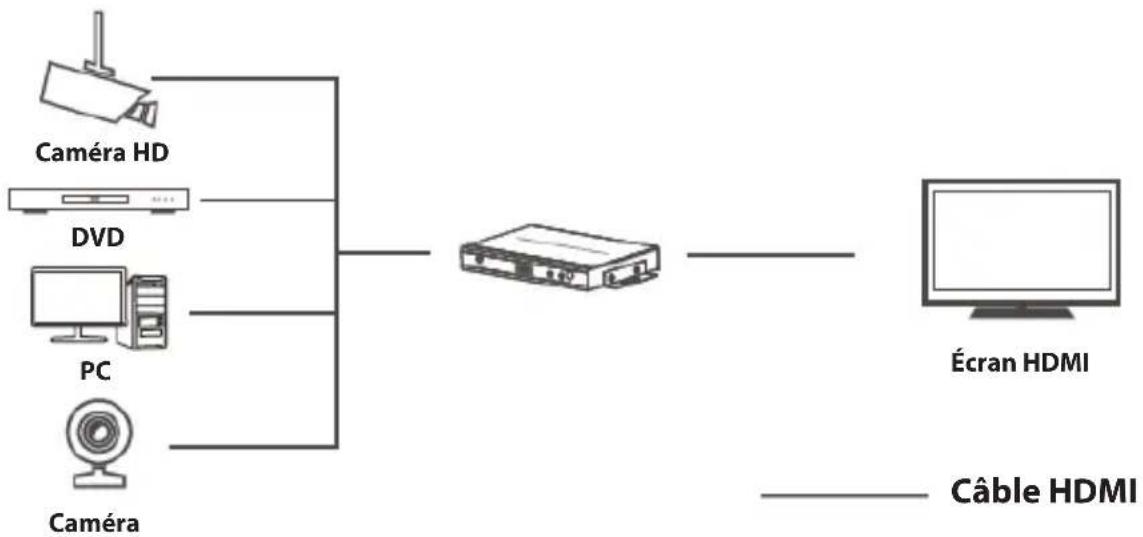
Standard Installation
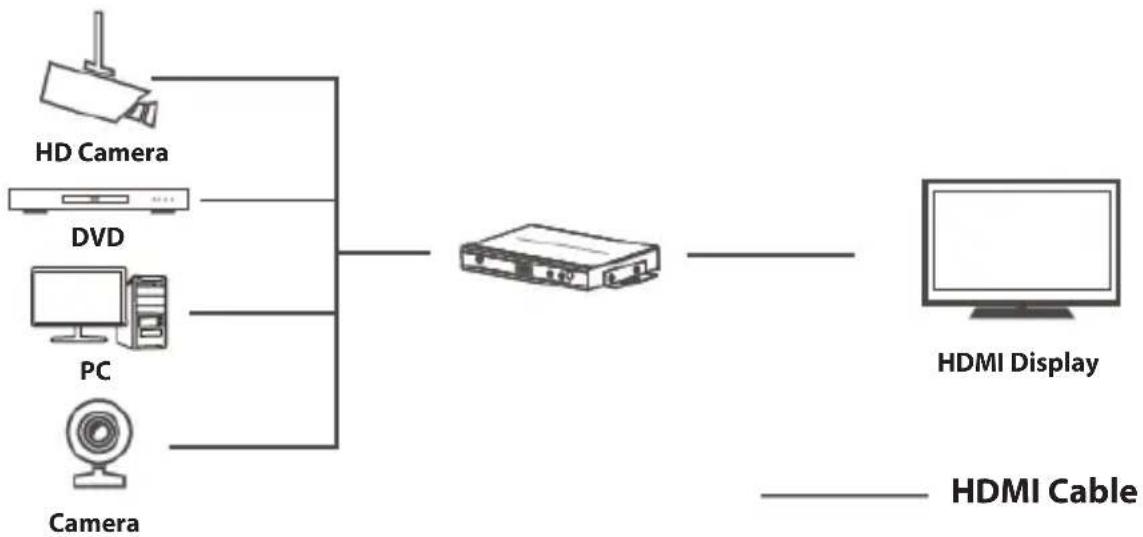
flowchart
graph LR
    A["HD Camera"] --> C["Camera"]
    B["DVD"] --> C
    D["PC"] --> C
    E["Camera"] --> C
    C --> F["HDMI Display"]
    F --> G["HDMI Cable"]
- Make sure all devices being connected are turned off.
- Connect the first HDMI source to the port labeled "HDMI 1".
Note: When connecting the source to the switch, make sure the HDMI cable does not exceed 16 ft. (5 m).
- Repeat Step 2 to connect additional HDMI sources to the remaining ports.
- Connect the HDMI display to the port labeled "Output".
Note: When connecting the switch to the display, ensure the HDMI cable does not exceed 16 ft. (5 m).
- Connect the external power supply to the switch and plug it into a Tripp Lite Surge Protector, Power Distribution Unit (PDU), or Uninterruptible Power Supply (UPS). When the switch is receiving power, the red Power LED and blue Source LED will illuminate.
Note: Source LEDs will not illuminate until the sources are receiving power.
- Turn on the power to the connected devices. The video image should display on the connected monitor/TV.
Display Modes
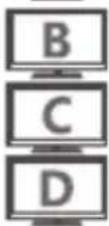
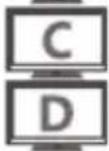
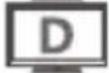
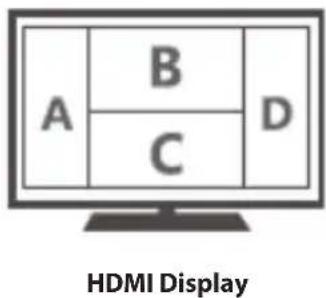
Press the “MODE” pushbutton to switch between Full Screen, Dual and Quad display modes (depicted below). Pressing the “AUDIO” pushbutton will switch the audio output independent of the video. The included remote can also be used to switch between each of the three display modes as well as the audio output.
Note: Sound cannot play simultaneously from all sources. A music note symbol “♪” identifies the audio output source.
Full Screen Mode:
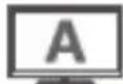
INPUT 1
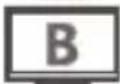
INPUT 2
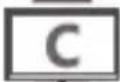
INPUT 3
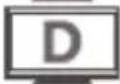
INPUT 4
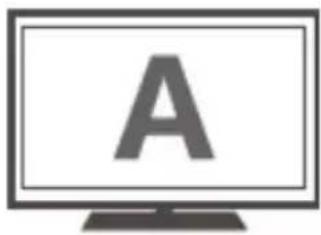
HDMI Display
Dual Mode:
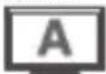
INPUT 1
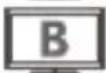
INPUT 2
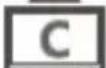
INPUT 3
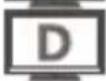
INPUT 4

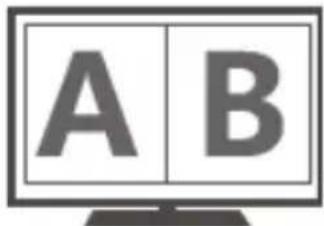
HDMI Display
Note: Dual mode only supports A/B and C/D combinations.
Display Modes
Quad Mode:
Mode (1):
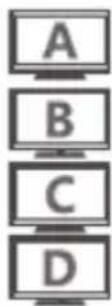
INPUT 1
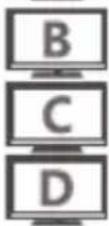
INPUT 2
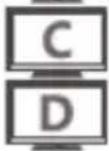
INPUT 3

INPUT 4
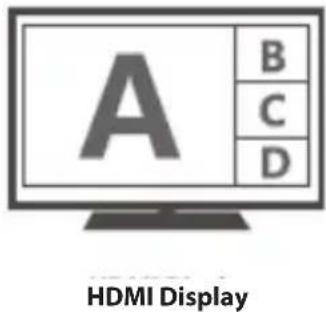
Mode (2):
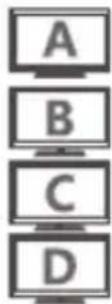
INPUT 1
INPUT 2
INPUT 3
INPUT 4

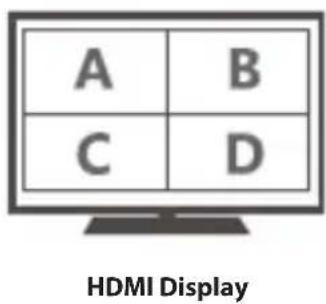
Mode (3):
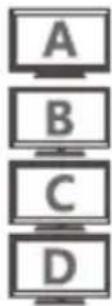
INPUT 1
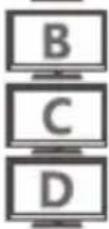
INPUT 2
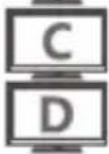
INPUT 3
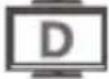
INPUT 4
Specifications
| Input Port 4 x HDMI | |
| Output Port 1 x HDMI | |
| HDMI Signal HDMI 1.3, | HDCP 1.2 |
| Audio Support PCM (Pulse Code Modulation) | |
| Display Modes Quad mode, Dual mode and Full Screen mode | |
| Supported Resolutions 4 | 80i @60 Hz; 480 @60 Hz; 576i @50 Hz; 576p @50 Hz; 720p @50/60 Hz; 1080i @50/60 Hz; 1080p @50/60 Hz |
| Storage Temperature -4 | ~140 °F (-20~60 °C) |
| Operating Temperature 3 | 2~104 °F (0~40 °C) |
| Power Supply DC 12V / 2A | |
| Power Consumption <10W | |
| Size 5.85 x 4.07 x 0.84 | in.(148.5 x 103.4 x 21.3 mm) |
| Weight 0.75 lb. (340 g) | |
| Color Black | |
Troubleshooting
If you are unable to get an acceptable image after following the installation instructions above, try the troubleshooting tips below.
- Is the external power supply included with the product connected and plugged into a working power source?
For the product to function properly, it must be connected to and receiving power from the external power supply.
- Was the power to the connected devices (sources) turned off prior to installation?
If not, please restart them.
- What type of cabling are you using?
Inferior cabling can result in poor performance, so it is important that you use cables that can support the video resolution you are trying to obtain. It is highly recommended you use Tripp Lite's P568-Series High Speed HDMI cables, as they have been tested to work with the B119-Series Matrix Switch products.
- Test your cables to ensure they are working properly.
For example, connect your HDMI cables between a source and monitor that you know works to see if the cable is properly functioning.
- What length HDMI cable are you using?
The cable connecting an HDMI source to the switch must be no longer than 16 ft. (5 m) in length. The cable connecting the switch to a display must be no longer than 16 ft. (5 m) in length.
- Is the switch located in an area that exposes it to higher temperatures?
If the product is overheated, it will not function properly.
Warranty and Product Registration
2-Year Limited Warranty
TRIPP LITE warrants its products to be free from defects in materials and workmanship for a period of two (2) years from the date of initial purchase. TRIPP LITE's obligation under this warranty is limited to repairing or replacing (at its sole option) any such defective products. To obtain service under this warranty, you must obtain a Returned Material Authorization (RMA) number from TRIPP LITE or an authorized TRIPP LITE service center. Products must be returned to TRIPP LITE or an authorized TRIPP LITE service center with transportation charges prepaid and must be accompanied by a brief description of the problem encountered and proof of date and place of purchase. This warranty does not apply to equipment which has been damaged by accident, negligence or misapplication or has been altered or modified in any way.
EXCEPT AS PROVIDED HEREIN, TRIPP LITE MAKES NO WARRANTIES, EXPRESS OR IMPLIED, INCLUDING WARRANTIES OF MERCHANTABILITY AND FITNESS FOR A PARTICULAR PURPOSE. Some states do not permit limitation or exclusion of implied warranties; therefore, the aforesaid limitation(s) or exclusion(s) may not apply to the purchaser.
EXCEPT AS PROVIDED ABOVE, IN NO EVENT WILL TRIPP LITE BE LIABLE FOR DIRECT, INDIRECT, SPECIAL, INCIDENTAL OR CONSEQUENTIAL DAMAGES ARISING OUT OF THE USE OF THIS PRODUCT, EVEN IF ADVISED OF THE POSSIBILITY OF SUCH DAMAGE. Specifically, TRIPP LITE is not liable for any costs, such as lost profits or revenue, loss of equipment, loss of use of equipment, loss of software, loss of data, costs of substitutes, claims by third parties, or otherwise.
WEEE Compliance Information for Tripp Lite Customers and Recyclers (European Union)

Under the Waste Electrical and Electronic Equipment (WEEE) Directive and implementing regulations, when customers buy new electrical and electronic equipment from Tripp Lite they are entitled to:
- Send old equipment for recycling on a one-for-one, like-for-like basis (this varies depending on the country)
- Send the new equipment back for recycling when this ultimately becomes waste
WARNING
Use of this equipment in life support applications where failure of this equipment can reasonably be expected to cause the failure of the life support equipment or to significantly affect its safety or effectiveness is not recommended.
Tripp Lite has a policy of continuous improvement. Product specifications are subject to change without notice.


Manufacturing Excellence.
1111 W. 35th Street, Chicago, IL 60609 USA • www.tripplite.com/support
1111 W. 35th Street, Chicago, IL 60609 USA • www.tripplite.com/support
Installation standard
flowchart
graph LR
    A["Caméra HD"] --> C["Caméra"]
    B["DVD"] --> C
    D["PC"] --> C
    E["Câble HDMI"] --> F["Écran HDMI"]
1111 W. 35th Street, Chicago, IL 60609 USA • www.tripplite.com/support
1111 W. 35th Street, Chicago, IL 60609 USA • www.tripplite.com/support
1111 W. 35th Street, Chicago, IL 60609 USA • www.tripplite.com/support
18-03-032 93-3813_revA
- Product Features
- Package Includes
- Optional Accessories
- Standard Installation
- Display Modes
- Full Screen Mode:
- Dual Mode:
- Quad Mode:
- Troubleshooting
- Warranty and Product Registration
- 2-Year Limited Warranty
- WEEE Compliance Information for Tripp Lite Customers and Recyclers (European Union)
- WARNING
- Installation standard
Brand : Tripp Lite
Model : B1194X1MV
Category : Hi-fi system