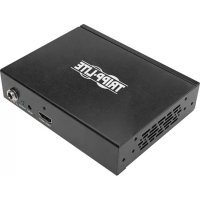
B118004UHD2 - Distributor Tripp Lite - Free user manual and instructions
Find the device manual for free B118004UHD2 Tripp Lite in PDF.



| Product Type | HDMI Splitter |
| Model | B118-004-UHD-2 |
| Maximum Resolution | 4K x 2K (3840 x 2160) @ 60 Hz |
| Bandwidth | 18 Gbps (6 Gbps per channel) |
| Color Depth | Deep Color 36 bits (12 bits per channel) |
| Supported Audio Formats | DTS-HD, Dolby TrueHD, Dolby Digital Plus, LPCM 7.1 channels |
| 3D Support | Full 3D |
| HDCP Compatibility | HDCP 2.2 |
| Maximum Cable Distance | 4 m (15 ft) with 28 AWG HDMI cable |
| Cascading | Up to 3 levels, up to 64 screens |
| Power | External 5V 2A (input 100-240V, 50/60 Hz) |
| Power Adapters Included | North America, Europe, UK, Australia |
| Mounting | Desktop or wall (hardware included) |
| Plug & Play | Yes, no driver required |
| Warranty | 1 year |
| Maintenance | Clean with a soft, dry cloth. Unplug before cleaning. Do not expose to moisture. |
| Safety | Do not use near liquids. Unplug if malfunctioning. |
| Package Contents | Splitter, external power supply, mounting hardware, user manual |
Frequently Asked Questions - B118004UHD2 Tripp Lite
User questions about B118004UHD2 Tripp Lite
0 question about this device. Answer the ones you know or ask your own.
Ask a new question about this device
Download the instructions for your Distributor in PDF format for free! Find your manual B118004UHD2 - Tripp Lite and take your electronic device back in hand. On this page are published all the documents necessary for the use of your device. B118004UHD2 by Tripp Lite.
USER MANUAL B118004UHD2 Tripp Lite
natural_image
Exterior view of a black TRIPP LITE 8000 device with two ports labeled OUTPUT 1 and OUTPUT 2 (no additional text or symbols visible)Español 9
Français 17
Deutsch 25
Italiano 33
Purchased product may differ from image.
EAT•N
Powering Business Worldwide
Product Features
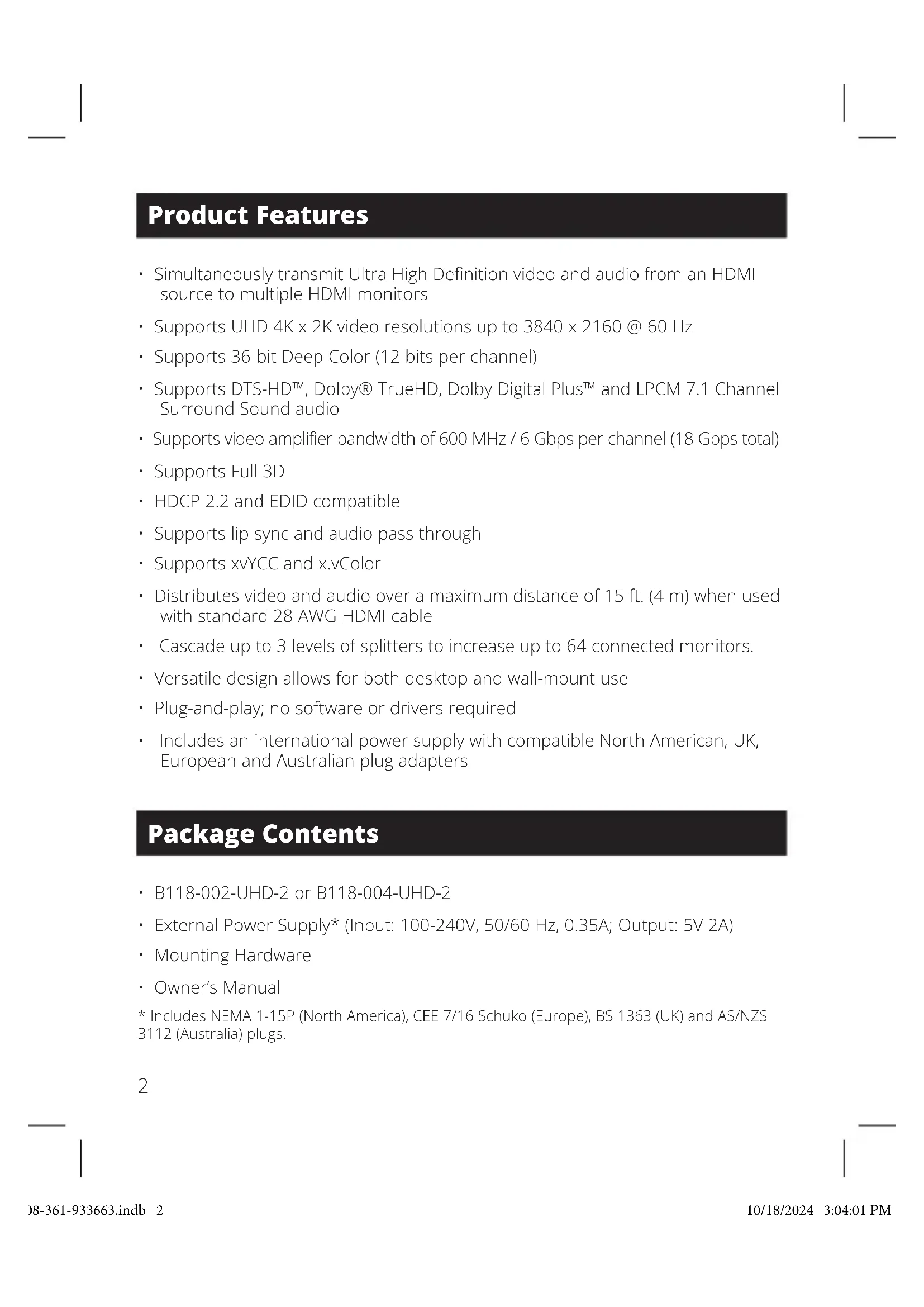
- Simultaneously transmit Ultra High Definition video and audio from an HDMI source to multiple HDMI monitors
• Supports UHD 4K x 2K video resolutions up to 3840 x 2160 @ 60 Hz
• Supports 36-bit Deep Color (12 bits per channel) - Supports DTS-HD™, Dolby® TrueHD, Dolby Digital Plus™ and LPCM 7.1 Channel Surround Sound audio
• Supports video amplifier bandwidth of 600 MHz / 6 Gbps per channel (18 Gbps total) - Supports Full 3D
• HDCP 2.2 and EDID compatible
• Supports lip sync and audio pass through
• Supports xvYCC and x.vColor - Distributes video and audio over a maximum distance of 15 ft. (4 m) when used with standard 28 AWG HDMI cable
- Cascade up to 3 levels of splitters to increase up to 64 connected monitors.
- Versatile design allows for both desktop and wall-mount use
- Plug-and-play; no software or drivers required
- Includes an international power supply with compatible North American, UK, European and Australian plug adapters
Package Contents
• B118-002-UHD-2 or B118-004-UHD-2
- External Power Supply* (Input: 100-240V, 50/60 Hz, 0.35A; Output: 5V 2A)
- Mounting Hardware
- Owner's Manual
* Includes NEMA 1-15P (North America), CEE 7/16 Schuko (Europe), BS 1363 (UK) and AS/NZS 3112 (Australia) plugs.
2
Optional Accessories
• P569-003-CERT Premium High-Speed HDMI Cable—3 ft. (0.91 m)
• P569-006-CERT Premium High-Speed HDMI Cable—6 ft. (1.83 m)
• P569-010-CERT Premium High-Speed HDMI Cable—10 ft. (3.05 m)
• P569-015-CERT Premium High-Speed HDMI Cable—15 ft. (4.6 m)
Installation
Note: The maximum distances referenced to in these instructions have been tested using 28 AWG Premium High-Speed HDMI cables at a 4K x 2K UHD video resolution of 3840 x 2160 @ 60 Hz with 36-bit (12 bits per channel) Deep Color.
- Make sure the power is turned off for all devices that will be connected.
- Connect the HDMI source to the Input port on the splitter.
Note: The length of the HDMI cable connecting the source to the splitter must not exceed 15 ft. (4 m). - Connect an available Output port on the splitter to the HDMI Input port of the display.
Note: The length of the HDMI cable connecting the splitter to the display must not exceed 15 ft. (4 m). - Repeat step 3 for the splitter's remaining Output ports.
- Connect the included power supply to the splitter, then plug it into a Surge Protector, Power Distribution Unit (PDU) or Uninterruptible Power Supply (UPS).
- Turn on the power to the HDMI source, splitter and displays.
Installation
Cascade Installation
The number of connected monitors can be expanded by cascading up to three levels of splitters together. Up to 64 displays can be connected by cascading a B118-004-UHD-2 from each port in a three level installation. It is recommended you use P569-XXX-CERT Series Premium High-Speed HDMI cables.
- Make sure the power to all the devices you will be connecting is turned off.
- Connect the HDMI source to the Input port on the first level splitter.
Note: The length of the HDMI cable connecting the source to the splitter must not exceed 16 ft. (5 m). - Connect an available Output port on the first level splitter to the HDMI Input port on a second level splitter.
Note: The length of the HDMI cable connecting the first and second level splitters must not exceed 10 ft. (3 m). - Repeat Step 3 for each additional splitter you wish to add (no more than 3 levels of splitters can be cascaded).
- Connect an available Output port on your splitter(s) to the display's HDMI Input port.
Note: The length of the HDMI cable connecting the splitter to the display must not exceed 16 ft. (5 m). - Repeat Step 5 for the remaining Output ports in the installation.
- Connect the included power supply to each splitter in the installation, then plug it into a Surge Protector, Power Distribution Unit (PDU) or Uninterruptible Power Supply (UPS).
- Turn on the power to the HDMI source and displays.
Troubleshooting
If you are unable to attain an acceptable image after following the installation instructions, try the troubleshooting tips below.
- Is the external power supply that shipped with the product connected and plugged into a working power source? For the product to function properly, it must be connected to and receiving power from the external power supply.
- Was power to the connected devices turned off prior to installation? If not, restart the devices.
- What resolution are you trying to attain? UHD 4K x 2K HDMI splitters are tested to support up to 3840 x 2160 @ 60 Hz video resolution at 36-bit (12 bits per channel) Deep Color.
- What length HDMI cable are you using? (See the Installation section in this manual for details on the maximum cable distance.) The shorter the cable being used, the higher the resolution you will be able to attain. If you are not able to receive an acceptable image, try using a shorter cable or lowering the source's video resolution or color depth settings.
- What type of cabling are you using? Inferior cabling can result in poor performance, so it is important to use cables that can support the desired video resolution. It is recommended you use P569-XXX-CERT Series Premium High-Speed HDMI cables, as they have been tested to work with the B118-Series splitters.
- Test your cables to ensure they are working properly. For example, connect your HDMI cable between a source and a monitor that you know works to determine if the cable is functioning properly.
- Is the unit located in an area that exposes it to higher temperatures? If the product is overheated, it will not function properly.
- Does your display support HDCP 2.2? If your display does not support HDCP 2.2, you will not be able to achieve 4K video resolution using a 4K @ 60 Hz Blu-ray™ player. When a 4K @ 60 Hz Blu-ray player is connected to a 4K @ 30Hz monitor that supports an HDCP version lower than 2.2, the video resolution will drop to 1080p.
Warranty
1-Year Limited Warranty
We warrant our products to be free from defects in materials and workmanship for a period of one (1) year from the date of initial purchase. Our obligation under this warranty is limited to repairing or replacing (at its sole option) any such defective products. Visit Tripplite.Eaton.
com/support/product-returns before sending any equipment back for repair. This warranty does not apply to equipment which has been damaged by accident, negligence or misapplication or has been altered or modified in any way.
EXCEPT AS PROVIDED HEREIN, WE MAKE NO WARRANTIES, EXPRESS OR IMPLIED, INCLUDING WARRANTIES OF MERCHANTABILITY AND FITNESS FOR A PARTICULAR PURPOSE. Some states do not permit limitation or exclusion of implied warranties; therefore, the aforesaid limitation(s) or exclusion(s) may not apply to the purchaser.
EXCEPT AS PROVIDED ABOVE, IN NO EVENT WILL WE BE LIABLE FOR DIRECT, INDIRECT, SPECIAL, INCIDENTAL OR CONSEQUENTIAL DAMAGES ARISING OUT OF THE USE OF THIS PRODUCT, EVEN IF ADVISED OF THE POSSIBILITY OF SUCH DAMAGE. Specifically, we are not liable for any costs, such as lost profits or revenue, loss of equipment, loss of use of equipment, loss of software, loss of data, costs of substitutes, claims by third parties, or otherwise.
Warranty
FCC Notice, Class B
This device complies with part 15 of the FCC Rules. Operation is subject to the following two conditions: (1) This device may not cause harmful interference, and (2) this device must accept any interference received, including interference that may cause undesired operation.
Note: This equipment has been tested and found to comply with the limits for a Class B digital device, pursuant to part 15 of the FCC Rules. These limits are designed to provide reasonable protection against harmful interference in a residential installation. This equipment generates, uses and can radiate radio frequency energy and, if not installed and used in accordance with the instructions, may cause harmful interference to radio communications. However, there is no guarantee that interference will not occur in a particular installation. If this equipment does cause harmful interference to radio or television reception, which can be determined by turning the equipment off and on, the user is encouraged to try to correct the interference by one or more of the following measures:
• Reorient or relocate the receiving antenna.
- Increase the separation between the equipment and receiver.
- Connect the equipment into an outlet on a circuit different from that to which the receiver is connected.
- Consult the dealer or an experienced radio/TV technician for help.
Any changes or modifications to this equipment not expressly approved by Eaton could void the user's authority to operate this equipment.
WEEE Compliance Information for Customers and Recyclers (European Union)
Under the Waste Electrical and Electronic Equipment (WEEE) Directive and implementing regulations, when customers buy new electrical and electronic equipment from Eaton, they are entitled to:
- Send old equipment for recycling on a one-for-one, like-for-like basis (this varies depending on the country)
- Send the new equipment back for recycling when this ultimately becomes waste
Use of this equipment in life support applications where failure of this equipment can reasonably be expected to cause the failure of the life support equipment or to significantly affect its safety or effectiveness is not recommended.
Eaton has a policy of continuous improvement. Specifications are subject to change without notice.

Powering Business Worldwide
Eaton
1000 Eaton Boulevard
Cleveland, OH 44122
United States
Eaton.com
© 2024 Eaton
All Rights Reserved
Publication No.
23-08-361/93-3663_RevE
October 2024
933663
Eaton is a registered trademark.
All trademarks are property of their respective owners.
natural_image
Exterior view of a black TRIPP LITE 8000 device with two ports labeled OUTPUT 1 and OUTPUT 2 (no additional text or symbols visible)English 1
Français 17
Deutsch 25
Italiano 33
Powering Business Worldwide
Powering Business Worldwide
Eaton
1000 Eaton Boulevard
Cleveland, OH 44122
United States
Eaton.com
© 2024 Eaton
natural_image
Exterior view of a black TRIPP LITE 8000 device with two ports labeled OUTPUT 1 and OUTPUT 2 (no additional text or symbols visible)English 1
Español 9
Deutsch 25
Italiano 33
Powering Business Worldwide
Eaton
1000 Eaton Boulevard
Cleveland, OH 44122
United States
Eaton.com
© 2024 Eaton
natural_image
Exterior view of a black TRIPP LITE 8000 device with two ports labeled OUTPUT 1 and OUTPUT 2 (no additional text or symbols visible)English 1
Español 9
Français 17
Italiano 33
Powering Business Worldwide
Produktmerkmale
Powering Business Worldwide
Eaton
1000 Eaton Boulevard
Cleveland, OH 44122
United States
Eaton.com
© 2024 Eaton
natural_image
Exterior view of a black TRIPP LITE 8000 device with two ports labeled OUTPUT 1 and OUTPUT 2 (no additional text or symbols visible)English 1
Español 9
Français 17
Deutsch 25
Powering Business Worldwide
Eaton
1000 Eaton Boulevard
Cleveland, OH 44122
United States
Eaton.com
© 2024 Eaton
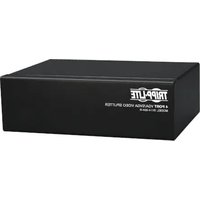
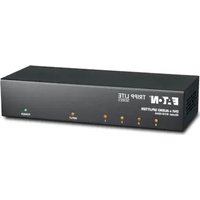
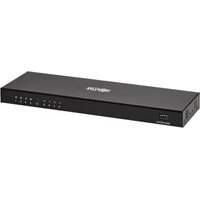
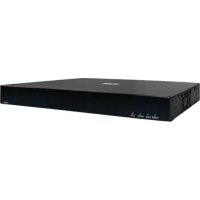
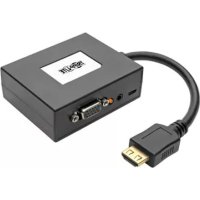
Brand : Tripp Lite
Model : B118004UHD2
Category : Distributor