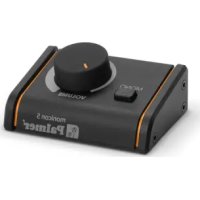
Monicon S G2 - Audio volume controller Palmer - Free user manual and instructions
Find the device manual for free Monicon S G2 Palmer in PDF.

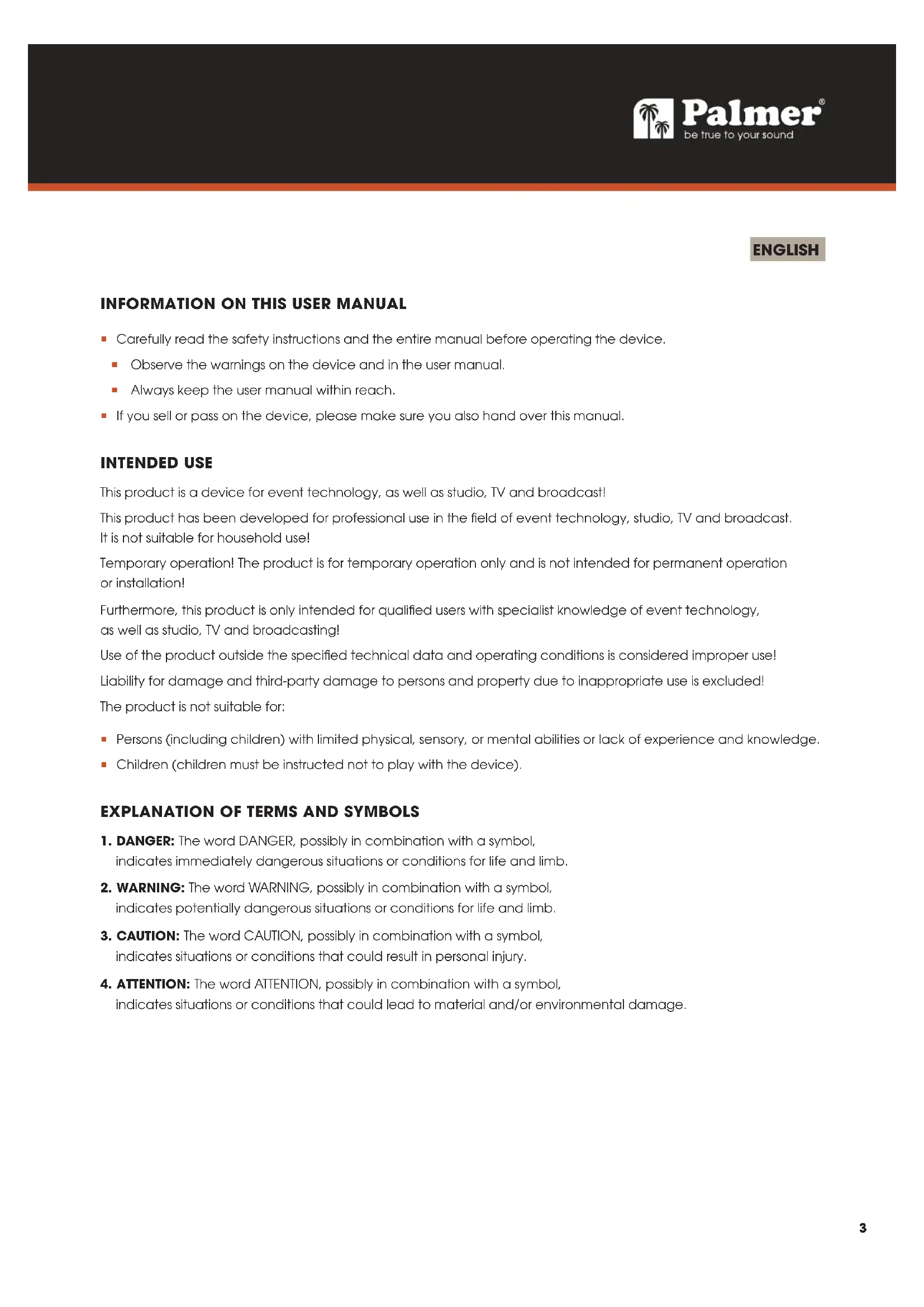


| Product Type | Studio Monitor Controller |
| Brand | Palmer |
| Model | Monicon S G2 |
| Product Reference | PMONICONSG2 |
| Category | Studio Equipment |
| Number of Inputs | 1 x stereo (unbalanced RCA) |
| Number of Outputs | 1 x stereo (unbalanced RCA) |
| Maximum Input Level | +14 dBu |
| Input Impedance | 10 kΩ |
| Maximum Output Level | +14 dBu (unbalanced) |
| Output Impedance | 600 Ω |
| Frequency Response | 20 Hz – 20 kHz (±0.2 dB) |
| Signal-to-Noise Ratio (SNR) | 112 dB (A-weighted) |
| Dynamic Range | 115 dB |
| Crosstalk | -89 dB |
| Control Functions | Volume, Mono/Stereo switch |
| Mono Function | Checks mono compatibility of a stereo signal |
| Housing Material | Plastic (top) / Metal (bottom) |
| Color | Black |
| Dimensions (W x H x D) | 86 x 39 x 66 mm |
| Weight | 120 g |
| Intended Use | Professional, temporary (studio, events, TV, radio) |
| Operating Temperature | 0 – 40 °C |
| Relative Humidity | < 80% non-condensing |
| Maintenance | Clean with a damp cloth; avoid moisture ingress |
| Repairability | No user-serviceable parts; repair by qualified personnel only |
Frequently Asked Questions - Monicon S G2 Palmer
User questions about Monicon S G2 Palmer
0 question about this device. Answer the ones you know or ask your own.
Ask a new question about this device
Download the instructions for your Audio volume controller in PDF format for free! Find your manual Monicon S G2 - Palmer and take your electronic device back in hand. On this page are published all the documents necessary for the use of your device. Monicon S G2 by Palmer.
USER MANUAL Monicon S G2 Palmer
INFORMATION ON THIS USER MANUAL 3
INTENDED USE 3
EXPLANATION OF TERMS AND SYMBOLS 3
SAFETYINSTRUCTIONS4
PACKAGING CONTENT 7
CONNECTIONS AND OPERATING ELEMENTS 7
CARE, MAINTENANCE AND REPAIR 8
TECHNICAL DATA 9
DISPOSAL 10
MANUFACTURER'S DECLARATIONS 10
DEUTsCH 11
INFORMATION ON THIS USER MANUAL
- Carefully read the safety instructions and the entire manual before operating the device.
Observe the warnings on the device and in the user manual.
Always keep the user manual within reach.
If you sell or pass on the device, please make sure you also hand over this manual.
INTENDED USE
This product is a device for event technology, as well as studio, TV and broadcast!
This product has been developed for professional use in the field of event technology, studio, TV and broadcast. It is not suitable for household use!
Temporary operation! The product is for temporary operation only and is not intended for permanent operation or installation!
Furthermore, this product is only intended for qualified users with specialist knowledge of event technology, as well as studio, TV and broadcasting!
Use of the product outside the specified technical data and operating conditions is considered improper use!
Liability for damage and third-party damage to persons and property due to inappropriate use is excluded! The product is not suitable for:
Persons (including children) with limited physical, sensory, or mental abilities or lack of experience and knowledge.
Children (children must be instructed not to play with the device).
EXPLANATION OF TERMS AND SYMBOLS
- DANGER: The word DANGER, possibly in combination with a symbol, indicates immediately dangerous situations or conditions for life and limb.
- WARNING: The word WARNING, possibly in combination with a symbol, indicates potentially dangerous situations or conditions for life and limb.
- CAUTION: The word CAUTION, possibly in combination with a symbol, indicates situations or conditions that could result in personal injury.
- ATTENTION: The word ATTENTION, possibly in combination with a symbol, indicates situations or conditions that could lead to material and/or environmental damage.

This symbol identifies hazards that can cause electric shock.

This symbol indicates hazardous areas or hazardous situations.

This symbol indicates hazards caused by hot surfaces.

This symbol indicates hazards due to high volume levels.

This symbol indicates a device in which there are no user-serviceable parts.

This symbol indicates additional information on the operation of the product.

This symbol indicates a device that may only be used in dry rooms.
SAFETY INSTRUCTIONS

DANGER:
-
Do not open the device or make any modifications to it.
-
If your device stops working properly, or if liquids or objects get inside it or it is damaged in any other way, switch it off immediately and disconnect it from the power supply. This device may be repaired only by authorised repair technicians.
-
For devices of protection class 1, the protective conductor must be connected correctly. Never disconnect the protective conductor. Devices of protection class 2 do not have a protective conductor.
-
Ensure that live cables are not kinked or otherwise mechanically damaged.
-
Never bypass the device fuse.

WARNING:
- The device must not be used if it shows obvious signs of damage.
- The device may only be installed in a voltage-free state.
- If the power cable or power supply unit of the device is damaged, the device must not be put into operation.
- Permanently attached mains cables may only be replaced by a qualified person.

ATTENTION:
- Do not operate the device if it has been exposed to large temperature fluctuations (for example, after transport). Moisture and condensation can damage the device. Switch on the device only when it has reached ambient temperature.
- Make sure that the voltage and frequency of the mains correspond to the values specified on the device. If the device has a voltage selector switch, do not turn the device on until it has been set correctly. Use only suitable mains cables.
- To disconnect the device completely from the power supply, unplug the mains cable or the mains adapter from the socket. It is not sufficient to press the on/off switch on the device. In addition, a connected amplifier must also be disconnected from the device!
- Make sure that the fuse used corresponds to the type printed on the device.
- Ensure that suitable measures have been taken against overvoltage (for example, lightning strikes).
- Observe the specified maximum output current on devices with a Power Out connection. Ensure that the total current consumption of all connected devices does not exceed the specified value.
- Replace plug-in mains cables with original cables only.

DANGER:
- Danger of suffocation/choking! Plastic bags and small parts must be kept out of reach of persons (including children) with reduced physical, sensory, or mental capabilities.
2 Danger of falling! Make sure that the device is securely installed and cannot fall down. Only use suitable stands or mounts (particularly for fixed installations). Ensure that accessories are properly installed and secured. Ensure that all applicable safety regulations are observed.

WARNING:
- Use the device in the prescribed manner only.
- Operate the device only with the accessories recommended and intended by the manufacturer.
3 During installation, observe the safety regulations applicable in your country. - After connecting the device, ensure that all cables are routed so as to avoid damage or accidents, such as from tripping.
- Always observe the specified minimum distance to normally flammable materials! If this is not explicitly stated, the minimum distance is 0.3 metres.

CAUTION:
- Moving components such as mounting brackets pose a jamming hazard.

ATTENTION:
- Do not install or use the device in the vicinity of radiators, heat accumulators, furnaces, or other heat sources. Ensure that the device is always installed in such a way that it is sufficiently cooled and cannot overheat.
- Do not place any ignition sources such as burning candles near the device.
- Ventilation openings must not be covered, and fans must not be blocked.
- For transport, use the original packaging or packaging provided by the manufacturer.
- Avoid any impacts to or shaking of the device.
- Observe the IP rating and the ambient conditions such as temperature and humidity according to the specifications.
- Devices can be continuously further developed. In the event of deviating information on operating conditions, performance, or other device properties between the user manual and the device labelling, the information provided on the device always has priority.
- The device is not suitable for tropical climate zones or for operation at more than 2000 metres above sea level.
- Unless explicitly stated, the device is not suitable for operation under marine conditions.

PLEASE NOTE:
For conversion or retrofit sets or accessories provided by the manufacturer, it is essential to observe the included instructions.

CAUTION: HIGH VOLUME AUDIO PRODUCTS!
This device is designed for professional use. The commercial operation of this device is subject to the applicable national regulations and guidelines for accident prevention.
Hearing damage due to high volume and continuous exposure: use of this product may generate high sound pressure levels (SPLs) that may cause hearing damage. Avoid exposure to high volumes.

ATTENTION:
Connecting signal cables and operating switches (for example, switching phantom power on and off) can cause significant interference noise. Make sure that input channels (mixer, audio interface, effects device, and similar) are muted while making connections and operating switches. Otherwise, noise levels may cause damage.

PLEASE NOTE:
NOTE: Strong magnetic fields can cause humming. For this reason, do not position the device near strong magnetic fields (for example, mains transformer).

NOTES FOR PORTABLE INDOOR DEVICES:
- Temporary operation! Event equipment is generally designed for temporary use only.
- Continuous operation or permanent installation can impair the functioning of the device and cause premature ageing.
PACKAGING CONTENT
Remove the product from the packaging and remove all packaging material. Please check the completeness and integrity of the delivery, and notify your distribution partner immediately after purchase if the delivery is not complete or if it is damaged.
The packaging content for the product includes:
1 x MONICON S G2 monitor controller
Safety and compliance information (user manual as a download via QR code)
CONNECTIONS AND OPERATING ELEMENTS


INPUT L/R
Stereo input with two unbalanced RCA sockets. Use a high-quality stereo cable to connect an audio interface, studio mixer or similar to the stereo input. Ensure the correct channel assignment (OUTPUT L → INPUT L, OUTPUT R → INPUT R).
2 OUTPUT L/R
Stereo output with two unbalanced RCA sockets. Use a high-quality stereo cable to connect the stereo output to active studio monitors or a studio power amplifier. Ensure the correct channel assignment (OUTPUT L → INPUT L, OUTPUT R → INPUT R).
3 VOLUME
Volume control for adjusting the listening volume.
4 MONO
This function can be used to acoustically check the mono compatibility of a stereo signal, for example.
Switch not pressed: Stereo signal not summed.
Switch pressed: Stereo signal is summed to mono.
CARE, MAINTENANCE AND REPAIR
In order to ensure the long-term, proper functioning of the device, it must be regularly cleaned and, if necessary, serviced. The care and maintenance required depends on the intensity of use and the environment in which it is used.
We recommend a visual inspection before each operation. Furthermore, we recommend carrying out all the applicable service measures specified below once every 500 operating hours or, in the case of a lower intensity of use, at the latest after one year. Warranty claims may be limited should defects result from inadequate service and maintenance.

WARNING:
Before carrying out any care or maintenance, the power supply - and, if possible, all device connections - must be disconnected.

PLEASE NOTE:
Improper care can lead to impairment or even destruction of the device.
- Housing surfaces must be cleaned with a clean, damp cloth. Make sure that no moisture can penetrate the device.
- Air inlets and outlets must be regularly cleaned of dust and dirt. If compressed air is used, make sure that damage to the device is prevented (for example, fans must be blocked in this case).
- Cables and connectors must be cleaned regularly and dust and dirt must be removed.
- In general, no cleaning or disinfection agents or abrasive agents may be used, as they may damage the surface finish. Solvents in particular, such as alcohol, can impair the function of housing seals.
- Devices must generally be stored dry and protected from dust and dirt.
MAINTENANCE AND REPAIR (QUALIFIED PERSONNEL ONLY)

DANGER:
There are live components in the device. Even after disconnecting from the mains, there may still be residual voltage in the device, for example, due to charged capacitors.

PLEASE NOTE:
There are no user-serviceable assemblies in the device.

PLEASE NOTE:
Maintenance and repair work may only be carried out by specialist personnel authorised by the manufacturer. If in doubt, consult the manufacturer.

PLEASE NOTE:
Improperly performed maintenance work may affect warranty claims.
TECHNICAL DATA
| Product number PMONICONSG2 | |
| Product type | Studio equipment |
| Type | Monitor controller |
| No. of outputs 1x Stereo | |
| Output connections: unbalanced, RCA | |
| Maximum output level: | 14 dBu (unbalanced) |
| Output impedance | 600 Ohm |
| No. of inputs 1x Stereo | |
| Input connectors unbalanced, RCA | |
| Maximum input level: | +14 dBu |
| Input impedance | 10 kOhm |
| Frequency response | 20 Hz - 20 kHz (±0.2 dB) |
| Signal-to-noise ratio (SNR) | 112 dB (A-weighted) @ +4 dBu |
| Dynamic range (DR AES17) | 115 dB |
| Crosstalk | -89 dB (max. measured with volume control) |
| Controls | MONO/STEREO switch Volume control |
| Ambient temperature (in operation) | 0 - 40°C |
| Relative air humidity | < 80% (non-condensing) |
| Housing material | Upper part: plastic; lower part: metal |
| Housing colour | Black |
| Housing type | Desktop unit |
| Dimensions (W × H × D) | 86 × 39 × 66 mm |
| Weight | 120 g |
DISPOSAL

PACKAGING:
- Packaging can be fed into the reusable material cycle using the usual disposal methods.
- Please separate the packaging in accordance with the disposal laws and recycling regulations in your country.

DEVICE:
- This device is subject to the European Directive on Waste Electrical and Electronic Equipment, as amended. WEEE Directive Waste Electrical and Electronic Equipment. Waste equipment does not belong in household waste. Waste equipment must be disposed of via an authorised waste disposal company or a municipal waste disposal facility. Please observe the applicable regulations in your country!
- Observe all disposal laws applicable in your country.
- As a private customer, you can obtain information on environmentally friendly disposal options from the product seller or the appropriate regional authorities.
MANUFACTURER'S DECLARATIONS
MANUFACTURER'S WARRANTY & LIMITATION OF LIABILITY
Our current warranty conditions and limitation of liability can be found at: https://cdn-shop.adamhall.com/media/pdf/Manufacturers-Declarations-PALMER_DE_EN_ES_FR.pdf
For service requests, please contact your distribution partner.

CE CONFORMITY
Adam Hall GmbH hereby confirms that this product meets the following guidelines (where applicable):
Low-Voltage Directive (2014/35/EU)
EMC Directive (2014/30/EU)
RoHS (2011/65/EU)
RED (2014/53/EU)
EC DECLARATION OF CONFORMITY
Declarations of conformity for products subject to the LVD, EMC, and RoHS Directives can be requested from info@adamhall.com.
Declarations of conformity for products subject to RED can be downloaded from www.adamhall.com/compliance/.
SUBJECT TO MISPRINTS AND ERRORS, AS WELL AS TECHNICAL OR OTHER MODIFICATIONS!
DEUTSCH
https://cdn-shop.adamhall.com/media/pdf/Manufacturers-Declarations-PALMER_DE_EN_ES_FR.pdf
https://cdn-shop.adamhall.com/media/pdf/Manufacturers-Declarations-PALMER DE EN ES FR.pdf
https://cdn-shop.adamhall.com/media/pdf/Manufacturers-Declarations-PALMER DE EN ES FR.pdf
DEKLARACJA ZGODNOSCI WE


- DEUTSCH 11
- INFORMATION ON THIS USER MANUAL
- INTENDED USE
- EXPLANATION OF TERMS AND SYMBOLS
- SAFETY INSTRUCTIONS
- DANGER
- WARNING
- ATTENTION
- CAUTION
- PLEASE NOTE
- CAUTION: HIGH VOLUME AUDIO PRODUCTS
- NOTES FOR PORTABLE INDOOR DEVICES
- PACKAGING CONTENT
- THE PACKAGING CONTENT FOR THE PRODUCT INCLUDES
- CONNECTIONS AND OPERATING ELEMENTS
- INPUT L/R
- 2 OUTPUT L/R
- 3 VOLUME
- 4 MONO
- CARE, MAINTENANCE AND REPAIR
- MAINTENANCE AND REPAIR (QUALIFIED PERSONNEL ONLY)
- DISPOSAL
- PACKAGING
- DEVICE
- MANUFACTURER'S DECLARATIONS
- MANUFACTURER'S WARRANTY & LIMITATION OF LIABILITY
- CE CONFORMITY
- EC DECLARATION OF CONFORMITY
- DEUTSCH
- DEKLARACJA ZGODNOSCI WE
Brand : Palmer
Model : Monicon S G2
Category : Audio volume controller