Cake Factory KD803112 - Cupcake maker TEFAL - Free user manual and instructions
Find the device manual for free Cake Factory KD803112 TEFAL in PDF.



User questions about Cake Factory KD803112 TEFAL
0 question about this device. Answer the ones you know or ask your own.
Ask a new question about this device
Download the instructions for your Cupcake maker in PDF format for free! Find your manual Cake Factory KD803112 - TEFAL and take your electronic device back in hand. On this page are published all the documents necessary for the use of your device. Cake Factory KD803112 by TEFAL.
USER MANUAL Cake Factory KD803112 TEFAL
text_image
Labeled diagram of a food appliance with numbered parts for identificationDescription
natural_image
Illustration of a hand washing contents in a bowl with a magnified inset showing the liquid being poured into it (no text or symbols)natural_image
Illustration of a hand pouring liquid into a container (no text or symbols)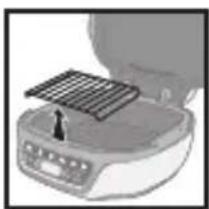
natural_image
Illustration of a portable food appliance with a rack and control panel (no text or symbols visible)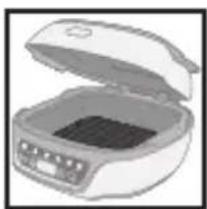
natural_image
Illustration of an open oven containing a small rectangular container with internal components (no text or symbols visible)natural_image
Illustration of a portable appliance with a lid and tray, showing internal components (no text or symbols)natural_image
Illustration of a closed open refrigerator with visible door and buttons (no text or symbols)Fonte du chocolat
natural_image
Illustration of a microwave oven with lid removed (no text or symbols visible)natural_image
Illustration of a portable kitchen appliance with a mounted grid tray (no text or symbols visible)Retirer la grille Fermer Mettre le chocolat
natural_image
Illustration of a microwave oven with open lid and control panel (no text or symbols)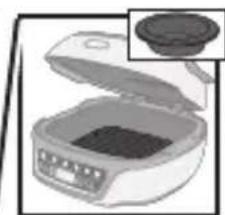
natural_image
Illustration of a microwave oven with a lid removed (no text or symbols visible)natural_image
Close-up of a food appliance with a metal tray and a screwdriver inserted (no visible text or symbols)natural_image
Illustration of a portable food organizer with open lid and control panel (no text or symbols)Fermer
text_image
Diagram showing a hand holding an electrical outlet connected to a plug, with a crossed-out wire symbol below indicating no resistance.1
natural_image
Hand pressing down on a curved surface with icons and arrows (no text or symbols)2
natural_image
Hand pointing at a control panel with three buttons and icons (no text or symbols visible)3
natural_image
Top-down view of a vintage computer monitor with control buttons and icons (no readable text or symbols)2
text_image
OK start3
text_image
Nursat OK start4
text_image
Autom.5
text_image
Diagram showing a kitchen appliance with a speaker icon and sound waves, indicating sound or audio signal.123
text_image
Manual OK start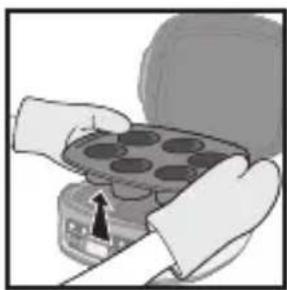
natural_image
Illustration of hands holding a tray with circular indentations, no text or symbols visibletext_image
Start OK start2
text_image
Automatic 5 min3
text_image
×1 OK start1
text_image
Hand interacting with a control panel showing icons for battery, trash bin, and fan switch1
natural_image
Hand pointing at a control panel with icons for power, battery, and fan (no text or labels visible)1
text_image
Hand interacting with a control panel showing power, trash bin, and directional buttons with icons2
text_image
Diagram showing hand pressing a button labeled 'Automatic' with icons for battery, recycling, and recycling.3
text_image
OK start4
natural_image
Hand pointing at a control panel with icons for battery, refrigerator, and power button (no text or symbols)1
natural_image
Hand holding a plug inserted into an electrical outlet, with an arrow indicating direction (no text or symbols)2
text_image
2H3
natural_image
Illustration of a kitchen appliance with a grater and a dish, showing internal components (no text or symbols)4
natural_image
Illustration of a toaster with a hand holding a brush and a crossed-out screwdriver, alongside a diagram showing no text or symbols.5
natural_image
Illustration of a toaster placed on a shelf with a rack and door (no text or symbols)6
natural_image
Illustration of a hand holding a device with a cross mark, emitting steam (no text or symbols)7

natural_image
Two handbags hanging against a diagonal line with 'X' symbols (no text or labels)8
- Safety Instructions 24
• Description 28
• Using the Moulds 29
• Product Presentation 30 - Preparation 30
• Installation and Connection 30
• Presentation of the Programs 31
• A. Choosing the Cooking Program 32
• B. Using an Automatic Program 33
• C. Using the Manual Program 34
• D. End of a Program (Automatic or Manual) 35
• E. Extend a Cooking Cycle (Automatic or Manual) 35
• F. Relaunch the Same Program 36
• G. Relaunch a Different Program 36 - Modifying the Time and the Program Under Way 37
- Maintenance and Cleaning 39
- Cooking Guide 40
- Troubleshooting to achieve great results 41
- Troubleshooting Guide 42
IMPORTANT PRECAUTIONS
Product use, maintenance and installation: for your safety, please read through all the sections in these instructions or the corresponding pictograms.
This appliance is designed for indoor domestic household use only. In case of professional use, inappropriate use or failure to comply with the instructions, the manufacturer accepts no responsibility and the guarantee will not apply. This appliance should not be used outdoors. This appliance is intended for domestic household use only. It is not intended to be used in the following applications, and the guarantee will not apply for:
- Staff kitchen areas in shops, offices and other working environments;
- Farm houses;
- By clients in hotels, motels and other residential type environments;
- Bed and breakfast type environments.
Remove all packaging, stickers and various accessories from both the inside and outside of the appliance.
This appliance is not intended to be used by those (including children) with reduced physical, sensory or mental capabilities, or lack of experience and knowledge, unless they have been given supervision or instruction concerning use of the appliance by an adult responsible for their safety. Supervise children to ensure they do not play with the appliance or use it as a toy.
Never leave the appliance unattended when in use.
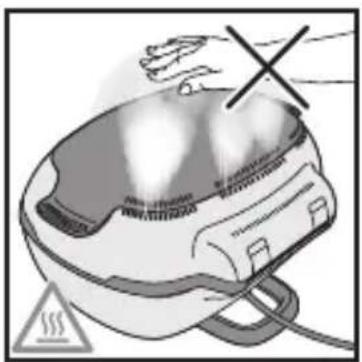
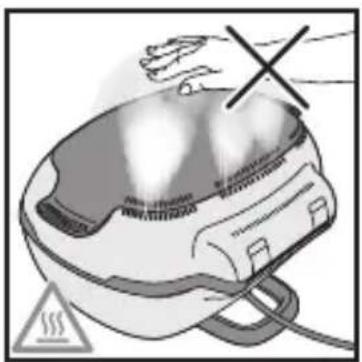
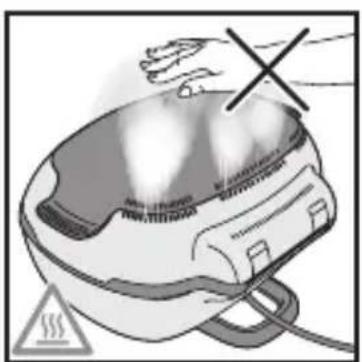
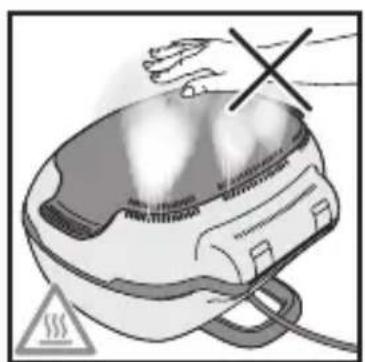
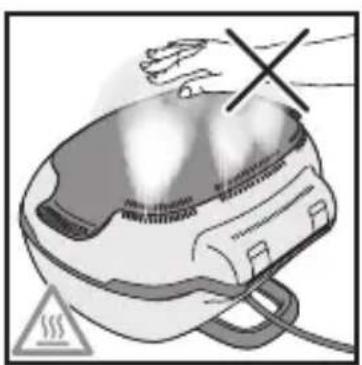
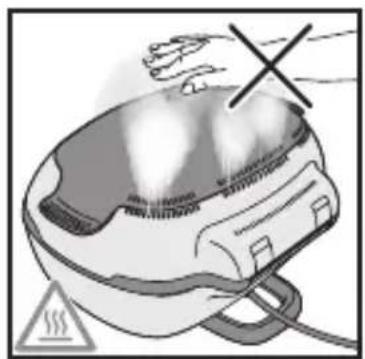
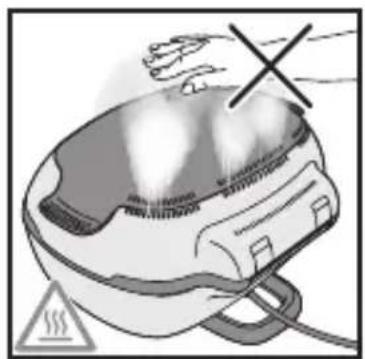
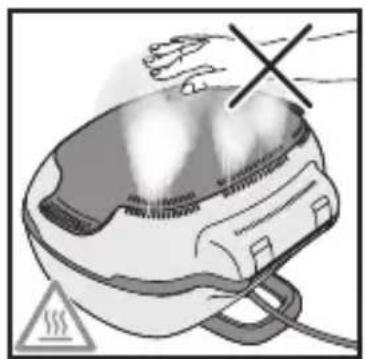
The temperature of accessible surfaces can be high when the appliance is in operation.
Do not touch hot surfaces of the appliance.
This appliance is not intended to be operated by means of an external timer or separate remote-control system.
Unwind the power cord fully before use.
If the supply cord is damaged, it must be replaced by the manufacturer, its service agent or similar qualified persons in order to avoid a hazard.
Do not use an extension lead. If you accept liability for doing so, only use an extension lead which is in good condition, has a plug with an earth connection and is suited to the power rating of the appliance. Take all necessary precautions to ensure that no one trips over the cord.
Always plug the appliance into a socket outlet with an earth connection.
Check that your mains supply voltage matches that indicated on the appliance data plate.
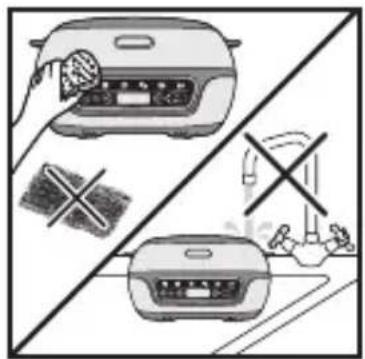
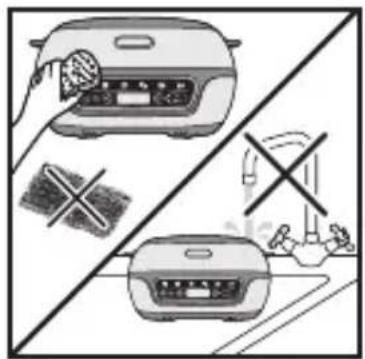
Never immerse the appliance or its power cord in water or any other liquid.
This appliance can be used by children 8 years of age and older and by persons with reduced physical, sensory or mental capabilities or lack of experience and knowledge if they have been given supervision or instruction concerning use of the appliance in a safe way and understand the hazards involved.
User cleaning and maintenance must not be carried out by children, unless they are over 8 years of age and under supervision.
Keep the appliance and its cord out of reach of children younger than 8 years old.
- If parts of the appliance should catch fire, never try to extinguish flames with water. Disconnect the appliance and smother the flames with a damp cloth.
- WARNING: Do not heat or preheat the product unless the cooking moulds are inside it.
Do
- Carefully read through these instructions and keep them to hand. They apply to all the different versions of this appliance, depending on the supplied accessories.
- In the event of an accident, immediately run cold water over the site of the burn and, if necessary, call a doctor.
- Position the power cord carefully to be free of working areas, whether an extension is used or not.
- Cooking smoke may be dangerous for animals with particularly sensitive respiratory systems, such as birds. We recommend that bird owners keep their birds away from the cooking area.
• Always keep the appliance out of reach of children. - Prior to first use, wash the aluminium cooking mould, pour a little oil on top and wipe it using a soft cloth.
- Prior to first use, wash the silicone moulds, then wipe them using a soft cloth.
- Check that the cooking moulds have been properly cleaned after use.
- To prevent damage to the cooking moulds, only use them with the equipment for which they were designed (e.g. do not place them in the oven, on the hob or on a hot plate).
- Ensure that the cooking moulds are stable and correctly positioned on the appliance base. Only use cooking moulds provided or acquired from the authorised service centre.
- To preserve the cooking mould coating, always use a plastic or wooden spatula.
- Only use the accessories provided with the appliance or those purchased from an authorised service centre. Do not use them with other appliances.
- Only use PROflex Tefal and Crispy Bake Tefal moulds indicated as being compatible.
- Use oven gloves to remove the moulds when cooking is completed.
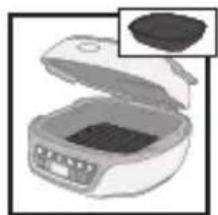
- When melting chocolate, use the Cake Factory non-stick aluminium mould or the PROflex chocolate melting mould (if included).
Do not
- Do not use the appliance outdoors.
- Never transport the product when it is hot or while in operation.
- Never plug the appliance in when it is not in use.
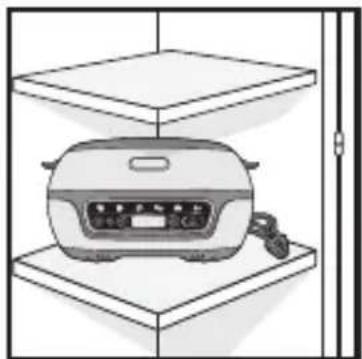
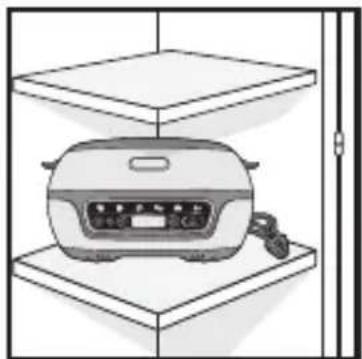
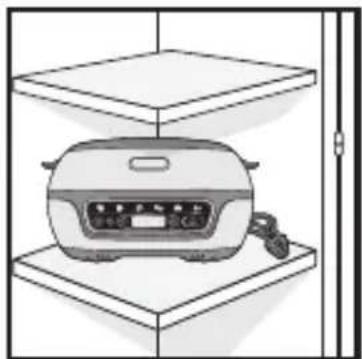
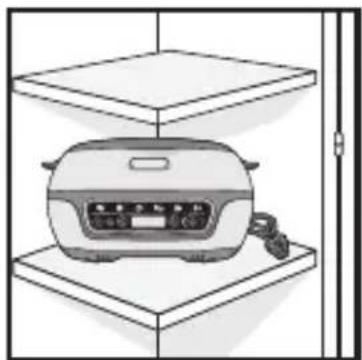
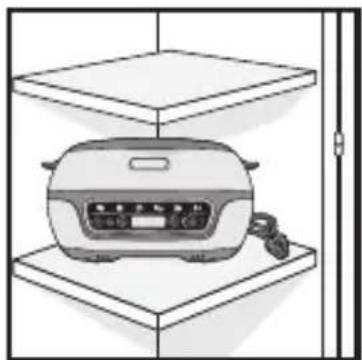
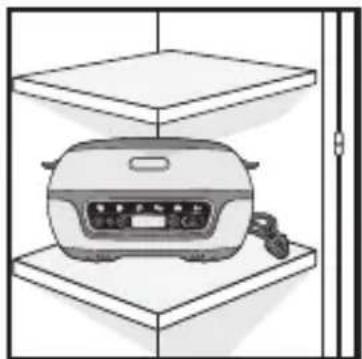
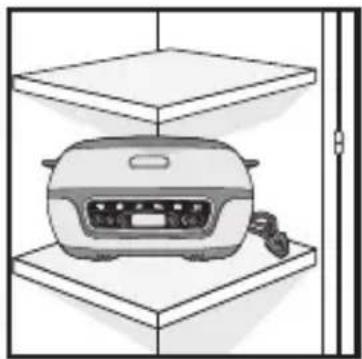
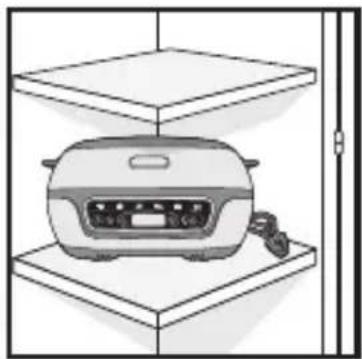
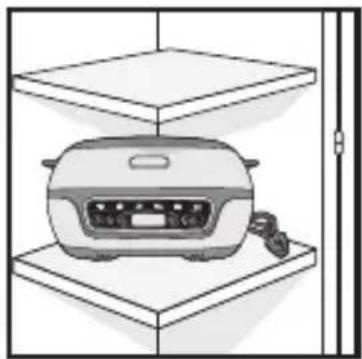
- To prevent the appliance from overheating, do not place it in a corner or against a wall.
- Never place your appliance directly on a fragile surface (e.g., glass table, tablecloth, varnished furniture, etc.) or a surface such as a plastic tablecloth.
-
Do not place the appliance on or near slippery or hot surfaces, nor let the cord hang above a heat source (e.g., cook top, gas stove, etc.)
-
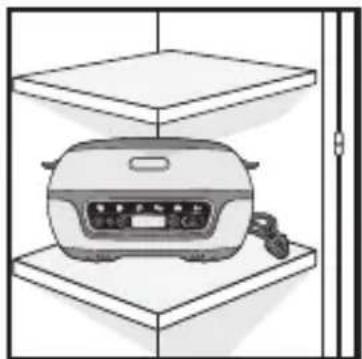
Never place the appliance underneath a piece of furniture attached to a wall or a shelf or beside flammable materials such as blinds, curtains or drapes.
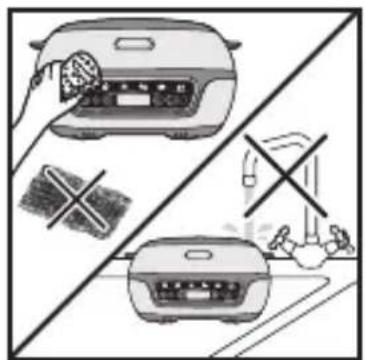
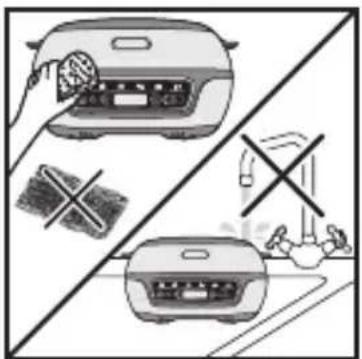
- In order to prevent damage to the cooking surface (non-stick coating), never use a scouring pad or scouring powder.
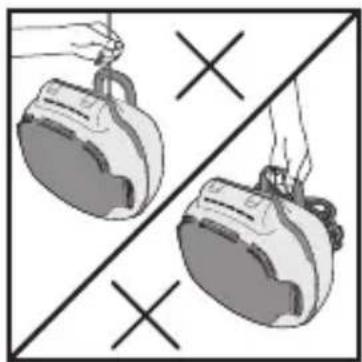
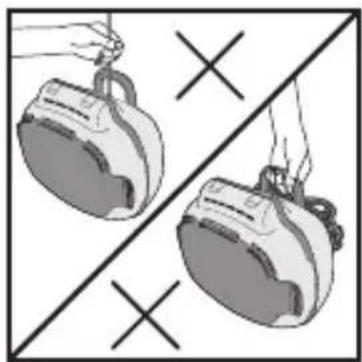
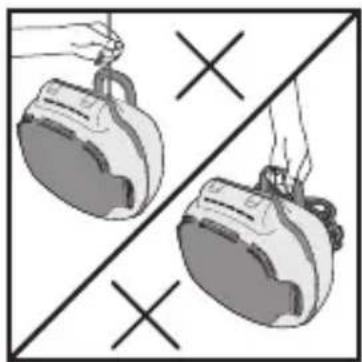
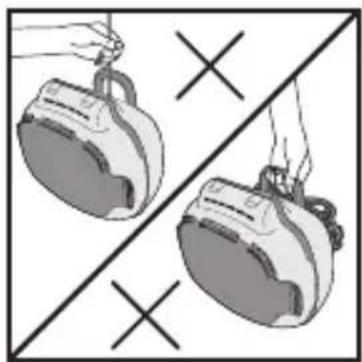
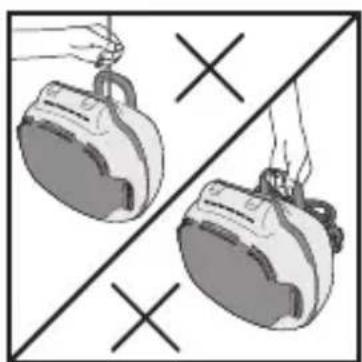
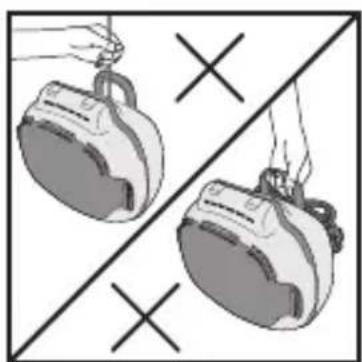
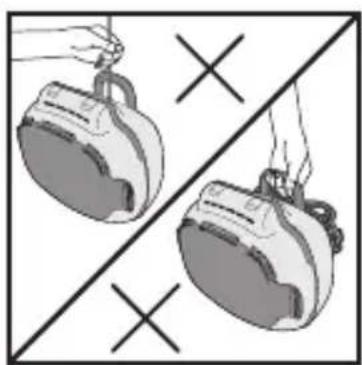
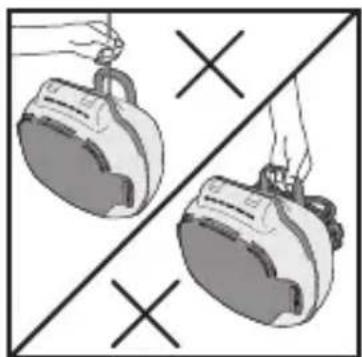
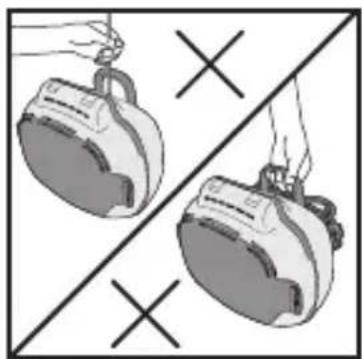
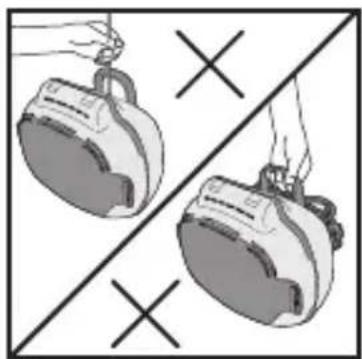
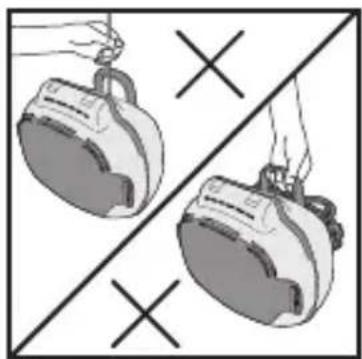
- Do not carry the appliance by the handle or the metal wires.
- Never use the appliance when empty.
- Do not place hot cooking moulds under water or on a fragile surface.
- To preserve the non-stick qualities of the coating and the silicone, do not heat the appliance when empty.
- The cooking moulds should never be handled when hot.
- Do not cook food in bags or parcels ("en papillote").
- To avoid damage to your appliance, never flambé food on it.
- Never put aluminium foil or any other object between the cooking moulds and the food to be cooked or between the cooking moulds and the elements.
- Do not cut directly on the cooking moulds.
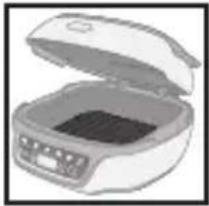
- Do not heat the appliance unless the reflector and a cooking mould are inside it.
- Never heat or cook while in the “appliance open” position.
- To preserve the silicone's non-stick qualities, we recommend refraining from washing it in the dishwasher.
- To ensure the proper operation of your appliance, when filling the moulds, do not exceed the proportions indicated.
- Do not oil, butter or grease the silicone moulds.
Recommendations/Information
- For your safety, this appliance complies with the applicable standards and regulations (directives regarding low voltage appliances, electromagnetic compatibility, materials in contact with foodstuffs, the environment, etc.).
- Thank you for choosing this appliance, designed for household use only.
- Our company reserves the right to change the characteristics or components of its products at any time, in the consumer's interest.
- When using the appliance for the first time, a slight odour and/or smoke may be emitted during the first minutes of use.
- Any solid or liquid foods that come into contact with parts marked with the logo must not be consumed.
- To clean the cooking moulds, use a sponge, some hot water and some washing-up liquid.
- The element must not be washed. If it is really dirty, wait for it to cool completely and rub with a dry cloth.
Environment
Take part in environmental protection!
Your appliance contains a number of recoverable or recyclable materials.
Leave it at a collection point for processing.
text_image
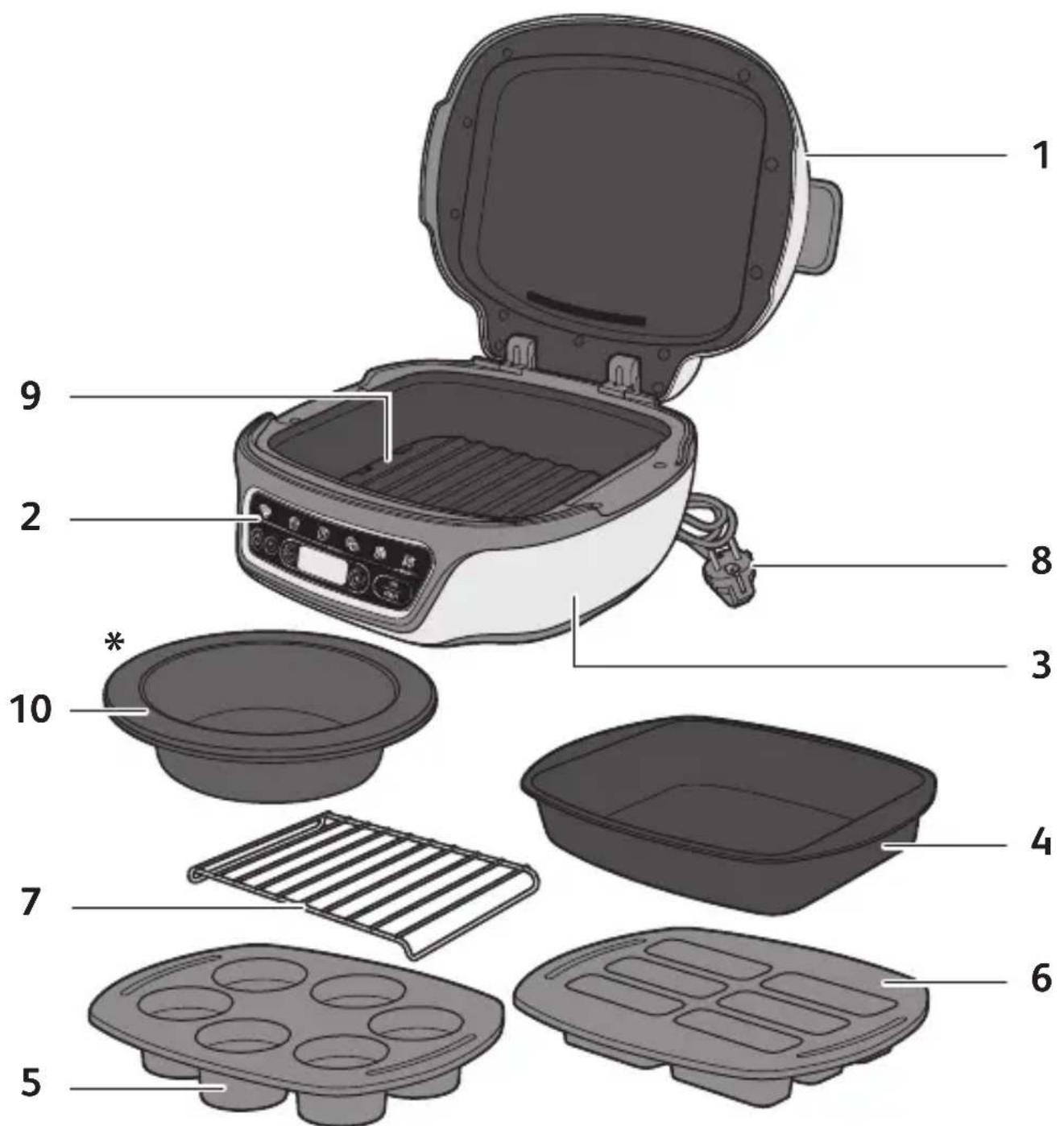
Labeled diagram of a food appliance with numbered parts for identificationDescription
1 lid
2 Control panel
3 Appliance base
4 Non-stick aluminum bowl
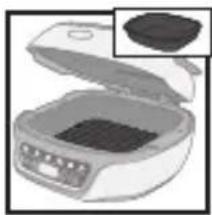
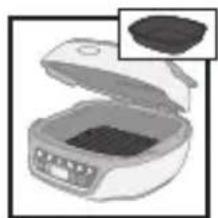
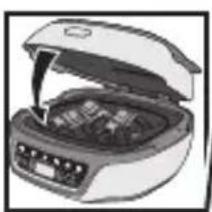
5 Silicone PROflex 6-muffin mould
6 Silicone PROflex 6-mini-cake mould
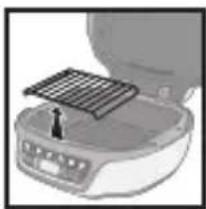
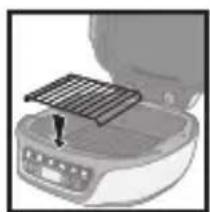
7 Support grid for some PROflex moulds and for melting chocolate
8 Power cord
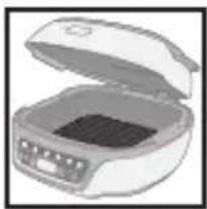
9 Black reflector
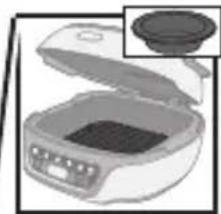
*10 PROflex silicone chocolate melting mould (depending on model)
Using the Moulds
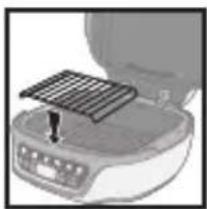
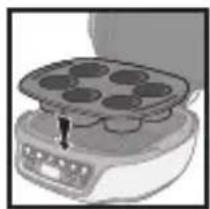
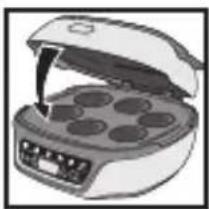
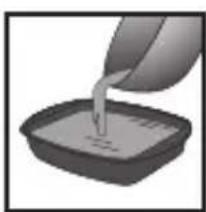
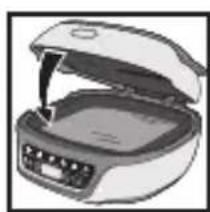
To ensure the proper operation of your appliance, when filling the moulds, do not exceed the proportions indicated.
Silicone PROflex Mould
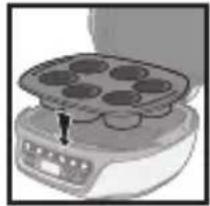
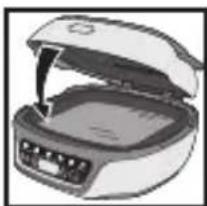
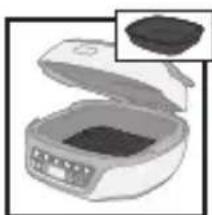
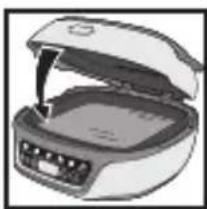
The Cake Factory is only compatible with moulds belonging to the Tefal PROflex range, dimensions 30 x 21 cm.
natural_image
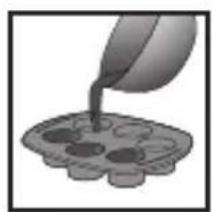
Illustration of a pouring liquid into a decorative tray (no text or symbols)Pour into the mould Remove the aluminium bowl
natural_image
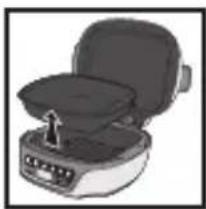
Illustration of a portable kitchen appliance with a lid and side panel, no text or symbols visible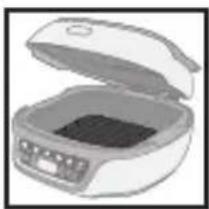
natural_image
Illustration of an open rectangular food appliance with a lid and control panel (no text or symbols visible)Ensure that the black reflector is properly in place and attached to the bottom of the appliance
natural_image
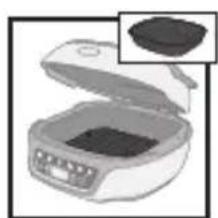
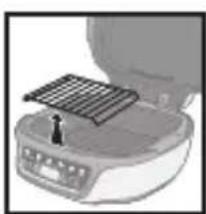
Close-up of a kitchen appliance with a metal grate on top (no visible text or symbols)Place the grid on the reflector*
natural_image
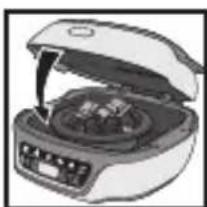
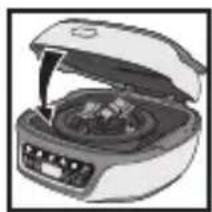
Illustration of a cooking pot with six round cavities on a stand (no text or symbols)Place the mould Close
natural_image
Illustration of a microwave oven with six circular cavities (no text or symbols)* To cook canelés or for any use of a mould taller than 4.5 cm, directly place the PROflex mould in the Cake Factory without the support grid.
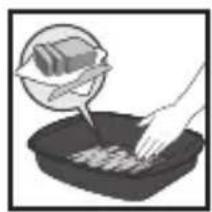
Non-stick aluminium bowl
natural_image
Illustration of a hand placing food into a container with a magnified inset showing a slice of food (no text or symbols)Grease the bowl Fill the bowl Remove the grid Ensure that the
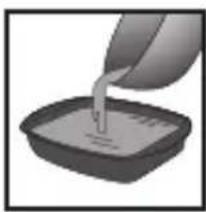
natural_image
Illustration of a hand pouring liquid into a square container (no text or symbols)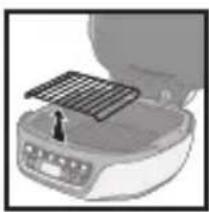
natural_image
Close-up of a portable electronic device with a solar panel mounted on top (no visible text or symbols)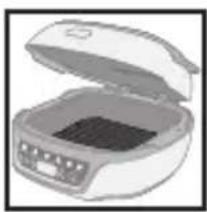
natural_image
Illustration of an open refrigerator with a dark interior (no text or symbols visible)black reflector is properly in place and attached to the bottom of the appliance
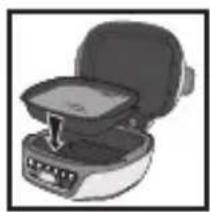
natural_image
Illustration of a portable appliance with a lid and handle, no visible text or symbolsInsert the bowl Close
natural_image
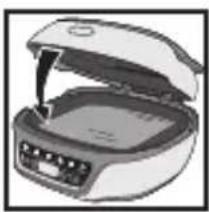
Illustration of an open refrigerator with a closed lid and visible internal compartments (no text or symbols)Melting chocolate
natural_image
Illustration of a food appliance with open lid and side panel, no visible text or symbolsPlace the chocolate in the aluminium mould
natural_image
Illustration of a microwave oven with a solar panel and a small black arrow pointing to it (no text or symbols)Remove the grid Close Put chocolate in a
natural_image
Illustration of a closed oven with open lid and control panel (no text or symbols)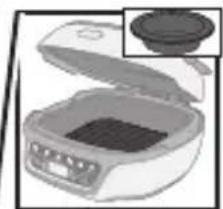
natural_image
Illustration of a microwave oven with lid removed (no text or symbols)suitable container
natural_image
Close-up of a kitchen appliance with a grid-patterned lid and a small screwdriver inserted (no visible text or symbols)Place the grid on the reflector
natural_image
Illustration of a portable food organizer with open lid and control panel (no text or symbols)Close
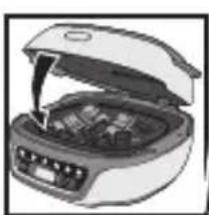
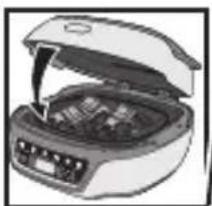
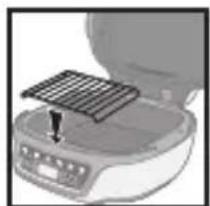
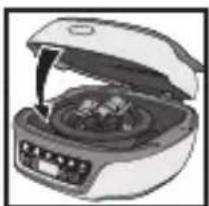
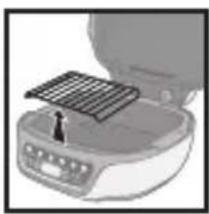
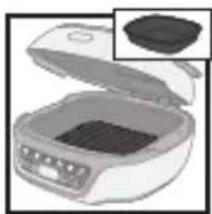
To melt chocolate, use the Cake Factory non-stick aluminium mould or the PROflex chocolate melting silicone mould (if included).
Product Presentation
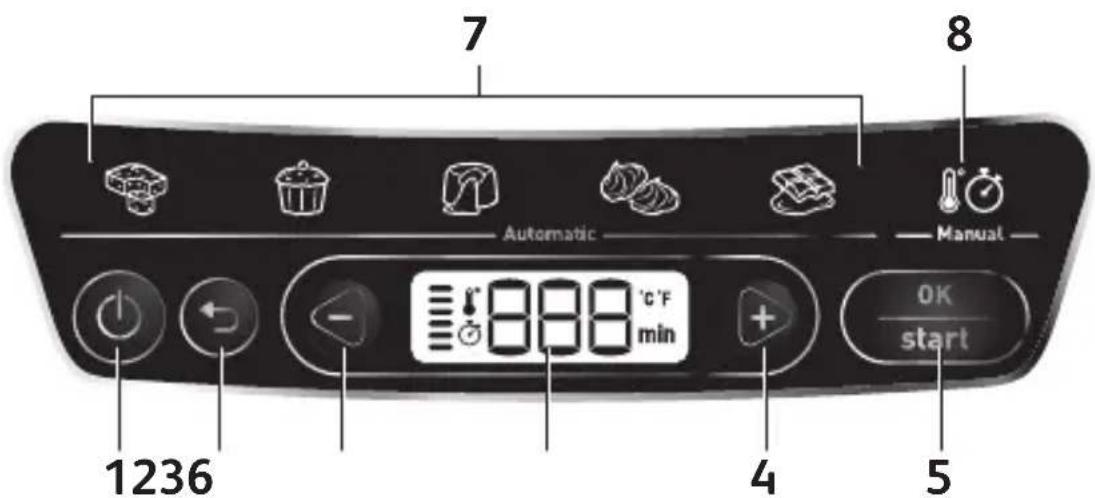
text_image
7 Automatic 8 Manual 1236 4 5 OK start1 On/Off button
2 Back button
3 Minus button (-)
4 Plus button (+)
5 OK / Start button
6 Control panel
7 Automatic programs
8 Manual program
Preparation
- Remove all packaging, stickers and various accessories from both the inside and outside of the appliance.
- Prior to first use, thoroughly clean the 3 different moulds using some hot water and some washing-up liquid, carefully rinse and dry.
Installation and Connection
Appliance start-up applies to all programs
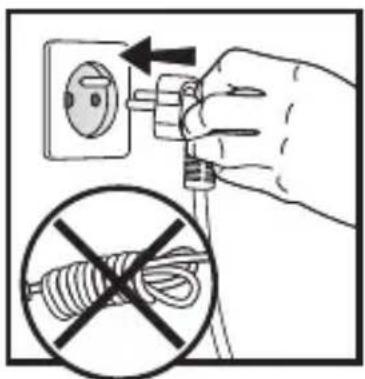
text_image
Diagram showing hand holding electrical socket connected to a plug, with no visible text or symbols1
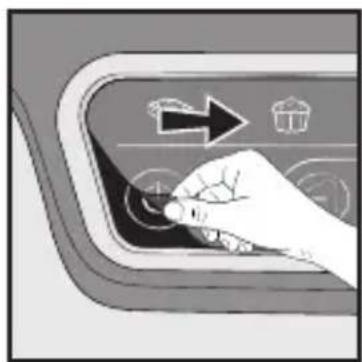
natural_image
Hand pressing down on a curved panel with icons and arrows (no text or symbols)2
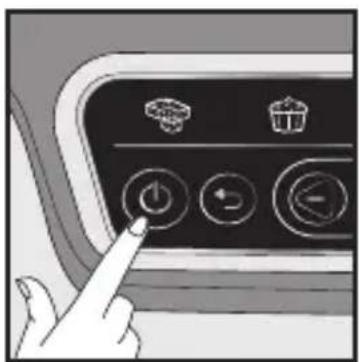
natural_image
Hand pointing at a control panel with icons for battery, trash bin, and power button (no text or symbols)3
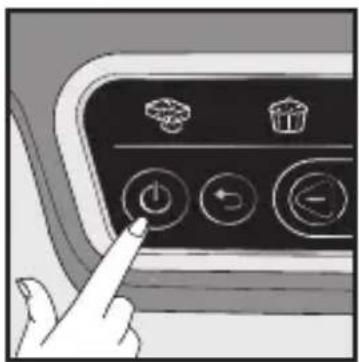
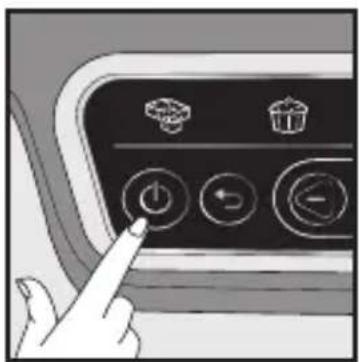
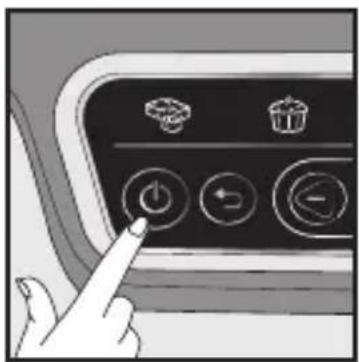
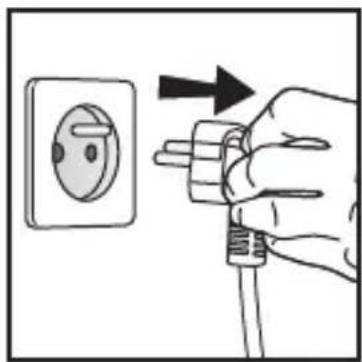
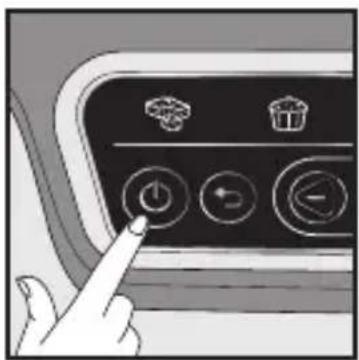
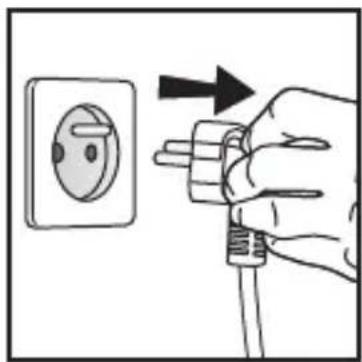
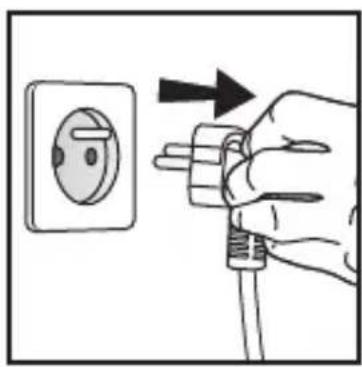
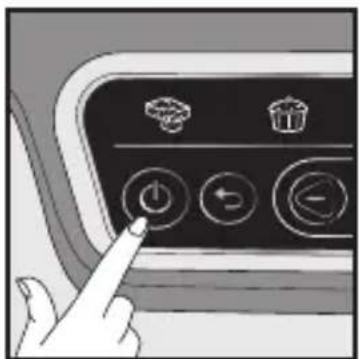
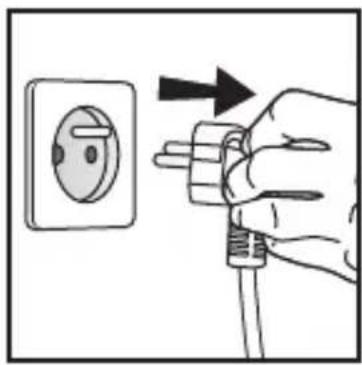
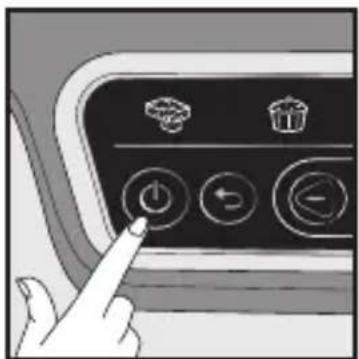
- Plug in your appliance.
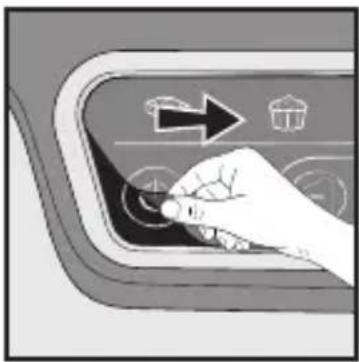
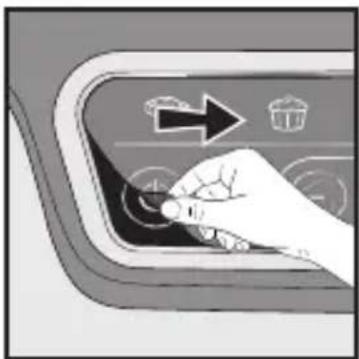
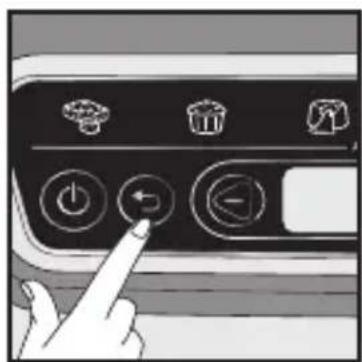
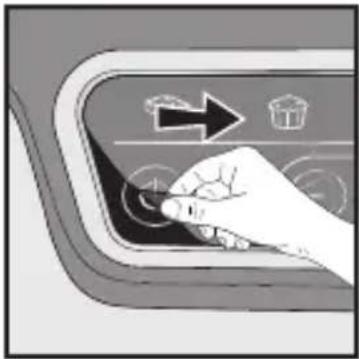
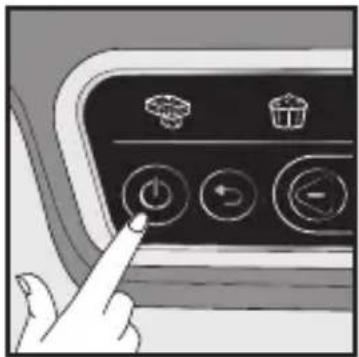
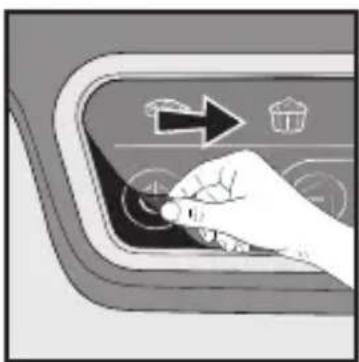
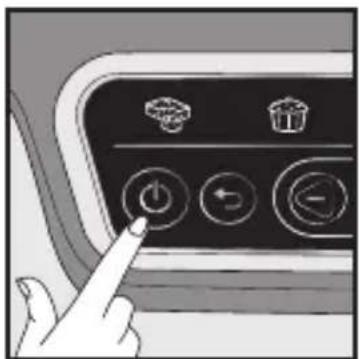
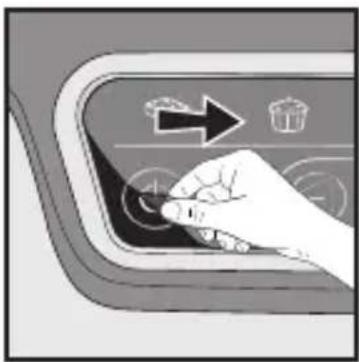
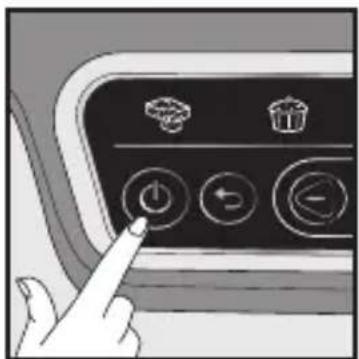
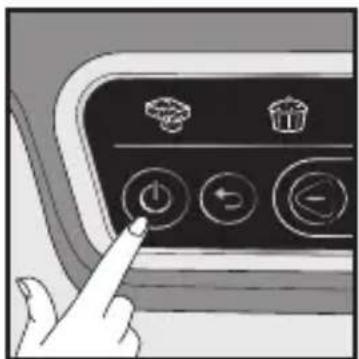
- Next, wait a few seconds before pressing the On/Off button. The first program flashes, indicating the "Program Selection" mode.
Presentation of the Programs
If you are unsure of which cooking mode to use, please refer to the Cooking Guide, page 40.
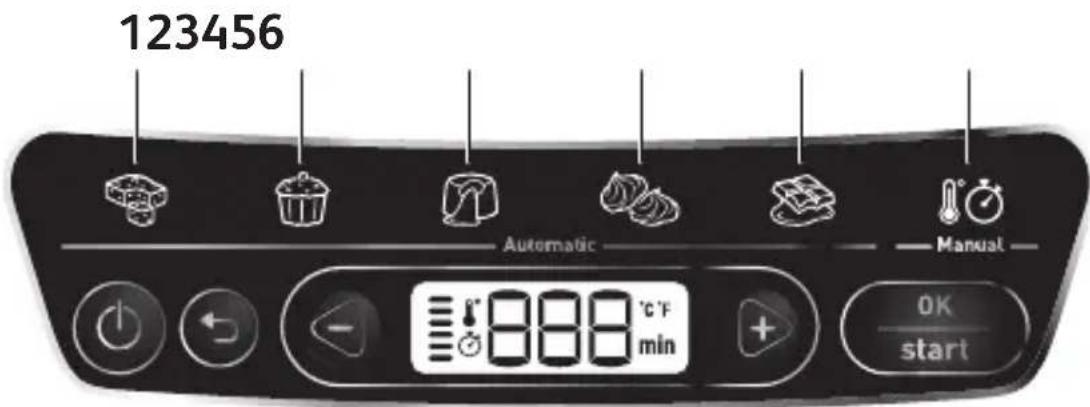
text_image
123456 Automatic Manual 0K start5 Automatic Programs:
1 Cakes to share program
2 Individual cakes program
3 Lava cake program
4 Meringue program
5 Melting chocolate program
6 Manual program
Cooking Tip: There is a program suited for each recipe type. Depending on the selected program, a default cooking time is indicated. There are several recipes per program. For this reason, it may be necessary to adjust the time based on the chosen recipe (see the list of recommended times per recipe). Preheating is not required, and cooking starts when the program is launched, once the appliance is closed and start has been pressed.
Caution: To ensure best results, it is essential to follow the recipe and to respect the proportions.
A. Choosing the Cooking Program
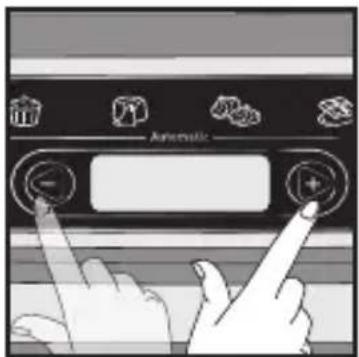
text_image
Automatic1
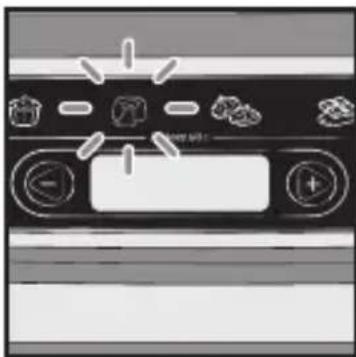
natural_image
Top-down view of a vintage computer monitor with control buttons and icons (no readable text or symbols)2
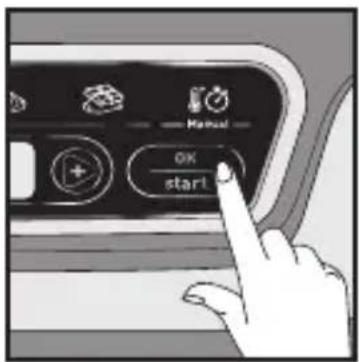
text_image
OK start3
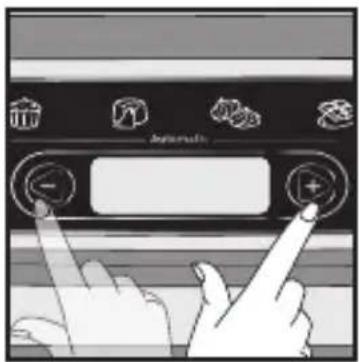
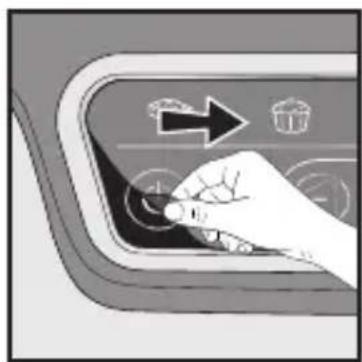
Once the preparation has been poured into the mould and the cover has been closed:
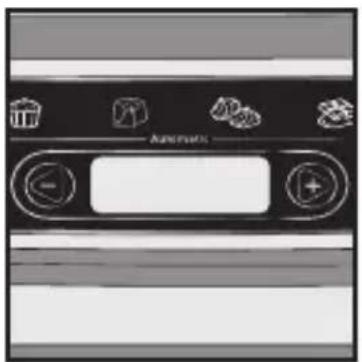
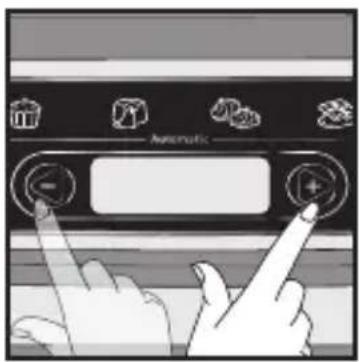
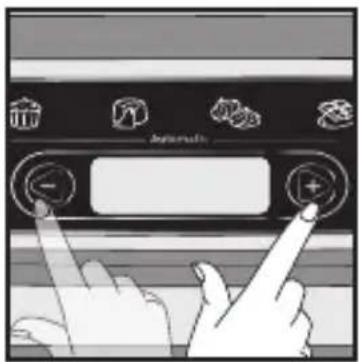
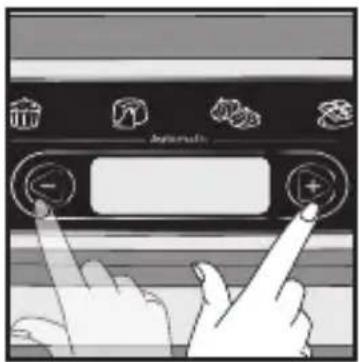
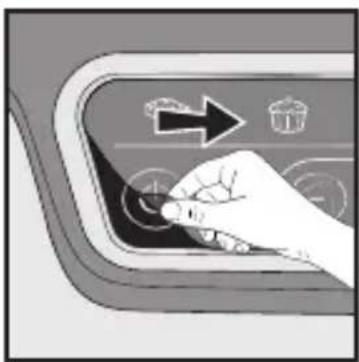
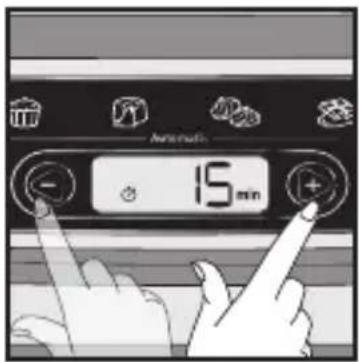
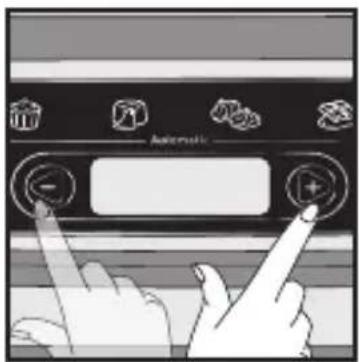
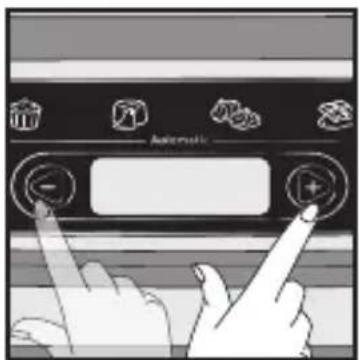
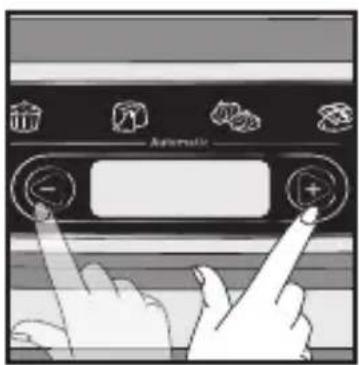
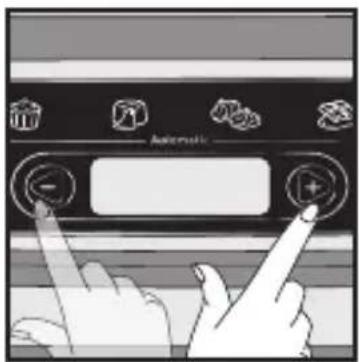
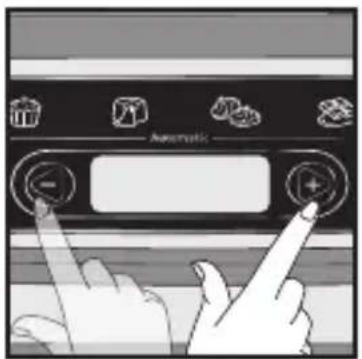
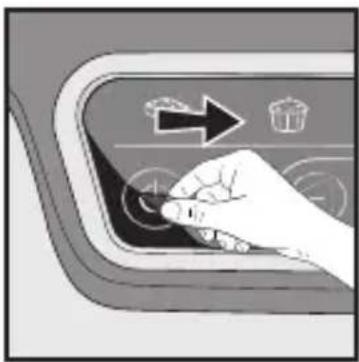
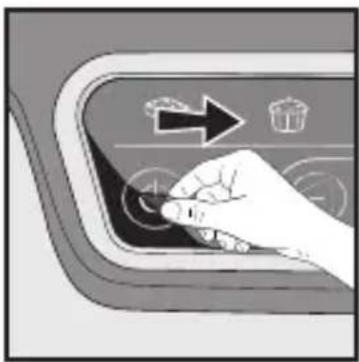
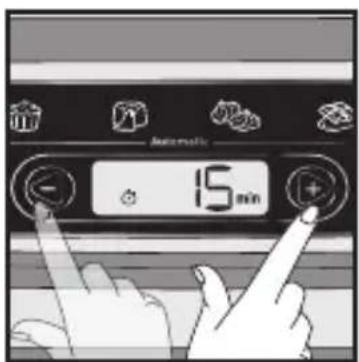
- Scroll through the cooking programs using the - and + buttons.
- The chosen pictogram flashes.
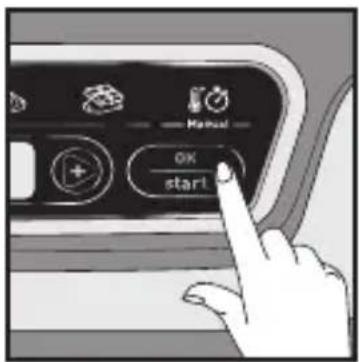
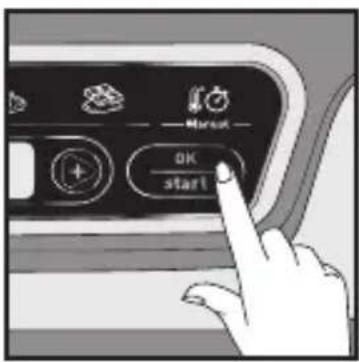
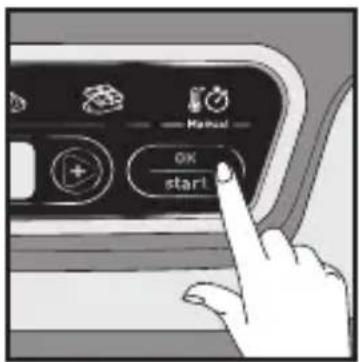
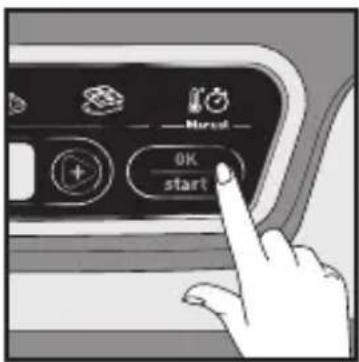
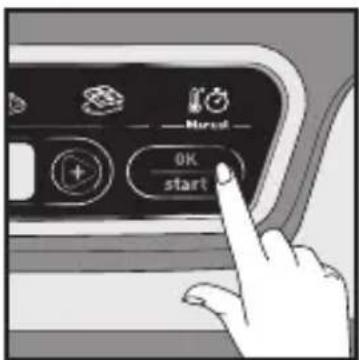
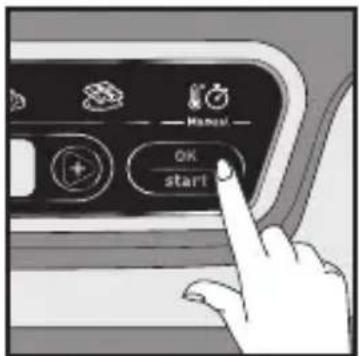
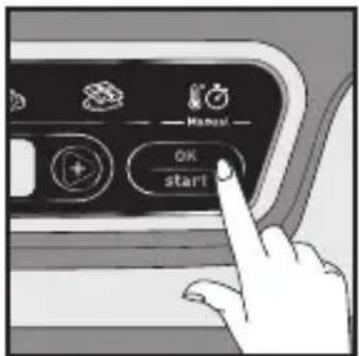
- Press the OK button to confirm.
B. Using an Automatic Program
natural_image
Front view of a kitchen appliance panel with icons for kitchen utensils, no visible text or symbols1
text_image
Automatic -5 min2
text_image
Automatic 15 min3
text_image
OK start4
text_image
Autom.5
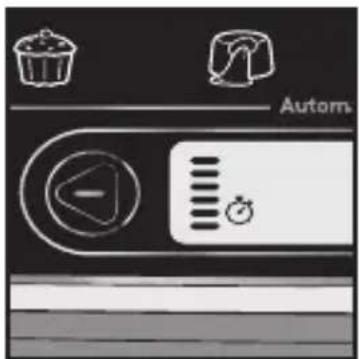
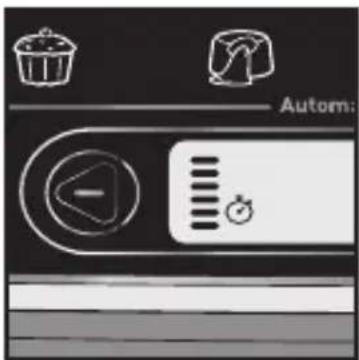
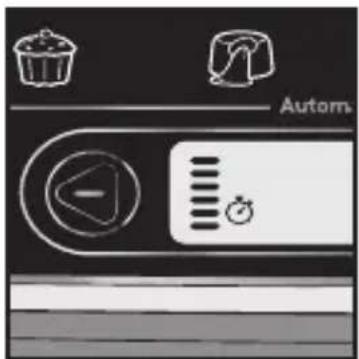
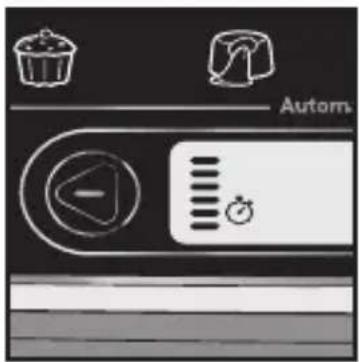
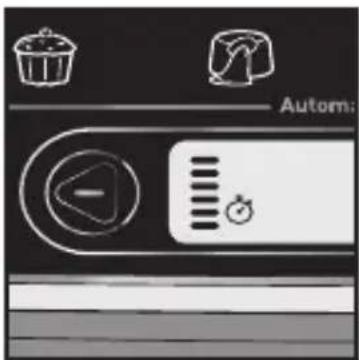
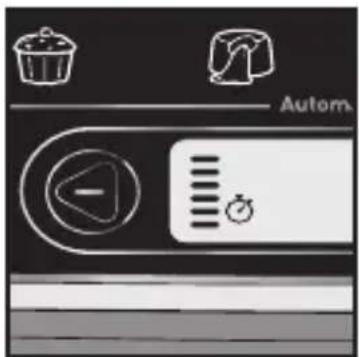
- Once the cooking program is selected, the corresponding indicator light is solidly lit.
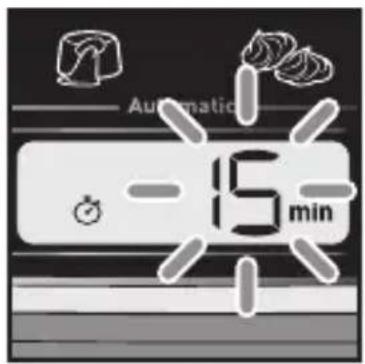
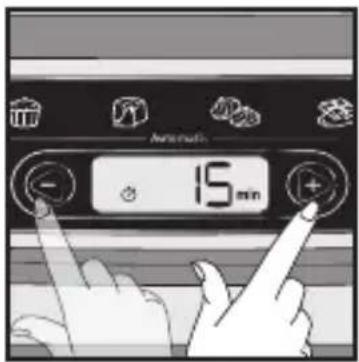
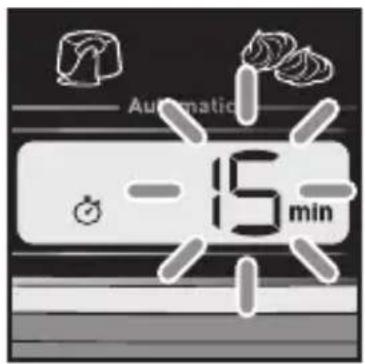
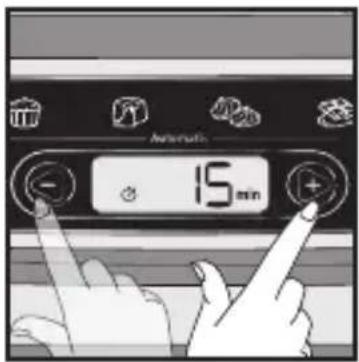
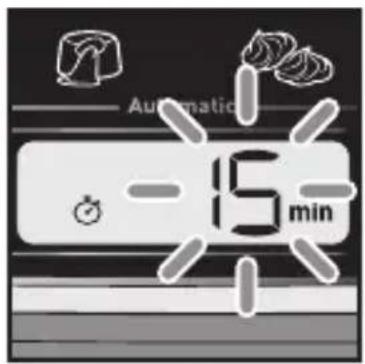
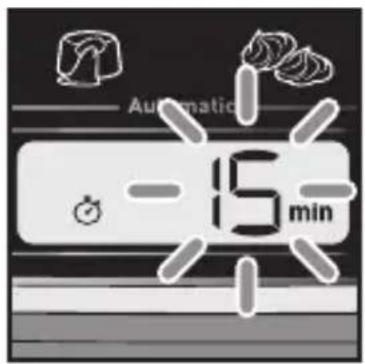
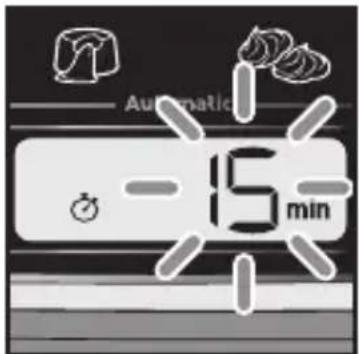
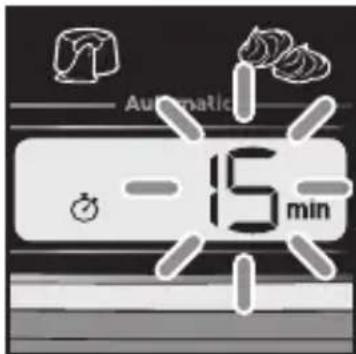
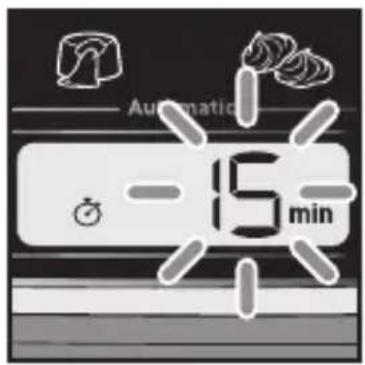
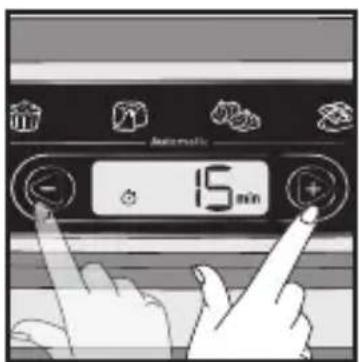
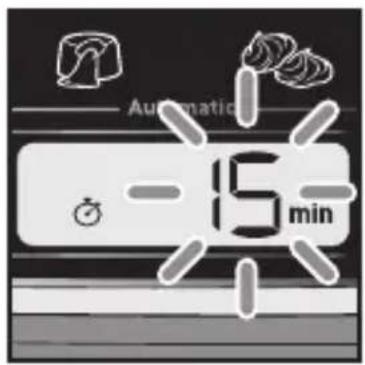
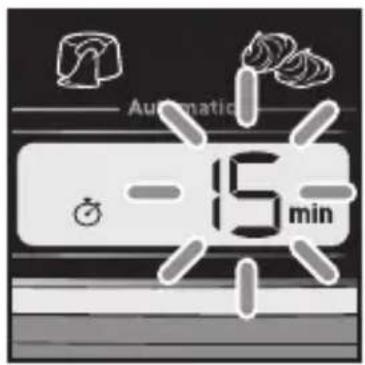
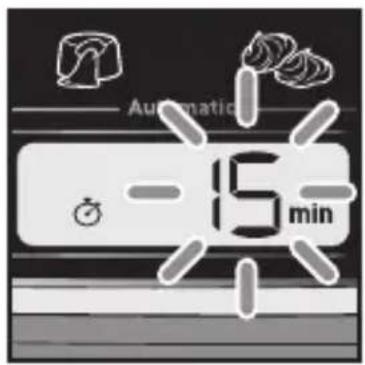
- A default cooking time flashes.
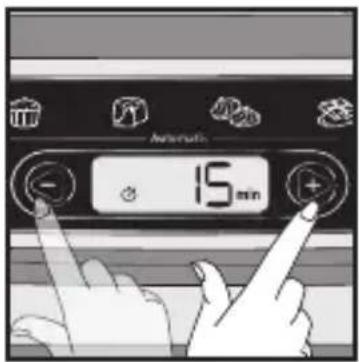
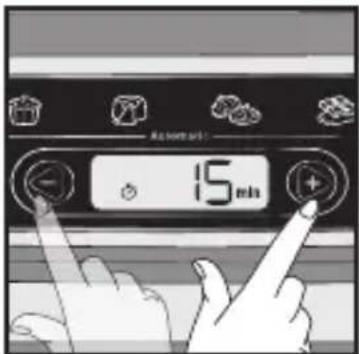
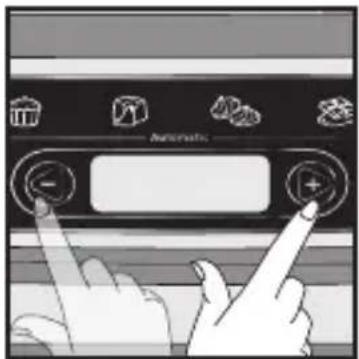
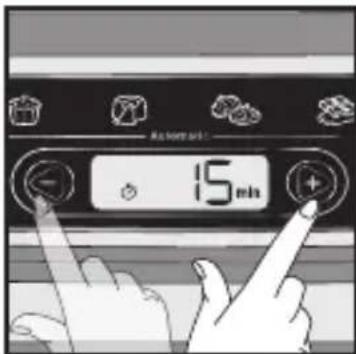
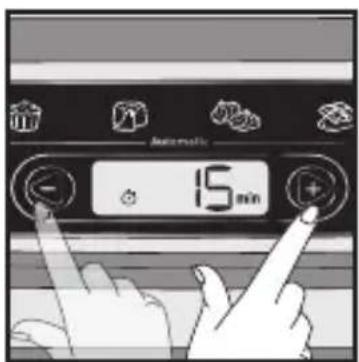
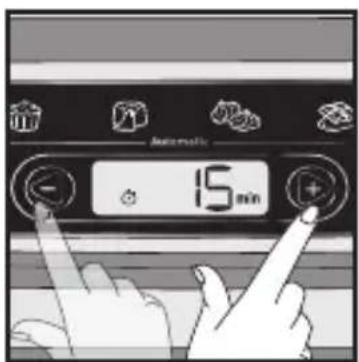
- Press the + and - buttons to modify the time, if required.
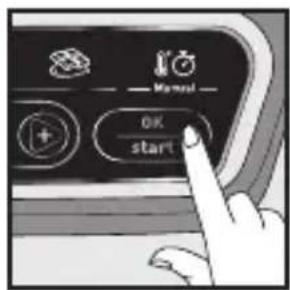
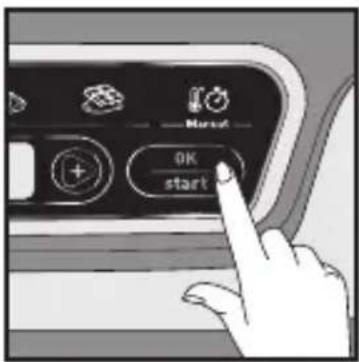
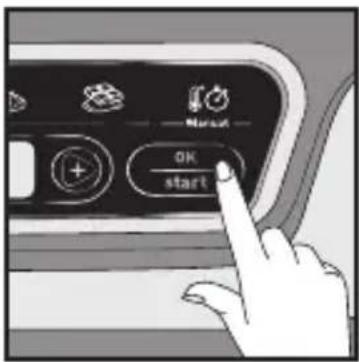
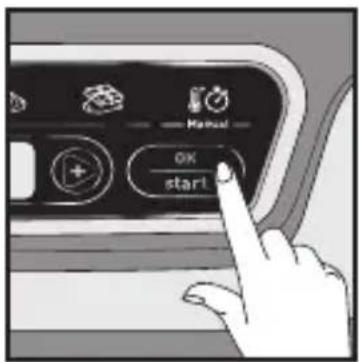
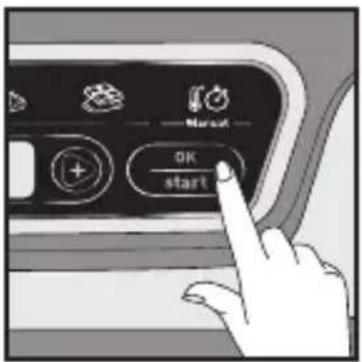
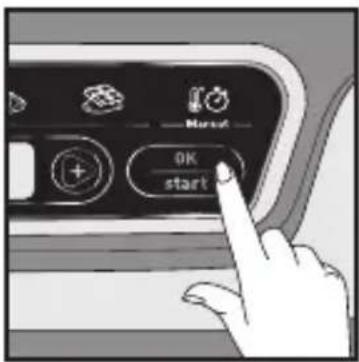
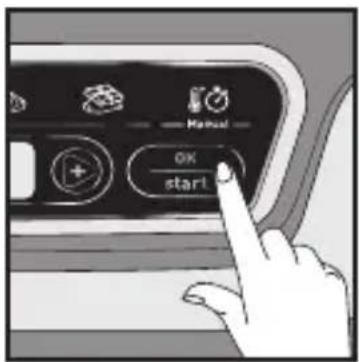
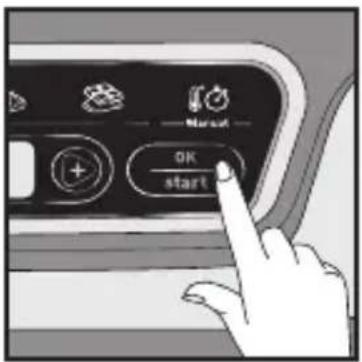
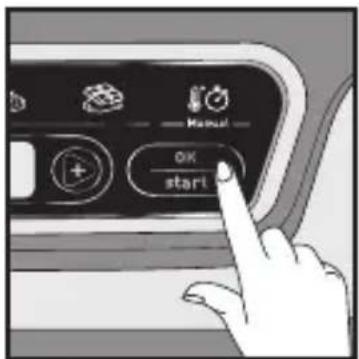
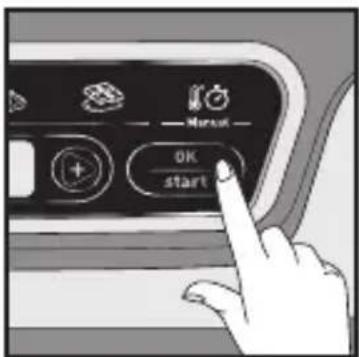
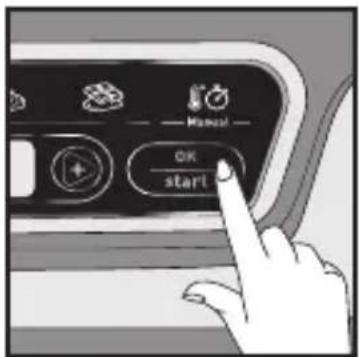
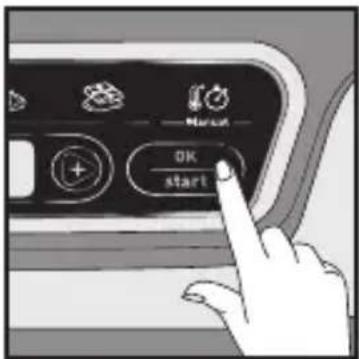
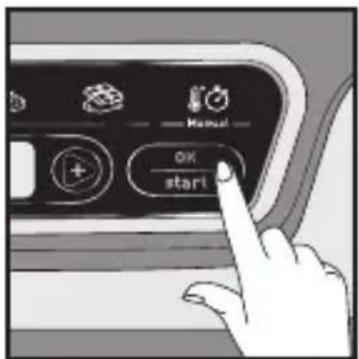
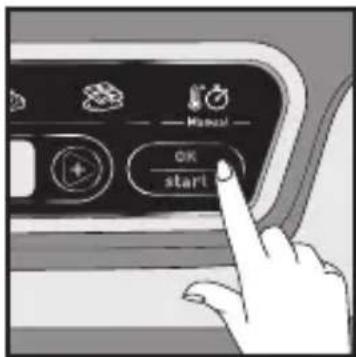
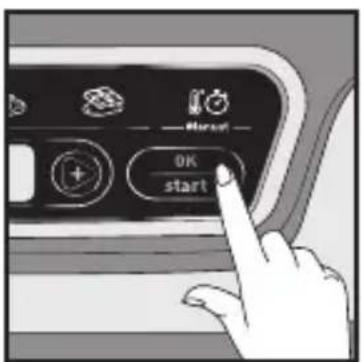
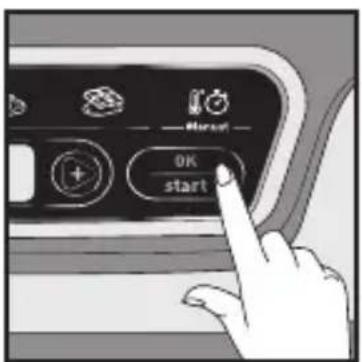
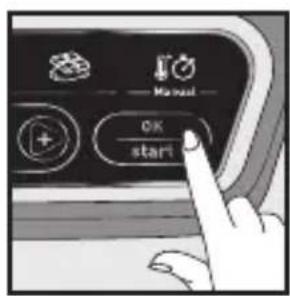
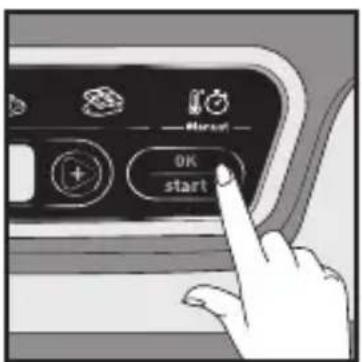
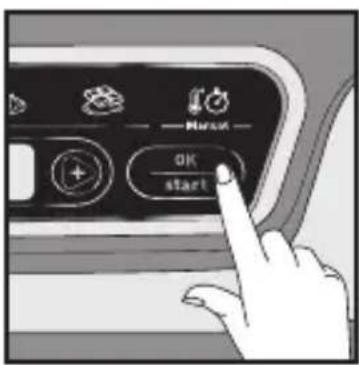
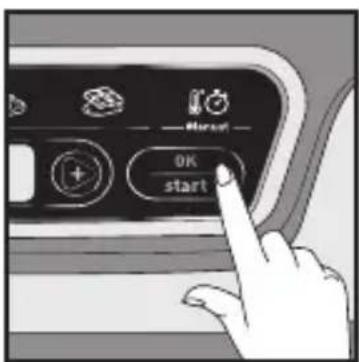
- Ensure that the lid is closed. Press the Start button to confirm and start cooking. The time display stops flashing.
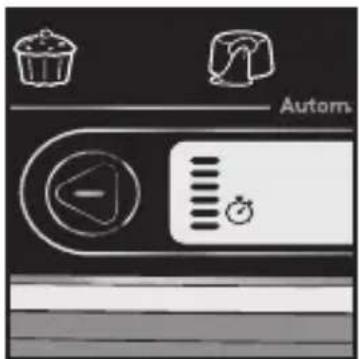
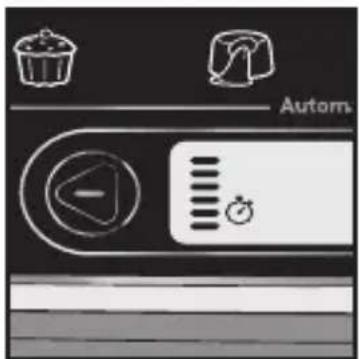
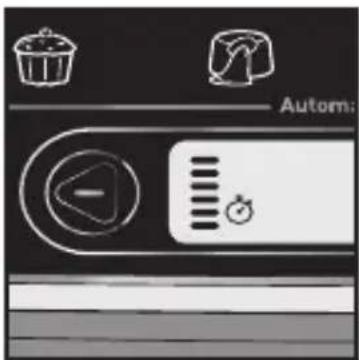
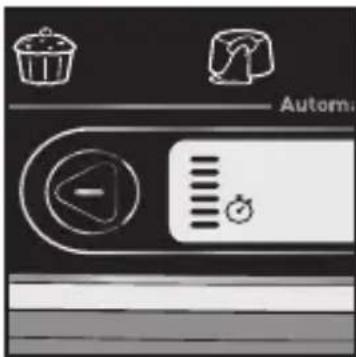
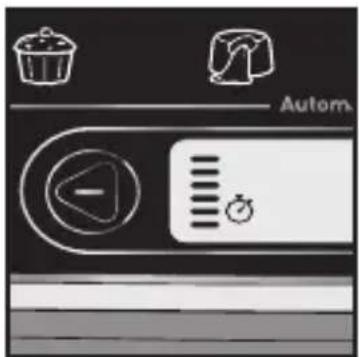
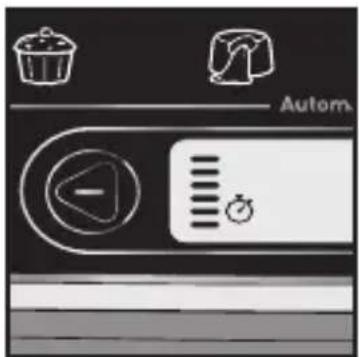
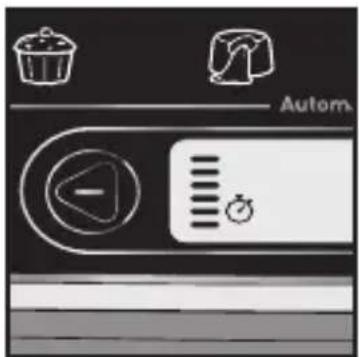
- Cooking has started. The graphic on the screen's left indicates that a cooking cycle is under way and that the appliance is heating. The time counts down by the minute, and then by the second during the last minute.
Note: Each subsequent time the appliance is used, the time displayed defaults to the previous time used.
C. Using the Manual Program
text_image
Manual1
text_image
150°C2
text_image
Automatic 150°3
text_image
OK start4
text_image
Automatic -15 min5
text_image
15 min6
text_image
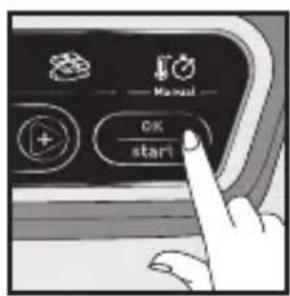
Manual OK start7
text_image
Autom:8
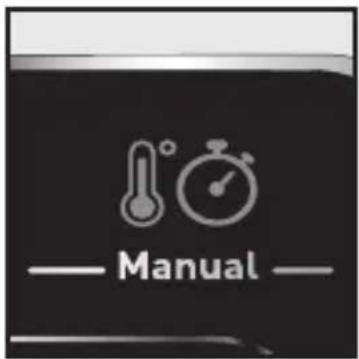
- Once the cooking program is selected, the corresponding indicator light is solidly lit.
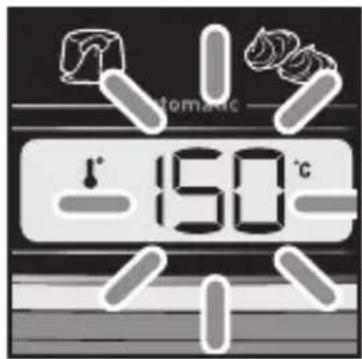
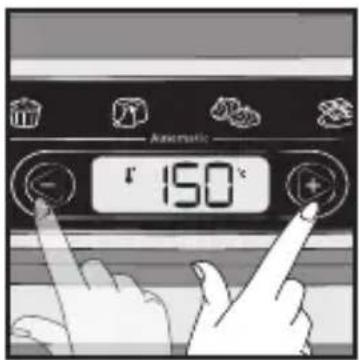
- A default temperature flashes.
- Press the + and - buttons to modify the temperature, if required.
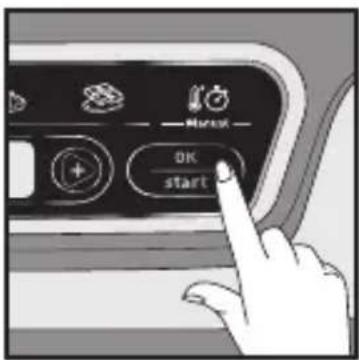
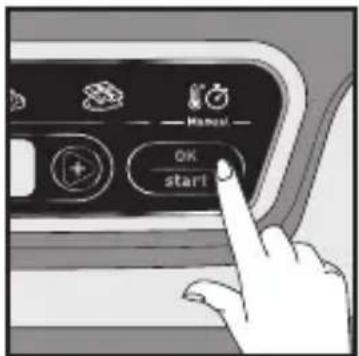
- Press the OK button to confirm.
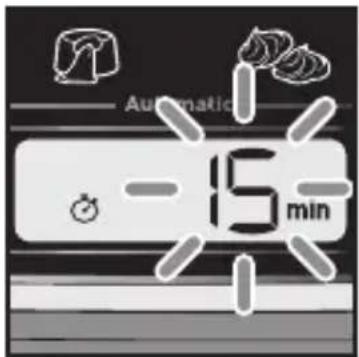
- A predefined cooking time flashes.
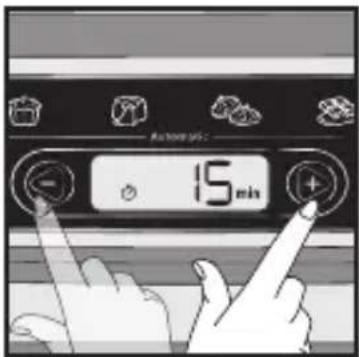
- Press the + and - buttons to modify the time, if required.
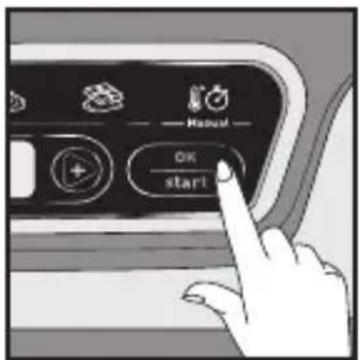
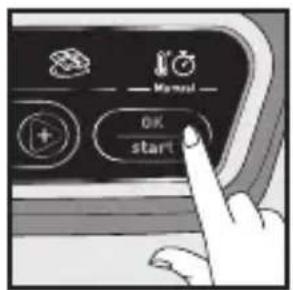
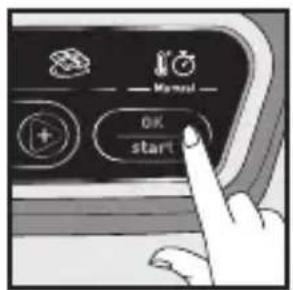
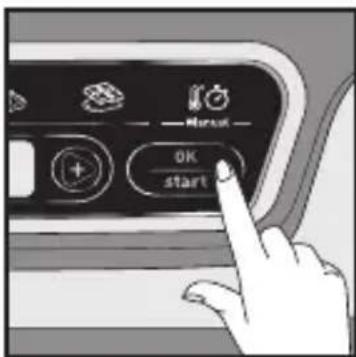
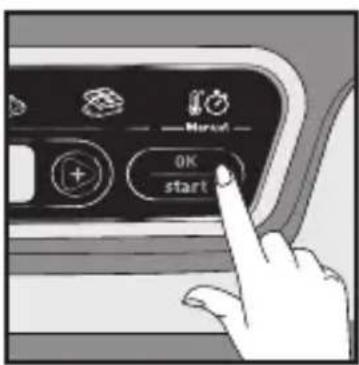
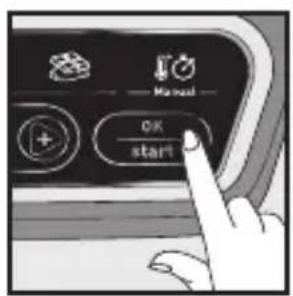
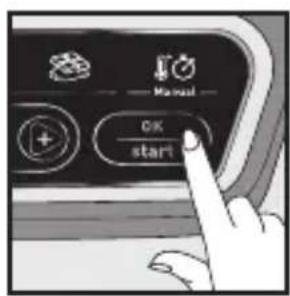
- Press the Start button to confirm and start cooking, and the time display will stop flashing.
- Cooking has started. The graphic on the screen's left indicates that a cooking cycle is underway and that the appliance is heating. The time counts down by the minute, and then by the second during the last minute.
Note: Each subsequent time the appliance is used, the time and temperature displayed default to the previous time and temperature used.
D. End of a Program (Automatic or Manual)
text_image
Diagram showing a kitchen appliance with a speaker icon and digital display, likely indicating sound or audio signal.123
text_image
OK start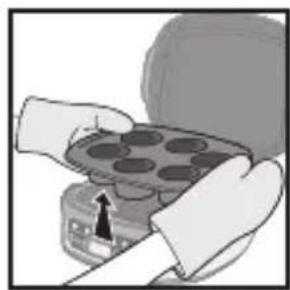
natural_image
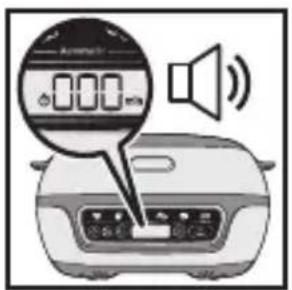
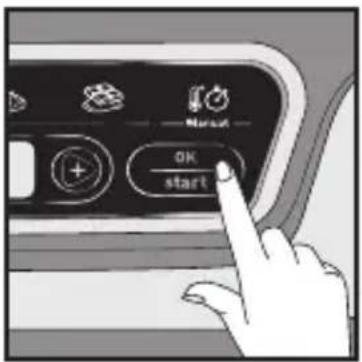
Illustration of hands holding a tray with circular indentations, no text or symbols visible- The time reaches 000 and the appliance beeps to signal the end of cooking.
- Press OK once to stop the ring, the display 000 flashes.
- The use of hand protection (oven glove) to prevent burns when handling hot dishes or moulds is necessary.
Caution: It is important to open the appliance and to quickly remove the cakes so that they do not continue to cook.
E. Extend a Cooking Cycle (Automatic or Manual)
text_image
Automatic1
text_image
OK start2
text_image
Automatic 5 min3
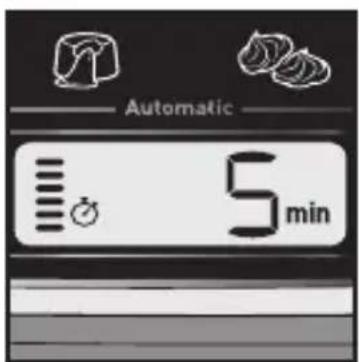
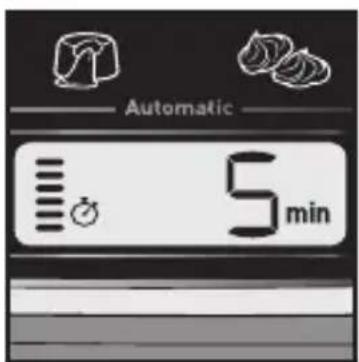
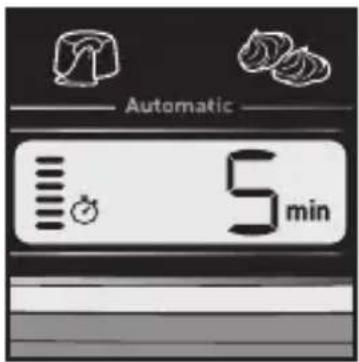
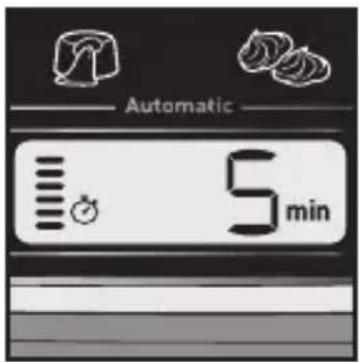
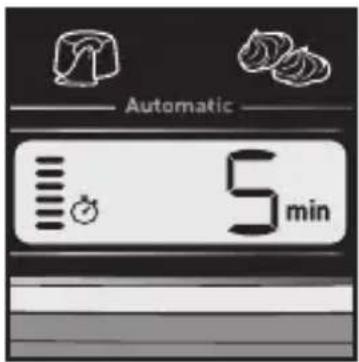
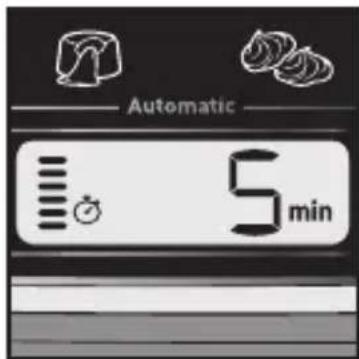
- At the end of the program, in the event where the cake is undercooked, it is possible to increase the cooking time by directly pressing the + and - buttons. Close the cover again.
- Once the additional time has been entered, press Start to continue cooking.
- The time display stops flashing and the minute-by-minute countdown starts. Cooking continues. The graphic on the screen's left indicates that a cooking cycle is under way and that the appliance is heating.
F. Relaunch the Same Program
Automatic and Manual
text_image
×1 OK start1
-
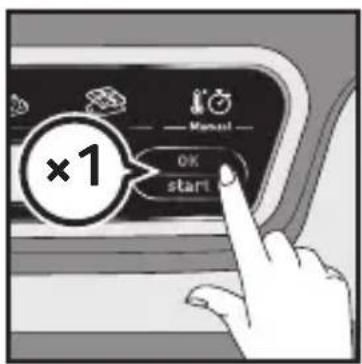
After having turned off the beep, press the OK button a second time to display the time. The last cooking time used is displayed and flashes.
-
Press OK to start the program.
G. Relaunch a Different Program
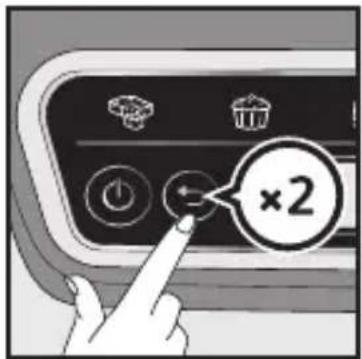
After an Automatic Program
text_image
×21
-
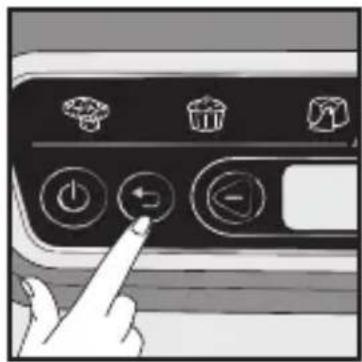
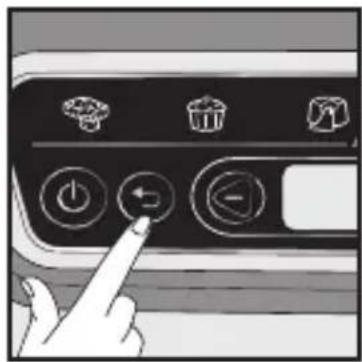
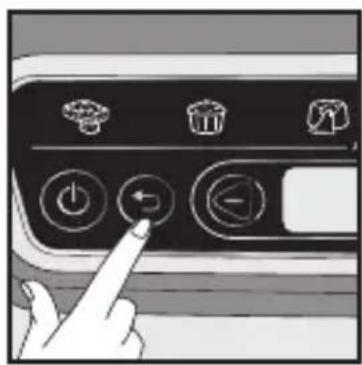
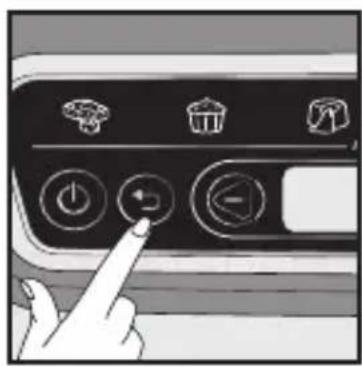
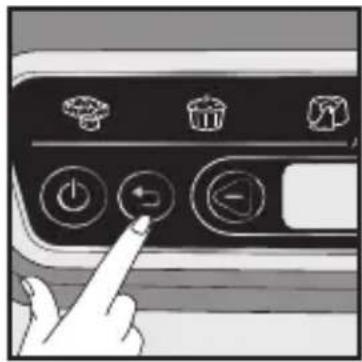
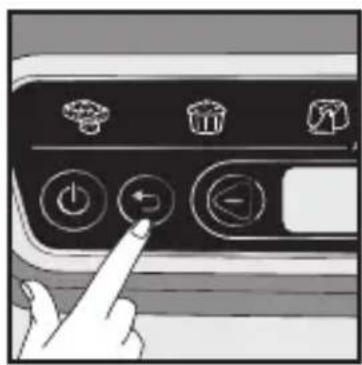
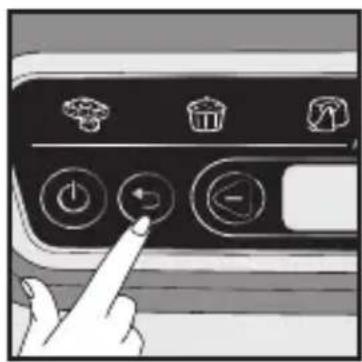
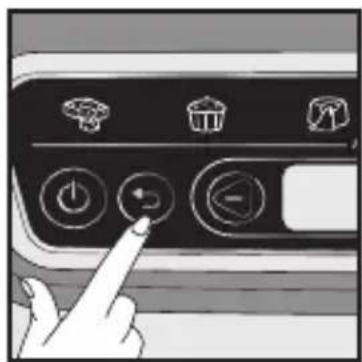
After having turned off the beep, press the Back button to return to the program selection screen.
-
Please refer to Part A to choose the program.
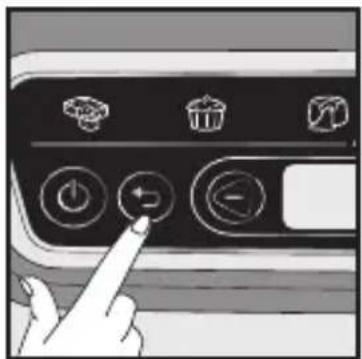
After a Manual Program
text_image
Hand interacting with a control panel showing icons for battery, trash bin, and fan switch1
-
After having turned off the beep, press the Back button to return to the program selection screen.
-
Please refer to Part C to start the program.
Modifying the Time and the Program Under Way
Caution: when the time is modified during cooking, the results can no longer be guaranteed. It is preferable to relaunch the full program.
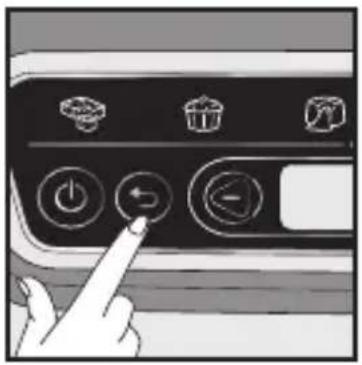
Only possible if the elapsed cooking time <2min
natural_image
Hand pressing a button on a computer control panel with icons for battery, trash bin, and fan (no text or symbols)1
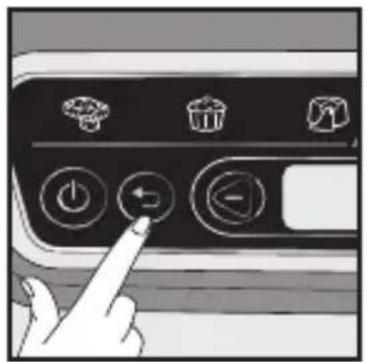
text_image
Hand interacting with a control panel showing icons for power, trash, and directional buttons2
text_image
Diagram showing hand pressing a button labeled 'Automatic' with icons for battery, recycling, and recycling.3
text_image
OK start4
Caution: the + and - buttons are inactive as long as the time is <2min.
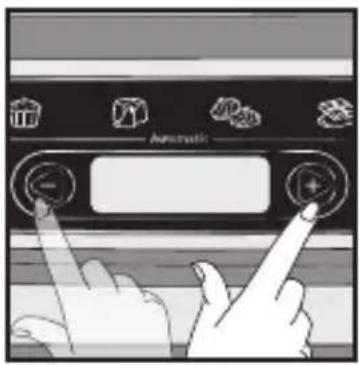
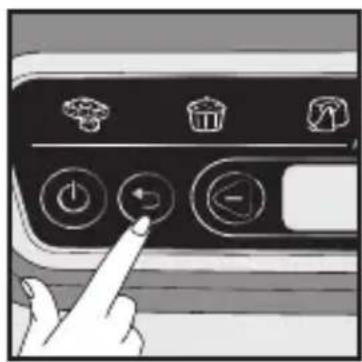
- Press the Back button to return to the time selection screen. The displayed time flashes.
- If required, press the Back button a second time to return to the program selection screen.
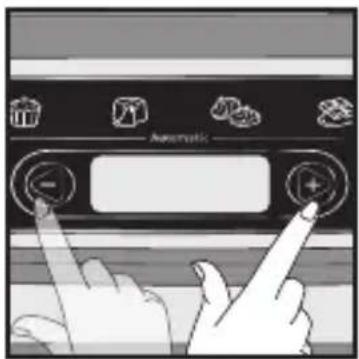
- Press the + and - buttons to choose a program again and/or to modify the time.
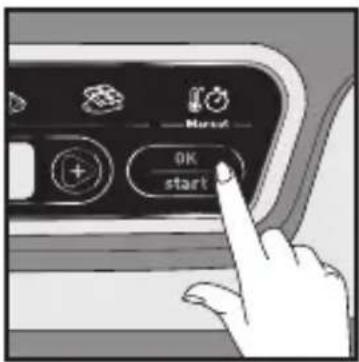
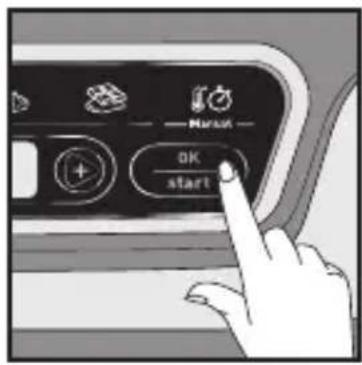
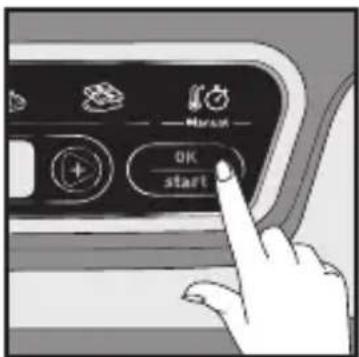
- Confirm by pressing Start to restart cooking.
Only possible if the elapsed cooking time >2min
Ability to modify the time.
text_image
Automatic1
text_image
OK start2
text_image
Automatic 12 min3
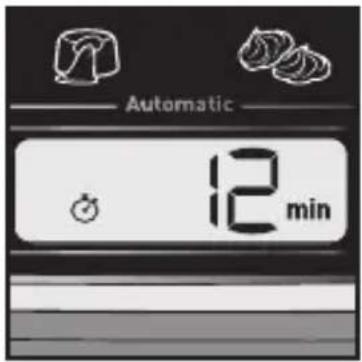
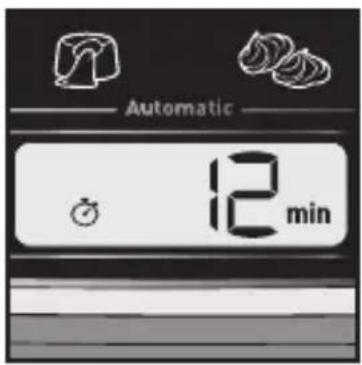
- After the first two minutes of cooking, the Back button is no longer active. Press the + or - button directly to modify the time. The time flashes.
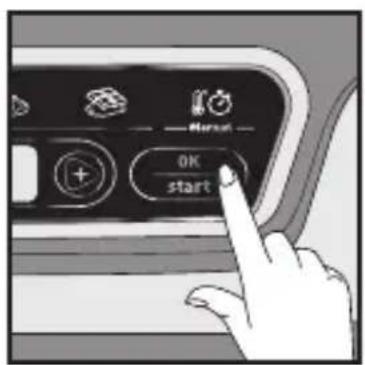
- Press OK to confirm the new value.
- The time is modified and the display stops flashing again, and cooking continues.
Caution: If no confirmation occurs within 5 seconds, the time returns to the original time, without modifying the program.
The Back button is no longer active after the first two minutes of cooking.
Maintenance and Cleaning
natural_image
Hand pointing at a control panel with icons for battery, refrigerator, and power button (no text or symbols)1
natural_image
Hand holding a plug inserted into an electrical outlet, with an arrow indicating direction (no text or symbols)2
text_image
2H3
natural_image
Illustration of a kitchen appliance with a grater and a dish, showing internal components (no text or symbols)4
natural_image
Illustration of a toaster with a hand holding a brush and a crossed-out screwdriver, alongside a diagram showing no text or symbols.5
natural_image
Illustration of a toaster placed on a shelf with a rack and door (no text or symbols)6
natural_image
Illustration of a hand holding a device with a cross mark, emitting steam (no text or symbols)7
natural_image
Two handbags hanging against a diagonal line with 'X' symbols (no text or labels)8
Caution: All repairs must be done by an authorised service centre.
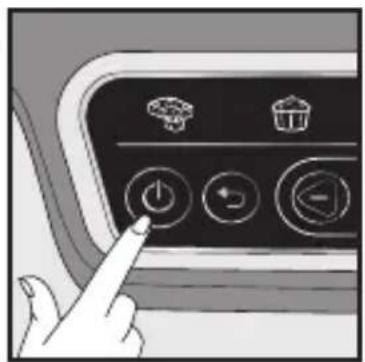
- Press the ON/OFF button to turn off the appliance.
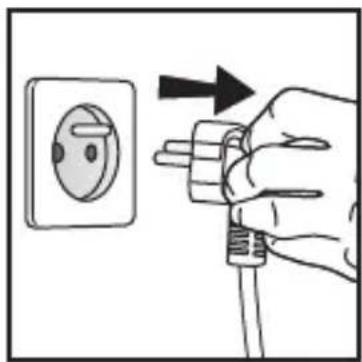
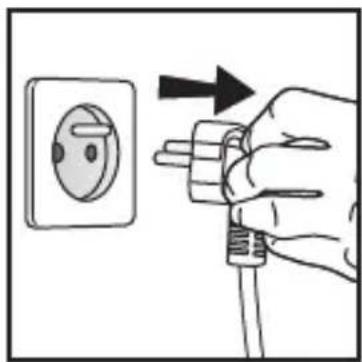
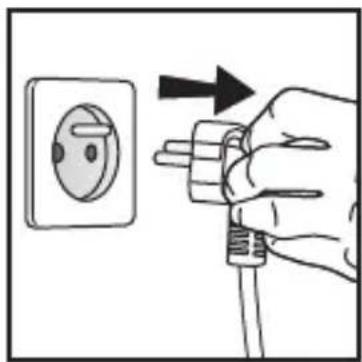
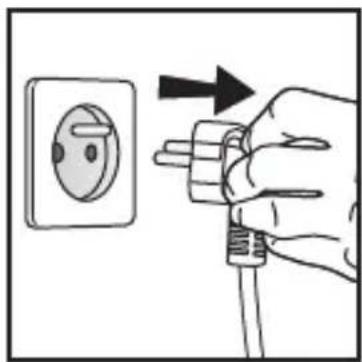
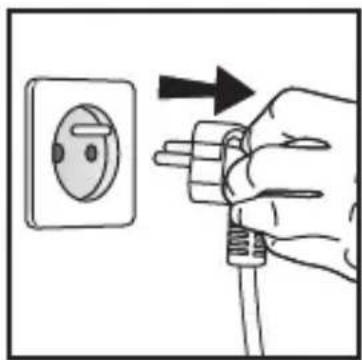
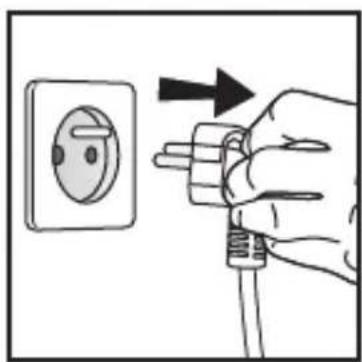
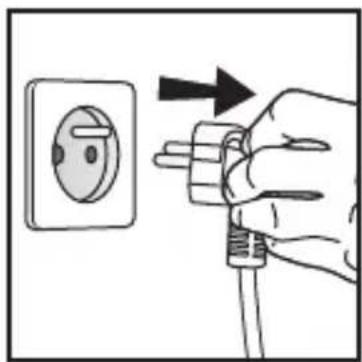
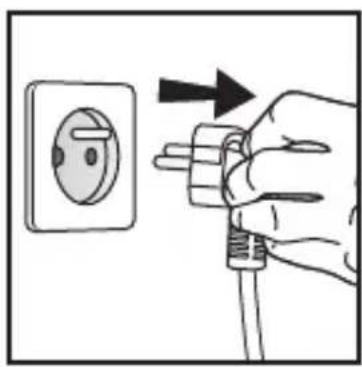
- Unplug the device.
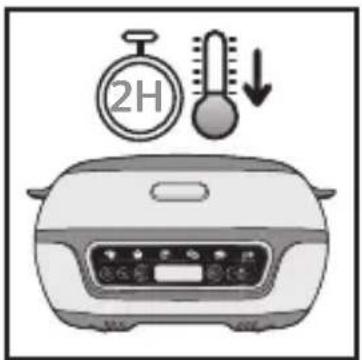
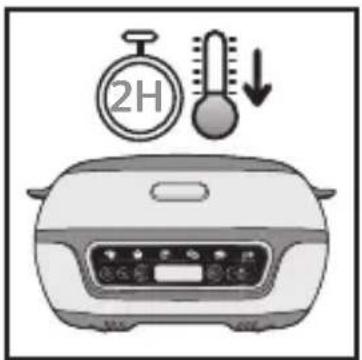
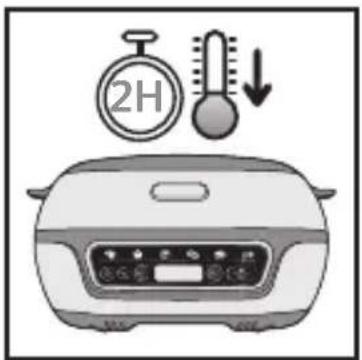
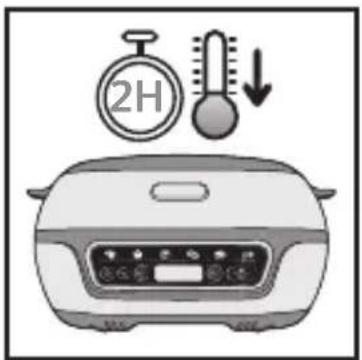
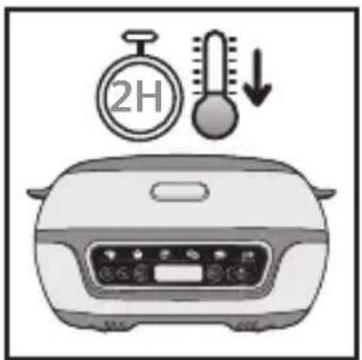
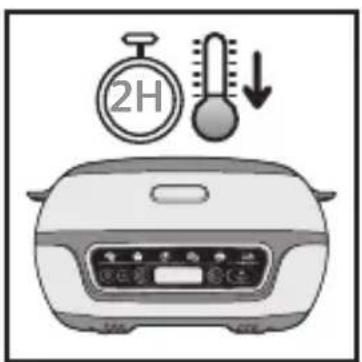
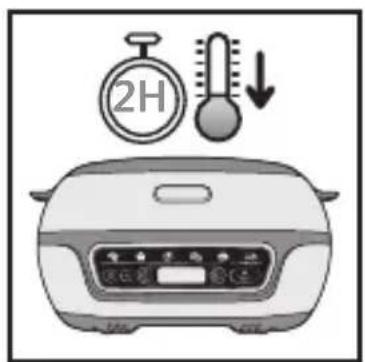
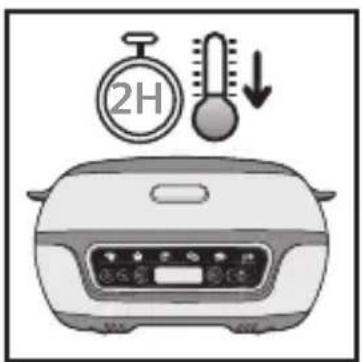
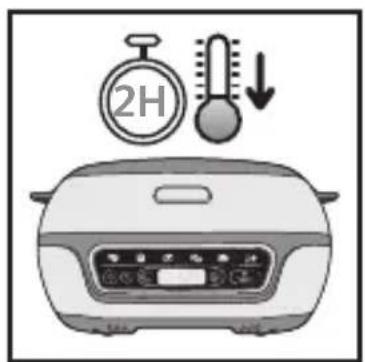
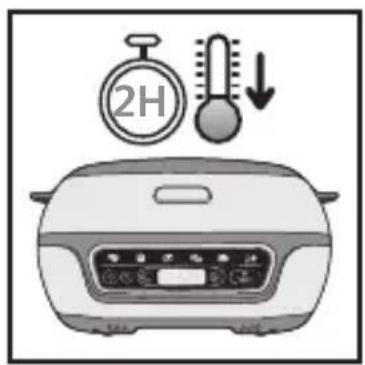
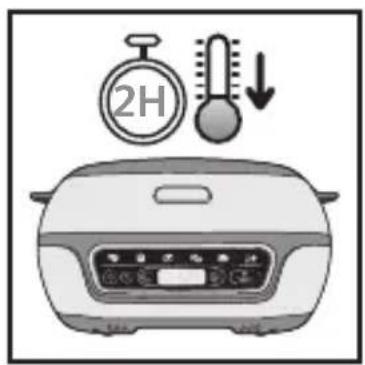
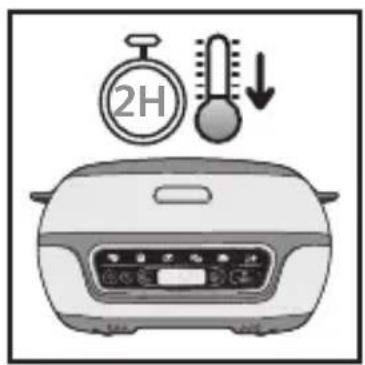
- Let the Cake Factory cool for at least 2 hours.
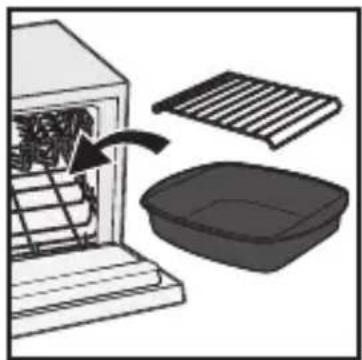
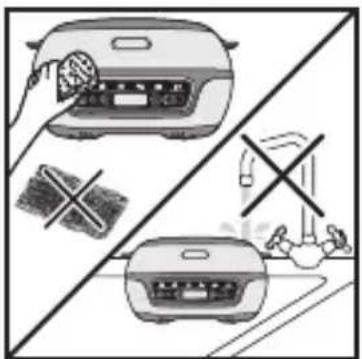
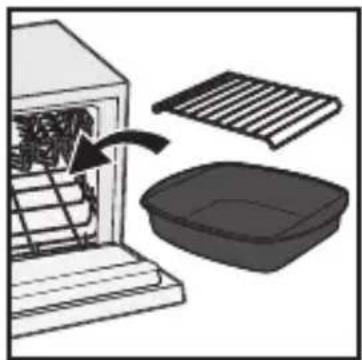
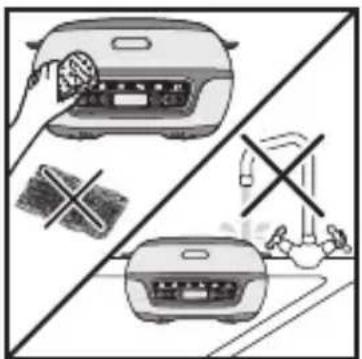
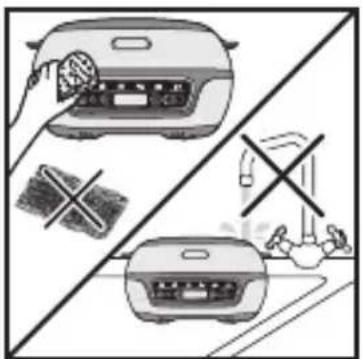
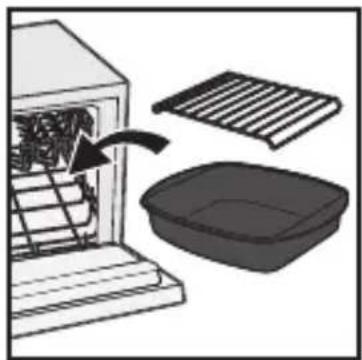
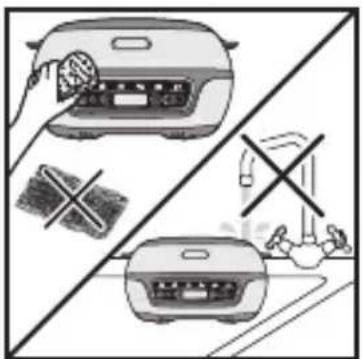
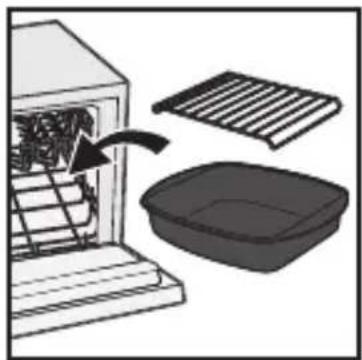
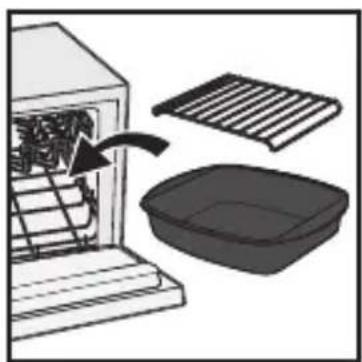
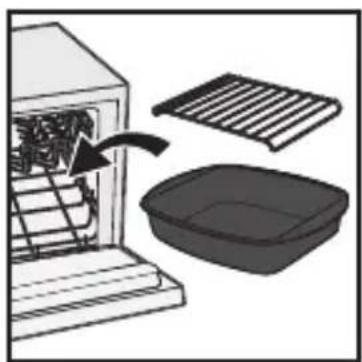
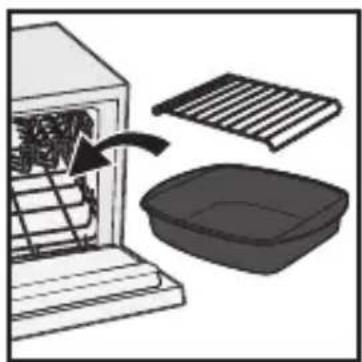
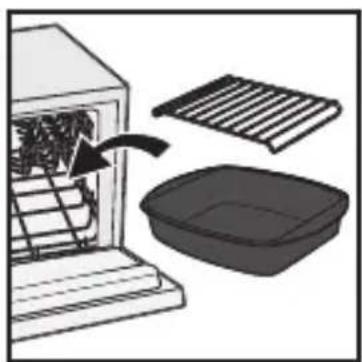
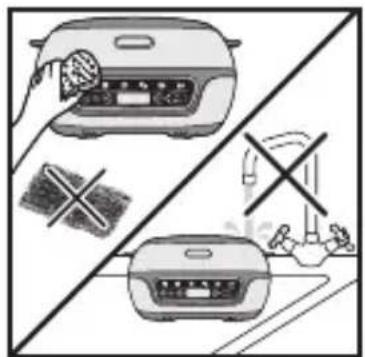
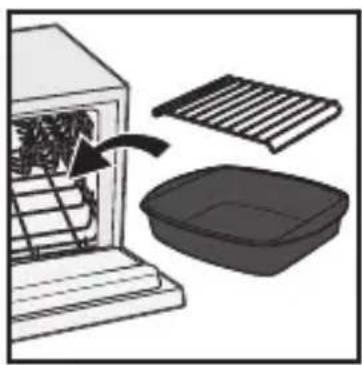
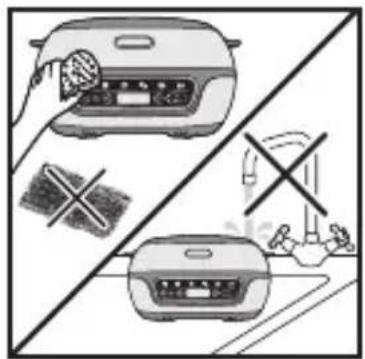
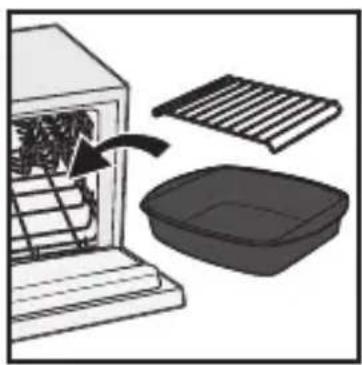
- The cooking accessories are dishwasher-safe. Putting the silicone moulds in the dishwasher is not recommended. The appliance and its power cord must never be put in the dishwasher, nor under water. Wash the moulds in hot water and some washing-up liquid, then rinse thoroughly to remove all residue.
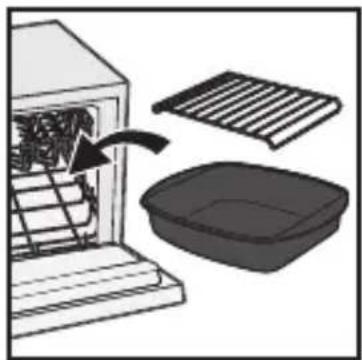
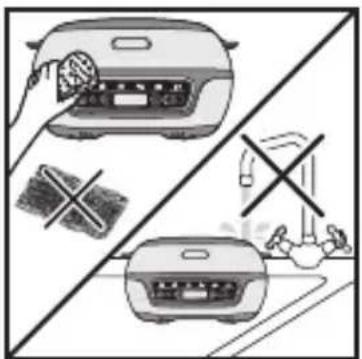
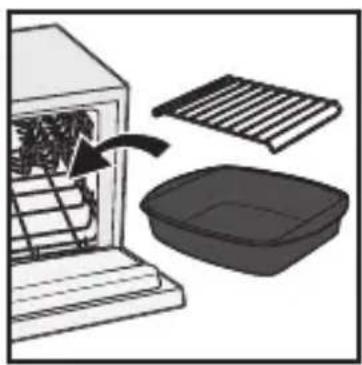
- Dry them thoroughly. Do not use any metal scouring pads, steel wool or abrasive cleaning products to clean the non-stick mould. Only use nylon or non-metallic cleaning pads. To clean the lid, use a sponge soaked in hot water and dry using a soft, dry cloth. Never immerse the appliance in water or in another liquid.
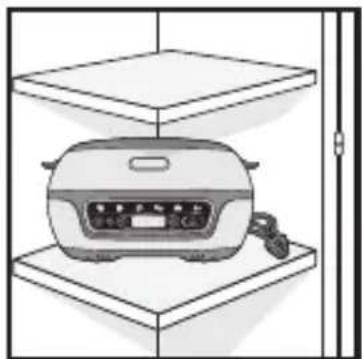
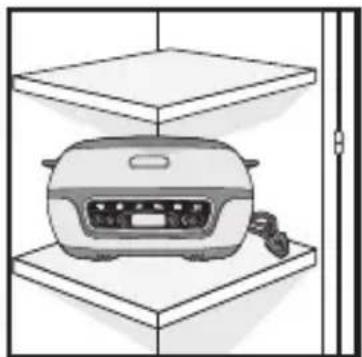
- Always ensure that the appliance is clean and dry prior to storage.
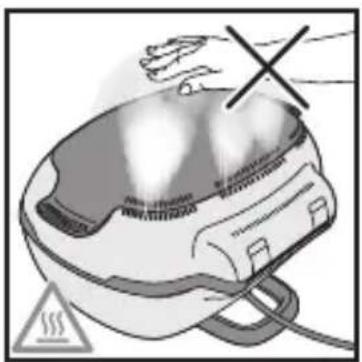
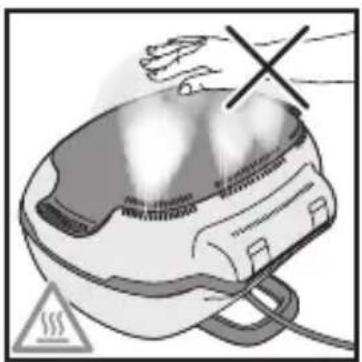
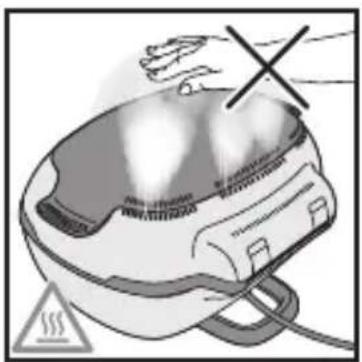
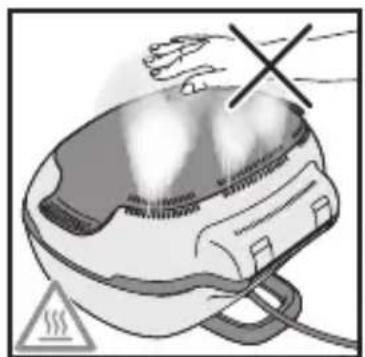
- Do not touch the hot parts of the appliance when in use. Please keep hands and face away from steam releasing from the back of the appliance.
- Do not carry or hang the appliance by it base or power cord. Be careful when moving the appliance.
- Regularly clean the outside of the appliance.
After use, there may be a change in colour. This phenomenon is normal and linked to the temperatures required to cook food. Any yellowing is not a health hazard and does not change the appliance's operating qualities.
Cooking Guide
The cooking times are provided for information only.
| Dedicated Programs Recipe | Time Accessory | |||
 | 1. Cakes to share | Sponge cake 25 min |  | |
| Yoghurt cake 35 min | ||||
 | 2. Individual cakes | Blueberry muffins 34 min | 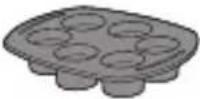 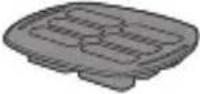 | |
| Cupcakes 35 min | ||||
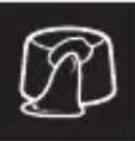 | 3. Lava cakes Chocolate | 17 min | 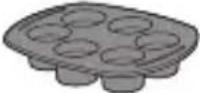 | |
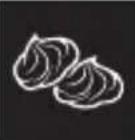 | 4. Meringues Swiss meringue | 105 min | 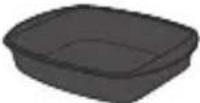 | |
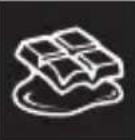 | 5. Melting chocolate | White or milk chocolate | 6 min/9 min | 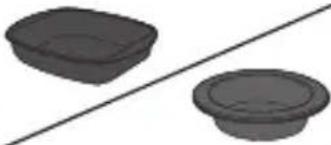 |
| Dark chocolate | 7 min/11 min | |||
| Chocolate+butter 8min | Non-stick aluminium mould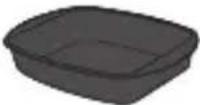 | |||
Find complete recipes on our application.
Troubleshooting to achieve great results
| Examples Tips | |
| Lava cakes will be undercooked if there is too much butter with respect to the recommended ingredient weight.Lava cakes will be overcooked if there is too much flour with respect to the recommended ingredient weight. | Carefully observe ingredient quantities. |
| Lava cakes or cakes will be overcooked if left in the Cake Factory after the ringing signal is produced at the end of cooking. | Carefully remove the mould at the end of cooking, as recommended in the guide. |
| Lava cakes will be overcooked if the batter has been beaten rather than simply stirred. | Carefully follow the actions recommended in the recipe. |
| Muffins will be crumbly when turned out if the ingredients are mixed indiscriminately. | Carefully follow the order of the steps for incorporating the recipe's ingredients. |
| The flavour and texture of my cakes are lacking. | To ensure optimal results, take care to check that the ingredients are of good quality and unexpired. |
| The bottom of the red berry lava cake will be undercooked if the fruit coulis centre is not placed in the freezer for 4 hours prior to baking. | Carefully observe the ingredient set-up times recommended in the recipe. |
Troubleshooting Guide
| Problem Solution | |
| Er00 or Er003 | Appliance failure:Unplug the appliance and contact your customer service or a repair centre. |
| Er01/Er02/Er04/Er05/Er06 | Unplug the appliance and wait a few minutes.Then plug in your appliance again and turn it on.If the problem persists, contact your customer service or a repair centre. |
| The displayed time flashes If the displayed time is correct, press OK to confirm. | |
| The displayed temperature flashes | If the displayed temperature is correct, press OK to confirm. |
| The illuminated program flashes If the displayed program is correct, press OK to confirm. | |
| The appliance does not close properly | Open the appliance, check that the support grid has not been left under the non-stick cooking mould.Check whether you are using a silicone mould taller than 4.5 cm. If this is the case: remove the support grating.The mould used is not suitable for this appliance: use a mould that conforms with this appliance's conditions for use. |
| The time has reached 000, but the level of cooking is insufficient | At the end of cooking, after having turned off the beep sound by pressing OK once, close the appliance again and add some time using the – and + buttons, then confirm by pressing OK. |
| During cooking, after a modification to the cooking time, the cooking time automatically returns to the initial time | After having modified the time, press OK to confirm. |
| After a cooking program has been launched, it is not possible to modify the cooking time | Wait for 2 minutes to elapse after the launch of the program to modify the time using the – and + buttons. |
INHALT
text_image
Labeled diagram of a food appliance with numbered parts for identificationBeschreibung
natural_image
Illustration of a pouring liquid into a mold with circular cavities (no text or symbols)natural_image
Illustration of a portable appliance with lid and control panel (no text or symbols)natural_image
Illustration of an open oven with a black lid and control panel (no text or symbols)natural_image
Close-up of a kitchen appliance with a metal grate and a small tool inserted (no visible text or symbols)natural_image
Illustration of a microwave oven with six circular cavities and a black arrow pointing to the lid (no text or symbols)natural_image
Illustration of a microwave oven with lid open and tray, no text or symbols visiblenatural_image
Illustration of a hand washing contents in a bowl with a magnified inset showing the object (no text or symbols)natural_image
Illustration of a container pouring liquid into a square basin (no text or symbols)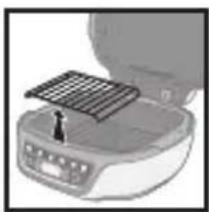
natural_image
Close-up of a portable electronic device with a grid tab and control panel (no visible text or symbols)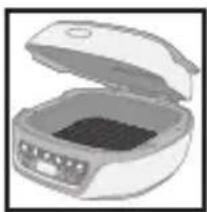
natural_image
Illustration of an open lid with a dark inner container (no text or symbols visible)natural_image
Illustration of a closed container with lid and side panel, no text or symbols visiblenatural_image
Illustration of an open refrigerator with a lid and front panel (no text or symbols visible)natural_image
Illustration of a microwave oven with open lid and side panel, shown in 3D view (no text or symbols)natural_image
Illustration of a portable electric cooker with a solar panel mounted on top (no text or symbols visible)natural_image
Illustration of an open refrigerator with a lid open, showing interior contents (no text or symbols visible)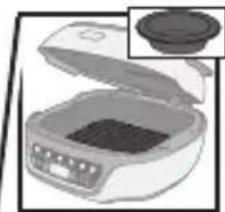
natural_image
Illustration of a food processor with lid and side panel, no visible text or symbolsnatural_image
Close-up of a portable food appliance with a grating and a small button, no visible text or symbolsnatural_image
Illustration of a portable food organizer with open lid and control panel (no text or symbols)Schließen
text_image
Diagram showing hand holding electrical socket connected to a plug, with no visible text or symbols1
natural_image
Hand pressing down on a curved surface with icons and arrows (no text or symbols)2
natural_image
Hand pressing a button on an air conditioner control panel (no text or symbols visible)3
natural_image
Black and white illustration of a vintage camera control panel with buttons and icons (no readable text or symbols)2
text_image
OK start3
natural_image
Front view of a kitchen appliance panel with icons for breakfast, lunch, and dinner (no readable text or symbols)1
text_image
Automatic -15 min2
text_image
Automatic 15 min3
text_image
Nursat OK start4
text_image
Autom.5
text_image
Habat OK start7
text_image
Autom:8
text_image
Diagram showing a kitchen appliance with a speaker icon and digital display, likely indicating sound or audio signal.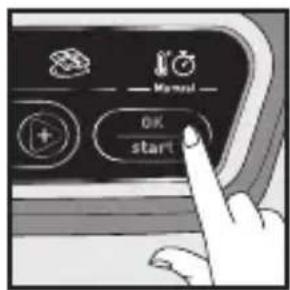
text_image
OK start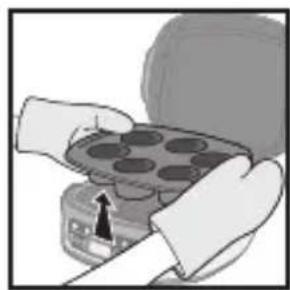
natural_image
Illustration of hands holding a tray with circular indentations, no text or symbols visible123
text_image
Midpoint OK start2
text_image
Automatic 5 min3
text_image
×1 OK start1
text_image
Hand interacting with a control panel showing icons for battery, trash bin, and fan switch1
natural_image
Hand pointing at a control panel with icons for power, battery, and fan (no text or labels visible)1
text_image
Hand interacting with a control panel showing power, trash bin, and directional buttons with icons2
text_image
Diagram showing hand pressing a button labeled 'Automatic' with icons for battery, recycling, and recycling.3
text_image
OK start4
natural_image
Hand pointing at a control panel with icons for battery, refrigerator, and power button (no text or symbols)1
natural_image
Hand holding a plug inserted into an electrical outlet, with an arrow indicating direction (no text or symbols)2
text_image
2H3
natural_image
Diagram showing a kitchen appliance with a grater and a dish, no text or symbols present4
natural_image
Illustration of a toaster with a hand holding a brush and a crossed-out screwdriver, alongside a diagram showing no text or symbols.5
natural_image
Illustration of a toaster placed on a shelf with a rack and door (no text or symbols)6
natural_image
Illustration of a hand holding a device with a cross mark, emitting steam (no text or symbols)7
natural_image
Two handbags hanging against a diagonal line with 'X' symbols (no text or labels)8
text_image
Labeled diagram of a cooking appliance with numbered parts for identificationBeschrijving
natural_image
Illustration of a pouring liquid into a decorative tray with circular indentations (no text or symbols)natural_image
Illustration of a portable appliance with lid and control panel (no text or symbols)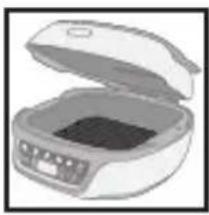
natural_image
Illustration of an open refrigerator with a closed lid (no text or symbols visible)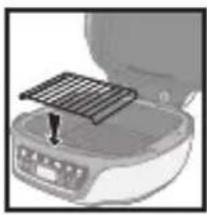
natural_image
Close-up of a kitchen appliance with a metal grate on top (no visible text or symbols)natural_image
Illustration of a microwave oven with six round cavities on top (no text or symbols)natural_image
Illustration of a microwave oven with open lid and circular panes (no text or symbols)natural_image
Illustration of a hand pouring liquid into a container with a magnified inset showing the container (no text or symbols)natural_image
Illustration of a hand pouring liquid into a square container (no text or symbols)rooster
natural_image
Close-up of a kitchen appliance with a mounted grid panel and control panel (no visible text or symbols)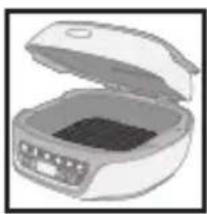
natural_image
Illustration of a closed oven or gas stove with lid and control panel (no text or symbols)natural_image
Illustration of a portable stove with lid and side panel (no text or symbols)natural_image
Illustration of an open refrigerator with lid and front panel (no text or symbols)natural_image
Illustration of a microwave oven with open lid and control panel (no text or symbols)Doe de chocolade in de aluminium vorm.
natural_image
Illustration of a portable food appliance with a metal tray and a small stand (no text or symbols visible)natural_image
Illustration of a portable food organizer with open lid and internal compartments (no text or symbols)natural_image
Illustration of a microwave oven with lid and control panel (no text or symbols)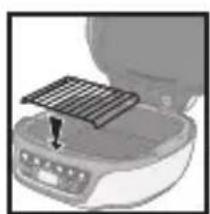
natural_image
Close-up of a kitchen appliance with a mounted grid-patterned lid and a small screen (no visible text or symbols)natural_image
Illustration of a portable food organizer with open lid and control panel (no text or symbols)Sluiten
text_image
Diagram showing a hand using a power plug to switch an electrical outlet, with a prohibition symbol below.1
natural_image
Hand pressing down on a curved surface with icons and arrows, no visible text or symbols2
natural_image
Hand pointing at a control panel with icons for battery, recycling, and power button (no text or symbols)3
natural_image
Top-down view of a vintage computer monitor with control buttons and icons (no readable text or symbols)2
text_image
OK start3
natural_image
Front view of a kitchen appliance panel with icons for kitchen utensils, no visible text or symbols1
text_image
Automatic -5 min2
text_image
Automatic 15 min3
text_image
Nursat OK start4
text_image
Autom.5
text_image
Diagram showing a kitchen appliance with a speaker icon and digital display, likely indicating sound or audio signal.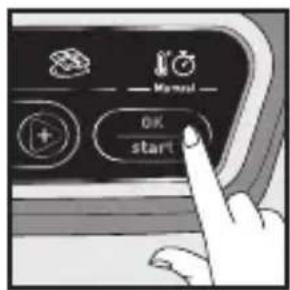
text_image
OK start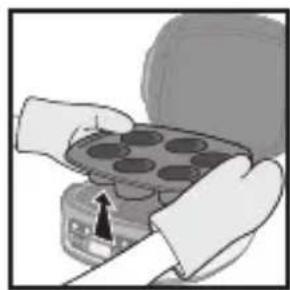
natural_image
Illustration of hands holding a tray with circular indentations, no text or symbols visible123
text_image
Next OK start2
text_image
Automatic 5 min3
text_image
×1 OK start1
text_image
Hand interacting with a control panel showing icons for battery, trash bin, and fan switch1
text_image
Hand interacting with a control panel showing power, battery, and switch icons with directional arrows1
text_image
Hand interacting with a control panel showing icons for battery, trash bin, and air mask functions2
text_image
Automatic3
text_image
Honey OK start4
natural_image
Hand pointing at a control panel with icons for battery, refrigerator, and power button (no text or labels visible)1
natural_image
Hand holding a plug inserted into an electrical outlet, with an arrow indicating direction (no text or symbols)2
text_image
2H3
natural_image
Diagram showing a kitchen appliance with a drain, a grater, and a basin (no text or symbols)4
natural_image
Illustration of a toaster with a hand holding a brush and a crossed-out square, alongside a close-up of the front view of the front grille (no text or symbols)5
natural_image
Illustration of a toaster placed on a shelf with a rack and door (no text or symbols)6
natural_image
Illustration of a hand holding a helmet with a cross mark, emitting steam (no text or symbols)7
natural_image
Two handbags hanging against a diagonal line with 'X' symbols (no text or labels)8
text_image
Labeled diagram of a cooking appliance with numbered parts for identificationDescripción
natural_image
Illustration of a hand pouring liquid into a container with a magnified inset showing the container (no text or symbols)natural_image
Illustration of a hand pouring liquid into a square basin (no text or symbols)natural_image
Illustration of a portable appliance with a solar panel and a small stand (no text or symbols visible)
natural_image
Illustration of an open oven with a black lid inside (no text or symbols)natural_image
Illustration of a portable appliance with a lid and internal compartments (no text or symbols)natural_image
Illustration of an open refrigerator with a closed lid (no text or symbols visible)Para fundir chocolate
natural_image
Illustration of a closed oven with a lid and control panel, shown in grayscale (no text or symbols)natural_image
Close-up of a kitchen appliance with a mounted grid and control panel (no visible text or symbols)natural_image
Illustration of a portable food oven with open lid and control panel (no text or symbols)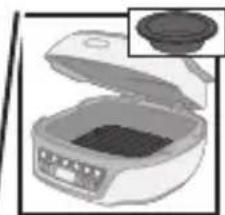
natural_image
Illustration of a closed microwave oven with a lid removed (no text or symbols visible)natural_image
Close-up of a food processor with a mounted solar panel and a small screen (no visible text or symbols)natural_image
Illustration of a portable food organizer with open lid and control panel (no text or symbols visible)Cerrar
text_image
Diagram showing hand holding electrical socket connected to a plug, with no visible text or symbols1
natural_image
Hand pressing down on a curved surface with icons and arrows, no visible text or symbols2
natural_image
Hand pointing at a control panel with icons for power, refresh, and waste (no text or symbols)3
natural_image
Top-down view of a vintage computer monitor with control buttons and icons (no readable text or symbols)2
text_image
OK start3
natural_image
Front view of a kitchen appliance panel with icons for kitchen utensils and food items (no readable text or symbols)1
text_image
Automatic -15 min2
text_image
Automatic 15 min3
text_image
Nursat OK start4
text_image
Autom.5
text_image
Habool OK start7
text_image
Autom:8
text_image
Diagram showing a kitchen appliance with a speaker icon and digital display, likely indicating sound or audio signal.123
text_image
OK start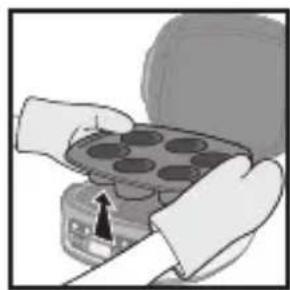
natural_image
Illustration of hands holding a tray with circular indentations, no text or symbols visibletext_image
×1 OK start1
text_image
Hand interacting with a control panel showing icons for battery, trash bin, and fan switch1
text_image
Hand interacting with a control panel showing power, battery, and switch icons with directional arrows1
natural_image
Hand pressing a button on a control panel with icons for battery, trash bin, and air mask (no text or symbols)2
text_image
Automatic3
text_image
Mural OK start4
natural_image
Hand pointing at a control panel with icons for battery, refrigerator, and power button (no text or labels visible)1
natural_image
Hand holding a plug inserted into an electrical outlet, with an arrow indicating direction (no text or symbols)2
text_image
2H3
natural_image
Diagram showing a kitchen appliance with a drain, a grater, and a basin (no text or symbols)4
natural_image
Illustration of a toaster with a hand holding a brush and a crossed-out screwdriver, alongside a diagram showing no text or symbols.5
natural_image
Illustration of a toaster placed on a shelf with a rack and door (no text or symbols)6
natural_image
Illustration of a hand holding a helmet with a cross mark, emitting steam (no text or symbols)7
natural_image
Two handbags hanging against a diagonal line with 'X' symbols (no text or labels)8
text_image
Labeled diagram of a food appliance with numbered parts for identificationОписание
natural_image
Illustration of a pouring liquid into a decorative tray (no text or symbols)natural_image
Illustration of a kitchen appliance with a lid and side panel, showing a cooking step (no text or symbols)Извлеките алюминиевую форму
natural_image
Illustration of an open oven with a dark interior and control panel (no text or symbols)natural_image
Close-up of a portable appliance with a metal grate and control panel (no visible text or symbols)Разместите решетку на отражателе*
natural_image
Illustration of a microwave oven with six circular cavities and a black arrow pointing to the topmost pan (no text or symbols)natural_image
Illustration of a microwave oven with six panes and a lid (no text or symbols)natural_image
Illustration of a hand using a tool to clean food items in a bowl (no text or symbols visible)natural_image
Illustration of a spoon pouring liquid into a square bowl (no text or symbols)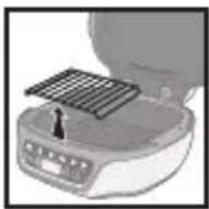
natural_image
Illustration of a portable air conditioner with a metal grate on top (no text or symbols visible)Извлеките решетку
natural_image
Illustration of an open refrigerator with a dark interior and side buttons (no text or symbols visible)natural_image
Illustration of a portable food organizer with a tray and lid, showing a drop in the interior (no text or symbols)natural_image
Illustration of an open refrigerator with control panel (no text or symbols visible)natural_image
Illustration of a microwave oven with lid removed (no text or symbols visible)natural_image
Illustration of a portable appliance with a grid mounted on top (no text or symbols visible)Извлеките решетку
natural_image
Illustration of an open oven with food inside (no text or symbols visible)Закройте Поместите
natural_image
Illustration of a microwave oven with lid and side panel, no text or symbols presentnatural_image
Close-up of a kitchen appliance with a metal grate on top (no visible text or symbols)natural_image
Illustration of a portable food organizer with open lid and control panel (no text or symbols)Закройте
text_image
Diagram showing a hand inserting a plug into an electrical outlet, with a crossed-out wire symbol below.1
natural_image
Hand pressing down on a curved panel with icons and arrows (no text or symbols)2
natural_image
Hand pointing at a control panel with icons for battery, switch, and power button (no text or symbols)natural_image
Top-down view of a kitchen appliance with buttons and icons (no visible text or symbols)2
text_image
Manual OK start3
text_image
Automotive 150°3
text_image
OK start4
text_image
Automatic 5 min5
text_image
15 min6
text_image
OK start7
text_image
Autom.8
text_image
Diagram showing a kitchen appliance with a speaker icon and control panel, likely illustrating a sound or audio setup.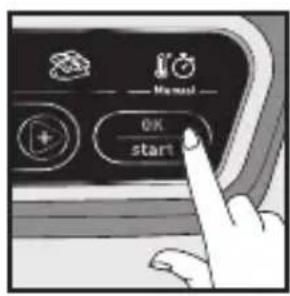
text_image
Manual OK start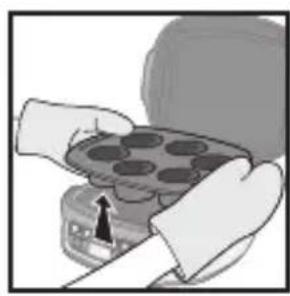
natural_image
Person holding a tray with circular indentations, no visible text or symbols123
text_image
×1 OK start1
natural_image
Hand pressing a button on a control panel with icons for food, waste, and kitchen (no text or symbols visible)1
natural_image
Hand pressing a button on a control panel with icons for battery, basket, and fan (no text or symbols)1
text_image
Hand interacting with a control panel showing icons for battery, trash bin, and power switch2
text_image
Automatics3
text_image
OK start4
natural_image
Hand pressing a button on an air conditioner panel with icons for refresh, recycling, and cooling (no text or symbols visible)1
natural_image
Hand inserting a plug into an electrical outlet (no text or symbols visible)2
text_image
2H3
natural_image
Diagram showing a kitchen appliance with a lid removed and a side dish, no text or symbols present4

text_image
Diagram illustrating food preparation steps: grater, microwave, and toaster with no visible text or symbols5
natural_image
Illustration of a toaster on a shelf with a door handle (no text or symbols)6
natural_image
Illustration of a hand holding a helmet with a cross mark, emitting heat (no text or symbols)7
natural_image
Two handbags hanging from a diagonal line with 'X' symbols, no text or labels present8
text_image
Labeled diagram of a food appliance with numbered parts for identificationOpis
natural_image
Illustration of a hand washing contents in a bowl with a magnified inset showing the object (no text or symbols)natural_image
Illustration of a container with liquid being poured into it (no text or symbols)natural_image
Illustration of a portable appliance with a solar panel mounted on top (no text or symbols visible)
natural_image
Illustration of an open oven with a dark interior and control panel (no text or symbols)natural_image
Illustration of a portable appliance with lid and control panel (no text or symbols)Włóż formę Zamknij
natural_image
Illustration of an open refrigerator with a closed lid (no text or symbols visible)Topienie czekolady
natural_image
Illustration of a closed microwave oven with a small inset showing the lid (no text or symbols visible)natural_image
Illustration of a portable food appliance with a solar panel and control panel (no text or symbols visible)natural_image
Illustration of an open oven with a digital kitchen appliance (no text or symbols visible)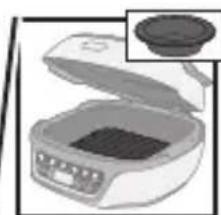
natural_image
Illustration of a microwave oven with lid removed (no text or symbols)natural_image
Close-up of a portable appliance with a grid mounted on its side (no visible text or symbols)Postaw ruszt na reflektorze
natural_image
Illustration of a portable food appliance with open lid and control panel (no text or symbols)Zamknij
text_image
Diagram showing hand holding electrical socket connected to a plug, with no visible text or symbols1
natural_image
Hand pressing down on a curved panel with icons and arrows (no text or symbols)2
natural_image
Hand pointing at a control panel with three buttons and a power button (no text or symbols visible)3
natural_image
Top-down view of a kitchen appliance with buttons and icons (no visible text or symbols)2
text_image
Manual OK start3
text_image
Automotive 150°3
text_image
OK start4
text_image
Automatic -5 min5
text_image
15 min6
text_image
Manual OK start7
text_image
Autom:8
text_image
Diagram showing a cooking appliance with a speaker icon and digital display, likely illustrating a cooking or cooking process.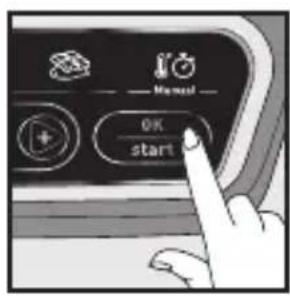
text_image
Manual OK start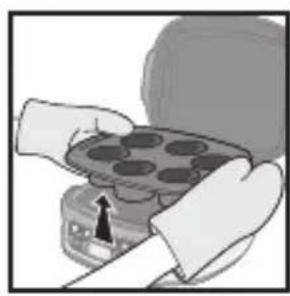
natural_image
Illustration of hands holding a tray with circular indentations, no text or symbols visible123
text_image
×1 OK start1
natural_image
Hand pointing at a control panel with icons for battery, trash bin, and fan (no text or symbols)1
natural_image
Hand interacting with a control panel showing power, battery, and switch icons (no text or symbols visible)1
natural_image
Hand pressing a button on a control panel with icons for battery, trash bin, and recycling (no text or symbols)2
text_image
Automatic -3
text_image
OK start4
natural_image
Hand pressing a button on an air conditioner panel with icons for recycling, waste sorting, and cooling (no text or symbols visible)1
natural_image
Hand inserting a plug into an electrical outlet (no text or symbols visible)2
text_image
2H3
natural_image
Diagram showing a kitchen appliance with a drain, a lid, and a basin (no text or symbols)4
natural_image
Illustration of kitchen appliances including a microwave oven and a washing machine, with no visible text or symbols.5
natural_image
Illustration of a toaster on a shelf with a door handle (no text or symbols)6
natural_image
Illustration of a hand holding a device with a cross mark, emitting heat or smoke from its surface (no text or symbols)7
natural_image
Two handbags hanging on a diagonal line with 'X' symbols (no text or labels)8
text_image
Labeled diagram of a food appliance with numbered parts for identificationDescrição
natural_image
Illustration of a hand pouring liquid into a bowl with another container partially visible (no text or symbols)natural_image
Illustration of a container pouring liquid into a square basin (no text or symbols)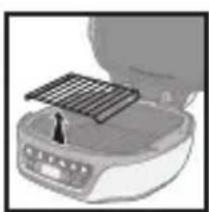
natural_image
Illustration of a portable appliance with a solar panel and a small stand (no text or symbols visible)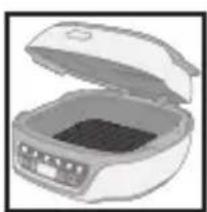
natural_image
Illustration of an open oven with a rectangular chamber containing a dark interior (no text or symbols visible)natural_image
Illustration of a portable appliance with a lid and internal compartments (no text or symbols)Insira a forma Feche
natural_image
Illustration of an open refrigerator with a closed lid (no text or symbols visible)Derreta chocolate
natural_image
Illustration of a closed oven with a lid and a separate close-up of the lid (no text or symbols visible)natural_image
Close-up of a kitchen appliance with a metal tray and control panel (no visible text or symbols)natural_image
Illustration of a portable food organizer with open lid and tray (no text or symbols)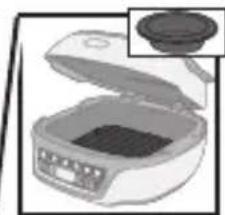
natural_image
Illustration of a microwave oven with lid removed (no text or symbols)chocolate numa forma adaptada
natural_image
Close-up of a food appliance with a metal grate on top (no visible text or symbols)natural_image
Illustration of a portable food organizer with open lid and control panel (no text or symbols)Fecha
Para derreter chocolate, utilize a forma de alumínio antiaderente Cake Factory ou a forma de silicone PROflex para derreter chocolate, se incluída.
text_image
Diagram showing installation of a power outlet with a hand holding a plug, accompanied by a prohibition symbol over wiring.1
natural_image
Hand pressing down on a door panel with icons and arrows indicating action (no text or symbols)2
natural_image
Hand pointing at a control panel with icons for battery, trash bin, and power button (no text or symbols)3
natural_image
Black and white illustration of a vintage camera control panel with buttons and icons (no readable text or symbols)2
text_image
Diagram showing a kitchen appliance with a speaker icon and digital display, likely indicating sound or audio signal.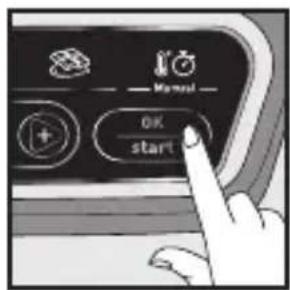
text_image
OK start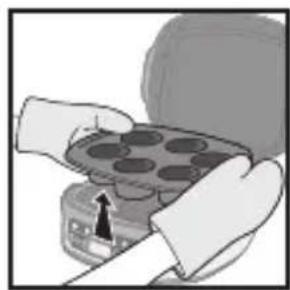
natural_image
Illustration of hands holding a tray with circular indentations, no text or symbols visible123
text_image
Next OK start2
text_image
Automatic 5 min3
text_image
×1 OK start1
text_image
Hand interacting with a control panel showing icons for battery, trash bin, and fan switch1
text_image
Hand interacting with a control panel showing power, battery, and switch icons with directional arrows1
text_image
Diagram showing a hand pressing a button on a control panel with icons for battery, trash bin, and air mask.2
text_image
Automatic3

text_image
Mural OK start4
natural_image
Hand pointing at a control panel with icons for kitchen, storage, and heating (no text or labels visible)1
natural_image
Hand holding a plug inserted into an electrical outlet, with an arrow indicating direction (no text or symbols)2
text_image
2H3
natural_image
Diagram showing a kitchen appliance with a lid and a side dish, no text or symbols present4
natural_image
Illustration of a toaster with a hand holding a brush and a crossed-out screwdriver, alongside a close-up of the front view of the oven (no text or symbols)5
natural_image
Illustration of a toaster placed on a shelf with a rack and door (no text or symbols)6
natural_image
Illustration of a hand holding a helmet with a warning symbol (no text or labels)7
natural_image
Two handbags hanging against a diagonal line with 'X' symbols (no text or labels)8
text_image
Labeled diagram of a food appliance with numbered parts for identificationAçıklama
text_image
Diagram showing a hand inserting a plug into an electrical socket, with a crossed-out wire being inserted and no text labels present.1
natural_image
Hand pressing down on a car's side panel with arrows and icons (no text or symbols)2
natural_image
Hand pointing at a control panel with icons for battery, recycling, and power button (no text or symbols)3
natural_image
Close-up of a kitchen menu with control buttons and icons (no readable text or symbols)2
text_image
OK start3
text_image
Automotive1
text_image
Automatic 15 min2
text_image
Automatic 15 min3
text_image
Maser OK start4
text_image
Autom5
text_image
Diagram showing a toaster with sound waves and a labeled screen displaying 'Awards' and control buttons123
text_image
Manual OK start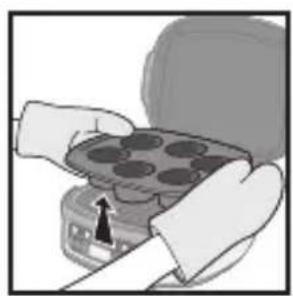
natural_image
Illustration of hands holding a tray with circular indentations (no text or symbols visible)text_image
Hand interacting with a control panel showing icons for power, battery, and switch controls1

text_image
Hand interacting with a control panel showing icons for power, trash, and directional controls2
text_image
Automatic3
text_image
Nursat OK start4
natural_image
Hand pressing a button on an air conditioner control panel (no text or symbols visible)1
natural_image
Hand inserting a plug into an electrical outlet (no text or symbols visible)2
text_image
2H3
natural_image
Illustration of a kitchen appliance with a lid and drawer, showing a handle and interior (no text or symbols)4
natural_image
Illustration of a kitchen appliance with a hand holding a brush and a crossed-out tool, alongside a second photo of a kitchen appliance with a crossed-out lamp (no text or symbols)5
natural_image
Illustration of a toaster on a shelf with a door handle (no text or symbols)6
natural_image
Illustration of a hand holding a helmet with a cross mark, no text or symbols present7
natural_image
Two handbags hanging against a diagonal line with 'X' symbols (no text or labels)8
text_image
Labeled diagram of a food appliance with numbered parts for identificationKirjeldus
text_image
Diagram showing installation of a power outlet with a hand holding a plug, accompanied by a prohibition symbol over wiring.1
natural_image
Hand pressing down on a car's side panel with arrows and icons (no text or symbols)2
natural_image
Hand pointing at a control panel with icons for battery, recycling, and power button (no text or symbols)3
natural_image
Top-down view of a kitchen appliance control panel with buttons and icons (no readable text or symbols)2
text_image
OK start3
text_image
Automotive1
text_image
Automatic 15 min2
text_image
Automatic 15 min3
text_image
Maser OK start4
natural_image
Close-up of a black industrial control panel with icons for kitchen, laundry, and automation (no readable text or symbols)5
text_image
Diagram showing a kitchen appliance with sound waves and a labeled screen displaying 'Automatic' status123
text_image
OK start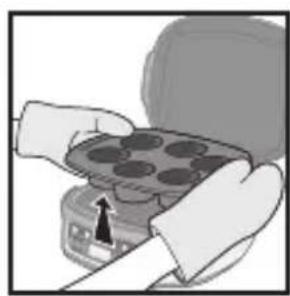
natural_image
Close-up of hands holding a tray with circular indentations, no visible text or symbolstext_image
×1 OK start1
natural_image
Hand pointing at a control panel with icons for power, battery, and fan (no text or symbols)1
text_image
Hand interacting with a control panel showing power, battery, and switch icons with directional arrows1
text_image
Hand interacting with a control panel showing icons for power, trash bin, and airway settings2
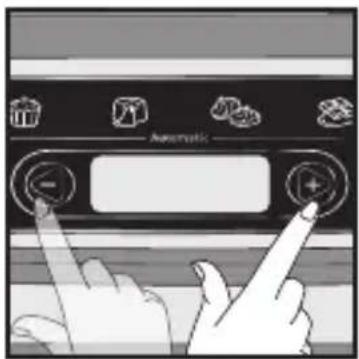
text_image
Automatic3
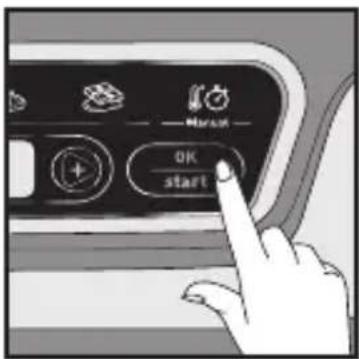
text_image
OK start4
text_image
Automotive -1
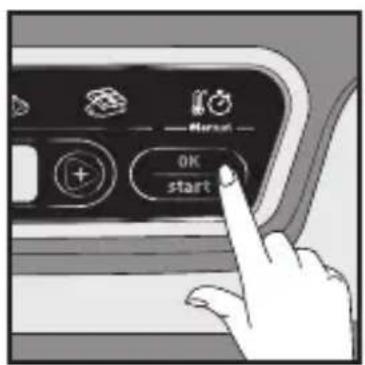
text_image
OK start2
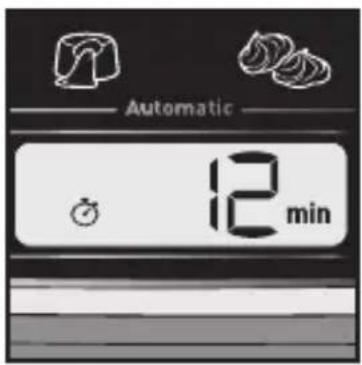
text_image
Automatic 12 min3
natural_image
Hand pressing a button on an air conditioner control panel (no text or symbols visible)1
natural_image
Hand inserting a plug into an electrical outlet (no text or symbols visible)2
text_image
2H3
natural_image
Illustration of a kitchen appliance with a lid and drawer, showing a pan and a tray (no text or symbols)4
natural_image
Illustration of a toaster oven and its kitchen sink with no visible text or symbols5
natural_image
Illustration of a toaster on a shelf with a door handle (no text or symbols)6
natural_image
Illustration of a hand holding a helmet with a cross mark, no text or symbols present7
natural_image
Two handbags hanging against a diagonal line with 'X' marks, no text or symbols present8
text_image
Labeled diagram of a food appliance with numbered parts for identificationApraksts
natural_image
Illustration of a pouring liquid into a mold with a lid (no text or symbols)natural_image
Illustration of a car seat with an open lid and a button, no text or symbols present
natural_image
Illustration of an open oven with a rectangular tray and control panel (no text or symbols)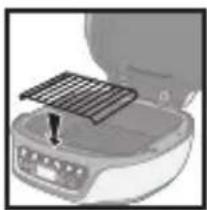
natural_image
Close-up of a kitchen appliance with a metal grate on top (no visible text or symbols)natural_image
Illustration of a microwave oven with six panes and a digital display (no text or symbols)natural_image
Illustration of a microwave oven with six circular cavities (no text or symbols)natural_image
Illustration of a hand washing contents in a bowl with a magnified inset showing the lid (no text or symbols)natural_image
Illustration of a pouring liquid into a container (no text or symbols)
natural_image
Illustration of a portable appliance with a grater and control panel (no text or symbols visible)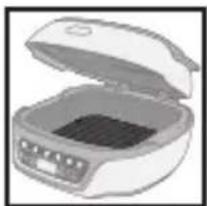
natural_image
Illustration of a closed microwave oven with open lid and control panel (no text or symbols)natural_image
Illustration of a portable appliance with a lid and control panel, no visible text or symbolsnatural_image
Illustration of a closed open refrigerator with visible lid and buttons (no text or symbols)Šokolādes kausēšana
natural_image
Illustration of a microwave oven with lid and control panel (no text or symbols)natural_image
Close-up of a kitchen appliance with a mounted grid and control panel (no visible text or symbols)natural_image
Illustration of a microwave oven with open lid and internal compartments (no text or symbols)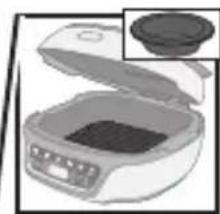
natural_image
Illustration of a microwave oven with lid removed and a close-up inset showing the lid (no text or symbols)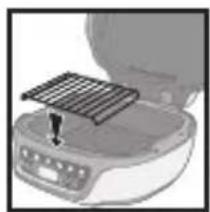
natural_image
Close-up of a kitchen appliance with a grater on top (no visible text or symbols)Novietojiet režgi uz reflektora
natural_image
Illustration of a portable food appliance with open lid and control panel (no text or symbols visible)Aizveriet vāku
text_image
Diagram showing a hand inserting a plug into an electrical socket, with a crossed-out wire being inserted and no text labels present.1
natural_image
Hand pressing down on a car's side panel with arrows and icons (no text or symbols)2
natural_image
Hand pointing at a control panel with icons for battery, recycling, and power button (no text or symbols)3
natural_image
Black and white illustration of a kitchen appliance control panel with buttons and icons (no readable text or symbols)2
text_image
Automotive1
text_image
Automatic 15 min2
text_image
Automatic 15 min3
text_image
Maser OK start4
natural_image
Close-up of a black industrial control panel with icons for kitchen, laundry, and automation (no readable text or symbols)5
text_image
Diagram showing a kitchen appliance with sound waves and a speaker icon, likely illustrating sound or audio system.123
text_image
Manual OK start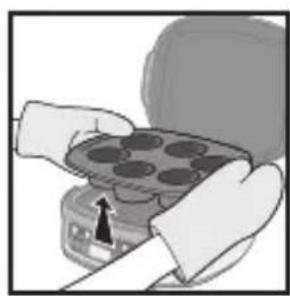
natural_image
Illustration of hands holding a tray with circular indentations (no text or symbols visible)text_image
Diagram showing hand pressing down on a control panel with icons and labels like 'delineration' and '+'1

text_image
Normal OK start2
text_image
Automatic 5 min3
text_image
×1 OK start1
text_image
Hand pointing at a control panel with icons for battery, trash bin, and fan1
natural_image
Hand pressing a button on a computer control panel with icons for power, recycling, and waste (no text or symbols visible)1
text_image
Hand interacting with a control panel showing icons for power, trash bin, and air vent2

text_image
Automatic3
text_image
Hurst OK start4
natural_image
Hand pressing a button on an air conditioner control panel (no text or symbols visible)1
natural_image
Hand inserting a plug into an electrical outlet (no text or symbols visible)2
text_image
2H3
natural_image
Illustration of a kitchen appliance with a lid and drawer, showing a pan and fan (no text or symbols)4
natural_image
Illustration of a toaster oven and its kitchen sink with no visible text or symbols5
natural_image
Illustration of a toaster on a shelf with a door handle (no text or symbols)6
natural_image
Illustration of a hand holding a helmet with a cross mark, no text or symbols present7
natural_image
Two handbags hanging against a diagonal line with 'X' marks (no text or symbols on bags)8
text_image
Labeled diagram of a food appliance with numbered parts for identificationApibūdinimas
natural_image
Illustration of a hand pouring liquid into a bowl with another container partially visible (no text or symbols)Sutepkite dubenj Pripildykite dubenj Nuimkite groteles Isitikinkite, kad
natural_image
Illustration of a hand pouring liquid into a container (no text or symbols visible)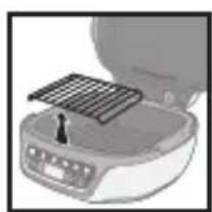
natural_image
Illustration of a portable appliance with a metal grate and control panel (no text or symbols)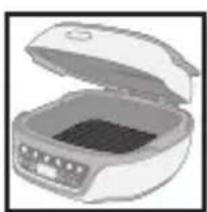
natural_image
Illustration of an open oven with a dark interior and control panel (no text or symbols)natural_image
Illustration of a microwave oven with a lid and tray, showing internal components (no text or symbols)Idékite dubenj Uždarykite
natural_image
Illustration of an open refrigerator with a closed lid and control panel (no text or symbols visible)Šokolado lydymas
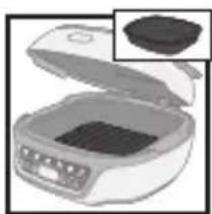
natural_image
Illustration of a microwave oven with open lid and side view showing a small container (no text or symbols)natural_image
Illustration of a portable food appliance with a solar panel and a small stand (no text or symbols visible)natural_image
Illustration of an open microwave oven with internal compartments (no text or symbols visible)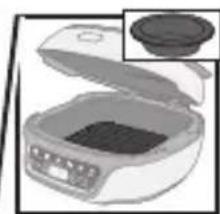
natural_image
Illustration of a microwave oven with lid removed (no text or symbols)tinkamą indą
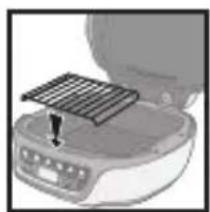
natural_image
Close-up of a kitchen appliance with a grid mounted on top, showing a button and indicator lights (no text or symbols visible)natural_image
Illustration of a closed microwave oven with open lid and control panel (no text or symbols)Uždarykite
text_image
Diagram showing installation of a power outlet with a hand holding a plug, accompanied by a prohibition symbol over wiring.1
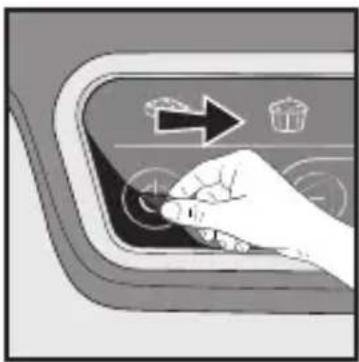
natural_image
Hand pressing down on a car's side panel with arrows and icons (no text or symbols)2
natural_image
Hand pointing at a control panel with icons for battery, recycling, and power button (no text or symbols)3
natural_image
Black and white illustration of a kitchen appliance control panel with buttons and icons (no readable text or symbols)2
text_image
OK start3
text_image
Automotive1
text_image
Automatic 15 min2
text_image
Automatic 15 min3
text_image
OK start4
natural_image
Close-up of a black industrial control panel with icons for kitchen and laundry (no readable text or symbols)5
text_image
Diagram showing a kitchen appliance with sound waves and a labeled screen displaying 'Automatic' status.123
text_image
Manual OK start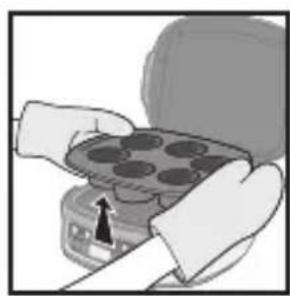
natural_image
Illustration of hands holding a tray with circular objects, no text or symbols visibletext_image
Automatic 5min3
text_image
×1 OK start1
natural_image
Hand pointing at a control panel with icons for power, battery, and fan (no text or symbols)1
text_image
Hand interacting with a control panel showing icons for power, battery, and switch controls1
text_image
Hand interacting with a control panel showing icons for power, trash bin, and airway settings2
text_image
Automatic3
text_image
OK start4
text_image
Automotive -1
text_image
OK start2
text_image
Automatic 12 min3
natural_image
Hand pressing a button on an air conditioner control panel (no text or symbols visible)1
natural_image
Hand inserting a plug into an electrical outlet (no text or symbols visible)2
text_image
2H3
natural_image
Illustration of a kitchen appliance with a lid and drawer, showing a pan and a tray (no text or symbols)4
natural_image
Illustration of a toaster oven and its kitchen sink with no visible text or symbols5
natural_image
Illustration of a toaster on a shelf with a door handle (no text or symbols)6
natural_image
Illustration of a hand holding a helmet with a cross mark, no text or symbols present7
natural_image
Two handbags hanging against a diagonal line with 'X' marks, no text or symbols present8