Sunetty GR175 - Wristwatch SWATCH - Free user manual and instructions
Find the device manual for free Sunetty GR175 SWATCH in PDF.



| Product type | Analog wristwatch |
| Brand | Swatch |
| Model | Sunetty GR175 |
| Movement | Analog quartz with hands |
| Case | Synthetic material, diameter approx. 34 mm |
| Strap | Interchangeable silicone |
| Weight | Approx. 30 g |
| Power | Button cell battery (type SR621SW or equivalent) |
| Main functions | Hours, minutes, day, date, alarm, tactile alarm, Loomi light, Scuba chronograph (elapsed time), game function |
| Time setting | Crown with 3 positions (A, B, C): normal position A, B day/date setting, C time setting |
| Day/date setting | Crown in position B: turn counterclockwise for date, clockwise for day |
| Alarm | Tactile alarm with ON/OFF mode, setting via crown |
| Loomi light | Touch the glass to activate the light |
| Scuba function | Unidirectional rotating bezel to measure elapsed time |
| Game function | Tactile: hands spin then stop randomly |
| Water resistance | Not specified (non-professional diving model) |
| Maintenance | Rinse with fresh water after immersion in salt water |
| Repairability | Battery replacement by a watchmaker; spare parts available through Swatch |
| Included accessories | Watch with strap, instruction manual |
Frequently Asked Questions - Sunetty GR175 SWATCH
User questions about Sunetty GR175 SWATCH
0 question about this device. Answer the ones you know or ask your own.
Ask a new question about this device
Download the instructions for your Wristwatch in PDF format for free! Find your manual Sunetty GR175 - SWATCH and take your electronic device back in hand. On this page are published all the documents necessary for the use of your device. Sunetty GR175 by SWATCH.
USER MANUAL Sunetty GR175 SWATCH
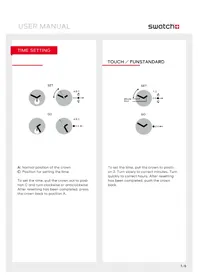
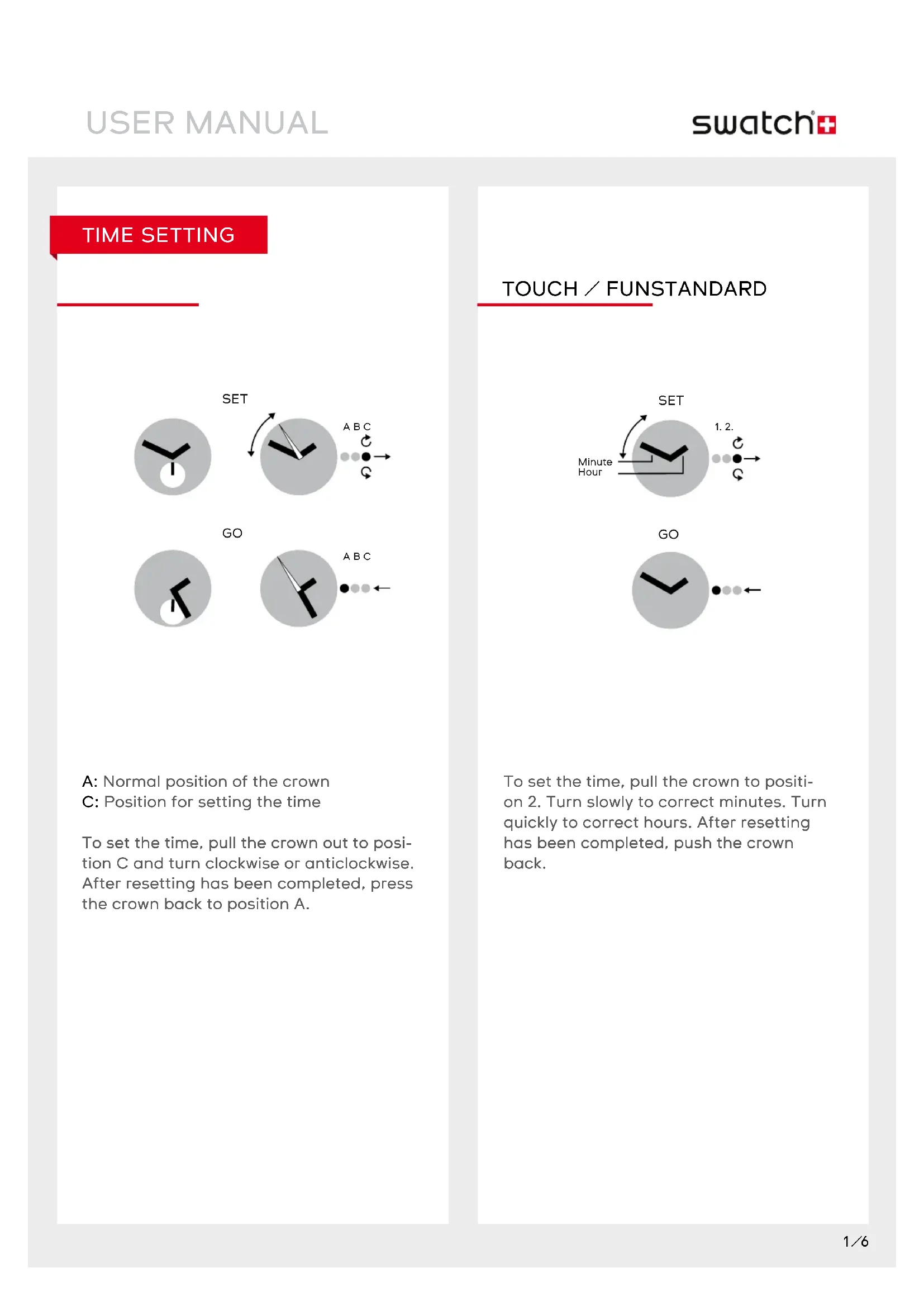
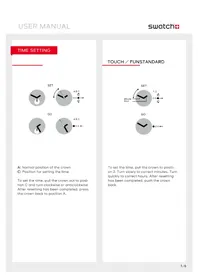
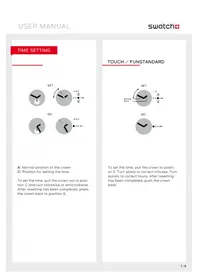
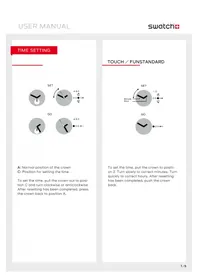
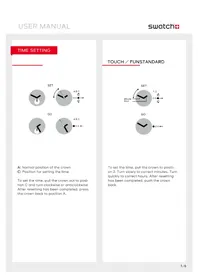
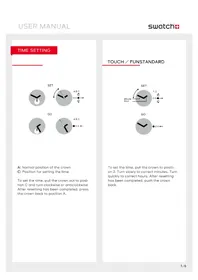
A: Normal position of the crown
C: Position for setting the time
To set the time, pull the crown out to position C and turn clockwise or anticlockwise. After resetting has been completed, press the crown back to position A.
To set the time, pull the crown to position 2. Turn slowly to correct minutes. Turn quickly to correct hours. After resetting has been completed, push the crown back.
DATE OR DAY SETTING
STANDARD
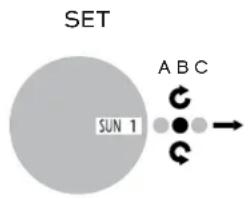
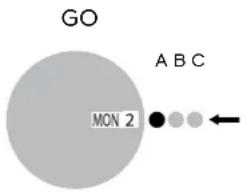
To set the date, pull the crown out to position B, and turn anticlockwise. To set the day, turn the crown in a clockwise direction. After resetting has been completed, press the crown back to position A.
READJUSTMENT
TOUCH/FUN
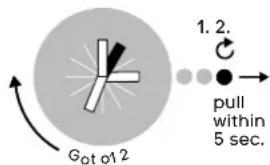
ADJUST HAND/+HOUR
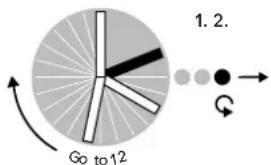
ADJUST HAND/+MINUTES
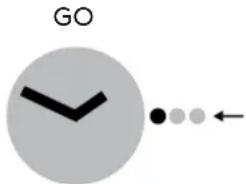
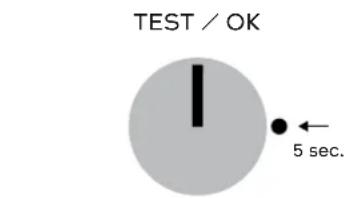
Push crown for 5 seconds. If both hands go to 12 o'clock, test is ok. Push crown again and hands go back to time.
If hands are not exactly at 12 o'clock, pull crown to position 2. Turn clockwise to readjust hour hand. Turn counter clockwise to readjust minute hand. Push crown back and hands turn back to show time.
LOOMI FUNCTION: DISPLAY
TOUCH LOOMI
TOUCH YOUR SWATCH
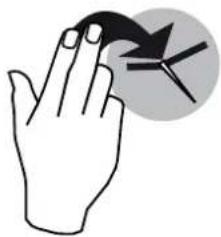
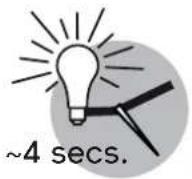
LOOMI ON
LOOMI
LIGHT FUNCTION

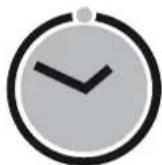
POP

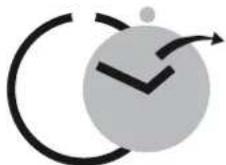
POP-IN
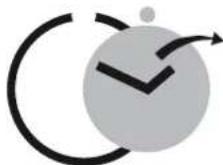
POP-OUT
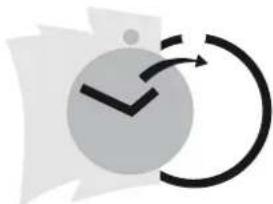
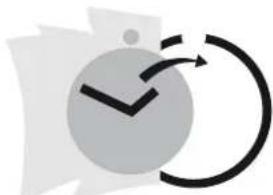
POP ON CLOTHES

Note: Wear your Swatch simply with its band or try „popping" it directly onto your clothes.
TOUCH ALARM
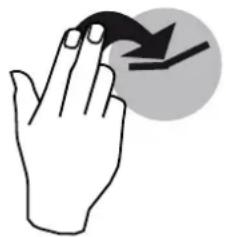
SHOW ALARM TIME
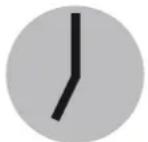
4 secs.
Touch your Swatch.
Hands move to show alarm time for approx. 4 seconds.
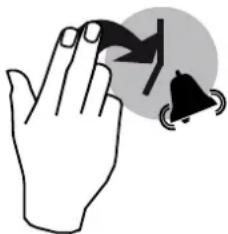
STOP ALARM
Touch your Swatch to stop alarm.
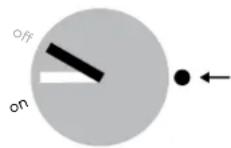
ALARMON/OFF
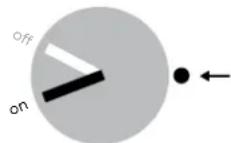
...CHANGE ON/OFF
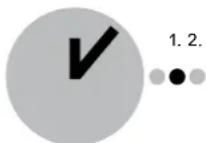
SHOW LAST ALARM
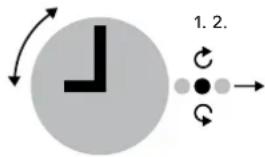
...SET NEW ALARM

GO
Switch alarm on/off and set alarm time Press crown and hands go to actual mode on or off.
Press crown again to change mode.
Pull crown to position 1 and the hands go to the last alarm time.
To set a new alarm time, turn crown (turn slowly = minutes, turn quickly = hours).
Then push crown back and hands turn back to time and alarm mode will be "on".
ALARM DEMO
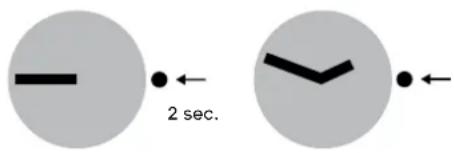
Press crown for 2 seconds to start alarm demo.
To stop, press crown again.

IMPORTANT: When the hands do not show correctly ON-OFF (alarm mode), the Touch Alarm must be adjusted (e.g. after battery change or a hard knock).
TOUCH GAME
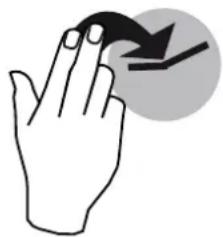
Touch your Swatch.

Hands come together at 12 o'clock and start to rotate at least on full turn.

IMPORTANT: If hands are not exactly at 12 o'clock, they have to be readjusted.
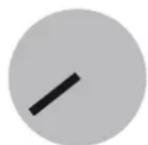
4 secs.
Hands stop by accident and show the result of your game for some seconds... ...then, hands turn back to time.
SCUBA FUNCTION: ELAPSED TIME
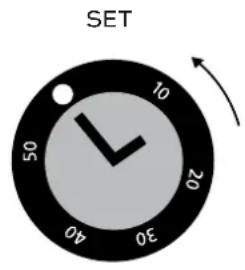
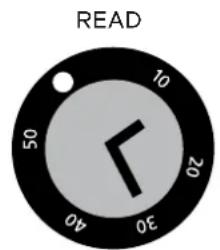
Using the adjustment ring
For setting the start time and duration of an activity, line up the marker on the adjustment ring with the minute hand. Timing starts at the time indicated by the marker. The elapsed time is indicated by the minute hand pointing the number on the adjustment ring.

WARNING NOTE
IMPORTANT: After being submerged in salt water, the Scuba 200 Chrono should always be rinsed with fresh water.
CAUTION: The Irony Scuba 2OO Chrono is not a professional diving watch.
ZEIT EINSTELLEN
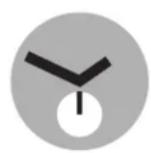
EINSTELLLEN


BETRIEB
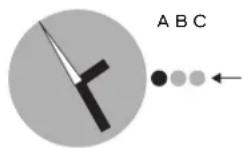
TIPPEN SIE AUF IHRE SWATCH
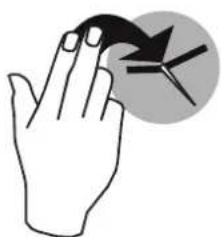
LOOMI GEHT AN

LOOMI
BELEUCHTUNG
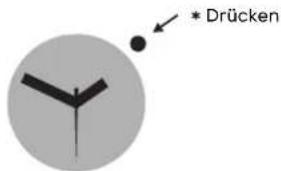
POP

LOOMI-FUNCTIE: SCHERM
TOUCH LOOMI
RAAK JE SWATCH AAN
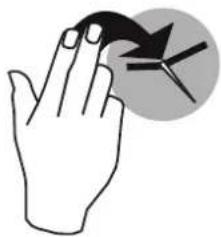
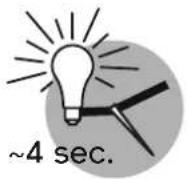
LOOMI ON
LOOMI

LICHT-FUNCTIE
POP
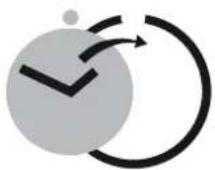
ERIN DRUKKEN
UITWIPPEN
AAN KLEDING BEVESTIGEN
Brand : SWATCH
Model : Sunetty GR175
Category : Wristwatch