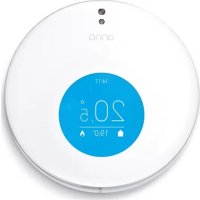
Anna - Thermostat Plugwise - Free user manual and instructions
Find the device manual for free Anna Plugwise in PDF.


User questions about Anna Plugwise
0 question about this device. Answer the ones you know or ask your own.
Ask a new question about this device
Download the instructions for your Thermostat in PDF format for free! Find your manual Anna - Plugwise and take your electronic device back in hand. On this page are published all the documents necessary for the use of your device. Anna by Plugwise.
USER MANUAL Anna Plugwise
Getting started with Anna.
In combination with the Smile T.
version PW 3.0
Content
Nederlands
In the package of Anna. 11
More information. 11
Important information! 12
The installation. 12
Check the network coverage. 13
Connecting to network. 13
Check network installation. 14
Connecting Smile. 15
The installation. 15
Connecting Anna. 16
Installing the Anna-app. 16
Controlling Anna. 17
Environment. 17
Contact.
Français
In the package of Anna.
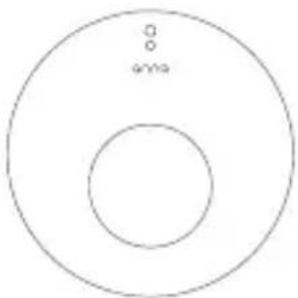
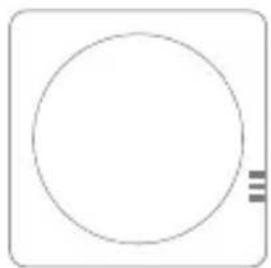
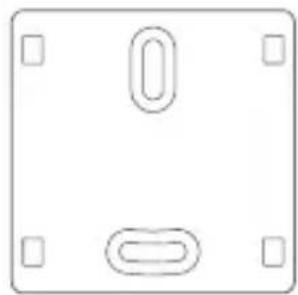
Anna Smile T Mounting frame
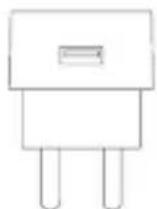
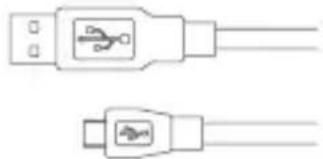
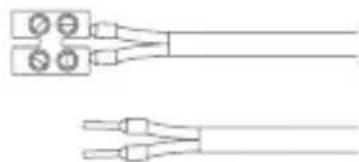
Adapter Adapter cable Optional:
Installation cable for the boiler
More information.
In addition to this instruction manual, we advise you to also consult our website www.plugwise.com/anna.
Here you will find handy tips, frequently asked questions and an extensive instruction guide.
Finding it difficult? Call an installer for the installation. Then it will surely succeed!
Important information!
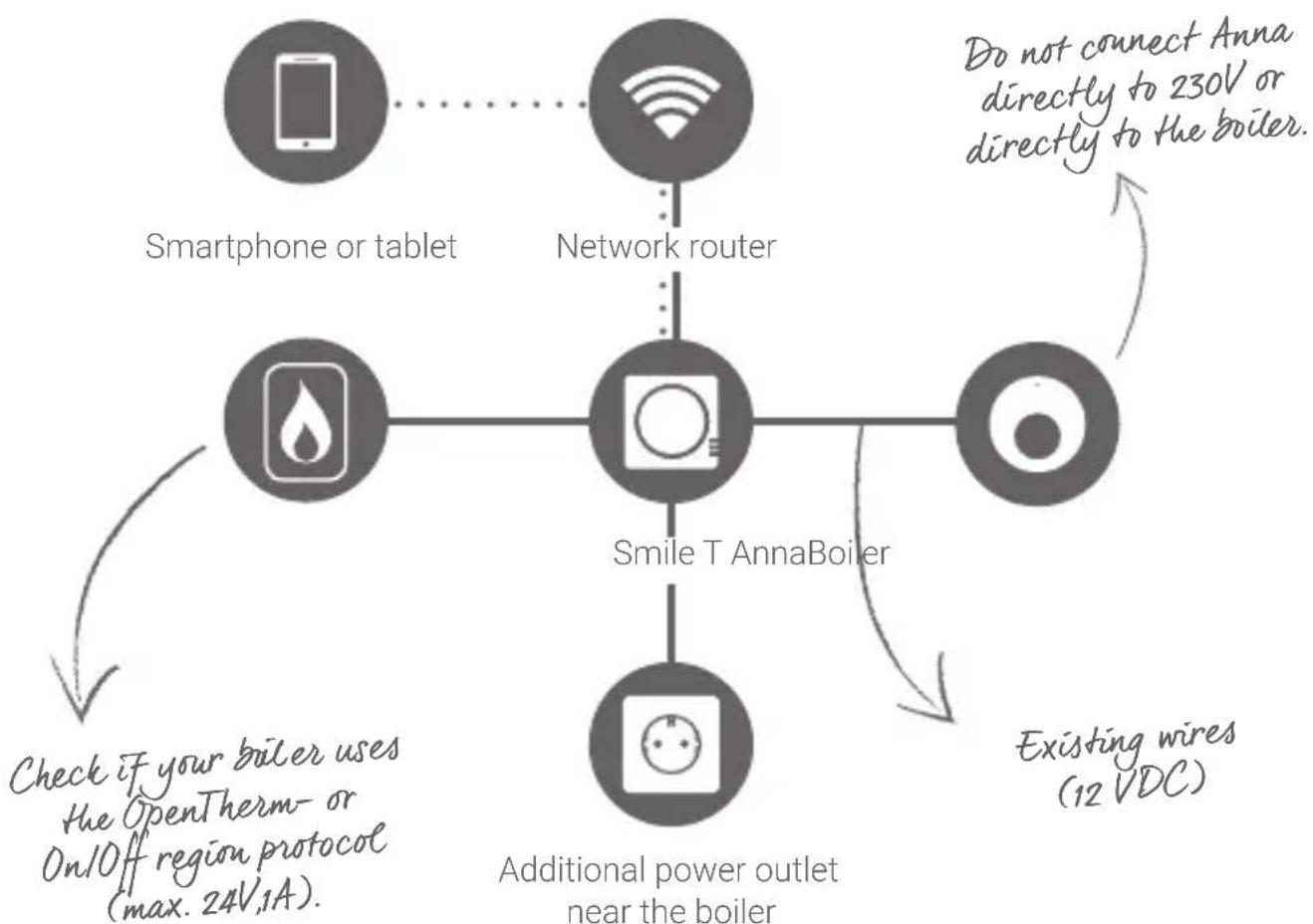
- The existing boiler wires that connect the boiler to the thermostat have to be connected to the on/off connection (max. 24V, 1A), or to the OpenTherm connection of the boiler. You can find this information in the manual of your boiler.
The boiler wires that connect the boiler to the thermostat cannot be longer than 50 metres and must not have a greater resistance than 5 Ohm per wire. If this is the case however, we advise you to have the wires replaced.
Check beforehand the availability and quality of the network connection and check also if a free power outlet is available near the boiler.
Make sure you have the password of the WiFi network to which you will connect Anna.
Pull out the plug of the boiler before you continue.
Do not connect Anna directly to 230V or directly to the boiler. This can cause permanent damage to Anna.
The installation.
Check the network coverage.
- Check whether there is network range at the boiler through the cable (UTP cable). Or check your WiFi signal at the boiler. To do this, use a smartphone or a tablet that is connected to the WiFi network to which later on the Smile will also be connected to.
If your smartphone indicates that there is a WiFi coverage of at least two reception bars, you can assume that this is sufficient.
Unsufficient WiFi coverage near the boiler? A WiFi repeater can offer the solution here by amplifying the signal.
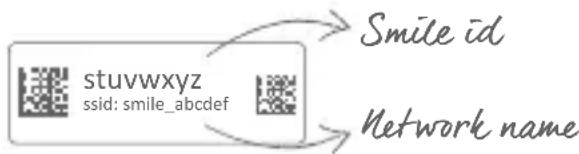
Take a picture of the 8-letter code on the back of the Smile. You will need this when installing the Anna app.
Connecting to network.
- Go to your boiler. Determine the approximate position of the Smile.
Connect the adapter cable to the adapter and the Smile. Plug the adapter into the wall socket. Wait until the Smile has booted up: the lights "Status" and "WLAN" are blinking slowly.
Connect the Smile to your network. Follow the steps on the next page. Do this near the boiler. This way you are sure you are within range. - Keep the Smile ID at hand. You will need this for connection to the Smile and for installation in the app.
Keep the password of your WiFi network at hand. This is necessary for connecting the Smile to your own WiFi network.
WiFi.
Connect your smartphone to the WiFi network that starts with 'smile'.
Enter the Smile ID as your password.
Go to http://192.168.40.40 in the web browser.
The page "Settings" > "Network settings" will appear automatically.
Press "Scan" and select your own WiFi network.
Enter the password of your own WiFi network and save the settings.
^+ Please make sure that you reconnect your smartphone or tablet to the WiFi network to which you just set the Smile.
WiFi via WPS.
Does your WiFi router have a WPS- button?WiFi via WPS is only supported via a special WPS-button on the router.
Press the black button on the Smile for 2 seconds.
Wait until the light "WLAN" is blinking quickly and regularly.
Press the WPS-button on the WiFi router to connect to WiFi.
If after 2 minutes the Smile has not made a connection yet to your WiFi network, the Smile will be recalled to the starting position.
LAN.
Do you rather connect the Smile with a network cable (UTP-cable) to your router? That is also possible. Connect a network cable between the router and the Smile before you insert the plug of the Smile in the socket.
Check network installation.
Check first if you have connected the Smile to your network. To do this, use a smartphone or tablet that is connected to the network to which the Smile is also connected to.
Go to https://anna=~net.
Log in with your Smile ID.
You will be directed to the HTML interface of Anna.
Having trouble via WiFi?
Press the black button on the Smile for 5 seconds until the light "Status" has blinked 5 times and the light "WLAN" starts to blink rapidly. (The network settings will be deleted.) Wait until the Smile has booted up, then try again to connect the Smile to your WiFi network (step 1).
Connecting Smile.
Keep in mind where the Smile is going to be mounted in relation to the power outlet and the length of the wires between the boiler and the thermostat.
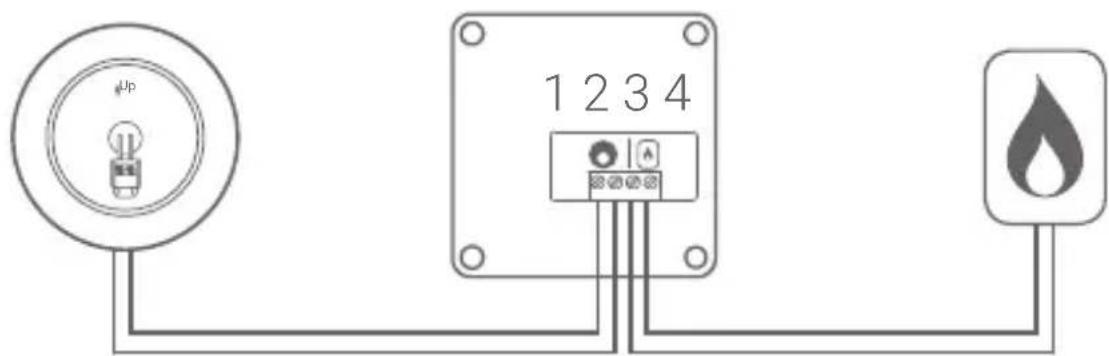
Connect the Smile only to the on/off connection (max. 24V, 1A) or to the OpenTherm connection.
Do not connect Anna directly to the boiler! This can damage the product.
Unplug the boiler and the Smile.
Loosen the thermostat wire between the boiler and the thermostat and replace it with an extra installation cable for the boiler.
Connect the wires running to the boiler to the Smile at icon of the flame (3 and 4). Consult the manual of the boiler for more information about the connector of the boiler.
^+ Connect the wires running to the thermostat to the Smile at the Anna icon (1 and 2). You must use the existing wires to do this.
Do not yet switch on the power on the Smile and the boiler after you have connected the Smile!
Determine the position of the Smile by the boiler and fix the mounting frame of the Smile.
Click the Smile unto the mounting frame.
The installation.
Smile
Wires to the boilerWires to the
Connecting Anna.
Remove the old thermostat.
Position the mounting frame included with Anna on the wall.
Place the boiler wires through the mounting frame and screw these firmly into the connector.
Sometimes it is necessary to drill a few extra holes for fastening. In this regard, please be careful not to strike the existing electrical wiring in the wall.
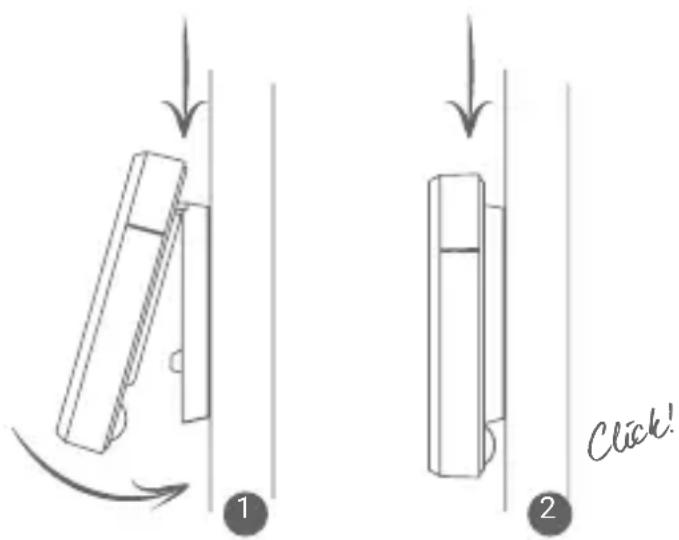
Position Anna on the mounting frame, as indicated on the right.
Plug in the boiler again. Plug the Smile into the power outlet and wait until the Smile has started up.
- Check if the installation has been completed successfully. The measured temperature will be displayed on Anna's screen. Turn up the room temperature with Anna by pressing the metal button on the right side in order for the heater to start warming up. Check also if the flame of the boiler has ignited.
Installing the Anna-app.
^+ Download and install the app on your smartphone or tablet. You will find the app in the App Store or in Google Play under the name "Anna - thermostat".
Ensure that your smartphone or tablet is connected to the same network as to which you have connected the Smile. Go through the startup screens of the app. The information is used to heat your home in a smarter way.
- Check if the installation has been completed successfully. Put the temperature lower with the app and check if the flame of the boiler goes out.
Controlling Anna.
You can control Anna at the wall by touching the three parts of the metal brim. By briefly touching the upper side, you can change the status. By touching the upper side longer, you can turn the schedule on or off.
By touching the left side, you can put the temperature lower. You use the right side to put the temperature higher.
On www plugwise.com/anna you will find more information about the use of Anna and the app.
Environment.
Old electrical and electronic appliances very often contain valuable materials. Therefore, never dispose discarded appliances with normal household waste.
Hand your old appliances in at the municipal collection points for electrical and electronic equipment.
Contact.
Having trouble?
Please visit our website at www.plugwise.com/anna.
Here you will find handy tips and an extensive manual.
You can also fill in the contact form:
wwwplugwise.com/technical-contact
Still having difficulties?
You can always call us on workdays between nine (09.00h) and five (17.00h) +31(0) 88 24 33 033.

EU Declaration of Conformity
Plugwise B.V. hereby declares that this Anna is in compliance with the essential requirements and other relevant provisions of European Directives.
A copy of the EU declaration of Conformity is available at
https://www plugwise.com/certification-security.
www plugwise.com/technical-contact.
https://www plugwise.com/certification-security.