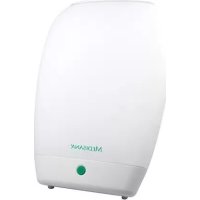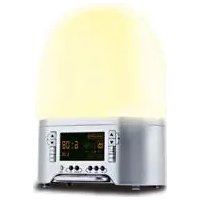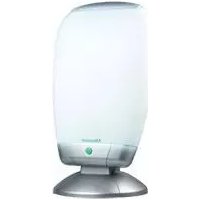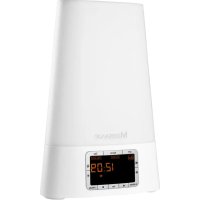
MEDISANA WL 460 - Light therapy

WL 460 - Light therapy MEDISANA - Free user manual and instructions

Find the device manual for free WL 460 MEDISANA in PDF.

📄 82 pages English EN 💬 AI Question
Notice MEDISANA WL 460 - page 14

User questions about WL 460 MEDISANA

0 question about this device. Answer the ones you know or ask your own.

Ask a new question about this device

L'email reste privé : il sert seulement à vous prévenir si quelqu'un répond à votre question.

No questions yet. Be the first to ask one.

Download the instructions for your Light therapy in PDF format for free! Find your manual WL 460 - MEDISANA and take your electronic device back in hand. On this page are published all the documents necessary for the use of your device. WL 460 by MEDISANA.

USER MANUAL WL 460 MEDISANA
1 Safety Information 2 Useful Information 3 Operation 4 Miscellaneous 5 Warranty

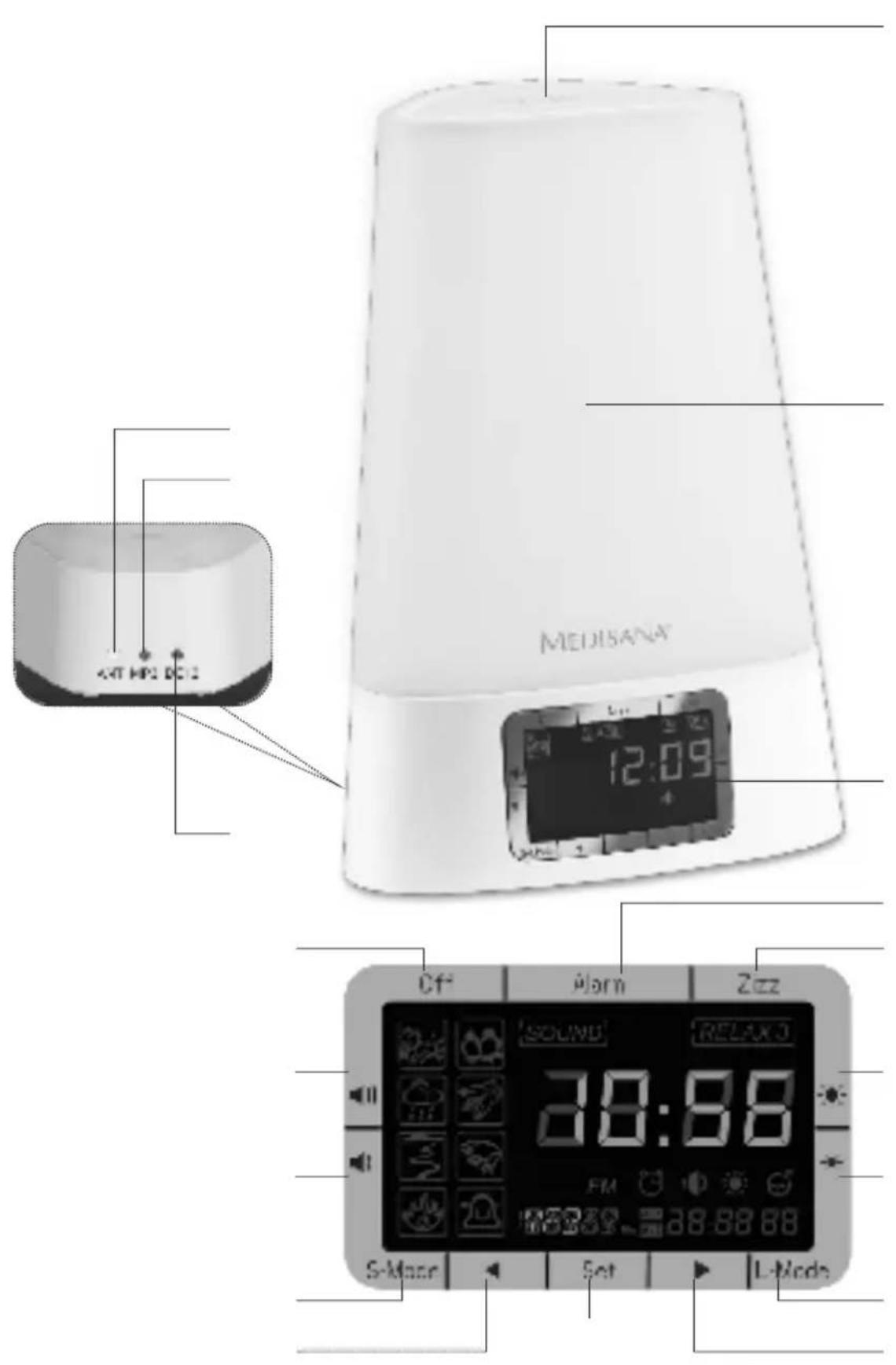
Demo / Snooze / Quick Check button Luminous element Display Alarm button (activate alarm) Zizz button (short time alarm) Increase brightness Decrease brightness L-Mode button (light on / color change / off) button (settings forward) Set button (make / confirm settings) button (settings backwards) S-Mode button (sounds of nature / radio / MP3 / off) Decrease volume Increase volume Off button (turn off activated functions) Connector for power cable Connector for MP3 player Connector for cable antenna

Read the instruction manual carefully before using this device, especially the safety instructions, and keep the instruction manual for future use. Should you give this device to another person, it is vital that you also pass on these instructions for use. This instruction manual belongs to this device. It contains important information about starting up and operation. Read the instruction manual thoroughly. Non-observance of these instructions can result in serious injury or damage to the device. WARNING These warning notes must be observed to prevent any injury to the user. CAUTION These notes must be observed to prevent any damage to the device. NOTE These notes give you useful additional information on the installation or operation.1 Safety Information

Safety infor- mation ŸBefore connecting the device to your power supply, please ensure that the supply voltage stated on the rating plate is compatible with your mains supply. ŸOnly use this unit according to the intended purpose and as directed in the instructions for use. ŸIf misused, all guarantee rights shall become null and void. ŸThe device is designed for use in private households only. ŸThis appliance can be used by children aged from 8 years and above and persons with reduced physical, sensory or mental capabilities or lack of experience and knowledge if they have been given supervision or instruction concerning use of the appliance in a safe way and understand the hazards involved. ŸCleaning and user maintenance shall not be made by children without supervision. ŸDo not use the device if it is not working correctly, if it has been dropped or has fallen into water or has been damaged. ŸNever touch an appliance that has fallen into water. Unplug the unit from the mains outlet immediately. ŸYou must not continue to use the unit if the lead or the mains adaptor are damaged. ŸDo not use the unit in the vicinity of high-frequency electromagnetic transmitters, as this could damage the functions on the device. ŸDo not expose the device to direct sunlight. ŸProtect the device from moisture. ŸYou must never submerge the unit, the lead or the mains adaptor in water or hold them under running water. ŸOnly handle the mains adaptor when your hands are dry. ŸDo not lay the cable near sources of heat or pull it over any sharp edges.1 Safety Information / 2 Useful Information

ŸNever carry, pull or turn the unit by the mains lead and do not let the lead get tangled. ŸTo separate the device from the power source disconnect the plug. ŸAlways make sure that the plug is easily accessible when the device is connected. ŸProtect the device from impact and shocks. ŸIf a fault occurs, do not attempt to repair the unit yourself. Repairs must only be carried out by an authorized specialist dealer or other suitably qualified personnel. ŸPlace the device on a solid and flat surface for use, to ensure that it cannot tip over or fall down. ŸOnly use the attachments/accessories specified by manufacturer. 2 Useful Information Thank youThank you for your confidence in us and congratulations! GBy purchasing the WL 460 sunrise alarm clock, you have acquired a high-quality product by MEDISANA. To derive the most success and to enjoy your WL 460 sunrise alarm clock for a very long time, we recommend that you read the following information on the use and care of the device carefully. 1 MEDISANA Sunrise alarm clock WL 460 1 Mains adaptor with connection cable 1 Cable antenna 1 Instruction manual Items suppliedand packagingPlease check first of all that the unit is complete and is not damaged in any way. If in doubt, do not use the appliance. Send it to a service point.The following parts are included as standard: The packaging can be reused or recycled. Please dispose properly of any packaging material no longer required. If you notice any transport damage during unpacking, please contact your dealer without delay. Please ensure that the polythene packing is kept away from the reach of children! Risk of suffocation! WARNING1.

Positioning and setup

Press and hold the Set-button for about 3 seconds, until the time in the display flashes. Adjust the time with the and buttons. Press the Set-button again to confirm the time. After that, you may select one of two alarm settings (AL1 or AL2) or the Zizz (short time alarm) for adjustment with the , and buttons. The adjustment needs to be done in the same way with the , and buttons as for the time adjustment. Additionally you need to select the way of alarming: By radio (FM) or by nature sounds (Sound). Depending on your selection you then need to adjust either the radio frequency or one of the eight nature sounds. In the following you need to set the volume and the light brightness level. If you only want to use the light or sound/radio function, adjust the other function to 0. If you do not press a button for at least 10 seconds, the device will quit the setting mode automatically. To activate an alarm you need to press the corresponding button (see 3.6 Activate an alarm resp. 3.7 Short time alarm). In case an alarm is activated, the L-Mode- and S-Mode- buttons are not available.

Setting the time and the alarms

With the S-Mode-button you can choose a sound source. With each press on the button you change the source in this sequence: SOUND (nature sounds) - FM (radio) - MPS (MP3 player) - OFF. If you have chosen the nature sounds, you additionally need to select one of the eight sounds with the and buttons. For listening to MP3 music, a MP3 player with 3.5mm jack plug needs to be connected to the connector for MP3 player and needs to be switched on. The volume can be con- trolled with the buttons and .

Choose the source of sound (S-Mode)

Place the device on a solid and flat surface for use to ensure that it cannot tip over or fall down.

Position the device about 40 - 50 cm away from your head, for exam- ple on a bedside table.

Plug the cable antenna to the the connector for cable antenna on the rear side of the device.

Plug the mains cable end to the connector for power cable on the rear side of the device and the power adapter to the wall outlet.

By pressing the L-Mode-button you activate the luminous element , the icon appears on the display and the level (0 - 20) of brightness. The level of brightness increases in increments from 0 to 20. Press the buttons or to adjust the brightness as desired.

If you press the L-Mode-button a second time, the light darks down gradually from setting number to 0, and the icon disappears. For reading, we recommend brightness level 20. Subsequently, the first relax mode is activated, in which the colour of light changes about every 8 seconds in this sequence: Red - blue - green - red/blue - blue/green - green/red - red/blue/green. If you press button the next relax mode is activated and the colour of light changes about every 4 hours. Press button again to switch to the next relax mode in which the colour of light will not change automatically. Choose the light colour by pressing button (next colour) or (previous colour). The brightness level is not adjustable in relax mode. If you press the L-Mode-button a third time, all light functions will be switched off.

With the Alarm-button you activate alarm1 and/or alarm 2. Depending on the rate of keystrokes, AL1 (for alarm1) and/or AL 2(for alarm 2) are displayed and are activated therewith. With the fourth press on the Al- arm-button all alarms will be deactivated.

In the last 30 minutes before an activated alarm starts, the brightness slowly adjusts to the brightness set for the alarm time. The volume selec- ted for the alarm time, increases from the start of the alarm (when the alarm time is reached) to the set value within 60 seconds. The regular alarm is only activated, if there are more than 30 minutes between the time when the alarm is set and the time at which the alarm is supposed to be triggered. If there is less than 30 minutes between the time when the alarm is set and the time at which the alarm is supposed to be triggered, the alarm function will start 60 seconds before the setting time. Pressing the Off button switches off the alarm - the settings will be kept for the next day. The alarm automatically switches off after 30 minutes.

With the Zizz-button you can set a short time alarm (e.g. for taking a short break). Pressing the button once sets an alarm to begin after 15 minutes. Each further press of the button extends the alarm time by 15 minutes (until max. 90 minutes). It starts the countdown to the desired alarm time once the icon stops flashing.

Pressing the Off button switches off the alarm. The alarm automatically switches off after 30 minutes.

With the Demo / Snooze / Quick Check-button you can select differ- ent functions depending on the current state of the device settings:

1. In case of deactivated alarm:

Demonstration function for all light and sound effects. The entire demo process takes about 1 minute.

2. In case of set / activated alarm function:

Quick-Check function to check the settings of the alarm function. After dis- play of all values, the Quick-Check function will be closed automatically.

3. In case of activated and effected alarm:

Snooze funcion. When the button is pressed within 30 minutes before the set alarm time, the wake up function (including light and sound) will stop until the setting time.

Night light By pressing button you activate the red night light (sunset) for 30 minutes. If you press button again the timer will be set to 60 , resp. 90 minutes. Pressing button the fourth time will deactivate the night light. While the night light function is activated you can press button to see the remaining time.

Then it takes only 1 minute for light and sound to reach the setting de- gree. If you press the Demo / Snooze / Quick Check-button within 30 minutes after the setting time, the device will wake up after 5 minutes delay. Each time pressing the button stops the wake up function for fur- ther 5 minutes. The maximum to extend the alarm time is 30 minutes. 13 Operation / 4 Miscellaneous

If the device is not working correctly, pull the plug from the wall outlet, wait10 seconds and then plug it in again. Set the time and the other functions again newly.

Reset function NOTES The device does not have storage batteries. Once the plug has been pulled and plugged in again, the device has been reset to itsoriginal state. All settings must be made again.The time information can deviate by ± 6 seconds per day.

Cleaning and maintenance 4 Miscellaneous Dust the device regularly using an antistatic cloth. You can also used aslightly damp cloth.Do not use any aggressive detergents or abrasives.

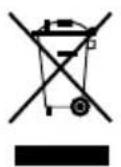
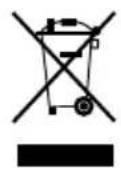
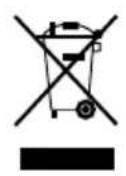
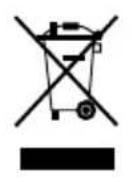
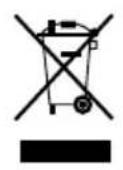
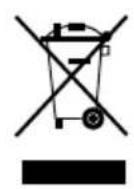
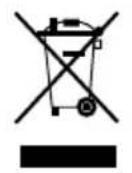
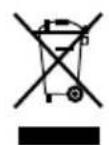
This product must not be disposed together with the domestic waste. All users are obliged to hand in all electrical or electronic devices, regard-less of whether or not they contain toxic substances, at a municipal or commercial collection point so that they can be disposed of in an environ-mentally acceptable manner. Consult your municipal authority or your dea-ler for information about disposal. E G

Technical specifications Name and model:Power supply:Power consumption:Power supply: (Manufacturer and model)Time accuracy:Brightness:Operating conditions:Dimensions approx.:Weight approx.:Article no.:EAN Code: MEDISANA Sunrise alarm clock WL 46012V 1A max. 12 WDongguan City Yingju Electronics Co., Ltd.YJS010A-1201000GInput: 100-240V~, 50/60 Hz, 350 mAOutput: 12V 1000 mA± 6 seconds / day250 Lux (40 cm away from device)Only use in dry rooms as described in theoperating instructions(l) 19 x (w) 14,5 x (h) 27,5 cm 0,9 kg4511540 15588 45115 7

Disposal In accordance with our policy of continual product improvement,we reserve the right for technical and design changes without notice.The current version of this instruction manual can be found under www.medisana.comWarranty and repair terms 5 Warranty

MEDISANA AG Jagenbergstraße 19 41468 NEUSS Germany eMail:info@medisana.de Internet: www.medisana.de The service centre address is shown on the attached leaflet. Please contact your dealer or the service centre in case of a claim under the warranty. If you have to return the unit, please enclose a copy of your receipt and state what the defect is. The following warranty terms apply:

1. The warranty period for MEDISANA products is three years from

date of purchase. In case of a warranty claim, the date of purchase has to be proven by means of the sales receipt or invoice.

2. Defects in material or workmanship will be removed free of charge

within the warranty period.

3. Repairs under warranty do not extend the warranty period either for

the unit or for the replacement parts.

4. The following is excluded under the warranty:

a. All damage which has arisen due to improper treatment, e.g. non- observance of the user instructions. b. All damage which is due to repairs or tampering by the customer or unauthorised third parties. c. Damage which has arisen during transport from the manufacturer to the consumer or during transport to the service centre. d. Accessories which are subject to normal wear and tear.

5. Liability for direct or indirect consequential losses caused by the unit

are excluded even if the damage to the unit is accepted as a warranty claim.1 Consignes de sécurité

Manual assistant
Powered by Anthropic
Waiting for your message
Product information

Brand : MEDISANA

Model : WL 460

Category : Light therapy