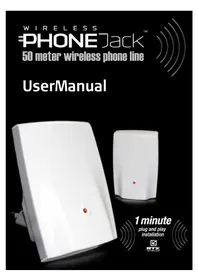
Wireless Phone Jack - Wireless telephony RTX - Free user manual and instructions
Find the device manual for free Wireless Phone Jack RTX in PDF.


Frequently Asked Questions - Wireless Phone Jack RTX
User questions about Wireless Phone Jack RTX
0 question about this device. Answer the ones you know or ask your own.
Ask a new question about this device
Download the instructions for your Wireless telephony in PDF format for free! Find your manual Wireless Phone Jack - RTX and take your electronic device back in hand. On this page are published all the documents necessary for the use of your device. Wireless Phone Jack by RTX.
USER MANUAL Wireless Phone Jack RTX
50 meter wireless phone line
UserManual
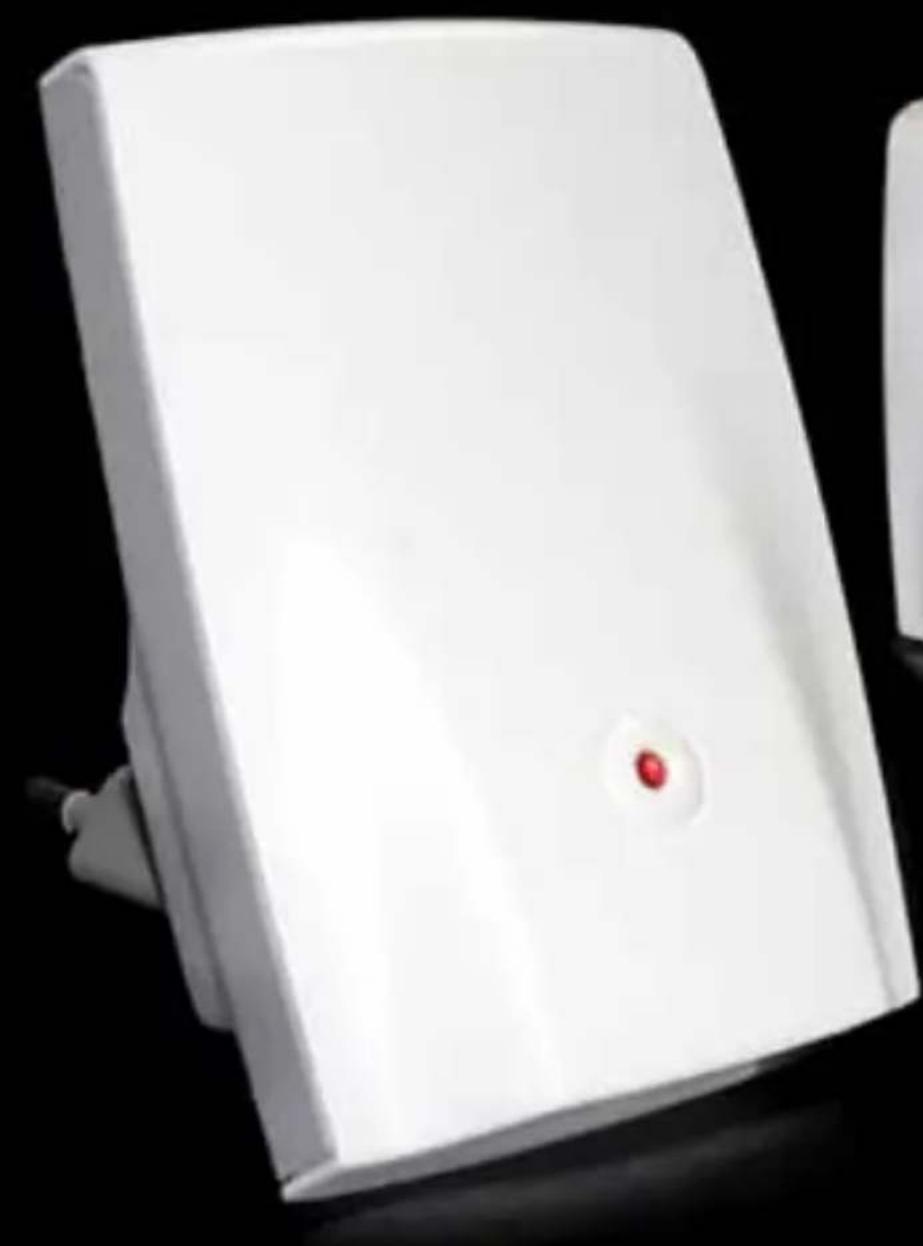
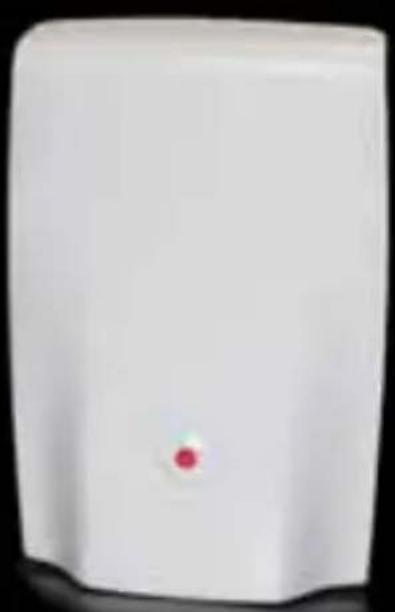
1 minute
plug and play installation

E
TECHNOLOGY
INSTALLATION GUIDE
ENGLISH 4
FRANÇAIS 11
ITALIANO 19
ESPANOL 27
POLSKI 35
NEDERLANDS 43
DEUTsCH 51
59
SVENSKA 67
DANSK/NORSK 75
SUOMI. 83
DEAR CUSTOMER
Wewould liketothankyouforpurchasingourWirelessPhone additionalExtensionunit.Wehope youwillenjoyit.
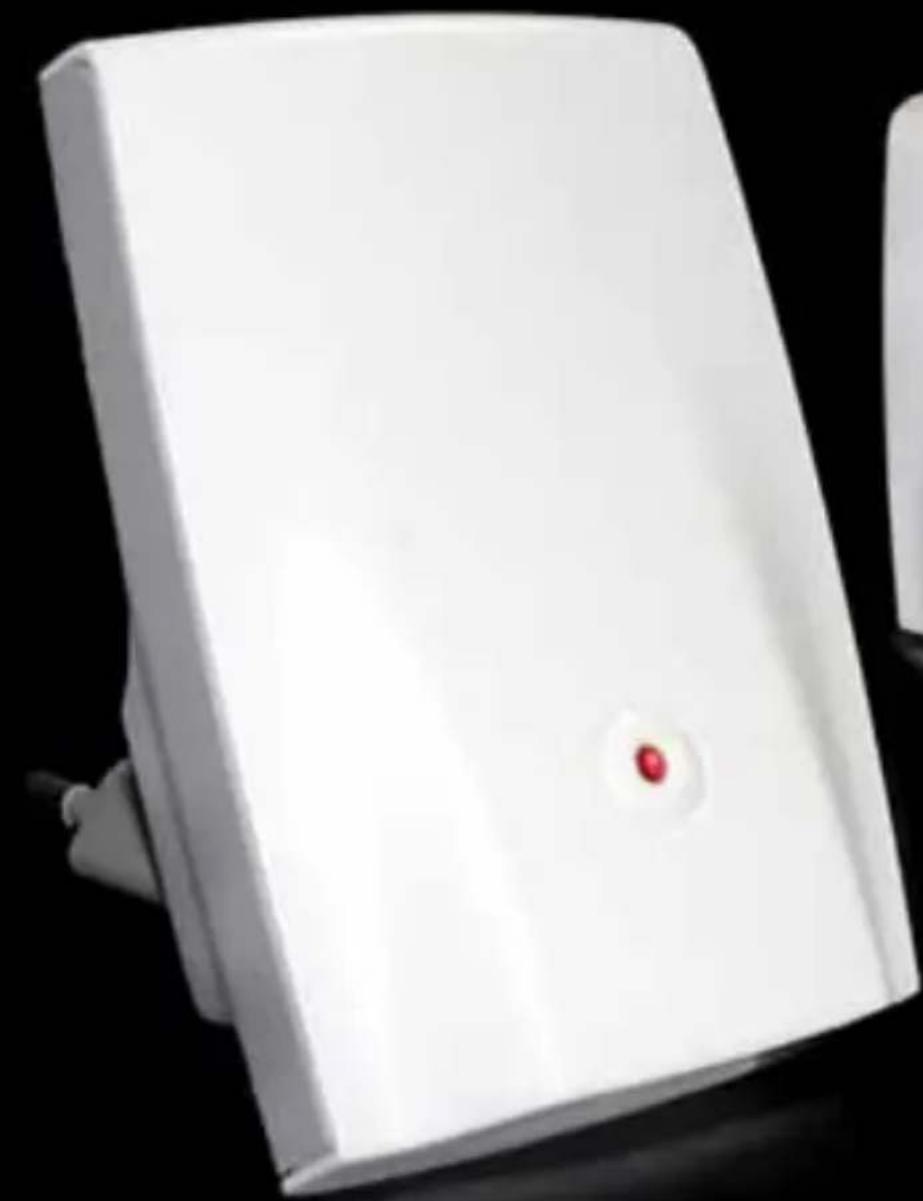
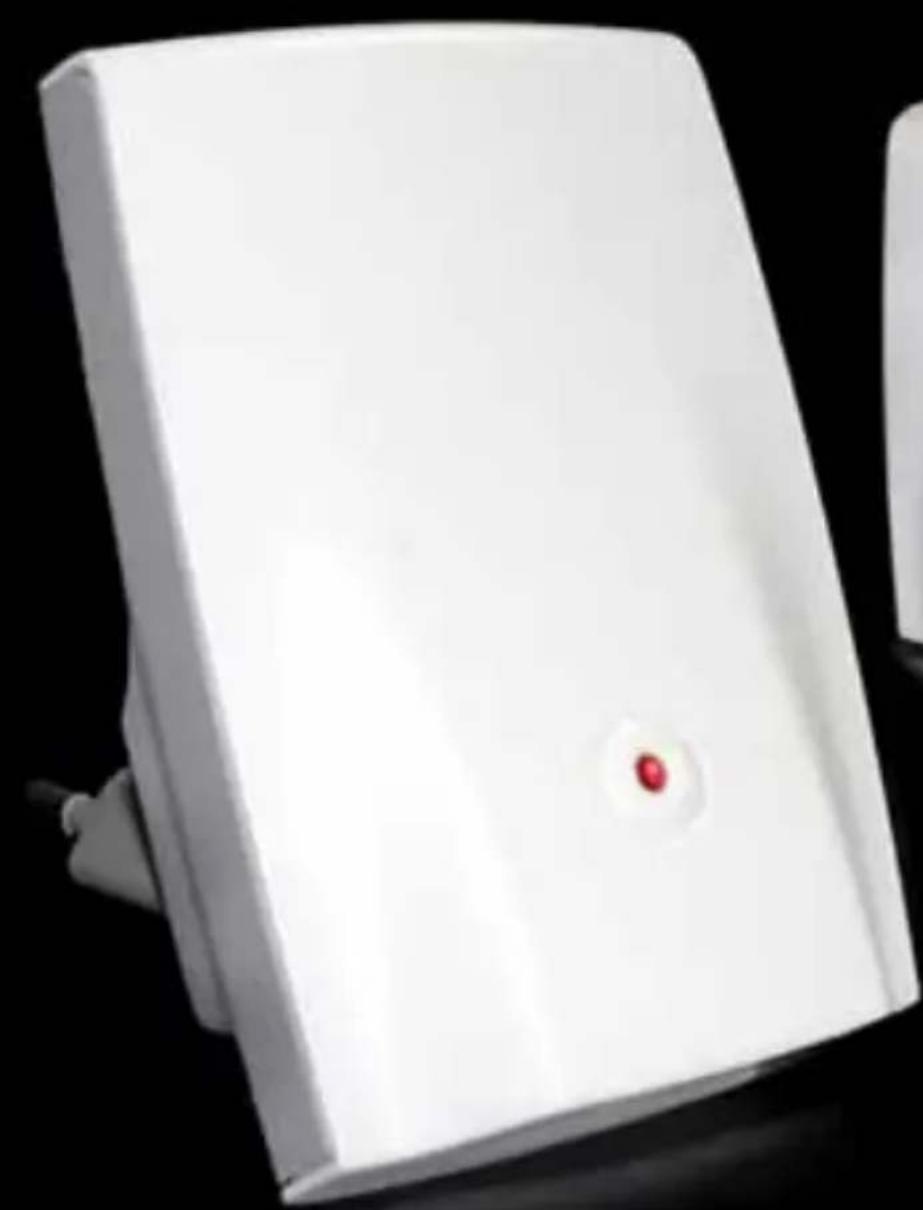
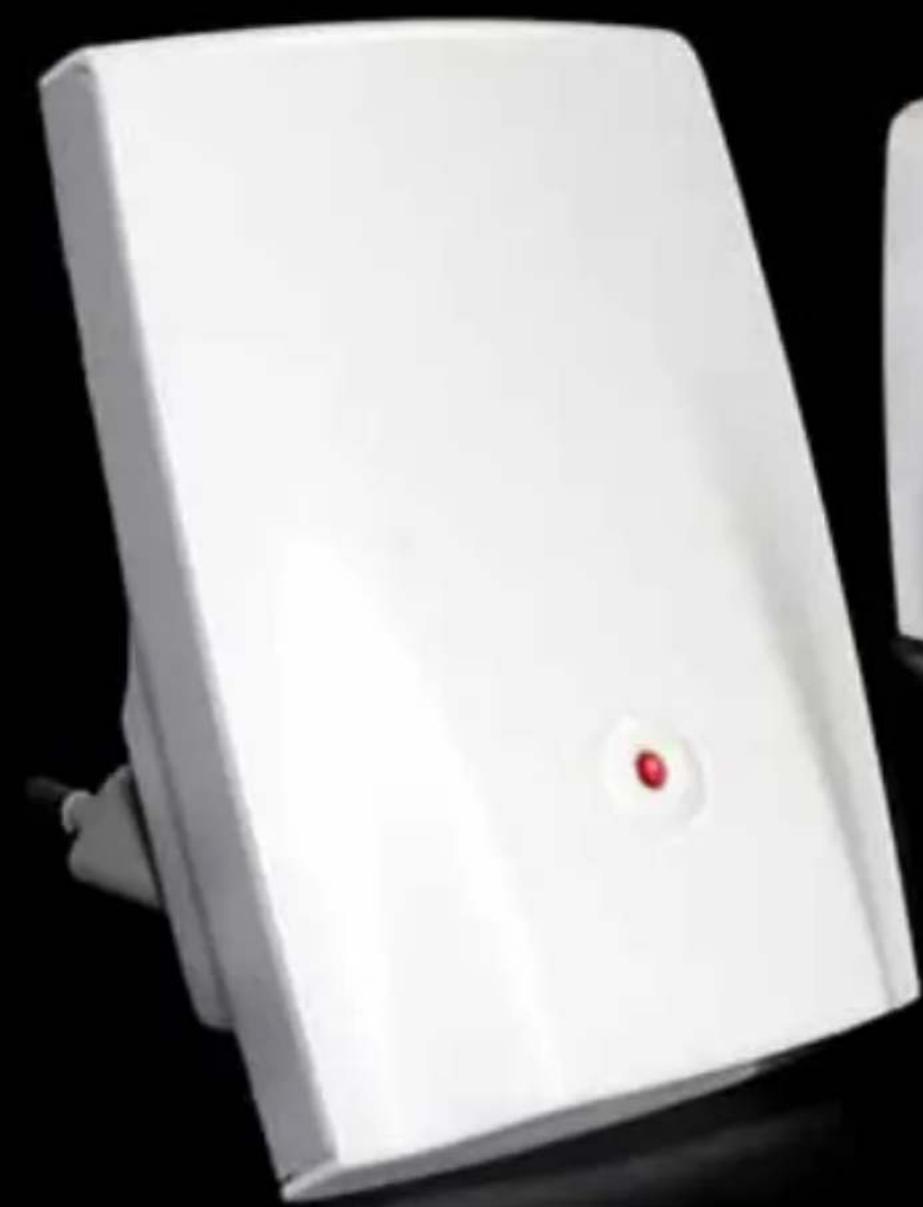
The Wireless Phone Jack is a wireless cable free extension socket or VoIP adapter for an ordinary phone, modem, fax or satellite/cable set top box with integrated modem.
Please read the following thoroughly and observe the operating instructions and information provided.
Please visit our website for additional information: www.wireless-phonejack.com
Conformity of the Wireless Phone Jack to EU directives is confirmed by the CE symbol. Hereby, we declare that the Wireless Phone Jack and/or extra Extension units are in compliance with the essential requirements and other relevant provisions of Directive 1999/5/EC.
C
Copyright ©. All rights reserved. All forms of copying or reproduction of the product or its associated user manual are strictly prohibited.
This product is manufactured for RTX Products HK Ltd.
UNPACKING
Carefully remove units from the packaging. If there is any visible damage DO NOT attempt to operate the Wireless Phone Jack. Contact your dealer or shipping carrier immediately.
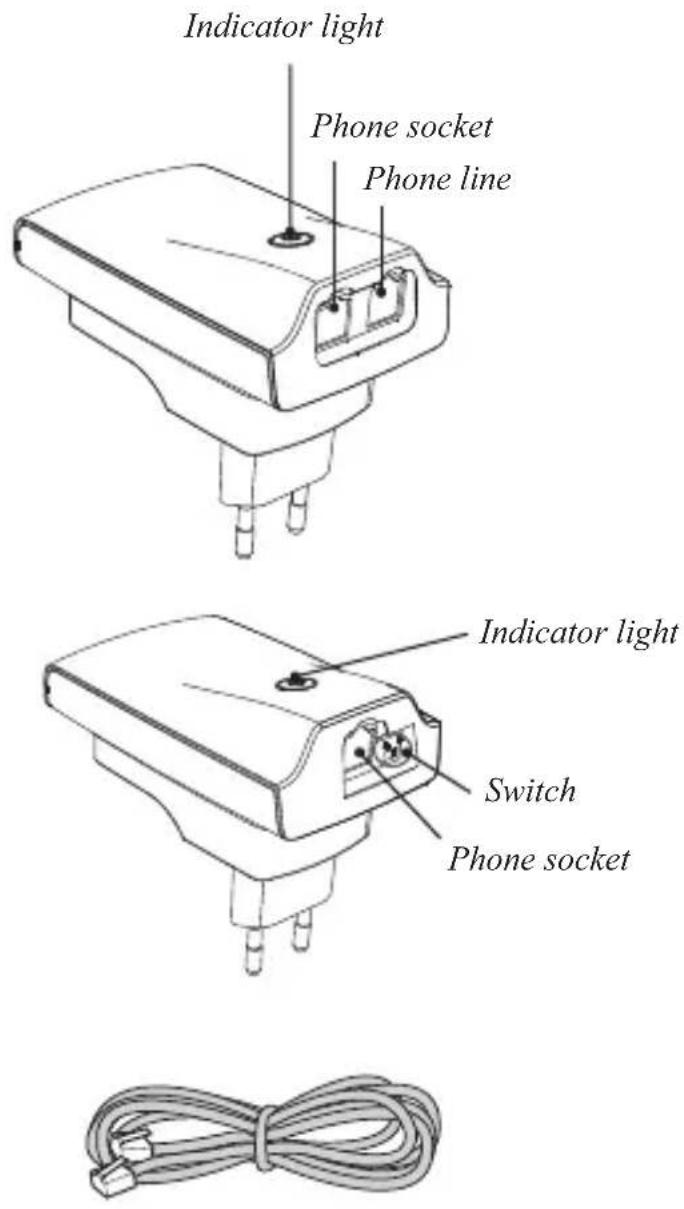
BOX CONTENTS:
1) One Base unit
2) One Extension unit
3) One phone line cord
4) This user manual
NOTE: Please read and follow carefully the instructions.
BASE UNIT INSTALLATION
1) Connect the enclosed phone line cord to the Base unit and connect the other end to the phone wall socket.*
2) If you have a phone connected to the wall socket, unplug it to the Base unit instead (remove plug adapter before connecting to the Base unit).
3) Connect the Base unit to a power output and switch power on. The Base unit should now glow green.
TheBaseunitisnowinstalled.
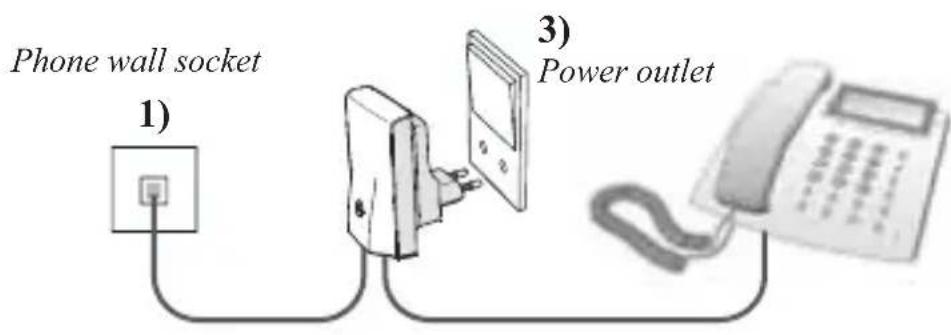
2) Phone, dial-up modem, fax
*NOTE: Works also as a wireless extension to a VoIP Terminal Adapter
EXTENSION UNIT INSTALLATION
The Extension unit can be connected to either a normal phone, dial-up modem, fax or satellite/cable settop box.
1) Plug the phone line cord from your phone, dial-up modem, fax or satellite/cable set top box into the Extension unit.
1) Power supply plug
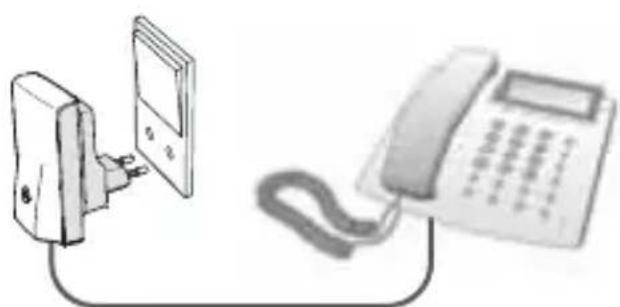
Phone, dial-up modem, fax or satellite/cable set top box
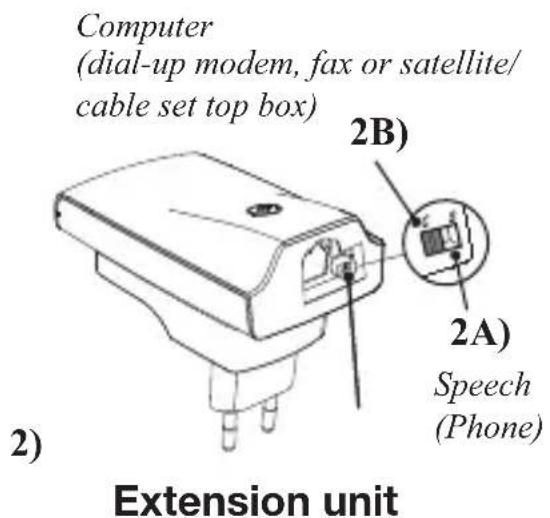
2)2A:Connectionofphone.Turntheswitchto“S"-positionforSpeech(voice). 2B: Connection of dial-up modem, fax or satellite/cable set top box. Turn the switch to “C"-position for Computer (dial-up modem, fax or satellite/cable set top box).
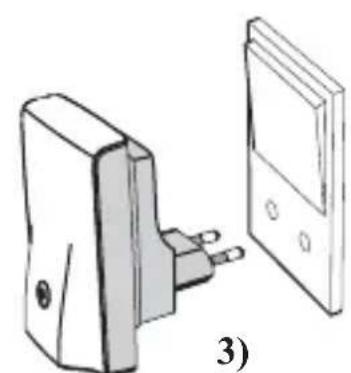
3) Plug the Extension unit into a power outlet and switch the power on top of the Extension unit, will after a short period glow grey is on C) or yellow (if the switch is on S).
The Extension unit is now installed and your Wireless Phone Jack is now ready for use.
INSTALLATION OF EXTRA EXTENSION UNITS
1) Makes sure the existing Wireless Phone Jacks system (base and is powered on.
(2) Unplug any cords attached to the Base unit (these will be counted later).
3) Plug the extra Extension unit into a power outlet near the Bas power on. This will activate a light tonthe Extension unit
4) PlugoneendothesuppliedphonelinecordintotheBase unit and the other end into the extra Extension unit. A red light will be activated before changing to either green (if the switch is turned over to C = computer for dial-up modem, fax or set top box) or yellow (if the switch is turned over to S = speech for phone). This can take up a minute.
5) OncethelightchangesontheExtensisonit,unplugthephon between the Baseunitand the Extensisonit.
6)Replug the cord s which you have unplugged.
Go to page 4 Extension unit installation to finish the installation process.
OPERATING MODES
| BASE UNIT | ||
| Light shows This means | Suggested fix | |
| Steady Green Base unit is ready | No Extension units are in use | None Normal operation |
| Flashing Green One or more | Extension units are in use | None Normal operation |
| No Light No power to | Base unit | Check that the Base unit is properly connected to a power outlet and that the power is on |
| Fast flashing Green The base | unit is open for DECT handset registrations | The DECT handset registration mode is open after two power on-off operations. To terminate the registration mode, either register a DECT handset or turn the base power off and then on. |
| EXTENSION UNIT | ||
| Light shows This means | Suggested fix | |
| Steady Green Extension unit | in computer/Data ("C") is registered and in range of Base unit and ready for use | None Normal operation |
| Steady Yellow Extension unit | in Speech/voice ("S") is registered and in range of Base unit and ready for use | None Normal operation |
| Flashing Green Extension unit | in use (C mode) | None Normal operation |
| Flashing Yellow Extension unit | in use (S mode) | None Normal operation |
| No Light No power to Extension | unit Check that the Extension | unit is properly connected to a power outlet and that the power is on |
| Steady Red Extension unit is ready to be registered to a Base unit | See Installation of extra Extension units | |
| Flashing Red to Yellow or Flashing Red to Green | Extension unit is registered but not locked to Base unit | Check that Base unit is powered up. If it is, the Extension unit may be out of range of Base unit. Relocate either the Extension unit or the Base unit to bring the units closer together |
| Fast flash of Red for 5 seconds followed by Steady Red (occurring after an attempt to register an Extension unit) | Four Extension units are already registered to the Base unit (the max possible) – this fifth Extension unit cannot be added | Install an additional Base unit and register the fifth Extension unit to the new Base unit |
TROUBLESHOOTING
| Problem Possible cause | Solution | |
| Nodalalingtoneava | ilable - Baseunitpower-Cablesnotcorrectlyconnected-The Extension unit may notbe registered to the base-The Extensisonitiessof reach | nCheetakall powerand cablections. If in doubt please refer to theuser manual. Check that theExtension unit switch is correctlyset to either S or C-Relocatethe Extensisonu signal reach of the Base unit (max50m) |
| My dial-up modem/set top box/faxisnotworking | The Extension unit switchhas not been set to modemfunctionality | Make sure that the Extension unitswitch is set to C |
| Short "hissing" soundheard on phone attachedto the Extension unitwhen first picked up | The Extension unitswitch has not beenset properly | Make sure that theExtension unit switchis set to S |
| The extra extension unitis blinking before startinga registration procedure | The extra extension unit isalready registeredtoanotherphone jack | Turn power on-off, 5 times in a rowuntil the lightcontinuingHereafter continue extra extensionextension unit installation |
sly red.
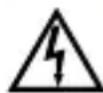
The lightning flash with arrowhead symbol within an equilateral triangle is used to alert the user to the presence of uninsulated "dangerous voltage" within a product's enclosure that may be of sufficient magnitude to constitute a risk of a shock to persons.
"Caution" Main plug is used as disconnect device and it should remain readily operable during intended use. In order to disconnect the apparatus from the mains completely, the mains plug should be disconnected from the mains socket outlet completely.
The socket outlet shall be installed near the equipment and shall be easily accessible.
Warning:
- Do not use this equipment in places where volatile or explosive materials may be present.
- This equipment will be inoperable if mains power fails.
- For indoor use only.

The crossed-out wheeled bin symbol that can be found on your product means that the product is covered by the European Directive 2002/96/EC and it indicates that this product should not be disposed of via the normal household waste stream.
To prevent possible harm to the environment or human health, please separate this product from other waste streams to ensure that it can be recycled in an environmentally sound manner. For more details on available collection facilities, please contact your local govern office or the retailer where you purchased this product.
WIRELESS
PHONEJack
50 meter wireless phone line
Installazione plug and play in
un minuto

RTX TECHNOLOGY
Cher client,
50 meter wireless phone line
Manuale d'uso

Installation
<
une minute

RTX TECHNOLOGY
GENTILE CLIENTE
50 meter wireless phone line
Manual de usuario
Instalacion "plug and play" en
un minuto

RTX TECHNOLOGY
ESTIMADO CLIENTE
50 meter wireless phone line
50 meter wireless phone line
50 meter wireless phone line
Benutzerhandbuch

Plug-and-play-Installation in
1 Minute

RTX TECHNOLOGY
LIEBER KUNDE,
http://www.wireless-phonejack.com nht http://www.1name1brand1world.com
Δnλωσομμόρφωσκ:
O napwv ouumopwpwetai npoc tic baokc anaiaoic kai tic loinec oxetikec diataeic tnc O8nyiac 1999/5/EC nepip aodioeoioukai tnEriokovwiaakou terpaatikoou eoiioou (O8nyia R&TTE).
C
Copyright ©. Me tvv eipulaaen kahedeltaaiwpatoc. Anayopueetai n oioiaobnnote mopfn aviypapnc, avanapaywync, taopac, diavounc n aohtkeuoc tmuatoc n tou ouvoaou tou npoiovtoc kai onoiouhnoTe Eyypaou oxetizetai me auto. All forms of copying or reproduction of the product or its associated user manual are strictly prohibited.
To npoiov auto kaataoekvuaetai yia tnv ONEWORLD kai tnv RTX Products A/S.
50 meter wireless phone line
Användarhandbok

1 minute
plug and playinstallation

RTX TECHNOLOGY
BÄSTA KUND
50 meter wireless phone line
Brugerhandbog
"Plug and play"-installation pa
et minut

RTX TECHNOLOGY
KÆRE KUNDE
Tak fordi du valgte vores Wireless Phone Jack og/eller en ekstra Extension Unit. Vi haber, du bliver glad for den.
INSTALLATION AF EXTENSION UNIT
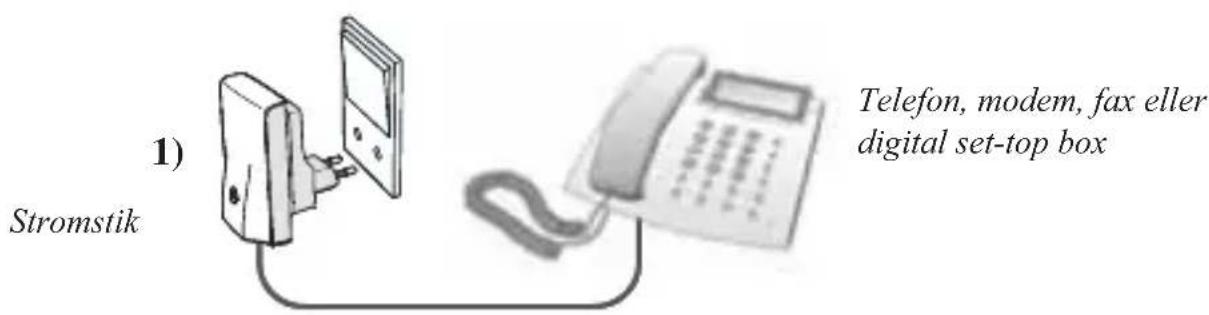
Extension Unit kan forbinds til enten en almindelig Telefon, et modem, en fax ell er en digital set-top box.
1) Sæt Telefonkablet fra din Telefon, dit modem, din fax eller din digitale set-top box i Extension unit.
50 meter wireless phone line
Käyttoopas

1 minutin