Classic - USB Drive HAMA - Free user manual and instructions
Find the device manual for free Classic HAMA in PDF.



| Product type | Analog alarm clock |
| Brand | Hama |
| Model | Classic |
| Power supply | 1 LR6/AA battery, 1.5 V |
| Display | Analog (hands) |
| Alarm function | Ringer with alarm time setting |
| Lighting | LED (Light button) |
| Time setting | Knob on the back |
| Alarm setting | Separate knob on the back |
| Alarm on/off | Sliding switch on the back |
| Housing material | Plastic |
| Dimensions | Approximately 10 x 10 x 5 cm (estimate) |
| Weight | Approximately 150 g (with battery) |
| Cleaning | Soft, slightly damp cloth, no harsh detergents |
| Battery replacement | Yes, battery compartment accessible at the back |
| Warranty | Manufacturer's warranty (exclusion in case of misuse) |
Frequently Asked Questions - Classic HAMA
User questions about Classic HAMA
0 question about this device. Answer the ones you know or ask your own.
Ask a new question about this device
Download the instructions for your USB Drive in PDF format for free! Find your manual Classic - HAMA and take your electronic device back in hand. On this page are published all the documents necessary for the use of your device. Classic by HAMA.
USER MANUAL Classic HAMA
OperatingInstructions
Bedienungsanleitung
Moded'emploi
Instruccionesdeuso
Gebruiksaanwijzing
Istruzioniperl'uso
Instrukcjaobsługi
Használatiútmutató
Manualdeutilizare
Návodkpoužití
Návodnapoužitie
Manualdeinstruções
Bruksanvisning
Operatinginstruction
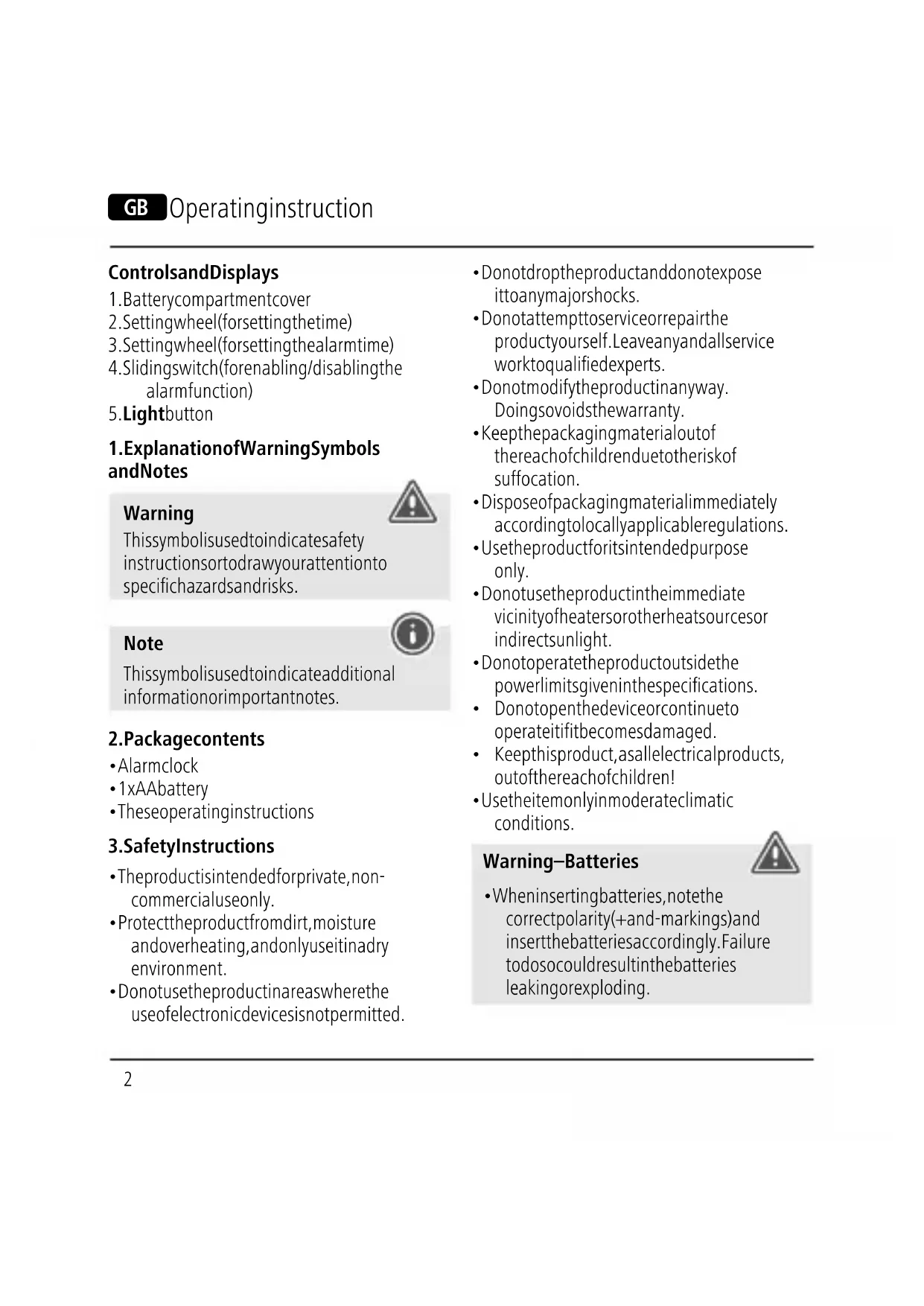
ControlsandDisplays
- Batterycompartmentcover
- Settingwheel(forsettingthetime)
- Settingwheel(forsettingthealarmtime)
-
Slidingswitch(forenabling/disablingthe alarmfunction)
-
Lightbutton
1. ExplanationofWarningSymbols andNotes
Warning
This symbol is used to indicate safety instructions to draw your attention to specific hazards and risks.

Note
This symbol is used to indicate additional information or important notes.

2.Packagecontents
- Alarmclock
- 1xAAbattery
• Theseoperatinginstructions
3. Safety Instructions
• The product is intended for private, non-commercial use only.
- Protect the product from dirt, moisture and overheating, and only use it in a dry environment.
- Donotusetheproductinareaswherethe useofelectronicdevicesisnotpermitted.
- Donotdroptheproductanddonotexpose ittoanymajorshocks.
- Donotattempttoserviceorrepairthe productyourself.Leaveanyandallservice worktoqualifiedexperts.
- Donotmodifytheproductinanyway. Doingsovoidsthewarranty.
- Keepthepackagingmaterialoutofthereachofchildrenduetotheriskofsuffocation.
- Disposeofpackagingmaterialimmediately accordingtolocallyapplicableregulations.
- Usetheproductforitsintendedpurpose only.
- Donotusetheproductintheimmediate vicinityofheatersorotherheatsourcesor indirectsunlight.
- Donotoperatetheproductoutsidethe powerlimitsgiveninthespecifications.
- Donotopenthedeviceorcontinueto operateitifitbecomesdamaged.
- Keep this product, as all electrical products, out of thereach of children!
- Use the item only in moderate climatic conditions.
Warning-Batteries

- When inserting batteries, not the correct polarity(+and-markings) and insert the batteries accordingly. Failure todos could result in the batteries leakingorexploding.
Warning-Batteries

- Onlyusebatteries(orrechargeable batteries)thatmatchthespecifiedtype.
- Beforeyouinsertthebatteries,cleanthe batterycontactsandthepolarcontacts.
- Donotallowchildrentochange batterieswithoutsupervision.
- Donotmixoldandnewbatteriesor batteriesofadifferenttypeormake.
- Removethebatteriesfromproducts thatarenotbeingusedforanextended period(unlessthesarebeingkept readyforanemergency).
- Donotshort-circuitbatteries.
- Donotchargebatteries.
- Donotthrowbatteriesinafire.
- Keepbatteriesoutofthereachof children.
- Neveropen, damageorswallow batteriesorallowthemtoenterthe environment. Theycancontaintoxic, environmentallyharmfulheavymetals.
- Immediatelyremoveanddisposeof deadbatteriesfromtheproduct.
- Avoidstoring, chargingorusing the device in extreme temperatures and extremely low atmospheric pressure (for example, at high altitudes).
4. Gettingstartedandoperation
4.1 Startinguptheclock
Openthebatterycompartmentcover
(1), insertoneAAbattery, ensuring that the battery is inserted correctly interms of polarity, and then closet the battery compartment cover (1). The clock is ready for operation.
5.Operation
5.1 Settingthetime
- Turnthesettingwheel (2)ontheback inthedirectionindicatedbythearrowto setthecurrenttime(hours/minutes).
- Tosettheseconds,removethebattery tostoptheseconds.Putthebatteryback intostartthesecondshandagainatthe rightsecond.
5.2Alarmclock
- Movethesettingwheel (3)onthe backofthealarmclockinthedirection ofthearrowtosettheappropriatealarm time.Thehandforthealarmtimemovesin ananticlockwisedirection.
- Pulltheslidingswitch(4)ontheback outwardoruptoenablethealarm.An alarmwillsoundatthesetalarmtime.
- Presstheslidingswitch(4)downtoshut offanddisablethealarm.
5.3LEDlighting
PresstheLightbutton(5)toactivatethe LEDlighting.
6.CareandMaintenance
Onlycleanthisproductwithaslightlydamp, lint-freeclothanddonotuseaggressive cleaningagents.Makesurethatwaterdoes notgetintotheproduct.
7.WarrantyDisclaimer
HamaGmbH&CoKGassumesnoliabilityand providesnowarrantyfordamageresulting fromimproperinstallation/mounting,improper useoftheproductorfromfailuretoobserve theoperatinginstructionsand/orsafetynotes.
8.TechnicalData

Powersupply
"Classic" alarmclock
1.5V 1xAABattery
D
Bedienungsanleitung
86652Monheim/Germany
Service&Support
www.hama.com
+499091502-0
D | GB
CE

text_image
FR FR
PAP RaccoltaCarta
Alllistedbrandsaretrademarksofthecorrespondingcompanies.
Errorsandomissionsexcepted, and subjecttotechnical changes.
Ourgeneraltermsofdeliveryandpaymentareapplied.