Tekken Tag Tournament 2 (Playstation 3) - Game SONY - Free user manual and instructions
Find the device manual for free Tekken Tag Tournament 2 (Playstation 3) SONY in PDF.


| Product type | Video game on Blu-ray disc |
| Platform | PlayStation 3 |
| Publisher | Namco Bandai Games America Inc. |
| Genre | Fighting |
| Game mode | 1 to 4 players (offline), up to 8 players online |
| Main features | Tag battles, arcade mode, ghost mode, VS mode, time attack, survival, practice, fight lab, ranked and player matches online |
| Tag functions | Tag swap, slide attack, tag throw, tag combo, tag attack, tag percussion |
| Controller | DUALSHOCK 3 wireless controller (motion sensor) |
| Button configuration | Customizable via the CONTROLLER SETUP menu |
| HD video output | Requires compatible HD cables and display (sold separately) |
| 3D features | Requires PS3 system software v3.30+, 3D display, active 3D glasses, HDMI cable (sold separately) |
| Voice chat | Requires a headset (Bluetooth or USB, sold separately) |
| Trophies | Available with a PlayStation Network account |
| Data saving | On the PS3 system hard disk drive |
| Available languages | French, English (and others depending on version) |
| Maintenance and cleaning | Clean the disc with a soft, lint-free cloth from the center outward. Do not use solvents or abrasive cleaners. |
| Safety | Beware of epileptic seizures due to photosensitivity. Sit away from the screen, take breaks, stop if symptoms occur. Do not use on non-LCD projectors without checking. |
| Warranty | 90-day limited (hardware and workmanship) |
| Customer service | Email: support@namcobandaigames.com, Phone: (408) 235-2222 (English) |
| Box dimensions | 13.5 x 19 x 1.5 cm (standard estimate) |
| Weight | Approx. 100 g (estimate) |
Frequently Asked Questions - Tekken Tag Tournament 2 (Playstation 3) SONY
User questions about Tekken Tag Tournament 2 (Playstation 3) SONY
0 question about this device. Answer the ones you know or ask your own.
Ask a new question about this device
Download the instructions for your Game in PDF format for free! Find your manual Tekken Tag Tournament 2 (Playstation 3) - SONY and take your electronic device back in hand. On this page are published all the documents necessary for the use of your device. Tekken Tag Tournament 2 (Playstation 3) by SONY.
USER MANUAL Tekken Tag Tournament 2 (Playstation 3) SONY
text_image
ATEKEN TAG TOURNAMENT 2 namco®WARNING: PHOTOSENSITIVITY/EPILEPSY/SEIZURES
A very small percentage of individuals may experience epileptic seizures or blackouts when exposed to certain light patterns or flashing lights. Exposure to certain patterns or backgrounds on a television screen or when playing video games may trigger epileptic seizures or blackouts in these individuals. These conditions may trigger previously undetected epileptic symptoms or seizures in persons who have no history of prior seizures or epilepsy. If you, or anyone in your family, has an epileptic condition or has had seizures of any kind, consult your physician before playing. IMMEDIATELY DISCONTINUE use and consult your physician before resuming gameplay if you or your child experience any of the following health problems or symptoms:
- dizziness
- eye or muscle twitches
- disorientation
- any involuntary movement
- altered vision
- loss of awareness
- seizures or convulsion.
RESUME GAMEPLAY ONLY ON APPROVAL OF YOUR PHYSICIAN.
Use and handling of video games to reduce the likelihood of a seizure
- Use in a well-lit area and keep as far away as possible from the television screen.
- Avoid large screen televisions. Use the smallest television screen available.
- Avoid prolonged use of the PlayStation®3 system. Take a 15-minute break during each hour of play.
- Avoid playing when you are tired or need sleep.
Stop using the system immediately if you experience any of the following symptoms: lightheadedness, nausea, or a sensation similar to motion sickness; discomfort or pain in the eyes, ears, hands, arms, or any other part of the body. If the condition persists, consult a doctor.
3D GAME NOTICE:
Some people may experience discomfort (such as eye strain, eye fatigue, or nausea) while watching 3D video images or playing stereoscopic 3D games on 3D televisions. If you experience such discomfort you should immediately discontinue use of your television until the discomfort subsides.
SCE recommends that all viewers take regular breaks while watching 3D video, or playing stereoscopic 3D games. The length and frequency of necessary breaks may vary from person to person — please take breaks that are long enough to allow any feelings of discomfort to subside. If symptoms persist, consult your doctor.
The vision of young children (especially those under six years old) is still under development. Consult with a doctor (such as a pediatrician or eye doctor) before allowing a young child to watch 3D video images or play stereoscopic 3D games. When using any 3D enabled device with your PlayStation®3 you should read the instruction manual for that device and check www.us.playstation.com/support/3D for updated information.
NOTICES:
PS3™ system software v3.60 (or later), 3D display with compatible 3D active glasses and high-speed HDMI cable (all sold separately) required for 3D features. Visit www.us.playstation.com/support/3D for details.
Video output in HD requires cables and an HD-compatible display, both sold separately. Voice chat requires a headset, sold separately. Compatible with most bluetooth and USB wired headsets. Some limitations apply.
GETTING STARTED
PlayStation®3 system
Starting a game: Before use, carefully read the instructions supplied with the PS3™ computer entertainment system. The documentation contains information on setting up and using your system as well as important safety information.
Check that the MAIN POWER switch (located on the system rear) is turned on. Insert the TEKKEN TAG TOURNAMENT™ 2 disc with the label facing up into the disc slot. Select the icon for the software title under [Game] in the PS3™ system's home menu, and then press the ✕ button. Refer to this manual for information on using the software.
Quitting a game: During gameplay, press and hold down the PS button on the wireless controller for at least 2 seconds. Then select "Quit Game" from the screen that is displayed.
Hint

To remove a disc, touch the eject button after quitting the game.
Trophies: Earn, compare and share trophies that you earn by making specific in-game accomplishments. Trophies access requires a PlayStation® Network account.
SAVED DATA FOR PS3™ FORMAT SOFTWARE
Saved data for PS3™ format software is saved on the system's hard disk. The data is displayed under "Saved Game Utility" in the Game menu.
Use caution when using the DUALSHOCK®3 wireless controller motion sensor function. When using the DUALSHOCK®3 wireless controller motion sensor function, be cautious of the following points. If the controller hits a person or object, this may cause accidental injury or damage. Before using, check that there is plenty of space around you. When using the controller, grip it firmly to make sure it cannot slip out of your hand. If using a controller that is connected to the PS3™ system with a USB cable, make sure there is enough space for the cable so that the cable will not hit a person or object. Also, take care to avoid pulling the cable out of the PS3™ system while using the controller.
WARNING TO OWNERS OF PROJECTION TELEVISIONS:
Do not connect your PS3 ^™ system to a projection TV without first consulting the user manual for your projection TV, unless it is of the LCD type. Otherwise, it may permanently damage your TV screen.
HANDLING YOUR PS3™ FORMAT DISC:
- Do not bend it, crush it or submerge it in liquids. • Do not leave it in direct sunlight or near a radiator or other source of heat. • Be sure to take an occasional rest break during extended play.
- Keep this disc clean. Always hold the disc by the edges and keep it in its protective case when not in use. Clean the disc with a lint-free, soft, dry cloth, wiping in straight lines from center to outer edge. Never use solvents or abrasive cleaners.
TABLE OF CONTENTS
01 GETTING STARTED
02 CONTROLS
03 TAG FEATURES
04 OFFLINE FEATURES
06 ONLINE FEATURES
07 CUSTOMER SUPPORT & WARRANTY
08 FRANÇAIS
15 NOTES
18 CREDITS
CONTROLS
Directional buttons: Scroll through menus, character movement
L1 button: Tag (switch with partner)
R1 button: Tag (switch with partner)
Left stick: Scroll through menus, character movement
START button: Open the Pause Menu
button: Left punch
▲ button: Right punch
◎ button: Right kick, Cancel
× button: Left kick, Confir rm
Right stick:
Tag (switch with partner)
Select CONTROLLER SETUP in the OPTIONS menu to change button configuration. You may turn the switch controller vibration function on or off by pressing the PS button and adjusting the settings.
Button Explanation
| ◎ □ | Press buttons in succession listed from left-to-right. |
| ◎ + □ | Press buttons simultaneously. |
| [◎ □ ] | Quickly press buttons in succession listed from left-to-right. |
| Hold a directional button. | |
| Tap a directional button. | |
| ★ | Return to a “neutral” state, where no input is made on the left stick or the directional buttons. |
TAG FEATURES
TAG: TAG Button
Tag out with your partner. The character currently not in battle will slowly recover health within the red portion of their health gauge.

◎ (while tagging in)
Perform a sliding dash while tagging in.
◎ + △ (while tagging in)
Perform a running cross chop while tagging in.
TAG THROW: Ⓗ + TAG Button (while close to opponent)
Perform a throw involving both of your characters while tagging in your partner.
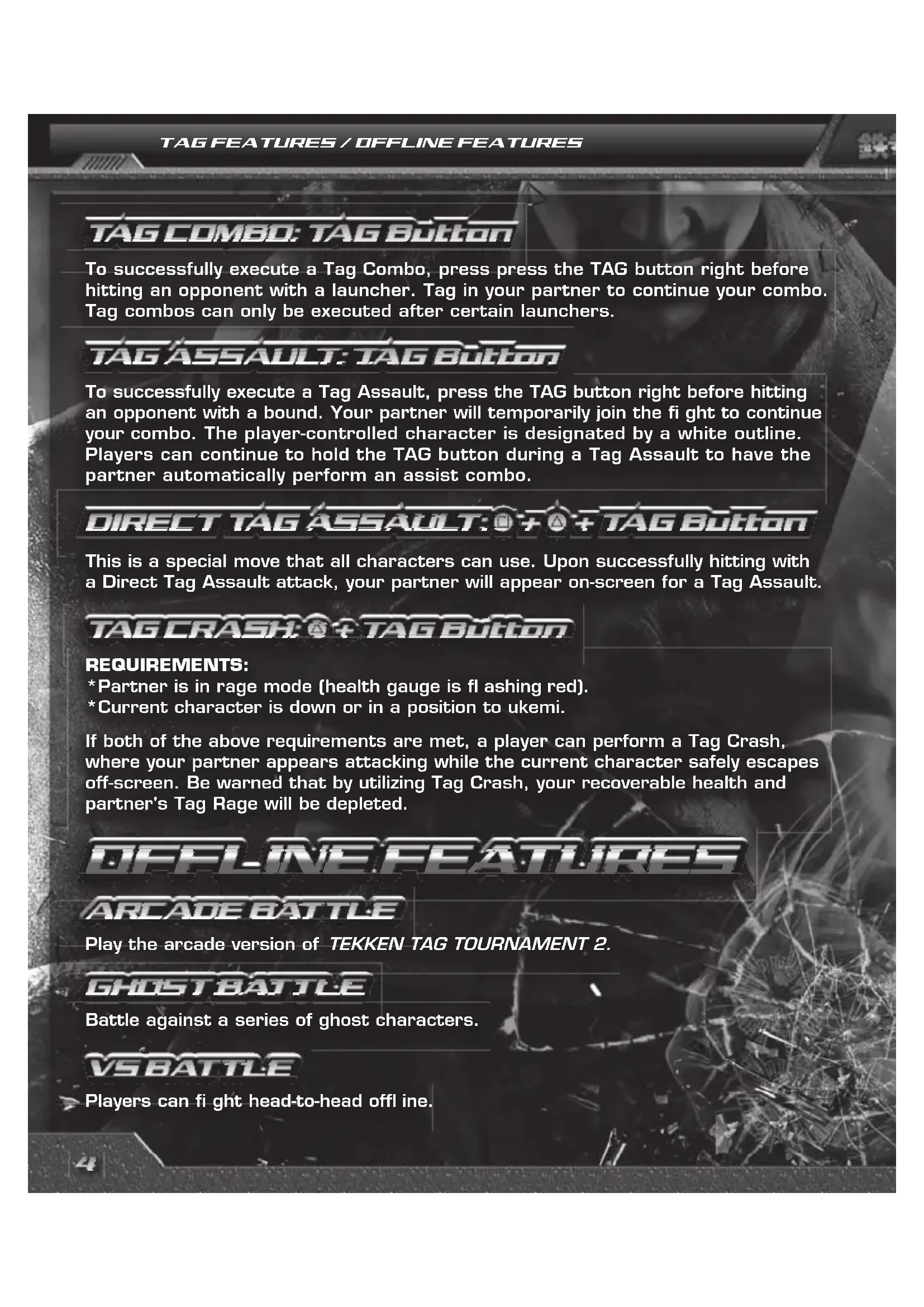
To successfully execute a Tag Combo, press press the TAG button right before hitting an opponent with a launcher. Tag in your partner to continue your combo. Tag combos can only be executed after certain launchers.
TAG ASSAULT: TAG BUTTON
To successfully execute a Tag Assault, press the TAG button right before hitting an opponent with a bound. Your partner will temporarily join the fight to continue your combo. The player-controlled character is designated by a white outline. Players can continue to hold the TAG button during a Tag Assault to have the partner automatically perform an assist combo.
DIRECT TAG ASSAULT: + TAG Button
This is a special move that all characters can use. Upon successfully hitting with a Direct Tag Assault attack, your partner will appear on-screen for a Tag Assault.
TAG CRASH: TAG BUTTON
REQUIREMENTS:
*Partner is in rage mode (health gauge is fl ashing red).
*Current character is down or in a position to ukemi.
If both of the above requirements are met, a player can perform a Tag Crash, where your partner appears attacking while the current character safely escapes off-screen. Be warned that by utilizing Tag Crash, your recoverable health and partner's Tag Rage will be depleted.
OFFLINE FEATURES
ARCADE BATTLE
Play the arcade version of TEKKEN TAG TOURNAMENT 2.
GHOSTBATTLE
Battle against a series of ghost characters.
VS BATTLE
Players can fight head-to-head off line.
TEAM BATTLE
Form a team and fight against another player or the CPU in team-on-team combat. Defeating a single character will result in a small amount of health recovery for the next match-up.
TIME ATTACK
Clear a series of stages as quickly as possible.
SURVIVAL
Defeat as many opponents as possible with a limited amount of health.
PRACTICE
Review and practice each character's unique moves and combos. Players can also train defensively against specific characters as well.
PATR PLAY
Up to four players can experience VS tag battles against one another offline. A minimum of two players must play together on one side if they wish to fight CPU opponents. The tagged out player can also tag themselves back in during the battle by pressing the TAG button.
Offline player rank will change in ARCADE MODE and GHOST MODE. Players will also receive fight money to use to purchase customization parts.
FIGHTLAB
- The ultimate beginning's model
Gain various techniques and equip Combat with them on your quest to become the ultimate weapon.
ONLINE FEATURES
ONLINE FEATURES
RANKEDMATCH
Play online against other opponents to receive battle points and a chance to raise your rank.
PLAYERMATCH
Select from the following menu options to fight against other people online. These matches do not affect your online rank.
QUICK MATCH: Search for an opponent to fight.
CUSTOM MATCH: Set specific parameters for your search. Select an opponent to fight from a list.
CREATE SESSION: Host a match with specific settings and have opponents join.
LIMITED WARRANTY
NAMCO BANDAI Games America Inc.
ATTN: Customer Service
1740 Technology Drive, Suite 600
San Jose, CA 95110
Before returning any defective materials to us, please contact us for a Return Merchandise Authorization (RMA) number. You can reach us at the address above, via e-mail at support@namcobandaigames.com or contact us at (408) 235-2222. Please note that any materials sent to us without an RMA number will be refused and returned. We highly recommend that you use a traceable and / or insured method of shipping the materials to us.
Namco Bandai Games America Inc. Online
www.namcobandaigames.com
Visit our Website to get information about our new titles.
Check out our online knowledgebase for answers to our most
Frequently Asked Questions!
Available 24 hours a day, 7 days a week!
http://support.namcobandaigames.com
LIMITED WARRANTY
NAMCO BANDAI Games America Inc. warrants to the original purchaser that this NAMCO BANDAI Games America Inc. game pack shall be free from defects in material and workmanship for a period of ninety (90) days from the date of purchase. If a defect covered by this limited warranty occurs during this 90-day limited warranty period, NAMCO BANDAI Games America Inc. will repair or replace the defective game pack or component part, at its option, free of charge. This limited warranty does not apply if the defects have been caused by negligence, accident, unreasonable use, modification, tampering, or any other cause not related to defective material or workmanship.
LIMITATIONS ON WARRANTY
Any applicable implied warranties of merchantability and fitness for a particular purpose are hereby limited to ninety (90) days from the date of purchase and are subject to the conditions set forth herein. In no event shall NAMCO BANDAI Games America Inc. be liable for consequential or incidental damages resulting from the possession or use of this product. The provisions of the limited warranty are valid in the United States only. Some states do not allow limitations on how long an implied warranty last, or exclusion of consequential or incidental damages, so the above limitation or exclusion may not apply to you. This limited warranty provides you with specific legal rights. You may have other rights which vary from state to state.
"PlayStation", "PS3", "DUALSHOCK" and "SIXAXIS" are registered trademarks of Sony Computer Entertainment Inc. The ESRB rating icons are registered trademarks of the Entertainment Software Association.
To sign up for our online mailing list, go to: WWW.NAMCOREG.COM
⚠ AVERTISSEMENT: PHOTOSENSIBILITÉ/ÉPILEPSIE/CONVULSIONS
Produced by NAMCO BANDAI Games Inc.
Developed by TEKKEN project (NAMCO BANDAI Studio)
US VERSION NAMCO BANDAI Games America Inc.
PRESIDENT & CEO Mark Tsuji
EXECUTIVE VP & COO Nobuhiro Kasahara
EXECUTIVE VP & CFO Shuji Nakata
MARKETING & PR VICE PRESIDENT OF MARKETING Carlson Choi
SENIOR GLOBAL BRAND MANAGER Brian Hong
ASSOCIATE BRAND MANAGER Mike Chang
MARKETING SPECIALIST Rosa Elias
DIRECTOR OF INTERACTIVE MARKETING & CRM Clinton Wu
MANAGER, MEDIA & COMMUNITY Jenny Park-Chan
COMMUNITY MANAGER Richard Bantegui
ASSOCIATE MEDIA MANAGER Nick Kinling
MANAGER, 1ST PARTY RELATIONS Justin Lucas
SENIOR MANAGER, MARKETING COMMUNICATIONS Denny Chiu
SENIOR PUBLIC RELATIONS SPECIALIST Nick O'Leary
ASSOCIATE MANAGER, EVENTS Jason Cline
DIRECTOR, MARKETING SERVICES & BRANDING Michiko Wang
SENIOR VIDEO EDITOR Keisuke Kumiji
MANAGER, INTERACTIVE & SEO Mariko Kato
ART DIRECTOR Mariano Fe De Leon
GRAPHIC ARTIST Misaki Kitamura
PUBLISHING & IP STRATEGY
VP, PUBLISHING & IP STRATEGY Yoshi Niki
DIRECTOR OF IP STRATEGY - NAMCO Taka Akiyama
PRODUCT SERVICES
DIRECTOR OF PRODUCTION SERVICES Tad Hirabayashi
DIRECTOR OF APPLICATIONS & OPERATIONS Hans Lui
SENIOR OPERATIONS MANAGER Jennifer Tersigni
OPERATIONS ANALYST David Wang
NAMCO LABEL
SENIOR MANAGER
Ryota Toyama
ASSOCIATE PRODUCER
Katherine Schilling
QUALITY ASSURANCE
QA MANAGER
Damon Bernal
CQC SUPERVISOR
David Moya
PROJECT COORDINATOR
Jhune De La Cruz
QA ANALYSTS
Yeng Vue
Victor Del Rosario
David Humbert
QA LEAD TESTER
Saiho Kwan
QA ASSISTANT LEAD
Micah Geary
CQC TESTERS
Alisa Lin
Anthony Tran
Chi Wang
Daren Lim
Enrique Jacob
Eric Sawi
Gabriel Barrera
Jensen Solar
Jeremy Balling
Kevin Chen
Matt Warner
Richard Navarro
Veronica Canalez
Kimo Pamintuan
CUSTOMER SUPPORT SUPERVISOR
Jesus Barragan
CUSTOMER SUPPORT REPRESENTATIVE
Takumi Kobayashi
SPECIAL THANKS
Minako Takahashi
Ted Tsung
Heather Duran
David Greenspan
Martin Nguyen
Mitsunori Morimoto
POLE TO WIN AMERICA, INC.
QUALITY ASSURANCE TEST LEAD
Sharon Marmito
QA TESTERS
Meys Cobos
Chris Baso
Doug Hirth
Sid Becker
Leo Henderson
Doroni Cohen
Felix Wu
Giovani Vazquez
Steven Wilton
TEKKEN TAG TOURNAMENT™ 2 ©2012 NAMCO BANDAI
Games Inc. NAMCO BANDAI
Games logo is a trademark of NAMCO BANDAI. All
other trademarks and trade names are the property of their respective owners.

text_image
havokTEKKEN TAG TOURNAMENT™ 2 uses HAVOK™. ©Copyright
1999-2012 Havok.com, Inc. (and its Licensors).
All rights reserved. See www.havok.com for details.
This software uses fonts produced by JIKJISOFT Inc.
JIKJISOFT and font names are trademarks or registered trademarks of JIKJISOFT Inc.
Fonts used in-game are
provided by Bitstream Inc.
All rights reserved.
The typefaces included herein are developed by DynaComware.
©Morisawa Inc.
By playing this game, you are bound by the rules of the company's EULA. For more information, please visit the following website:
http://namcobandaigames.com/eula
text_image
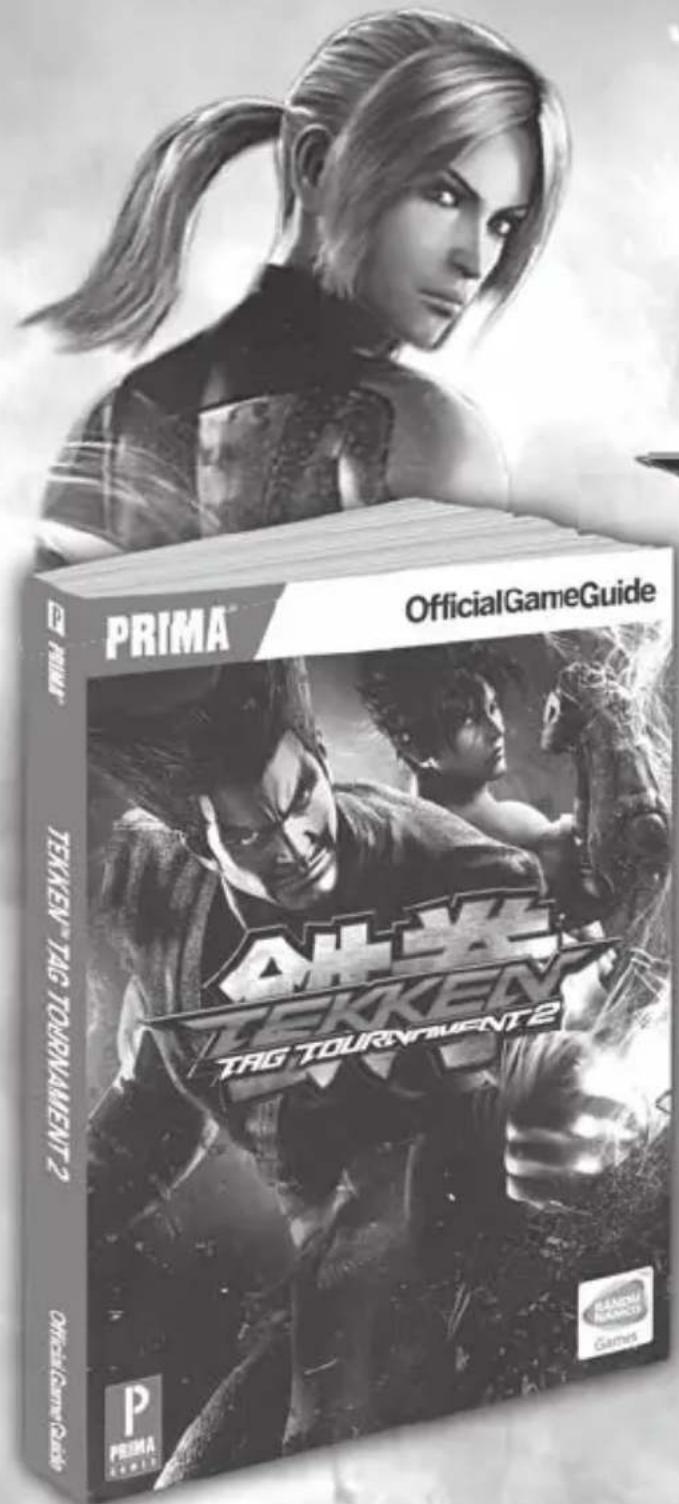
PRIMA OfficialGameGuide TEKKEV TAG TORMANESIT 2 TEKKEV TAG TORMANET 2 PRIMA GRAPES GAMESYOU'VE GOT THE GAME, NOW GET THE GUIDE

text_image
TEKKEN TAG TOURNAMENTE21740 Technology Drive, Suite 600
San Jose, CA 95110