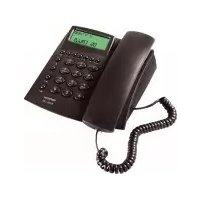
Axiss 130 - Telephone TOPCOM - Free user manual and instructions
Find the device manual for free Axiss 130 TOPCOM in PDF.



| Product type | Desk phone |
| Brand | Topcom |
| Model | Axiss 130 |
| Power supply | 3 AAA 1.5V batteries (non-rechargeable) |
| Screen | LCD |
| Display | Date, time, caller number, call duration |
| Caller ID | Yes, up to 80 entries with date and time |
| Call log (received calls) | Up to 80 numbers |
| Dialed numbers list | Last 12 numbers |
| Speed dial memory | 10 numbers (0-9), max 16 digits |
| Redial | Last number |
| Flash key | Yes (for call waiting, transfer) |
| Mute function | Yes (disables microphone) |
| Ring volume | Adjustable (Hi/Lo) via switch |
| Dialing | DTMF (tone dialing) |
| Connection | Analog telephone line (PSTN) |
| Operating temperature | +5°C to +45°C |
| Relative humidity | 25% to 85% |
| Cleaning | Slightly damp or antistatic cloth |
| Warranty | 24 months |
Frequently Asked Questions - Axiss 130 TOPCOM
User questions about Axiss 130 TOPCOM
0 question about this device. Answer the ones you know or ask your own.
Ask a new question about this device
Download the instructions for your Telephone in PDF format for free! Find your manual Axiss 130 - TOPCOM and take your electronic device back in hand. On this page are published all the documents necessary for the use of your device. Axiss 130 by TOPCOM.
USER MANUAL Axiss 130 TOPCOM
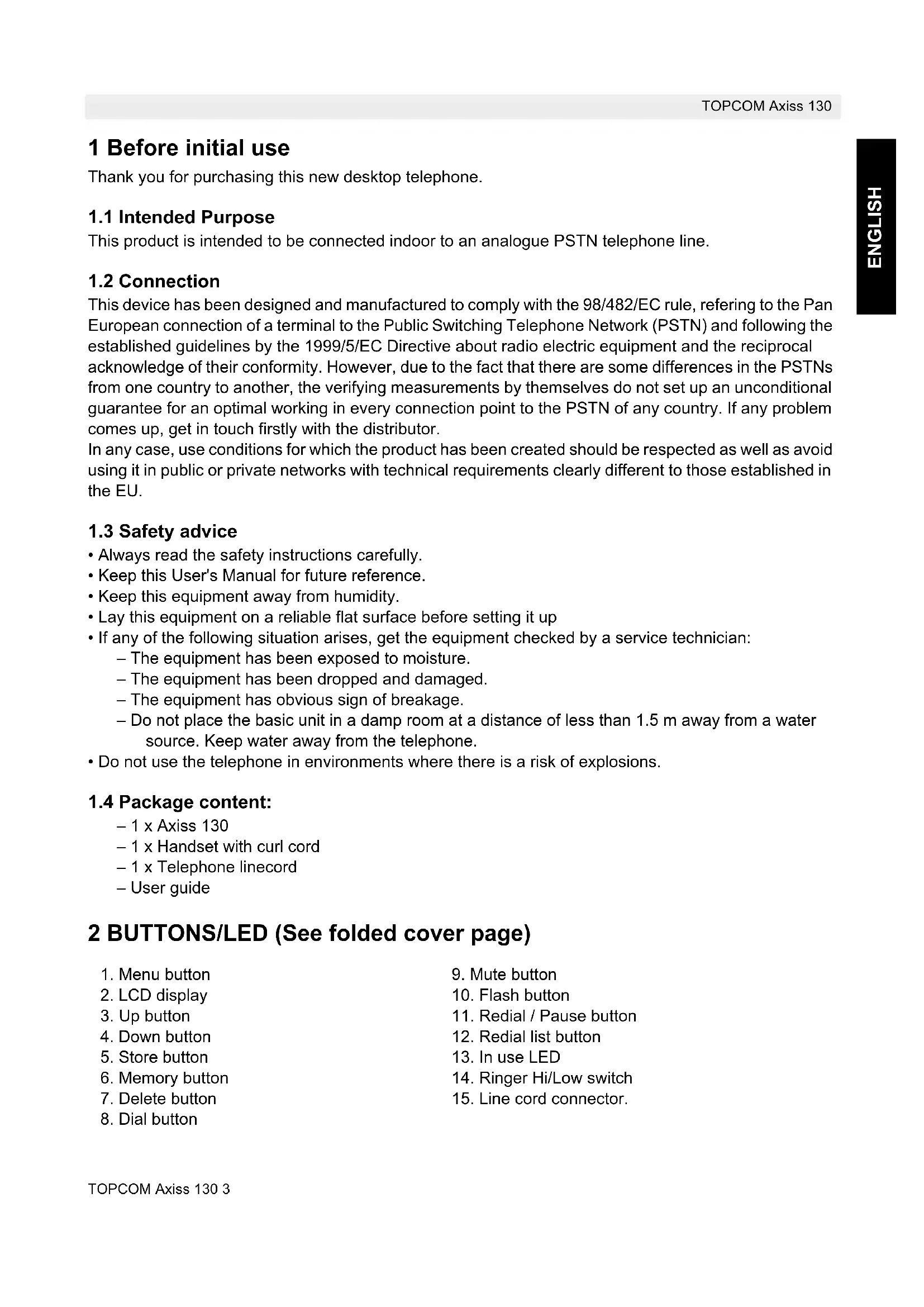
Thank you for purchasing this new desktop telephone.
1.1 Intended Purpose
This product is intended to be connected indoor to an analogue PSTN telephone line.
1.2 Connection
This device has been designed and manufactured to comply with the 98/482/EC rule, referring to the Pan European connection of a terminal to the Public Switching Telephone Network (PSTN) and following the established guidelines by the 1999/5/EC Directive about radio electric equipment and the reciprocal acknowledge of their conformity. However, due to the fact that there are some differences in the PSTNs from one country to another, the verifying measurements by themselves do not set up an unconditional guarantee for an optimal working in every connection point to the PSTN of any country. If any problem comes up, get in touch firstly with the distributor.
In any case, use conditions for which the product has been created should be respected as well as avoid using it in public or private networks with technical requirements clearly different to those established in the EU.
1.3 Safety advice
- Always read the safety instructions carefully.
- Keep this User's Manual for future reference.
- Keep this equipment away from humidity.
- Lay this equipment on a reliable flat surface before setting it up
-
If any of the following situation arises, get the equipment checked by a service technician:
-
The equipment has been exposed to moisture.
- The equipment has been dropped and damaged.
- The equipment has obvious sign of breakage.
-
Do not place the basic unit in a damp room at a distance of less than 1.5m away from a water source. Keep water away from the telephone.
-
Do not use the telephone in environments where there is a risk of explosions.
1.4 Package content:
-1xAxis130
- 1 x Handset with curl cord
-1xTelephone linecord
-User guide
2 BUTTONS/LED (See folded cover page)
- Menu button
- LCD display
3.Up button - Down button
- Store button
- Memory button
- Delete button
-
Dial button
-
Mute button
- Flash button
- Redial / Pause button
- Redial list button
- In use LED
- Ringer Hi/Low switch
- Line cord connector.
3 Installation
Put batteries in the battery compartment to activate the display :
- Open the battery compartment at the bottom of the unit by using a screwdriver.
- Insert 3 AAA standard batteries (1,5V-SUM4).
- Close the battery compartment.
- Connect one end of the line cord to the telephone line wall socket and the other end to the backside of the phone 15
Note:The telephone line needs to be disconnected prior to opening the battery door!!
4 Settings
4.1 Setting the Date and Time
When you have a subscription to the Caller ID service and your telephone provider sends the date and time together with the telephone number, the phone's clock will be set automatically.
It is also possible to set the clock manually:
- Press the Menu button, the day will flash on the display.
- Enter the day, the month and the time (24h format) using of the alphanumeric buttons.
- Press the Menu button to confirm.
4.2 Ringer volume
When you receive a phone call, the unit will ring. The ring volume can be adjusted using the Ring Volume switch at the back of the phone (Hi-, Lo-).
5 Operation
Note: A call duration timer is shown on the display [mm:ss] when making a phone call.
5.1 Last number radial
To redial the last dialed number:
Pick up the Handset.
- Press the Redial button. ⑪
5.2 Redial list
The AXISS 130 saves the 12 last dialed telephone numbers in the memory with indication of the call duration.
Pick up the Handset.
- Press the Redial list button ⑫ to scroll through the Redial memory until the desired number appears on the display. The redial icon is displayed.
- Press the Dial button. The number will be dialed automatically.
5.3 Flash button
Press the Flash button (R) to use certain services as 'Call Waiting' (if this service is provided by your telephone company); or to transfer phone calls when you are using a telephone exchange (PABX).
5.4 Deactivating the microphone (mute)
It is possible to deactivate the microphone during a conversation by pressing the Mute button. You can now talk freely without the caller hearing you. Release the Mute button to resume your conversation.
6 CALLER ID
6.1 General information
When you have a subscription to the Caller ID service from your telephone provider, the caller's phone number will appear on the display.
During an incoming call, the following information can appear on the display:


The callers number is unknown.
The callers number is a private number.
You have received a message in your personal mailbox.
6.2 Call list
The AXISS 130 has a Call List, which can store up to 80 calls. The phone numbers you have received more than once, will only be saved once and the display will show REP. Every incoming number is saved in the Call List with indication of date and time. When you have received a new message the NEW icon will appear on the display until you have scrolled through the whole list.
6.3 Scrolling through the Call List
You can scroll through the Call list by pressing the Up and Down button.
The number of the incoming call is shown. The highest number is the last call received. Number 1 is the oldest call. If you do not touch any button within 15 seconds, the unit will return to standby
6.4 Deleting numbers from the Call List
- Select the call you wish to erase by means of the Up and Down button. ④
- Press the Delete button twice.
- The next number in the call list will appear.
6.5 Calling a number from the Call List
Pick up the handset
- Select the desired telephone number with the Up and Down button. 4
- Press the Dial button and the number will be dialed automatically.
6.6 Voice mail
!!! This function only works if your telephone company sends the Voice Mail signals together with the Caller ID information !!!
When the AXISS 130 has received a voice mail message, the MSG icon will be displayed. As soon as you have listened to the messages in the mailbox, the MSG icon disappears.
7 Indirect Memory numbers
7.1 Programming Indirect memory numbers
You can program 10 Indirect (0-9) memory numbers (number: max 16 digits).
- Enter the desired telephone number.
- Press the Store button.
- Enter the indirect memory number (0-9).
- The display will show '--------' if the number stored.
Note: The Redial button can be used to add a 3 seconds pause between the numbers.
7.2 Saving a number from the Call List as a Indirect Memory number
- Select the number out of the call list with the Up and Down button. ④
- Press the Store button.
- The SWAP icon appears on the display.
- Enter the indirect memory number (0-9).
- The display will show '--------' if the number is stored.
7.3 Calling an Indirect Memory number
Pick up the handset.
- Press the Memory button followed by the Indirect Memory number (0-9) to call a number.
- The stored number will be dialed automatically.
8 Technical data
Dialing options:DTMF (tone)
Batteries: 3 × 1.5V , AAA Non-rechargeable
Ambient temperature: +5°C to +45°C
Permitted relative air humidity: 25 to 85%
9 Cleaning
Clean the telephone with a slightly damp cloth or with an anti-static cloth. Never use cleaning agents or abrasive solvents.
10 Disposal of the device (environment)

At the end of the product lifecycle, you should not throw this product into the normal household garbage but bring the product to a collection point for the recycling of electrical and electronic equipments. The symbol on the product, user guide and/or box indicate this. Some of the product materials can be re-used if you bring them to a recycling point. By reusing some parts or raw materials from used products you make an important contribution
to the protection of the environment. Please contact your local authorities in case you need more information on the collection points in your area.
Batteries must be removed before disposing of the device.
Dispos of the batteries in an environmental manner according to your country regulations.
11 Topcom warranty
11.1 Warranty period
The Topcom units have a 24-month warranty period. The warranty period starts on the day the new unit is purchased.
Consumables or defects causing a negligible effect on operation or value of the equipment are not covered.
The warranty has to be proven by presentation of the original purchase receipt, on which the date of purchase and the unit-model are indicated.
11.2 Warranty handling
A faulty unit needs to be returned to a Topcom service centre including a valid purchase note.
If the unit develops a fault during the warranty period, Topcom or its officially appointed service centre will repair any defects caused by material or manufacturing faults free of charge.
Topcom will at its discretion fulfill its warranty obligations by either repairing or exchanging the faulty units or parts of the faulty units. In case of replacement, colour and model can be different from the original purchased unit.
The initial purchase date shall determine the start of the warranty period. The warranty period is not extended if the unit is exchanged or repaired by Topcom or its appointed service centres.
11.3 Warranty exclusions
Damage or defects caused by incorrect treatment or operation and damage resulting from use of nonoriginal parts or accessories not recommended by Topcom are not covered by the warranty.
The warranty does not cover damage caused by outside factors, such as lightning, water and fire, nor any damage caused during transportation.
No warranty can be claimed if the serial number on the units has been changed, removed or rendered illegible.

This product is in compliance with the essential requirements and other relevant provisions of the R&TTE directive 1999/5/EC.
The Declaration of conformity can be found on:
http://www.topcom.net/cdeclarations.php
http://www.topcom.net/cdeclarations.php
http://www.topcom.net/cdeclarations.php
Put batteries in the battery compartment to activate the display :
Beloptions:DTMF (toon)
Batterijen: 3 × 1,5V Niet-oplaadbare AAA batterijen
Omgevingstemperatuur: +5°C tot +45°C
http://www.topcom.net/cdeclarations.php
http://www.topcom.net/cdeclarations.php
http://www.topcom.net/cdeclarations.php
Low Voltage Directive 73/23/EEC
EMC Directive 89/336/EEC
-EN60950
-EN55022
-EN55024
Data: 16/10/2002
RETURN WITH YOUR DEFECT PRODUCT
Original Proof of Purchase has to be attached to this return card to be valid for warranty
visit our website www.topcom.net



- 1.1 INTENDED PURPOSE
- 1.2 CONNECTION
- 1.3 SAFETY ADVICE
- 1.4 PACKAGE CONTENT
- 2 BUTTONS/LED (SEE FOLDED COVER PAGE)
- 3 INSTALLATION
- 4 SETTINGS
- 4.1 SETTING THE DATE AND TIME
- 4.2 RINGER VOLUME
- 5 OPERATION
- 5.1 LAST NUMBER RADIAL
- 5.2 REDIAL LIST
- 5.3 FLASH BUTTON
- 5.4 DEACTIVATING THE MICROPHONE (MUTE)
- 6 CALLER ID
- 6.1 GENERAL INFORMATION
- 6.2 CALL LIST
- 6.3 SCROLLING THROUGH THE CALL LIST
- 6.4 DELETING NUMBERS FROM THE CALL LIST
- 6.5 CALLING A NUMBER FROM THE CALL LIST
- 6.6 VOICE MAIL
- 7 INDIRECT MEMORY NUMBERS
- 7.1 PROGRAMMING INDIRECT MEMORY NUMBERS
- 7.2 SAVING A NUMBER FROM THE CALL LIST AS A INDIRECT MEMORY NUMBER
- 7.3 CALLING AN INDIRECT MEMORY NUMBER
- 8 TECHNICAL DATA
- 9 CLEANING
- 10 DISPOSAL OF THE DEVICE (ENVIRONMENT)
- 11 TOPCOM WARRANTY
- 11.1 WARRANTY PERIOD
- 11.2 WARRANTY HANDLING
- 11.3 WARRANTY EXCLUSIONS
Brand : TOPCOM
Model : Axiss 130
Category : Telephone