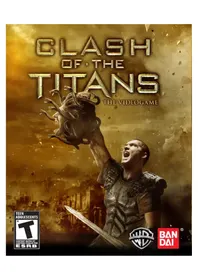
Clash of the Titans (PS3) - Game SONY - Free user manual and instructions
Find the device manual for free Clash of the Titans (PS3) SONY in PDF.

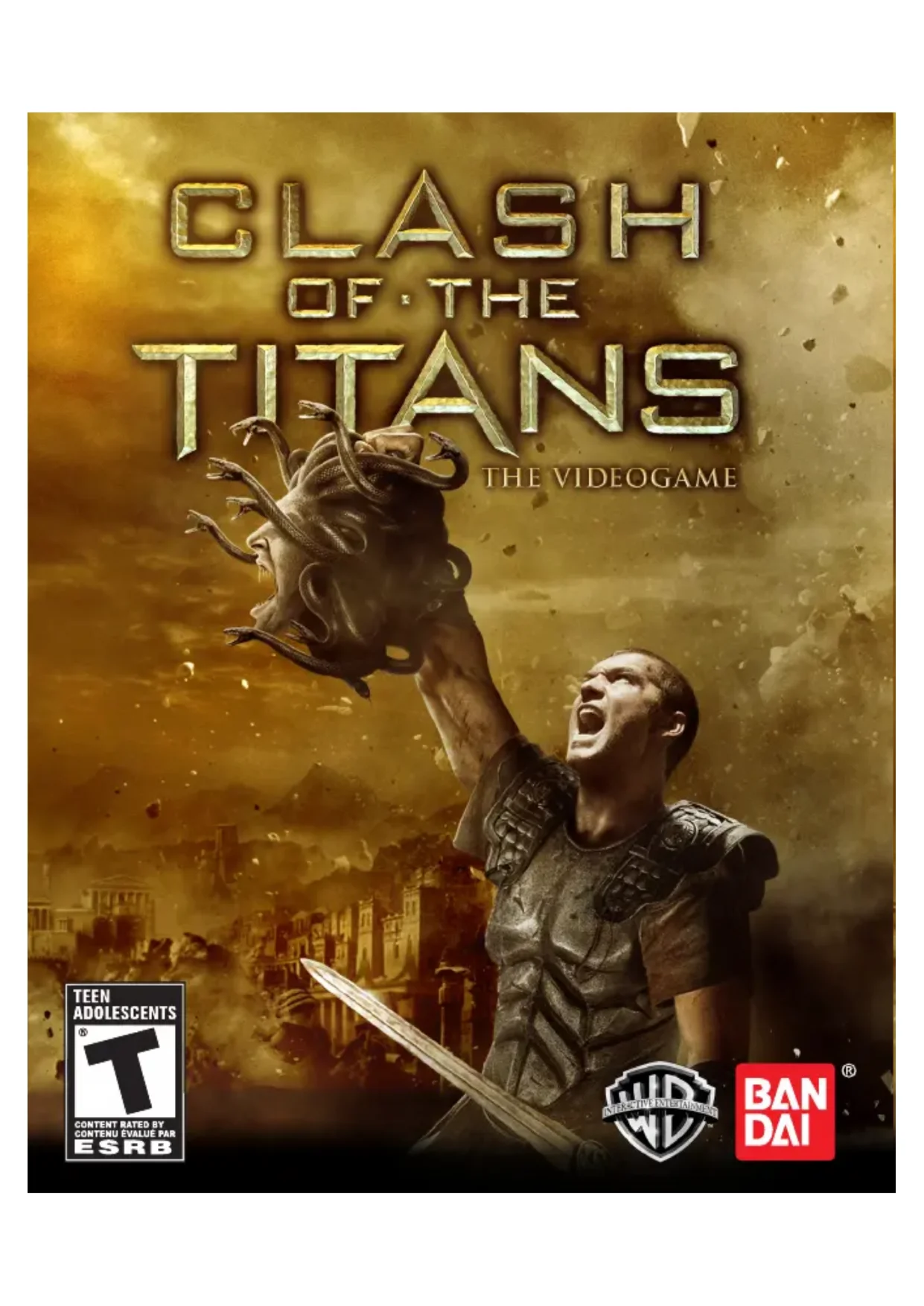

| Product Type | Video Game |
| Platform | PlayStation 3 |
| Genre | Action, Adventure |
| Developer | Game Republic, Inc. |
| Publisher | NAMCO BANDAI Games America Inc. |
| Release Date | 2010 |
| Rating | PEGI 16 |
| Number of Players | 1 player |
| Manual Language | French |
| Data Storage | PS3 Internal Hard Drive |
| Media | Blu-ray Disc |
| Box Contents | Game disc, instruction manual, warranty |
| Case Dimensions | 13.5 x 17 x 1.5 cm (approx.) |
| Weight | 100 g (approx.) |
| Power Supply | Works on PlayStation 3 console (via AC adapter) |
| Compatible Controller | DUALSHOCK 3 Wireless Controller |
| Main Features | Combat, exploration, summoning celestial creatures |
| Care and Cleaning | Clean the disc with a soft, dry cloth from the center outward. Do not use solvents. |
| Safety | Epilepsy warning: avoid if you have a history. Take 15-minute breaks per hour. Play in a well-lit room. |
| Warranty | Limited 90-day warranty. Contact customer service for returns. |
| Customer Service | Phone: (408) 235-2222, Email: support@nancobandaigames.com |
Frequently Asked Questions - Clash of the Titans (PS3) SONY
User questions about Clash of the Titans (PS3) SONY
0 question about this device. Answer the ones you know or ask your own.
Ask a new question about this device
Download the instructions for your Game in PDF format for free! Find your manual Clash of the Titans (PS3) - SONY and take your electronic device back in hand. On this page are published all the documents necessary for the use of your device. Clash of the Titans (PS3) by SONY.
USER MANUAL Clash of the Titans (PS3) SONY
A very small percentage of individuals may experience epileptic seizures or blackouts when exposed to certain light patterns or flashing lights. Exposure to certain patterns or backgrounds on a television screen or when playing video games may trigger epileptic seizures or blackouts in these individuals. These conditions may trigger previously undetected epileptic symptoms or seizures in persons who have no history of prior seizures or epilepsy. If you, or anyone in your family, has an epileptic condition or has had seizures of any kind, consult your physician before playing. IMMEDIATELY DISCONTINUE use and consult your physician before resuming gameplay if you or your child experience any of the following health problems or symptoms:
- dizziness
- eye or muscle twitches
- disorientation
- any involuntary movement
- altered vision
- loss of awareness
- seizures or convulsion.
RESUME GAMEPLAY ONLY ON APPROVAL OF YOUR PHYSICIAN.
Use and handling of video games to reduce the likelihood of a seizure
- Use in a well-lit area and keep as far away as possible from the television screen.
- Avoid large screen televisions. Use the smallest television screen available.
- Avoid prolonged use of the PlayStation ^® 3 system. Take a 15-minute break during each hour of play.
- Avoid playing when you are tired or need sleep.
Stop using the system immediately if you experience any of the following symptoms: lightheadedness, nausea, or a sensation similar to motion sickness; discomfort or pain in the eyes, ears, hands, arms, or any other part of the body. If the condition persists, consult a doctor.
NOTICE:
Use caution when using the DUALSHOCK ^® 3 wireless controller motion sensor function. When using the DUALSHOCK ^® 3 wireless controller motion sensor function, be cautious of the following points. If the controller hits a person or object, this may cause accidental injury or damage. Before using, check that there is plenty of space around you. When using the controller, grip it firmly to make sure it cannot slip out of your hand. If using a controller that is connected to the PS3 ^TM system with a USB cable, make sure there is enough space for the cable so that the cable will not hit a person or object. Also, take care to avoid pulling the cable out of the PS3 ^TM system while using the controller.
WARNING TO OWNERS OF PROJECTION TELEVISIONS:
Do not connect your PS3™ system to a projection TV without first consulting the user manual for your projection TV, unless it is of the LCD type. Otherwise, it may permanently damage your TV screen.
HANDLING YOUR PS3™ FORMAT DISC:
- Do not bend it, crush it or submerge it in liquids. - Do not leave it in direct sunlight or near a radiator or other source of heat. - Be sure to take an occasional rest break during extended play. - Keep this disc clean. Always hold the disc by the edges and keep it in its protective case when not in use. Clean the disc with a lint-free, soft, dry cloth, wiping in straight lines from center to outer edge. Never use solvents or abrasive cleaners.
text_image
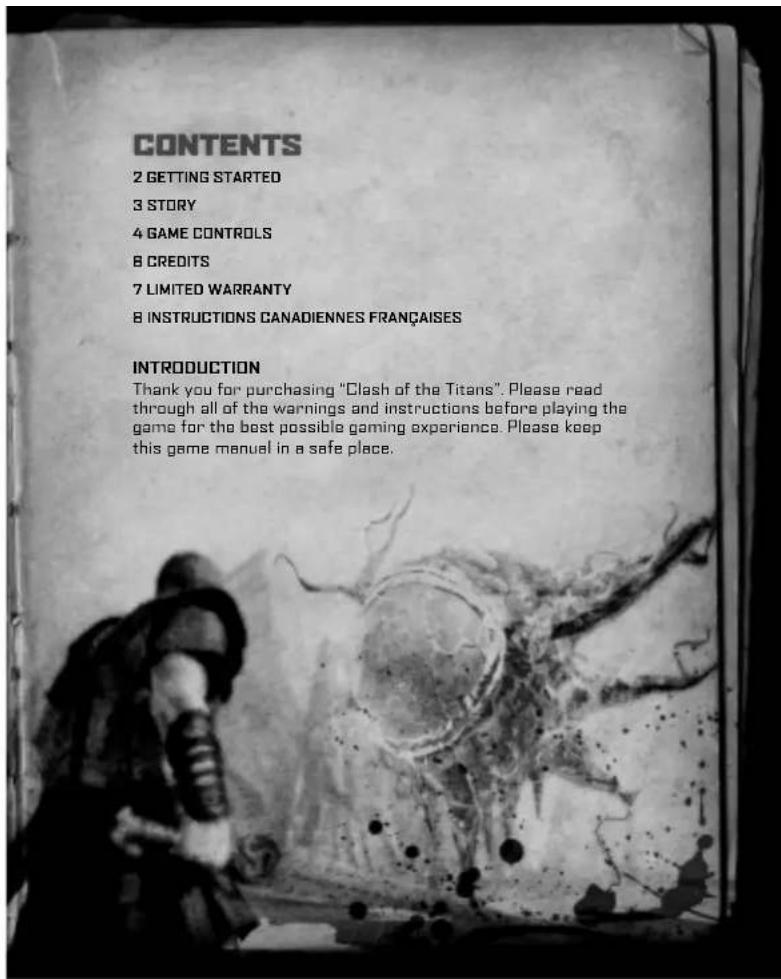
CONTENTS 2 GETTING STARTED 3 STORY 4 GAME CONTROLS 8 CREDITS 7 LIMITED WARRANTY 8 INSTRUCTIONS CANADIENNES FRANÇAISES INTRODUCTION Thank you for purchasing "Clash of the Titans". Please read through all of the warnings and instructions before playing the game for the best possible gaming experience. Please keep this game manual in a safe place.GETTING STARTED
STARTING A GAME: Before use, carefully read the instructions supplied with the PS3™ computer entertainment system. The documentation contains information on setting up and using your system as well as important safety information.
Check that the MAIN POWER switch (located on the system rear) is turned on. Insert the CLASH OF THE TITANS disc with the label facing up into the disc slot. Select the icon for the software title under [Game] in the PS3™ system's home menu, and then press the ×button. Refer to this manual for information on using the software.
QUITTING A GAME: During gameplay, press and hold down the PS button on the wireless controller for at least 2 seconds. Then select "Quit Game" from the screen that is displayed.
HINT: To remove a disc, touch the eject button after quitting the game.
SAVED DATA FOR PS3™ FORMAT SOFTWARE
Saved data for PS3™ format software is saved on the system's hard disk. The data is displayed under "Saved Game Utility" in the Game menu.
STORY
The Isle of Paxos, home to a meek and impoverished people. One fateful day, soldiers from Argos appear on its shores. They intend to destroy the Colossus that stands on the Mount of Idols.
They wish to revolt against the gods.
However, the gods do not tolerate such insolence.
The soldiers from Argos are struck down by a merciless hammer of the gods. Their rage even falls on the people of Paxos, despite their refusal to harbor the soldiers.
Their peaceful island now enveloped in flames, a young islander by the name of Perseus desperately tries to save his family.
natural_image
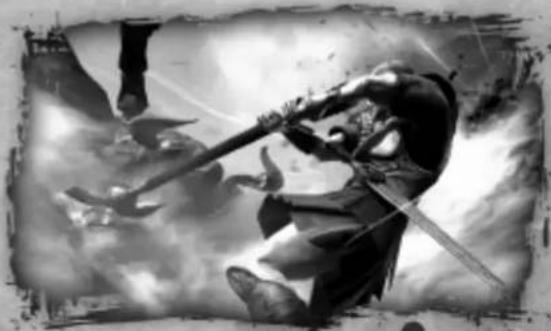
Black-and-white illustration of a warrior in dynamic combat pose with swords and horns, surrounded by clouds (no text or symbols)BASIC CONTROLS
ACTION AND MENU CONTROLS
Left Stick......Move Character Move Cursor
Right Stick......Move Camera Press to Reset Camera
Directional buttons......Move Cursor Switch Sub Weapon
× button....Confirm (Menus) Jump
◎ button....Cancel
button.....Speak with NPC
L2 button Reset Camera
START button Player Menu
SELECT button....Pause Menu
BASIC BATTLE CONTROLS
Left Stick ......Move Character Press to call Support Characters
NOTE: You must have a Support Character to call.
Right Stick....In General = Move Camera
NOTE: Some situations will disable this control.
Press to Reset Camera
When Locked On =
Move left/right: Switch targets
Move up/down; Move camera up and down
Directional buttons ......Switch Sub Weapons
×button Jump
◎button....Sub Weapon Attack
button....Weak Attack (Main Weapon)
▲ button....Strong Attack (Main Weapon)
L1 button....Sub Weapon Seize
R1 button....Press = Soul Seize
*when available Hold Down = Chain Seize
L2 button Lock On
R2 button......Emergency Evasion
Perform maneuver in the direction
held on the left stick
START button....Open Player Menu
SELECT button Open Pause Menu
text_image
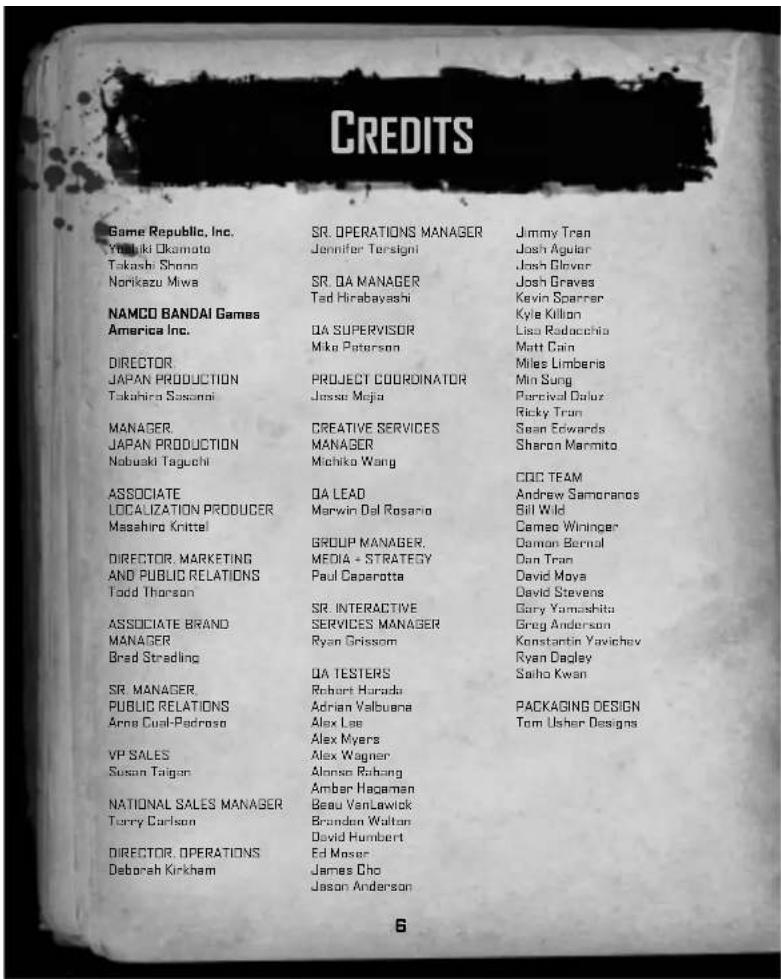
CREDITS Game Republic, Inc. Yokaki Okamoto Takashi Shono Norikazu Miwa NAMCO BANDAI Games America Inc. DIRECTOR JAPAN PRODUCTION Takahira Sasangai MANAGER JAPAN PRODUCTION Nobuaki Taguchi ASSOCIATE LOCALIZATION PRODUCER Masahiro Knittel DIRECTOR, MARKETING AND PUBLIC RELATIONS Todd Thorson ASSOCIATE BRAND MANAGER Bred Stredling SR. MANAGER, PUBLIC RELATIONS Arne Cual-Padroso VP SALES Susan Taigan NATIONAL SALES MANAGER Terry Carlson DIRECTOR, OPERATIONS Deborah Kirkham SR. OPERATIONS MANAGER Jennifer Tersigni SR. QA MANAGER Ted Hirabayashi QA SUPERVISOR Mike Peterson PROJECT COORDINATOR Jessie Mejia CREATIVE SERVICES MANAGER Michiko Wang QA LEAD Marwin Del Rosario GROUP MANAGER. MEDIA + STRATEGY Paul Caparotta SR. INTERACTIVE SERVICES MANAGER Ryan Grissom QA TESTERS Robert Harada Adrian Valbuana Alex Lee Alex Myers Alex Wagner Alonso Robang Amber Hageman Beau VanLawick Brandon Walton David Humbert Ed Moser James Cho Jason Anderson Jimmy Tran Josh Aguilar Josh Clever Josh Graves Kevin Sparrer Kyle Kilion Lisa Radacchia Matt Cain Miles Limbenis Min Sung Perceival Dalux Ricky Trun Sean Edwards Sharon Marmito CDC TEAM Andrew Samoranos Bill Wild Cameo Wininger Damon Bernal Dan Tran David Moya David Stevens Gary Yamashita Greg Anderson Konstantin Yavichev Ryan Dagley Saiho Kwan PACKAGING DESIGN Tom Usher DesignsEver get stuck and just need that extra edge to beat the level? Having problems getting your game to work properly? Now you can get one-on-one help from NAMCO BANDAI Games America Inc. using your web browser! Simply go to livehelp.namco.com for more details. Live Counselors available from 9am-5pm Monday-Friday Pacific Time.
NAMCO BANDAI Games America Inc.
ATTN: Customer Service
4555 Great America Parkway, Suite 201
Santa Clara, CA 95054
Before returning any defective materials to us, please contact us for a Return Merchandise Authorization (RMA) number. You can reach us at the address above, via e-mail at support@namcobandaigames.com or contact us at (408) 235-2222. Please note that any materials sent to us without an RMA number will be refused and returned. We highly recommend that you use a traceable and / or insured method of shipping the materials to us.
NAMCO BANDAI Games America Inc. Online: www.namcobandaigames.com
Visit our Website to get information about our new titles.
LIMITED WARRANTY: NAMCO BANDAI Games America Inc. warrants to the original purchaser that this NAMCO BANDAI Games America Inc. game pack shall be free from defects in material and workmanship for a period of ninety (90) days from the date of purchase. If a defect covered by this limited warranty occurs during this 90-day limited warranty period, NAMCO BANDAI Games America Inc. will repair or replace the defective game pack or component part, at its option, free of charge. This limited warranty does not apply if the defects have been caused by negligence, accident, unreasonable use, modification, tampering, or any other cause not related to defective material or workmanship.
LIMITATIONS ON WARRANTY: Any applicable implied warranties of merchantability and fitness for a particular purpose, are hereby limited to ninety (90) days from the date of purchase and are subject to the conditions set forth herein. In no event shall NAMCO BANDAI Games America Inc. be liable for consequential or incidental damages resulting from the possession or use of this product. The provisions of the limited warranty are valid in the United States only. Some states do not allow limitations on how long an implied warranty lasts, or exclusion of consequential or incidental damages, so the above limitation or exclusion may not apply to you. This limited warranty provides you with specific legal rights. You may have other rights which vary from state to state.
"PlayStation", "DUALSHOCK" and "SIXAXIS" are registered trademarks and "PS3" is a trademark of Sony Computer Entertainment Inc. The ESRB rating icons are registered trademarks of the Entertainment Software Association.
To register product online go to
WWW.NAMCOREG.COM
AVERTISSEMENT : PHOTOSENSIBILITÉ ET CRISES D'ÉPILEPSIEPHOTOSENSIBILITÉ ET CRISES D'ÉPILEPS
natural_image
Black-and-white illustration of a warrior in combat with swords and a sword, surrounded by clouds and a small figure (no text or symbols)COMMANDES DE JU
COMMANDES D'ACTION ET DU MENU
4555 Great America Parkway, Suite 201
Santa Clara, CA 95054 U.S.A.
"PlayStation", "DUALSHOCK" and "SIXAXIS" are registered trademarks and "PSS" is a trademark of Sony Computer Entertainment Inc. The ESRI rating icons are registered trademarks of the Entertainment Software Association.
To register product online go to
WWW.NAMCOREG.COM