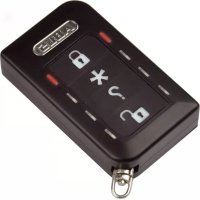
FUBE50014 - Remote control ABUS - Free user manual and instructions
Find the device manual for free FUBE50014 ABUS in PDF.



| Product type | Wireless remote control |
| Brand | ABUS |
| Model | FUBE50014 |
| Dimensions (L × W × H) | 36.2 × 62 × 17 mm |
| Weight | 35 g |
| Power supply | Lithium battery CR2450 3 V (non-rechargeable) |
| Frequency | 868.6625 MHz |
| Transmission power | 10 mW |
| Range (open field) | Approx. 200 m |
| Range (inside building) | Varies depending on environmental conditions |
| Max ambient humidity | 75% (non-condensing) |
| Security level | 2 (EN 50131-1:2006) |
| European standard | EN 50131-3 |
| Main functions | Activate/deactivate alarm system, status check, panic function, remote control for 868 MHz Secvest/Terxon transceivers |
| Safety technology | Rolling code (DIP switch 8 set to ON) |
| LED indicators | Red and green LED for status and firmware version |
| Maintenance and cleaning | Avoid contact with water; do not expose to direct heat or sunlight |
| Disposal | Compliant with WEEE directive 2002/96/EC; separate recycling within the EU |
| Warranty | Warranty not applicable in case of non-compliance with instructions |
Frequently Asked Questions - FUBE50014 ABUS
User questions about FUBE50014 ABUS
0 question about this device. Answer the ones you know or ask your own.
Ask a new question about this device
Download the instructions for your Remote control in PDF format for free! Find your manual FUBE50014 - ABUS and take your electronic device back in hand. On this page are published all the documents necessary for the use of your device. FUBE50014 by ABUS.
USER MANUAL FUBE50014 ABUS
Security Tech Germany
This control panel uses secure rolling code technology to provide optimum protection against code scanning and code grabbing and thereby preventing unauthorised access.
We are constantly developing our product range in order to provide our customers with optimal, safe products incorporating state-of-the-art technology. We have used this new software to implement a rolling code procedure and optimise processes
The wireless control panel uses the rolling code system when DIP switch 8 is in the ON position.
The rolling code procedure is compatible with all Secvest (FUAA50xxx) that have up-to-date firmware (>=v2.00.06)
Further details can be found in this manual.
Preface
Dear customer,
Thank you for purchasing this wireless remote control. In choosing our product, you now have a piece of equipment that is built according to state-of-the-art technology.
This document refers to the V1.3 software version of the wireless remote control. This user guide contains important installation and operation information. Store this user guide in a safe place for future reference. This user guide belongs to this product - bear this in mind if you pass on this product to others.
Conformity
Hereby, ABUS Security-Center GmbH & Co. KG declares that the radio equipment type FUBE50014 is in compliance with Directive 2014/53/EU.
The full text of the EU declaration of conformity is available at the following internet address: www.abus.com search: FUBE50014/Downloads.
The declaration of conformity can be obtained from the following address: ABUS Security-Center GmbH & Co. KG, Linker Kreuthweg 5, 86444 Affing, GERMANY
Intended use

Read the notes and advice in this user guide carefully. If you do not follow these instructions, your guarantee claim becomes invalid. No liability can be accepted for resulting damages. No part of the product may be changed or modified in any way. The remote control
is not waterproof. Please avoid direct contact with water. Everything possible has been done to ensure that the content of this user guide is correct. However, neither the author nor ABUS Security-Center GmbH & Co. KG can be held liable for loss or damages caused by incorrect or improper use or failure to observe the safety instructions and warnings. We reserve the right to make changes to these instructions without prior notice.
Refer to the end of the user guide for more notes and information on operating the wireless remote control. [beginning on page 59]
Information on the battery
The device is supplied with direct current from a 3V lithium battery. To guarantee a long service life and avoid fire and injury, please note the following:
- Do not dispose of the battery in domestic waste.
- The battery must not be directly exposed to heat or sunlight, and must not be stored in a place with a very high temperature.
The battery must not be burned.
The battery must not come into contact with water.
The battery must not be dismantled, pierced or otherwise damaged.
The battery contacts must not be short-circuited.
The battery must be kept away from small children. - The battery cannot be recharged.
Disposal
Disposal as per directive WEEE 2002/96 EC
The product contains valuable raw materials. At the end of its service life, dispose of the product according to the applicable legal requirements. Within the EU, the product and its accessories must be collected and disposed of separately. Devices displaying this symbol may not be disposed of as
domestic waste. Please contact your dealer or dispose of the products at the local collection point for electronic waste.
Features
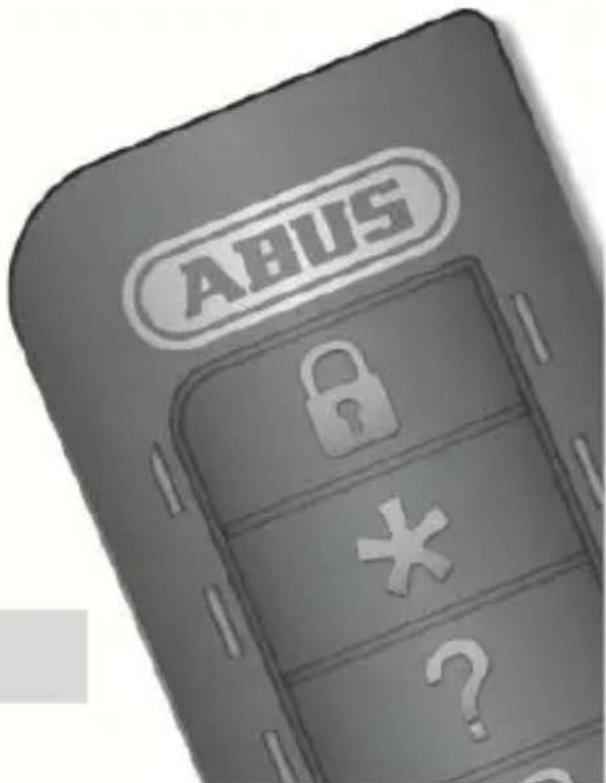
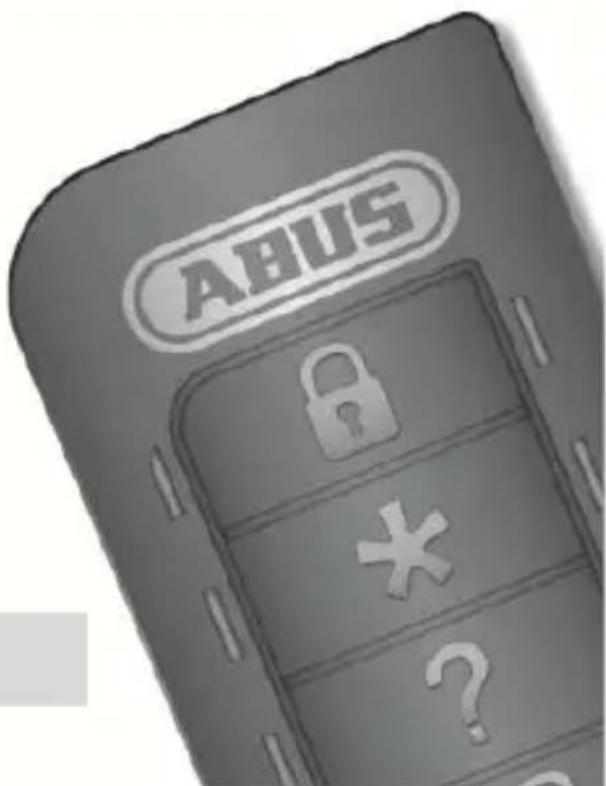
The wireless remote control is used for arming and disarming alarm systems. It indicates the current status of the alarm system. A switching output can also be armed as an option. The wireless remote control has a panic feature. This can also be used for controlling 868 MHz transceivers in the Secvest/Terxon product range.
Technical data
Wireless frequency:
Transmission power:
Range (outdoors):
Range (indoors):
Power supply:
Operating temperature:
Humidity:
Dimension (WxHxD):
Weight: 35 g
Security level:
Environmental class:
Standard: EN 50131-3
868.6625 MHz
max. 10mW (amplifier output)
approx. 200m
Depending on ambient conditions
Lithium battery type / CR 2450 Li-Mn 3V
-10°C to +40°C
max. 75% (non-condensing)
36.2 × 62 × 17 ~mm
2 (EN 50131-1:2006)
II (EN 50131-1:2006)
Operation
Inserting or changing the battery
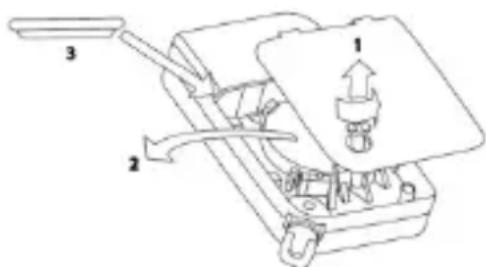
Before the wireless remote control can be used, the battery has to be inserted. When inserting the battery, all the LED pairs light up red and green one after another which show that all the LEDs are working properly.
Reading the software version
The software version of the remote control is then shown by the two LEDs at the top. The main version is shown by the flashing red LED and the sub version is shown by the flashing green LED.
Learning in
Follow the steps described in the user guide for the compatible component. The " *" button can be used for "arming internally" or for switching an output. Find out more details from the user guide for the compatible component.
Customer service and support
End consumer
Please consult your dealer or installer if you have any questions.
Dealer/installer
Consult our website for product information.
© ABUS Security-Center GmbH & Co. KG, May 2015

Security Tech Germany
FUBE50014 NOTICE D'UTILISATION
[UK] User Guide 12
[FR] Notice d'utilisation 22
[NL] Gebruikershandleiding 31
[DK] Betjeningsvejledning 40
[ES] Manual de instrucciones....... 49
CE
FUBE50014
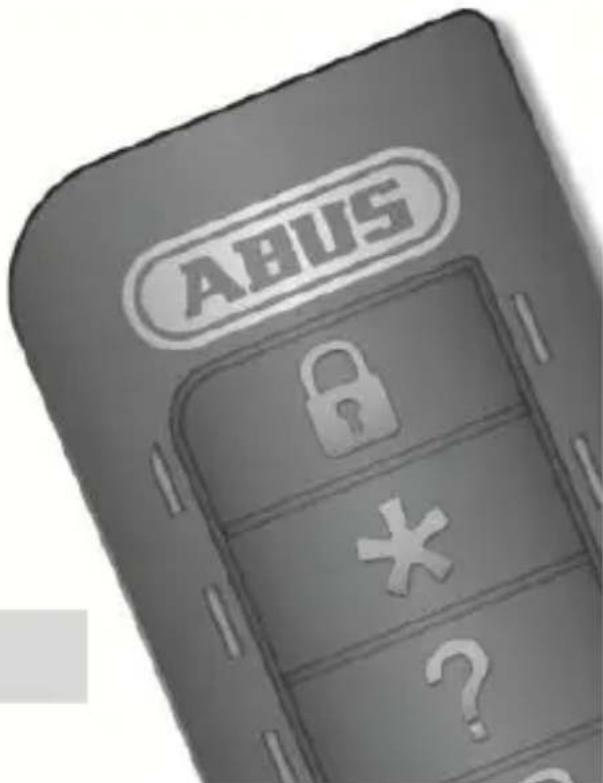

UN AGRÉABLE SENTIMENT DE SECURITE GRACE AU CODE TOURNANT
Chere cliente, cher client,
Security Tech Germany
FUBE50014 GEBRUIKERSHANDLEIDING
[UK] User Guide 12
[FR] Notice d'utilisation. 22
[NL] Gebruikershandleiding ...... 31
[DK] Betjeningsvejledning 40
[ES] Manual de instrucciones.......49
CE
FUBE50014
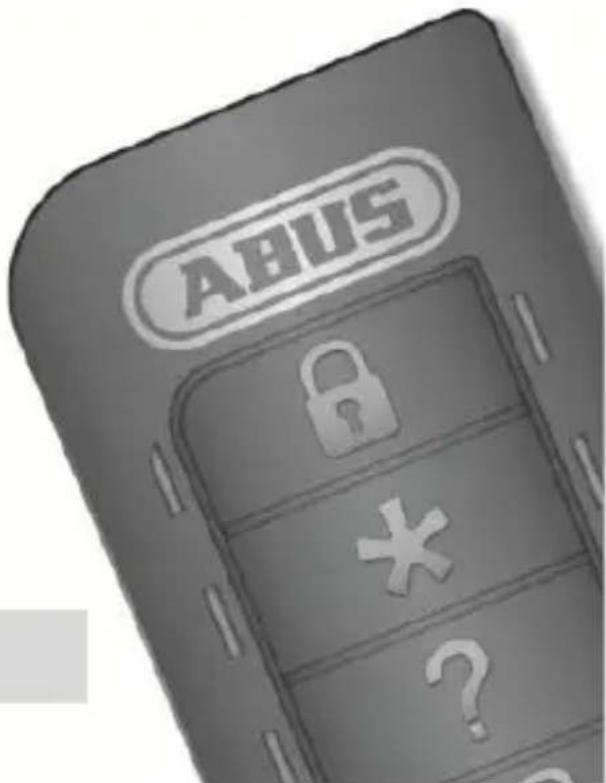

MET VEILIGHEID EEN GOED GEVOEL - DANKZIJ DE ROLLINGCODE
Security Tech Germany
FUBE50014 BETJENINGSVEJLEDNING
[UK] User Guide 12
[FR] Notice d'utilisation. 22
[NL] Gebruikershandleiding 31
[DK] Betjeningsvejledning. 40
[ES] Manual de instrucciones.......49
CE
FUBE50014

SIKKERHED GIVER EN GOD FORNEMMELSE - TAKKET VÆRE ROLLING-CODE
Security Tech Germany
FUBE50014 MANUAL DE INSTRUCCIONES
[UK] User Guide 12
[FR] Notice d'utilisation. 22
[NL] Gebruikershandleiding 31
[DK] Betjeningsvejledning 40
[ES] Manual de instrucciones .... 49
CE
FUBE50014

When arming the system, you are not allowed to be in the controlled area. When using alarm panels which are installed regarding VdS3438 this device is not allowed for arming or disarming the panel.
[ \rightarrow \text{System is armed} ]
[→système activé]
[ System is armed internally]
[ System is disarmed]
[UK] Trigger panic alarm
[FR]Déclencher l'alarme agression
[NL] Overvalalarm activeren
[DK] Udløs overfaldsalarm


- Preface
- Conformity
- Intended use
- Information on the battery
- Disposal
- Features
- Technical data
- Operation
- Inserting or changing the battery
- Reading the software version
- Learning in
- Customer service and support
- End consumer
- Dealer/installer
- FUBE50014 NOTICE D'UTILISATION
- UN AGRÉABLE SENTIMENT DE SECURITE GRACE AU CODE TOURNANT
- FUBE50014 GEBRUIKERSHANDLEIDING
- MET VEILIGHEID EEN GOED GEVOEL - DANKZIJ DE ROLLINGCODE
- FUBE50014 BETJENINGSVEJLEDNING
- SIKKERHED GIVER EN GOD FORNEMMELSE - TAKKET VÆRE ROLLING-CODE
- FUBE50014 MANUAL DE INSTRUCCIONES
Brand : ABUS
Model : FUBE50014
Category : Remote control