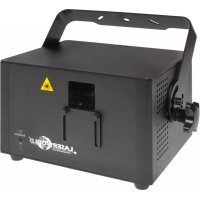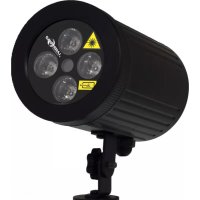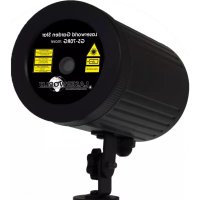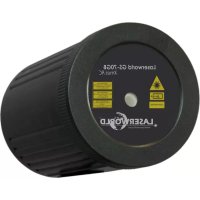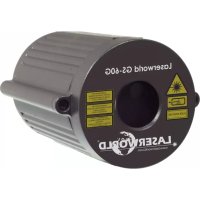
GS60G - Effect machine Laserworld - Free user manual and instructions
Find the device manual for free GS60G Laserworld in PDF.




| Product type | Laser effect projector |
| Brand | Laserworld |
| Model | GS60G |
| Laser sources | Red diode (650nm) and green DPSS (532nm) |
| Laser power (red) | 30 - 60 mW |
| Laser power (green) | > 30 mW |
| Laser class | 2 (DIN EN 60825-1:2015) |
| IP rating | IP67 (projector), IP44 (adapter) |
| Power supply | AC 100-240V 50/60Hz via adapter, output 5V DC |
| Power consumption | 1.8 W |
| Dimensions (L x W x H) | 85 x 70 x 120 mm |
| Weight | 0.45 kg |
| Operating temperature | -5 °C to +38 °C |
| Beam deviation | > 90° |
| Laser effects | Multi points, star, diffraction grating |
| Usage | Indoor and outdoor |
| Maintenance | Disconnect the adapter when not in use; avoid short and rapid switching |
| Safety | Do not open the device; do not look directly into the beam; maintain a minimum distance of 1.5 m |
| Box contents | Projector, instruction manual, mounting bracket, power adapter |
| Warranty | Damage due to incorrect use is not covered |
Frequently Asked Questions - GS60G Laserworld
User questions about GS60G Laserworld
0 question about this device. Answer the ones you know or ask your own.
Ask a new question about this device
Download the instructions for your Effect machine in PDF format for free! Find your manual GS60G - Laserworld and take your electronic device back in hand. On this page are published all the documents necessary for the use of your device. GS60G by Laserworld.
USER MANUAL GS60G Laserworld
GS-70RG move, GS-100RGB move
GS-50RG Xmas, GS-60RG Xmas RC,
GS-70GB Xmas RC
Please spend a few minutes to read this manual fully before operating this laser!
English - Legal notice:
Thank you for purchasing this Laserworld product.
Due to continual product developments and technical improvements, Laserworld (Switzerland) AG reserves the right to make modifications to its products.
This manual and its content have been made with due care but Laserworld (Switzerland) AG cannot however, take any responsibility for any errors, omissions or any resulting damages forthwith. The brands and product names mentioned in this manual are trade marks or registered trade marks of their respective owners.
Operating instructions and usage policy without localised Laser Health and Safety guidance and professional installation:
The laser systems of the Laserworld Garden Series:
• are intended for private use only (must not be operated by minors / children)
For public installations, please contact your local Laserworld representative for guidance upon installation with support from a Local HSE (Health and Safety Executive). With clear professional advice and qualified installation by a recognised HSE or LSO (Laser Safety Officer), the Garden lasers are suitable for installation in public areas if installed to the local legal requirements for safe use.
Français - Information juridique:
• Legal notice, operating instructions and usage policy
- Product and package contents
- Preliminary warning notices
- Initial operations, safety instructions
- Do not open the device
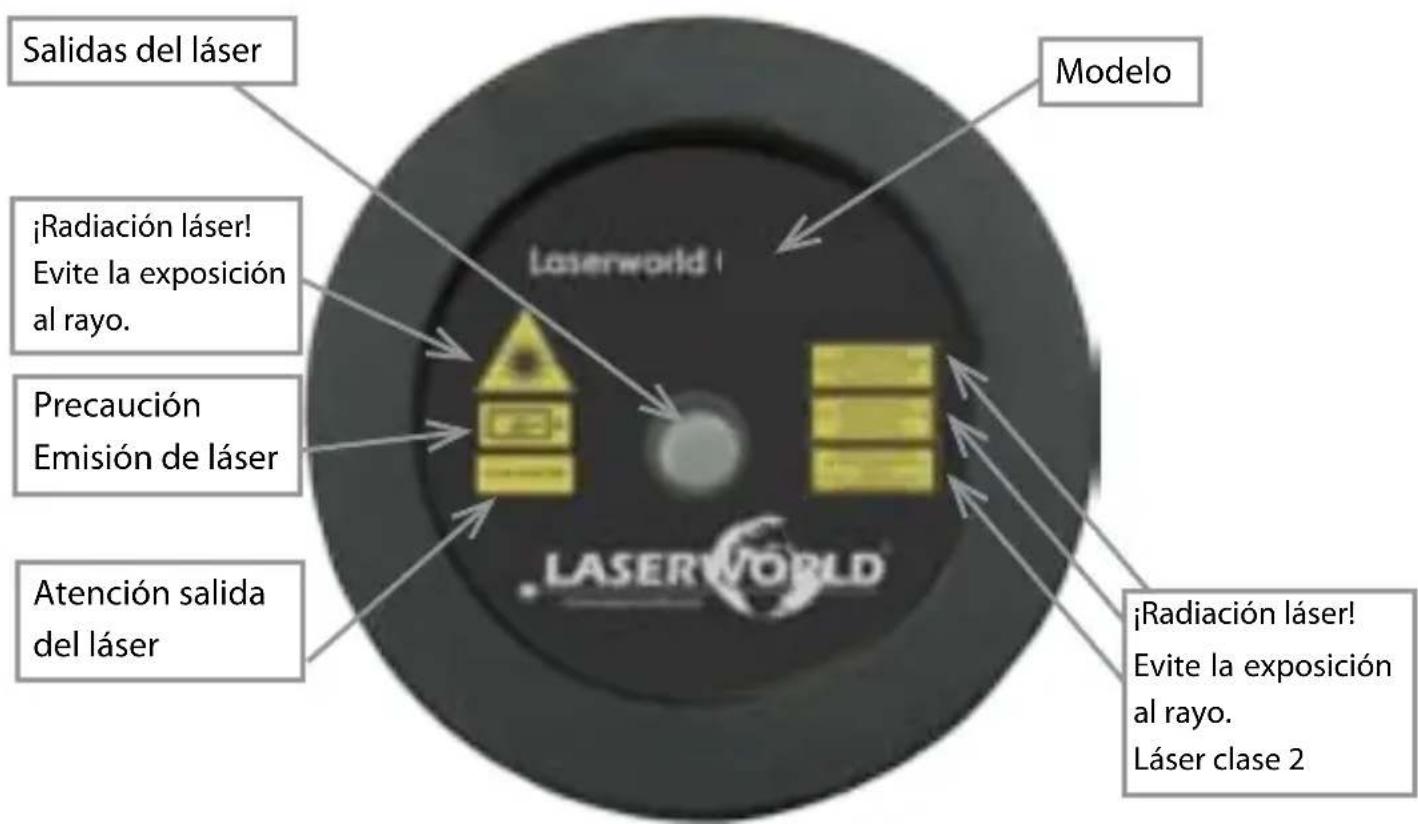
- Warnings and other notices on the device
- Installation and operation
- Remote controller operation
-
Service notes
-
Final statement
• Technical data sheet & specifications
1. Product and package contents
Please check if all listed parts are included and undamaged. Included in delivery:
1 x laser light effect 1 x manual 1 x stake
1 x power supply unit 1 x remote control unit
GS-60G move, GS-60RG RC Xmas, GS-70GB Xmas RC,
GS-70RG move, GS-100RGB move)
(only available for
2. Preliminary warning notices
- Please use this device only according to these operating instructions.
- Do not use the device if there are any visible damages on housing, power adapter or power cords.
- Never look directly into the light source of a laser projector.
- This device is manufactured according to protection class IP67. It is dust-proof and protected against temporary submergence. Do not operate the device under water.
3. Initial operations, safety instructions
- Make sure to use correct voltage; see information in this manual.
- Make sure that the device is not connected to mains during installation.
-
Installation has to be done according to safety regulations of the respective country.
-
Always ensure that maximum permissible exposure (MPE) is not exceeded in areas accessible to the public or members of staff. A minimum distance of minimum 1.5 meters at direct exposure onto persons or animals has to be observed!
-
If the device has been exposed to great temperature changes, do not switch it on immediately. Condensation may damage device.
-
Never use dimmer, RC or other electronically switched sockets. Whenever possible, do not use the laser projector together with large appliances (especially fog machines) on the same mains!
-
Ensure sufficient ventilation and do not place the device on any warm or heat radiating surface. Ensure that the device does not get overheated.
-
Do not operate this device below -5 degrees Centigrade.
-
The operation of the laser below 8^ C may result in reduced output power. This is not a deficiency, but derives from general physical principles.
-
This unit is intended for indoor and outdoor use.
4. Do not open the device
This product has no user serviceable parts inside. Do not open the device - dangerous laser radiation!
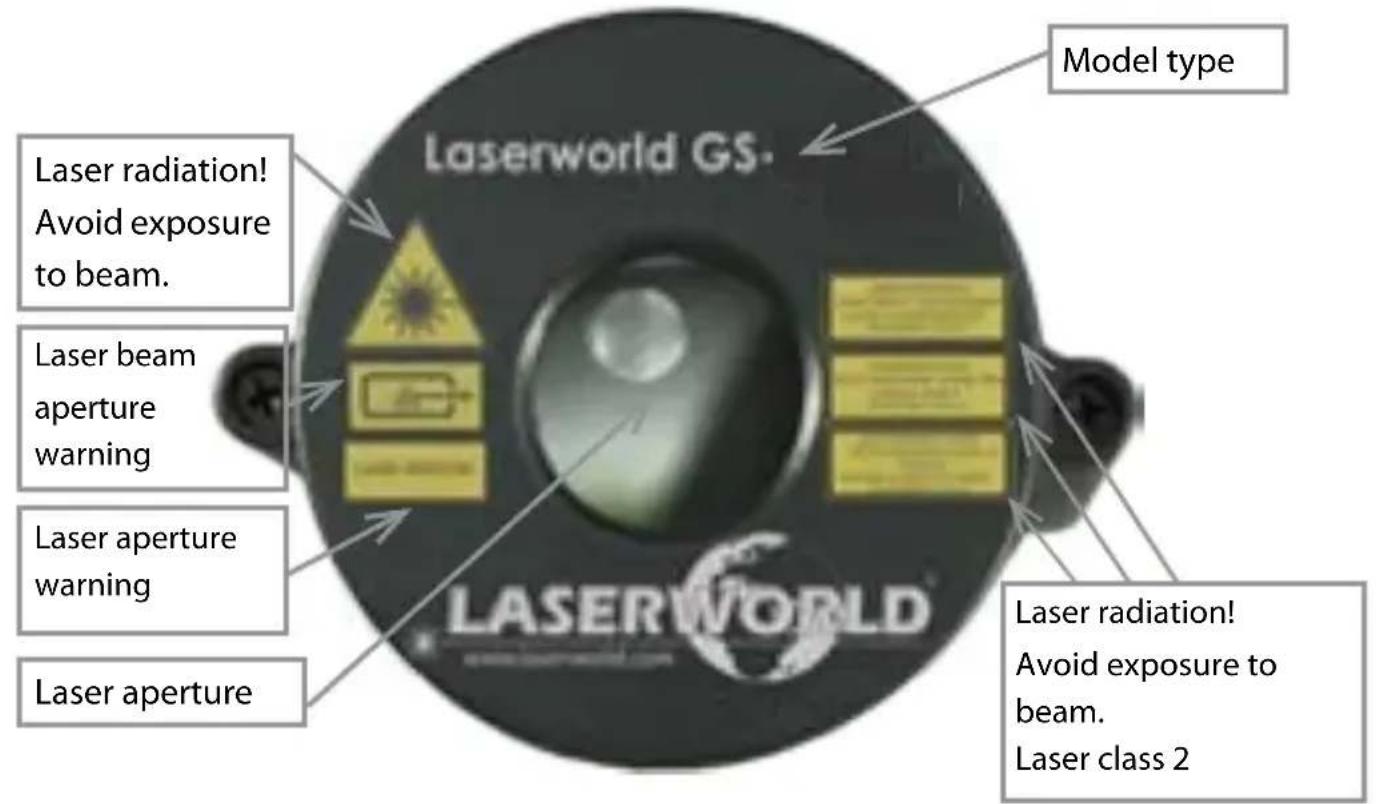
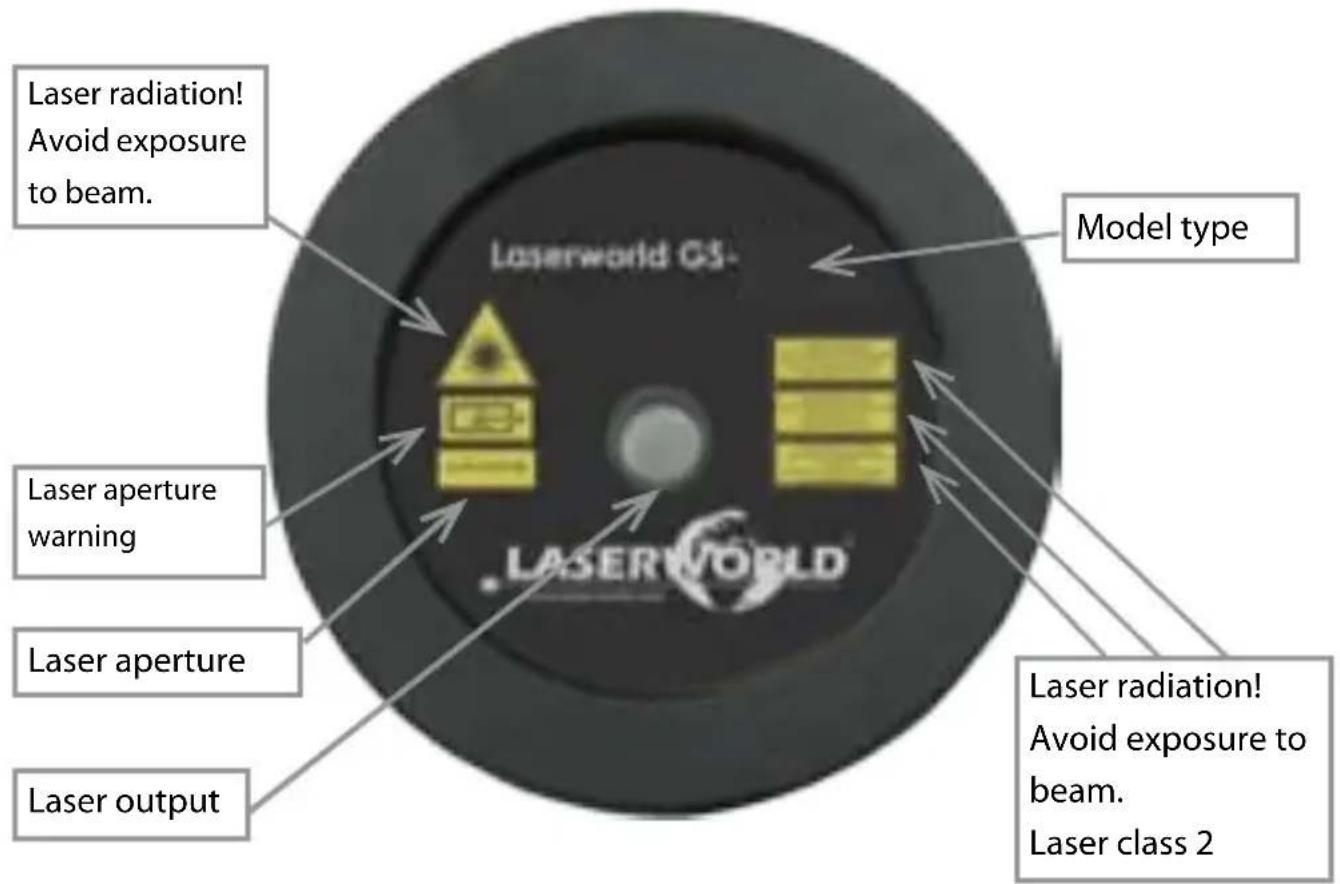
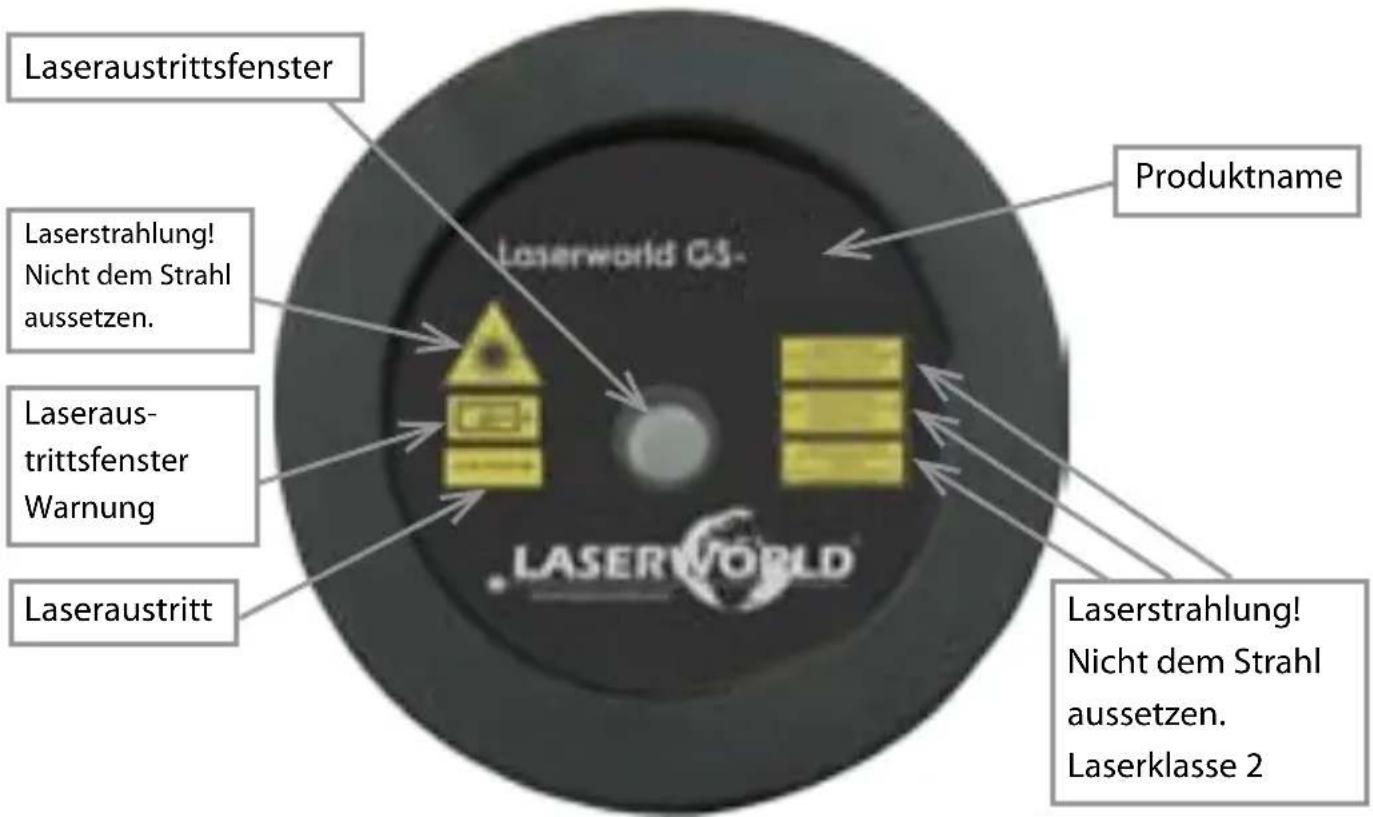
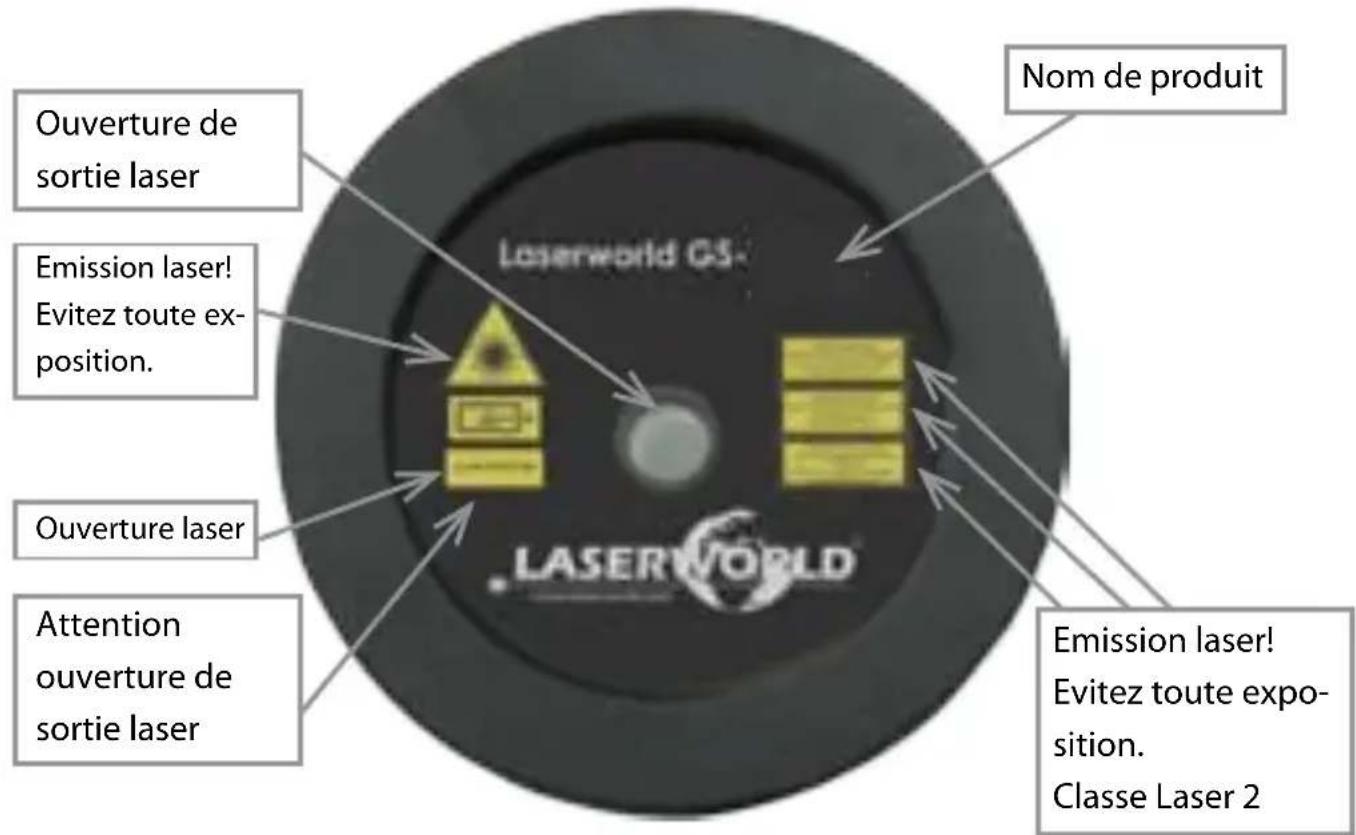
5. Warnings and other notices on the device Never open the device - hazardous radiation!
The device contains no components which can be replaced by the user.
GS-60G, GS-60G move, GS-50RG Xmas
text_image
Laserworld GS. Model type Laser radiation! Avoid exposure to beam. Laser beam aperture warning Laser aperture warning Laser aperture Laser radiation! Avoid exposure to beam. Laser class 2GS-60RG Xmas RC, GS-70GB Xmas RC, GS-70RG move, GS-100RG move
text_image
Laser radiation! Avoid exposure to beam. Laser radiation! Laser aperture warning Laser aperture Laser output Model type Laserworld CS- Laserworld Laser aperture Laser radiation! Avoid exposure to beam. Laser class 26. Installation and operation
- Choose a suitable indoor or outdoor location for your laser light effect.
- Installation:
- To attach the laser to the stake, place the rubber washer in between the angle brackets of the laser and the stake and bolt them together with the thumb screw that is included in delivery.
natural_image
Abstract black-and-white graphic with no discernible text, symbols, or structured content.- Connect the psu adapter to the power cable of the device. Connect the power adapter to mains.
- Your laser device starts to project immediately.
- Disconnect the device from mains to switch off the laser light effect.
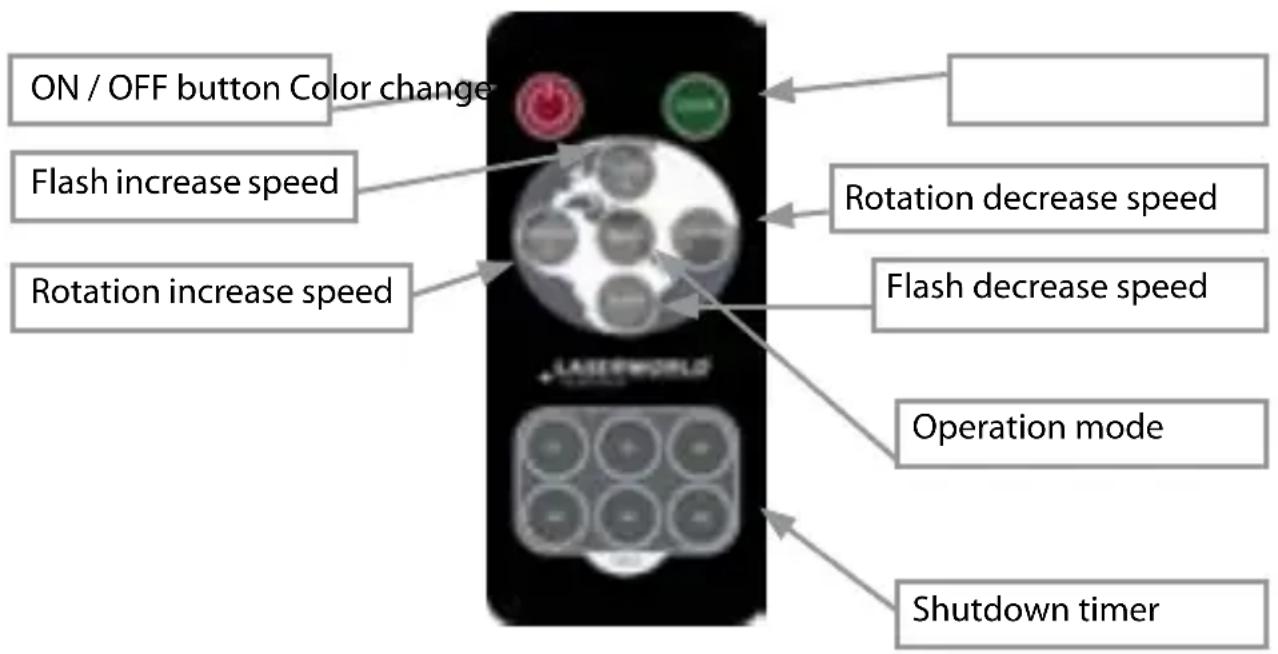
7. Remote controller operation
Only available for GS-60RG Xmas RC, GS-70GB Xmas RC, GS-70RG move, GS-100RGB move.
text_image
ON / OFF button Color change Flash increase speed Rotation increase speed Rotation decrease speed Flash decrease speed Operation mode Shutdown timerOnly available for GS-100RGB move: For activating all three colors - red, green and blue - to display at the same time, first select one single color via the remote control. Then switch off the laser using the red button on the remote controller and switch it on again. All three colors display at the same time now.
8. Service notes
- Quick on/off switching of this device can dramatically reduce lifetime of the laser diode.
- Avoid sharp knocks and shocks to this device and ensure sufficient protection during transportation. Look after your Laserworld product.
-
Disconnect the device from mains when it is not needed.
-
The devices of the Garden Series are not meant for professional applications.
- Damages on the device caused by improper handling, neglect of the safety instructions and service notes will void warranty.
Final statement
Laserworld products are tested and product packaging is inspected before leaving our warehouse.
Users must to follow their local safety regulations and warnings within this manual and adhere to any regulations within its place of use. Damages through inappropriate use will void any liability or warranty of our products.
Due to continual product developments, please check for the latest update of this product manual at www.laserworld.com. If you do have any further questions, then please contact your dealer/place of purchase or use our contact section on our website.
For service issues, please contact your dealer/place of purchase and ensure only genuine Laserworld spare parts are used in any service repairs.
Errors and omissions excepted and products are subject to change.
Laserworld (Switzerland) AG
Kreuzlingerstrasse 5
8574 Lengwil
SWITZERLAND
Registered office:
8574 Lengwil / Switzerland
Company number: CH-440.3.020.548-6
Commercial Registry Kanton Thurgau
CEO: Martin Werner
VAT no. (Switzerland): 683 180
UID (Switzerland): CHE-113.954.889
VAT no. (Germany): DE258030001
WEEE-Reg.-No. (Germany): DE 90759352

text_image
C€www.laserworld.com
info@laserworld.com
representative according to EMVG:
Managing Director: Karl-Heinz Käs
Mühlbachweg 2
83626 Valley / Germany
Inhaltsverzeichnis:
GS-60RG Xmas RC, GS-70GB Xmas RC, GS-70RG move, GS-100RG move
natural_image
Silhouette of a mechanical device or tool with no visible text or symbolsrepresentative according to EMVG:
Managing Director: Karl-Heinz Käs
Mühlbachweg 2
GS-70RG move, GS-100RGB move)
GS-60RG Xmas RC, GS-70GB Xmas RC, GS-70RG move, GS-100RG move
natural_image
Silhouette of a mechanical device or tool with no visible text or symbolsManaging Director: Karl-Heinz Käs
Mühlbachweg 2
GS-60RG Xmas RC, GS-70GB Xmas RC, GS-70RG move, GS-100RG move
natural_image
Pure mechanical component diagram without any text, numbers, or symbolsManaging Director: Karl-Heinz Käs
Mühlbachweg 2