ManualGo.com
 Agrigento - Basket Turbo air - Free user manual and instructions
Find the device manual for free Agrigento Turbo air in PDF.



Frequently Asked Questions - Agrigento Turbo air
Download the instructions for your Basket in PDF format for free! Find your manual Agrigento - Turbo air and take your electronic device back in hand. On this page are published all the documents necessary for the use of your device. Agrigento by Turbo air.
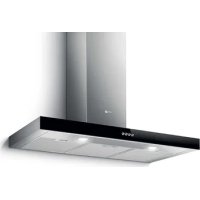
USER MANUAL Agrigento Turbo air
A. on/off light switch B. on/off aspiration switch and minimum power selection B+C. medium power selection aspiration switch B+D. maximum power selection aspiration switch
a. ON/OFF lighting b. OFF motors c. - d. - e. Minimum suction power (c.), medium (d.), maximum (e.). f. Operation warning light (where present). Note: Some models only possess one suction Power. Attention: the models with an electric valve are supplied with 3 keys: (a) Light ON/OFF, (b) Electric Valve Closure and (c) Opening. Functioning - 5-key electronic model 123OOI
1. Motor OFF button 2. ON button and motor speed selection button 1 - 2 - 3 - 1 - 2 - . . . . 3. Speed 1 LED 4. Speed 2 LED and metal grease filter saturation LED (in this latter case, the LED will flash - See instructions on grease filter cleaning). Once the grease filters have been cleaned, press button 1 for about 3 seconds until you hear the acoustic signal (beep): the LED 4 will now stop flashing. 5. Speed 3 LED and active carbon filter saturation LED (in this latter case, the LED will flash - See instructions on active carbon filter replacement). Once you have replaced the charcoal filter, press button 1 for about 3 seconds until you hear the acoustic signal (beep). LED 5 will now stop flashing. Warning! The active carbon filter saturation LED is not activated. In order to activate the active carbon filter saturation15 indicator, press buttons 2 and 7 simultaneously for 3 seconds. Initially, only LED 4 will flash, then after the 3 seconds have passed, LED 5 will also start flashing, indicating that the active carbon filter saturation control system is active. To switch off the system, re-press the same two buttons: after 3 seconds LED 5 will stop flashing and the device will be switched off.
6. Intensive speed LED
7. Intensive speed ON switch
This speed should be used when the concentration of cooking fumes or odours is particularly strong (for example when frying, cooking fish etc.). The fast speed will run for about 5 minutes and then return to the speed previously set automatically (1, 2 or 3), or switch off if no speed was selected. To turn off the fast speed, before the end of the 5 minutes, press button 1 or button 2.
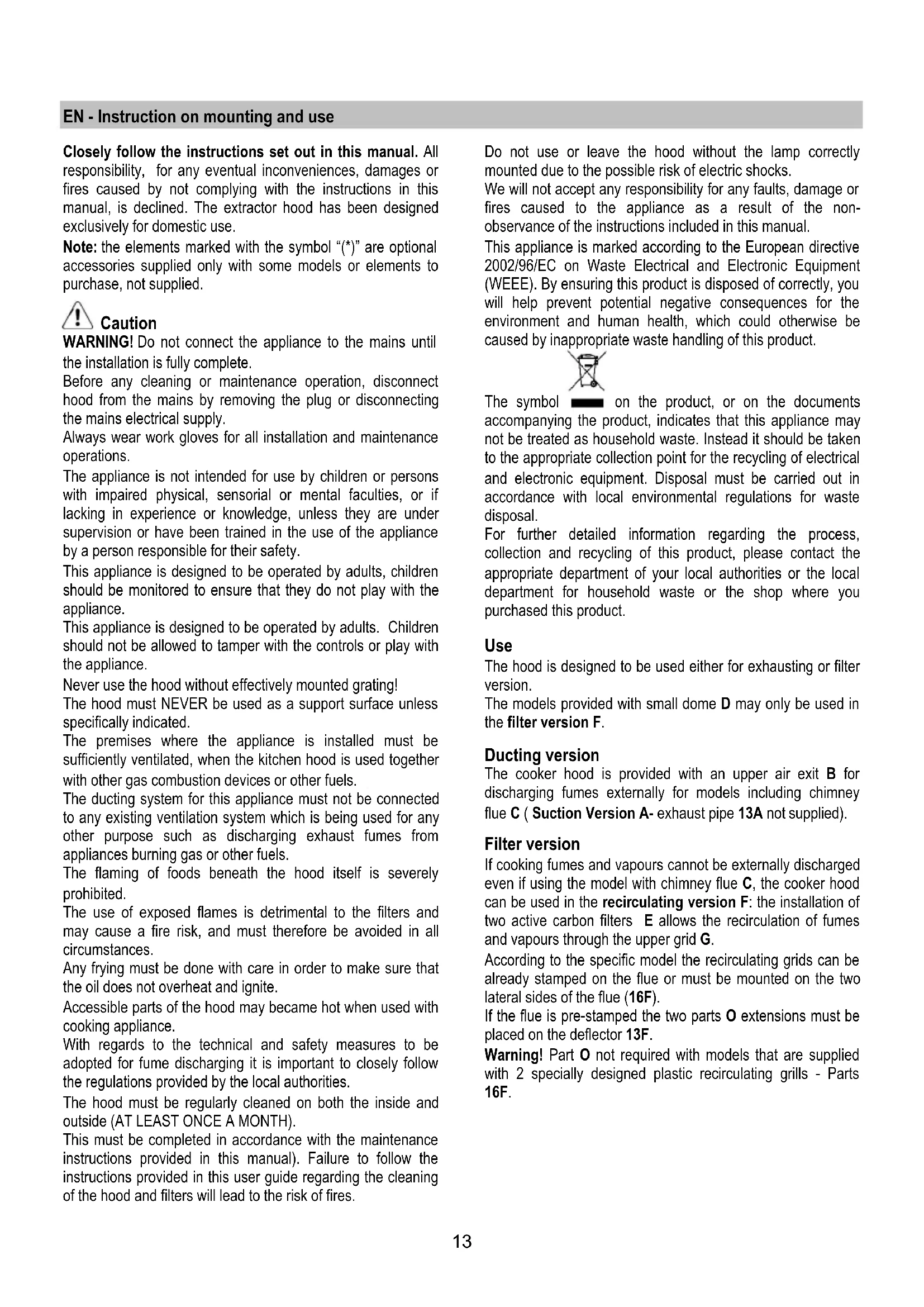
If the hood fails to operate correctly, briefly disconnect it from the mains power supply for almost 5 sec. by pulling out the plug. Then plug it in again and try once more before contacting the Technical Assistance Service. Maintenance ATTENTION! Before performing any maintenance operation, isolate the hood from the electrical supply by switching off at the connector and removing the connector fuse. Or if the appliance has been connected through a plug and socket, then the plug must be removed from the socket. Cleaning The cooker hood should be cleaned regularly (at least with the same frequency with which you carry out maintenance of the fat filters) internally and externally. Clean using the cloth dampened with neutral liquid detergent. Do not use abrasive products. DO NOT USE ALCOHOL!