TX119 - Desk Phone PROFOON - Free user manual and instructions
Find the device manual for free TX119 PROFOON in PDF.



| Brand | Profoon |
| Model | TX119 |
| Product type | Wired desk telephone |
| Network compatibility | Analog public switched telephone networks (PSTN, single line) |
| Standards | European Directive 1999/5/EC (R&TTE) |
| Power supply | From the telephone line (no external power) |
| Dimensions (L x H x D) | Approx. 22 x 18 x 8 cm |
| Weight | Approx. 600 g |
| Handset cable | Coiled cord with RJ9/RJ10 modular plugs |
| Telephone cable | RJ11 modular cable (standard length) |
| Main functions | Making and receiving calls, last number redial (31-digit memory), pause, flash (R/Flash 100 ms), * and # keys for supplementary services, mute (MUTE), 3 ring melodies with 3 volume levels, temporary or permanent ringer off, handset volume adjustment (normal/amplified) |
| Wall mounting | Yes, with a center distance of 8.3 cm between screws |
| Care and cleaning | Clean with a damp cloth, do not use chemical products. Avoid exposure to direct light and moisture. |
| Warranty | 24 months from date of purchase (subject to conditions) |
| Customer service | Azielaan 12, 5210 's-Hertogenbosch, Netherlands, +31 (0) 73 6411 355 |
| Environment | Mandatory recycling at a WEEE collection point (do not dispose of with household waste) |
| Included accessories | Telephone, handset, telephone cable, user manual |
Frequently Asked Questions - TX119 PROFOON
User questions about TX119 PROFOON
0 question about this device. Answer the ones you know or ask your own.
Ask a new question about this device
Download the instructions for your Desk Phone in PDF format for free! Find your manual TX119 - PROFOON and take your electronic device back in hand. On this page are published all the documents necessary for the use of your device. TX119 by PROFOON.
USER MANUAL TX119 PROFOON
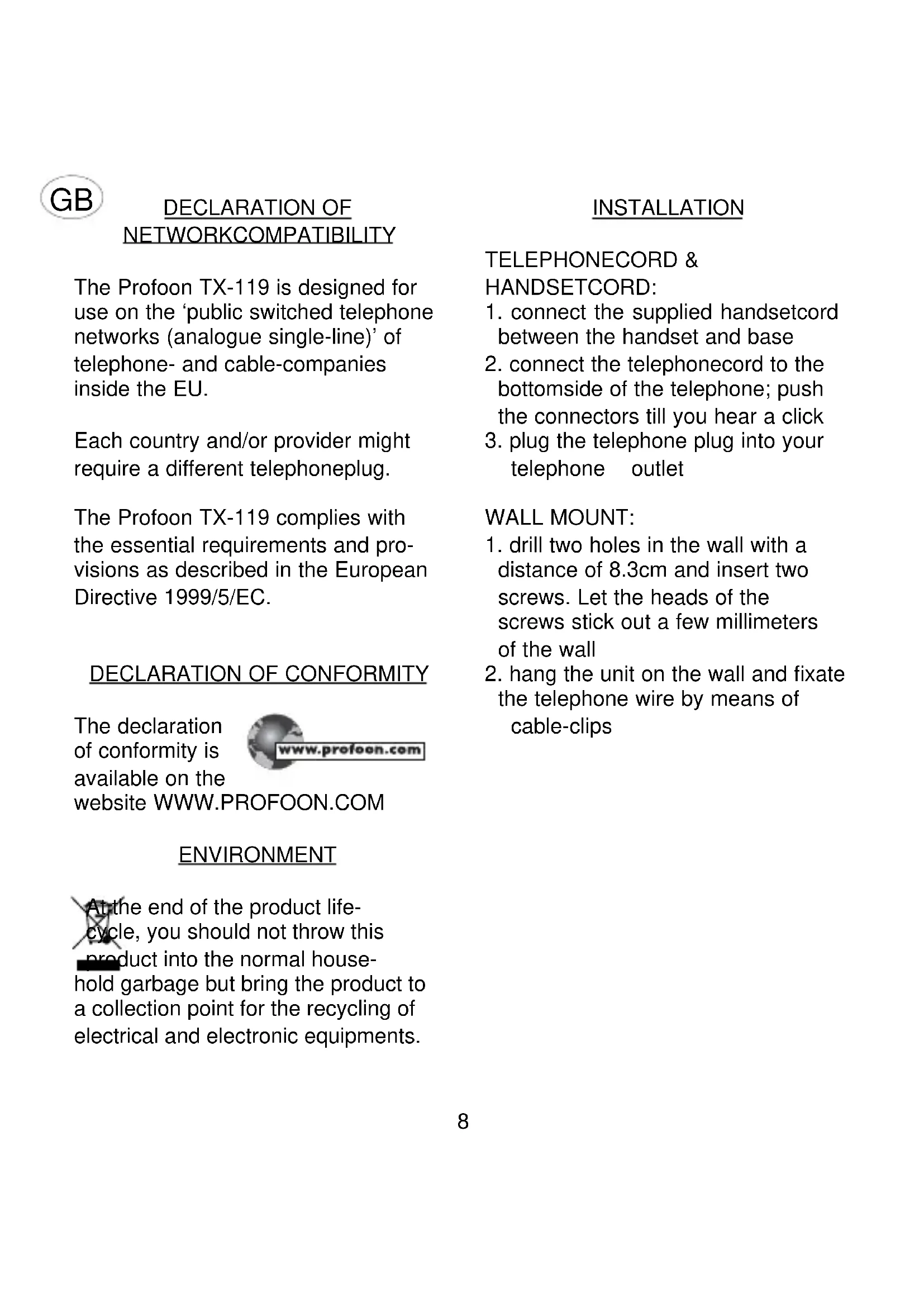
The Profoon TX-119 is designed for use on the 'public switched telephone networks (analogue single-line)' of telephone- and cable-companies inside the EU.
Each country and/or provider might require a different telephoneplug.
The Profoon TX-119 complies with the essential requirements and provisions as described in the European Directive 1999/5/EC.
DECLARATION OF CONFORMITY
The declaration of conformity is available on the

website WWW.PROFOON.COM
ENVIRONMENT
At the end of the product lifecycle, you should not throw this product into the normal household garbage but bring the product to a collection point for the recycling of electrical and electronic equipments.
INSTALLATION
TELEPHONECORD &
HANDSETCORD:
- connect the supplied handsetcord between the handset and base
- connect the telephonecord to the bottomside of the telephone; push the connectors till you hear a click
- plug the telephone plug into your telephone outlet
WALL MOUNT:
- drill two holes in the wall with a distance of 8.3cm and insert two screws. Let the heads of the screws stick out a few millimeters of the wall
- hang the unit on the wall and fixate the telephone wire by means of cable-clips
HOW TO USE
INCOMINGCALL:
Lift the handset and start the conversation.
OUTGOING CALL:
Lift the handset. Wait for the dial tone and key-in the desired telephone number. Replace the handset when the conversation is over.
REDIAL:
In case the person you were calling was busy or you want to dial the last dialed number again, this number is stored in memory:
- pick up the handset and wait for the dialtone
- press the button REDIAL; the last dialed number will be redialed This number can be as long as 31 digits.
PAUSE:
In case you are using a PABX system and you must dial a prefix number (0 or 9) to get an outside line, it is recommendable to insert a pause by pressing the button PAUSE after the cited prefix. This to prevent that redialing the number will go too fast.
CALL TRANSFER AND NETWORK SERVICES:
Use the R/FLASH-key to activate special services from your telephonecompany or to transfer a call in case you are connected through a PABX. The FLASH time of this feature is 100mS
TELESERVICES:
The buttons * and # are functionbuttons, needed for divers telecom-services (teleshopping, telebanking, etc) or to control divers telecom devices (PABX, answering machines, etc). Refer to the concerning manual.
MUTE:
Press MUTE to temporary switch-OFF the handsets microphone; press again to continue the conversation.
RECEIVING VOLUME:
With the RECEIVER H-N switch you can select the receivers volume. Position H = HI volume, position N = normal volume.
RINGER SIGNAL:
The TX-119 offers 3 different ringerrhythms and each rhythm has 3 volume levels. It is also possible to switch-OFF the ringer on a temporarily base or to switch it OFF continue.
Ringer-rhythms:
- lift the handset
- press MUTE
- press #
- press 1/9
- press MUTE
- replace the handset
| 1 2 | 3 rhythm | m 1 | |
| 4 5 | 6 rhythm | m 2 | |
| 7 8 | 9 rhythm | m 3 | |
| lo | mid high |
Ringer-OFF on a temporarily base: In case of option -0- (see instruction 4 here above) the ringer will be switched OFF. After lifting the handset and replacing it again, the programmed rhythm will be restored.
Ringer-OFF:
Use the RINGER O-I switch to switch-ON (position I) or to switch-OFF (position O) the ringer.
MAINTENANCE
- Do not locate the telephone in direct sunlight or in a moist environment.
- Never use chemical cleansers to clean the cabinet, the cabinet may only be cleaned with a moist cloth.
- Don't place the TX-119 on furniture with cellulose based coating; the rubber feet will leave stains on the cellulose.
- Under certain circumstances the sound of the TX-119 might be influenced by electromagnetic fields of electronic devices like TV, computer or radio transmitters close to the telephone. Relocate the telephone to gain better results in such cases.

Postcode / code postal: