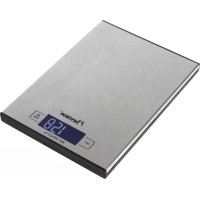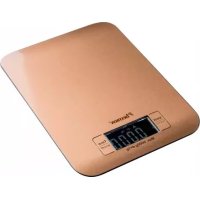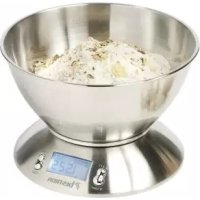
DEK4150 - Kitchen scale BESTRON - Free user manual and instructions
Find the device manual for free DEK4150 BESTRON in PDF.



| Product type | Kitchen scale |
| Brand | Bestron |
| Model | DEK4150 |
| Power supply | 2 AAA 1.5 V batteries |
| Display type | LCD |
| Maximum capacity | 5 kg (estimated) |
| Accuracy | 1 g (estimated) |
| Tare function | Yes |
| Timer function | Yes |
| Timer range | 00:00 to 99:59 |
| Built-in thermometer | Yes, 0 to 40 °C |
| Auto-off | After 120 seconds of inactivity |
| Warranty | 60 months (5 years) |
| Cleaning | With a damp cloth, without abrasive products |
| Usage | Domestic use only |
| Safety | Do not use in a humid room, stable surface |
Frequently Asked Questions - DEK4150 BESTRON
User questions about DEK4150 BESTRON
0 question about this device. Answer the ones you know or ask your own.
Ask a new question about this device
Download the instructions for your Kitchen scale in PDF format for free! Find your manual DEK4150 - BESTRON and take your electronic device back in hand. On this page are published all the documents necessary for the use of your device. DEK4150 by BESTRON.
USER MANUAL DEK4150 BESTRON
natural_image
Abstract black arrow-like graphic design pointing right (no text or symbols)BESTRON®
DEK4150
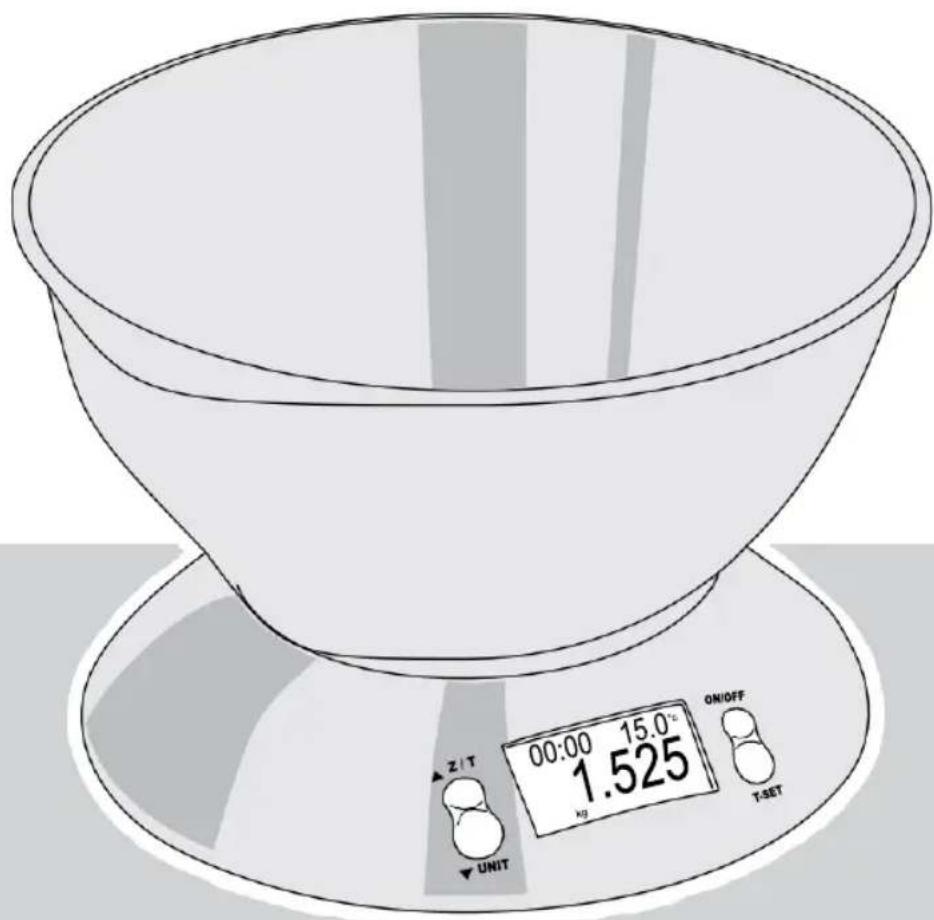
text_image
00:00 15.0°C kg ON/OFF T-SET Z / T UNIT
Instruction manual kitchen scale

2 x AAA (1,5V)


r. neyman Quality control
text_image
Handwritten signature or scribble on a line, possibly a signature or artistic markr. neyman
Quality control
text_image
Handwritten signature or scribble on a line, possibly a signature or artistic markr. neyman Quality control
- Please read these instructions carefully and retain them for future reference.
• Use this appliance solely in accordance with these instructions. - This appliance can be used by children older than 8 years and persons with reduced physical, sensory or mental capabilities or lack of experience and knowledge, but only if they have been given supervision or instruction concerning use of the appliance in a safe way and understand the hazards involved.
• Children should be supervised to ensure that they do not play with the appliance. - Cleaning and maintenance must not be done by children, except if they are older than 8 years and supervised.
- Keep the appliance and the cable out of reach of children under 8 years.
• Have any repairs carried out solely by a qualified electrician. Never try to repair the appliance yourself.
sAfety instructions - during use
• Never submerge the appliance in water or another liquid.
• We accept no liability for damage caused by incorrect usage or the ignoring of the regulations in this manual.
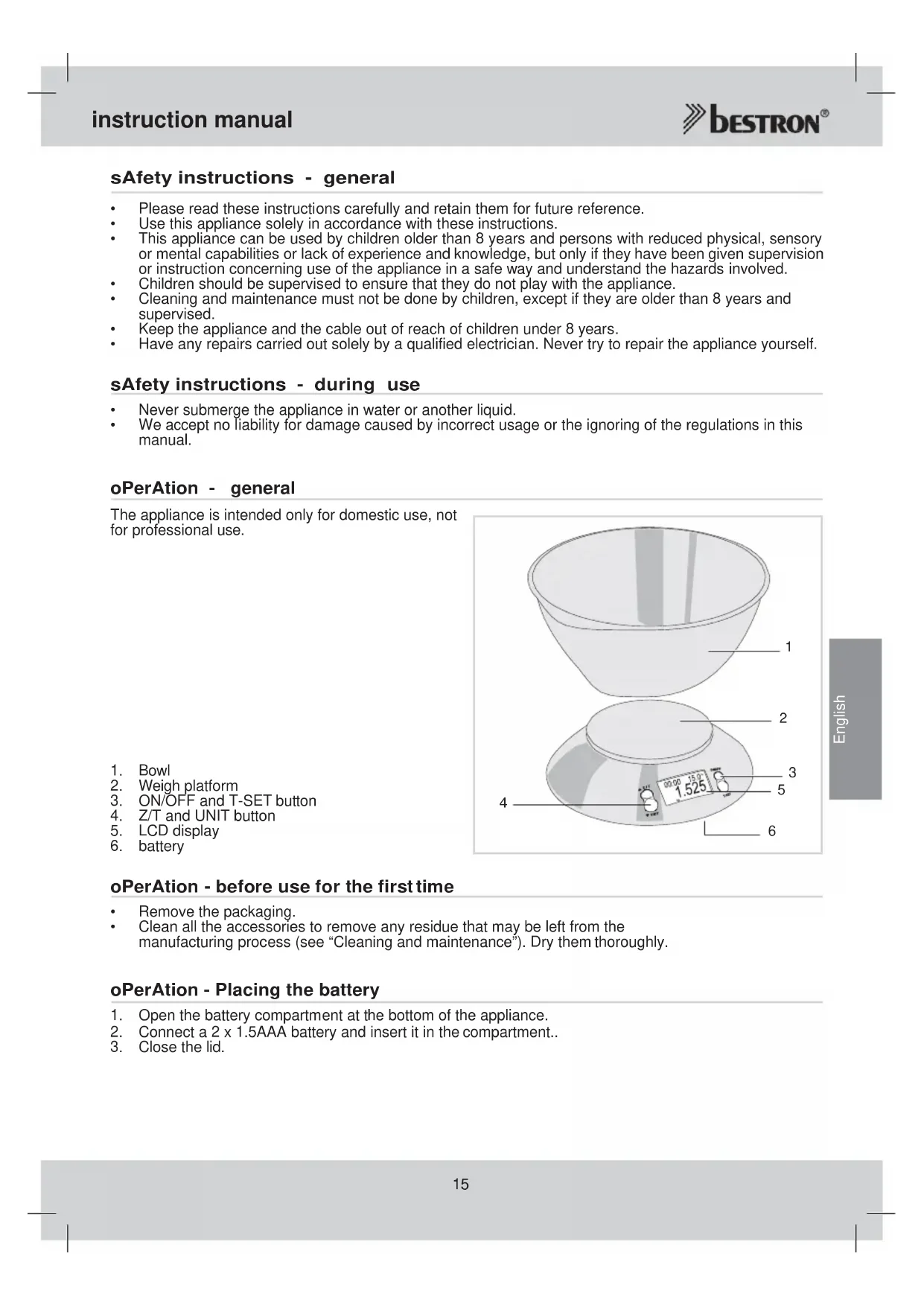
oPerAtion - general
The appliance is intended only for domestic use, not for professional use.
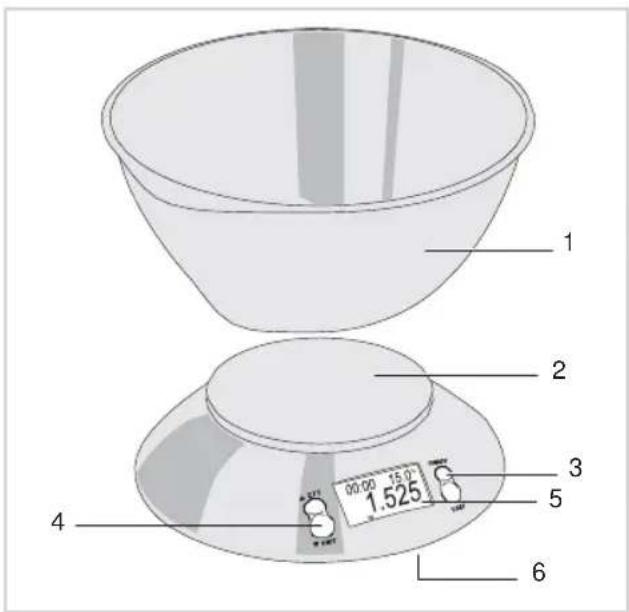
text_image
1 2 3 4 5 6 00:00 15:00 1.525- Bowl
- Weigh platform
- ON/OFF and T-SET button
- Z/T and UNIT button
- LCD display
- battery
oPerAtion - before use for the first time
- Remove the packaging.
- Clean all the accessories to remove any residue that may be left from the manufacturing process (see "Cleaning and maintenance"). Dry them thoroughly.
oPerAtion - Placing the battery
- Open the battery compartment at the bottom of the appliance.
- Connect a 2 x 1.5AAA battery and insert it in the compartment..
- Close the lid.
oPerAtion - use
- Put the bowl on the appliance. Be sure it is locked.
- Push the 'ON/OFF' button. Wait until all the information is shown on the display.
- The kitchen scale is now ready for use.
- Place the product that you want to weigh in the bowl until the desired value is reached.
- Switch off the appliance by pushing the 'ON/OFF' button again.
When the display is not resetting itself after switching on, you may want to push the 'Z/T' button. The appliance will now reset itself and is ready for use.
- When the kitchen scale is not being used for 120 seconds, it will automatically switch off.
oPerAtion - reset/tare function
When weighing more products after each other, you may want to use the reset/tare function:
-
Place the first product that you want to weigh in the bowl until the desired value is reached.
-
Now push the 'Z/T' button. The display will reset itself to 0.
-
Now place the second product that you want to weigh in the bowl until the desired value is reached.
-
Repeat step 2 and 3 until all product has been weighted.
If all products are removed from the bowl after using the reset/tare function, the display will show a negative value. To make the appliance ready for use again, just push the 'Z/T' button.
oPerAtion - timer
This kitchen scale has a built-in digital cooking timer:
-
Push the 'ON/OFF' button. The appliance beeps and after a few seconds it displays 0.
-
The kitchen scale is now ready for use.
-
Push the 'T-SET' button. In the left upper corner of the display a little bell is showing now.
-
Push the ▼button or ▲button to set the cooking time in steps of 10 seconds. The cooking time is now showing in the left upper corner.
-
Push the 'T-SET' button to start the countdown.
-
When the timer reaches 00:00, it will beep for 90 seconds.
-
You can stop the beeping by pushing the 'ON/OFF' button.
During countdown, you can stop the timer and reset the timer by pushing the 'T-SET' button. Items may still be weighted on the scale while timer is operating.
Maximum time span is 99.59.
oPerAtion - temperature function
This kitchen scale has a built-in environment temperature sensor which automatically shows the temperature in the right upper corner of the display after switching on the appliance. Maximum values are 0 - 40°C.
cleAning And MAintenAnce
- This kitchen scale is a precision instrument. Please avoid heavy striking. Do not keep it laden with weights for a long period.
- Wipe the base unit with a clean damp of cloth. Dry thoroughly afterwards.
- Don't use harsh or abrasive cleaning agents or solvents.
tHe enVironMent

- Dispose of packaging material, such as plastic and boxes, in the appropriate waste containers.
- When this product reaches the end of its useful life do not dispose of it by putting it in a dustbin; hand it in at a collection point for the reuse of electrical and electronic equipment. Please refer to the symbols on the product, the user's instructions or the packaging.
- The materials can be re-used as indicated. Your help in the re-use, recycling or other means of making use of old electrical equipment will make an important contribution to the protection of the environment.
- Contact your municipality for the address of the appropriate collection point in your neighbourhood.
guArAntee terMs
The importer guarantees the appliance against defects caused by manufacturing and/or material faults for 60 months from the date of purchase, subject to the following conditions.
- No charges will be made for labour costs or materials during the warranty period. Any repairs carried out during the warranty period do not extend the warranty period.
- The importer automatically becomes the owner of any faulty parts that he replaces or a faulty appliance (in the event of replacement of the appliance).
- All claims submitted under warranty must be accompanied by the original bill of sale.
- Claims under warranty must be submitted to the dealer where the appliance was purchased or to the importer.
- The warranty is issued solely to the first purchaser and cannot be transferred.
- The warranty does not cover damage caused by:
a. Accidents, incorrect use, wear and/or neglect.
b. Faulty installation and/or use in a manner contravening the prevailing legal, technical or safety regulations.
c. Connection to a mains voltage other than the voltage specified on the type plate.
d. Unauthorized modifications.
e. Repairs carried out by third parties.
f. Careless transport, i.e. without suitable packaging materials or protection.
- No claims may be made under this warranty for:
a. Losses incurred during transport.
b. The removal or changing of the appliance's serial number.
-
The guarantee does not cover power cords, lamps or glass parts.
-
No claims can be submitted under this warranty for damage other than the repair or replacement of faulty parts. The importer can never be held responsible for any consequential loss or damage or any other consequences, resulting either directly or indirectly from the appliance supplied by the importer.
- In case of claims under guarantee you can contact your dealer where the appliance is purchased. Bestron offers you also the possibility to send the appliance directly to our Service Department. Do not send your appliance without consulting us. The package may be refused and any any costs will be for your account. Please contact the Service Department and they will tell you how to pack and send the appliance.
- This appliance is not suitable for professional use.
serVice
If a fault should occur please contact the BESTRON service department: www.bestron.com/service
ce declArAtion of conforMity
This product conforms to the essential requirements of the following EU safety directives:
• EMC Directive 2004/108/EC
• Low Voltage Directive 2006/95/EC

text_image
###r. neyman Quality control