TM802 - Tablet IT WORKS - Free user manual and instructions
Find the device manual for free TM802 IT WORKS in PDF.



User questions about TM802 IT WORKS
0 question about this device. Answer the ones you know or ask your own.
Ask a new question about this device
Download the instructions for your Tablet in PDF format for free! Find your manual TM802 - IT WORKS and take your electronic device back in hand. On this page are published all the documents necessary for the use of your device. TM802 by IT WORKS.
USER MANUAL TM802 IT WORKS
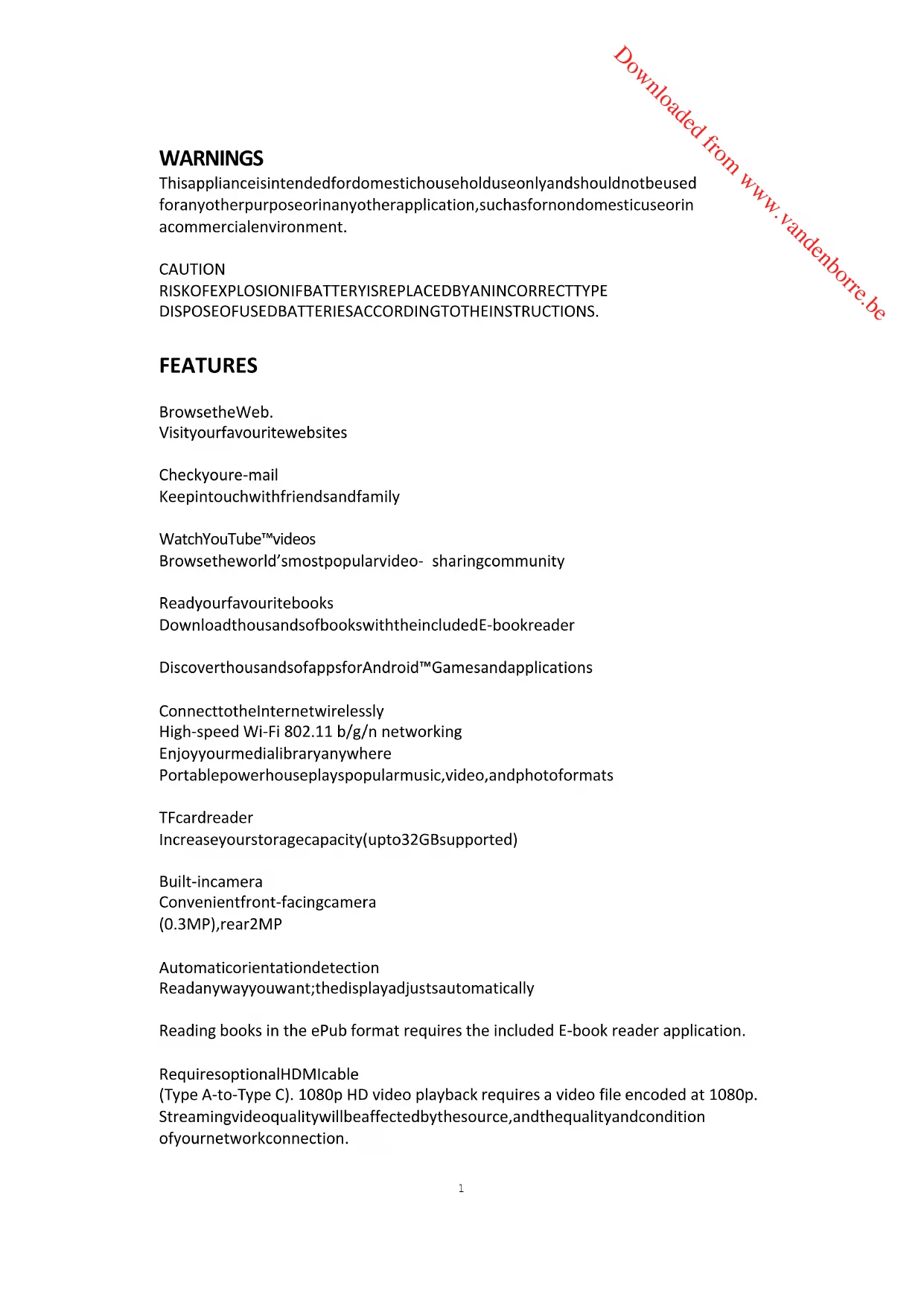
Keepintouchwithfriendsandfamily
WatchYouTube™ videos
Browsetheworld'smostpopularvideo- sharingcommunity
Readyourfavouritebooks
DownloadthousandsofbookswiththeincludedE-bookreader
DiscoverthousandsofappsforAndroid™ Gamesandapplications
ConnecttotheInternetwirelessly
High-speed Wi-Fi 802.11 b/g/n networking
Enjoyyourmedialibraryanywhere
Portablepowerhouseplayspopularmusic,video,andphotoforms
TFcardreader
Increaseyourstoragecapacity(upto32GBsupported)
Built-incamera
Convenientfront-facingcamera
(0.3MP),rear2MP
Automaticorientationdetection
Readanywayyouwant;thedisplayadjustsautomatically
Reading books in the ePub format requires the included E-book reader application.
RequiresoptionalHDMlable
(Type A-to-Type C). 1080p HD video playback requires a video file encoded at 1080p.
Streamingvideoqualitywillbeaffectedbythesource,andthequalityandcondition
ofyournetworkconnection.
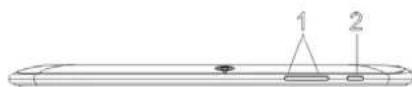
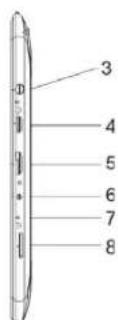
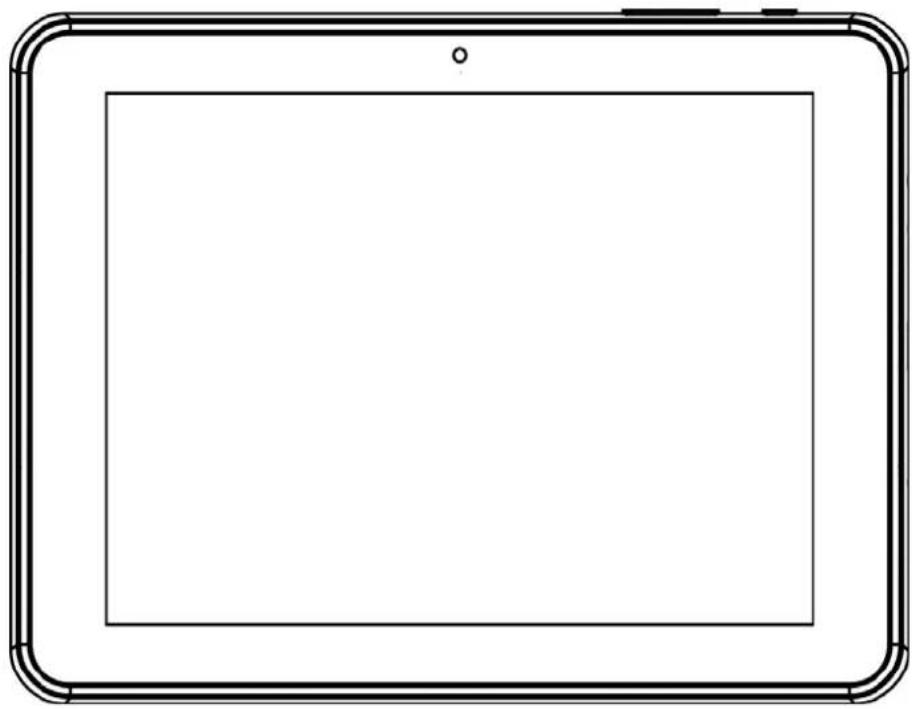
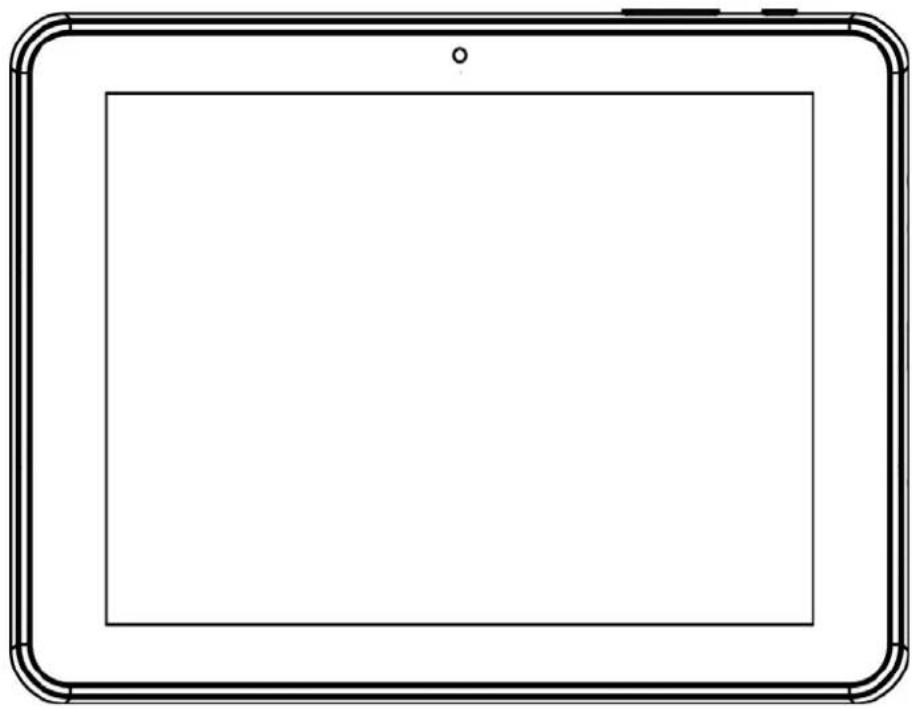
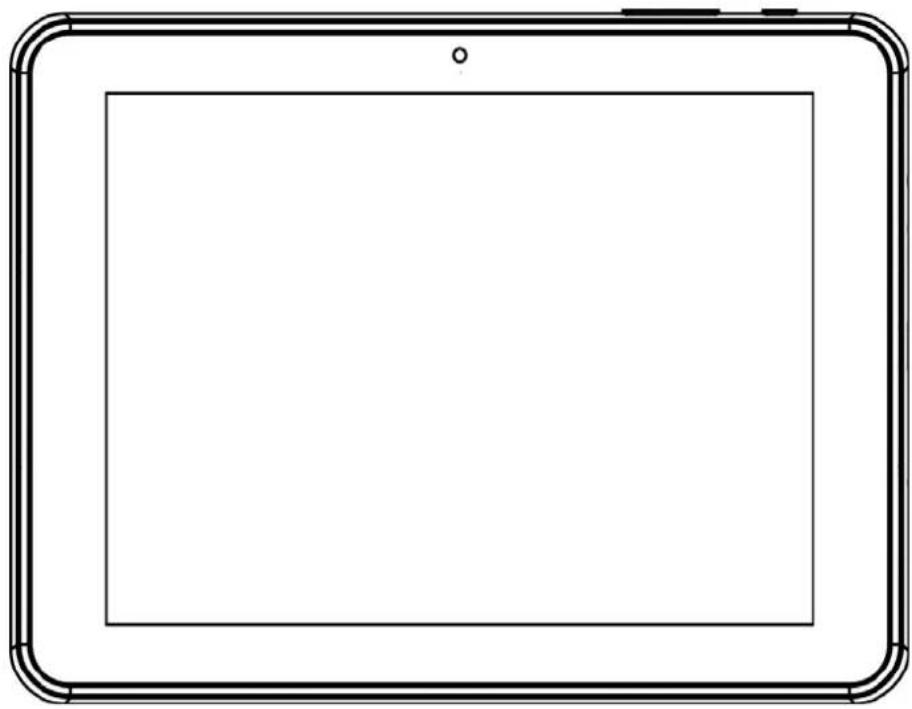
UNITATAGLANCE
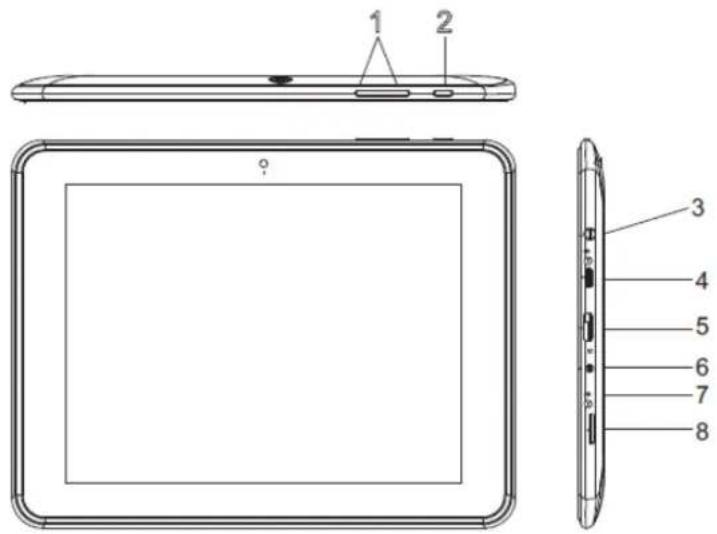
1.VOL+/VOL-
Remarks: WhentheSPL warningappears&youpress' cancel', the volumecannot be increasedanymoreunlessyoureducethevolumeandthenincreasesethevolumeagain.
- ①
Presstoturntheuniton,ortoturnthescreenonoroff.
- Pressandholdtopowerof f theunit.
3.
4.
5.HDMIport
6.DCIN5V
7.R(reset)
8.TFCARD


WARNING: To protect your hearing, it is important that any headphones or earphones used conjunction with this product are compliant with French Decree of 8 November 2005 implementing Article L.5232-1. This ensures that the sound level does not exceed 100 dB SPL. The prolonged listening at high volume form more than five hours a week can damage your hearing.

Topreventpossiblehearingdamage, donotlistenathighvolumelevelsfor longperiods.
GETTINGSTARTED
TurningtheTabletOnorOff
Toturnthetableton:
Pressandholduntihescreenturnson.WaituntiltheHomescreenappears. Thetabletisnowreadyforuse.
Toturnthetabletoff:
- Press and hold until the DeviceOptions menu appears.
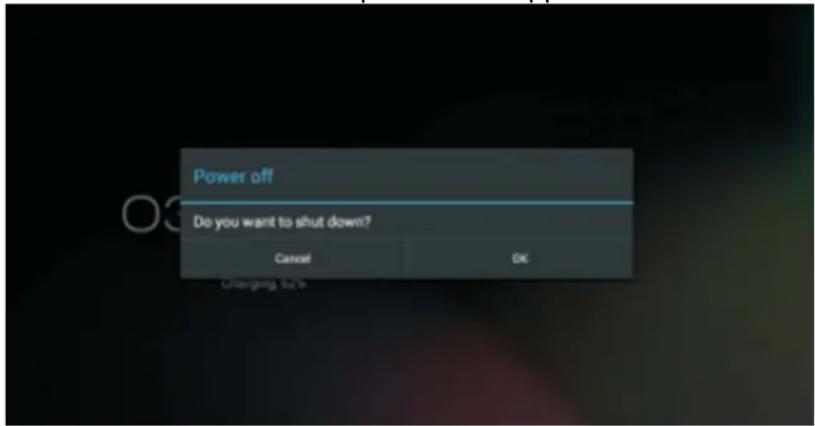
- Touch OK on the screent of the tablet.
TurningtheScreenOnoroff(Standby)
Whenthetabletison,youcanturnoffthescrentosavebatterypower.
Press once to turn the screen off. Press again to turn the screen back on.
NOTE: To save battery power, the screen can be set to turn off automatically when the tabletisnotinuse. Thescreenofftimeoutcanbesetinthe“Display” optionunder“Settings”menu.
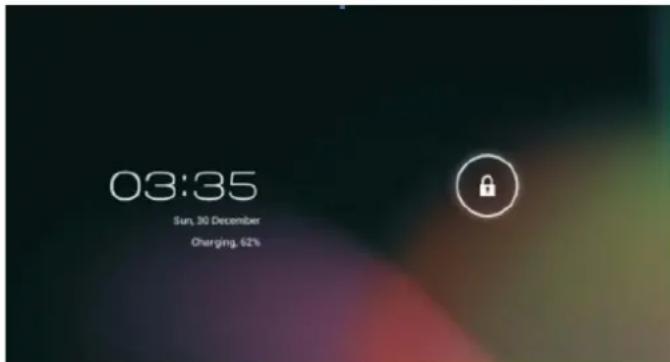
UnlockingtheScreen
Whenthescreenturnsoffandyouwanttounlockthescreen,dragthelockicon acrossthescreentowardsthelockicon.
ABOUTAPPLICATIONS
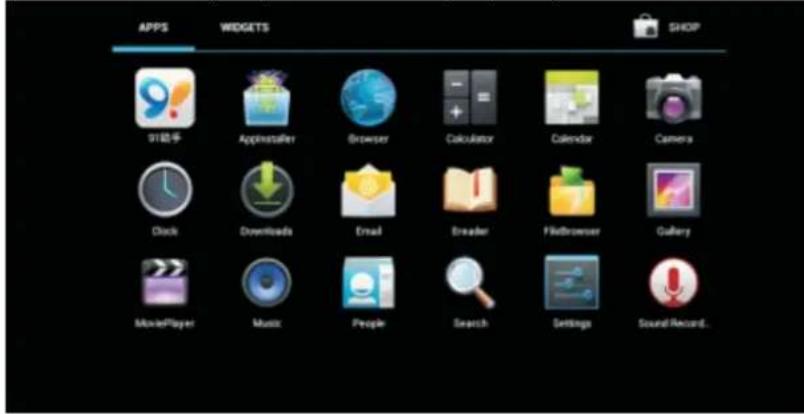
Toopenanapplication, touchtheapplicationicononthehomescreenorin the Launcher(iconontheupperrightcorner)togetin.
Launcherscreen(onlyforIllustrativepurpose):
PreinstalledApplications
Someapplicationshavebeeninstalledonyourtabletforyourconvenience. Theseapplicationsinclude:

Browsesetheweb.
Performsimplemathematicaloperations.

Takepicturesorvideoswiththefrontfacingcamera.

Checkyouremail.

Playmusic.
AccesstheSettingsmenutosetheoptions.
InstallingApplications
You canals download and install applications from the device's applications marketplace, the web browser, orthersources.
CONNECTTINGTABLETOWAI-FINETWORK
- TurnontheWi-Firadioi f itisnotalreadyon.ToturnonWi-Fi:
a. Gotothe Homescreen: Pressthe Homekey.
b.OpentheSettingsmenu:taptheiconrightuponthomescrentogetinto the launcher,thentouchSettingsicon.
c.OpentheWireless&networksmenu:SlidetheiconoONstatus.
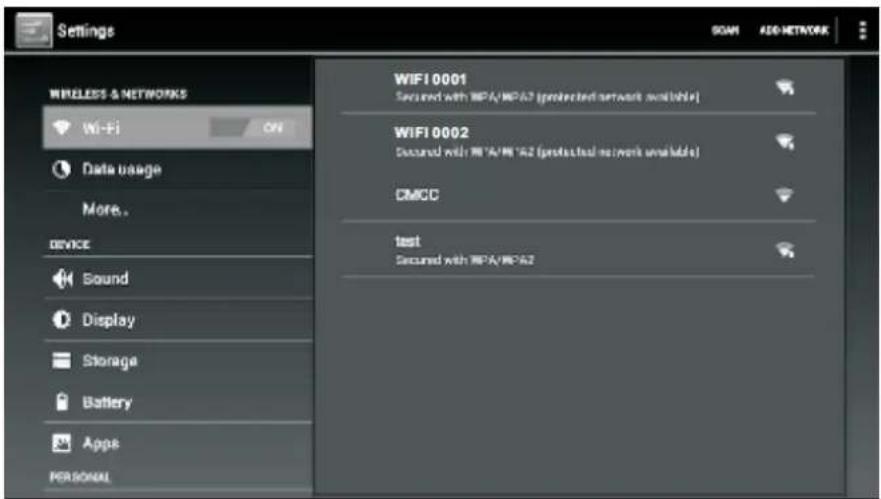
When Wi-Fi is on, the tablet will search and display a list of available Wi-Fi networks.
NOTE:Ifanetworkthatyouhaveconnectedtopreviouslyisfound,thetabletwill connecttoit.Ifyoudon'tseeyournetworkintheList,youcanforcethetablet to re-scan. To scan for networks, tap the Menu key, and then touch "SCAN".
- SelectanavailableWi-Finetetworktoconnectto:
In the same Wi-Fi settings menu above, touch a network in the list.
Ifthenetworkisopen, the tabletwillpromptyouconfirmconnectiontothe network.TouchConnecttoconfirm.
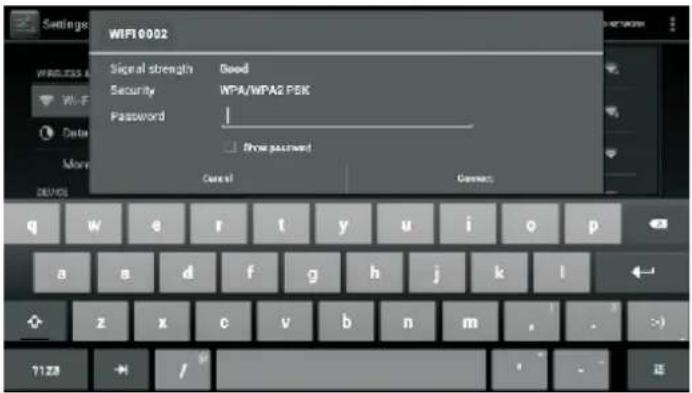
Ifthenetworkissecured(asindicatedbyaLockicon),thetabletwillpromptyouto enterpasswordorothercredentials.TouchtheWirelesspasswordboxtoshowthe on-screen keyboard and then use it to enter the password. Touch "Connect" to confirm.
When the tablet has been connected to a Wi-Fi network, the Notifications bar at thebelowofthescreenwillshowaWi-Fisignalindicator.

CONNECTINGTETABLETTOACOMPUTER/UDISK
-
Connect the tabletto the computer/ Udiskusingthesupplied USB cable.
2.SlidetheUSBiconuponthescreenandthentouch"USBconnected
3.Mountthestorage. -
Touch "Turn on USB storage" on the screen to mount the built-in storage of the tablet. When it is mounted, you can copy file from the tablet.
SPECIFICATIONS
| ProcessorAmlogic8276-M | XDualcore1.5GHz(cortexA9) |
| RMA1GBDDR3 | |
| Storage16GBflashbuilt-in | Supportupto32GBTFcard |
| Display8.0" TFTLCD(1024x768), Capacitivetouchscreen | |
| Wi-FiNetworkingIEEE802 | 11b/g/n |
| USB | USB2.0highspeed |
| AdditionalFeatures | Built-inmicrophone Frontfacingcamera(0.3MP),rear2MP 1x1Wspeaker |
| OperatingSystem | Android™ 4.1 |
| Power | Rechargeable Li-poly battery power Adapter(DC5V,2A) |
| PlaybackTime | Upto9-hourmusic, 3-hourvideo, 3-hourwebbrowsing |
Musicwastedwitha128kbpsMP3file;videowastedwitha1920x1080 MPEG-4/AVC file; browsing was tested with the screen brightness set to default. Actualplaybackresultsmayvary.

Asaresponsibileretailerwecareabouttheenvironment.
Assuchweurgeyoutofollowthecorrectdisposalprocedurefortheproduct, packagingmaterialsandifapplicable,accessoriesandbatteries.Thiswillhelp conservenaturalresourcesandensurethatthematerialsarerecycledinamanner thatprotectshealthandtheenvironment.
You must follow laws and regulations about disposal. Waste electrical products and batteries must be disposed separately from household wastes when the product reaches the end of its life.
Contactthestorewhereyouboughttheproductandyourlocalauthoritytolearn aboutdisposalandrecycling.
Thebatteriesmustbedisposedofatyourlocalrecyclingpoint.
Weapologiseforanyinconveniencecausedbyminorinconsistenciesinthese instructions,whichmayoccurasaresultofproductimprovementanddevelopment.
KesaElectricals©UK:EC1N6TE31/01/2013
Declaration of Conformity
The following product has been deemed to comply with the requirements of the listed European Directives:-
R&TTE Directive (1999/5/EC)
Electromagnetic Compatibility Directive (2004/108/EC)
Low Voltage Directive (2006/95/EC)
RoHS 2 (2011/65/EU)
Product Description: Multimedia Tablet
Brand: I.T. Works
Model numbers: TM 802
The above listed product conforms to the following EU Standards:
ETSI EN 300 328 V1.7.1 (2006-10)
ETSI EN 301489-1 V.1.9.2 (2011-09)
ETSI EN 301489-17 V2.1.1 (2009-05)
EN 62479:2010
EN 55022:2010
EN55024:2010
EN 61000-3-2:2006+A1:2009+A2:2009
EN 61000-3-3 :2008
EN 60950-1:2006+ A11:2009+ A1:2010+ A12:2011
The person responsible for this declaration is:
Name: Steve Connor
Position: General Manager of Direct Sourcing
Signature:
Date: 11.3.13.

it.works
TABLETTE
MODELETM802
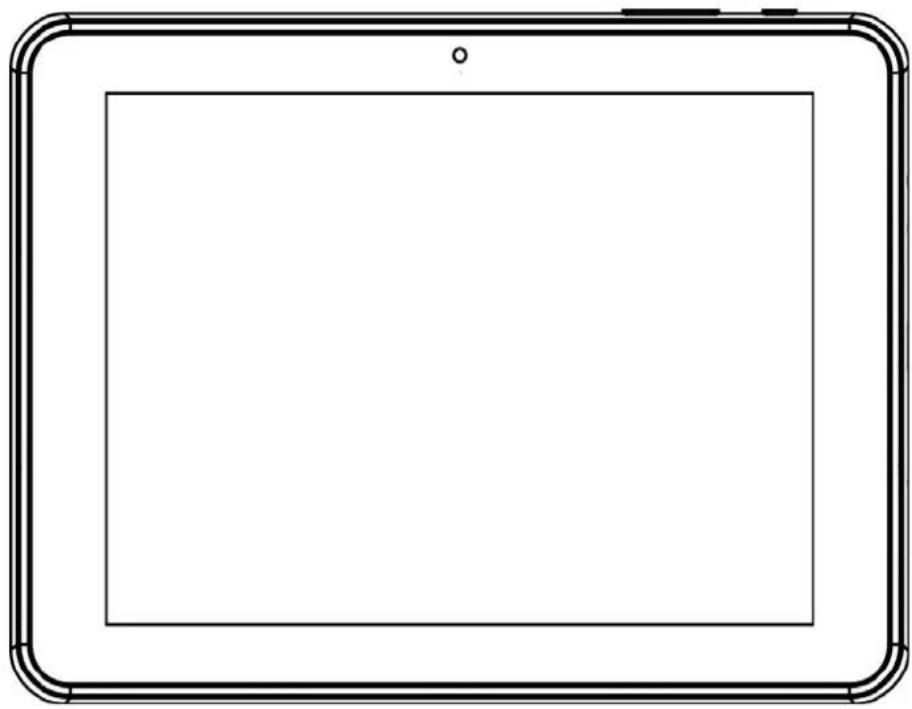
MODED'EMPLOI
ATTENTION
Consultervose-mails.

KesaElectricals@UK:EC1N6TE31/01/2013
it.works
TABLET
MODELLOTM802
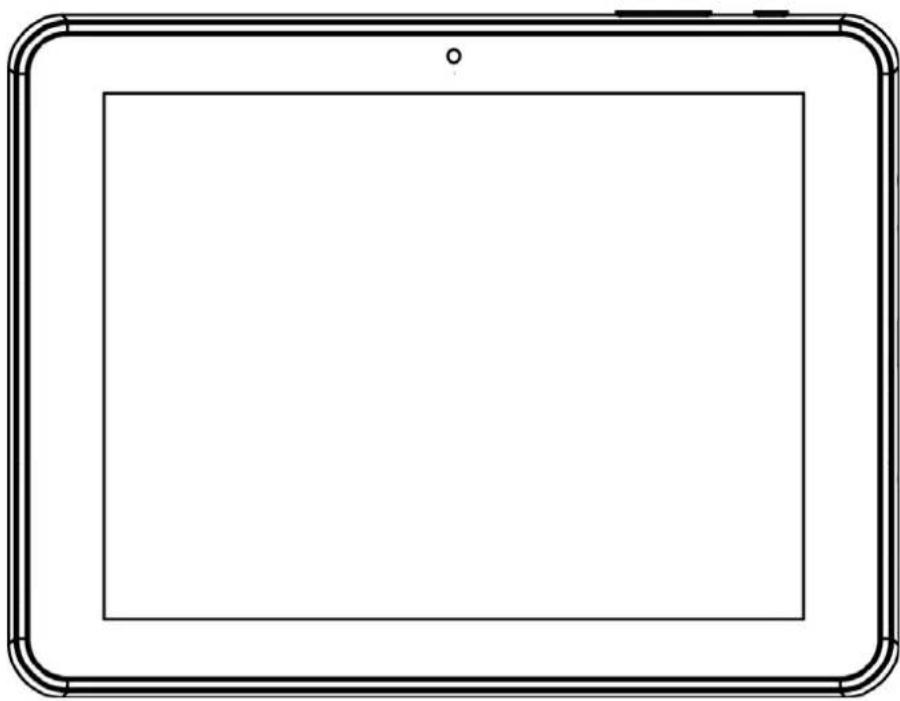
MANUULED'ISTRUZIONI
ATTENZIONE
COLPOD'OCCHIOSULL'UNITÀ
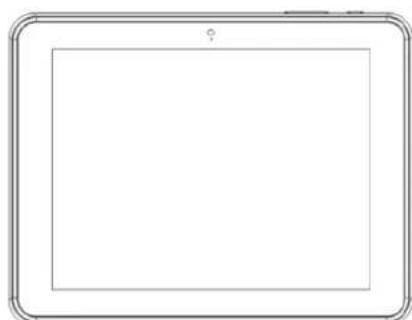
1.VOL+/VOL-
KesaElectricals@UK:EC1N6TE31/01/2013
it.works
TABLET
MODELTM802
POKNYKPOUZITI
UPOZORNÉNÍ
UPOZORNENI:proochranusluchu
KesaElectricals@UK:EC1N6TE31/01/2013
it.works
TABLET
MODELTM802
NAVODNAPOUZITIE
VAROVANIA
KesaElectricals©UK:EC1N6TE31/01/2013
it.works
TABLET
MODELTM802
YÖNERGEELKITABI
UYARILAR
KesaElectricals@UK:EC1N6TE31/01/2013