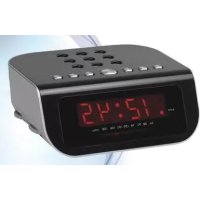
CLR246 - Alarm Clock ROADSTAR - Free user manual and instructions
Find the device manual for free CLR246 ROADSTAR in PDF.

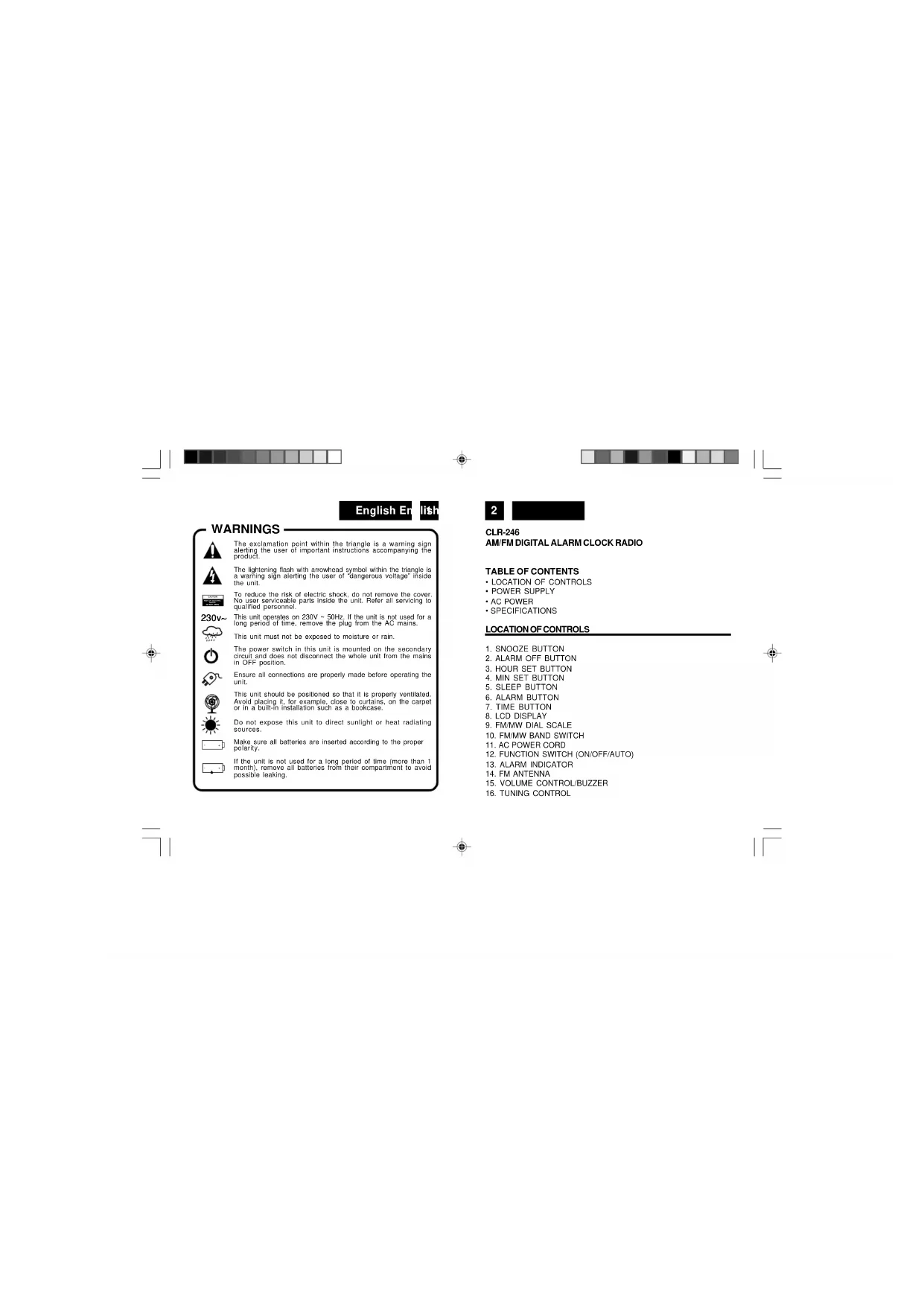


| Product Type | AM/FM Digital Clock Radio |
| Brand | Roadstar |
| Model | CLR246 |
| Power Supply | 230 V ~ 50 Hz |
| Backup Power | 9V battery (type 6F22/006P, not included) |
| Radio Bands | FM 87.5 – 108 MHz, AM 530 – 1600 kHz |
| Display | 24-hour Digital LCD |
| Main Functions | Alarm by buzzer or radio, sleep timer, snooze, hour and minute setting |
| FM Antenna | Built-in (adjustable cable) |
| Volume Control | Rotary knob with buzzer selector |
| Cleaning and Maintenance | Soft, non-abrasive cloth; avoid chemicals |
| Safety Precautions | Do not expose to moisture, rain, or heat sources; do not open the casing |
| Repairability / Spare Parts | No user-serviceable parts; contact customer service |
Frequently Asked Questions - CLR246 ROADSTAR
User questions about CLR246 ROADSTAR
0 question about this device. Answer the ones you know or ask your own.
Ask a new question about this device
Download the instructions for your Alarm Clock in PDF format for free! Find your manual CLR246 - ROADSTAR and take your electronic device back in hand. On this page are published all the documents necessary for the use of your device. CLR246 by ROADSTAR.
USER MANUAL CLR246 ROADSTAR
If power is temporarily interrupted the display will blink and the radio will not play. However, the battery back-up circuit will continue to maintain the clock and alarm settings. When power is restored the clock will display the correct time and alarm settings, and no adjustment is necessary.
Note: If power is interrupted and there is no battery in the compartment or the battery is exhausted. The time and alarm settings will be lost. When power is restored the clock will begin to flash indicating that the time and alarm settings must be corrected.
SETTING THE CORRECT TIME
- Press and hold the TIME Button (7).
- Press HOUR button (3) to advance hour
- Press MINUTE button (4) until the correct time is displayed.
- Release the TIME Button (7).
SETTING THE WAKE UPTIME
- Set the FUNCTION Selector (12) to the OFF position.
- Set the alarm time by following this procedure:
- Press and hold the ALARM Button (6).
- Press the HOUR Button (3) to advance hour press MINUTE Button (4) until the desired alarm time is displayed.
- Release the ALARM Button (6).
- To check the correct alarm time is set, press the ALARM Button (6).
WAKETOBUZZERALARM
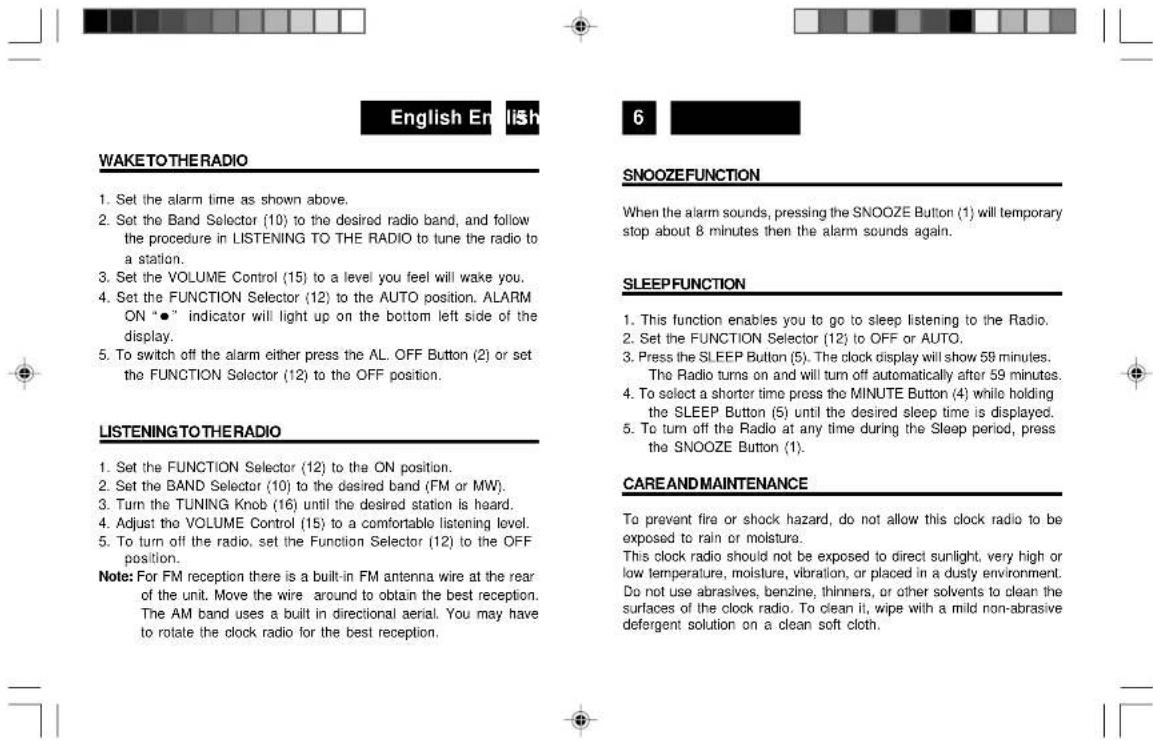
- Set the alarm time as shown above.
- Set the Function Selector (12) to the AUTO position. The ALARM ON indicator will light up on the bottom left side of the display. Turn Off the Volume control until you hear a "click" (Buzzer).
- To switch off the alarm either press the AL OFF Button (2), or set the FUNCTION Selector (12) to the OFF position.




Never attempt to insert wires, pins, or other objects into the ventilation holes or openings on the clock radio.
Note: When setting the Clock or Alarm times remember that this clock radio has a 24 Hour clock mode.
ACPOWER
For your own safety read following instructions carefully before attempting to connect this clock radio to the mains.
This unit is designed to operate on a 230V-50Hz supply only. Connecting it to other power sources may damage it.
Ensure that supply corresponds to the information on the rating label on the bottom of the unit.
SPECIFICATIONS
FM Band: 87.5 to 108 MHz
AM Band: 530 to 1600 kHz
Power Supply: 230VAC, 50 Hz
Back-up Battery : 9V DC 006P
Design and specifications are subject to change without notice.


Correct Disposal of This Product
(Waste Electrical & Electronic Equipment)
This marking shown on the product or its literature, indicates that it should not be disposed with other household wastes at the end of its working life. To prevent possible harm to the environment or human health from uncontrolled waste disposal, please separate this from other types of wastes and recycle it responsibly to promote the sustainable reuse of material resources.
Household users should contact either the retailer where they purchased this product, or their local government office, for details of where and how they can take this item for environmentally safe recycling.
Business users should contact their supplier and check the terms and conditions of the purchase contract. This product is available in all markets.

SPECIFICATIONS


Deutsch Dc
18c
10
CLR-246
MW/UKW-DIGITAL-WECKRADIO
SICHERHEITSHINWEISE

m = 311 ;
ATTENTION



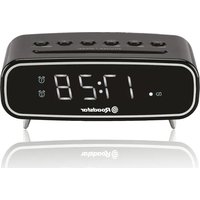
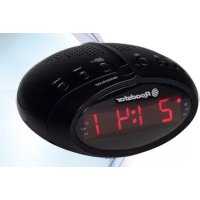
Brand : ROADSTAR
Model : CLR246
Category : Alarm Clock