EasyManual
Memory Station - External hard drive INTENSO - Free user manual and instructions
Find the device manual for free Memory Station INTENSO in PDF.



User questions about Memory Station INTENSO
0 question about this device. Answer the ones you know or ask your own.
Ask a new question about this device
Download the instructions for your External hard drive in PDF format for free! Find your manual Memory Station - INTENSO and take your electronic device back in hand. On this page are published all the documents necessary for the use of your device. Memory Station by INTENSO.
USER MANUAL Memory Station INTENSO
Operating Instructions
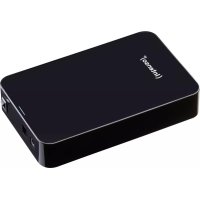
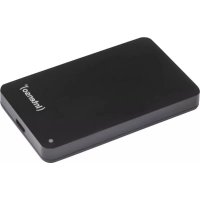
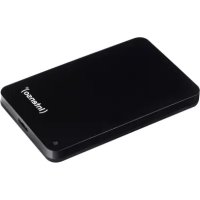
2,5“ MEMORYSTATION
Scope of Delivery
- Intenso Hi-Speed USB 2.0 hard drive
- Y-USB 2.0 cable
- Operating instructions
- Guarantee certificate
Technical Data
External hard disk 2,5" USB 2.0
Dimensions: 13 × 78 × 127 ~mm
Maximal transfer 480 MBit/sec (USB 2.0)
Capacity: 1MB = 1,000,000bytes / 1GB = 1,000,000,000 bytes
Instructions for use

Temperature:
In operation: 5^ to 55^
Out of service: - 40 °C to 60 °C
Relative air humidity:
In operation, out of service: 8% - 90%
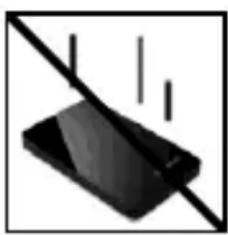
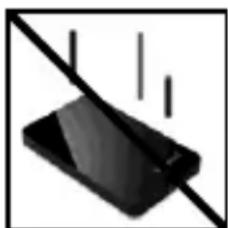
Crush, fall
Protect the device in every operation condition from crush and fall.
Do not move the device during operation.

Electrostatic discharge
It is an electrostatic discharge sensitive device. Protect the device from every kind of electrostatic discharge.
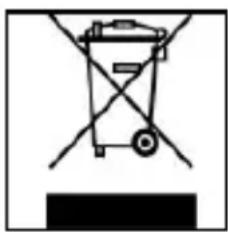
Disposal of WEEE (Waste Electrical and Electronic Equipment)
Devices marked with the WEEE logo are subject to the European Community Directive 2002/96/EC.
Waste Electrical and Electronic Equipment must be separated from household rubbish and disposed at sites that collect WEEE.
By orderly disposing WEEE you will avoid damage caused to the environment.
Installation Instructions
System Requirements:
This hard drive is compatible with the operating systems MS Windows 98 SE/ ME/ 2000/ XP/Vista/ Windows 7, Linux 2.4.x and Mac OS 10.x.
Windows 98 SE: At first please install the Win98 driver from our homepage: www.intenso.de
Please note: Your PC's hardware configuration as well as the operating system employed can influence the compatibility of the hard drive.
Hard Drive Connection:
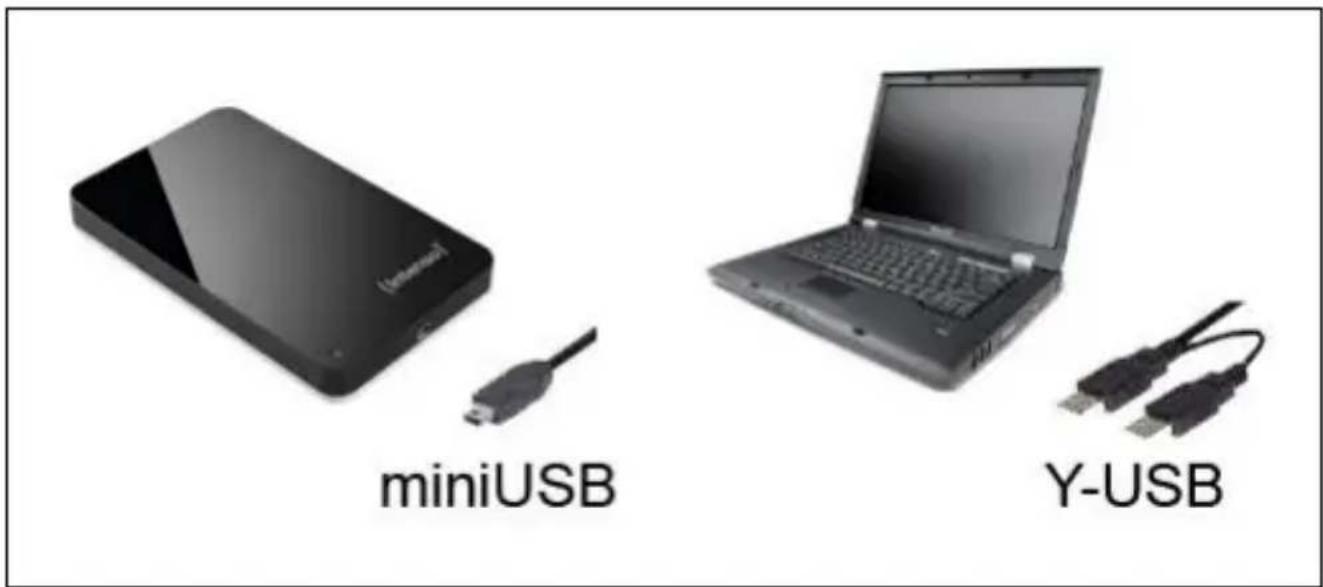
To connect an external hard drive to your computer, please use the USB cable provided. Connect the miniUSB plug with the Intenso hard drive and the two plugs of the Y-USB cable ending with your computer.
The computer automatically detects the "New Device" and installs the driver. Please wait until driver installation is completed. Your computer now shows an additional drive named "Intenso".
As soon as the hard drive is connected to your computer, the LED flashes. The LED flashes, when writing or reading procedure is carried out.
Trademark: Windows 98 / XP / Vista / Windows 7 are registered trademarks of the Microsoft Corporation. Macintosh and MAC are registered trademarks of Apple Computer. All trademarks and names of third parties are property of the respective user.
Limited guarantee conditions
The guarantee only covers the use of this Intenso product. The guarantee does not cover normal wear resulting from faulty, improper use, negligence, accidents, incompatibility or poor functionality of certain computer hardware or computer software.
Claim under guarantee does not exist in the case of noncompliance with the Intenso user manual as well as in case of improper assembly, use or defects of other devices.
Claim under guarantee does not exist in the case that the device is exposed to shock, electro-static discharge, heat or humidity beyond the product specifications.
Intenso is not liable for data loss or any other occurring indirect damages or secondary damages, for the violation of the guarantee conditions or any other damages, no matter what the reason is.
Important information:
Please note that any claim under guarantee expires, if the capacity label (= guarantee sealing) on the rear side is damaged and if the housing of the hard disk is opened.
This product is not intended for commercial use, for medical or special applications, where a failure of the product can cause injuries, fatalities or substantial property damage.
Istruzioni d'uso
2,5“ MEMORYSTATION
Volume di segna
Capacité: 1MB = 1,000,000 bytes / 1GB = 1,000,000,000 bytes
Hors service: - 40 °C to 60 °C
Humidité ambiente relative:
En service, hors service: 8% - 90%
Ecrasement, chute
Yka3aHnI NOIb3OBaTeJIa

Temnepatypa:
Bpa6oeym coctOaHn:5°Cdo 55°C
B Hepa6ooyem coctoHn: - 40 ^ C do 60 ^ C
OTHOCHTeJIbHaB BnaXHOCTb:
B pa6o7em co6To8Hn, B hepa6o7em co6To8Hn: 8% - 90%
yap, naeHne
3aunuainepn6opBJIIObompa6oemcoCTOHNOTyapa nnaeHn. He nepeDburaTe np6opB pa6oem coCTOHN.

3neKtpocTaTnueckn pa3pI
DaHbI np6op ouHb yBCTBNTeJIeH K 3neKtpnueckomy pa3pyd. 3aunuTe np6op ot BcKaNX 3neKtpnuecknx pa3pdoB.

Yttnn3aunr cTapbIX 3JneKtpoPnp6OpOB
Obo3haueHHbIe daHbIM CmBOLOM np6Opbl DOJXHbl COOTBeTCTBOBaTb eBponeiCKo DNpeKTHBE 2002/96/EC. Bce 3NeKtpopn6Opbl n CTapbIe 3NeKtpopnp6Opbl DOJXHbl yTIN3nPOBaTbcra OTdJIbHO OT DOMaUHeRo Mycopa Ype3 npedyCMOTpeHHbIE dIg 3TOrO rocydapCTBOM nyHkTbl. Hadnejkaaay TtIN3aunia 3NeKtpopnp6OpOB n CTapbIX 3NeKtpopnp6OpOB cIyXHT ppeDToBpaueHIO HaHeCEHnBpeDa OKpykaioSei cpe.