SC5.12 - Soundcard Gembird - Free user manual and instructions
Find the device manual for free SC5.12 Gembird in PDF.


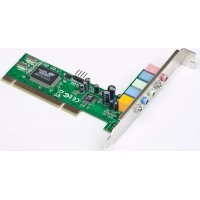
| Product type | Internal PCI sound card |
| Brand | Gembird |
| Model | SC5.12 |
| Category | Sound card |
| Connectivity | PCI |
| Audio channels | 5.1 (front, rear, center, subwoofer) |
| Audio resolution | 16-bit / 48 kHz |
| Signal-to-noise ratio | ≥ 90 dB |
| Headphone output impedance | 32 Ω |
| Dimensions (L x W x H) | 120 x 70 x 20 mm |
| Weight | 45 g |
| Power supply | Via PCI slot (5V) |
| Compatible operating systems | Windows 7, 8, 10 |
| Main functions | 5.1 audio playback, microphone input, headphone output, low latency, DirectSound compatibility |
| Maintenance and cleaning | Unplug the device before cleaning. Use a soft dry cloth to remove dust from connectors. |
| Safety | Avoid moisture, shocks, and extreme temperatures. Do not open the casing. |
| Spare parts and repairability | No user-serviceable parts. Contact customer service for any defects. |
| General information | 36-month warranty. Made in China. |
Frequently Asked Questions - SC5.12 Gembird
User questions about SC5.12 Gembird
0 question about this device. Answer the ones you know or ask your own.
Ask a new question about this device
Download the instructions for your Soundcard in PDF format for free! Find your manual SC5.12 - Gembird and take your electronic device back in hand. On this page are published all the documents necessary for the use of your device. SC5.12 by Gembird.
USER MANUAL SC5.12 Gembird
PYKOBODCTBO NOIb3OBATEJIa
KEPIBHNI TBO KOPNCTYBAUA

GEMBIRD
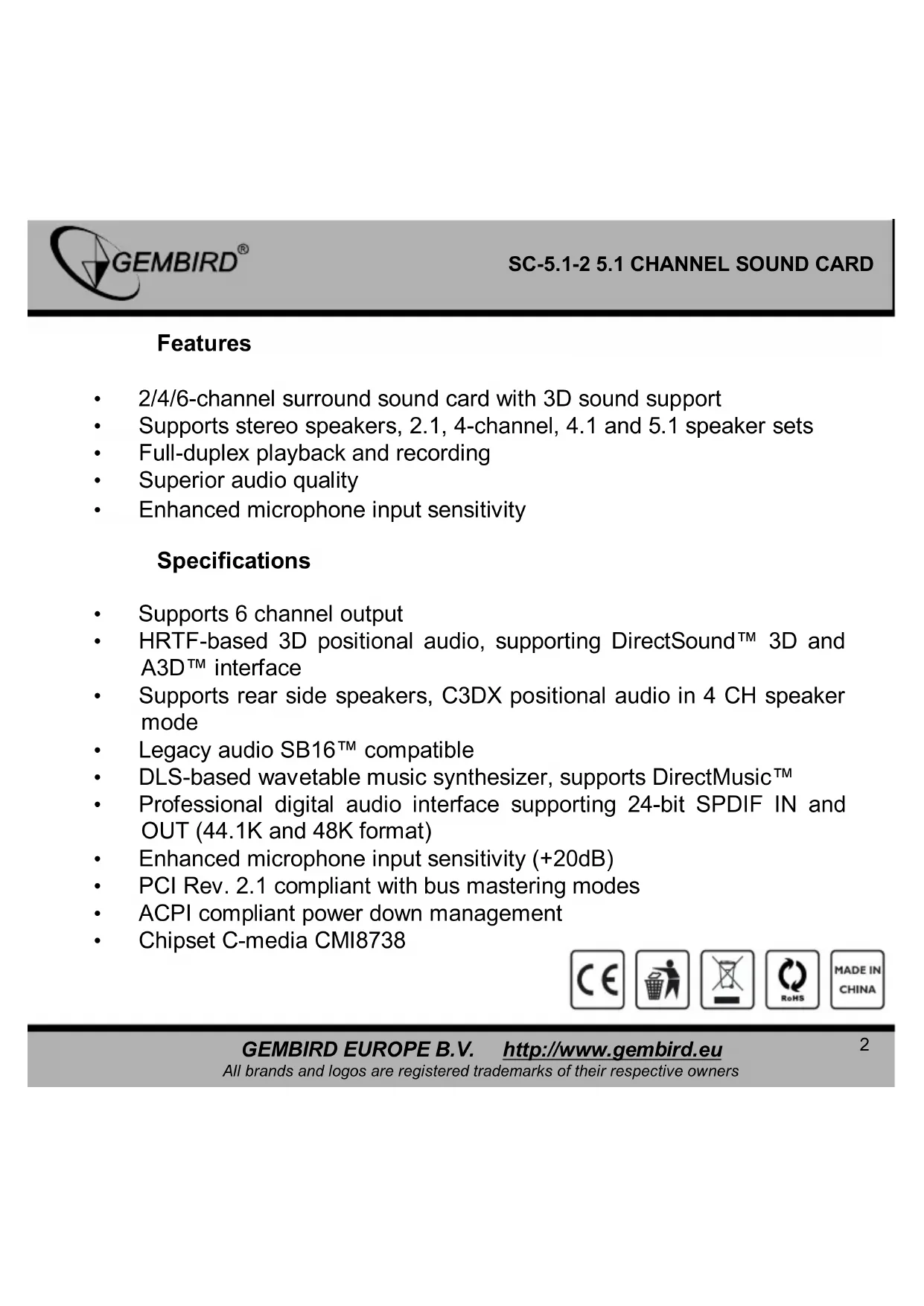
5.1 CHANNEL SOUND CARD
2/4/6-channel surround sound card with 3D sound support
Supports stereo speakers, 2.1, 4-channel, 4.1 and 5.1 speaker sets
Full-duplex playback and recording
- Superior audio quality
Enhanced microphone input sensitivity
Specifications
Supports 6 channel output
- HRTF-based 3D positional audio, supporting DirectSound™ 3D and A3D™ interface
Supports rear side speakers, C3DX positional audio in 4 CH speaker mode
Legacy audio SB16™ compatible
- DLS-based wavetable music synthesizer, supports DirectMusic™
Professional digital audio interface supporting 24-bit SPDIF IN and OUT (44.1K and 48K format)
Enhanced microphone input sensitivity (+20dB)
PCI Rev. 2.1 compliant with bus mastering modes
ACPI compliant power down management
- Chipset C-media CMI8738

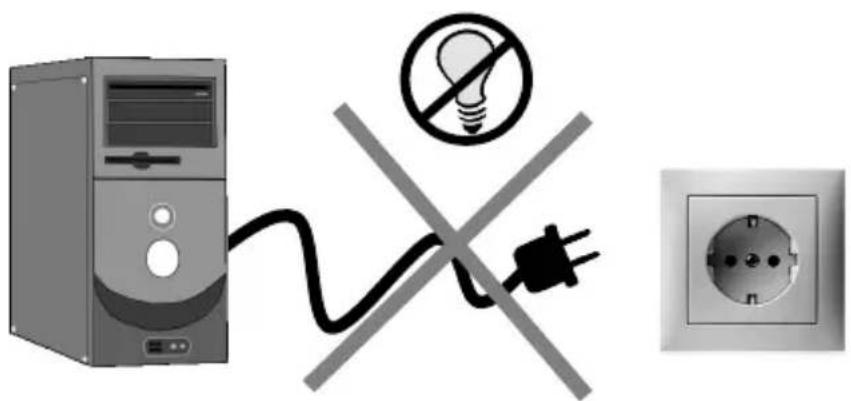
(1)
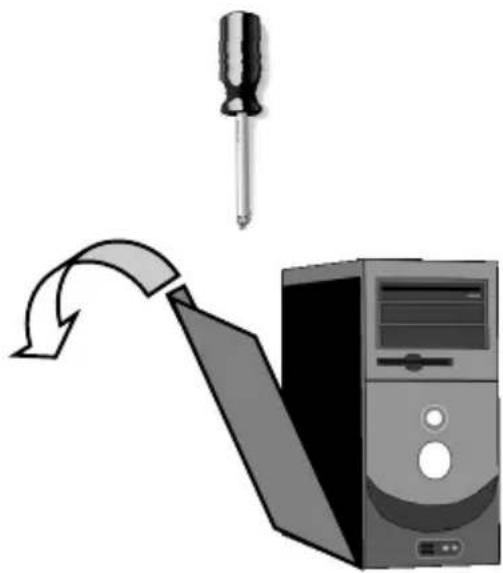
(2)

GEMBIRD
EC Declaration of Conformity
We hereby certify that the following product complies with all the relevant
Safety Requirements of § 4 EMVG and of the Directives 2006/95/EC, 93/68/EEC and 2004/108/EC.
Applicant :
Gembird Europe BV
Wittevrouwen 56.
1358CD, Almere, The Netherlands
Equipment :
Computer parts
ModelNos.:
SC-5.1-2
Product description :
SC-5.1-2 5.1 channel sound card
European standards:
EN55022:2006; EN55024:1998+A1:2001+A2:2003; EN61000-3-2:2000+
A2:2005; EN61000-3-3:1995+A1:2001+A2:2005;
The following manufacturer/WITHIN Europe is responsible for this declaration.
Gembird Europe BV
Wittevrouwen 56, 1358CD, Almere, The Netherlands
Tel: +31-(0)36-5211588.Fax:+31-(0)36-5347835
Director
Authorized signature
Waste disposal:

Do not deposit this equipment with the household waste. Improper disposal can harm both the environment and human health. For Information about waste collection facilities for used electrical and electronic devices, please contact your city council or an authorized company for the disposal of electrical and electronic equipment.
The warranty period is 36 months and begins with the sale to the end user. The receipt must clearly list the date of purchase and the part number, in addition it should be printed. Keep the receipt for the entire warranty period since it is required for all warranty claims. During the warranty period the defective items will be credited, repaired or replaced at the manufacturer's expense. Work carried out under the warranty neither extends the warranty period nor starts a new warranty period. The manufacturer reserves the right to void any warranty claim for damages or defects due to misuse, abuse or external impact (falling down, impact, ingress of water, dust, contamination or break). Wearing parts (e.g. rechargeable batteries) are excluded from the warranty. Upon receipt of the RMA goods, Gembird Europe B.V. reserves the right to choose between replacement of defective goods or issuing a credit note. The credit note amount will always be calculated on the basis of the current market value of the defective products
Gembird Europe B.V.
(0900-4362473 inside The Netherlands, € 0,15 p/m, mobile costs not included)
GARANTIE BEDINGUNGEN


CONDITIONS DE GARANTIE

1358CD Almere, The Netherlands
www.gembird.nl/support
gembird@letmerepair.fr
+33(0)251404849