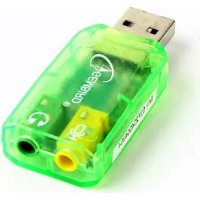
Virtus SCUSB01 - Soundcard Gembird - Free user manual and instructions
Find the device manual for free Virtus SCUSB01 Gembird in PDF.

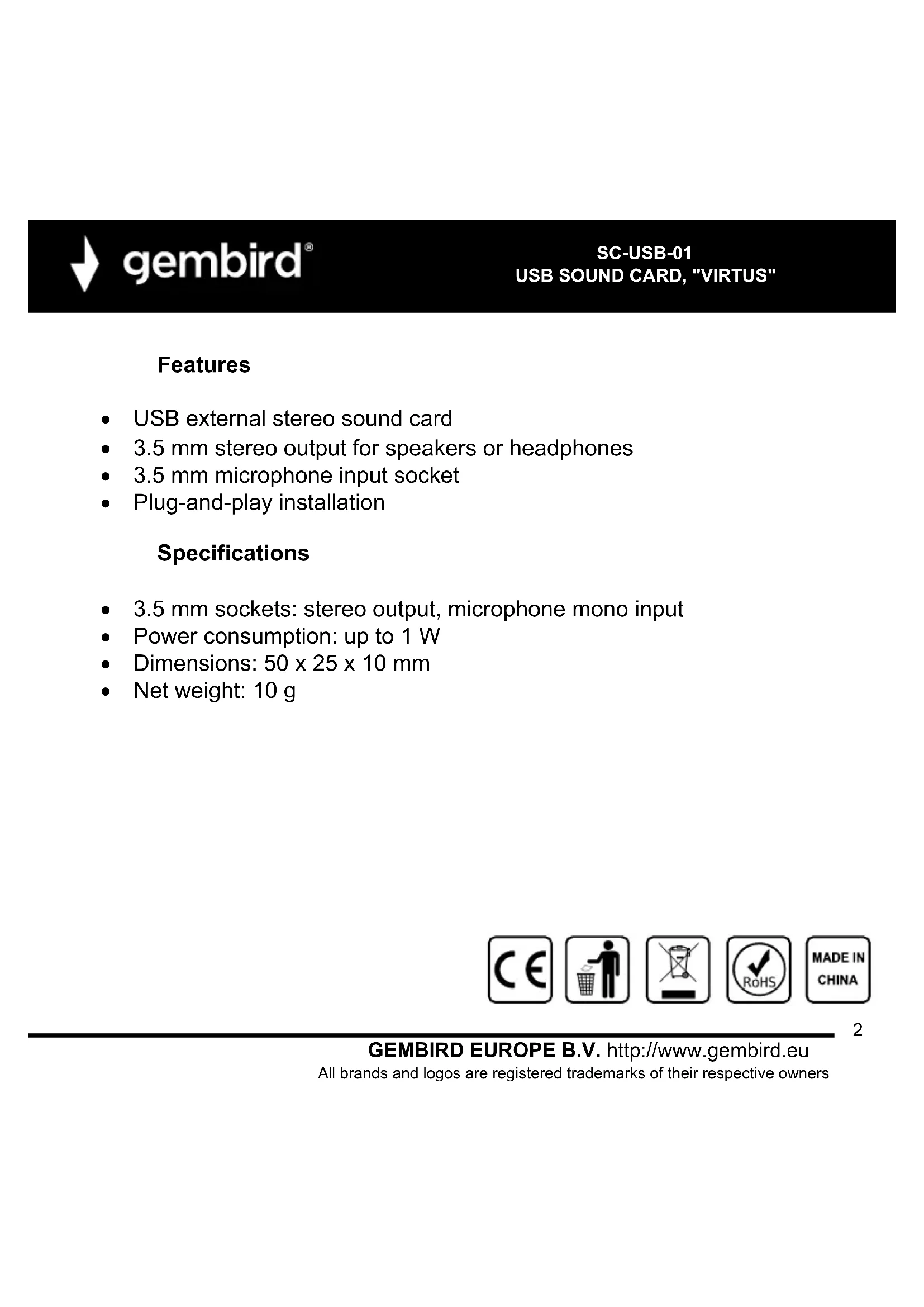

| Product type | External USB sound card |
| Brand | Gembird |
| Model | Virtus SCUSB01 |
| Connectivity | USB 2.0 (USB 1.1 compatible) |
| Audio channels | Stereo 2.0 |
| Sampling frequency | Up to 48 kHz |
| Audio resolution | 16 bits |
| Connectors | 1 x headphone output (3.5 mm jack), 1 x microphone input (3.5 mm jack) |
| Power supply | Via USB port (5V, 500 mA max) |
| Dimensions (L x W x H) | 28 x 14 x 8 mm |
| Weight | 12 g |
| Housing material | ABS plastic |
| Supported operating systems | Windows XP/Vista/7/8/10/11, macOS 10.6+, Linux |
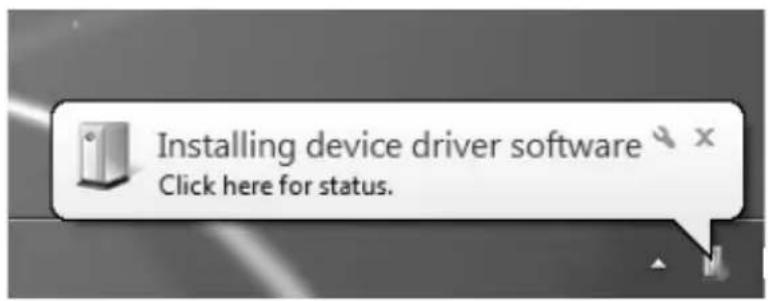
| Plug & Play | Yes, no additional driver required |
| Main functions | Digital-to-analog conversion, headphone amplification, microphone input |
| Maintenance and cleaning | Dust with a soft, dry cloth. Do not use solvents. |
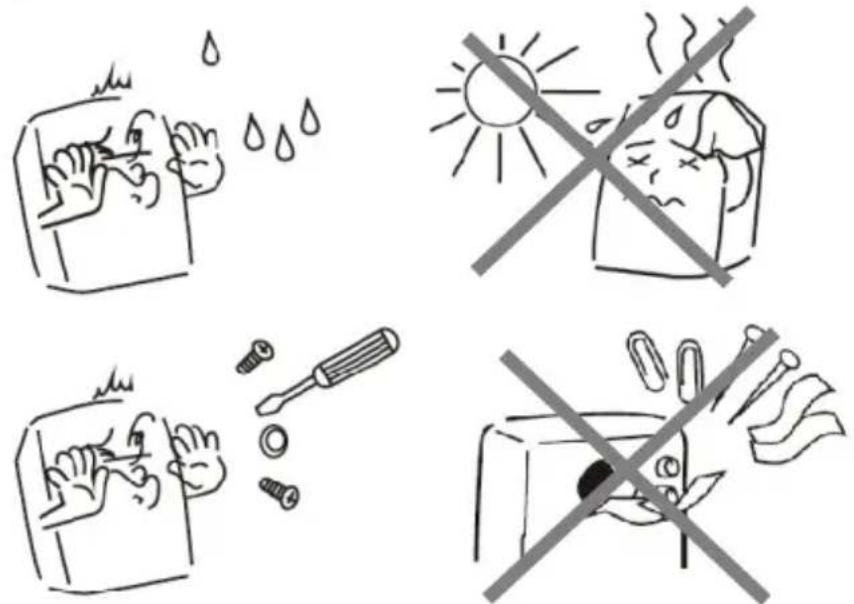
| Safety | Do not expose to moisture or extreme temperatures. Disconnect during storms. |
| Spare parts and repairability | No user-serviceable parts. In case of failure, replace the device. |
| General information | Do not dispose of with household waste. Follow WEEE recycling guidelines. |
| Color | Black |
Frequently Asked Questions - Virtus SCUSB01 Gembird
User questions about Virtus SCUSB01 Gembird
0 question about this device. Answer the ones you know or ask your own.
Ask a new question about this device
Download the instructions for your Soundcard in PDF format for free! Find your manual Virtus SCUSB01 - Gembird and take your electronic device back in hand. On this page are published all the documents necessary for the use of your device. Virtus SCUSB01 by Gembird.
USER MANUAL Virtus SCUSB01 Gembird
natural_image
Close-up of a transparent 3D sound device with visible ports and buttons (no text or symbols on body)SC-USB-01
USB SOUND CARD, "VIRTUS" USB SOUNDKARTE, "VIRTUS" EXTERNE USB GELUIDSKAART "VIRTUS" CARTE SON 5.1 TYPE USB ВНЕШНЯЯ USB ЗВУКОВАЯ КАРТА ЗВУКОВА КАРТА USB, "VIRTUS" KARTA DŻWIĘKOWA VIRTUS, USB
Features
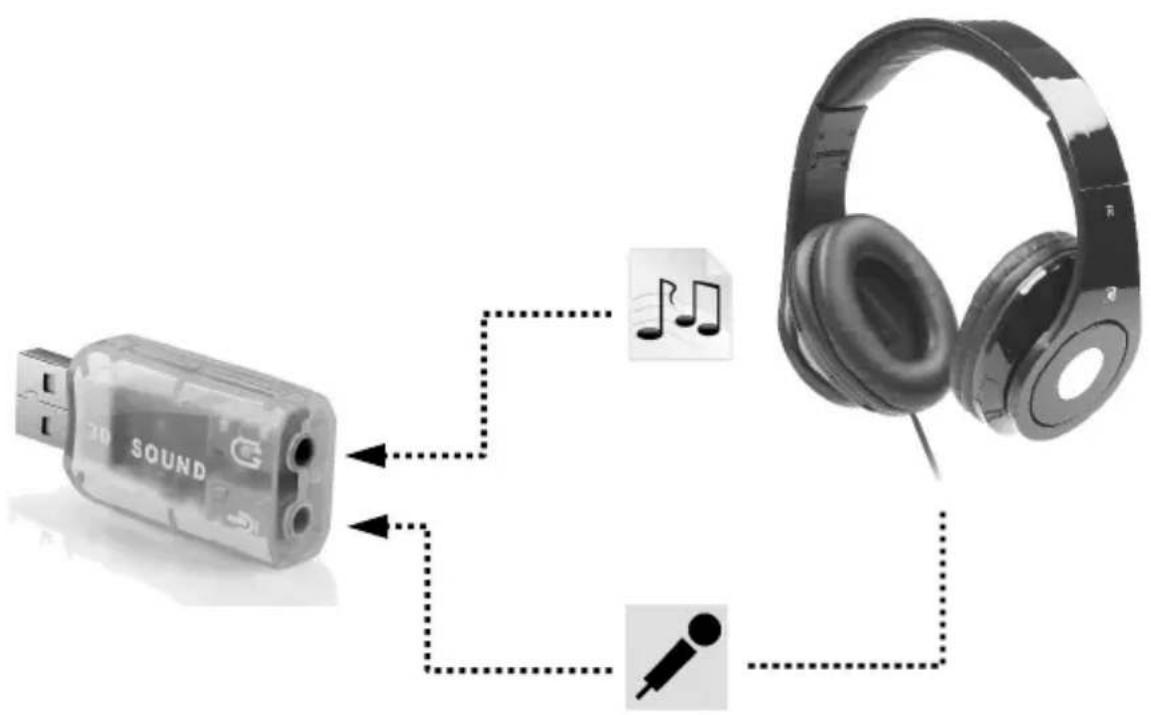
• USB external stereo sound card
• 3.5 mm stereo output for speakers or headphones
• 3.5 mm microphone input socket
- Plug-and-play installation
Specifications
• 3.5 mm sockets: stereo output, microphone mono input
• Power consumption: up to 1 W
• Dimensions: 50 x 25 x 10 mm
- Net weight: 10 ~g


gembird®
SC-USB-01
USB SOUND CARD, "VIRTUS"
1
natural_image
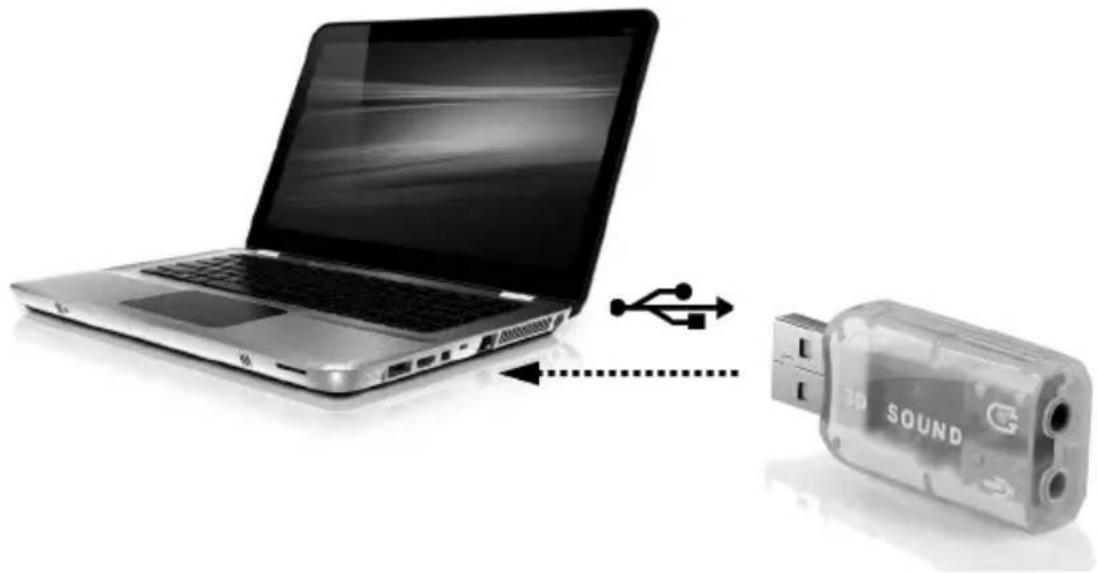
Laptop connected to a 3D sound device via USB cable (no text or symbols visible)2

gembird®
SC-USB-01
USB SOUND CARD, "VIRTUS"
3

gembird®
SC-USB-01
USB SOUND CARD, "VIRTUS"
| (ENG) Declaration of conformityThis product is tested and complies with the essential requirements of the laws of member states concerning EMC(2014/30/EU), RoHS (2011/65/EU). The CE declaration can be found underwww.gembird.eu | (NL/BE) Verklaring van overeenstemmingDit product is getest en voldoet aan alle geldende nationale en Europese richtlijnen en regelgeving met betrekking tot EMC(2014/30/EU), RoHS (2011/65/EU). Dit product heeft een CE-markering en de bijbehorende CE-verklaring van overeenstemming is beschikbaar op onze website:www.gembird.eu |
| (FR/BE) Déclaration de conformitéLe produit est contrôlé et rempli les exigences des directives nationales et de la directive EMC(2014/30/EU), RoHS (2011/65/EU). La conformité CE a été démontrée et les déclarations correspondantes sont déposées chez le fabricant a:www.gembird.eu | (DE) KonformitätserklärungDieses Produkt wurde getestet und stimmt mit den grundlegenden Anforderungen der Richtlinie EMC(2014/30/EU), RoHS (2011/65/EU) überein. Die Konformitätserklärung kann auf unserer Webseitewww.gembird.euheruntergeladen werden. |
| Deklaracja zgodnościTen produkt został przetestowany i jest zgodny z zasadniczymi wymaganiami przepisów ustawowych państw członkowskich dotyczących EMC(2014/30/EU), RoHS (2011/65/EU). Deklaracja CE znajduje się pod adresemwww.gembird.eu | |


gembird®
SC-USB-01
USB SOUND CARD, "VIRTUS"
Waste disposal:

Do not deposit this equipment with the household waste. Improper disposal can harm both the environment and human health. For Information about waste collection facilities for used electrical and electronic devices, please contact your city council or an authorized company for the disposal of electrical and electronic equipment.
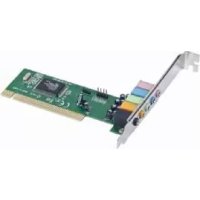
Brand : Gembird
Model : Virtus SCUSB01
Category : Soundcard