
CAM68UT - Webcam Gembird - Free user manual and instructions
Find the device manual for free CAM68UT Gembird in PDF.


| Product type | Webcam |
| Brand | Gembird |
| Model | CAM68UT |
| Maximum video resolution | 640 x 480 pixels |
| Maximum photo resolution | 640 x 480 pixels |
| Interface | USB 2.0 |
| Viewing angle | 60° (estimated) |
| Built-in microphone | Yes, omnidirectional |
| Cable length | 1.5 m |
| Dimensions (L x W x H) | 85 x 60 x 45 mm |
| Weight | 100 g |
| Power supply | Via USB port (5 V, 500 mA) |
| Compatible operating systems | Windows, macOS, Linux |
| Warranty | 36 months from date of purchase |
| Maintenance and cleaning | Clean the lens with a soft, dry cloth. Do not use abrasive products. |
| Safety | Do not expose to moisture, shocks, or extreme temperatures. |
| Spare parts and repairability | Not applicable; in case of failure, contact customer service. |
| General information | Manufactured for Gembird Europe B.V. Waste disposal according to local regulations. |
Frequently Asked Questions - CAM68UT Gembird
User questions about CAM68UT Gembird
0 question about this device. Answer the ones you know or ask your own.
Ask a new question about this device
Download the instructions for your Webcam in PDF format for free! Find your manual CAM68UT - Gembird and take your electronic device back in hand. On this page are published all the documents necessary for the use of your device. CAM68UT by Gembird.
USER MANUAL CAM68UT Gembird
natural_image
Plush toy of a small white and brown dog with floppy ears (no text or symbols visible)USB TOY WEBCAM 480K PIXELS
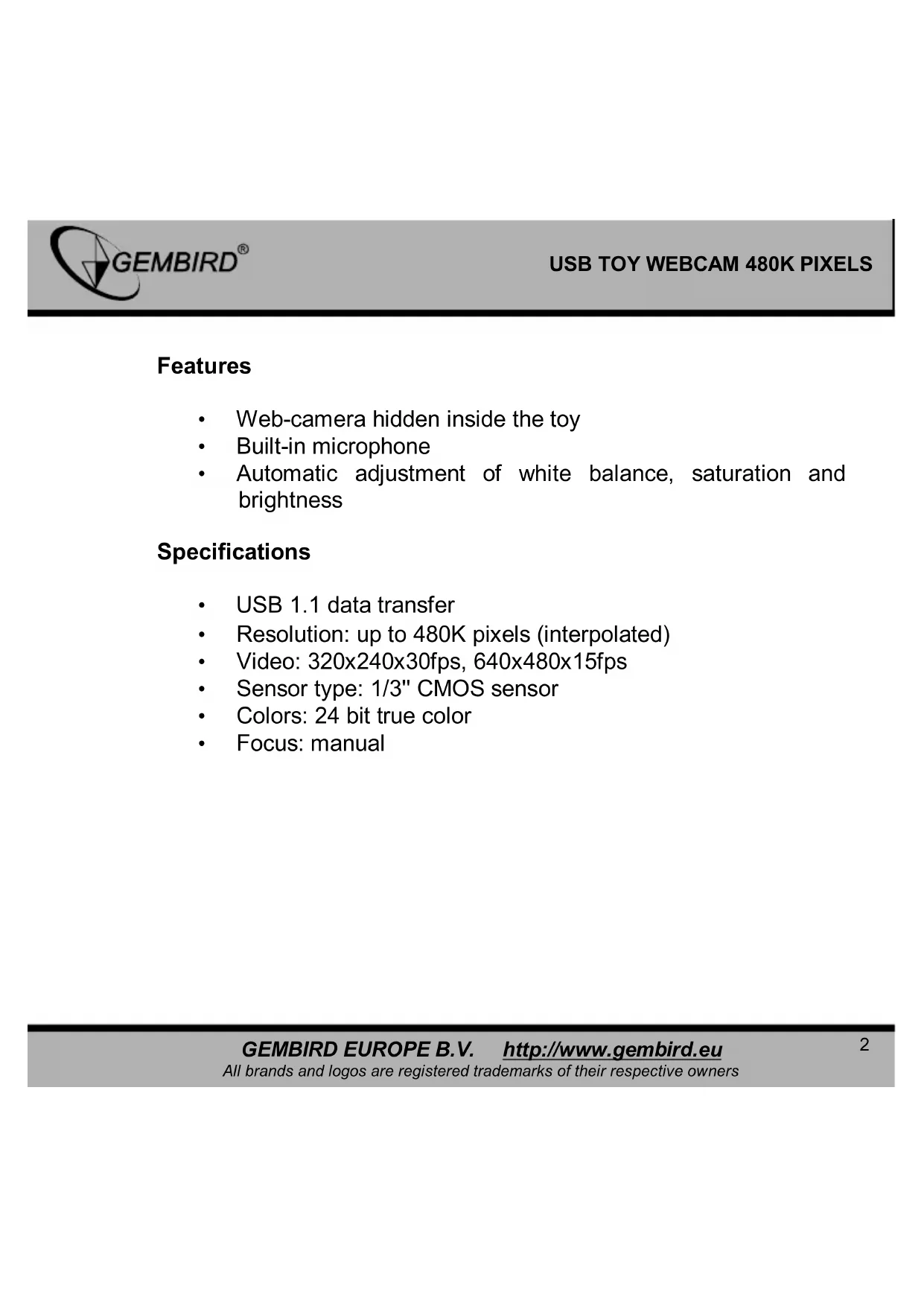
• Web-camera hidden inside the toy
• Built-in microphone
• Automatic adjustment of white balance, saturation and brightness
Specifications
• USB 1.1 data transfer
• Resolution: up to 480K pixels (interpolated)
• Video: 320x240x30fps, 640x480x15fps
• Sensor type: 1/3" CMOS sensor
• Colors: 24 bit true color
- Focus: manual
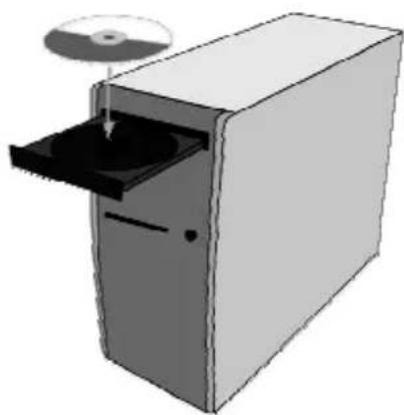
①
natural_image
Illustration of a computer tower with an open door and CD/DVD disc (no text or symbols)①.1
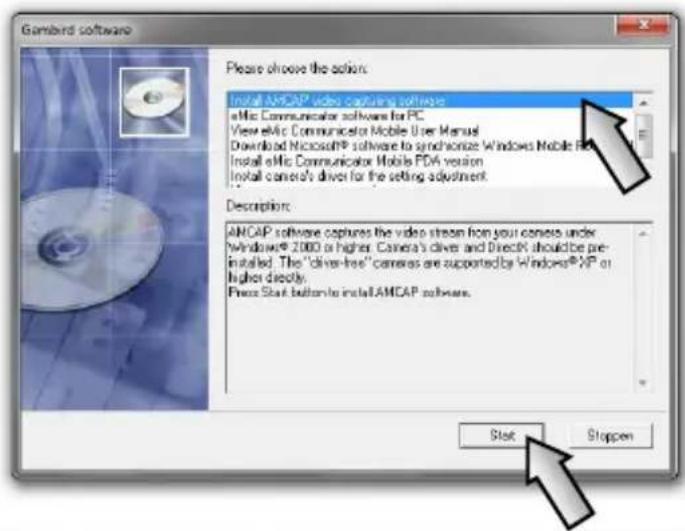
①.2
text_image
Gambird software Please choose the action: Install ANCAP video capture software eMIC Communicator software for PC View eMIC Communicator Mobile User Manual Download Microsoft® software to synchronize Windows Mobile Web Install eMIC Communicator Mobile PDA version Install camera's driver for the setting adjustment Description: ANCAP software captures the video stream from your camera under Windows® 2000 or higher. Camera's drive and Direct® should be pre- installed. The "driver-free" cameras are supported by Windows® XP or higher directly. Press Start buttons to install ANCAP software. Start Stoppen
text_image
AMCAP Setup AMCAP has been successfully installed. Click the Finish button to exit this installation. < Back Finish Cancel②
natural_image
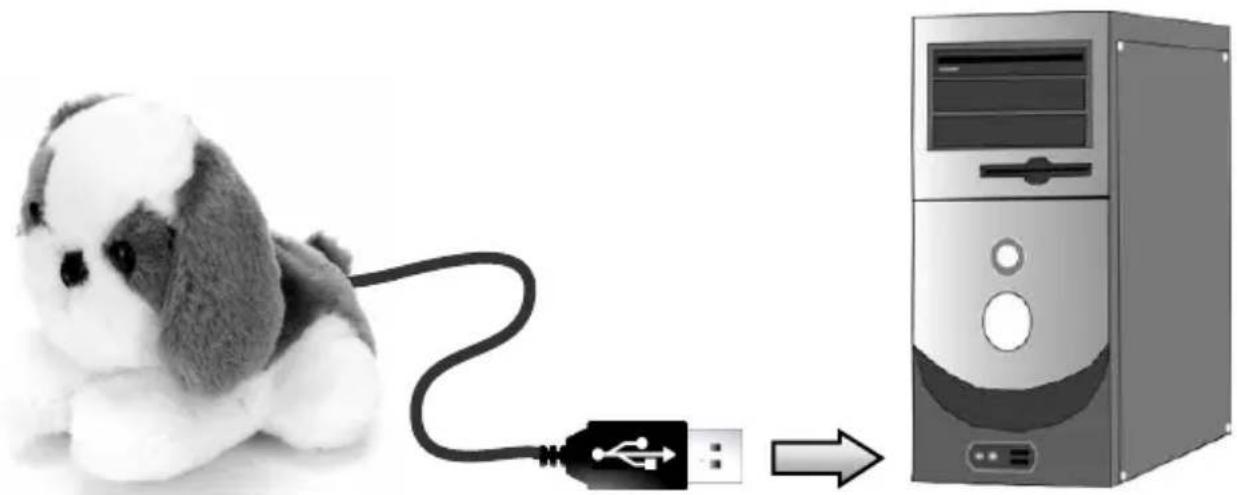
Illustration of a plush dog connected to a computer tower via USB cable (no text or symbols)③
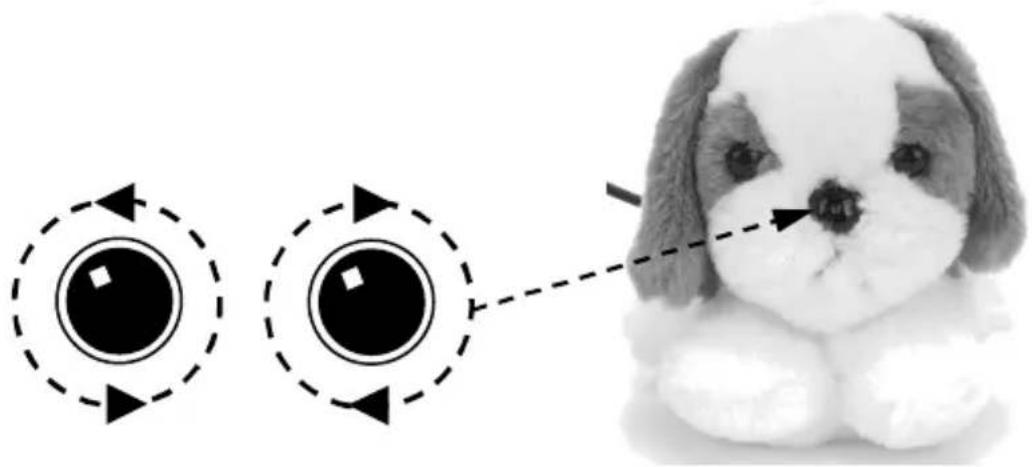
natural_image
Illustration of a plush toy with two circular buttons and directional arrows, next to a small dog (no text or symbols)
natural_image
Blurred grayscale image of a tree with no visible text or symbols
natural_image
Black-and-white illustration of a tree with dense foliage and a single trunk (no text or symbols)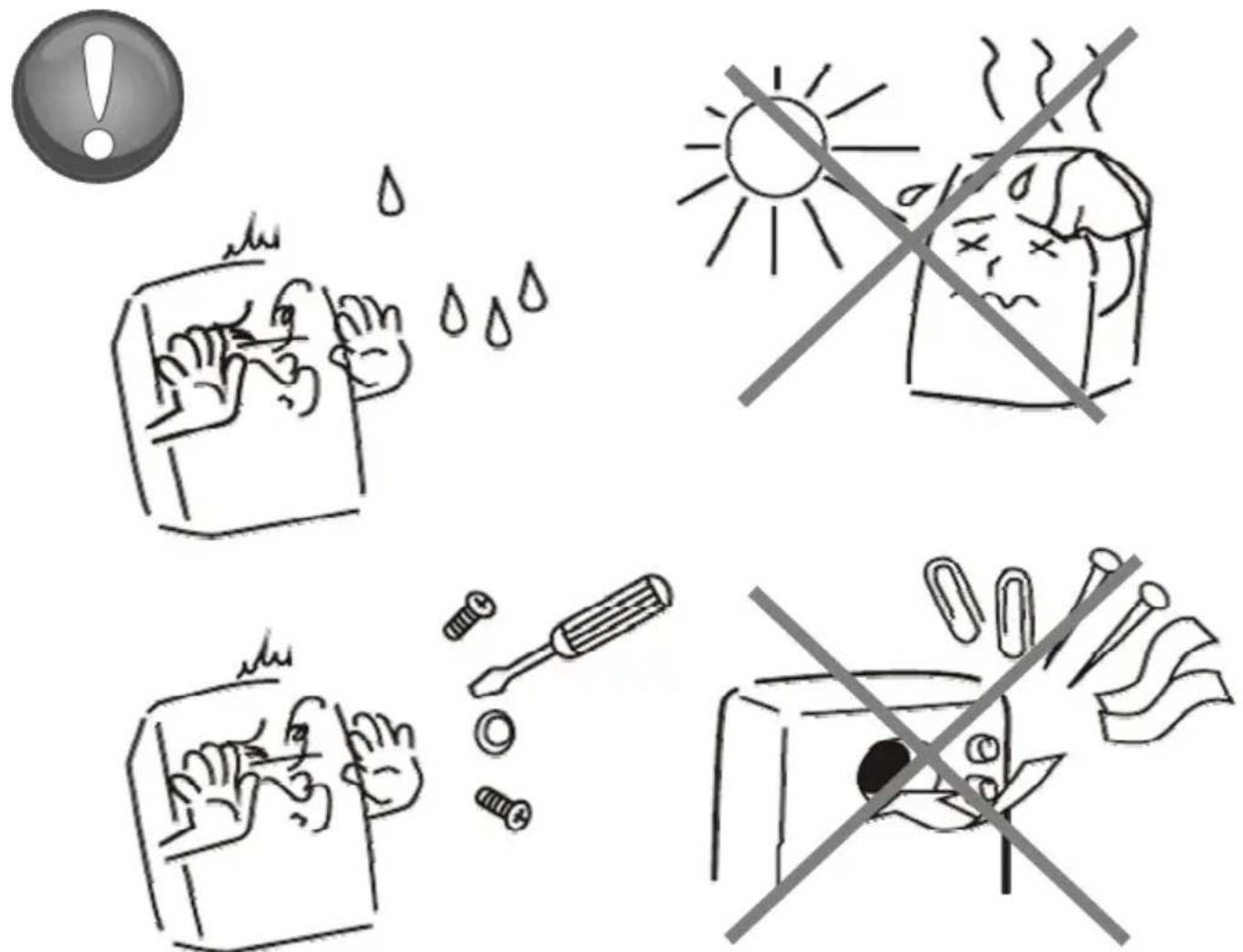
EC Declaration of Conformity
We hereby certify that the following product complies with all the relevant
Safety Requirements of § 4 EMVG and of the Directives 2006/95/EC; 93/68/EEC and 2004/108/EC.
Applicant :
Gembird Europe BV
Wittevrouwen 56,
1358CD, Almere, The Netherlands
Equipment :
Computer parts
Model Nos. :
CAM68UT
Product description :
CAM68UT USB toy webcam 480K pixels, with
microphone and software
European standards:
EN55022:2006; EN55024:1998+A1:2001+A2:2003; EN61000-3-2:2000+
A2:2005; EN61000-3-3:1995+A1:2001+A2:2005;
The following manufacturer/WITHIN Europe is responsible for this declaration:
Gembird Europe BV
Wittevrouwen 56, 1358CD, Almere, The Netherlands
Tel: +31-(0)36-5211588. Fax: +31-(0)36-5347835
Director
Authorized signature
Waste disposal:

Do not deposit this equipment with the household waste. Improper disposal can harm both the environment and human health. For Information about waste collection facilities for used electrical and electronic devices, please contact your city council or an authorized company for the disposal of electrical and electronic equipment.
CONDITIONS DE GARANTIE
1358CD Almere, The Netherlands
www.gembird.nl/support
support@gmb.nl
+33(0) 251 404849