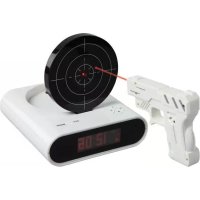
BXLCL10 - Alarm Clock BASICXL - Free user manual and instructions
Find the device manual for free BXLCL10 BASICXL in PDF.


| Product type | Radio alarm clock with shooting function |
| Brand | basicXL |
| Model | BXLCL10 |
| Dimensions (approx.) | 150 x 80 x 60 mm |
| Weight (approx.) | 200 g |
| Power supply | Mains (adapter included) |
| Display | LCD screen |
| Time setting | By button with 3-second hold |
| Alarm | Normal mode (continuous ring) and hard mode (ring with shot) |
| Snooze | Repeat every 5 minutes after 3 minutes of ringing |
| Alarm stop | Shoot or press a button (depending on mode) |
| Shooting games | Game 1 (auto time) and Game 2 (5 targets) |
| Recording and playback | Voice recording with beep, playback by button |
| Custom alarm sound | Possibility to use a recording as ringtone |
| Maintenance and cleaning | Dry cloth, no solvents |
| Safety | Do not open, avoid water and humidity |
| Warranty | No warranty in case of modification or incorrect use |
Frequently Asked Questions - BXLCL10 BASICXL
User questions about BXLCL10 BASICXL
0 question about this device. Answer the ones you know or ask your own.
Ask a new question about this device
Download the instructions for your Alarm Clock in PDF format for free! Find your manual BXLCL10 - BASICXL and take your electronic device back in hand. On this page are published all the documents necessary for the use of your device. BXLCL10 by BASICXL.
USER MANUAL BXLCL10 BASICXL
MANUAL (p. 2)
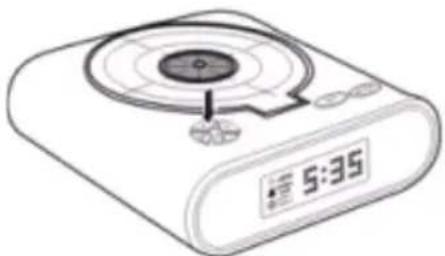
TARGET ALARM CLOCK
MANUAL DE USO (p. 29)
RELOJ DIANA
Please press the button for 3 seconds until the first 2 digits (hours) on the LCD screen start flashing. 2.
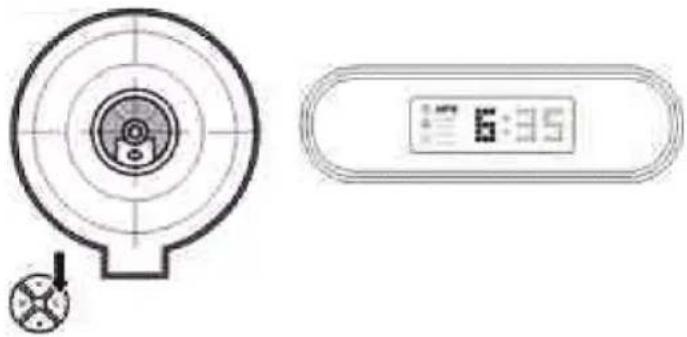
Immediately press the button to adjust the hour 3.
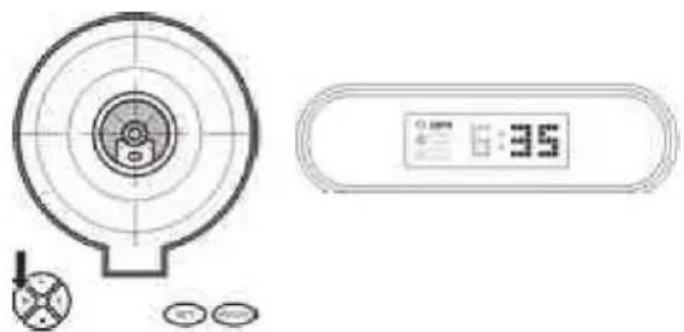
Press the button again, and the last 2 digits (minutes) on the LCD screen will start flashing 4.
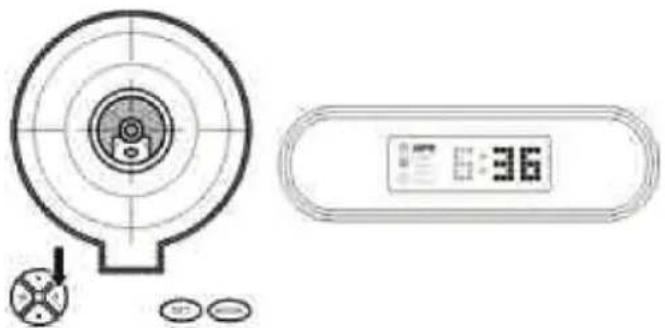
Press the button to adjust the last 2 digits (minutes)
5.
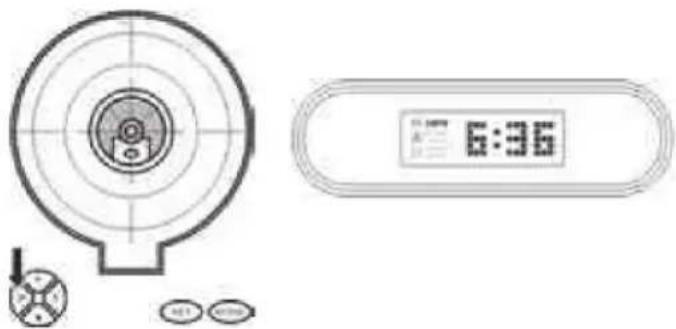
When you have confirmed the time is correct, please press the button to return to normal mode
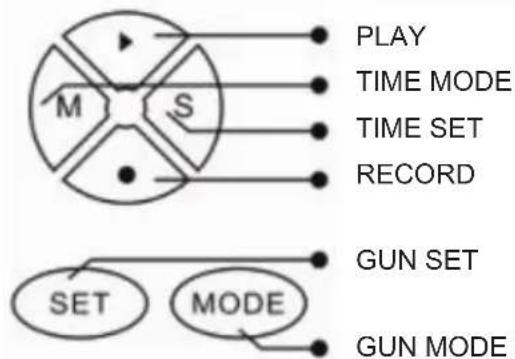
BUTTONS

ALARM CLOCK SETTING
1.
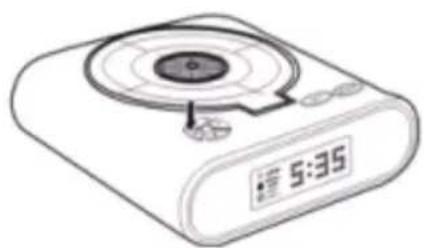
Press the button to enter into alarm mode 2.
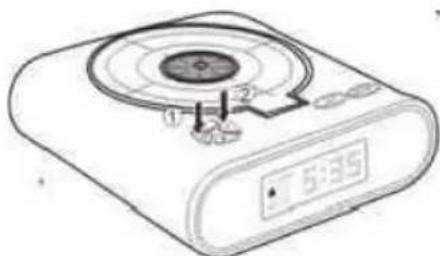
Press the button for 3 seconds until the on the LCD screen starts flashing. Press the button to set the alarm to on or off
3.
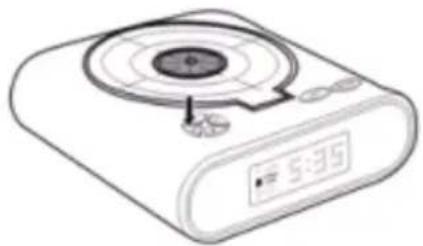
Press the button to set "normal" or "loud" for alarm mode 4.
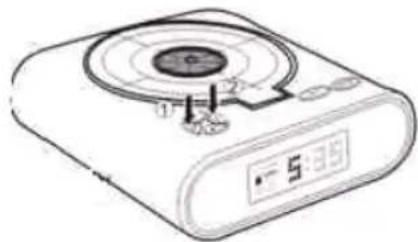
Press the button. The first 2 digits (hours) on the LCD screen will start to flash. Immediately press the button to adjust the hours
5.
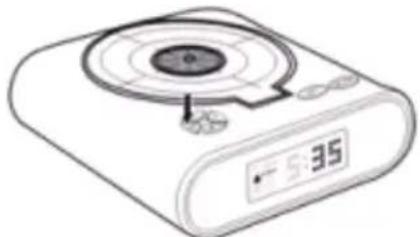
After that, press the button to adjust the last 2 digits (minutes) 6.
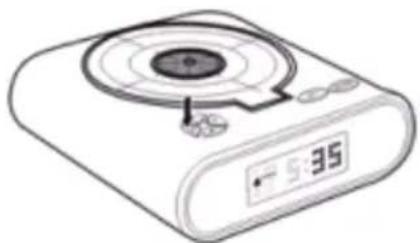
When you confirm the alarm time is correct, please press the button to return to normal mode.
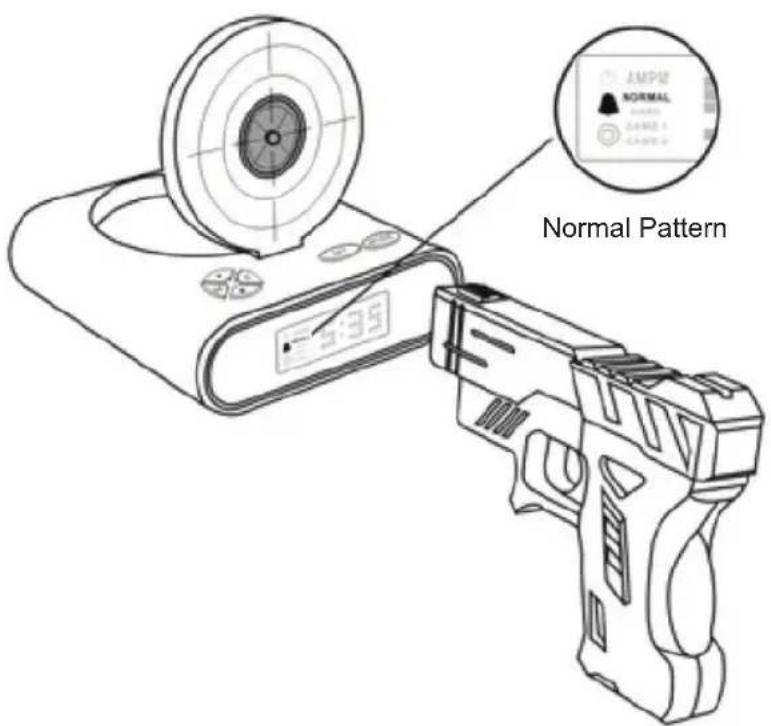
NORMAL MODE: the alarm will ring for 3 minutes continuously and then enter snooze mode. After that, the alarm clock will ring again at intervals of 5 minutes if not stopped. When the alarm goes of the LCD screen and are both flashing. You must fire 1 shot or press the button to pause the alarm sound. You must press and hold the button for 3 seconds to stop the alarm sound and return to the normal mode.
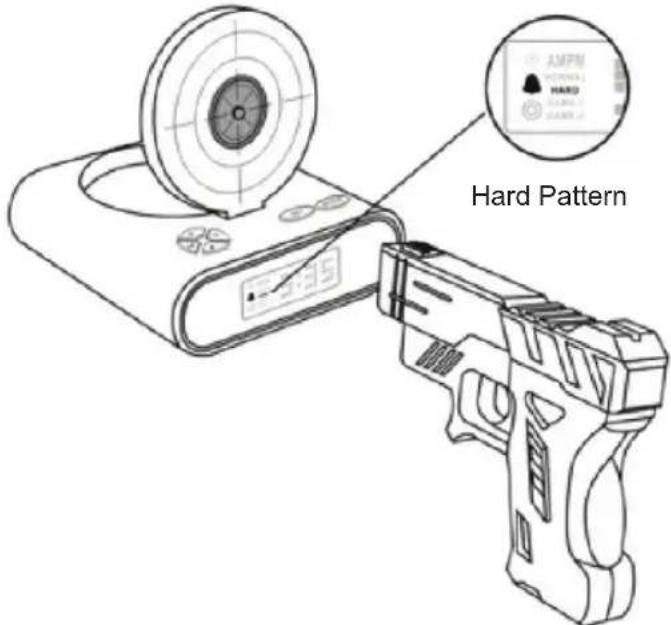
HARD MODE: the alarm will ring for 3 minutes continuously and then enter snooze mode. After that, the alarm clock will ring again at intervals of 5 minutes if not stopped. When the alarm goes off, the LCD screen and are both flashing. You must fire 5 shots or press the button to pause the alarm sound. You must press and hold the button for 3 seconds to stop the alarm sound and return to the normal mode.
SHOOTING SETTING
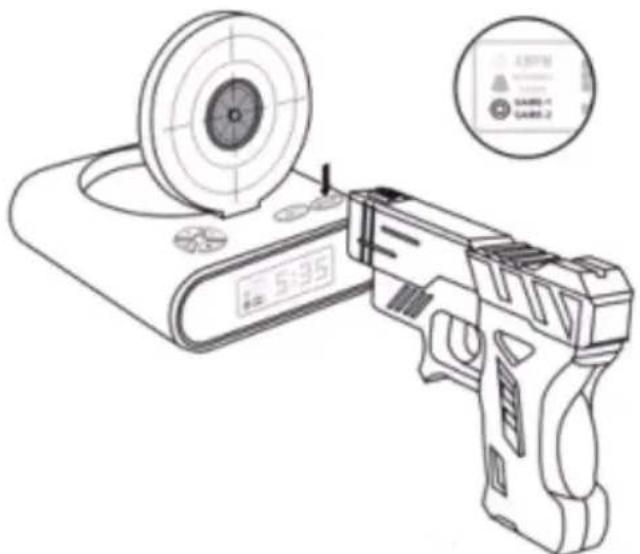
- Press the button to enter the game mode. Now press the button to set "game 1" or "game 2". Press the button again to confirm, and start to play.
- GAME1: self-timing. Calculate the elapsed time of shooting down the target and it will play a different sound. It will not play the sound if the elapsed time is over 1 second.
- GAME 2: self calculate time. After shooting down the target 5 times game 2 stops.
- Press the button to return to normal mode.
RECORD AND PLAY SETTING
1.
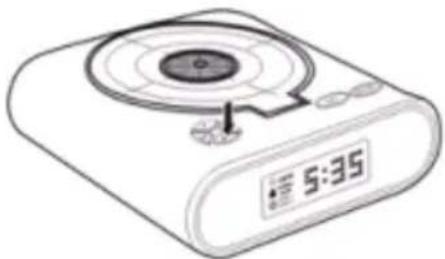
RECORD: long press the button until you hear a beeping sound. Now start to record the sound, the recording is finished when you hear the beep again.
2.
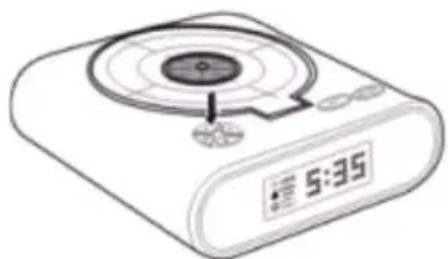
PLAY: press and hold the button and you can listen to the recorded sound.
NOTE: Record and use your favourite tune as your alarm.
Safety precautions:



To reduce risk of electric shock, this product should ONLY be opened by an authorized technician when service is required. Disconnect the product from mains and other equipment if a problem should occur. Do not expose
the product to water or moisture.
Maintenance:
Clean only with a dry cloth. Do not use cleaning solvents or abrasives.
Warranty:
No guarantee or liability can be accepted for any changes and modifications of the product or damage caused due to incorrect use of this product.
General:
Designs and specifications are subject to change without notice.
All logos brands and product names are trademarks or registered trademarks of their respective holders and are hereby recognized as such.
Keep this manual and packaging for future reference.
Attention:

This product is marked with this symbol. It means that used electrical and electronic products should not be mixed with general household waste. There is a separate collections system for these products.
DEUTSCH
DIE ZEIT EINSTELLEN
1.
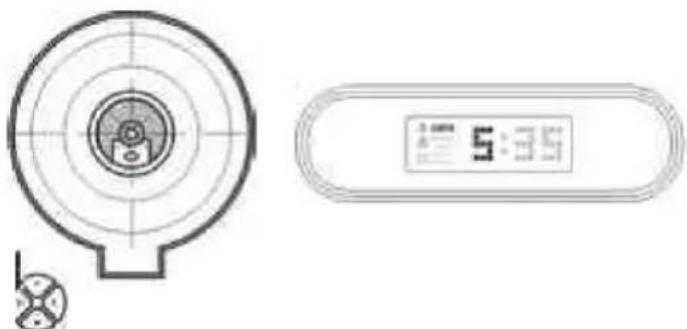
OPTAG OG AFSPIL INDSTILLING
1.
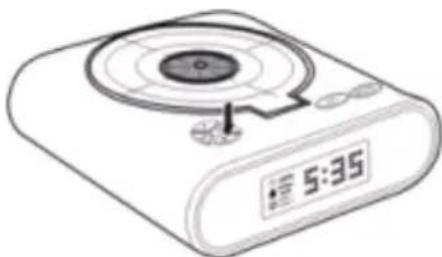
INNSTILLING FOR OPPTAK OG AVSPILLING
1.
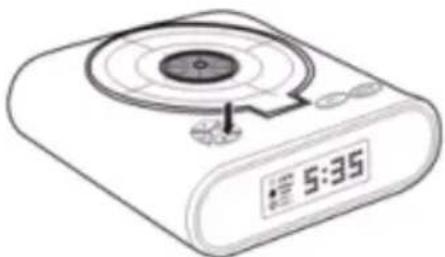
OPPTAK: hold nede -knappen til du hører et pipesignal. Na starter du opptaket. Det er ferdig nár du hører pipesignalet igjen. 2.
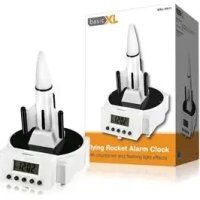

Brand : BASICXL
Model : BXLCL10
Category : Alarm Clock