DO9094W - Scale DOMO - Free user manual and instructions
Find the device manual for free DO9094W DOMO in PDF.



| Product type | Digital kitchen scale |
| Brand | DOMO |
| Model | DO9094W |
| Power supply | 2 AAA batteries (1.5 V) |
| Maximum weight capacity | 5 kg |
| Maximum volume capacity | 2500 ml |
| Accuracy | 1 g / 1 ml / 1/8 oz / 1/8 cup |
| Measurement units | Grams, ounces, milliliters, cups, fluid ounces |
| Preset volume modes | Water, milk, oil, sugar, flour |
| Tare function | Yes, allows adding multiple ingredients |
| Calibration | Automatic by long press of button 0 |
| Auto-off | After 5 minutes of inactivity |
| Display | LCD screen with battery level indicator |
| Removable bowl | Yes, dishwasher safe |
| Bowl holder cleaning | Damp cloth only, do not immerse |
| Maximum bowl temperature | 90 °C |
| Warranty | 2 years |
| Intended use | Domestic and similar (offices, farms, hotels) |
| Safety | Not suitable for children or persons with reduced capacities without supervision; do not use with an external timer |
Frequently Asked Questions - DO9094W DOMO
User questions about DO9094W DOMO
0 question about this device. Answer the ones you know or ask your own.
Ask a new question about this device
Download the instructions for your Scale in PDF format for free! Find your manual DO9094W - DOMO and take your electronic device back in hand. On this page are published all the documents necessary for the use of your device. DO9094W by DOMO.
USER MANUAL DO9094W DOMO
natural_image
White ceramic kitchen pot with a digital display and handle, placed on a plain surface (no text or symbols visible)DO9094W
GARANTIEVOORWAARDEN
CONDITIONS DE GARANTIE
This appliance has a two year warranty period. During this period the manufacturer is responsible for any failures which are the direct result of construction failure. When these failures occur the appliance will be repaired or replaced if necessary. The warranty will not be valid when the damage to the appliance is caused by wrong use, not following the instructions or repairs executed by a third party. The warranty will only be valid if the warranty application has been completed by the dealer at the time of purchase. All parts, which are subject to wear, are excluded from the warranty.
Type nr. Apparaat
RECYCLING INFORMATIONEN
RECYCLING INFORMATION
The symbol 📁 on the product or on its packaging indicates that this product may not be treated as household waste. Instead it shall be brought to the applicable collection point for recycling of electrical and electronic equipment. By ensuring this product is disposed of correctly, you will help prevent potential negative consequences for the environment and human health, which could otherwise be caused by inappropriate waste handling of this product. For more detailed information about recycling of this product, please contact your local city office, your household waste disposal service or
INFORMACE O RECYKLACI ODPADU
If the supply cord is damaged, it must be replaced by manufacturer of its service agent or a similarly qualified person in order to avoid a hazard.
natural_image
Interior view of a toilet sink with battery pack open, showing internal components (no text or symbols visible)natural_image
Close-up of a metallic switch handle with a circular button (no text or symbols visible)ONDERHOUD
natural_image
Close-up of a mechanical component or device with no visible text or symbolsFOUTMELDINGEN
natural_image
Black-and-white photo of a battery pack with two stacked batteries, one open and one inside, placed on a surface (no visible text or symbols)ALLUMÉ/ ÉTEINT
natural_image
Close-up of a metallic toggle switch (no text or symbols visible)
natural_image
Close-up of a mechanical component with a central bracket and mounting base (no visible text or symbols)natural_image
Interior view of a battery pack with two stacked batteries, one open and one inside (no visible text or symbols)natural_image
Close-up of a metallic switch lever on a white surface (no text or symbols visible)PFLEGE
natural_image
Close-up of a white mechanical component with a dark rectangular base and a small screen (no visible text or symbols)FEHLERMELDUNGEN
This appliance is only for household use or environments of a similar character such as :
- kitchens that are used by personnel of shops, office or other similar professional environments.
- Farms
- Hotel rooms and motel rooms and other similar environments with a residential character.
- Bed and breakfast or similar.
Attention : this appliance may not be used with an external timer or separate remote control.
This devise is not for use by persons, including children, with any kind of impairment, such as, physical, sensorial or mental incapacity. These persons are also not permitted to use the devise if they have limited experience or insufficient knowledge, unless they have received the necessary instructions for use or are otherwise being supervised by people ensuring their safety. Make sure that children cannot play with the device.
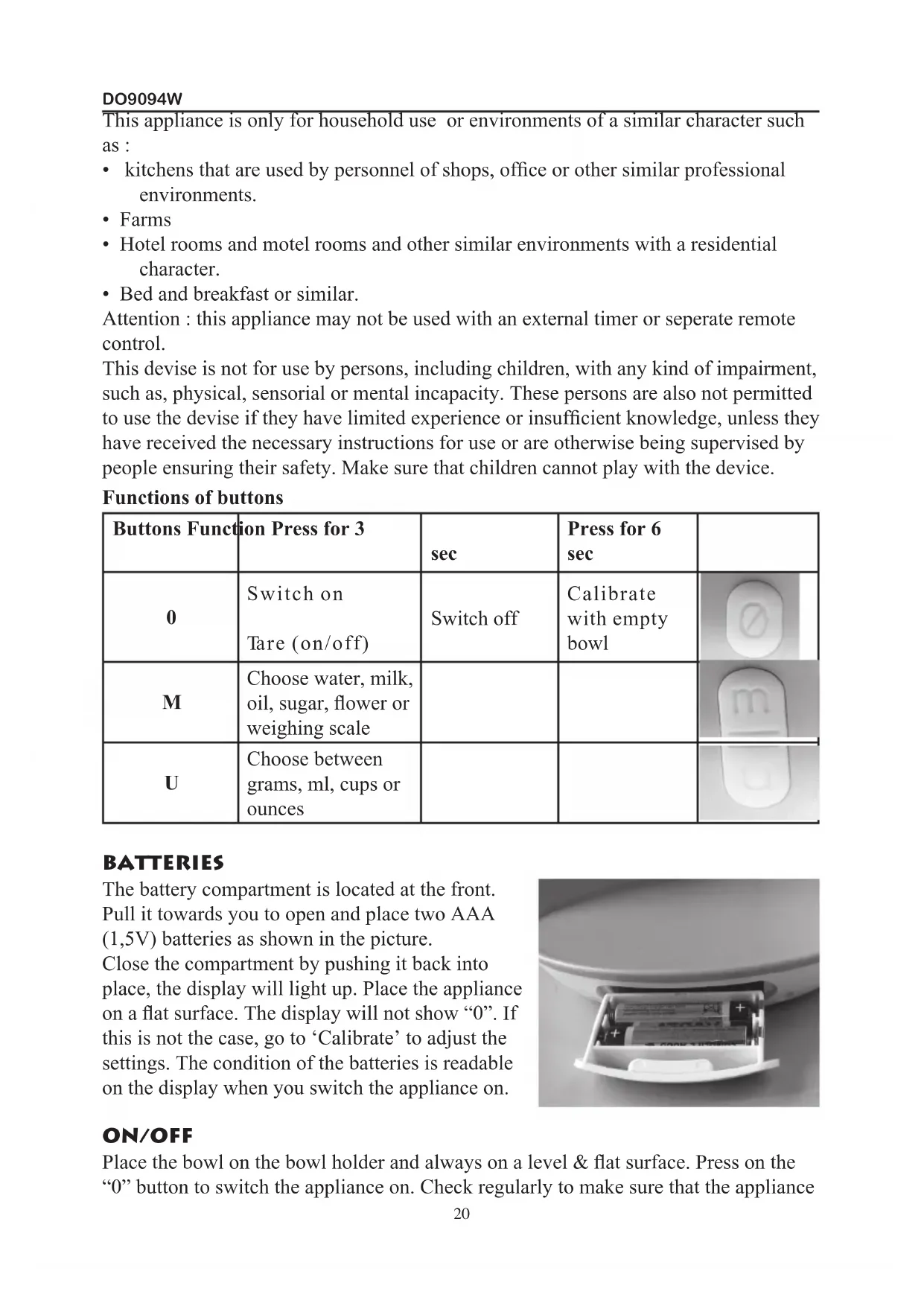
Functions of buttons
| Buttons Function | Press for 3 | sec | Press for 6 sec | |
| 0 | Switch onTare (on/off) | Switch off | Calibrate with empty bowl | 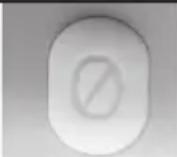 |
| M | Choose water, milk, oil, sugar, flower or weighing scale |  | ||
| U | Choose between grams, ml, cups or ounces |  |
BATTERIES
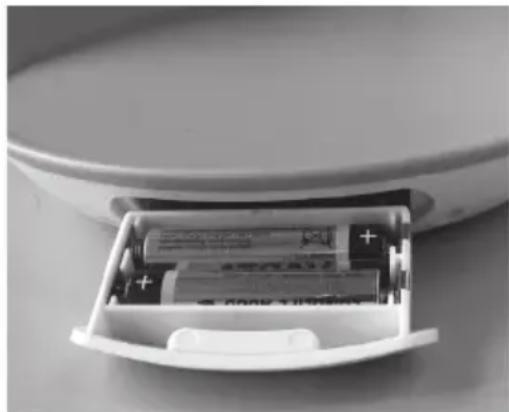
The battery compartment is located at the front.
Pull it towards you to open and place two AAA (1,5V) batteries as shown in the picture.
Close the compartment by pushing it back into place, the display will light up. Place the appliance on a flat surface. The display will not show “0”. If this is not the case, go to ‘Calibrate’ to adjust the settings. The condition of the batteries is readable on the display when you switch the appliance on.
natural_image
Interior view of a battery pack with two stacked batteries, one open and one inside (no visible text or symbols)ON/OFF
Place the bowl on the bowl holder and always on a level & flat surface. Press on the “0” button to switch the appliance on. Check regularly to make sure that the appliance
is set to “0” before weighing. If it is not set to “0” go to Calibrate. Press for 3 seconds on the “0” button to switch the appliance off. The appliance will switch itself off automatically if it is not used for 5 minutes.
WEIGHING OF WEIGHT AND VOLUME
You can use the scales to weigh according to weight or size (volume) of ingredients (water, milk, oil, sugar and flour).
Weight
- Switch the scales on.
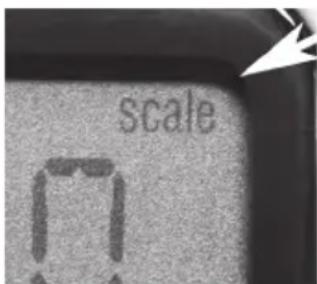
- Press repeatedly on the “M” button until “SCL” (Scale) is visible on the display.
- If necessary, press on the “U” button to switch between grams and ounces.
- Place the ingredients in the bowl and wait a moment until the weight is displayed. You can now pick up your scales (move them) and the weight will remain on display.
text_image
scaleVolume
- Switch the scales on.
- Press repeatedly on the “M” button in order to choose between
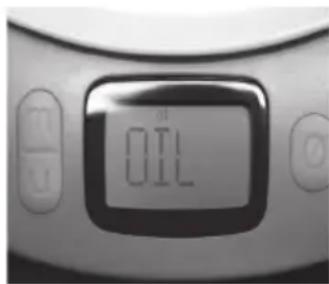
• WTR (water), MLK (milk), OIL, SGR (sugar) or - FLR (flour).
- By using the “U” button you can switch between ml, cups and floz (fluid ounces).
- Place the ingredients in the bowl and wait until the weight is displayed. You can now pick up your scales and the weight will remain on display.
text_image
OILNB. Considering that there are various types of milk, oil, or flour available all with varying degrees of density you can use the table below as a guideline.
| Density Units | ||
| Water 1 kg/L. ml, cups, floz | ||
| Milk 1,03 kg/L. ml, cups, floz | ||
| Oil 0,9 kg/L. ml, cups, floz | ||
| Sugar (refined) 0,84 kg/L grams, cups, ounces | ||
| Flour 0,6 kg/L. grams, cups, ounces |
TARE (COMBINING DIFFERENT INGREDIENTS)
You can easily use the scales to weigh several different ingredients together, or one at a time.
- Switch the scales on.
- Make your choice between weighing by weight or volume.
- After the first ingredient has been weighed on the scales press briefly on the “0” button.
- The display will display “0” again and the word “Tare” will be visible on the left of the display.
- Choose once again between weight and volume.
- Now you can weigh the next ingredient.
- The display will only show the weight of the ingredient weighed last.
- You can apply this several times until you have added and weighed all of the ingredients.
The Tare function can be cancelled by pressing briefly on the “0” button before weighing the next ingredient. The weight of the ingredient that was weighed first will be displayed again. The maximum amount that can be weighed on the scales is 5kg. Attempting to weigh heavier amounts can damage your scales.
MAINTENANCE
Never submerge the bowl holder in any type of liquid and do not clean it in a dishwashing machine.
The removable bowl is the only part you can wash in the dishwasher.
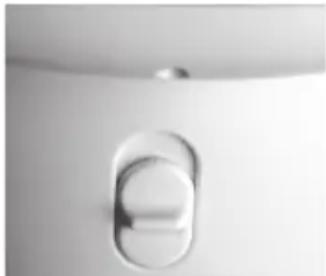
Press the knob at the front upwards to remove the bowl from the bowl holder.
Clean the white bowl in warm water and do not use aggressive detergent. Do not use any types of abrasive cleaning agents.
Dry the bowl carefully before putting it back into place.
Clean the bowl holder with a damp cloth.
natural_image
Close-up of a metallic switch lever on a white surface (no text or symbols visible)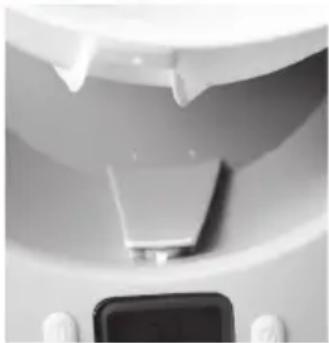
natural_image
Close-up of a mechanical component with a central component and a small screen (no visible text or symbols)ERROR MESSAGES
| UnSt Unstable | |
| The scale is unstable and will switch itself off. Place the scale on a flat surface and press once on the “0” button. | |
| Err Error | |
| The scale is overloaded. You will hear an acoustic signal. Remove the excess weigh immediately. |
CALIBRATION
In order to achieve an accurate measurement you must adjust the appliance to “0” before weighing. If the appliance is not set to “0” you have to calibrate it.
- Place the empty bowl on the bowl holder on a flat surface.
• Make sure that the bowl is thoroughly clean. - Press once on the "0" button.
- Press for 6 seconds on the “0” button until “CAL” appears and flashes on and off on the display. In the meantime the display will switch off for a moment. Do not touch the appliance during calibration.
- The display will then show "0" again and you can start weighing.
SPECIFICATIONS
Maximum temperature: White bowl 90°C
Maximum weight
visible on the display: 5050 grams, 2500 ml, 10 cups, 90 fl oz.
Smallest unit volume and weight 1/8 cup, 1/8 fl oz, 1 ml; 1g, 1/8 oz
Battery: 2x AAA (1,5V)
DO9094W
natural_image
Interior view of a battery pack with two stacked batteries, one open and one inside (no visible text or symbols)VYPNUTÍ/ZAPNUTÍ
natural_image
Close-up of a metallic switch lever (no text or symbols visible)